- المدة والنسبة
- 0:27
- 16:9
- صُنع باستخدام
- Canvas
- SVG
- GSAP
- AI image
الوصف
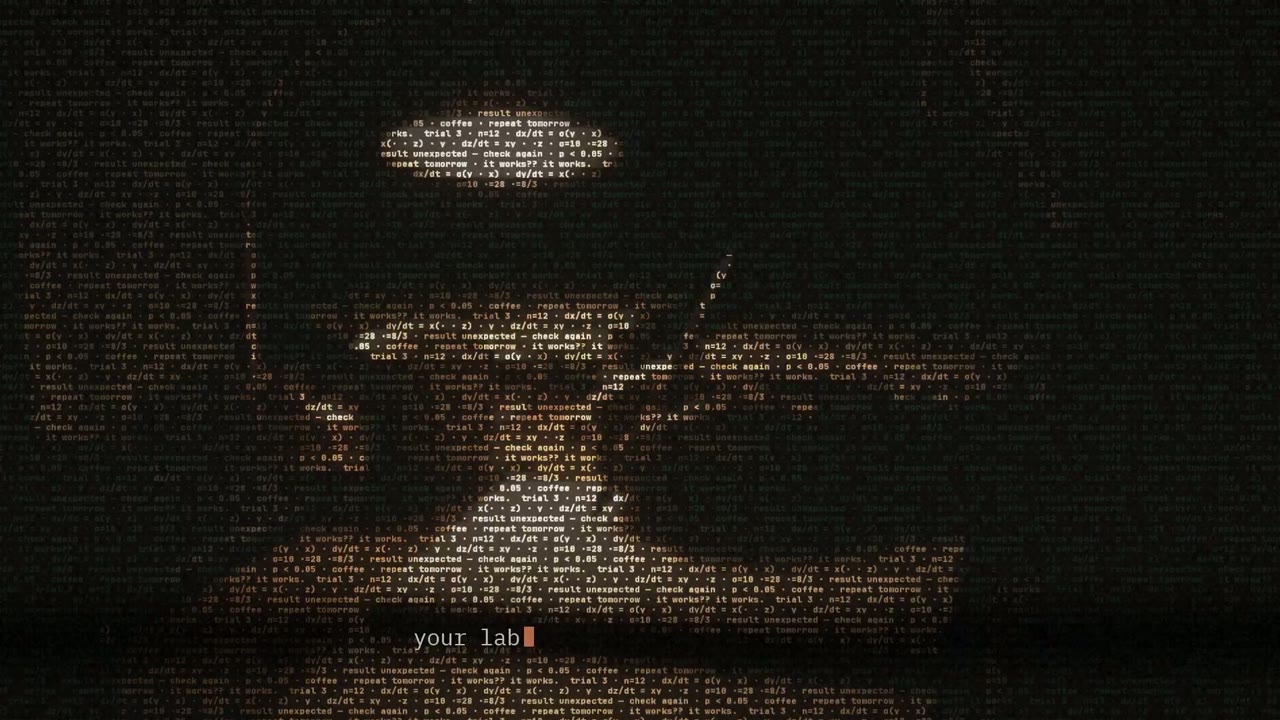
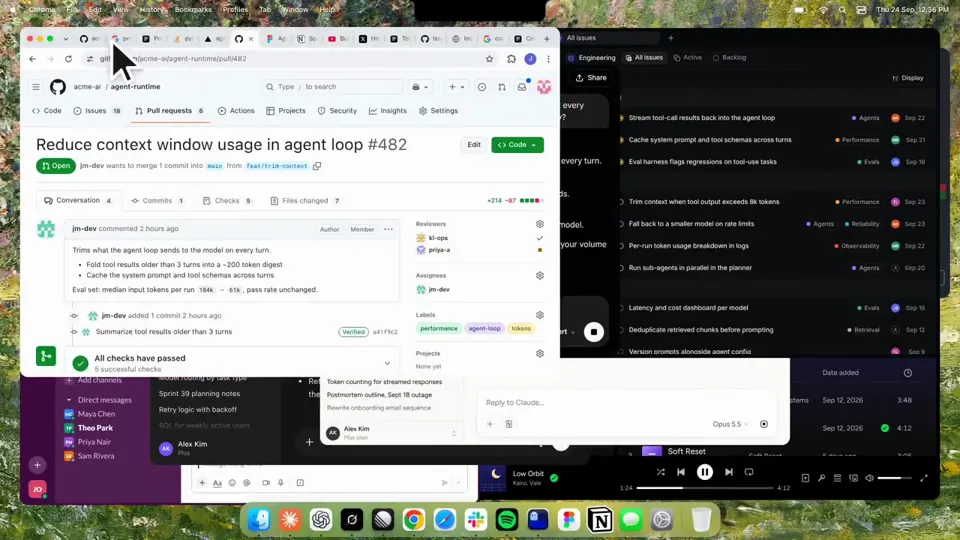
Using HyperFrames, make a hype teaser for the product in this post - [link]. Landscape, around 27 seconds. Match the product UI, wallpaper and copy from the post's video Motion should feel slow and polished - one continuous camera over one Mac desktop, no hard cuts. Camera pushes, pulls and pans run like 1.5 to 3 seconds on gentle ease-in-out curves, nothing snappy - aim for half the speed you'd default to. Add motion blur on fast moves and a light film grain finish. Use an oversized macOS cursor. No audio. All on-screen copy lowercase like the post. 1. Open on a big centered line - "in the AI era, the hard part is" - entering word by word from the right with an orange colorama text wipe over it (the `colorama-wipe` registry component). Hold it about a second, then scale it down into place above a spinning list. 2. The list rotates through 30 hard things about working in the AI era - spending tokens wisely, picking the right model, managing context windows, etc - each with a real app icon. Go fast, it's not meant to be read, then land slowly on "managing your desktop". 0.2s after it lands a question mark pops on after it. 3. Pull the camera back to reveal the Mac desktop as windows pile in on top of each other, arriving from behind the camera - Claude, ChatGPT, Grok, Linear, Chrome, Spotify, Slack and Claude Code in a terminal. Build these as accurate recreations of the real apps with real icons. 4. Push back in so the windows fly past the camera, back to text - "don't make your browser / one of them". 5. Pan up to a really tight framing of just the notch and the top of the wallpaper. A cursor comes up and hovers - the notch morphs into a pill with the name "NotchBrowser", then opens into the browser panel exactly like in the video. 6. Click through the tabs like the video does, then click the collapse chevron so the panel retracts into the notch. 7. End on a checklist of the post's claims with rings and ticks drawing on
المزيد من الفيديوهات المشابهة
عرض الكل
اختر باقتك
رصيد واحد لفيديوهات الذكاء الاصطناعي وصور الذكاء الاصطناعي. اشترك شهريًا أو سنويًا، أو اشترِ حزمة رصيد مرة واحدة.
2,000 رصيد
20 US$لمرة واحدة
ادفع مرة واحدة · بلا اشتراك
الفيديوهات لكل حزمة
فيديو عرض منتج مدته 30 ثانية13 فيديو
فيديو توضيحي مدته 60 ثانية5 فيديوهات
- 2,000 من الرصيد، تُضاف مرة واحدة
- حتى 86 صورة سريعة
- بلا علامة مائية من Potto مضافة
- مشتركة بين أدوات الفيديو والصور
5,000 رصيد
50 US$لمرة واحدة
ادفع مرة واحدة · بلا اشتراك
الفيديوهات لكل حزمة
فيديو عرض منتج مدته 30 ثانية33 فيديو
فيديو توضيحي مدته 60 ثانية13 فيديو
- 5,000 من الرصيد، تُضاف مرة واحدة
- حتى 217 صورة سريعة
- بلا علامة مائية من Potto مضافة
- مشتركة بين أدوات الفيديو والصور
15,000 رصيد
100 US$لمرة واحدة
ادفع مرة واحدة · بلا اشتراك
الفيديوهات لكل حزمة
فيديو عرض منتج مدته 30 ثانية100 فيديو
فيديو توضيحي مدته 60 ثانية40 فيديو
- 15,000 من الرصيد، تُضاف مرة واحدة
- حتى 652 صورة سريعة
- بلا علامة مائية من Potto مضافة
- مشتركة بين أدوات الفيديو والصور
Lite
اختر Lite20 US$/ شهريًاتُفوتر شهريًا
الفيديوهات شهريًا
فيديو عرض منتج مدته 30 ثانية13 فيديوفيديو توضيحي مدته 60 ثانية5 فيديوهات- 2,000 رصيد شهريًا
- حتى 86 صورة سريعة
- قائمة انتظار عادية
- بلا علامة مائية من Potto مضافة
- معالجة جماعية بأدوات الذكاء الاصطناعي
- غير مُدرَج في المعارض العامة
Pro
اختر Pro50 US$/ شهريًاتُفوتر شهريًا
الفيديوهات شهريًا
فيديو عرض منتج مدته 30 ثانية33 فيديوفيديو توضيحي مدته 60 ثانية13 فيديو- 5,000 رصيد شهريًا
- حتى 217 صورة سريعة
- قائمة انتظار ذات أولوية
- بلا علامة مائية من Potto مضافة
- معالجة جماعية بأدوات الذكاء الاصطناعي
- غير مُدرَج في المعارض العامة
- موصى بها
Max
اختر Max100 US$/ شهريًاتُفوتر شهريًا
الفيديوهات شهريًا
فيديو عرض منتج مدته 30 ثانية100 فيديوفيديو توضيحي مدته 60 ثانية40 فيديو- 15,000 رصيد شهريًا
- حتى 652 صورة سريعة
- قائمة انتظار بأعلى أولوية
- بلا علامة مائية من Potto مضافة
- معالجة جماعية بأدوات الذكاء الاصطناعي
- غير مُدرَج في المعارض العامة
Lite
-20%اختر Lite20 US$16 US$/ شهريًاتُفوتر سنويًا · 240 US$ ← 192 US$ / سنويًا
الفيديوهات شهريًا
فيديو عرض منتج مدته 30 ثانية13 فيديوفيديو توضيحي مدته 60 ثانية5 فيديوهات- 2,000 رصيد شهريًا
- حتى 86 صورة سريعة
- قائمة انتظار عادية
- بلا علامة مائية من Potto مضافة
- معالجة جماعية بأدوات الذكاء الاصطناعي
- غير مُدرَج في المعارض العامة
Pro
-20%اختر Pro50 US$40 US$/ شهريًاتُفوتر سنويًا · 600 US$ ← 480 US$ / سنويًا
الفيديوهات شهريًا
فيديو عرض منتج مدته 30 ثانية33 فيديوفيديو توضيحي مدته 60 ثانية13 فيديو- 5,000 رصيد شهريًا
- حتى 217 صورة سريعة
- قائمة انتظار ذات أولوية
- بلا علامة مائية من Potto مضافة
- معالجة جماعية بأدوات الذكاء الاصطناعي
- غير مُدرَج في المعارض العامة
- موصى بها
Max
-20%اختر Max100 US$80 US$/ شهريًاتُفوتر سنويًا · 1,200 US$ ← 960 US$ / سنويًا
الفيديوهات شهريًا
فيديو عرض منتج مدته 30 ثانية100 فيديوفيديو توضيحي مدته 60 ثانية40 فيديو- 15,000 رصيد شهريًا
- حتى 652 صورة سريعة
- قائمة انتظار بأعلى أولوية
- بلا علامة مائية من Potto مضافة
- معالجة جماعية بأدوات الذكاء الاصطناعي
- غير مُدرَج في المعارض العامة
Videos use credits when you export, and starting one needs a balance that covers its export. Counts assume a 30-second product demo and a 60-second explainer with narration and 3 illustrations.
الأسئلة الشائعة عن Kinetic text teaser for a notch-dwelling browser app
كيف صُنع Kinetic text teaser for a notch-dwelling browser app، وماذا يقول الموجّه، وكيف تصنع فيديو نص حركي مثله باستخدام Potto.
ما هو Kinetic text teaser for a notch-dwelling browser app؟
Kinetic text teaser for a notch-dwelling browser app فيديو موشن جرافيك من فئة نص حركي من إعداد jake11moran. A 27-second kinetic text teaser for a notch-dwelling browser app, built with canvas, SVG, GSAP and AI imagery.
كيف صُنع Kinetic text teaser for a notch-dwelling browser app؟
صُنع Kinetic text teaser for a notch-dwelling browser app باستخدام Canvas وSVG وGSAP وAI image. وهو جزء من مجموعة نص حركي لفيديوهات موشن جرافيك بالذكاء الاصطناعي على Potto.
هل وصف Kinetic text teaser for a notch-dwelling browser app متاح؟
نعم. الوصف الكامل وراء Kinetic text teaser for a notch-dwelling browser app موجود في هذه الصفحة. انسخه، أو انقر استخدم هذا الوصف لفتحه في مساحة عمل Potto.
كم مدة Kinetic text teaser for a notch-dwelling browser app، وما نسبة أبعاده؟
مدة Kinetic text teaser for a notch-dwelling browser app هي 0:27 ضمن إطار 16:9.
هل أستطيع صنع فيديو نص حركي مثل Kinetic text teaser for a notch-dwelling browser app باستخدام Potto؟
نعم. انقر استخدم هذا الوصف لتحميل الوصف وراء Kinetic text teaser for a notch-dwelling browser app إلى مساحة عمل Potto. يعرض Potto نسخته الخاصة، ويمكنك تغيير النص والأسلوب قبل التصدير.
أي مهارة agent استُخدمت لصنع Kinetic text teaser for a notch-dwelling browser app؟
صُنع Kinetic text teaser for a notch-dwelling browser app بمهارة Hyperframes. انقر عرض المهارة لتثبيتها مجانًا في Claude Code أو Codex أو Cursor بعد تسجيل الدخول.
أين أشاهد Kinetic text teaser for a notch-dwelling browser app الأصلي؟
نشر Kinetic text teaser for a notch-dwelling browser app أولاً منشئه. انقر على عرض الأصل لفتح ذلك المنشور في علامة تبويب جديدة.
أين أجد المزيد من فيديوهات نص حركي مثل Kinetic text teaser for a notch-dwelling browser app؟
تصفح مجموعة نص حركي على Potto: 85 فيديوًا، ولكل منها الوصف والمواصفات والمصدر.