- لمبائی اور تناسب
- 0:27
- 16:9
- اس سے بنا
- Canvas
- SVG
- GSAP
- AI image
پرومپٹ
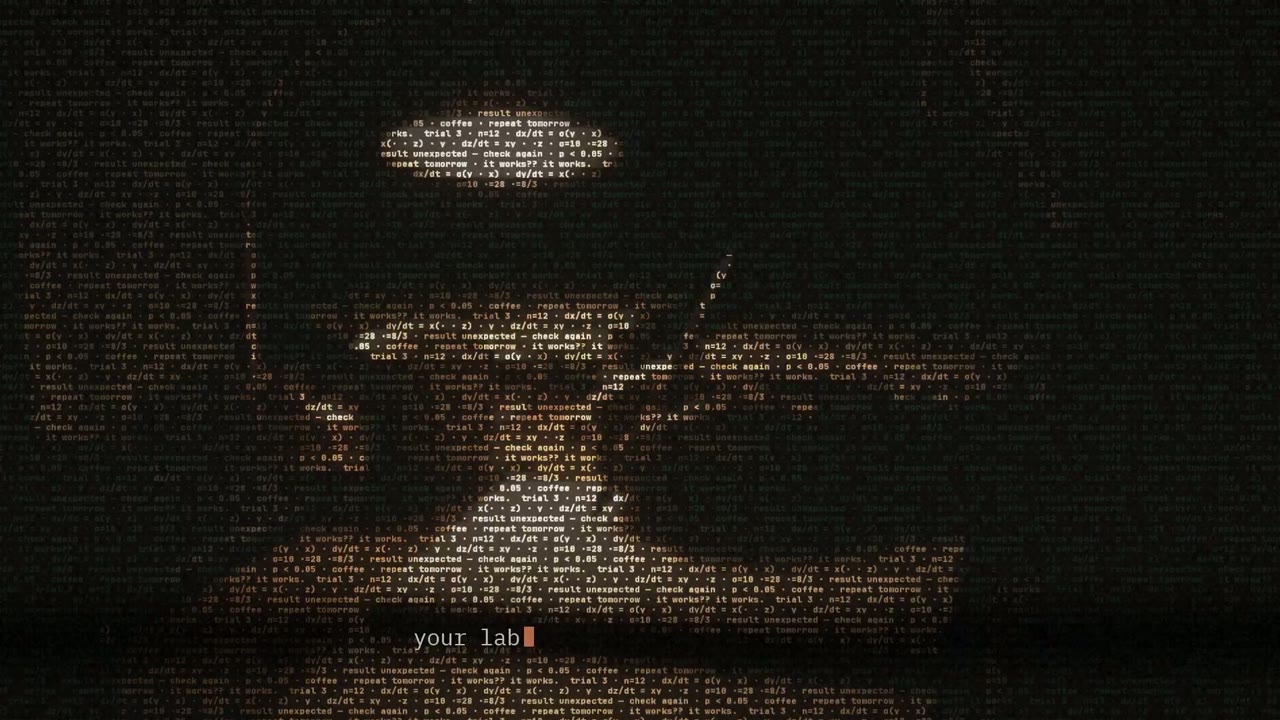
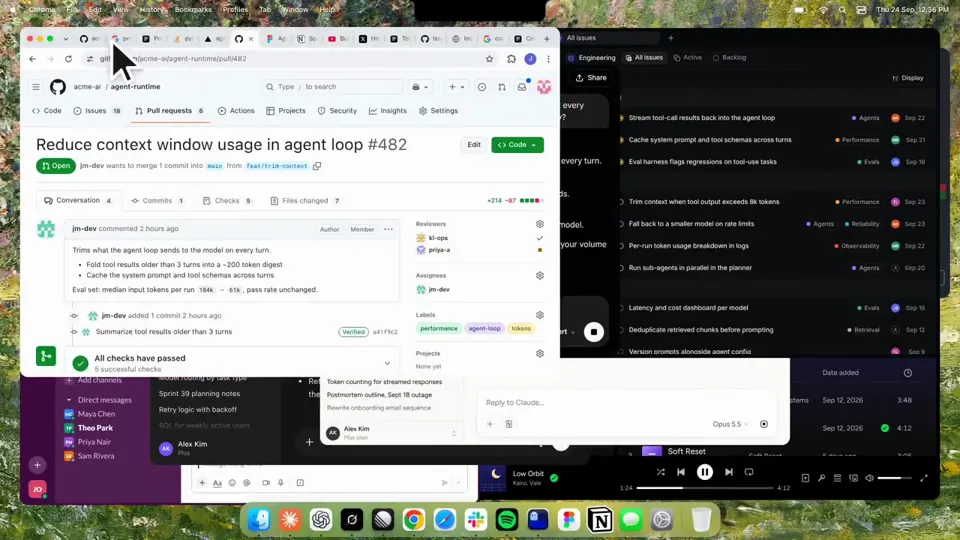
Using HyperFrames, make a hype teaser for the product in this post - [link]. Landscape, around 27 seconds. Match the product UI, wallpaper and copy from the post's video Motion should feel slow and polished - one continuous camera over one Mac desktop, no hard cuts. Camera pushes, pulls and pans run like 1.5 to 3 seconds on gentle ease-in-out curves, nothing snappy - aim for half the speed you'd default to. Add motion blur on fast moves and a light film grain finish. Use an oversized macOS cursor. No audio. All on-screen copy lowercase like the post. 1. Open on a big centered line - "in the AI era, the hard part is" - entering word by word from the right with an orange colorama text wipe over it (the `colorama-wipe` registry component). Hold it about a second, then scale it down into place above a spinning list. 2. The list rotates through 30 hard things about working in the AI era - spending tokens wisely, picking the right model, managing context windows, etc - each with a real app icon. Go fast, it's not meant to be read, then land slowly on "managing your desktop". 0.2s after it lands a question mark pops on after it. 3. Pull the camera back to reveal the Mac desktop as windows pile in on top of each other, arriving from behind the camera - Claude, ChatGPT, Grok, Linear, Chrome, Spotify, Slack and Claude Code in a terminal. Build these as accurate recreations of the real apps with real icons. 4. Push back in so the windows fly past the camera, back to text - "don't make your browser / one of them". 5. Pan up to a really tight framing of just the notch and the top of the wallpaper. A cursor comes up and hovers - the notch morphs into a pill with the name "NotchBrowser", then opens into the browser panel exactly like in the video. 6. Click through the tabs like the video does, then click the collapse chevron so the panel retracts into the notch. 7. End on a checklist of the post's claims with rings and ticks drawing on
ایسی مزید ویڈیوز
سب دیکھیں
اپنا پلان چنیں
اے آئی ویڈیوز اور اے آئی امیجز کے لیے کریڈٹس کا ایک بیلنس۔ ماہانہ یا سالانہ سبسکرائب کریں، یا ایک بار کریڈٹ پیک خریدیں۔
2,000 کریڈٹس
$20ایک بار
ایک بار ادائیگی · سبسکرپشن نہیں
فی پیک ویڈیوز
30 سیکنڈ کی پروڈکٹ ڈیمو ویڈیو13 ویڈیوز
60 سیکنڈ کی ایکسپلینر ویڈیو5 ویڈیوز
- 2,000 کریڈٹس، ایک بار شامل
- 86 تک تیز تصاویر
- Potto واٹر مارک شامل نہیں
- ویڈیو اور امیج ٹولز مشترک استعمال کرتے ہیں
5,000 کریڈٹس
$50ایک بار
ایک بار ادائیگی · سبسکرپشن نہیں
فی پیک ویڈیوز
30 سیکنڈ کی پروڈکٹ ڈیمو ویڈیو33 ویڈیوز
60 سیکنڈ کی ایکسپلینر ویڈیو13 ویڈیوز
- 5,000 کریڈٹس، ایک بار شامل
- 217 تک تیز تصاویر
- Potto واٹر مارک شامل نہیں
- ویڈیو اور امیج ٹولز مشترک استعمال کرتے ہیں
15,000 کریڈٹس
$100ایک بار
ایک بار ادائیگی · سبسکرپشن نہیں
فی پیک ویڈیوز
30 سیکنڈ کی پروڈکٹ ڈیمو ویڈیو100 ویڈیوز
60 سیکنڈ کی ایکسپلینر ویڈیو40 ویڈیوز
- 15,000 کریڈٹس، ایک بار شامل
- 652 تک تیز تصاویر
- Potto واٹر مارک شامل نہیں
- ویڈیو اور امیج ٹولز مشترک استعمال کرتے ہیں
Lite
Lite منتخب کریں$20/ماہماہانہ بل
ہر ماہ ویڈیوز
30 سیکنڈ کی پروڈکٹ ڈیمو ویڈیو13 ویڈیوز60 سیکنڈ کی ایکسپلینر ویڈیو5 ویڈیوز- ماہانہ 2,000 کریڈٹس
- 86 تک تیز تصاویر
- معیاری قطار
- Potto واٹر مارک شامل نہیں
- اے آئی ٹولز کے ساتھ بیچ پروسیسنگ
- عوامی گیلریوں میں درج نہیں
Pro
Pro منتخب کریں$50/ماہماہانہ بل
ہر ماہ ویڈیوز
30 سیکنڈ کی پروڈکٹ ڈیمو ویڈیو33 ویڈیوز60 سیکنڈ کی ایکسپلینر ویڈیو13 ویڈیوز- ماہانہ 5,000 کریڈٹس
- 217 تک تیز تصاویر
- ترجیحی قطار
- Potto واٹر مارک شامل نہیں
- اے آئی ٹولز کے ساتھ بیچ پروسیسنگ
- عوامی گیلریوں میں درج نہیں
- تجویز کردہ
Max
Max منتخب کریں$100/ماہماہانہ بل
ہر ماہ ویڈیوز
30 سیکنڈ کی پروڈکٹ ڈیمو ویڈیو100 ویڈیوز60 سیکنڈ کی ایکسپلینر ویڈیو40 ویڈیوز- ماہانہ 15,000 کریڈٹس
- 652 تک تیز تصاویر
- اعلیٰ ترین ترجیح کی قطار
- Potto واٹر مارک شامل نہیں
- اے آئی ٹولز کے ساتھ بیچ پروسیسنگ
- عوامی گیلریوں میں درج نہیں
Lite
-20%Lite منتخب کریں$20$16/ماہسالانہ بل · $240 ← $192/سال
ہر ماہ ویڈیوز
30 سیکنڈ کی پروڈکٹ ڈیمو ویڈیو13 ویڈیوز60 سیکنڈ کی ایکسپلینر ویڈیو5 ویڈیوز- ماہانہ 2,000 کریڈٹس
- 86 تک تیز تصاویر
- معیاری قطار
- Potto واٹر مارک شامل نہیں
- اے آئی ٹولز کے ساتھ بیچ پروسیسنگ
- عوامی گیلریوں میں درج نہیں
Pro
-20%Pro منتخب کریں$50$40/ماہسالانہ بل · $600 ← $480/سال
ہر ماہ ویڈیوز
30 سیکنڈ کی پروڈکٹ ڈیمو ویڈیو33 ویڈیوز60 سیکنڈ کی ایکسپلینر ویڈیو13 ویڈیوز- ماہانہ 5,000 کریڈٹس
- 217 تک تیز تصاویر
- ترجیحی قطار
- Potto واٹر مارک شامل نہیں
- اے آئی ٹولز کے ساتھ بیچ پروسیسنگ
- عوامی گیلریوں میں درج نہیں
- تجویز کردہ
Max
-20%Max منتخب کریں$100$80/ماہسالانہ بل · $1,200 ← $960/سال
ہر ماہ ویڈیوز
30 سیکنڈ کی پروڈکٹ ڈیمو ویڈیو100 ویڈیوز60 سیکنڈ کی ایکسپلینر ویڈیو40 ویڈیوز- ماہانہ 15,000 کریڈٹس
- 652 تک تیز تصاویر
- اعلیٰ ترین ترجیح کی قطار
- Potto واٹر مارک شامل نہیں
- اے آئی ٹولز کے ساتھ بیچ پروسیسنگ
- عوامی گیلریوں میں درج نہیں
Videos use credits when you export, and starting one needs a balance that covers its export. Counts assume a 30-second product demo and a 60-second explainer with narration and 3 illustrations.
Kinetic text teaser for a notch-dwelling browser app کے اکثر پوچھے گئے سوالات
Kinetic text teaser for a notch-dwelling browser app کیسے بنا، اس کا پرامپٹ کیا کہتا ہے، اور Potto سے ایسی ہی کائینیٹک ٹائپ ویڈیو کیسے بنائیں۔
Kinetic text teaser for a notch-dwelling browser app کیا ہے؟
Kinetic text teaser for a notch-dwelling browser app زمرہ کائینیٹک ٹائپ کی ایک موشن گرافکس ویڈیو ہے، jake11moran کی بنائی ہوئی۔ A 27-second kinetic text teaser for a notch-dwelling browser app, built with canvas, SVG, GSAP and AI imagery.
Kinetic text teaser for a notch-dwelling browser app کیسے بنا؟
Kinetic text teaser for a notch-dwelling browser app Canvas، SVG، GSAP، اور AI image سے بنا ہے۔ یہ Potto پر کائینیٹک ٹائپ کی اے آئی موشن گرافکس ویڈیوز کے مجموعے کا حصہ ہے۔
کیا Kinetic text teaser for a notch-dwelling browser app کا پرومپٹ دستیاب ہے؟
ہاں۔ Kinetic text teaser for a notch-dwelling browser app کا پورا پرومپٹ اسی صفحے پر ہے۔ اسے کاپی کریں، یا یہ پرومپٹ استعمال کریں پر کلک کر کے Potto کے ورک اسپیس میں کھولیں۔
Kinetic text teaser for a notch-dwelling browser app کتنی لمبی ہے، اور اس کا تناسب کیا ہے؟
Kinetic text teaser for a notch-dwelling browser app کی مدت 0:27 ہے، فریم 16:9۔
کیا میں Potto سے Kinetic text teaser for a notch-dwelling browser app جیسی کائینیٹک ٹائپ ویڈیو بنا سکتا ہوں؟
ہاں۔ یہ پرومپٹ استعمال کریں پر کلک کریں تاکہ Kinetic text teaser for a notch-dwelling browser app کا پرومپٹ Potto کے ورک اسپیس میں لوڈ ہو۔ Potto اپنا ورژن رینڈر کرتا ہے، اور ایکسپورٹ سے پہلے متن اور انداز بدل سکتے ہیں۔
Kinetic text teaser for a notch-dwelling browser app کس agent skill سے بنا؟
Kinetic text teaser for a notch-dwelling browser app skill Hyperframes سے بنا ہے۔ سائن اِن کے بعد skill دیکھیں پر کلک کریں تاکہ Claude Code، Codex یا Cursor میں مفت Instagramل ہو۔
Kinetic text teaser for a notch-dwelling browser app کی اصل کہاں دیکھوں؟
Kinetic text teaser for a notch-dwelling browser app پہلے اس کے تخلیق کار نے پوسٹ کیا۔ اصل دیکھیں پر کلک کریں تاکہ وہ پوسٹ نئے ٹیب میں کھلے۔
Kinetic text teaser for a notch-dwelling browser app جیسی مزید کائینیٹک ٹائپ ویڈیوز کہاں ملیں گی؟
Potto پر کائینیٹک ٹائپ کا مجموعہ دیکھیں: 85 ویڈیوز، ہر ایک کے ساتھ پرومپٹ، تفصیل اور ماخذ۔