سیستم بصری
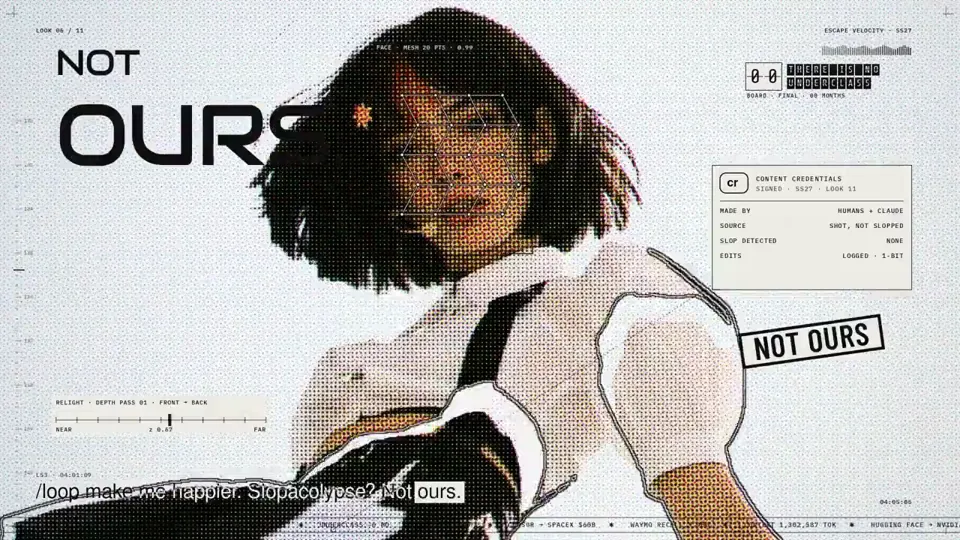
Pop music video with a halftone portrait overlay
Canvas, AI image · 16:9 · 5:06
از anabology
<inputs> Ask me for: my featured Pokémon or starter trio, 8–12 Pokémon-themed UI states, and a royalty-free song around 120 BPM with a playful adventure or electronic feel. Confirm that the song’s license permits the intended use.Default palette: warm off-white, black, and Poké Ball red. Pokémon artwork keeps its original colors. </inputs> <direction> A Pokémon-inspired UI motion film with Dribbble-level polish. Imagine a beautifully designed modern Pokédex: playful, precise, and instantly http://recognizable.One shape, never cut: a Poké Ball continuously morphs into every interface component by changing its size, radius, and color. Its central button, dividing line, and outer shell become the controls and structure of each new state. Content swaps with a short blur and carefully separated enter/exit timing. A visible cursor drives every interaction with clicks, drags, and hover gestures. Use a light warm-gray canvas, clean Geist typography, consistent icon strokes, and crisp Pokémon artwork. Use tightly damped springs with only a tiny overshoot. The camera smoothly reframes each state so the interface stays large and readable. The ending returns exactly to the opening Poké Ball for a seamless loop. Banned: excessive bouncing, particle bursts, glows, gradients on UI chrome, mismatched icon strokes, dead time, generic dashboard layouts, abrupt scene changes, and unrelated floating elements. </direction> <structure> 120 BPM, 4/4 time, 7 bars: 28 beats, approximately 14 seconds. Something intentional happens on every http://beat.Bar 1 — Poké Ball activation 1. A closed Poké Ball sits centered; the cursor approaches. 2. The cursor clicks its central button. 3. The button becomes a circular scanning loader. 4. The scan resolves into a check, and the shell stretches into a compact Pokédex. Bar 2 — Pokémon discovery 5. The Pokédex expands to reveal the featured Pokémon. 6. Its name, number, and type appear in a quick stagger. 7. The cursor clicks the cry/play control. 8. The control morphs into pause while a compact waveform animates. Bar 3 — Trainer controls 9. The waveform flattens into a volume slider. 10. The cursor drags its Poké Ball-shaped knob to maximum. 11. Dragging beyond maximum elastically stretches the slider. 12. On release, it settles and compresses into a shiny-mode toggle. Bar 4 — Pokémon details 13. The cursor flips shiny mode; the artwork changes to the correct shiny variant. 14. The toggle knob stretches into a liquid tab indicator. 15. The cursor selects “Stats.” 16. The card opens into a clean Pokémon stat chart. Bar 5 — Stats to search 17. Stat bars draw themselves in sync with the beat. 18. The cursor hovers over a bar; a readable tooltip appears. 19. The chart retracts into the same container. 20. The container compresses into a Pokédex search field. Bar 6 — Find and select 21. The search field expands into a command palette. 22. A short Pokémon name is typed; matching results filter. 23. The cursor selects a result, revealing its miniature artwork and type. 24. Enter confirms; the palette folds into an “Added to team” toast. Bar 7 — Return to the Poké Ball 25. The toast’s confirmation mark becomes the Poké Ball’s central button. 26. The toast contracts; its edges become the circular shell. 27. The red upper half, white lower half, and black dividing line settle into place. 28. The cursor returns along a smooth path, matching the opening position and velocity as the loop wraps. Use the chosen Pokémon consistently throughout. Keep visible text brief enough to read at this pace. </structure> <build> 1. Build one self-contained HTML file with a square 1440×1440 composition. Compute every animated style from time inside seek(t): no CSS transitions, timers, or state carried between frames. 2. Keep one persistent outer element throughout the sequence. Its internal artwork, labels, and controls may change, but the main silhouette must visibly connect every state. 3. Use closed-form spring step responses. For repeated target changes, sum one spring response per change so animation remains a pure function of time. 4. Give the tab indicator’s two edges different springs so the leading edge stretches ahead of the trailing edge. Apply the same technique to the toggle knob. 5. Make drags direct manipulation: while held, values follow cursor position. On release, use a closed-form spring matching the release position and velocity. 6. Analyze the supplied song with numpy to estimate the beat grid, verify the downbeat, and align the sequence. If the tempo differs from 120 BPM, adapt the timing to the actual music. 7. Use licensed UI sounds and align their measured transient peaks with clicks, confirmations, and morph accents. 8. Render with Playwright at four subframes per output frame. Blend each group of four with ffmpeg into a 60fps video for motion blur. 9. Render one preview frame per beat before the full video. Fix anything cramped, unreadable, visually disconnected, or off the beat grid. 10. Package artwork and fonts inside the HTML so rendering does not depend on network requests. </build><gotchas> Never put will-change on anything the camera scales; text can become blurry.Give outgoing and incoming content separate timing so labels never overlap during a morph. Use accurate Pokémon artwork, names, types, shiny colors, and stats. Do not invent variants or stretch character artwork when the container changes shape. Keep the main container recognizable through every transition. Pokémon artwork is content inside the morphing interface, not a replacement for the persistent shape. Match the loop boundary exactly: geometry, content, camera, cursor position, and cursor velocity. Export the interval [0, duration) without duplicating the endpoint frame. Make the audio loop cleanly too. </gotchas> <start> Ask me for the inputs, then show me the proposed Pokémon state list on the 28-beat grid before writing any code. </start>
سیستم بصری
Canvas, AI image · 16:9 · 5:06
از anabology


یک موجودی اعتبار برای ویدیوها و تصویرهای هوش مصنوعی. ماهانه یا سالانه مشترک شوید، یا یکبار بستهٔ اعتبار بخرید.
یکبار پرداخت · بدون اشتراک
ویدیو در هر بسته
یکبار پرداخت · بدون اشتراک
ویدیو در هر بسته
یکبار پرداخت · بدون اشتراک
ویدیو در هر بسته
پرداخت ماهانه
ویدیوها در ماه
پرداخت ماهانه
ویدیوها در ماه
پرداخت ماهانه
ویدیوها در ماه
پرداخت سالانه · $ 240 ← $ 192/سال
ویدیوها در ماه
پرداخت سالانه · $ 600 ← $ 480/سال
ویدیوها در ماه
پرداخت سالانه · $ 1,200 ← $ 960/سال
ویدیوها در ماه
Videos use credits when you export, and starting one needs a balance that covers its export. Counts assume a 30-second product demo and a 60-second explainer with narration and 3 illustrations.
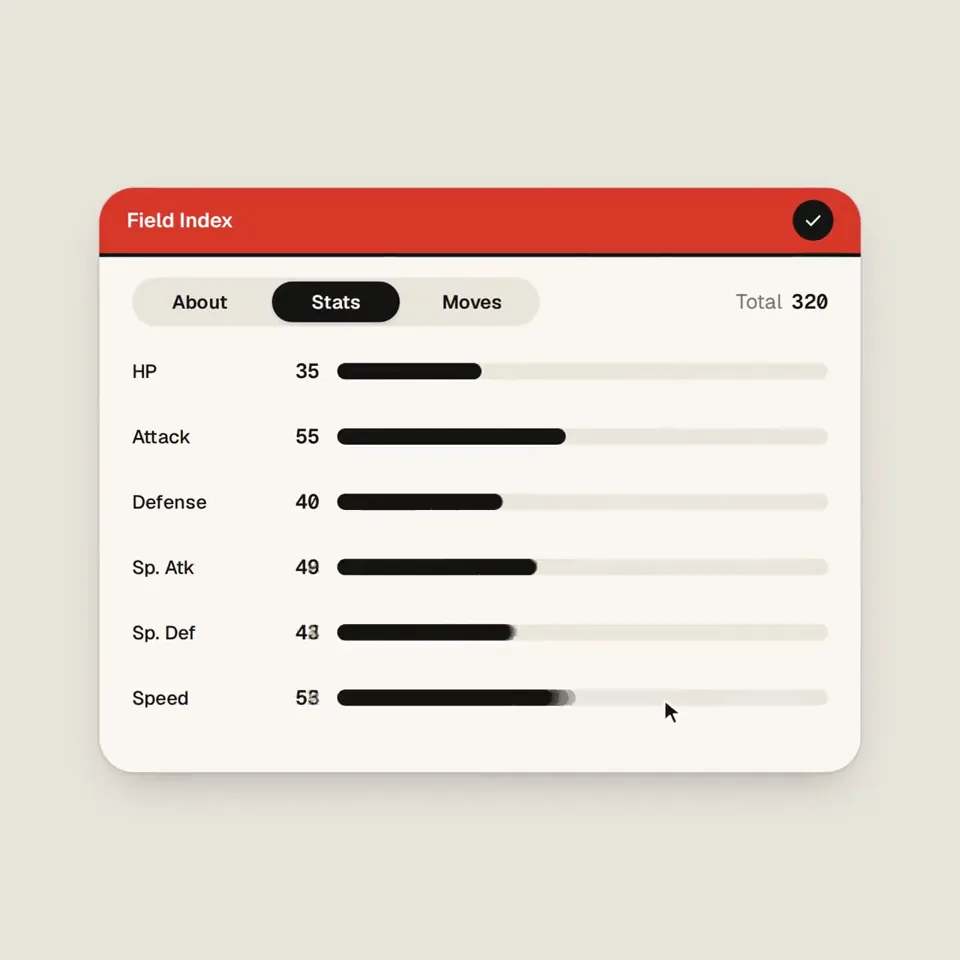
Creature index UI card flips to a shiny variant چگونه ساخته شد، پرامپت آن چه میگوید، و چگونه با Potto ویدیوی سیستم بصری مشابه بسازید.
Creature index UI card flips to a shiny variant یک ویدیوی موشن گرافیک در دسته سیستم بصری از TheGrootDev است. A Poké Ball morphs into Pokémon-themed UI components in a 14-second motion piece.
Creature index UI card flips to a shiny variant با SVG ساخته شده است. بخشی از مجموعه سیستم بصری ویدیوهای موشن گرافیک با هوش مصنوعی در Potto است.
بله. پرامپت کامل پشت Creature index UI card flips to a shiny variant در همین صفحه است. آن را کپی کنید، یا روی استفاده از این پرامپت بزنید تا در فضای کار Potto باز شود.
Creature index UI card flips to a shiny variant به مدت 0:14 در قاب 1:1 است.
بله. روی استفاده از این پرامپت بزنید تا پرامپت پشت Creature index UI card flips to a shiny variant در فضای کار Potto بارگذاری شود. Potto نسخه خودش را رندر میکند و پیش از خروجی میتوانید متن و سبک را عوض کنید.
Creature index UI card flips to a shiny variant را نخست سازندهاش منتشر کرد. روی دیدن نسخه اصلی کلیک کنید تا آن پست در زبانهٔ جدید باز شود.
مجموعه سیستم بصری را در Potto ببینید: 480 ویدیو، هر کدام با پرامپت، مشخصات و منبع.