- مدت و نسبت
- 0:27
- 16:9
- ساختهشده با
- Canvas
- SVG
- GSAP
- AI image
پرامپت
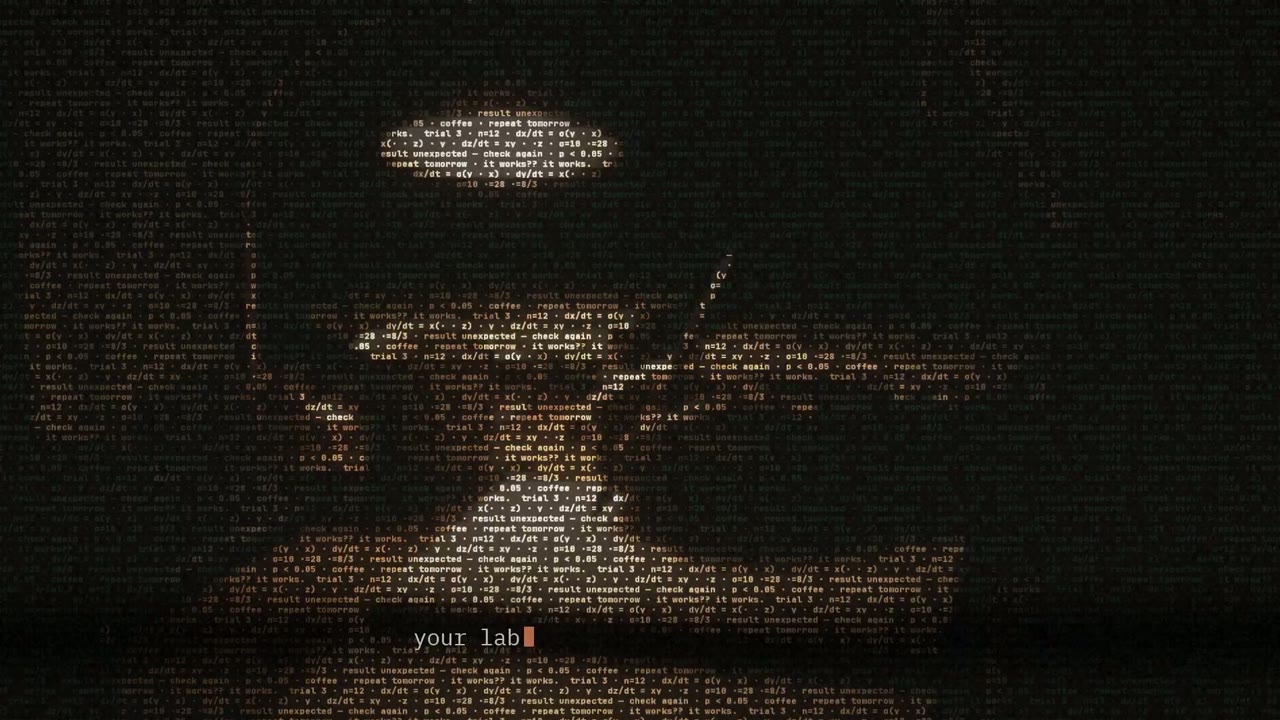
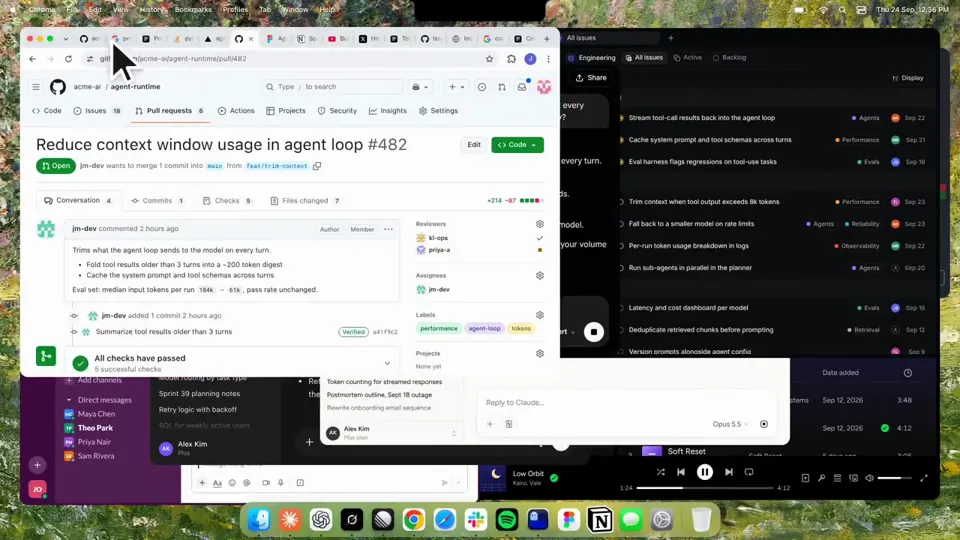
Using HyperFrames, make a hype teaser for the product in this post - [link]. Landscape, around 27 seconds. Match the product UI, wallpaper and copy from the post's video Motion should feel slow and polished - one continuous camera over one Mac desktop, no hard cuts. Camera pushes, pulls and pans run like 1.5 to 3 seconds on gentle ease-in-out curves, nothing snappy - aim for half the speed you'd default to. Add motion blur on fast moves and a light film grain finish. Use an oversized macOS cursor. No audio. All on-screen copy lowercase like the post. 1. Open on a big centered line - "in the AI era, the hard part is" - entering word by word from the right with an orange colorama text wipe over it (the `colorama-wipe` registry component). Hold it about a second, then scale it down into place above a spinning list. 2. The list rotates through 30 hard things about working in the AI era - spending tokens wisely, picking the right model, managing context windows, etc - each with a real app icon. Go fast, it's not meant to be read, then land slowly on "managing your desktop". 0.2s after it lands a question mark pops on after it. 3. Pull the camera back to reveal the Mac desktop as windows pile in on top of each other, arriving from behind the camera - Claude, ChatGPT, Grok, Linear, Chrome, Spotify, Slack and Claude Code in a terminal. Build these as accurate recreations of the real apps with real icons. 4. Push back in so the windows fly past the camera, back to text - "don't make your browser / one of them". 5. Pan up to a really tight framing of just the notch and the top of the wallpaper. A cursor comes up and hovers - the notch morphs into a pill with the name "NotchBrowser", then opens into the browser panel exactly like in the video. 6. Click through the tabs like the video does, then click the collapse chevron so the panel retracts into the notch. 7. End on a checklist of the post's claims with rings and ticks drawing on
ویدیوهای مشابه
دیدن همه
طرح خود را انتخاب کنید
یک موجودی اعتبار برای ویدیوها و تصویرهای هوش مصنوعی. ماهانه یا سالانه مشترک شوید، یا یکبار بستهٔ اعتبار بخرید.
2,000 اعتبار
$ 20یکبار
یکبار پرداخت · بدون اشتراک
ویدیو در هر بسته
ویدیوی معرفی محصول 30 ثانیهای13 ویدیو
ویدیوی توضیحی 60 ثانیهای5 ویدیو
- 2,000 اعتبار، یکبار اضافه میشود
- تا 86 تصویر سریع
- بدون واترمارک Potto
- ابزارهای ویدیو و تصویر مشترک استفاده میکنند
5,000 اعتبار
$ 50یکبار
یکبار پرداخت · بدون اشتراک
ویدیو در هر بسته
ویدیوی معرفی محصول 30 ثانیهای33 ویدیو
ویدیوی توضیحی 60 ثانیهای13 ویدیو
- 5,000 اعتبار، یکبار اضافه میشود
- تا 217 تصویر سریع
- بدون واترمارک Potto
- ابزارهای ویدیو و تصویر مشترک استفاده میکنند
15,000 اعتبار
$ 100یکبار
یکبار پرداخت · بدون اشتراک
ویدیو در هر بسته
ویدیوی معرفی محصول 30 ثانیهای100 ویدیو
ویدیوی توضیحی 60 ثانیهای40 ویدیو
- 15,000 اعتبار، یکبار اضافه میشود
- تا 652 تصویر سریع
- بدون واترمارک Potto
- ابزارهای ویدیو و تصویر مشترک استفاده میکنند
Lite
انتخاب Lite$ 20/ماهپرداخت ماهانه
ویدیوها در ماه
ویدیوی معرفی محصول 30 ثانیهای13 ویدیوویدیوی توضیحی 60 ثانیهای5 ویدیو- 2,000 اعتبار در ماه
- تا 86 تصویر سریع
- صف عادی
- بدون واترمارک Potto
- پردازش دستهای با ابزارهای هوش مصنوعی
- در گالریهای عمومی فهرست نمیشود
Pro
انتخاب Pro$ 50/ماهپرداخت ماهانه
ویدیوها در ماه
ویدیوی معرفی محصول 30 ثانیهای33 ویدیوویدیوی توضیحی 60 ثانیهای13 ویدیو- 5,000 اعتبار در ماه
- تا 217 تصویر سریع
- صف اولویتدار
- بدون واترمارک Potto
- پردازش دستهای با ابزارهای هوش مصنوعی
- در گالریهای عمومی فهرست نمیشود
- پیشنهادی
Max
انتخاب Max$ 100/ماهپرداخت ماهانه
ویدیوها در ماه
ویدیوی معرفی محصول 30 ثانیهای100 ویدیوویدیوی توضیحی 60 ثانیهای40 ویدیو- 15,000 اعتبار در ماه
- تا 652 تصویر سریع
- صف با بالاترین اولویت
- بدون واترمارک Potto
- پردازش دستهای با ابزارهای هوش مصنوعی
- در گالریهای عمومی فهرست نمیشود
Lite
-20%انتخاب Lite$ 20$ 16/ماهپرداخت سالانه · $ 240 ← $ 192/سال
ویدیوها در ماه
ویدیوی معرفی محصول 30 ثانیهای13 ویدیوویدیوی توضیحی 60 ثانیهای5 ویدیو- 2,000 اعتبار در ماه
- تا 86 تصویر سریع
- صف عادی
- بدون واترمارک Potto
- پردازش دستهای با ابزارهای هوش مصنوعی
- در گالریهای عمومی فهرست نمیشود
Pro
-20%انتخاب Pro$ 50$ 40/ماهپرداخت سالانه · $ 600 ← $ 480/سال
ویدیوها در ماه
ویدیوی معرفی محصول 30 ثانیهای33 ویدیوویدیوی توضیحی 60 ثانیهای13 ویدیو- 5,000 اعتبار در ماه
- تا 217 تصویر سریع
- صف اولویتدار
- بدون واترمارک Potto
- پردازش دستهای با ابزارهای هوش مصنوعی
- در گالریهای عمومی فهرست نمیشود
- پیشنهادی
Max
-20%انتخاب Max$ 100$ 80/ماهپرداخت سالانه · $ 1,200 ← $ 960/سال
ویدیوها در ماه
ویدیوی معرفی محصول 30 ثانیهای100 ویدیوویدیوی توضیحی 60 ثانیهای40 ویدیو- 15,000 اعتبار در ماه
- تا 652 تصویر سریع
- صف با بالاترین اولویت
- بدون واترمارک Potto
- پردازش دستهای با ابزارهای هوش مصنوعی
- در گالریهای عمومی فهرست نمیشود
Videos use credits when you export, and starting one needs a balance that covers its export. Counts assume a 30-second product demo and a 60-second explainer with narration and 3 illustrations.
سؤالات متداول Kinetic text teaser for a notch-dwelling browser app
Kinetic text teaser for a notch-dwelling browser app چگونه ساخته شد، پرامپت آن چه میگوید، و چگونه با Potto ویدیوی تایپ متحرک مشابه بسازید.
Kinetic text teaser for a notch-dwelling browser app چیست؟
Kinetic text teaser for a notch-dwelling browser app یک ویدیوی موشن گرافیک در دسته تایپ متحرک از jake11moran است. A 27-second kinetic text teaser for a notch-dwelling browser app, built with canvas, SVG, GSAP and AI imagery.
Kinetic text teaser for a notch-dwelling browser app چطور ساخته شده؟
Kinetic text teaser for a notch-dwelling browser app با Canvas، SVG، GSAP، و AI image ساخته شده است. بخشی از مجموعه تایپ متحرک ویدیوهای موشن گرافیک با هوش مصنوعی در Potto است.
پرامپت Kinetic text teaser for a notch-dwelling browser app در دسترس است؟
بله. پرامپت کامل پشت Kinetic text teaser for a notch-dwelling browser app در همین صفحه است. آن را کپی کنید، یا روی استفاده از این پرامپت بزنید تا در فضای کار Potto باز شود.
Kinetic text teaser for a notch-dwelling browser app چقدر است و نسبت تصویر آن چیست؟
Kinetic text teaser for a notch-dwelling browser app به مدت 0:27 در قاب 16:9 است.
میتوانم با Potto ویدیوی تایپ متحرک شبیه Kinetic text teaser for a notch-dwelling browser app بسازم؟
بله. روی استفاده از این پرامپت بزنید تا پرامپت پشت Kinetic text teaser for a notch-dwelling browser app در فضای کار Potto بارگذاری شود. Potto نسخه خودش را رندر میکند و پیش از خروجی میتوانید متن و سبک را عوض کنید.
Kinetic text teaser for a notch-dwelling browser app با کدام skill عامل ساخته شده؟
Kinetic text teaser for a notch-dwelling browser app با skill Hyperframes ساخته شده است. پس از ورود، روی دیدن skill بزنید تا رایگان در Claude Code، Codex یا Cursor نصب شود.
نسخه اصلی Kinetic text teaser for a notch-dwelling browser app را کجا ببینم؟
Kinetic text teaser for a notch-dwelling browser app را نخست سازندهاش منتشر کرد. روی دیدن نسخه اصلی کلیک کنید تا آن پست در زبانهٔ جدید باز شود.
ویدیوهای تایپ متحرک بیشتر، شبیه Kinetic text teaser for a notch-dwelling browser app، را کجا پیدا کنم؟
مجموعه تایپ متحرک را در Potto ببینید: 85 ویدیو، هر کدام با پرامپت، مشخصات و منبع.