- Lengte en verhouding
- 0:27
- 16:9
- Gemaakt met
- Canvas
- SVG
- GSAP
- AI image
Prompt
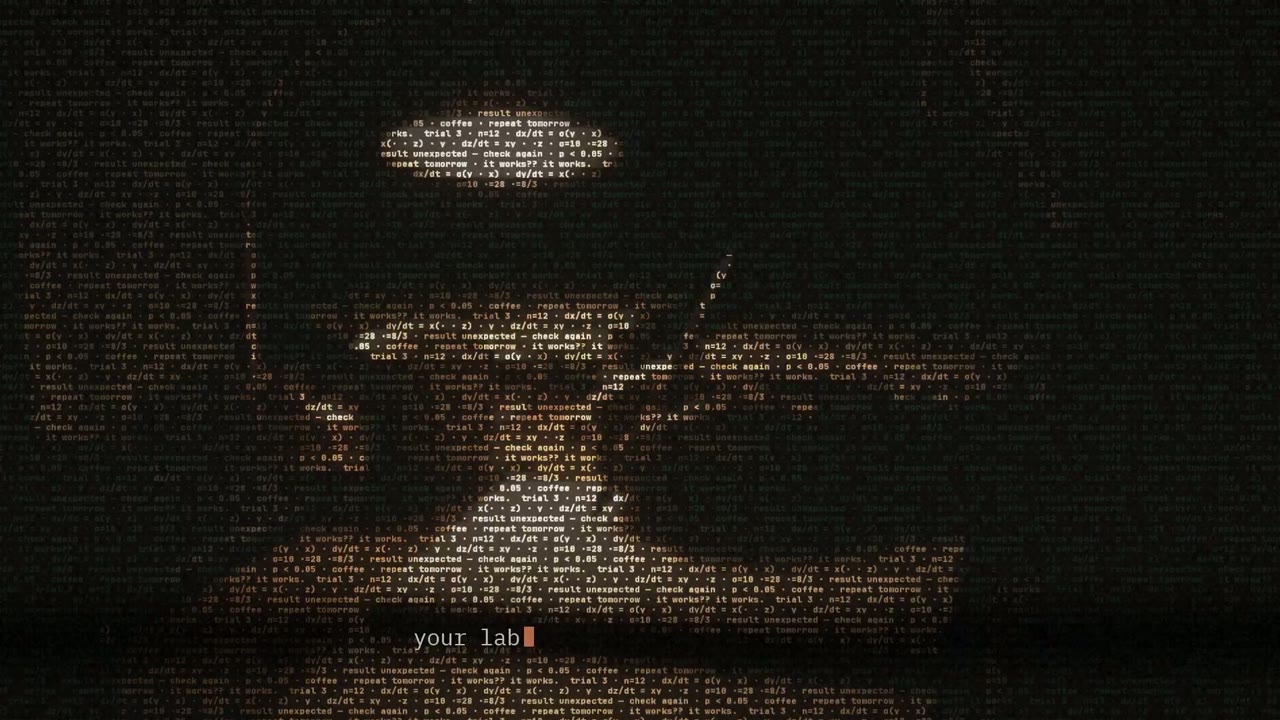
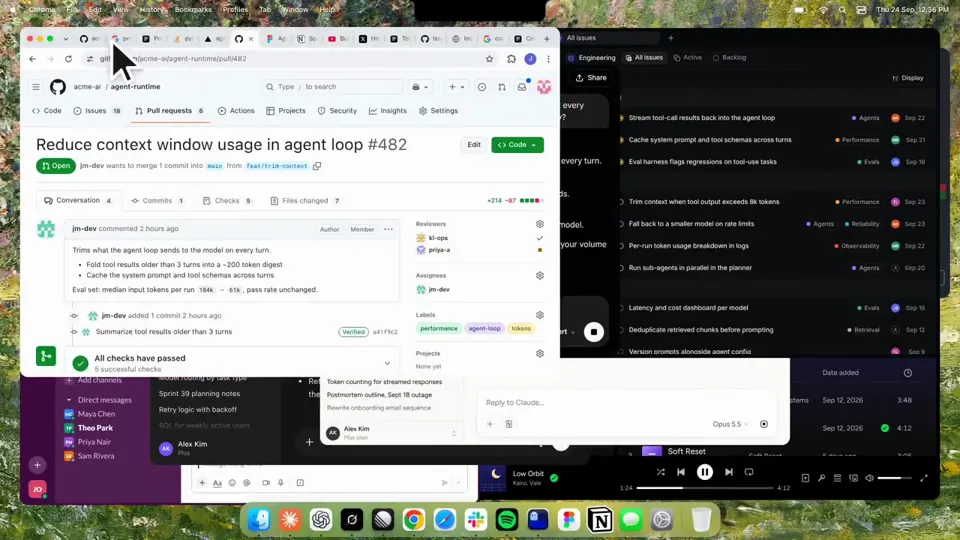
Using HyperFrames, make a hype teaser for the product in this post - [link]. Landscape, around 27 seconds. Match the product UI, wallpaper and copy from the post's video Motion should feel slow and polished - one continuous camera over one Mac desktop, no hard cuts. Camera pushes, pulls and pans run like 1.5 to 3 seconds on gentle ease-in-out curves, nothing snappy - aim for half the speed you'd default to. Add motion blur on fast moves and a light film grain finish. Use an oversized macOS cursor. No audio. All on-screen copy lowercase like the post. 1. Open on a big centered line - "in the AI era, the hard part is" - entering word by word from the right with an orange colorama text wipe over it (the `colorama-wipe` registry component). Hold it about a second, then scale it down into place above a spinning list. 2. The list rotates through 30 hard things about working in the AI era - spending tokens wisely, picking the right model, managing context windows, etc - each with a real app icon. Go fast, it's not meant to be read, then land slowly on "managing your desktop". 0.2s after it lands a question mark pops on after it. 3. Pull the camera back to reveal the Mac desktop as windows pile in on top of each other, arriving from behind the camera - Claude, ChatGPT, Grok, Linear, Chrome, Spotify, Slack and Claude Code in a terminal. Build these as accurate recreations of the real apps with real icons. 4. Push back in so the windows fly past the camera, back to text - "don't make your browser / one of them". 5. Pan up to a really tight framing of just the notch and the top of the wallpaper. A cursor comes up and hovers - the notch morphs into a pill with the name "NotchBrowser", then opens into the browser panel exactly like in the video. 6. Click through the tabs like the video does, then click the collapse chevron so the panel retracts into the notch. 7. End on a checklist of the post's claims with rings and ticks drawing on
Meer video’s zoals deze
Alles bekijken
Kinetische tekst
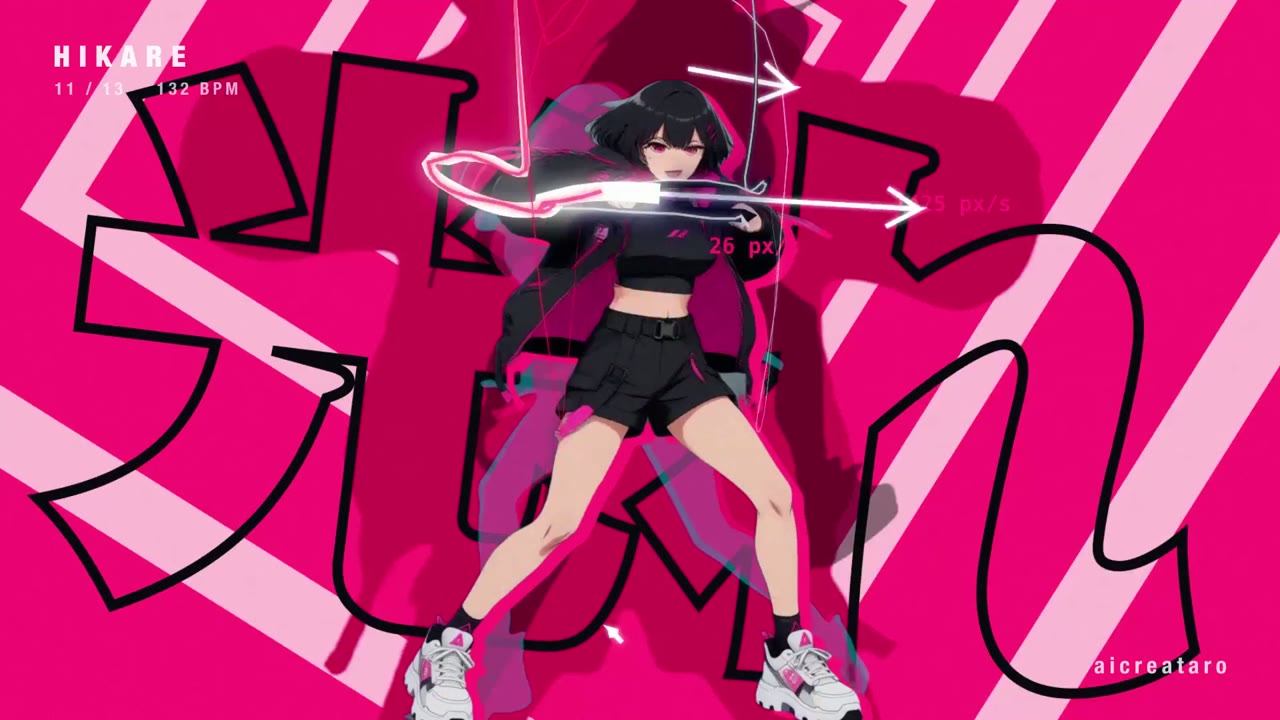
Dancing anime girl tracked by skeleton-driven kinetic type
16:9 · 0:32
door aicreataro
Kies je abonnement
Eén credittegoed voor AI-video’s en AI-afbeeldingen. Neem een maand- of jaarabonnement, of koop eenmalig een creditpakket.
2.000 credits
US$ 20eenmalig
Eenmalig betalen · geen abonnement
Video’s per pakket
Productdemovideo van 30 seconden13 video’s
Uitlegvideo van 60 seconden5 video’s
- 2.000 credits, eenmalig bijgeschreven
- Tot 86 snelle afbeeldingen
- Geen toegevoegd Potto-watermerk
- Gedeeld door video- en afbeeldingstools
5.000 credits
US$ 50eenmalig
Eenmalig betalen · geen abonnement
Video’s per pakket
Productdemovideo van 30 seconden33 video’s
Uitlegvideo van 60 seconden13 video’s
- 5.000 credits, eenmalig bijgeschreven
- Tot 217 snelle afbeeldingen
- Geen toegevoegd Potto-watermerk
- Gedeeld door video- en afbeeldingstools
15.000 credits
US$ 100eenmalig
Eenmalig betalen · geen abonnement
Video’s per pakket
Productdemovideo van 30 seconden100 video’s
Uitlegvideo van 60 seconden40 video’s
- 15.000 credits, eenmalig bijgeschreven
- Tot 652 snelle afbeeldingen
- Geen toegevoegd Potto-watermerk
- Gedeeld door video- en afbeeldingstools
Lite
Kies LiteUS$ 20/maandMaandelijks gefactureerd
Video’s per maand
Productdemovideo van 30 seconden13 video’sUitlegvideo van 60 seconden5 video’s- 2.000 credits per maand
- Tot 86 snelle afbeeldingen
- Wachtrij standaard
- Geen toegevoegd Potto-watermerk
- Batchverwerking met AI-tools
- Niet vermeld in openbare galerijen
Pro
Kies ProUS$ 50/maandMaandelijks gefactureerd
Video’s per maand
Productdemovideo van 30 seconden33 video’sUitlegvideo van 60 seconden13 video’s- 5.000 credits per maand
- Tot 217 snelle afbeeldingen
- Voorrang in de wachtrij
- Geen toegevoegd Potto-watermerk
- Batchverwerking met AI-tools
- Niet vermeld in openbare galerijen
- Aanbevolen
Max
Kies MaxUS$ 100/maandMaandelijks gefactureerd
Video’s per maand
Productdemovideo van 30 seconden100 video’sUitlegvideo van 60 seconden40 video’s- 15.000 credits per maand
- Tot 652 snelle afbeeldingen
- Hoogste voorrang in de wachtrij
- Geen toegevoegd Potto-watermerk
- Batchverwerking met AI-tools
- Niet vermeld in openbare galerijen
Lite
-20%Kies LiteUS$ 20US$ 16/maandJaarlijks gefactureerd · US$ 240 → US$ 192/jaar
Video’s per maand
Productdemovideo van 30 seconden13 video’sUitlegvideo van 60 seconden5 video’s- 2.000 credits per maand
- Tot 86 snelle afbeeldingen
- Wachtrij standaard
- Geen toegevoegd Potto-watermerk
- Batchverwerking met AI-tools
- Niet vermeld in openbare galerijen
Pro
-20%Kies ProUS$ 50US$ 40/maandJaarlijks gefactureerd · US$ 600 → US$ 480/jaar
Video’s per maand
Productdemovideo van 30 seconden33 video’sUitlegvideo van 60 seconden13 video’s- 5.000 credits per maand
- Tot 217 snelle afbeeldingen
- Voorrang in de wachtrij
- Geen toegevoegd Potto-watermerk
- Batchverwerking met AI-tools
- Niet vermeld in openbare galerijen
- Aanbevolen
Max
-20%Kies MaxUS$ 100US$ 80/maandJaarlijks gefactureerd · US$ 1.200 → US$ 960/jaar
Video’s per maand
Productdemovideo van 30 seconden100 video’sUitlegvideo van 60 seconden40 video’s- 15.000 credits per maand
- Tot 652 snelle afbeeldingen
- Hoogste voorrang in de wachtrij
- Geen toegevoegd Potto-watermerk
- Batchverwerking met AI-tools
- Niet vermeld in openbare galerijen
Videos use credits when you export, and starting one needs a balance that covers its export. Counts assume a 30-second product demo and a 60-second explainer with narration and 3 illustrations.
Veelgestelde vragen over Kinetic text teaser for a notch-dwelling browser app
Hoe Kinetic text teaser for a notch-dwelling browser app is gemaakt, wat de prompt zegt en hoe je met Potto een vergelijkbare Kinetische tekst-video maakt.
Wat is Kinetic text teaser for a notch-dwelling browser app?
Kinetic text teaser for a notch-dwelling browser app is een motion-graphicsvideo in Kinetische tekst van jake11moran. A 27-second kinetic text teaser for a notch-dwelling browser app, built with canvas, SVG, GSAP and AI imagery.
Hoe is Kinetic text teaser for a notch-dwelling browser app gemaakt?
Kinetic text teaser for a notch-dwelling browser app is gemaakt met Canvas, SVG, GSAP en AI image. Het hoort bij de Kinetische tekst-collectie AI motion graphics-video’s op Potto.
Is de prompt voor Kinetic text teaser for a notch-dwelling browser app beschikbaar?
Ja. De volledige prompt achter Kinetic text teaser for a notch-dwelling browser app staat op deze pagina. Kopieer die, of klik op Deze prompt gebruiken om hem in de werkruimte van Potto te openen.
Hoe lang is Kinetic text teaser for a notch-dwelling browser app, en wat is de beeldverhouding?
Kinetic text teaser for a notch-dwelling browser app duurt 0:27 in een 16:9-kader.
Kan ik met Potto een Kinetische tekst-video maken zoals Kinetic text teaser for a notch-dwelling browser app?
Ja. Klik op Deze prompt gebruiken om de prompt achter Kinetic text teaser for a notch-dwelling browser app in de werkruimte van Potto te laden. Potto rendert een eigen versie, en je kunt tekst en stijl wijzigen voordat je exporteert.
Welke agentskill is gebruikt om Kinetic text teaser for a notch-dwelling browser app te maken?
Kinetic text teaser for a notch-dwelling browser app is gemaakt met de skill Hyperframes. Klik op Skill bekijken om die na het aanmelden gratis te installeren in Claude Code, Codex of Cursor.
Waar kan ik het origineel van Kinetic text teaser for a notch-dwelling browser app bekijken?
Kinetic text teaser for a notch-dwelling browser app is eerst geplaatst door de maker. Klik op Origineel bekijken om die post in een nieuw tabblad te openen.
Waar vind ik meer Kinetische tekst-video’s zoals Kinetic text teaser for a notch-dwelling browser app?
Bekijk de Kinetische tekst-collectie op Potto: 85 video’s, elk met prompt, specificaties en bron.