Kineettinen typografia
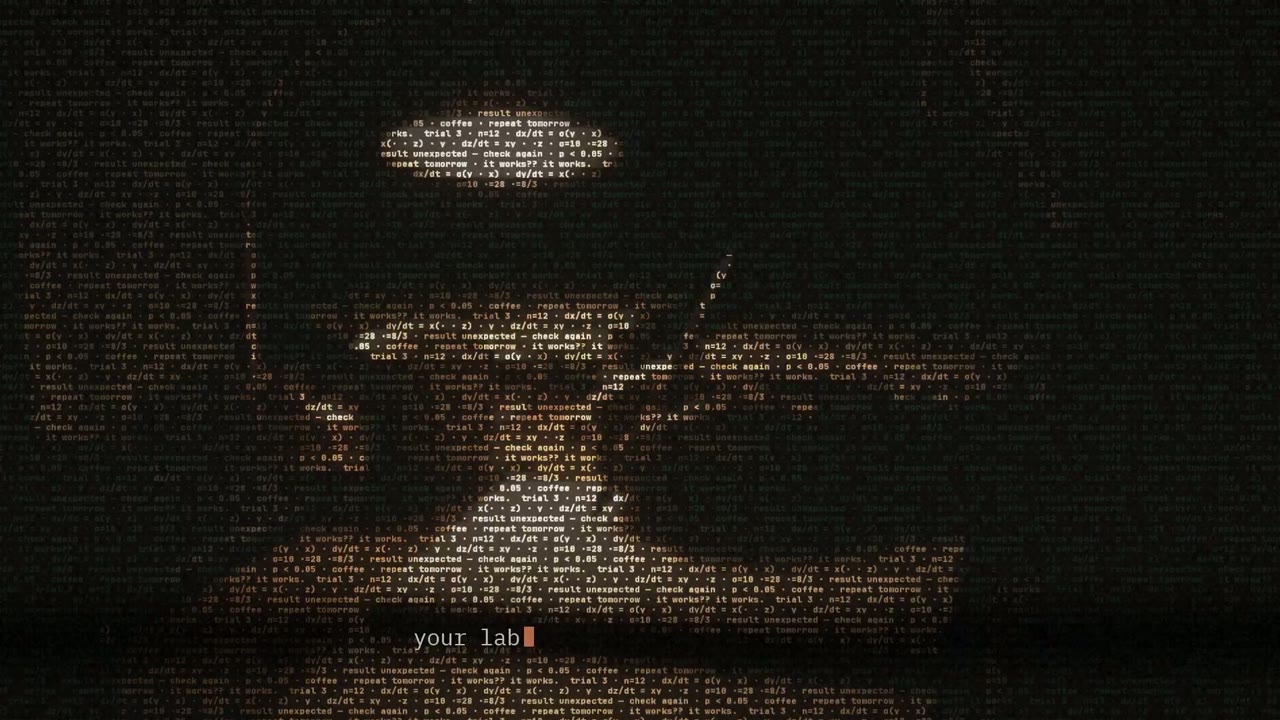
ASCII-character portrait types out a self-introduction
16:9 · 5:25
tekijä johnknopf
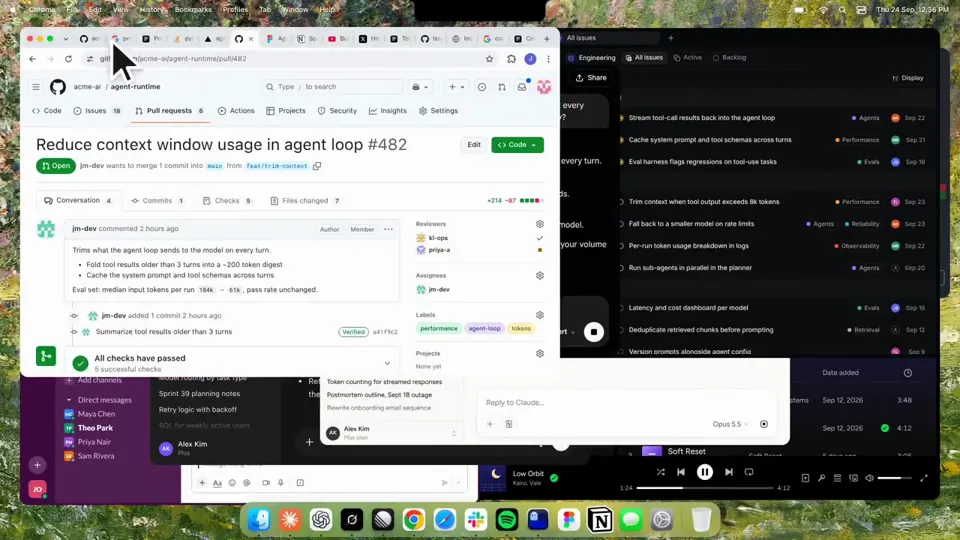
Using HyperFrames, make a hype teaser for the product in this post - [link]. Landscape, around 27 seconds. Match the product UI, wallpaper and copy from the post's video Motion should feel slow and polished - one continuous camera over one Mac desktop, no hard cuts. Camera pushes, pulls and pans run like 1.5 to 3 seconds on gentle ease-in-out curves, nothing snappy - aim for half the speed you'd default to. Add motion blur on fast moves and a light film grain finish. Use an oversized macOS cursor. No audio. All on-screen copy lowercase like the post. 1. Open on a big centered line - "in the AI era, the hard part is" - entering word by word from the right with an orange colorama text wipe over it (the `colorama-wipe` registry component). Hold it about a second, then scale it down into place above a spinning list. 2. The list rotates through 30 hard things about working in the AI era - spending tokens wisely, picking the right model, managing context windows, etc - each with a real app icon. Go fast, it's not meant to be read, then land slowly on "managing your desktop". 0.2s after it lands a question mark pops on after it. 3. Pull the camera back to reveal the Mac desktop as windows pile in on top of each other, arriving from behind the camera - Claude, ChatGPT, Grok, Linear, Chrome, Spotify, Slack and Claude Code in a terminal. Build these as accurate recreations of the real apps with real icons. 4. Push back in so the windows fly past the camera, back to text - "don't make your browser / one of them". 5. Pan up to a really tight framing of just the notch and the top of the wallpaper. A cursor comes up and hovers - the notch morphs into a pill with the name "NotchBrowser", then opens into the browser panel exactly like in the video. 6. Click through the tabs like the video does, then click the collapse chevron so the panel retracts into the notch. 7. End on a checklist of the post's claims with rings and ticks drawing on
Kineettinen typografia
16:9 · 5:25
tekijä johnknopf
Kineettinen typografia
16:9 · 0:32
tekijä aicreataro
Kineettinen typografia
16:9 · 0:15
tekijä aiehon_aya
Yksi krediittisaldo tekoälyvideoille ja tekoälykuville. Tilaa kuukaudeksi tai vuodeksi tai osta krediittipaketti kerran.
Maksa kerran · ei tilausta
Videoita paketissa
Maksa kerran · ei tilausta
Videoita paketissa
Maksa kerran · ei tilausta
Videoita paketissa
Laskutetaan kuukausittain
Videoita kuukaudessa
Laskutetaan kuukausittain
Videoita kuukaudessa
Laskutetaan kuukausittain
Videoita kuukaudessa
Laskutetaan vuosittain · 240 $ → 192 $/vuosi
Videoita kuukaudessa
Laskutetaan vuosittain · 600 $ → 480 $/vuosi
Videoita kuukaudessa
Laskutetaan vuosittain · 1 200 $ → 960 $/vuosi
Videoita kuukaudessa
Videos use credits when you export, and starting one needs a balance that covers its export. Counts assume a 30-second product demo and a 60-second explainer with narration and 3 illustrations.
Miten Kinetic text teaser for a notch-dwelling browser app tehtiin, mitä kehote sanoo ja miten teet vastaavan Kineettinen typografia-videon Potto avulla.
Kinetic text teaser for a notch-dwelling browser app on tekijän jake11moran Kineettinen typografia-kategorian liikegrafiikkavideo. A 27-second kinetic text teaser for a notch-dwelling browser app, built with canvas, SVG, GSAP and AI imagery.
Kinetic text teaser for a notch-dwelling browser app tehtiin työkaluilla Canvas, SVG, GSAP ja AI image. Se kuuluu Potton Kineettinen typografia-kokoelmaan tekoäly liikegrafiikka -videoita.
Kyllä. Kinetic text teaser for a notch-dwelling browser app-videon koko kehote on tällä sivulla. Kopioi se tai napsauta Käytä tätä kehotetta avataksesi sen Potton työtilassa.
Kinetic text teaser for a notch-dwelling browser app kestää 0:27 ja käyttää 16:9-kuvaa.
Kyllä. Napsauta Käytä tätä kehotetta ladataksesi Kinetic text teaser for a notch-dwelling browser app-videon kehotteen Potton työtilaan. Potto renderöi oman versionsa, ja voit muuttaa tekstiä ja tyyliä ennen vientiä.
Kinetic text teaser for a notch-dwelling browser app tehtiin skillillä Hyperframes. Napsauta Näytä skill asentaaksesi sen ilmaiseksi Claude Codeen, Codexiin tai Cursoriin kirjautumisen jälkeen.
Kinetic text teaser for a notch-dwelling browser app julkaistiin ensin tekijänsä toimesta. Napsauta Näytä alkuperäinen avataksesi julkaisun uuteen välilehteen.
Selaa Kineettinen typografia-kokoelmaa Potossa: 85 videota, jokaisessa kehote, tiedot ja lähde.