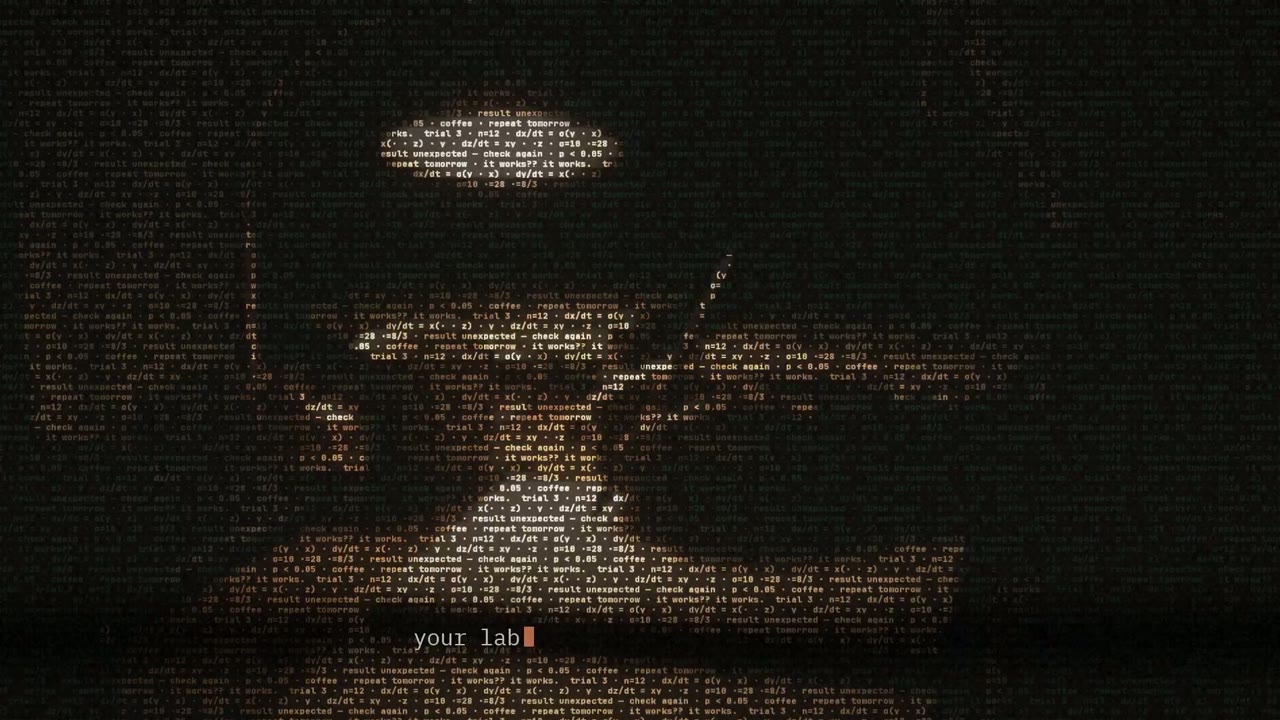
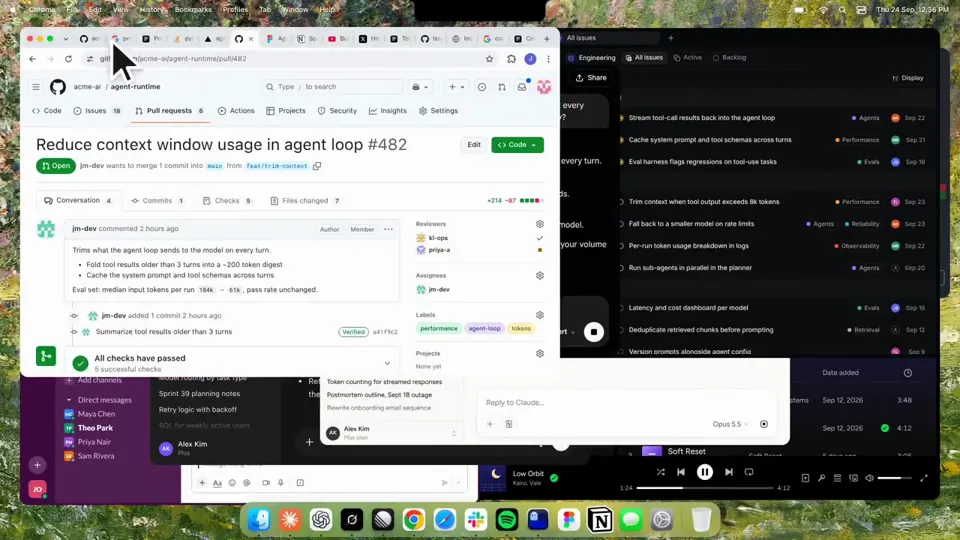
- 길이와 비율
- 0:27
- 16:9
- 제작 도구
- Canvas
- SVG
- GSAP
- AI image
프롬프트
Using HyperFrames, make a hype teaser for the product in this post - [link]. Landscape, around 27 seconds. Match the product UI, wallpaper and copy from the post's video Motion should feel slow and polished - one continuous camera over one Mac desktop, no hard cuts. Camera pushes, pulls and pans run like 1.5 to 3 seconds on gentle ease-in-out curves, nothing snappy - aim for half the speed you'd default to. Add motion blur on fast moves and a light film grain finish. Use an oversized macOS cursor. No audio. All on-screen copy lowercase like the post. 1. Open on a big centered line - "in the AI era, the hard part is" - entering word by word from the right with an orange colorama text wipe over it (the `colorama-wipe` registry component). Hold it about a second, then scale it down into place above a spinning list. 2. The list rotates through 30 hard things about working in the AI era - spending tokens wisely, picking the right model, managing context windows, etc - each with a real app icon. Go fast, it's not meant to be read, then land slowly on "managing your desktop". 0.2s after it lands a question mark pops on after it. 3. Pull the camera back to reveal the Mac desktop as windows pile in on top of each other, arriving from behind the camera - Claude, ChatGPT, Grok, Linear, Chrome, Spotify, Slack and Claude Code in a terminal. Build these as accurate recreations of the real apps with real icons. 4. Push back in so the windows fly past the camera, back to text - "don't make your browser / one of them". 5. Pan up to a really tight framing of just the notch and the top of the wallpaper. A cursor comes up and hovers - the notch morphs into a pill with the name "NotchBrowser", then opens into the browser panel exactly like in the video. 6. Click through the tabs like the video does, then click the collapse chevron so the panel retracts into the notch. 7. End on a checklist of the post's claims with rings and ticks drawing on
비슷한 영상 더 보기
모두 보기
요금제 선택
AI 영상과 AI 이미지에 함께 쓰는 하나의 크레딧 잔액입니다. 월간 또는 연간으로 구독하거나, 크레딧 팩을 한 번 구매할 수 있습니다.
2,000 크레딧
US$20일회성
한 번 결제 · 구독 없음
팩당 동영상
30초 제품 데모 영상13개
60초 설명 영상5개
- 2,000 크레딧, 한 번만 지급
- 빠른 이미지 최대 86장
- Potto 워터마크 추가 없음
- 동영상과 이미지 도구가 공유
5,000 크레딧
US$50일회성
한 번 결제 · 구독 없음
팩당 동영상
30초 제품 데모 영상33개
60초 설명 영상13개
- 5,000 크레딧, 한 번만 지급
- 빠른 이미지 최대 217장
- Potto 워터마크 추가 없음
- 동영상과 이미지 도구가 공유
15,000 크레딧
US$100일회성
한 번 결제 · 구독 없음
팩당 동영상
30초 제품 데모 영상100개
60초 설명 영상40개
- 15,000 크레딧, 한 번만 지급
- 빠른 이미지 최대 652장
- Potto 워터마크 추가 없음
- 동영상과 이미지 도구가 공유
Lite
Lite 선택US$20/월월 단위 결제
월 영상 수
30초 제품 데모 영상13개60초 설명 영상5개- 매월 2,000크레딧
- 빠른 이미지 최대 86장
- 표준 대기열
- Potto 워터마크 추가 없음
- AI 도구 일괄 처리
- 공개 갤러리에 표시되지 않음
Pro
Pro 선택US$50/월월 단위 결제
월 영상 수
30초 제품 데모 영상33개60초 설명 영상13개- 매월 5,000크레딧
- 빠른 이미지 최대 217장
- 우선 대기열
- Potto 워터마크 추가 없음
- AI 도구 일괄 처리
- 공개 갤러리에 표시되지 않음
- 추천
Max
Max 선택US$100/월월 단위 결제
월 영상 수
30초 제품 데모 영상100개60초 설명 영상40개- 매월 15,000크레딧
- 빠른 이미지 최대 652장
- 최우선 대기열
- Potto 워터마크 추가 없음
- AI 도구 일괄 처리
- 공개 갤러리에 표시되지 않음
Lite
-20%Lite 선택US$20US$16/월연 단위 결제 · 연 US$240 → US$192
월 영상 수
30초 제품 데모 영상13개60초 설명 영상5개- 매월 2,000크레딧
- 빠른 이미지 최대 86장
- 표준 대기열
- Potto 워터마크 추가 없음
- AI 도구 일괄 처리
- 공개 갤러리에 표시되지 않음
Pro
-20%Pro 선택US$50US$40/월연 단위 결제 · 연 US$600 → US$480
월 영상 수
30초 제품 데모 영상33개60초 설명 영상13개- 매월 5,000크레딧
- 빠른 이미지 최대 217장
- 우선 대기열
- Potto 워터마크 추가 없음
- AI 도구 일괄 처리
- 공개 갤러리에 표시되지 않음
- 추천
Max
-20%Max 선택US$100US$80/월연 단위 결제 · 연 US$1,200 → US$960
월 영상 수
30초 제품 데모 영상100개60초 설명 영상40개- 매월 15,000크레딧
- 빠른 이미지 최대 652장
- 최우선 대기열
- Potto 워터마크 추가 없음
- AI 도구 일괄 처리
- 공개 갤러리에 표시되지 않음
Videos use credits when you export, and starting one needs a balance that covers its export. Counts assume a 30-second product demo and a 60-second explainer with narration and 3 illustrations.
Kinetic text teaser for a notch-dwelling browser app 자주 묻는 질문
Kinetic text teaser for a notch-dwelling browser app의 제작 방식, 프롬프트 내용, 그리고 Potto로 비슷한 움직이는 글자 동영상을 만드는 방법.
Kinetic text teaser for a notch-dwelling browser app이란?
Kinetic text teaser for a notch-dwelling browser app은 jake11moran가 만든 움직이는 글자 모션그래픽 영상입니다. A 27-second kinetic text teaser for a notch-dwelling browser app, built with canvas, SVG, GSAP and AI imagery.
Kinetic text teaser for a notch-dwelling browser app은 어떻게 만들었나요?
Kinetic text teaser for a notch-dwelling browser app은 Canvas, SVG, GSAP 및 AI image로 만들었습니다. Potto의 움직이는 글자 AI 모션그래픽 영상 모음에 포함되어 있습니다.
Kinetic text teaser for a notch-dwelling browser app의 프롬프트를 볼 수 있나요?
네. Kinetic text teaser for a notch-dwelling browser app의 전체 프롬프트가 이 페이지에 있습니다. 복사하거나, 「이 프롬프트 사용」을 눌러 Potto 작업 공간에서 여세요.
Kinetic text teaser for a notch-dwelling browser app의 길이와 화면 비율은 어떻게 되나요?
Kinetic text teaser for a notch-dwelling browser app의 길이는 0:27이고, 프레임은 16:9입니다.
Potto로 Kinetic text teaser for a notch-dwelling browser app 같은 움직이는 글자 영상을 만들 수 있나요?
네. 「이 프롬프트 사용」을 누르면 Kinetic text teaser for a notch-dwelling browser app의 프롬프트가 Potto 작업 공간에 불러와집니다. Potto가 자체 버전을 렌더링하며, 내보내기 전에 글과 스타일을 바꿀 수 있습니다.
Kinetic text teaser for a notch-dwelling browser app을 만드는 데 쓴 agent skill은 무엇인가요?
Kinetic text teaser for a notch-dwelling browser app은 Hyperframes skill로 만들었습니다. 로그인한 뒤 「skill 보기」를 누르면 Claude Code, Codex 또는 Cursor에 무료로 설치할 수 있습니다.
Kinetic text teaser for a notch-dwelling browser app 원본은 어디서 보나요?
Kinetic text teaser for a notch-dwelling browser app 은 제작자가 처음 게시했습니다. 「원본 보기」를 클릭하면 해당 게시물이 새 탭에서 열립니다.
Kinetic text teaser for a notch-dwelling browser app 같은 움직이는 글자 영상은 어디서 더 찾나요?
Potto의 움직이는 글자 모음을 둘러보세요. 영상 85개가 있으며, 각각 프롬프트, 사양, 출처가 있습니다.