Premium00
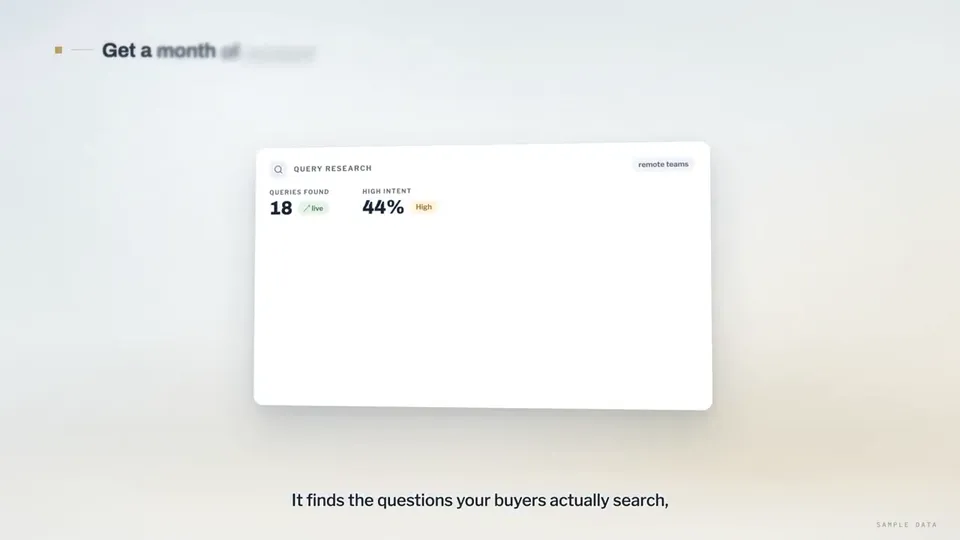
Vídeo 1 de 1Search-ranking dashboards explain the rctrl content tool
Abrir a página do vídeo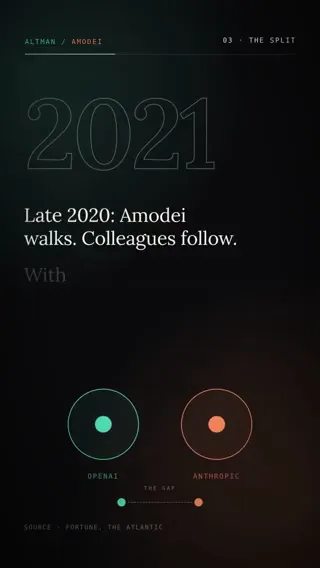

Um único saldo de créditos para vídeos de IA e imagens de IA. Assine por mês ou por ano, ou compre um pacote de créditos uma vez.
Pague uma vez · sem assinatura
Vídeos por pacote
Pague uma vez · sem assinatura
Vídeos por pacote
Pague uma vez · sem assinatura
Vídeos por pacote
Cobrança mensal
Vídeos por mês
Cobrança mensal
Vídeos por mês
Cobrança mensal
Vídeos por mês
Cobrança anual · US$ 240 → US$ 192/ano
Vídeos por mês
Cobrança anual · US$ 600 → US$ 480/ano
Vídeos por mês
Cobrança anual · US$ 1.200 → US$ 960/ano
Vídeos por mês
Videos use credits when you export, and starting one needs a balance that covers its export. Counts assume a 30-second product demo and a 60-second explainer with narration and 3 illustrations.
O que Product Walkthrough for Silent Viewing (UI Flythrough) faz, quais agentes podem executá-la, de quais chaves ela precisa e como instalá-la.
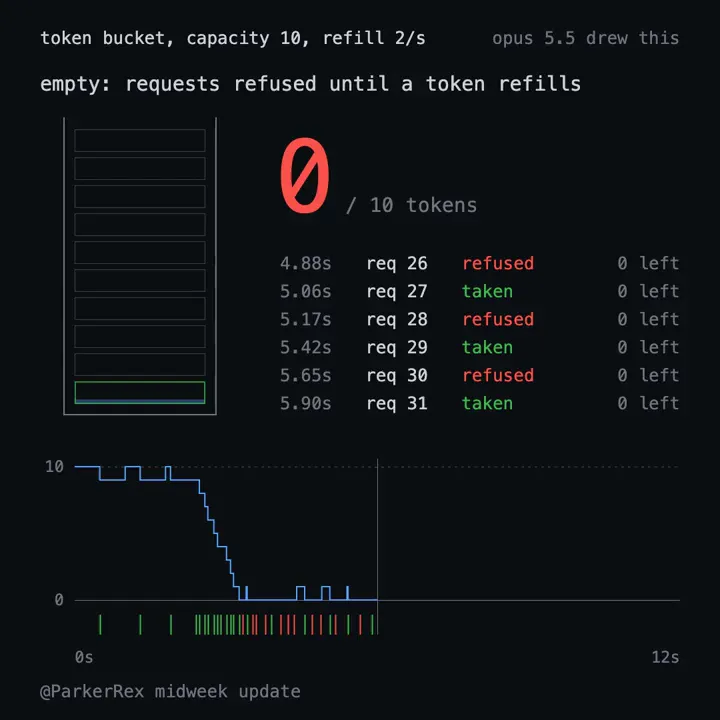
Product Walkthrough for Silent Viewing (UI Flythrough) é uma skill de agente criada por Potto para fazer vídeos de Vídeo explicativo. Create 60–90-second, 16:9 product walkthroughs in Remotion, designed for silent viewing: a continuous 3D camera flies through code-drawn UI cards on a studio backdrop, with…
Product Walkthrough for Silent Viewing (UI Flythrough) é uma skill Premium. Está incluída em qualquer plano pago do Potto (Lite, Pro ou Max), ou você pode comprá-la por US$ 5 em pagamento único e ficar com ela.
A skill Product Walkthrough for Silent Viewing (UI Flythrough) foi escrita em inglês. Ela gera texto na tela em qualquer idioma que você indicar.
Product Walkthrough for Silent Viewing (UI Flythrough) usa Remotion. Instale Bun, Python 3 e FFmpeg antes de executá-la.
Product Walkthrough for Silent Viewing (UI Flythrough) produz MP4.
Product Walkthrough for Silent Viewing (UI Flythrough) roda em Claude Code e Codex, ou em qualquer outro agente que leia SKILL.md.
Não. Product Walkthrough for Silent Viewing (UI Flythrough) funciona sem nenhuma chave de API extra.
Copie o prompt de instalação de Product Walkthrough for Silent Viewing (UI Flythrough) nesta página e cole no seu agente, ou baixe o ZIP.
Product Walkthrough for Silent Viewing (UI Flythrough) foi usado para criar 1 vídeo na galeria Potto, como Search-ranking dashboards explain the rctrl content tool.
O Potto tem Product Walkthrough for Silent Viewing (UI Flythrough) v1.0.0, atualizado em 21 de out. de 2026. Copie de novo o prompt de instalação para obter a versão mais recente.