- Duração e proporção
- 0:27
- 16:9
- Feito com
- Canvas
- SVG
- GSAP
- AI image
Prompt
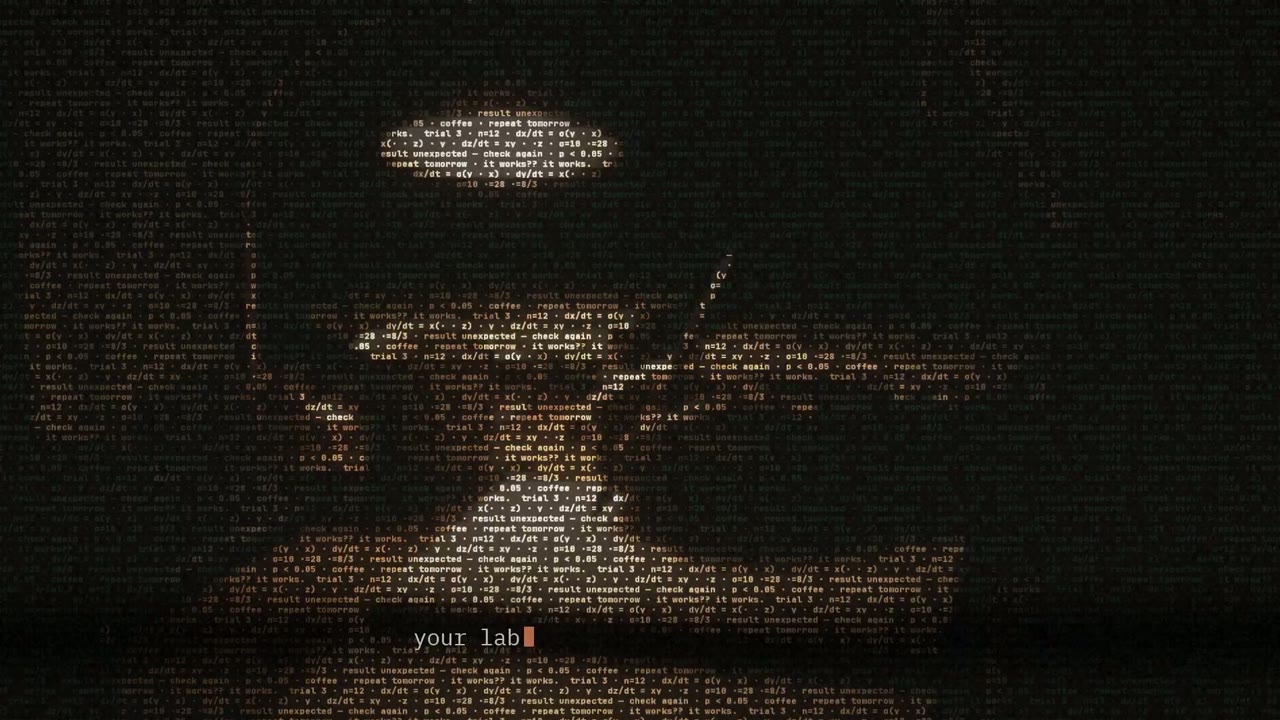
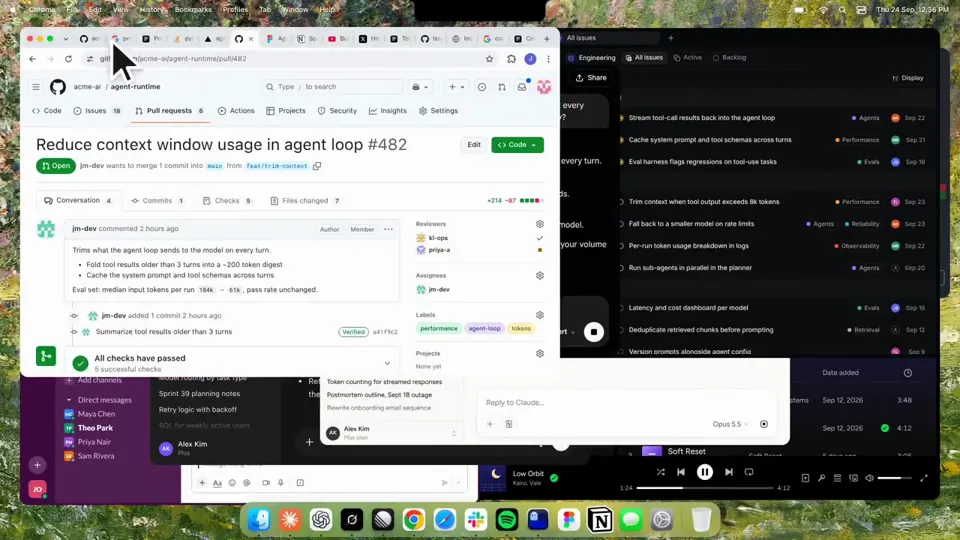
Using HyperFrames, make a hype teaser for the product in this post - [link]. Landscape, around 27 seconds. Match the product UI, wallpaper and copy from the post's video Motion should feel slow and polished - one continuous camera over one Mac desktop, no hard cuts. Camera pushes, pulls and pans run like 1.5 to 3 seconds on gentle ease-in-out curves, nothing snappy - aim for half the speed you'd default to. Add motion blur on fast moves and a light film grain finish. Use an oversized macOS cursor. No audio. All on-screen copy lowercase like the post. 1. Open on a big centered line - "in the AI era, the hard part is" - entering word by word from the right with an orange colorama text wipe over it (the `colorama-wipe` registry component). Hold it about a second, then scale it down into place above a spinning list. 2. The list rotates through 30 hard things about working in the AI era - spending tokens wisely, picking the right model, managing context windows, etc - each with a real app icon. Go fast, it's not meant to be read, then land slowly on "managing your desktop". 0.2s after it lands a question mark pops on after it. 3. Pull the camera back to reveal the Mac desktop as windows pile in on top of each other, arriving from behind the camera - Claude, ChatGPT, Grok, Linear, Chrome, Spotify, Slack and Claude Code in a terminal. Build these as accurate recreations of the real apps with real icons. 4. Push back in so the windows fly past the camera, back to text - "don't make your browser / one of them". 5. Pan up to a really tight framing of just the notch and the top of the wallpaper. A cursor comes up and hovers - the notch morphs into a pill with the name "NotchBrowser", then opens into the browser panel exactly like in the video. 6. Click through the tabs like the video does, then click the collapse chevron so the panel retracts into the notch. 7. End on a checklist of the post's claims with rings and ticks drawing on
Mais vídeos como este
Ver todos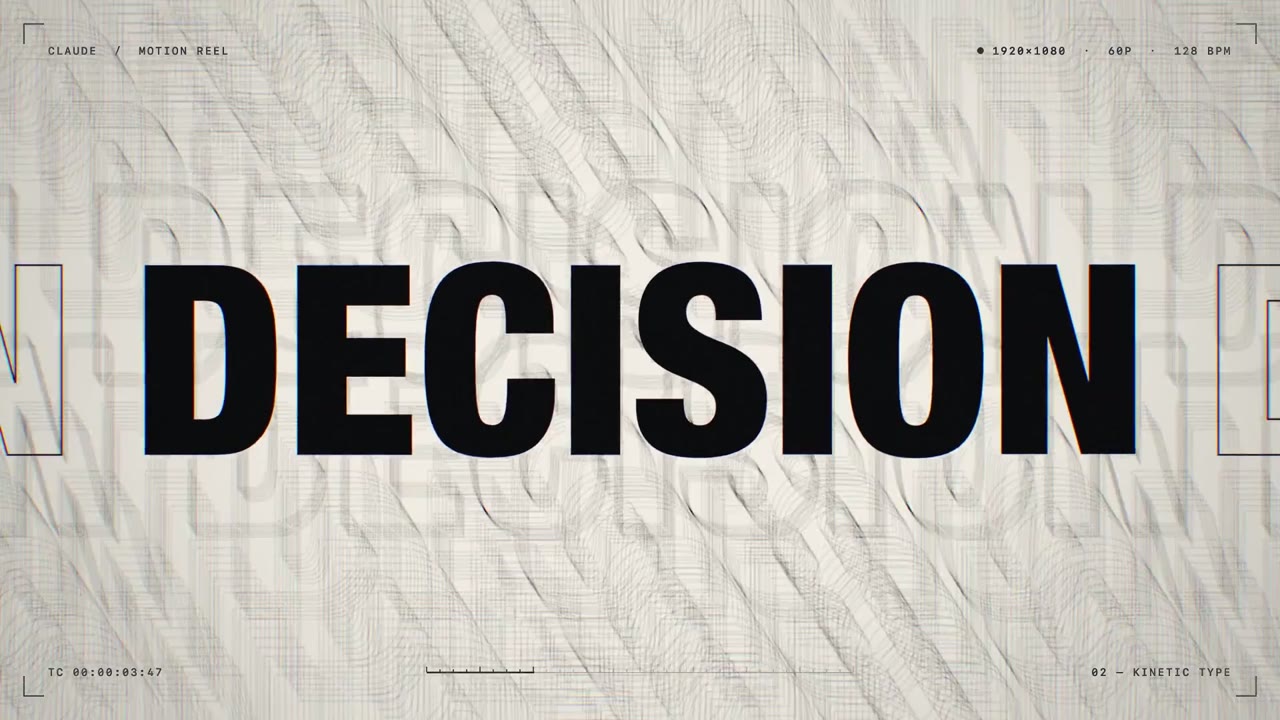
Tipografia cinética
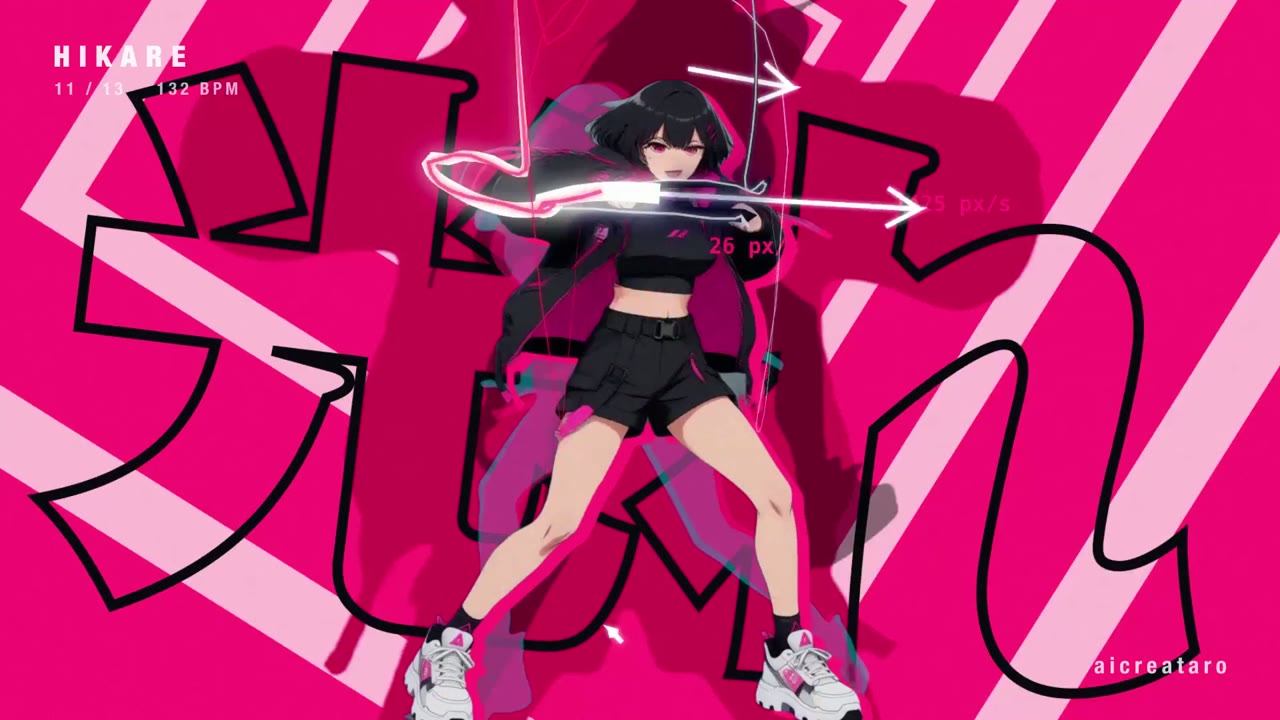
Dancing anime girl tracked by skeleton-driven kinetic type
16:9 · 0:32
por aicreataro
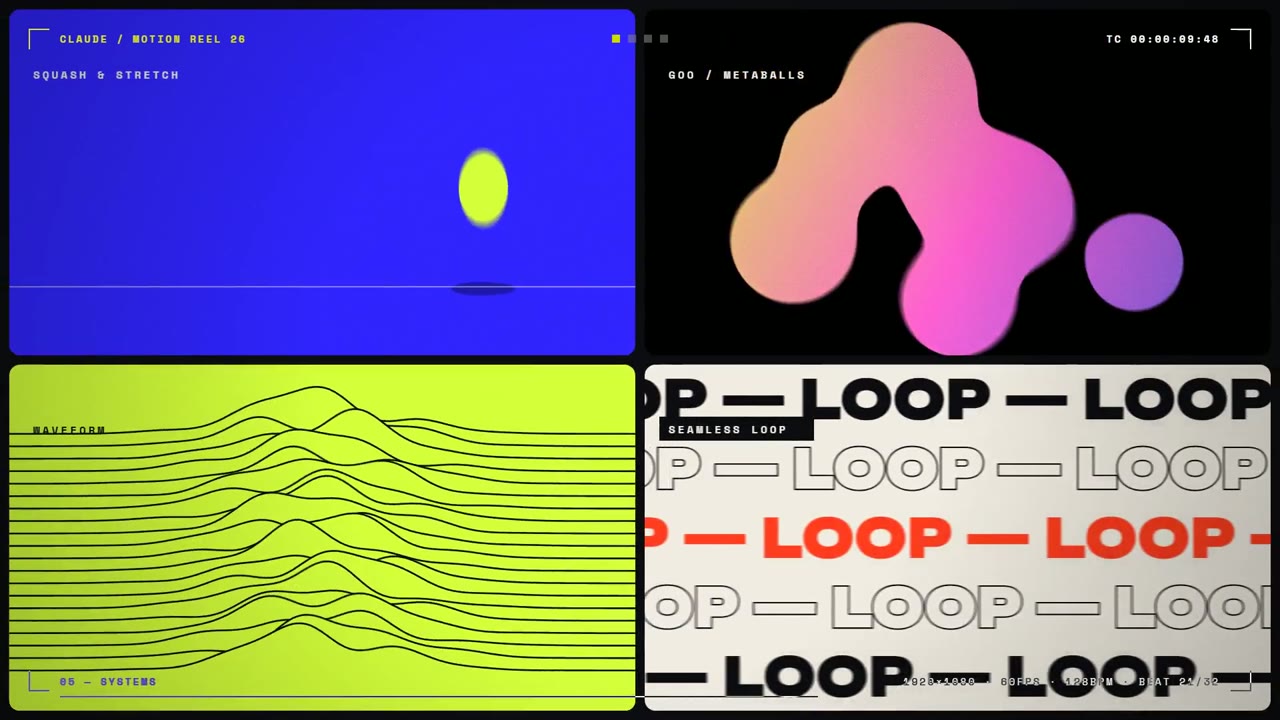
Tipografia cinética
Beat-synced motion reel morphs a circle and glitches type
16:9 · 0:15
por aiehon_aya
Escolha seu plano
Um único saldo de créditos para vídeos de IA e imagens de IA. Assine por mês ou por ano, ou compre um pacote de créditos uma vez.
2.000 créditos
US$ 20avulso
Pague uma vez · sem assinatura
Vídeos por pacote
Demo de produto de 30 segundos13 vídeos
Vídeo explicativo de 60 segundos5 vídeos
- 2.000 créditos, adicionados uma vez
- Até 86 imagens rápidas
- Sem adição de marca d'água do Potto
- Compartilhados pelas ferramentas de vídeo e imagem
5.000 créditos
US$ 50avulso
Pague uma vez · sem assinatura
Vídeos por pacote
Demo de produto de 30 segundos33 vídeos
Vídeo explicativo de 60 segundos13 vídeos
- 5.000 créditos, adicionados uma vez
- Até 217 imagens rápidas
- Sem adição de marca d'água do Potto
- Compartilhados pelas ferramentas de vídeo e imagem
15.000 créditos
US$ 100avulso
Pague uma vez · sem assinatura
Vídeos por pacote
Demo de produto de 30 segundos100 vídeos
Vídeo explicativo de 60 segundos40 vídeos
- 15.000 créditos, adicionados uma vez
- Até 652 imagens rápidas
- Sem adição de marca d'água do Potto
- Compartilhados pelas ferramentas de vídeo e imagem
Lite
Escolher LiteUS$ 20/mêsCobrança mensal
Vídeos por mês
Demo de produto de 30 segundos13 vídeosVídeo explicativo de 60 segundos5 vídeos- 2.000 créditos por mês
- Até 86 imagens rápidas
- Fila padrão
- Sem adição de marca d'água do Potto
- Processamento em lote com as ferramentas de IA
- Sem publicação em galerias públicas
Pro
Escolher ProUS$ 50/mêsCobrança mensal
Vídeos por mês
Demo de produto de 30 segundos33 vídeosVídeo explicativo de 60 segundos13 vídeos- 5.000 créditos por mês
- Até 217 imagens rápidas
- Fila com prioridade
- Sem adição de marca d'água do Potto
- Processamento em lote com as ferramentas de IA
- Sem publicação em galerias públicas
- Recomendado
Max
Escolher MaxUS$ 100/mêsCobrança mensal
Vídeos por mês
Demo de produto de 30 segundos100 vídeosVídeo explicativo de 60 segundos40 vídeos- 15.000 créditos por mês
- Até 652 imagens rápidas
- Fila com prioridade máxima
- Sem adição de marca d'água do Potto
- Processamento em lote com as ferramentas de IA
- Sem publicação em galerias públicas
Lite
-20%Escolher LiteUS$ 20US$ 16/mêsCobrança anual · US$ 240 → US$ 192/ano
Vídeos por mês
Demo de produto de 30 segundos13 vídeosVídeo explicativo de 60 segundos5 vídeos- 2.000 créditos por mês
- Até 86 imagens rápidas
- Fila padrão
- Sem adição de marca d'água do Potto
- Processamento em lote com as ferramentas de IA
- Sem publicação em galerias públicas
Pro
-20%Escolher ProUS$ 50US$ 40/mêsCobrança anual · US$ 600 → US$ 480/ano
Vídeos por mês
Demo de produto de 30 segundos33 vídeosVídeo explicativo de 60 segundos13 vídeos- 5.000 créditos por mês
- Até 217 imagens rápidas
- Fila com prioridade
- Sem adição de marca d'água do Potto
- Processamento em lote com as ferramentas de IA
- Sem publicação em galerias públicas
- Recomendado
Max
-20%Escolher MaxUS$ 100US$ 80/mêsCobrança anual · US$ 1.200 → US$ 960/ano
Vídeos por mês
Demo de produto de 30 segundos100 vídeosVídeo explicativo de 60 segundos40 vídeos- 15.000 créditos por mês
- Até 652 imagens rápidas
- Fila com prioridade máxima
- Sem adição de marca d'água do Potto
- Processamento em lote com as ferramentas de IA
- Sem publicação em galerias públicas
Videos use credits when you export, and starting one needs a balance that covers its export. Counts assume a 30-second product demo and a 60-second explainer with narration and 3 illustrations.
Perguntas frequentes de Kinetic text teaser for a notch-dwelling browser app
Como Kinetic text teaser for a notch-dwelling browser app foi feito, o que o prompt diz e como criar um vídeo Tipografia cinética parecido com Potto.
O que é Kinetic text teaser for a notch-dwelling browser app?
Kinetic text teaser for a notch-dwelling browser app é um vídeo de motion graphics de Tipografia cinética de jake11moran. A 27-second kinetic text teaser for a notch-dwelling browser app, built with canvas, SVG, GSAP and AI imagery.
Como Kinetic text teaser for a notch-dwelling browser app foi feito?
Kinetic text teaser for a notch-dwelling browser app foi feito com Canvas, SVG, GSAP e AI image. Faz parte da coleção Tipografia cinética de vídeos de motion graphics com IA no Potto.
O prompt de Kinetic text teaser for a notch-dwelling browser app está disponível?
Sim. O prompt completo de Kinetic text teaser for a notch-dwelling browser app está nesta página. Copie-o ou clique em Usar este prompt para abri-lo no espaço de trabalho do Potto.
Qual é a duração de Kinetic text teaser for a notch-dwelling browser app e qual é a proporção?
Kinetic text teaser for a notch-dwelling browser app dura 0:27 em um quadro 16:9.
Posso fazer com o Potto um vídeo de Tipografia cinética como Kinetic text teaser for a notch-dwelling browser app?
Sim. Clique em Usar este prompt para carregar o prompt de Kinetic text teaser for a notch-dwelling browser app no espaço de trabalho do Potto. O Potto renderiza a própria versão, e você pode mudar o texto e o estilo antes de exportar.
Qual skill de agente foi usado para fazer Kinetic text teaser for a notch-dwelling browser app?
Kinetic text teaser for a notch-dwelling browser app foi feito com o skill Hyperframes. Clique em Ver skill para instalá-lo de graça no Claude Code, Codex ou Cursor depois de entrar.
Onde posso assistir ao original de Kinetic text teaser for a notch-dwelling browser app?
Kinetic text teaser for a notch-dwelling browser app foi publicado primeiro pelo criador. Clique em Ver original para abrir essa publicação num novo separador.
Onde encontro mais vídeos de Tipografia cinética como Kinetic text teaser for a notch-dwelling browser app?
Veja a coleção Tipografia cinética no Potto: 85 vídeos, cada um com prompt, especificações e fonte.