Telas de produto
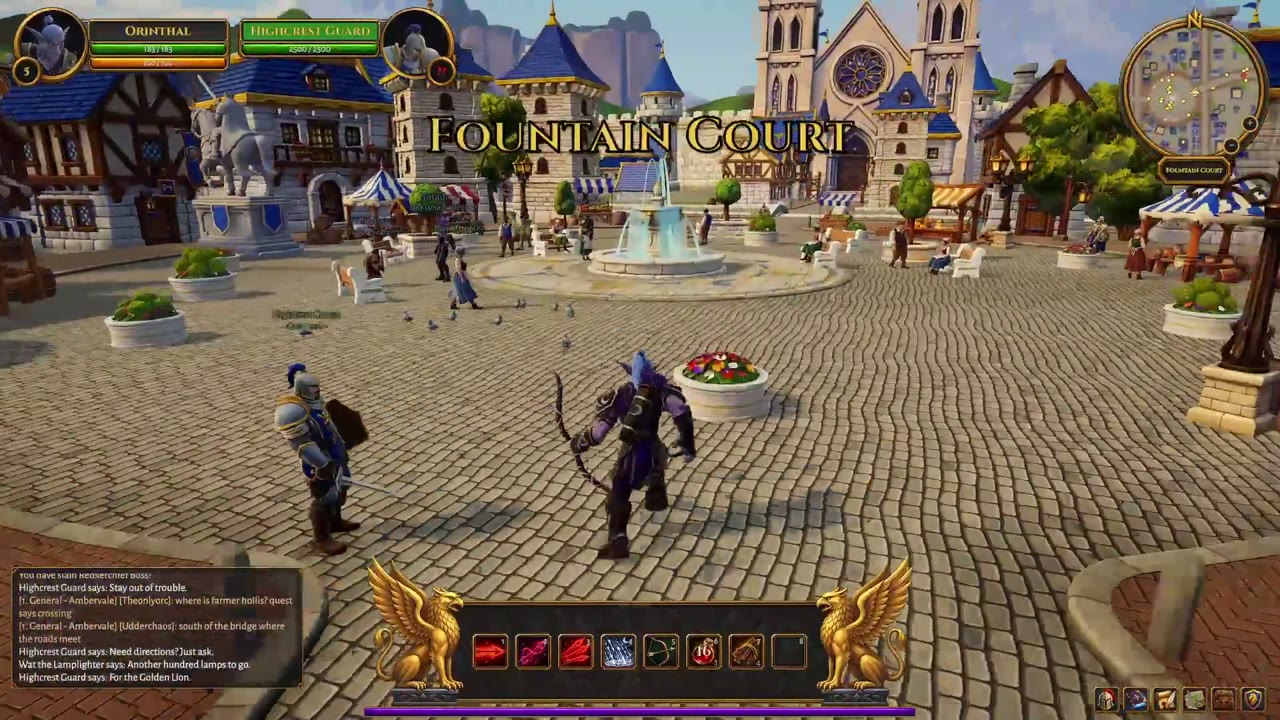
Old-school MMO town square with an elf archer and quest chat
16:9 · 1:17
por Stefan_3D_AI
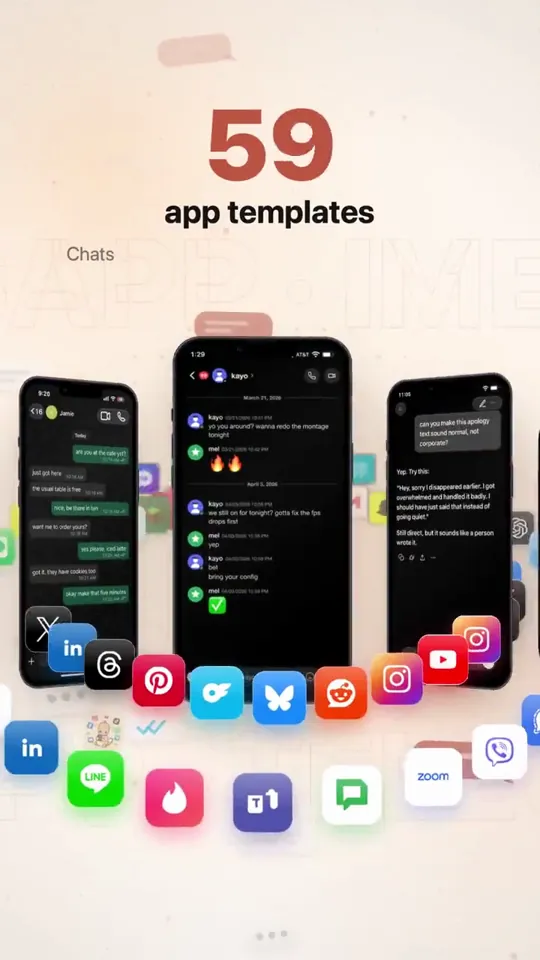
Create a studio level motion design ad for my app mimicly. Show me the best you got. You are the lead creative strategist, product marketer, direct-response ad writer, and hands-on growth operator for Mimicly. Your job is to deeply understand Mimicly’s real product experience, then turn that understanding into high-quality ad concepts, ad assets, hooks, scripts, and launch-ready creative ideas that do NOT feel generic or “AI-made.” IMPORTANT: - Do not create generic “mockup app” marketing. - Do not rely on assumptions. - Base everything on Mimicly’s actual product, actual UI, and actual user flows. - Use the real product as the source of truth. - If you can access the website, App Store page, editor, simulator, screenshots, or any current product surfaces, inspect them directly before deciding anything. - If you can capture screenshots, screen recordings, or UI references from the actual product, do it. - Do not invent features that do not exist. - Do not break what currently works. PRODUCT YOU ARE WORKING ON Mimicly is a chat mockup maker for screenshots, text stories, and dialogue videos. It works on web and iPhone. It offers 63 templates. Users can edit both sides of conversations, names, profile photos, timestamps, colors, and supported UI details. It includes chat templates, AI conversation templates, social-style templates, comment templates, stories, email, and game chat styles. Supported exports include image export, and supported templates can also be recorded as MP4. Users can sign in and get 3 free exports. Pro unlocks the full template collection and watermark-free exports. Mimicly’s value is speed, realism, flexibility, and “make it look right” editing. KNOWN PRODUCT FEEL / BRAND DIRECTION - Clean, modern, product-led - Useful, not cringe - Creative-tool energy, not fake-hype startup nonsense - Strong on realism and visual believability - The appeal is: “I can quickly create convincing chat/mockup content for content creation, storytelling, skits, tutorials, memes, product demos, lessons, storyboards, and social posts.” YOUR MISSION Create a complete Mimicly ad-creative system based on the real product. PHASE 1 — PRODUCT UNDERSTANDING First, inspect and understand: 1. The public website 2. The App Store listing 3. The homepage messaging 4. The template browser / template categories 5. The editor experience 6. Preview behavior 7. Export flow 8. Paywall / free vs pro positioning 9. The visual feel of the app and web product 10. The strongest “wow” moments for first-time users Pay special attention to: - Homepage hero - Template examples - Live editor behavior - The “before / after” feeling - How realistic the previews look - Which templates are most ad-worthy visually - Which screens are easiest to understand instantly in an ad If possible, capture a reference set of real visuals: - app screenshots - web screenshots - editor screenshots - preview screenshots - export-related screens - 5–15 second screen recordings of realistic usage PHASE 2 — FIND THE BEST MARKETING ANGLES Based on the real product, identify the strongest ad angles. Find the best angles for users such as: - content creators - meme pages - storytellers - short-form video creators - skit makers - YouTubers / TikTok creators - marketers making fake chat visuals for concepts/storyboards - educators making lesson examples - people creating “text story” style content - people making AI conversation mockups - people making social post mockups For each angle, define: - the user type - the core desire - the pain point - why Mimicly solves it better - the strongest visual proof - the best CTA PHASE 3 — CREATE A CREATIVE STRATEGY Produce a clear creative strategy document containing: 1. Core positioning 2. Top 5 user personas 3. Top 10 ad angles 4. Top 20 hooks 5. Top 10 “visual demo” ideas 6. Top objections and how to answer them 7. Top App Store / landing page conversion messages 8. What NOT to say 9. Which claims need caution or proof 10. Which existing product features deserve the most emphasis PHASE 4 — BUILD THE AD CONCEPTS Create at least 12 strong ad concepts. For each ad concept include: - concept name - target audience - angle - platform fit (TikTok / Instagram Reels / X / YouTube Shorts / App Store promo / website hero / paid social) - first 2-second hook - full ad script - scene-by-scene shot list - exact UI moments to show - on-screen text - voiceover - caption - CTA - why this concept should perform At least: - 4 UGC-style concepts - 4 product-demo concepts - 2 comparison-style concepts - 2 “problem → solution” concepts PHASE 5 — USE THE REAL PRODUCT VISUALLY Do not make fake-looking ads. Use the actual Mimicly experience as much as possible: - show opening the app / website - show selecting a template - show editing messages / names / profile photos / timestamps - show the preview updating live - show switching between templates where useful - show export or save behavior where appropriate - show the realism of the result Focus heavily on visual proof. The ad should make someone think: “Wait, this actually looks clean.” “Oh, I could use this.” “That took like 10 seconds?” PHASE 6 — PICK THE BEST TEMPLATES TO ADVERTISE Review Mimicly’s template universe and choose the best templates for marketing. Rank the most ad-worthy templates by: - instant recognizability - visual clarity - emotional pull - creator usefulness - ability to demonstrate value quickly - likelihood to convert cold traffic Likely strong candidates may include: - WhatsApp-style chats - AI conversation templates (ChatGPT / Claude / Gemini style) - Instagram / DM / comment / post type templates - iMessage-style chats - Discord-style chats - story / social / dialogue video templates But do not assume — inspect first. For the top templates, say: - why they are ad-worthy - what kind of audience they attract - what kind of ad should use them PHASE 7 — CREATE REAL ASSETS OR ASSET BLUEPRINTS If your environment allows it, create or organize: - a shot plan - a screenshot list - a screen recording list - asset naming - folder structure - recommended aspect ratios - prioritized recording checklist If you cannot directly produce the final ad assets, produce a near-production-ready blueprint so a human editor can build them fast. Deliverables should include: - 10 static ad ideas - 10 short-form video ad ideas - 5 App Store screenshot angle ideas - 5 X/Twitter promo post ideas - 5 landing page hero/message ideas - 5 product-demo threads/carousels if relevant PHASE 8 — COPYWRITING Write launch-ready copy in a way that does not sound like AI slop. Tone: - sharp - natural - confident - slightly punchy - creator-friendly - not overhyped - not cringe - not corporate Write: - 20 ad hooks - 20 CTAs - 15 captions - 10 App Store / social proof style lines - 10 short feature-value lines - 10 landing page headlines - 10 subheadlines Avoid fake urgency unless justified. Avoid saying it “goes viral.” Avoid empty words like “revolutionary.” Avoid generic “create stunning content” filler unless made specific. PHASE 9 — CONVERSION FOCUS Recommend which messages should push: - install - try free - first export - Pro conversion - template exploration - creator use cases Map the best message to the best funnel stage. Tell me: - what gets the click - what gets the install - what gets the first successful export - what gets the Pro upgrade PHASE 10 — FINAL OUTPUT FORMAT Give the final answer in this structure: 1. Mimicly product understanding 2. Best audiences 3. Best ad angles 4. Best templates to feature 5. 12 ad concepts 6. Shot list / capture plan 7. Copy bank 8. Landing page / App Store messaging suggestions 9. Recommended creative priorities 10. Top 3 things to test first If possible, end with: - “Best 3 concepts to make first” - “Fastest assets to produce tomorrow” - “Highest-upside experiment” QUALITY BAR The output must feel like it came from a strong product marketer who actually inspected the product, not from an LLM guessing what a mockup app might be. Be specific. Be practical. Be visually aware. Be conversion-aware. Be ruthless about weak ideas. Use the real Mimicly product as your source of truth. Start by inspecting the real product surfaces, then build the strategy.
Telas de produto
16:9 · 1:17
por Stefan_3D_AI
Um único saldo de créditos para vídeos de IA e imagens de IA. Assine por mês ou por ano, ou compre um pacote de créditos uma vez.
Pague uma vez · sem assinatura
Vídeos por pacote
Pague uma vez · sem assinatura
Vídeos por pacote
Pague uma vez · sem assinatura
Vídeos por pacote
Cobrança mensal
Vídeos por mês
Cobrança mensal
Vídeos por mês
Cobrança mensal
Vídeos por mês
Cobrança anual · US$ 240 → US$ 192/ano
Vídeos por mês
Cobrança anual · US$ 600 → US$ 480/ano
Vídeos por mês
Cobrança anual · US$ 1.200 → US$ 960/ano
Vídeos por mês
Videos use credits when you export, and starting one needs a balance that covers its export. Counts assume a 30-second product demo and a 60-second explainer with narration and 3 illustrations.
Como Mimicly ad shows a mock iMessage chat in a phone frame foi feito, o que o prompt diz e como criar um vídeo Telas de produto parecido com Potto.
Mimicly ad shows a mock iMessage chat in a phone frame é um vídeo de motion graphics de Telas de produto de redpersongpt. A 24-second motion ad showing a mock iMessage chat inside a phone frame, built with SVG.
Mimicly ad shows a mock iMessage chat in a phone frame foi feito com SVG. Faz parte da coleção Telas de produto de vídeos de motion graphics com IA no Potto.
Sim. O prompt completo de Mimicly ad shows a mock iMessage chat in a phone frame está nesta página. Copie-o ou clique em Usar este prompt para abri-lo no espaço de trabalho do Potto.
Mimicly ad shows a mock iMessage chat in a phone frame dura 0:24 em um quadro 9:16.
Sim. Clique em Usar este prompt para carregar o prompt de Mimicly ad shows a mock iMessage chat in a phone frame no espaço de trabalho do Potto. O Potto renderiza a própria versão, e você pode mudar o texto e o estilo antes de exportar.
Mimicly ad shows a mock iMessage chat in a phone frame foi publicado primeiro pelo criador. Clique em Ver original para abrir essa publicação num novo separador.
Veja a coleção Telas de produto no Potto: 244 vídeos, cada um com prompt, especificações e fonte.