- Længde og format
- 0:27
- 16:9
- Lavet med
- Canvas
- SVG
- GSAP
- AI image
Prompt
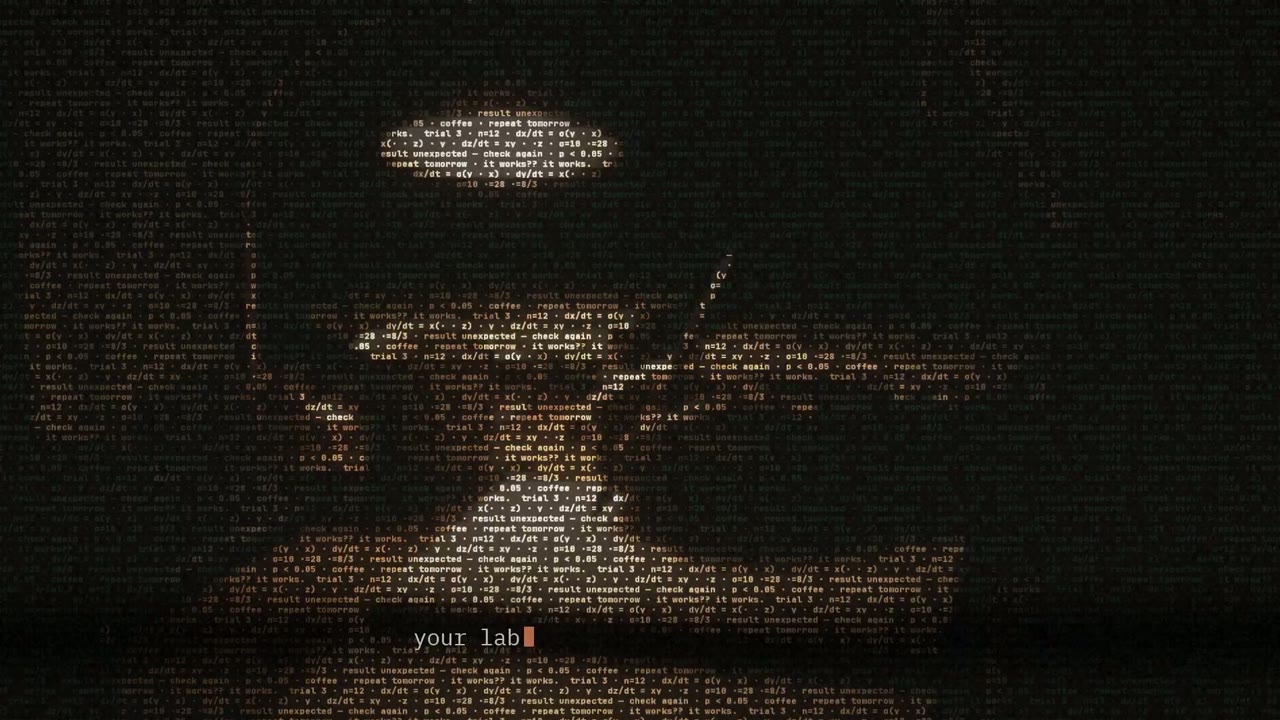
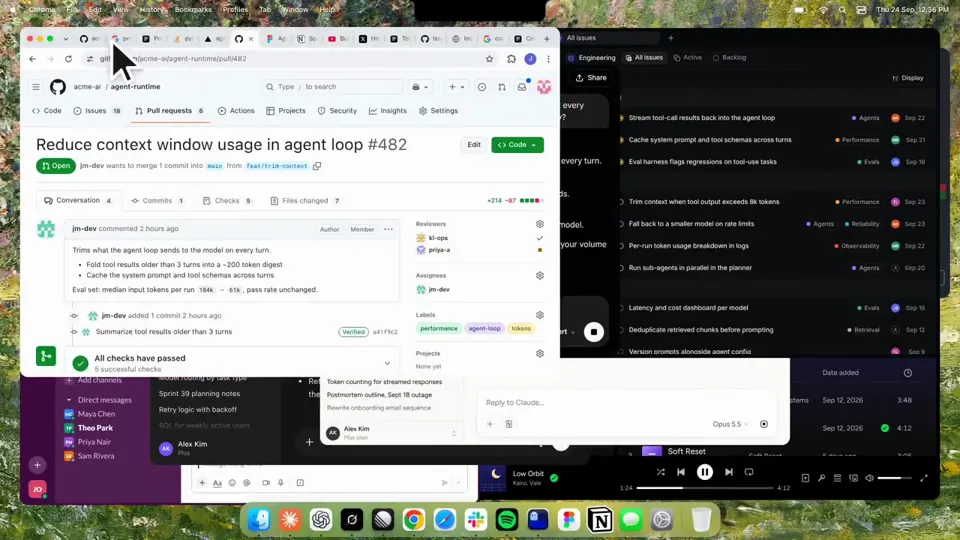
Using HyperFrames, make a hype teaser for the product in this post - [link]. Landscape, around 27 seconds. Match the product UI, wallpaper and copy from the post's video Motion should feel slow and polished - one continuous camera over one Mac desktop, no hard cuts. Camera pushes, pulls and pans run like 1.5 to 3 seconds on gentle ease-in-out curves, nothing snappy - aim for half the speed you'd default to. Add motion blur on fast moves and a light film grain finish. Use an oversized macOS cursor. No audio. All on-screen copy lowercase like the post. 1. Open on a big centered line - "in the AI era, the hard part is" - entering word by word from the right with an orange colorama text wipe over it (the `colorama-wipe` registry component). Hold it about a second, then scale it down into place above a spinning list. 2. The list rotates through 30 hard things about working in the AI era - spending tokens wisely, picking the right model, managing context windows, etc - each with a real app icon. Go fast, it's not meant to be read, then land slowly on "managing your desktop". 0.2s after it lands a question mark pops on after it. 3. Pull the camera back to reveal the Mac desktop as windows pile in on top of each other, arriving from behind the camera - Claude, ChatGPT, Grok, Linear, Chrome, Spotify, Slack and Claude Code in a terminal. Build these as accurate recreations of the real apps with real icons. 4. Push back in so the windows fly past the camera, back to text - "don't make your browser / one of them". 5. Pan up to a really tight framing of just the notch and the top of the wallpaper. A cursor comes up and hovers - the notch morphs into a pill with the name "NotchBrowser", then opens into the browser panel exactly like in the video. 6. Click through the tabs like the video does, then click the collapse chevron so the panel retracts into the notch. 7. End on a checklist of the post's claims with rings and ticks drawing on
Flere videoer som denne
Se alle
Kinetisk typografi
Dancing anime girl tracked by skeleton-driven kinetic type
16:9 · 0:32
af aicreataro
Vælg dit abonnement
Én saldo af kreditter til AI-videoer og AI-billeder. Abonnér månedligt eller årligt, eller køb en kreditpakke én gang.
2.000 kreditter
20 US$engangskøb
Betal én gang · intet abonnement
Videoer pr. pakke
Produktdemovideo på 30 sekunder13 videoer
Forklaringsvideo på 60 sekunder5 videoer
- 2.000 kreditter, tilføjet én gang
- Op til 86 hurtige billeder
- Intet tilføjet Potto-vandmærke
- Delt af video- og billedværktøjer
5.000 kreditter
50 US$engangskøb
Betal én gang · intet abonnement
Videoer pr. pakke
Produktdemovideo på 30 sekunder33 videoer
Forklaringsvideo på 60 sekunder13 videoer
- 5.000 kreditter, tilføjet én gang
- Op til 217 hurtige billeder
- Intet tilføjet Potto-vandmærke
- Delt af video- og billedværktøjer
15.000 kreditter
100 US$engangskøb
Betal én gang · intet abonnement
Videoer pr. pakke
Produktdemovideo på 30 sekunder100 videoer
Forklaringsvideo på 60 sekunder40 videoer
- 15.000 kreditter, tilføjet én gang
- Op til 652 hurtige billeder
- Intet tilføjet Potto-vandmærke
- Delt af video- og billedværktøjer
Lite
Vælg Lite20 US$/månedFaktureres månedligt
Videoer pr. måned
Produktdemovideo på 30 sekunder13 videoerForklaringsvideo på 60 sekunder5 videoer- 2.000 kreditter om måneden
- Op til 86 hurtige billeder
- Standard-kø
- Intet tilføjet Potto-vandmærke
- Batchbehandling med AI-værktøjer
- Ikke opført i offentlige gallerier
Pro
Vælg Pro50 US$/månedFaktureres månedligt
Videoer pr. måned
Produktdemovideo på 30 sekunder33 videoerForklaringsvideo på 60 sekunder13 videoer- 5.000 kreditter om måneden
- Op til 217 hurtige billeder
- Prioriteret kø
- Intet tilføjet Potto-vandmærke
- Batchbehandling med AI-værktøjer
- Ikke opført i offentlige gallerier
- Anbefalet
Max
Vælg Max100 US$/månedFaktureres månedligt
Videoer pr. måned
Produktdemovideo på 30 sekunder100 videoerForklaringsvideo på 60 sekunder40 videoer- 15.000 kreditter om måneden
- Op til 652 hurtige billeder
- Højeste prioritet i køen
- Intet tilføjet Potto-vandmærke
- Batchbehandling med AI-værktøjer
- Ikke opført i offentlige gallerier
Lite
-20%Vælg Lite20 US$16 US$/månedFaktureres årligt · 240 US$ → 192 US$/år
Videoer pr. måned
Produktdemovideo på 30 sekunder13 videoerForklaringsvideo på 60 sekunder5 videoer- 2.000 kreditter om måneden
- Op til 86 hurtige billeder
- Standard-kø
- Intet tilføjet Potto-vandmærke
- Batchbehandling med AI-værktøjer
- Ikke opført i offentlige gallerier
Pro
-20%Vælg Pro50 US$40 US$/månedFaktureres årligt · 600 US$ → 480 US$/år
Videoer pr. måned
Produktdemovideo på 30 sekunder33 videoerForklaringsvideo på 60 sekunder13 videoer- 5.000 kreditter om måneden
- Op til 217 hurtige billeder
- Prioriteret kø
- Intet tilføjet Potto-vandmærke
- Batchbehandling med AI-værktøjer
- Ikke opført i offentlige gallerier
- Anbefalet
Max
-20%Vælg Max100 US$80 US$/månedFaktureres årligt · 1.200 US$ → 960 US$/år
Videoer pr. måned
Produktdemovideo på 30 sekunder100 videoerForklaringsvideo på 60 sekunder40 videoer- 15.000 kreditter om måneden
- Op til 652 hurtige billeder
- Højeste prioritet i køen
- Intet tilføjet Potto-vandmærke
- Batchbehandling med AI-værktøjer
- Ikke opført i offentlige gallerier
Videos use credits when you export, and starting one needs a balance that covers its export. Counts assume a 30-second product demo and a 60-second explainer with narration and 3 illustrations.
Ofte stillede spørgsmål om Kinetic text teaser for a notch-dwelling browser app
Sådan blev Kinetic text teaser for a notch-dwelling browser app lavet, hvad prompten siger, og hvordan du laver en lignende Kinetisk typografi-video med Potto.
Hvad er Kinetic text teaser for a notch-dwelling browser app?
Kinetic text teaser for a notch-dwelling browser app er en motion graphics-video i Kinetisk typografi af jake11moran. A 27-second kinetic text teaser for a notch-dwelling browser app, built with canvas, SVG, GSAP and AI imagery.
Hvordan er Kinetic text teaser for a notch-dwelling browser app lavet?
Kinetic text teaser for a notch-dwelling browser app er lavet med Canvas, SVG, GSAP og AI image. Den er en del af Kinetisk typografi-samlingen af AI motion graphics-videoer på Potto.
Er prompten til Kinetic text teaser for a notch-dwelling browser app tilgængelig?
Ja. Den fulde prompt bag Kinetic text teaser for a notch-dwelling browser app er på denne side. Kopiér den, eller klik på Brug denne prompt for at åbne den i Pottos arbejdsområde.
Hvor lang er Kinetic text teaser for a notch-dwelling browser app, og hvad er billedformatet?
Kinetic text teaser for a notch-dwelling browser app varer 0:27 i et 16:9-format.
Kan jeg lave en Kinetisk typografi-video som Kinetic text teaser for a notch-dwelling browser app med Potto?
Ja. Klik på Brug denne prompt for at indlæse prompten bag Kinetic text teaser for a notch-dwelling browser app i Pottos arbejdsområde. Potto renderer sin egen version, og du kan ændre tekst og stil, før du eksporterer.
Hvilken agent-skill blev brugt til Kinetic text teaser for a notch-dwelling browser app?
Kinetic text teaser for a notch-dwelling browser app er lavet med skillen Hyperframes. Klik på Se skill for at installere den gratis i Claude Code, Codex eller Cursor, når du er logget ind.
Hvor kan jeg se originalen af Kinetic text teaser for a notch-dwelling browser app?
Kinetic text teaser for a notch-dwelling browser app blev først slået op af ophavsmanden. Klik på Se originalen for at åbne opslaget i en ny fane.
Hvor finder jeg flere Kinetisk typografi-videoer som Kinetic text teaser for a notch-dwelling browser app?
Gennemse Kinetisk typografi-samlingen på Potto: 85 videoer, hver med prompt, specifikationer og kilde.