Ten artykuł nie jest jeszcze dostępny w tym języku. Czytasz wersję angielską.
Claude Motion Explained: What It Makes and How It Compares to Potto
Autor: Potto AI Team·
Claude Motion is Anthropic's animation tool for Claude. Here is what it makes, who can use it, how Remotion fits in, and how it differs from Potto.
Claude Motion is a feature from Anthropic that turns a prompt and your content into a short animation inside Claude. According to Anthropic's own pages, Claude writes code that animates text, charts, shapes and images, and you can download the result as an MP4 file. It is in beta on Team and Enterprise plans, and it does not use a video generation model, so there is no generated footage and no AI-generated people.
That is the short answer to "what is Claude Motion?" The rest of this guide covers what the official pages say, what a Claude Motion video can and cannot be, how Remotion relates to code-made video, and how all of this compares to Potto. One point up front, because the names sound alike: Potto is not Claude Motion, and Potto has no official relationship with Anthropic. Potto is an independent product that uses the Claude Opus 5.5 model through an API to write outlines, storyboards and narration, and draws the pictures with its own Remotion scene components. Everything said about Claude Motion below comes from Anthropic's published pages, checked on 2026-10-10.
What is Claude Motion?
Anthropic announced Claude Motion on October 8, 2026, in a post titled Dashboards and Motion. Its help center describes the feature in one sentence: "Claude Motion turns your content into short animations." The examples on both pages are a 30-second all-hands explainer, motion added to a board deck chart, and a product walkthrough for customer onboarding.
The idea is that you already have material in Claude, such as a report, a spreadsheet, images or a plain description. Instead of asking for a summary, you ask for a short animation of it. The animation plays like a short video, but it is built differently from a filmed or AI-generated clip.
What "built from code" means
The help article says each animation is code built from an artifact template. The animation is a structured piece of content rather than a flat video file, so you can change one detail, such as a number or a timing, and the rest stays the same. The announcement makes the same point: "you can change any word, number, or timing."
The help article is also explicit about what Claude Motion is not: it does not use a video generation model, so it does not create realistic footage or people. If you want filmed-looking scenes or presenters, that is a different category. If you want designed, editable motion graphics, Claude Motion and tools like Potto sit in the same one.
What people mean by "Claude Motion video" and "Claude video"
Claude Motion video usually means the MP4 exported from Anthropic's Claude Motion feature.
Potto AI
Zrób swój następny film premierowy.
Weź to, co Cię zainteresowało, i zamień w swój film lub obraz. Przynieś zrzuty ekranu, temat lub prompt.
Claude video is looser. It can mean making a video with Claude Code and a rendering library, using Claude Motion, or using a third-party product that calls a Claude model. Potto's Claude video generator is one of the third kind.
What Claude Motion makes
Output and format
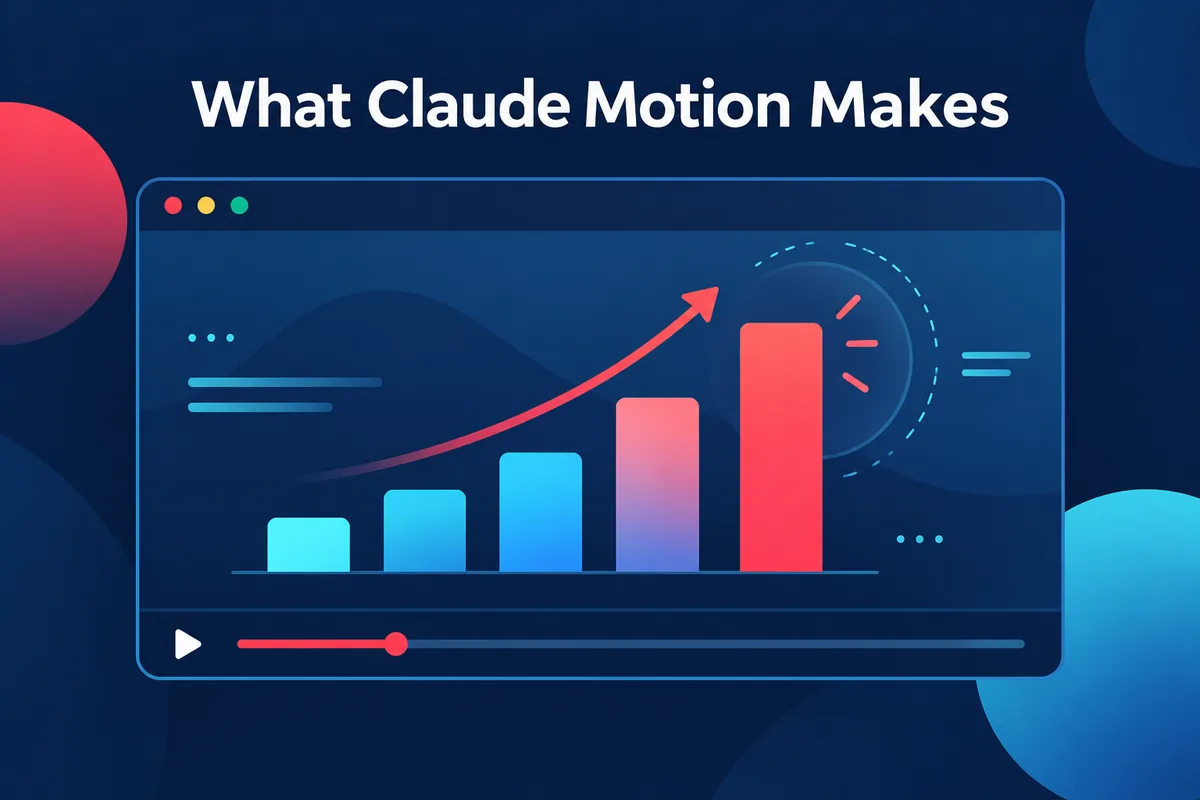
Animations of text, charts, shapes and images. The announcement lists these four building blocks.
Short length. The help article calls the results "short animations" and gives a 30-second explainer as an example, but states no maximum duration.
MP4 export. It is the only format the help article mentions.
Saved in the Artifacts tab.
Open in other tools. The announcement says you can open an animation in Adobe, Descript, HeyGen, Higgsfield, invideo, Luma AI or Runway, with Canva and Captions listed as coming soon. These are Anthropic's integrations; Potto has no connection to any of them.
How you start
Per the help article, you can ask for an animation from any chat, or select "Output" in the message box and choose "Motion." You can also open the Artifacts tab, select a Motion template and describe what you want. The announcement adds a shortcut: type /motion in the message box.
Anthropic's advice for better results is practical: state the audience, say where the animation will play and roughly how long it should be, and attach the source report, data or images. The brief section below builds on that.
Editing, sharing and limits
Editing. Ask Claude in chat for changes, such as slowing a scene or updating a figure, or edit directly in the built-in editor.
Sharing. Animations are private by default; you use "Share" to share them.
Usage. Animations count toward your plan's usage limits, and longer or more complex animations use more of your limit than a typical message.
Who can use it
Claude Motion is in beta on Team and Enterprise plans. On Team it is on by default. On Enterprise it is off until an owner enables it in Organization settings under Artifacts, and owners can limit access to specific groups with custom roles. Only Owners and Primary Owners can turn it on or off. The help article does not mention Pro or Max plans, so this guide says nothing about them.
What the official pages do not say
As of 2026-10-10, the Claude Motion help article does not specify:
aspect ratios or resolutions of the exported MP4,
a maximum animation length,
whether an animation can include narration, or in which languages,
what software renders the animation. In particular, it does not mention Remotion.
So if you read online that Claude Motion "runs on Remotion," treat that as unverified. Anthropic's pages say animations are code built from artifact templates and do not name a renderer. The next section explains why Remotion keeps coming up anyway.
Where Remotion fits
Remotion is why "video from code" is familiar to developers, and it is the technology Potto uses to draw its scenes.
What Remotion is
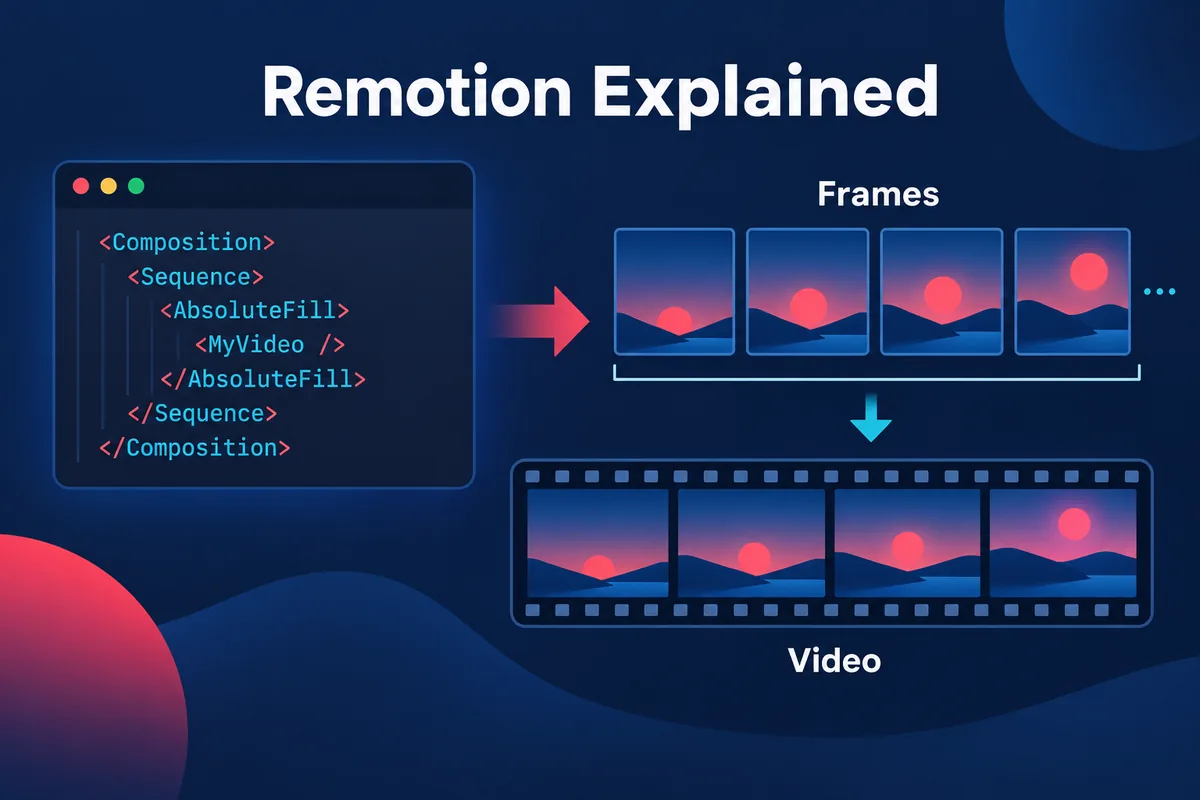
Remotion describes itself as a tool to "make videos programmatically." Its home page says you create videos and motion graphics with React. A new project starts with npx create-video@latest and runs in Remotion Studio, a preview environment.
The fundamentals page states the core idea: Remotion gives you a frame number and a blank canvas, and "a video is a function of images over time." A React component receives the current frame number and draws that frame. A composition combines the component with metadata: width and height in pixels, fps and durationInFrames. Duration in seconds is the frame count divided by the frame rate, so 900 frames at 30 fps last 30 seconds.
Why code-made video is useful
Because a Remotion video is code, it is repeatable (the same code gives the same video), parameterized (connect data and produce variants) and easy to change (one number is one line). The home page describes three workflows: agentic, using coding agents with Agent Skills; interactive, editing in Studio and saving back to code; and programmatic, connecting data in code. It states that "code is always the source of truth."
Remotion and coding agents
Remotion's documentation has a page on Agent Skills. It says the skills are "useful for AI agents like Claude Code, Codex, Kimi Code or Cursor," that they define best practices for Remotion projects, and that the install command is npx skills add remotion-dev/skills. This is the background to the many tutorials about making a video with Claude Code and Remotion: a coding agent writes Remotion code, and you render it on your own machine.
That route is real and documented, but it is a developer workflow. You need a Node environment, a Remotion project, an agent, and the patience to review code. Whether that is a feature or a burden depends on who you are.
Remotion's license
Remotion's home page says the Free License covers up to three people with unlimited commercial use, subject to its terms, and that the Company License is required for collaborations and for companies of four or more people. If you plan to build on Remotion directly in a company, read the current terms on remotion.dev, because they are Remotion's to define and can change.
Where Potto fits
Potto is not Claude Motion
Potto does not use Anthropic's Claude Motion feature, is not a reseller of it, and has no official relationship with Anthropic. What Potto does use is the Claude Opus 5.5 model, through an API, to write the text of a video. The Claude video generator page says the same in its FAQ, and this guide repeats it so the two names are not confused.
What Potto does today
Potto is an AI video generator that makes narrated motion graphics videos:
Claude Opus 5.5 writes the plan. It drafts the outline, a scene-by-scene storyboard and the narration script from your description, link or document.
Potto's Remotion scene components draw the video. A project is built from eleven scene types: hook, title, screenshot, features, list, stat, compare, chart, illustration, quote and a closing call to action. The browser preview and the exported video are the same composition. See AI motion graphics for what the scenes animate.
Illustrations and voiceover are AI-generated. Illustration scenes use AI-generated images, and narration is AI-generated speech.
Narration in 32 languages, or automatic language detection, with captions shown in sentence-sized blocks.
An original soundtrack from Potto's own music library, chosen to match the style and length, which you can swap.
Export as 1080p MP4 at 30 frames per second in 16:9, 9:16 or 1:1.
Scene-by-scene editing before export. Change a scene's text and narration, swap screenshots, choose a focus point, or regenerate or replace an illustration.
Brand kits. A selected kit brings four brand colors in, offers three fonts (Inter, Space Grotesk and Bricolage) and puts your logo in the opening and closing.
Inputs are a description, a public web link, or a document. For links, Potto reads only public http or https pages: the page you give plus up to two more from the same site, taking brand name, colors, fonts and logo. A page behind a login cannot be read, and Potto asks for a screenshot instead. Documents can be PDF, PPTX or DOCX, up to 20 MB each, with up to 8 attachments per project. PDF to video covers the document route, and article to video covers the link route.
Costs and limits
Potto's pricing is credit-based: generation and the browser preview do not use credits; only export does. For example, a 30-second video with English narration and no illustrations costs 153 credits to export, and adding two illustrations brings it to 199. Aspect ratio does not change the price. Each day a user can create up to 30 video projects and generate up to 60 illustrations.
What Potto does not do
It does not generate filmed footage or digital presenters.
It does not give you the code behind a video. You receive the MP4.
It does not edit or analyze videos you upload; it creates new videos from descriptions, links and documents.
It exports 16:9, 9:16 and 1:1 only.
Claude Motion and Potto side by side
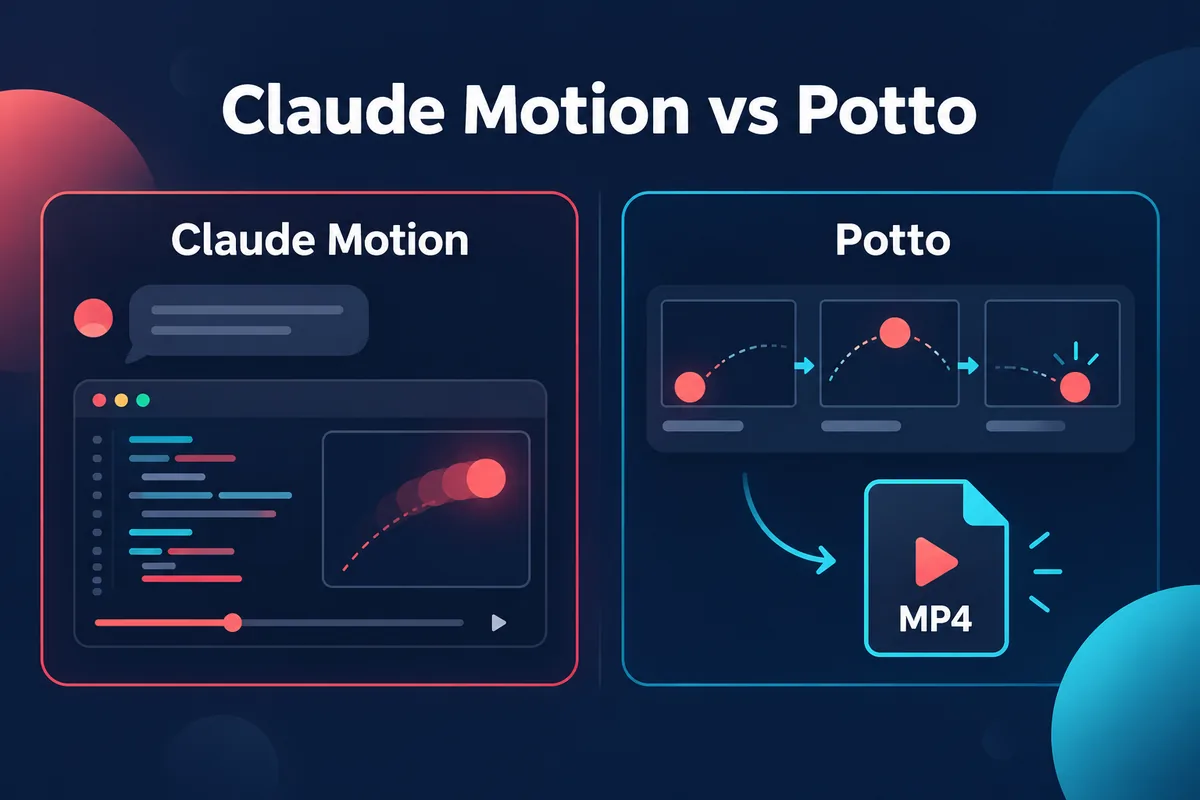
The table contains only differences that can be checked against Anthropic's pages and Potto's product pages. Where a published page is silent, the cell says so.
Claude Motion
Potto
Made by
Anthropic
Potto, an independent product
Where it runs
Inside Claude, in chat and the Artifacts tab
In the browser at potto.ai
Availability
Beta on Team and Enterprise plans
Preview uses no credits; export uses credits, and new accounts get 100 credits
Language model
Claude (the pages do not name a model)
Claude Opus 5.5 writes outline, storyboard and narration
How the picture is made
Code built from an artifact template animating text, charts, shapes and images
Remotion scene components in eleven scene types, plus AI-generated illustrations
Footage or people
None
None
Narration, captions, music
Not stated on the pages
AI narration in 32 languages, sentence-block captions, original soundtrack
Export
MP4; ratios and resolution not specified
1080p MP4, 30 fps, 16:9, 9:16 or 1:1
Editing
In chat or the built-in editor
Per-scene edits before export
Source material
Anything you attach in Claude
Description, public link, PDF, PPTX or DOCX
Cost model
Counts toward your plan's usage limits
Credits for export
Read the table as a map of differences, not a ranking. Several cells on Claude Motion's side may be filled in as the beta develops.
When each one fits
Claude Motion fits when your organization is on a plan that includes it, the material you want to animate already lives in a Claude conversation, and you want to edit in one place or hand the animation to one of Anthropic's listed tools.
Potto fits when you want a finished narrated video with captions and music, need narration in a specific language or vertical and square versions of the same video, or are starting from a product link, PDF or slide deck, for example for a product video or a product demo video. It also fits when you are not on a Team or Enterprise plan, and when you want per-scene control before you spend credits on an export.
Claude Code with Remotion fits when you need something a fixed set of scene types cannot do, when videos must be generated from your own data at scale, or when you want to own and version the code. It asks for a development environment and comes with Remotion's license terms.
The tools are not exclusive. You might draft a data animation in Claude Motion for an internal meeting, use Potto for a narrated explainer that must go out in three formats, and keep a Remotion project for a data-driven series. The only thing to avoid is assuming they share features.
How to write a motion brief that works in any of them
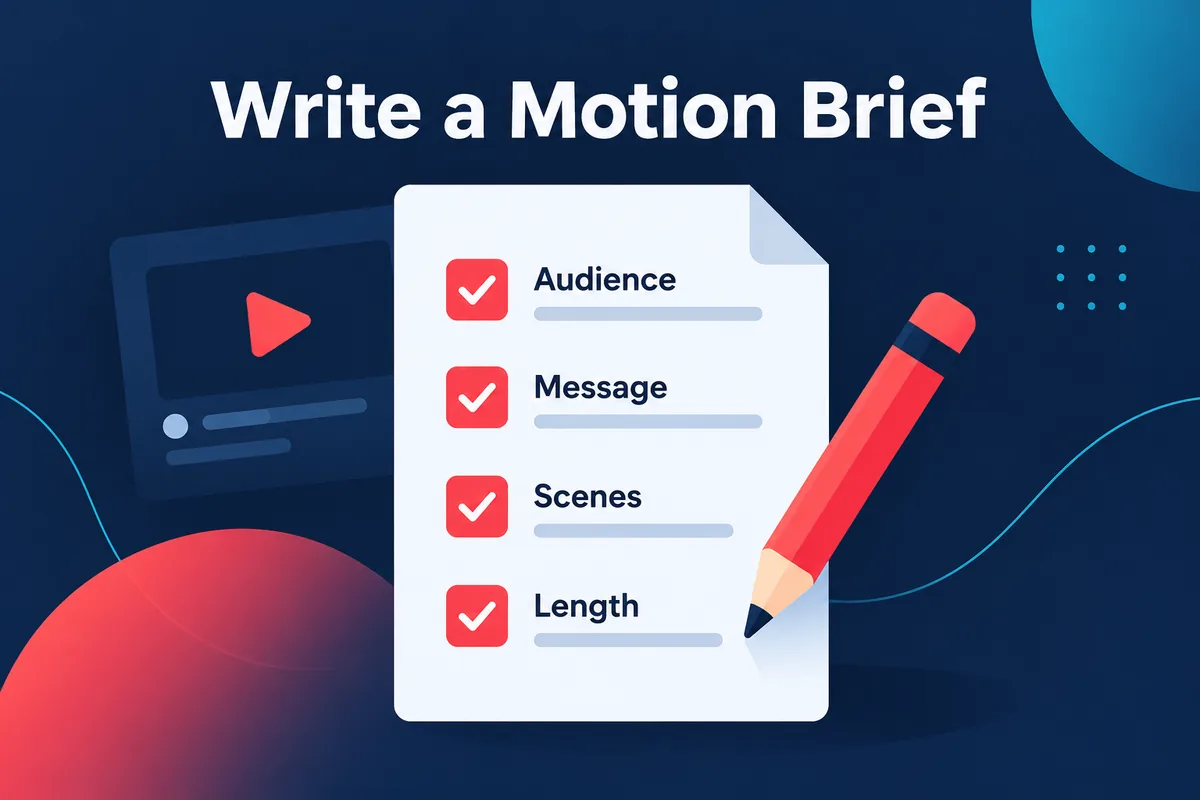
Anthropic's advice is the core of a good brief: audience, where it will play, approximate length, and the source material. The same brief helps in Potto and with a coding agent. A motion brief is shorter than a script and longer than a prompt, and it has six parts.
One sentence of purpose. What should a viewer understand or do afterwards? "Show the finance team why Q3 churn fell" is a purpose. "Make a cool animation" is not.
Audience. Who watches, and what do they already know?
Placement and length. A meeting, a landing page or a vertical feed each call for a different length. Pick one and say it.
The facts that must appear. List the numbers, names and claims, and where they come from. Animation tools present figures well and invent correct ones poorly, so supply them.
The order of ideas. Three to six beats is plenty, each one thing on screen: one statement, one chart or one comparison.
The ending. Decide the last frame: a call to action, a summary figure or a logo.
For a chart-heavy brief, give the actual values and labels. Potto's animated chart maker takes exactly this input and animates bar and donut charts from three to six values. For a narrative brief, write the beats as plain sentences and read them aloud; if you stumble, the narration will too.
FAQs
What is Claude Motion?
Claude Motion is an Anthropic feature that turns your content into short animations inside Claude. Claude generates code that animates text, charts, shapes and images, you can edit the result in chat or in a built-in editor, and you can download it as an MP4. It was announced on October 8, 2026 and is in beta on Team and Enterprise plans. It does not use a video generation model, so it makes designed animation rather than filmed footage or people.
Is Claude Motion the same as Potto?
No. Claude Motion is Anthropic's feature inside Claude, and Potto is an independent product with no official relationship with Anthropic. Potto uses the Claude Opus 5.5 model through an API to write the outline, storyboard and narration, then renders the video with its own Remotion scene components and exports a 1080p MP4. The Claude video generator page explains how.
Who can use Claude Motion?
Claude Motion is in beta on Team and Enterprise plans. It is on by default for Team and off by default for Enterprise until an owner enables it in Organization settings under Artifacts. Anthropic's help article does not mention Pro or Max plans, so check your own plan before relying on it.
Does Claude Motion use Remotion?
Anthropic's pages do not say. They describe each animation as code built from an artifact template and do not name a renderer, and the help article does not mention Remotion. Remotion is a separate tool for making videos from React code, and it is also what Potto uses for its scene components. A shared name in searches does not mean a shared engine.
What is Remotion?
Remotion is a tool for making videos programmatically with React. Its documentation describes a video as a function of images over time: a component receives a frame number and draws that frame, and a composition sets the width, height, frame rate and duration. You start a project with npx create-video@latest and preview it in Remotion Studio. Its home page lists a Free License for up to three people and a Company License for larger groups.
Should I use Claude Motion, Potto or Remotion directly?
Use Claude Motion if your plan includes it and you want to animate material already in Claude. Use Potto if you want a narrated video with captions, music and a choice of 16:9, 9:16 or 1:1 from a description, link or document, as on the explainer video page. Use Remotion directly if you are a developer who wants to own the code and needs scenes beyond a fixed set. The comparison table lists the checkable differences.
Can I get the Remotion code behind a Potto video?
No. Potto delivers the MP4 and does not provide the code behind a video or let you run it. If you want the code, a Remotion project of your own is the way to have it, and the Agent Skills page on remotion.dev describes how coding agents work with Remotion projects.
Sources
All sources were checked on 2026-10-10.
Anthropic, Dashboards and Motion, announcement dated October 8, 2026. Used for what Claude Motion is, availability, MP4 download, the "no video generation model" statement and the list of third-party tools. Checked 2026-10-10.
Anthropic Help Center, Get started with Claude Motion. Used for how to start, editing, export, sharing, usage limits and admin controls. Checked 2026-10-10.
Remotion, Remotion home page. Used for the description of Remotion, the three workflows, the setup command and the license summary. Checked 2026-10-10.
Remotion documentation, The fundamentals. Used for frames, compositions and video properties. Checked 2026-10-10.
Remotion documentation, Agent Skills. Used for the statement that skills are useful for AI agents like Claude Code and the install command. Checked 2026-10-10.