AI Motion Graphics
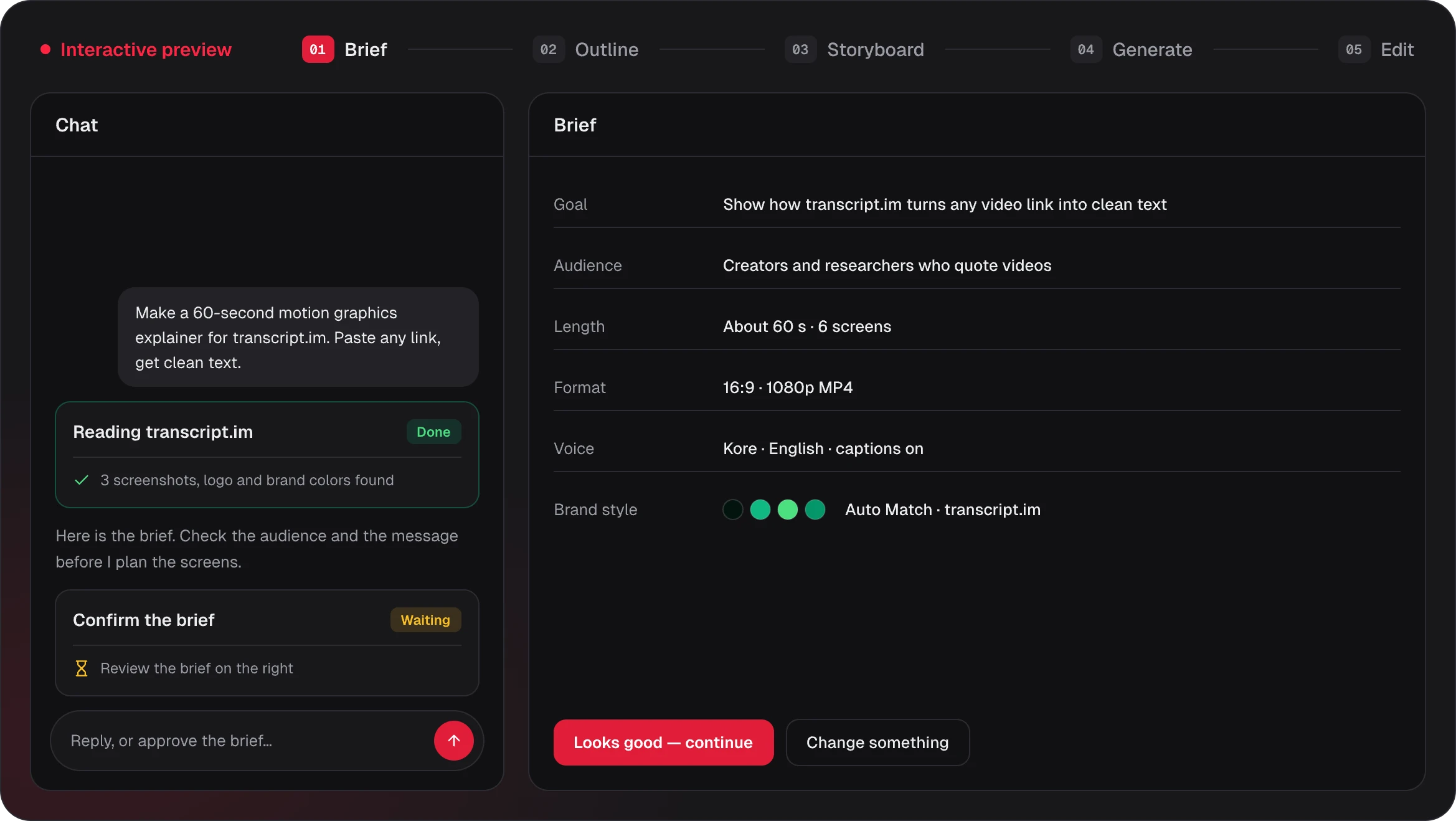
Make motion graphics for product videos, explainers and data stories from a prompt or a link: kinetic text, moving product screens and charts in your brand style, timed to a voiceover.
Popular AI Motion Graphics
Moving type, animated product screens, charts and launch films made with the AI motion graphics generator. Posters load first; a video plays only when you click it, and the line under each poster shows where it came from.
Make 16:9 motion graphics for a transcript tool. Use three big on-screen lines, one per beat: 'Paste any link.', 'Get clean text.' and 'In seconds.', each landing with the voiceover.
Kinetic type
Paste any link, get clean text
Words timed to the voice · 0:08
Make a 9:16 type-led clip with the Midnight Tech style: two short title screens, then a quote that fills the frame, timed to the beat.
Kinetic type
Three words, one idea
Type-led clip, 9:16 · 0:08
Turn my article into 16:9 motion graphics: the central question as a title, three supporting ideas as a list and the conclusion as a quote with the source credited.
Article
Why cities add green roofs
Question, list, quote · 0:10
Animate my two dashboard screenshots in 16:9: start on the full view, zoom to the one setting that matters with a cursor path, and close on a call to action with our URL.
Product screens
A dashboard walkthrough
Zoom and cursor, 16:9 · 0:10
Show how our budget is split in 9:16: a title, a donut chart with product 45, marketing 30 and support 25, then a stat for the 45% that goes to product.
Data story
Where the budget goes
Donut chart, 9:16 · 0:10
Turn my quarterly numbers into 16:9 motion graphics: a title, a stat for 42% growth and a bar chart of monthly revenue from July to October that counts up.
Data story
Revenue up 42%
Q3 in 45 seconds · 0:09
Make a 16:9 brand reveal for Halo: a hook with the name and a tagline, three one-word features and a closing screen with halo.studio.
Brand reveal
Meet Halo
Name, three words, URL · 0:10
Animate my screenshot in 1:1 for social feeds: a zoom with a cursor path, a two-line feature list and a closing call to action.
Product screens
A square screen tour
Feed-ready, 1:1 · 0:10
Create a 16:9 launch clip: a hook that names the product, one zoomed screenshot with a cursor path and a closing call to action with the URL.
Launch
Launch day announcement
Hook, screen, call to action · 0:09
Explain how vaccines work in 16:9: a title question, then two illustrated steps with short captions, in the Midnight Tech style.
Explainer
How vaccines work, animated
Title, two illustrations · 0:10
Turn our v2.0 changelog into 16:9 motion graphics: a hook naming the release, a three-point list of what changed and a prompt to read the notes.
Release notes
What's new in v2.0
Three changes, 16:9 · 0:10
Show why a visual system matters in 16:9 with the Neon Night style: a hook, three features and a before and after comparison.
Visual system
One look, every screen
Before and after, 16:9 · 0:10
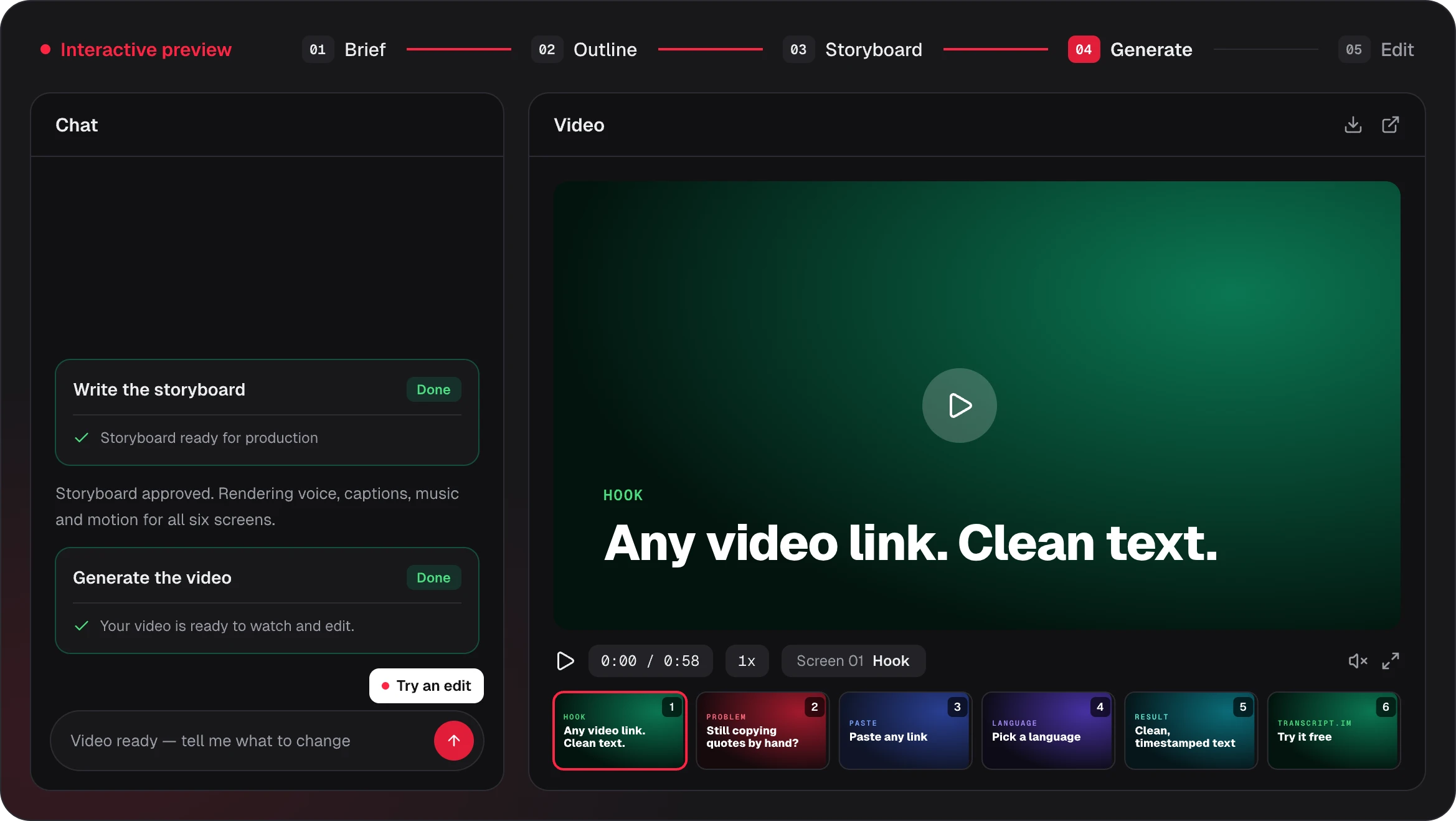
Every video here is a Potto sample built from a short brief. Samples are arranged demonstrations made from Potto scene types, not customer work, and they play as live previews in your browser from the same scene data that exports to MP4.
Every screen is planned before it moves
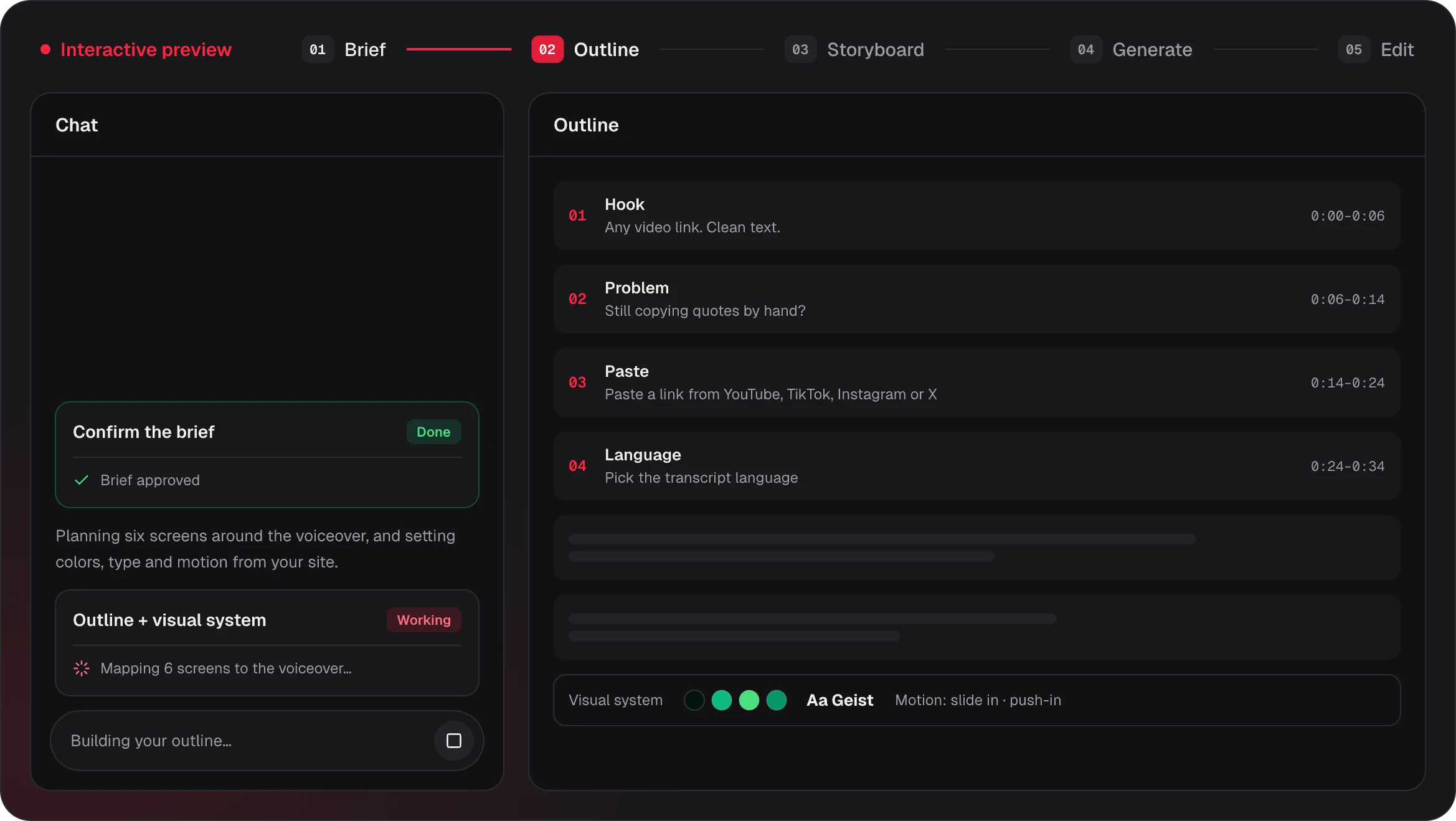
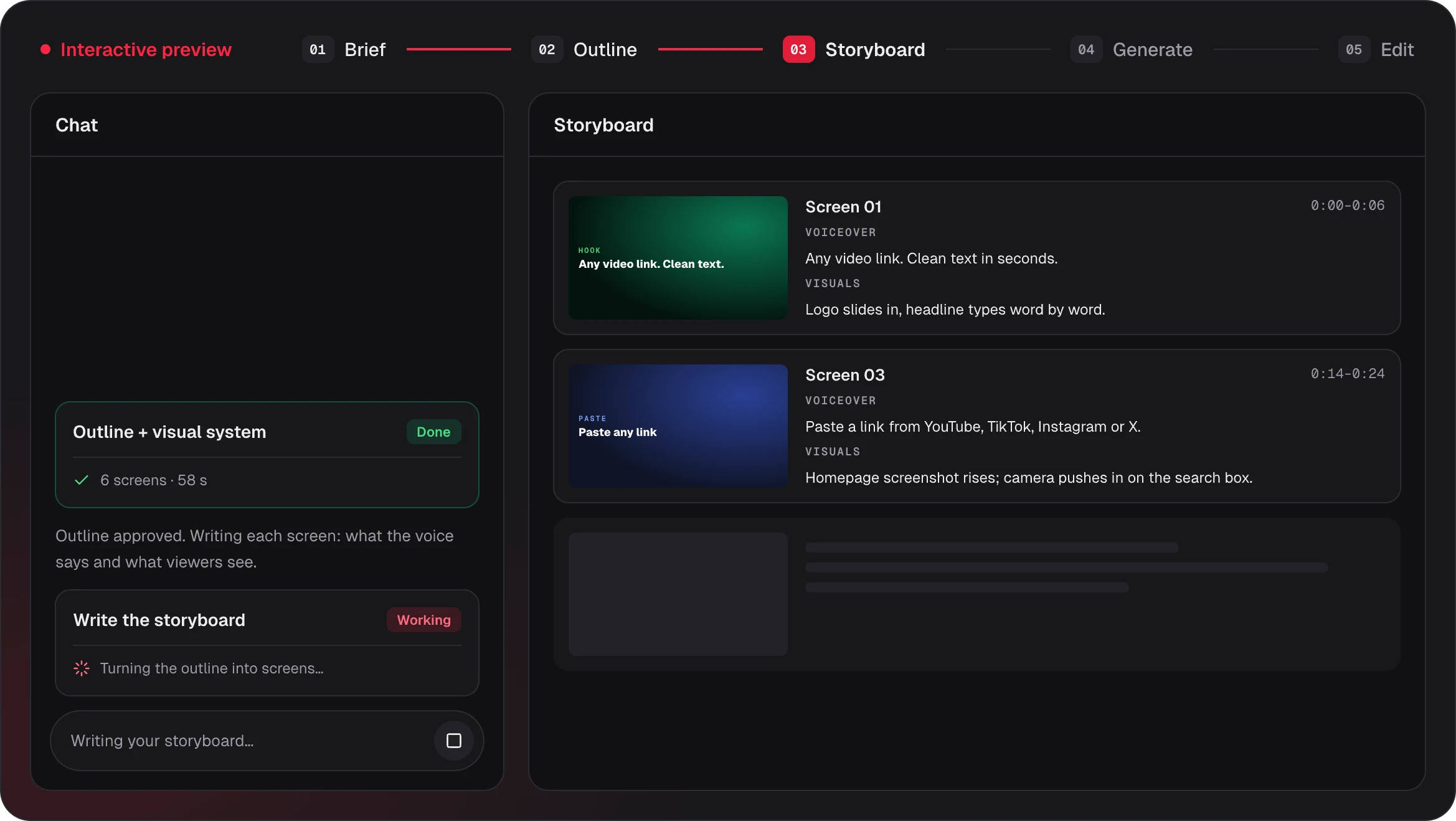
AI motion graphics work when the words, the picture and the timing agree. Potto writes each screen as a storyboard you can read and change before anything animates.
0:12 – 0:18
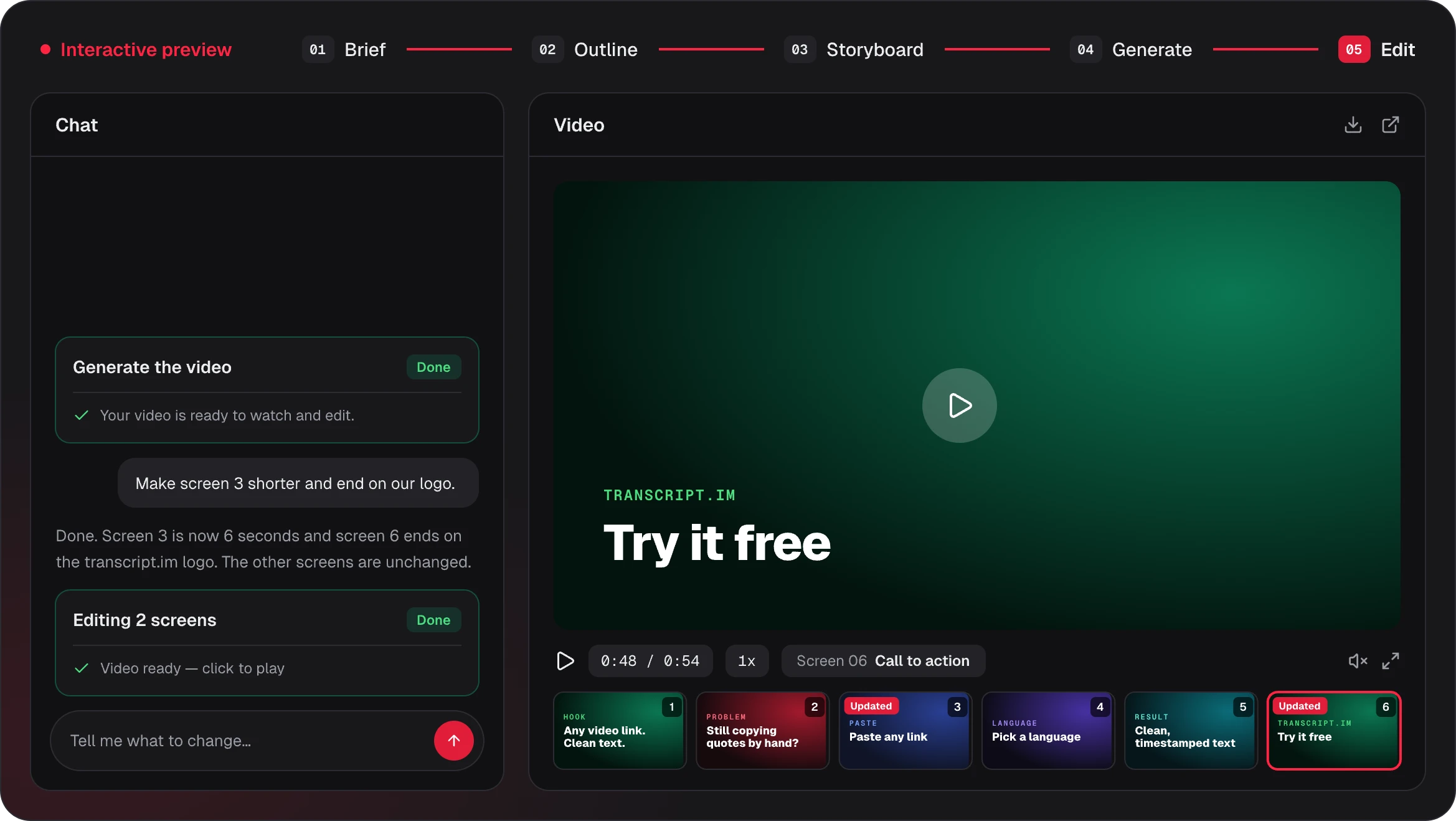
Screen 3 · 6s
Voiceover
Meet transcript.im. Paste a link from YouTube, TikTok, Instagram or X — or drop in an audio file.
What viewers see
The transcript.im homepage slides up from below. The camera pushes in on the search box, a link pastes itself in, and platform badges pop in underneath.
On-screen text
- Paste any link
- YouTube · TikTok · Instagram · X
Assets
Voiceover sets the timing
Each screen lasts as long as its line of voiceover, so text and motion never run ahead of the narration.
On-screen text stays short
Two or three words per screen, set large. The full sentence lives in the voiceover and captions.
Assets come from your link
Screenshots, logo and colors are pulled from the page you paste, then animated on the screens that need them.
What makes AI motion graphics work
Four things decide whether AI motion graphics hold attention: the words that move, the screens they sit on, the numbers they count and the look that ties them together.
01KINETIC TYPOGRAPHY
Words that move with the voice
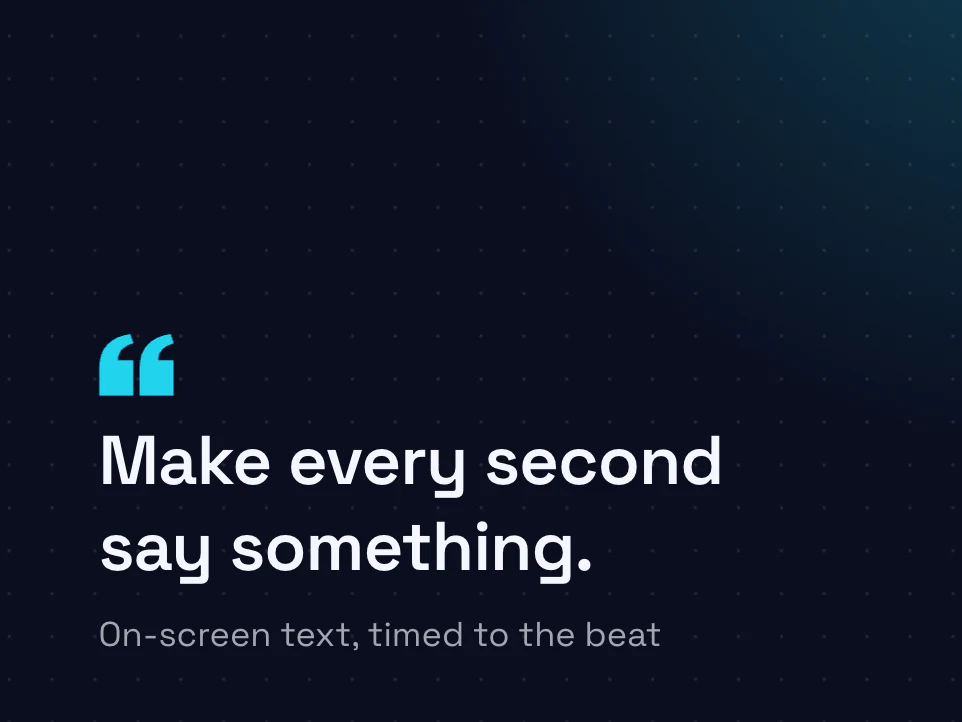
Each screen opens with its headline or main visual, then key lines build in as the voiceover reaches them, and captions highlight each word of the voiceover as it is spoken. Every screen lasts as long as its line of voiceover, so the text never races ahead, and short phrases stay big enough to read on a phone.
- Key lines build in with the voiceover
- Captions highlight each spoken word
- Large type that reads on a phone
02PRODUCT SCREENS
Your product screens, animated
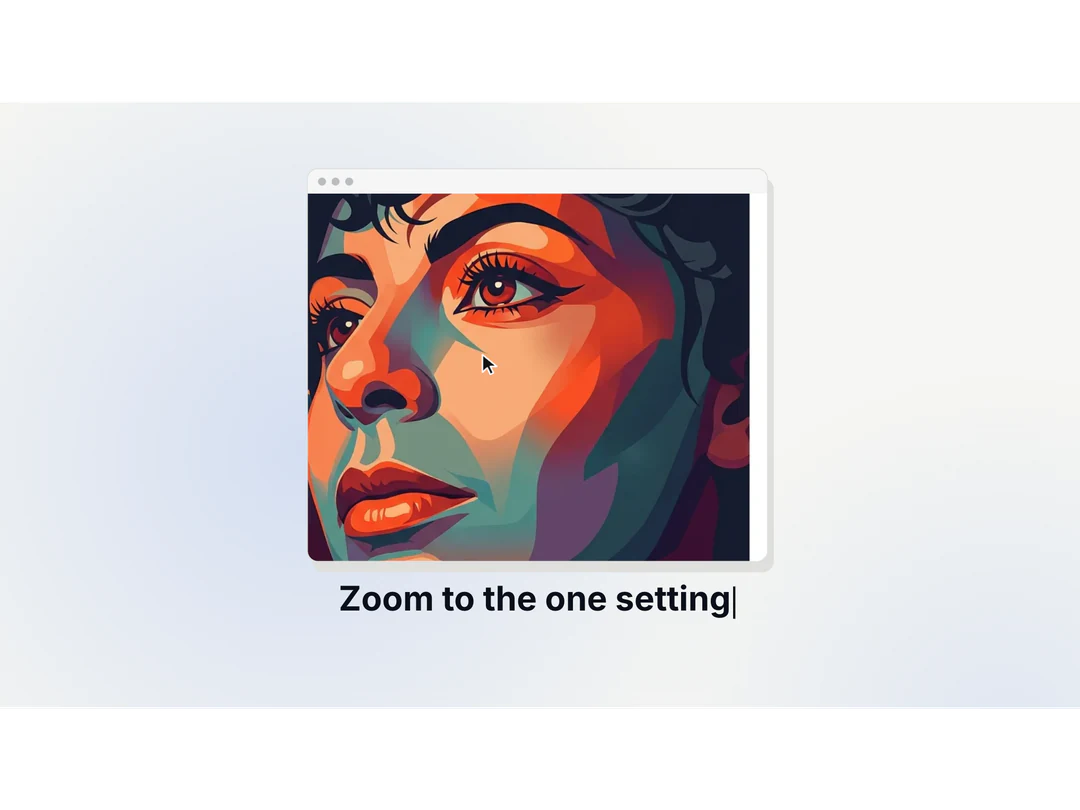
Paste your site and Potto brings in the screenshots, logo and colors, then animates them: a slow zoom to the search box, a cursor that clicks through the flow, a caption on the part that matters. Your real interface stays the star instead of a mock-up.
- Screenshots and logo pulled from your link
- Zoom and cursor paths on real screens
- Captions that point at the right detail
03DATA STORIES
Charts that count up
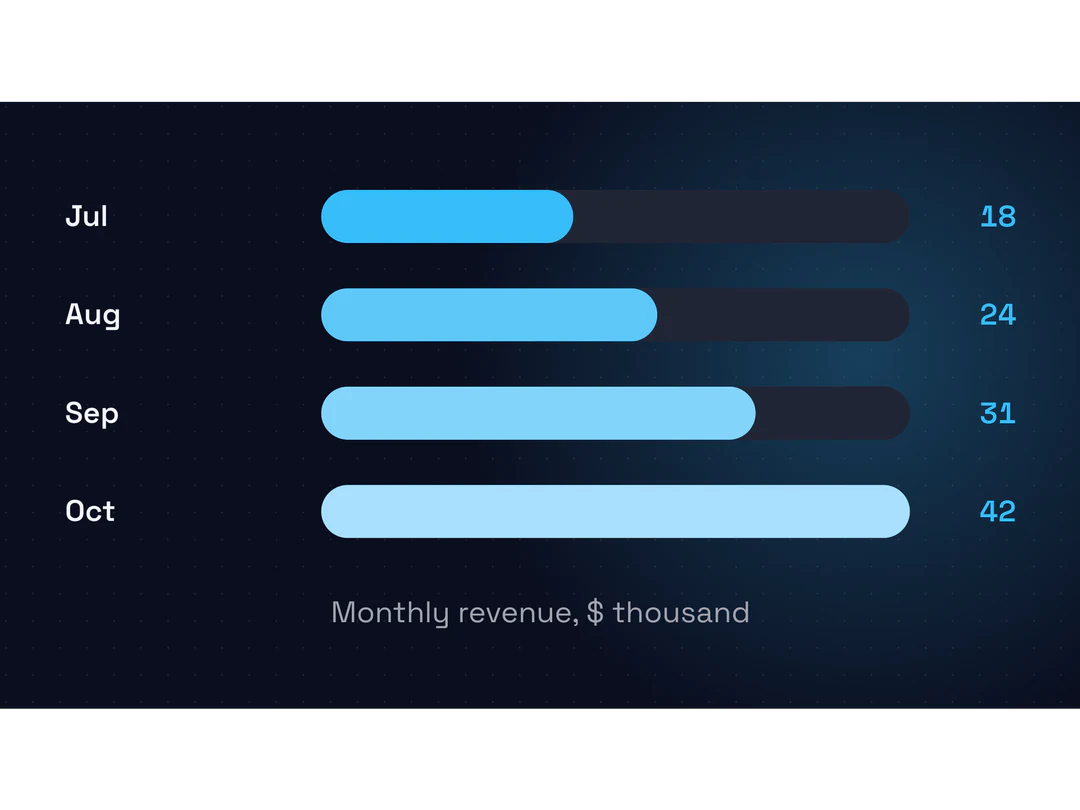
Give Potto the numbers and a headline stat lands first, followed by a bar or donut chart that fills as the narration reaches each value. Charts take three to six labeled values from your brief, so the figures on screen are the ones you supplied.
- Headline stat, then the chart
- Bar and donut charts with 3 to 6 values
- Values come from your own data
04VISUAL SYSTEM
One look across every screen
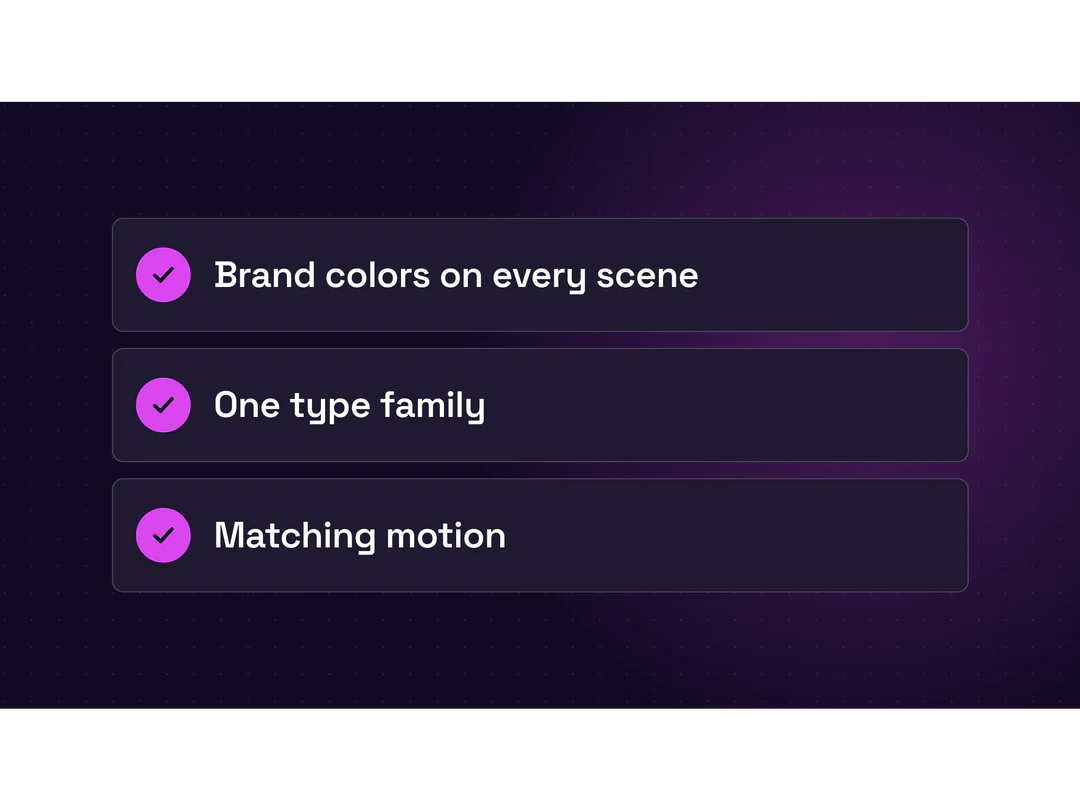
Before any screen is written, Potto sets a visual system: a palette, a type family and a motion style from your brand or one of 12 built-in styles. Every scene then inherits it, so a title, a screenshot and a chart read as one piece.
- Palette and fonts from your brand
- 12 built-in visual styles
- Matching motion on every screen
More ways to make it with Potto
AI motion graphics power every Potto video. Start from a specific format, or prepare the images and backgrounds that go into a scene.
- AI Video GeneratorEvery video type, from one prompt or link.
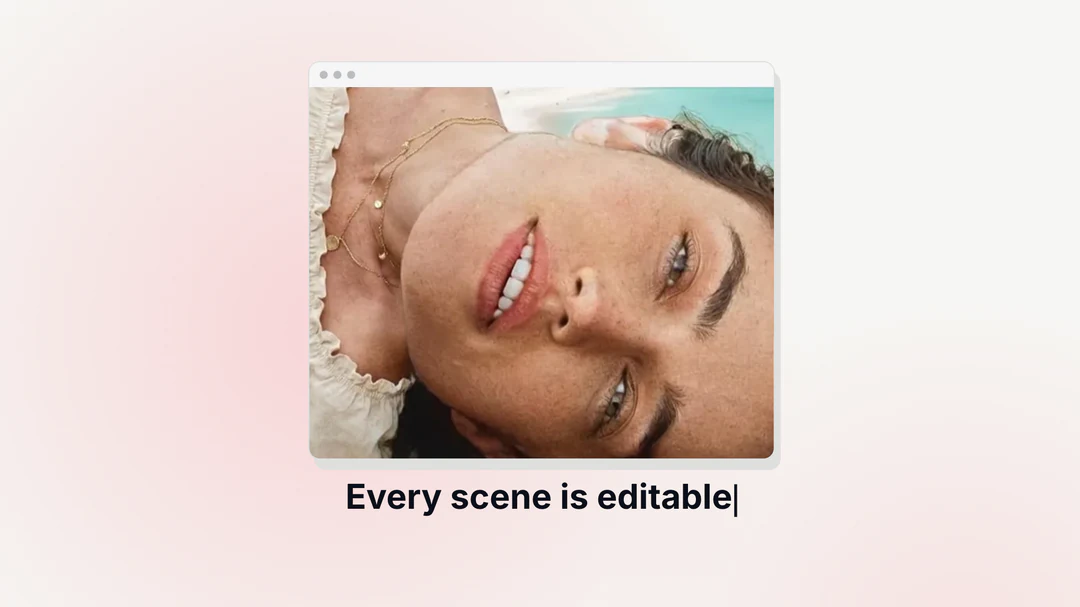
- Explainer VideoExplain one idea with illustrations and captions.
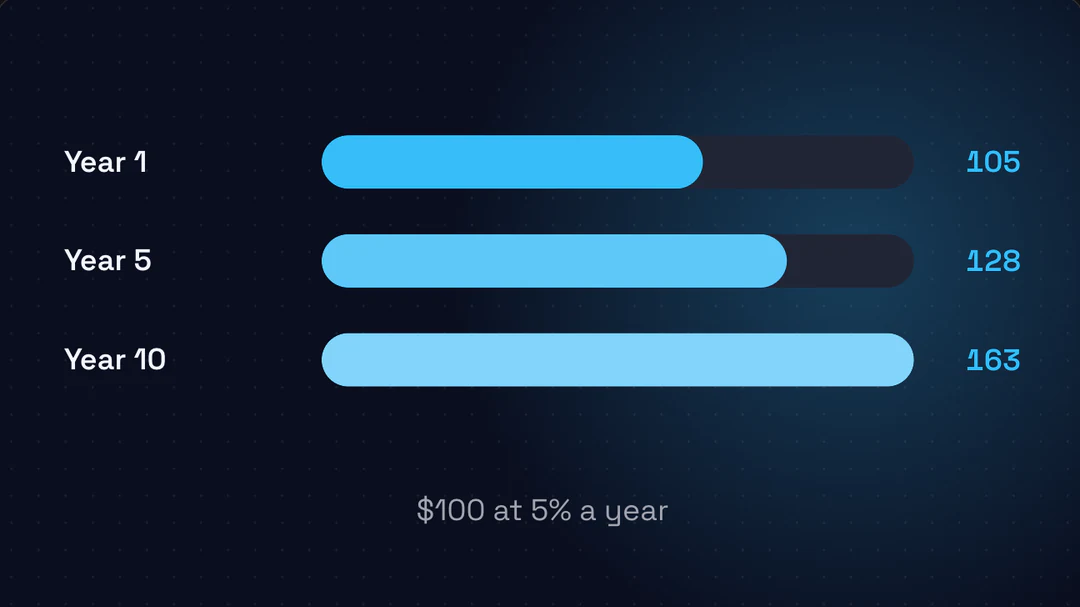
- Product Launch VideoShow a product workflow from your screenshots.
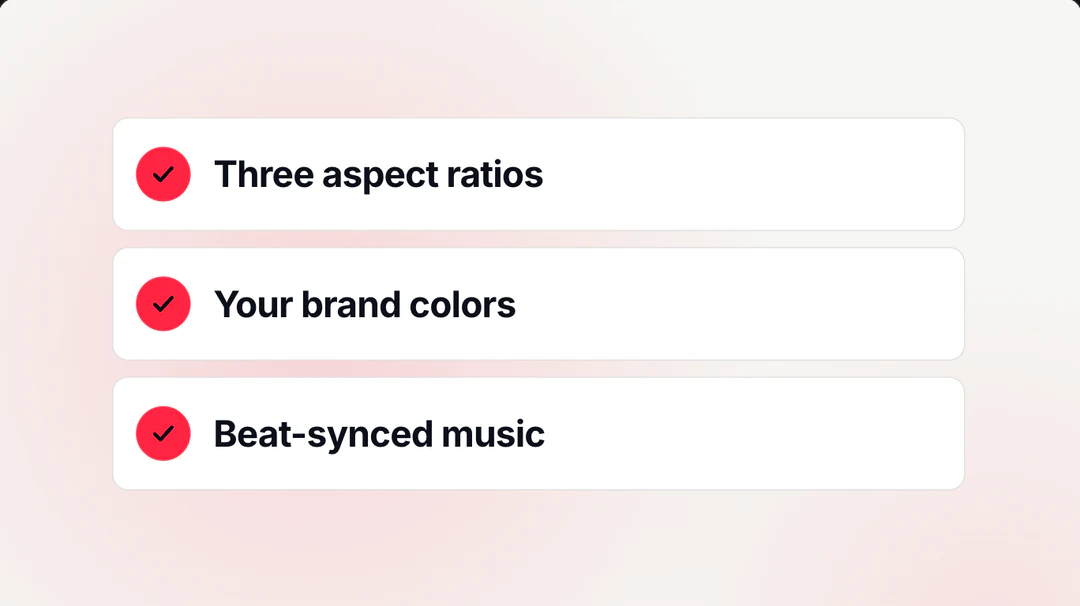
- AI Image GeneratorCreate illustrations and visuals for your scenes.
- AI Background RemoverCut out a logo or product for a clean scene.

- Claude VideoClaude writes the storyboard, Remotion renders the video.
AI motion graphics FAQs
Answers about what AI motion graphics are, what they animate and how to control them.
What are AI motion graphics?
AI motion graphics are animated screens, such as moving text, product screenshots and charts, that an AI plans and a renderer animates for you. Potto is an AI motion graphics generator: it writes the brief and a scene-by-scene storyboard from your prompt or link, and the scenes render as an MP4 with voiceover, captions and music. The result is designed animation, not filmed footage and not a digital presenter.
How do AI motion graphics relate to product videos and explainer videos?
Every video Potto makes is motion graphics: animated text, screenshots, charts and illustrations timed to a voiceover. A product video uses them to show what a product does, and an explainer video uses them to make an idea easy to follow. This page covers both, and the AI Video Generator page is the same creator described by video format.
What can the motion graphics animate?
A project is built from eleven scene types: hook, title, screenshot, features, list, stat, compare, chart, illustration, quote and a closing call to action. Text builds in on cue, screenshots zoom and follow a cursor path, and charts count up as bar or donut charts with three to six values. The AI motion graphics generator also applies one of twelve visual styles, or matches your brand colors.
How do I make AI motion graphics from a link or screenshots?
To make AI motion graphics from a link, paste the page address in the creator and say what the video should explain; to start from screenshots, attach up to eight images, documents or audio files. Potto pulls screenshots, the logo and brand colors from the page where it can, drafts the brief and storyboard, and animates the screens that carry them. Check each screen against the source before you export.
Can I control the animation and timing?
You control what each screen says, shows and how long it stays by editing the storyboard or asking in chat, for example shortening screen 3 or ending on your logo. Potto animates from a fixed set of scene types and styles, so there is no free-form timeline and no custom animation code. A request that names the screen and the change gets the clearest result, and earlier versions stay available if you want to go back.
How do voiceover and captions affect the timing?
The voiceover sets the pace: each screen stays up for the time its line takes to speak, then the next one begins. Captions follow the spoken words in a clean, highlight or bold style, and with narration turned off the durations come from the storyboard instead. Check the pacing by playing the preview with sound on, then again muted with captions on, because many viewers watch without audio.
How do I keep the numbers in a chart accurate?
Give Potto the exact values, unit and period in your brief or an attached document, because it does not verify figures. A chart scene takes three to six labeled values as a bar or donut chart with a caption, and a stat scene shows one headline number. Compare every label and number with your source in the storyboard and again in the exported video, since a shortened caption can drop a unit.
What do I get, and what does it cost?
You get a 1080p MP4 at 30 frames per second in 16:9, 9:16 or 1:1, from 15 to 90 seconds. Briefs, storyboards, chat edits and previews are free; credits apply when you export, at the base rate shown in the quote plus narration by character count and each illustration. A silent 30-second video is 150 credits, and creating one requires an account.
Can I make AI motion graphics with Claude?
Yes. Potto uses Claude Opus 5.5 to write the outline, storyboard and voiceover script, so Claude motion graphics and motion design start from a plain description or a link in the browser, with no code and no local setup. Remotion renders the scenes into an MP4 with AI-generated illustrations and voiceover, and you can edit each scene before you export.
Animate your next launch
Paste a link or describe the motion graphics you want in the creator above, check the storyboard and export when every screen reads right. Make AI motion graphics from a link; previews and edits are free, and you only pay when you export.