
Skip to content
Potto AI

Christmas photos: the same people before and after

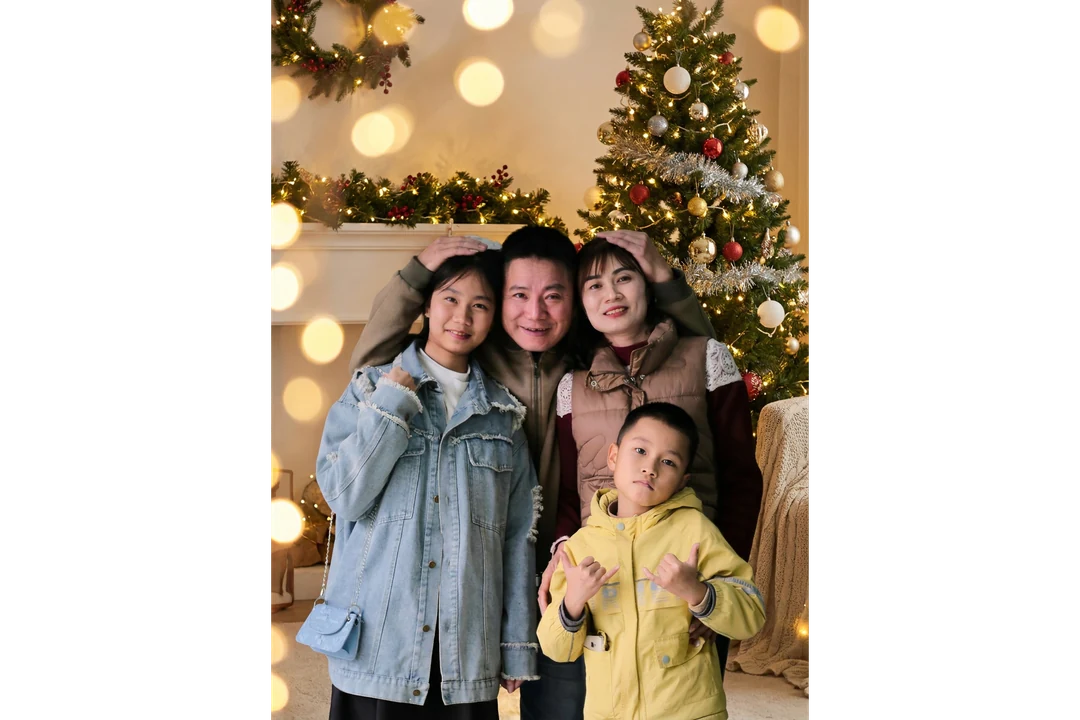
One reference photo and the Christmas photo generated from it, in the template's fixed 3:4 ratio.

Original photo before the Christmas photo treatment
Original photo
Christmas portrait generated from the same photo with festive lights and a decorated tree
Christmas photo result · 3:4

What stayed

The recipe asks the model to keep each person's identity, face, expression, pose and clothing. Compare faces one at a time against the original, then check that hands and shoulders still sit where they did. Keeping one face does not prove the others are unchanged.

What changed

The setting around the people becomes a warm holiday scene with festive lights, a decorated tree and cozy seasonal decor. The light on the faces can shift to match the room, so skin tone and mood may read differently from the source.

What to check

Look for a bright ornament or lamp across an eye, a hand merged into a prop, and garbled lettering in the decor. The frame is a fixed portrait crop, so a wide group may lose someone at the edge. If that happens, start again from a closer photo.

Where a Christmas photo fits

Three common uses. In each one the AI Christmas photo is the image, and your own layout carries the greeting.

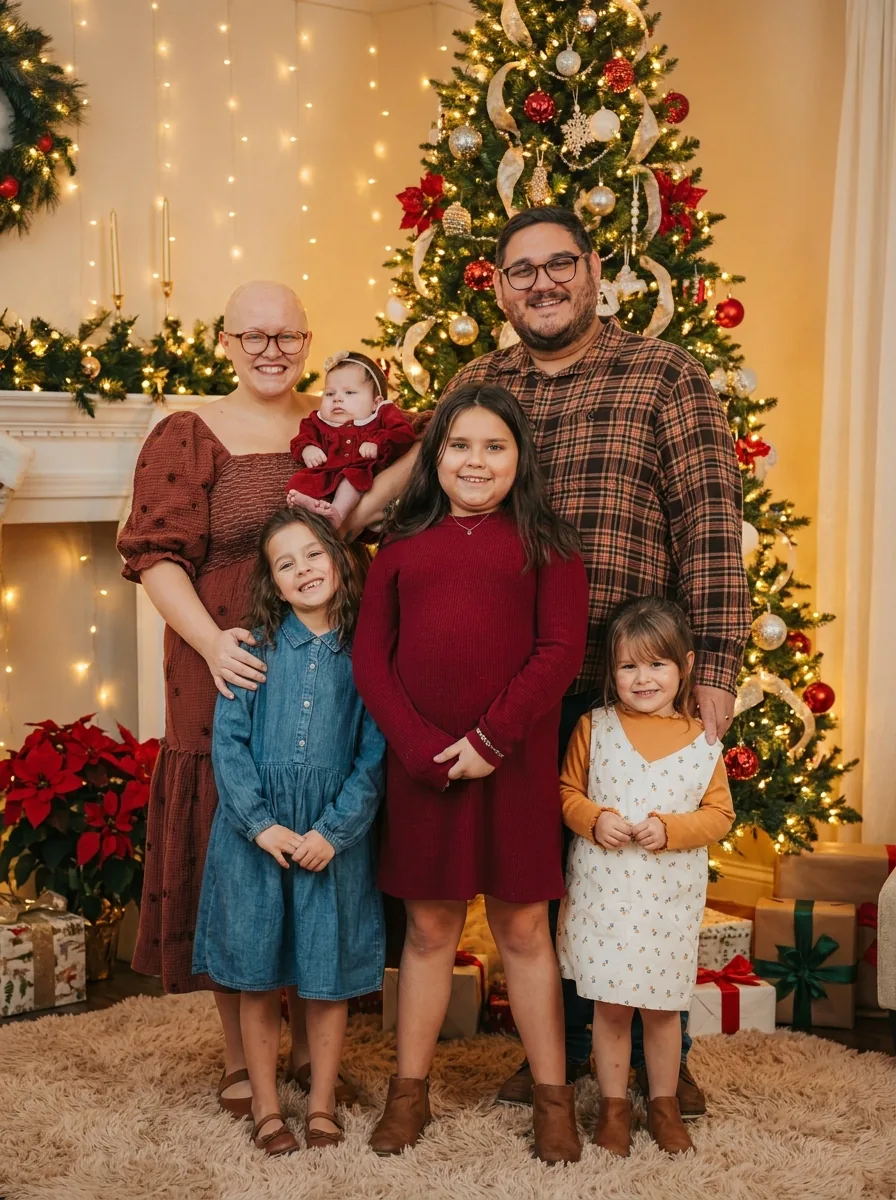
Family of six in a Christmas photo with festive lights and a decorated tree around them

3:4 · Greeting

Family greeting

Choose a reference where everyone's expression already works, then generate one portrait for the message thread. Count the people in the result and compare each face with the original. Add names and the greeting in a layout app where you can check spelling; the template does not typeset text. Describe the image as a generated holiday portrait, not a record of a gathering.

Christmas photo of a smiling man cropped close to the face for a profile picture, with festive lights behind him

3:4 · Profile

Seasonal profile or business greeting

Start with one clear portrait and leave some room around the head. After generating, crop a copy to the profile shape and check the eyes and expression at the size it will show. Keep the full download so you can recrop. For a shop or studio greeting, put hours and offers in real text outside the image.

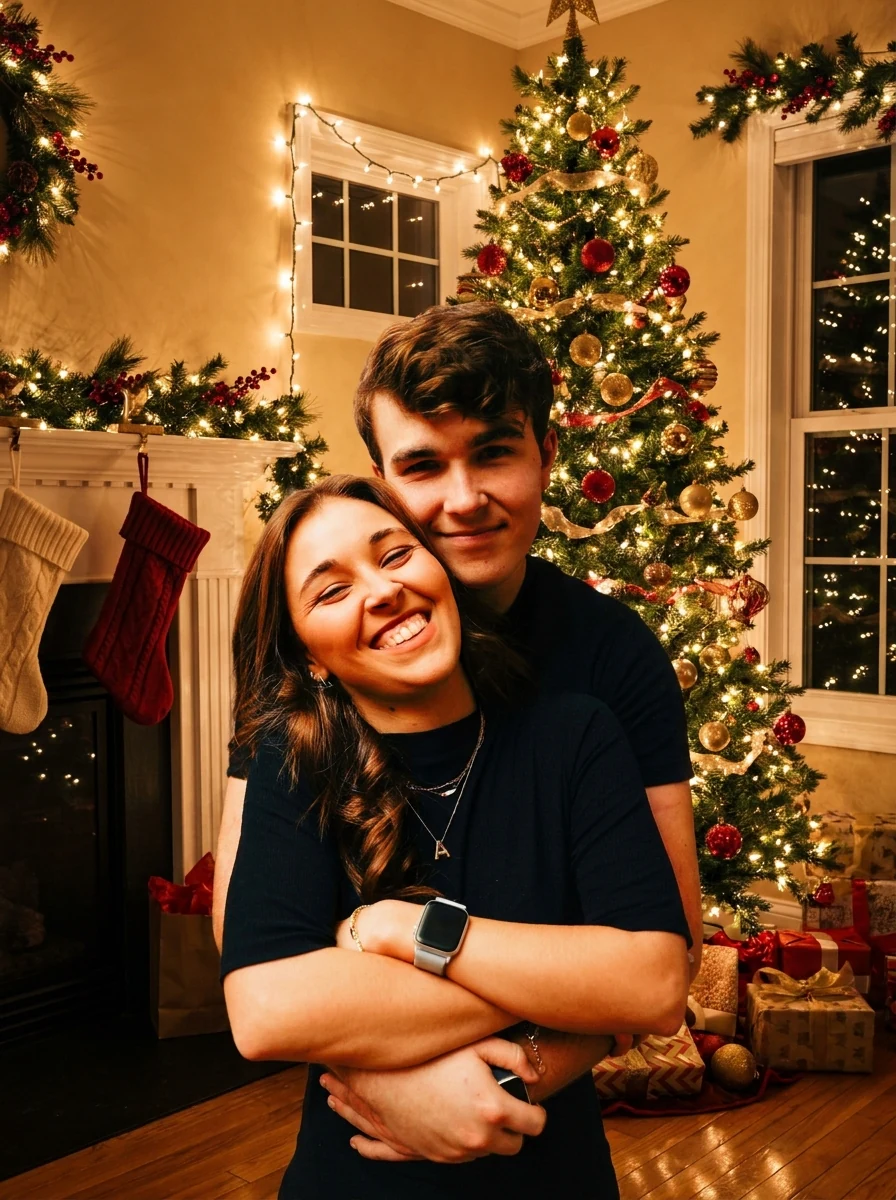
Couple embracing in a Christmas photo with festive lights and a decorated tree behind them

3:4 · Keepsake

Printed card or keepsake for relatives

Check the file dimensions against your print provider before ordering, and make a small proof, because lights and shadows read differently on paper. Keep the original photo, the generated portrait and your editable layout as separate files so next year's version is easy to change. A decorated card frame is a different template.

How to make a Christmas photo from a reference

Upload a photo, check the fixed output, then compare every face before you download.

  1. 1. Upload one reference photo

    Add one JPG, PNG or WebP image up to 20 MB. Choose a photo where each person's face is large enough to inspect, with room around the edges, and use one you own or have permission to edit.

  2. 2. Check the fixed settings

    There is no decoration, outfit or scene selector; the panel shows the fixed output, one 3:4 PNG at HD from Nano Banana Pro. Crop wide group photos first, because the 3:4 frame may recompose them.

  3. 3. Generate and compare

    Each Christmas photo result costs 45 credits, shown on Generate before you confirm. When the portrait is done, compare every face and the edges with your original, then download it.

What the Christmas photo template does to your portrait

Three things the fixed holiday recipe decides for you, and what stays in your hands.

  1. 01

    The people come from your photo

    You supply the people, the pose and the clothing. The recipe asks the model to keep each person's identity, face, expression, pose and clothing while the scene around them changes. Group photos work, but the frame is a fixed portrait, so crop a wide group before you upload it.

    • One reference photo per run, up to 20 MB
    • Faces large enough to inspect match best
    Original photo before the Christmas photo treatment
    The reference photo: the people and the pose come from here.
  2. 02

    Lights, a tree and seasonal decor appear around them

    Every AI Christmas photo gets the same festive setting: string lights, a decorated tree and warm seasonal decor. The room light can fall differently on the faces than in your picture, so skin tone and mood are worth a second look before you share it.

    • The same holiday recipe on every run
    • No decoration or outfit picker to configure
    Christmas portrait generated from the same photo with festive lights and a decorated tree
    The result: one 3:4 holiday portrait generated from that photo.
  3. 03

    One HD PNG you can finish in your own layout

    Each run returns one HD PNG in 3:4 for 45 credits, shown on the button before you confirm. The template does not typeset text, so add names or a greeting in a layout app where you can check the spelling.

    • Crop a copy for a profile picture and keep the full file
    • Change one detail afterwards in the photo editor
    Christmas portrait of a second family, made from a different photo with lights and a tree
    A second Christmas photo, made from a different family picture.

Keep exploring Potto AI

Pick the task that matches the result you want next.

Christmas Photos FAQs

  1. What are Christmas photos on this page?

    Christmas photos are portraits with a seasonal Christmas setting. Here, Potto AI turns one reference photo into an AI Christmas photo: a warm holiday scene with festive lights, a decorated tree and cozy decor around the people, who keep their faces, pose and clothes. The setting is generated artwork, not a record of a real gathering, so check every face against the original.

  2. Is this the same as making a Christmas card?

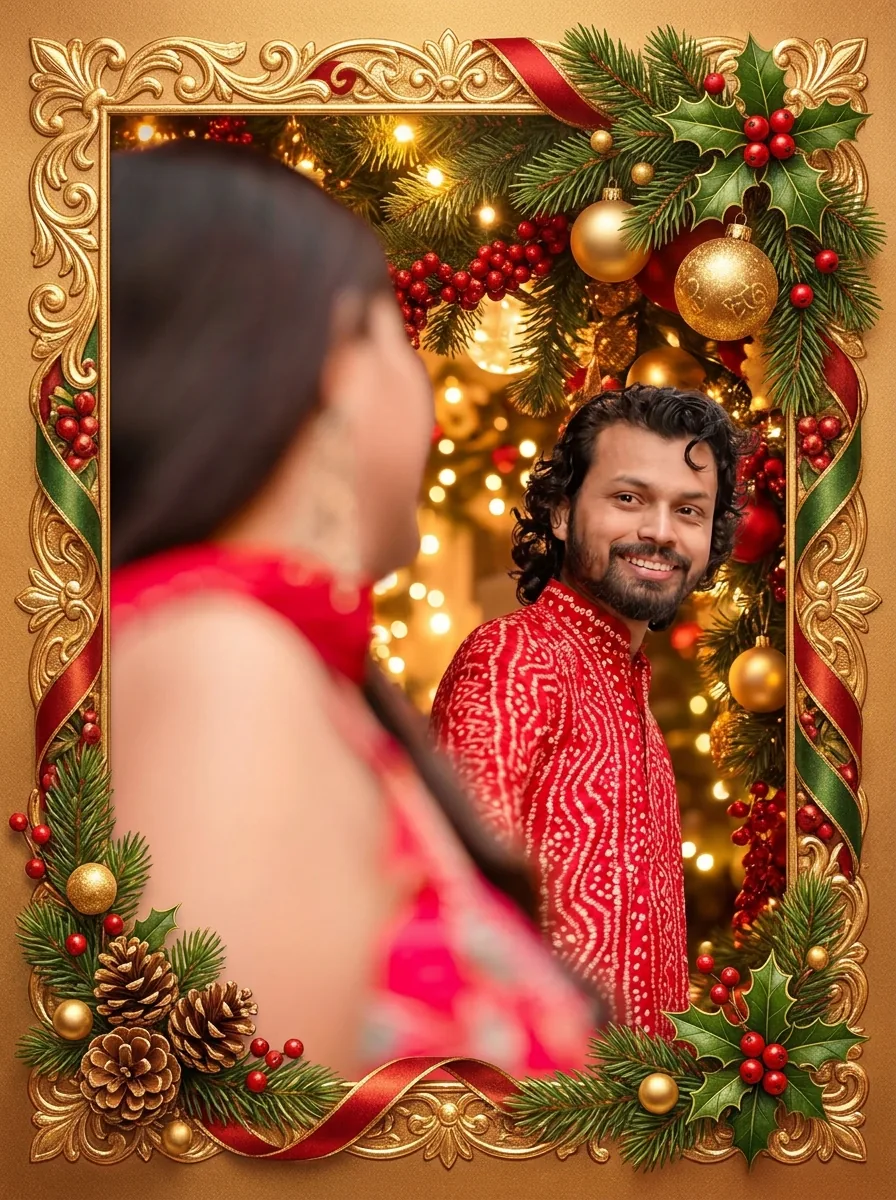
    No. This template produces a festive portrait image; a Christmas card is a greeting layout that may also include a frame and message. Use Christmas Cards if the decorative card composition is the main task. Add exact names and greetings in editable layout text after checking the portrait rather than expecting this photo preset to typeset a card.

  3. Can I use a family or group photo?

    You can provide a group reference, but inspect every person and the generated crop. A wide group may not fit the fixed portrait composition well, and preservation of one face does not prove preservation of the others. Choose a source with readable faces and space around the edges; reject a result that loses someone or changes an important expression.

  4. Can I choose the decorations or replace the clothes?

    This page uses its fixed holiday recipe; it has no custom decoration or outfit selector. The recipe asks to retain clothing while adding the festive setting. A specific outfit or scene instruction belongs in a custom image-editing request. Changing the source photo is your direct way to choose the people, clothes, and initial pose here.

  5. Will it add a greeting or text to the photo?

    No. The template has no text field, so names, dates and greetings belong in your own layout app, where you can check the spelling. Look over the decorations in the result for stray marks or garbled lettering before you place text near them. Keep a copy of the image without text so you can reuse it for another message or format.

  6. Can I use the result as a profile picture?

    Yes, as a cropped copy. Start from a clear portrait of one person with some room around the head, then crop the result to the profile shape and check at the real size that the eyes and expression stay readable. Keep the full download so you can recrop for another platform later.

  7. Can I make a different kind of holiday image?

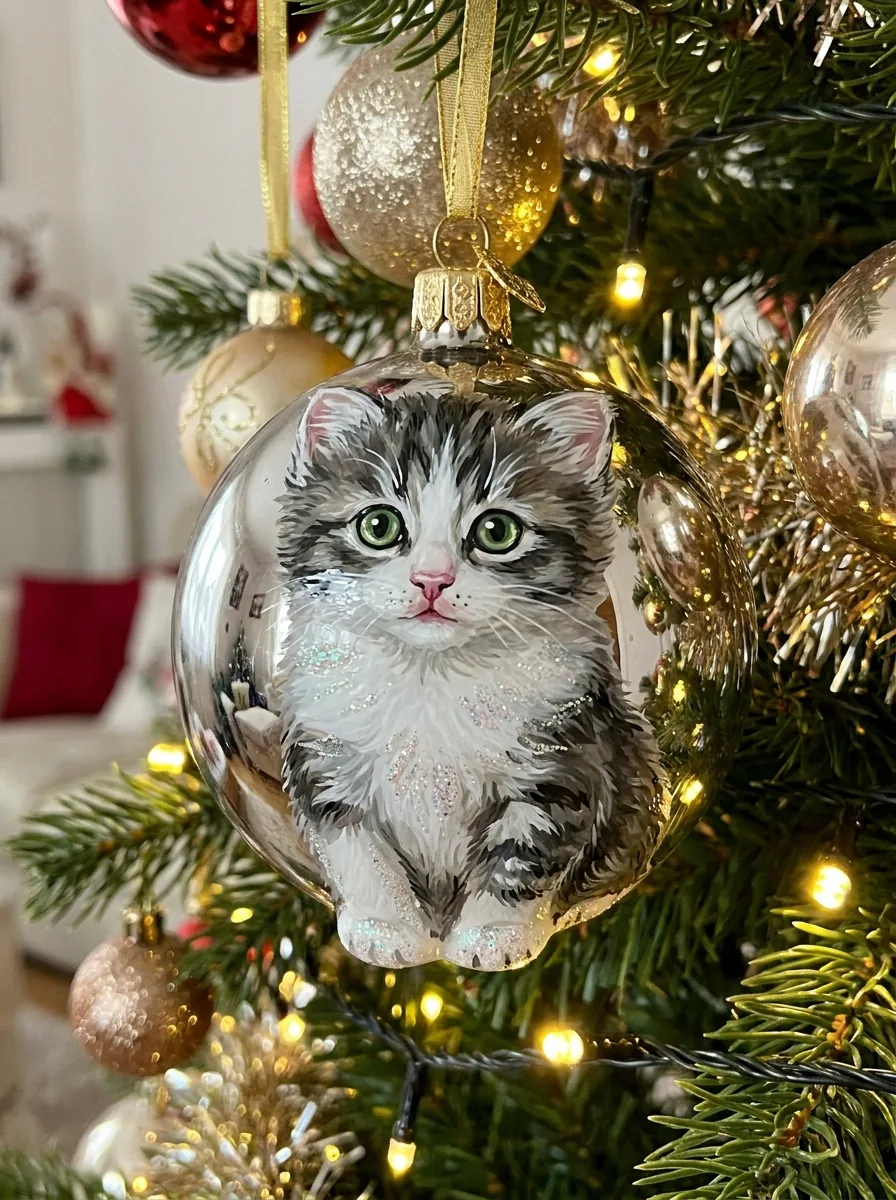
    Yes, with another template. This page always makes the same lights-and-tree portrait. Christmas Cards places the people inside a decorated card frame, Christmas Ornament Ideas turns a person, pet or place into a glass bauble, and Cookie Art decorates a sugar cookie. To describe your own holiday scene, write it in the AI image generator.

  8. How much does a Christmas photo cost?

    45 credits per run for one 3:4 PNG at HD, made with Nano Banana Pro. The amount appears on the Generate button before you confirm.

Potto AI

Make your Christmas photo

Upload one reference photo, review the credit estimate, and compare every person in the result with the original before sharing it.