Black Friday: 50% off every yearly plan for the first year. Ends Dec 1.
Potto AI

How to make a quote video

Three steps in the creator above.

  1. 1. Add your quote and the credit

    Paste the words exactly as they should appear. Add the name to credit. Set Video type to Quote Video, or leave it on Auto. It defaults to 15 seconds in 9:16 with music only. You can change all three. You can also attach a document of up to 20 MB.

  2. 2. Check every word in the storyboard

    Read the storyboard against your source. Check the wording, punctuation and credit line. Edit the on-screen text for any scene. Change the music if the mood is wrong.

  3. 3. Preview, then export an MP4

    Preview in your browser. Then export an MP4 in the frame you chose.

Three kinds of quote video

Each one needs a short quote, the right credit and a frame that fits.

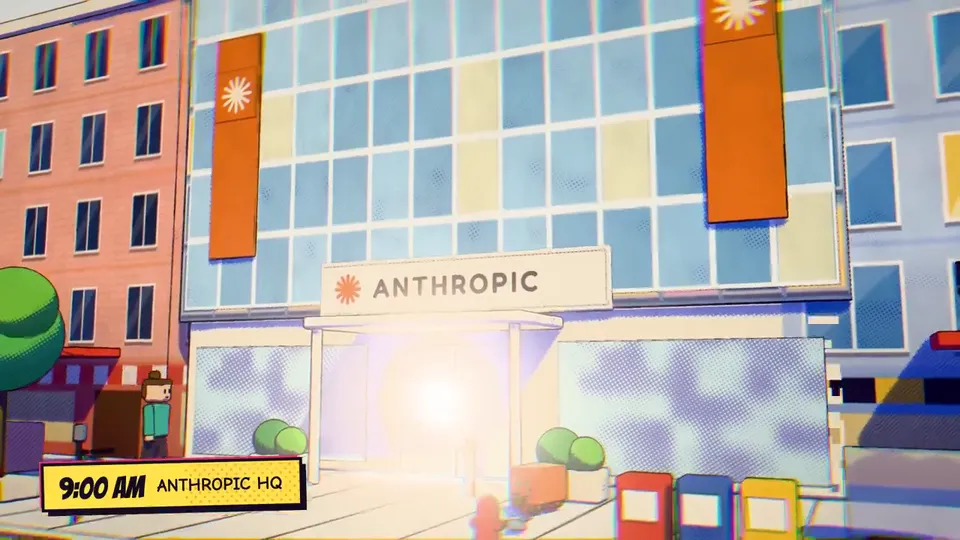
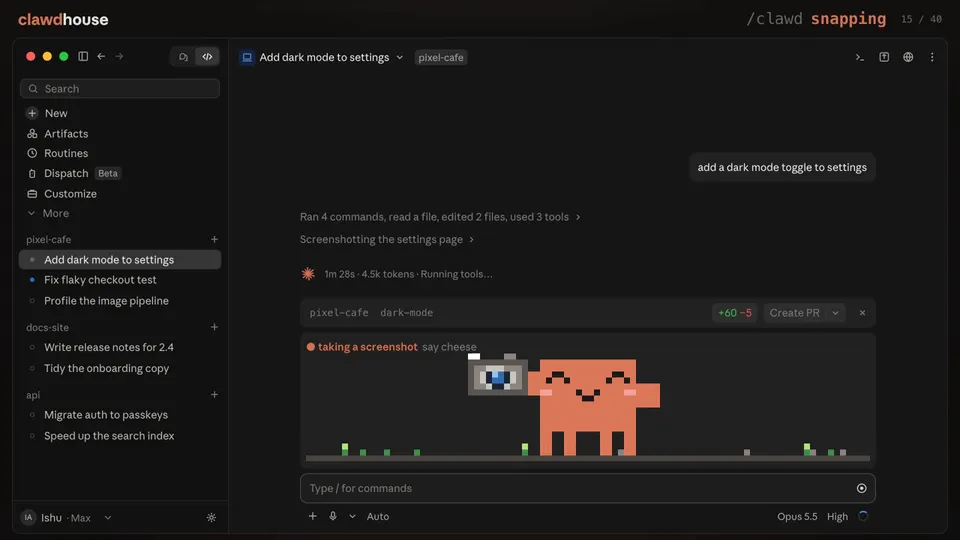
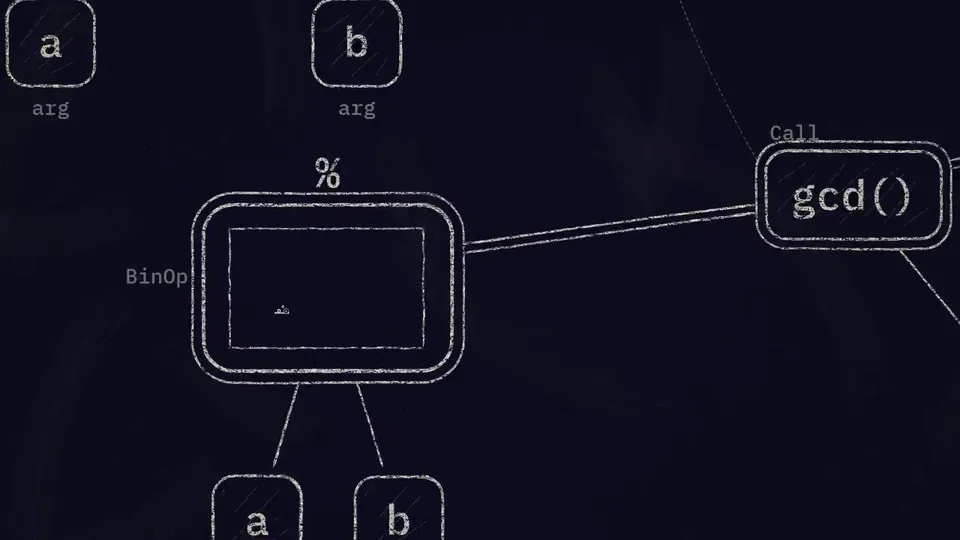
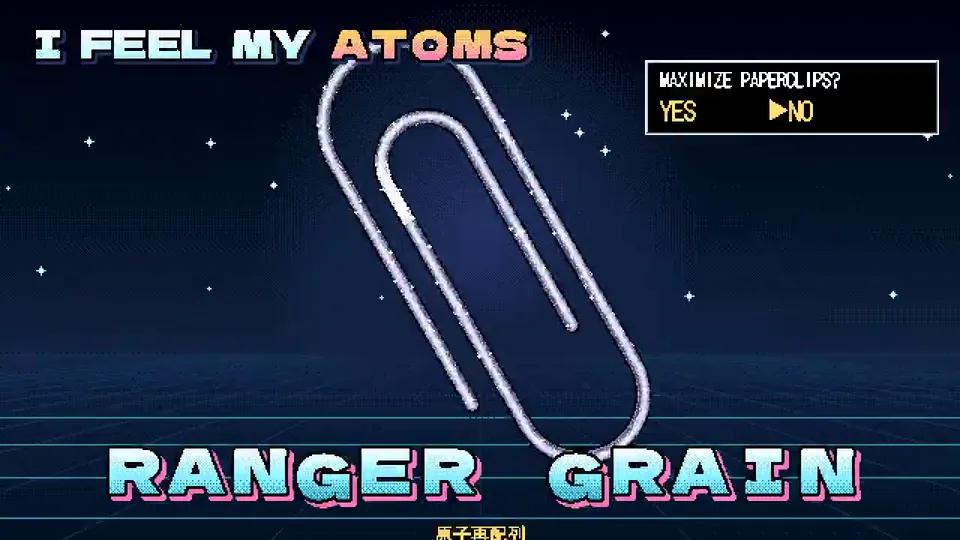
Claude Pop remake as a pixel-art AI-safety story by pleometric

Make an inspirational quote video

Keep it to a sentence or two, so viewers can read it before the screen changes. Post it vertically for phones. Credit the author exactly. If you are unsure who said it, check first. Potto credits only the name you give.
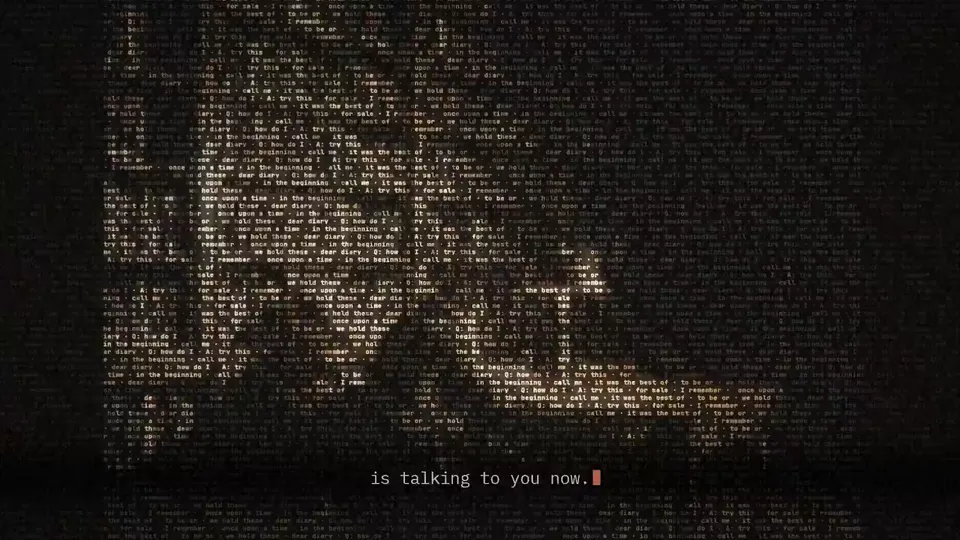
ASCII-character portrait types out a self-introduction by johnknopf

Customer and team quotes

Use a line from a review, a client or your team. Use only words that person wrote or said. Add the name and role they agreed to. Select your brand kit so colors and logo match your other posts.

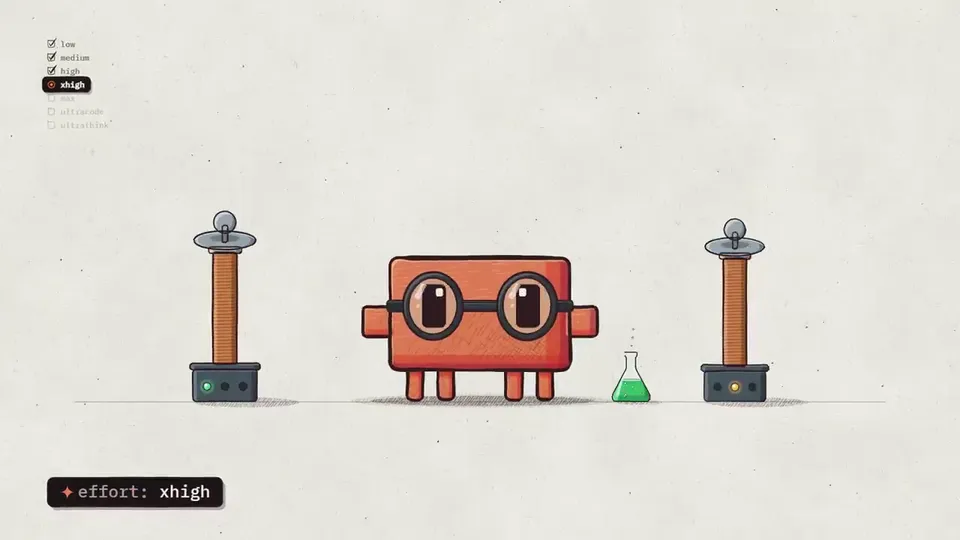
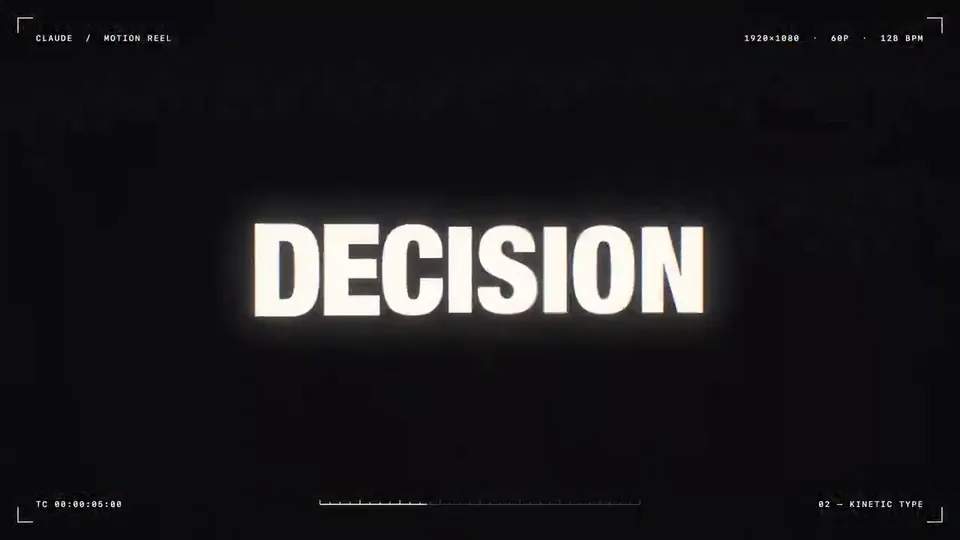
Showreel opens on a bold Decision title card by kenn

Lines from talks and books

Pull one line from a talk, book or interview. Give the speaker and source in your brief. Choose 16:9 when it will play on a website. Quote only what you have the right to share.

What Potto's inspirational quote video maker does with your words

Template makers ask you to fill in a design. Potto starts from your text instead.

  1. 01

    Your quote, word for word

    The AI is told to keep your wording exactly as written, and to credit only the person you name. The storyboard shows every word on screen. Fix a comma or a name before you export.

    • Wording kept as typed
    • Only your credit line
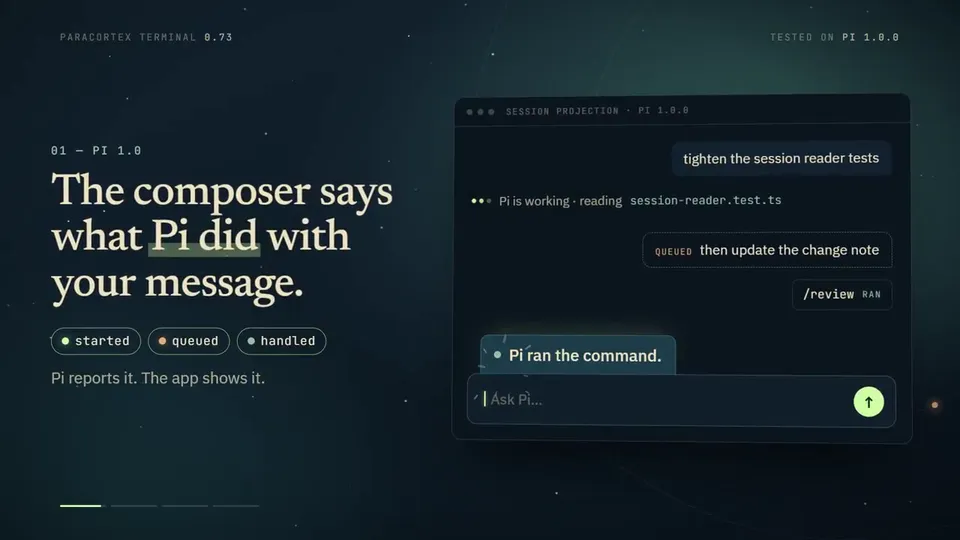
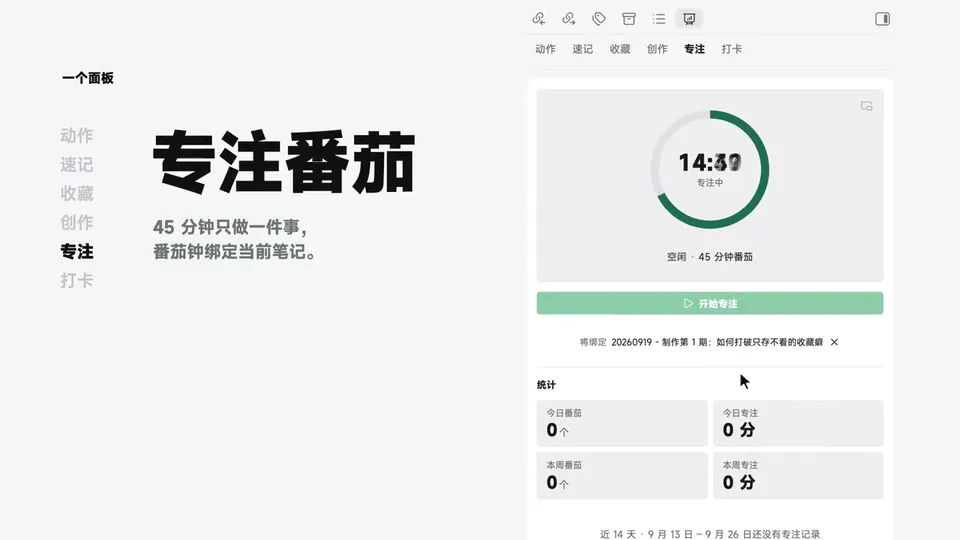
    Paracortex Terminal update film by RobIW_dev
  2. 02

    Large type that fills the screen

    Your words become large type in any frame, from a vertical post to a wide clip. Quote Video keeps the whole quote on one screen. Keep it short enough to read at a glance.

    • Large on-screen type
    • Short quotes read best
    An animated short by imjustnewatai
  3. 03

    Your brand colors, font and logo

    Four brand colors are applied to the visuals. Pick Inter, Space Grotesk or Bricolage. Your logo appears in the opening and closing scenes. A weekly series then looks like one account.

    • Four brand colors in the visuals
    • Logo at the open and close
    Paper-cut TikTok feed where every clip is about passing tests by pleometric
  4. 04

    A voice, captions and music

    Narration is off by default. Turn it on for an AI voiceover in any of 32 languages, or let Potto detect the language from your text. Original music is picked to fit your video. You can change it.

    • 32 narration languages or auto-detect
    • Original music you can change
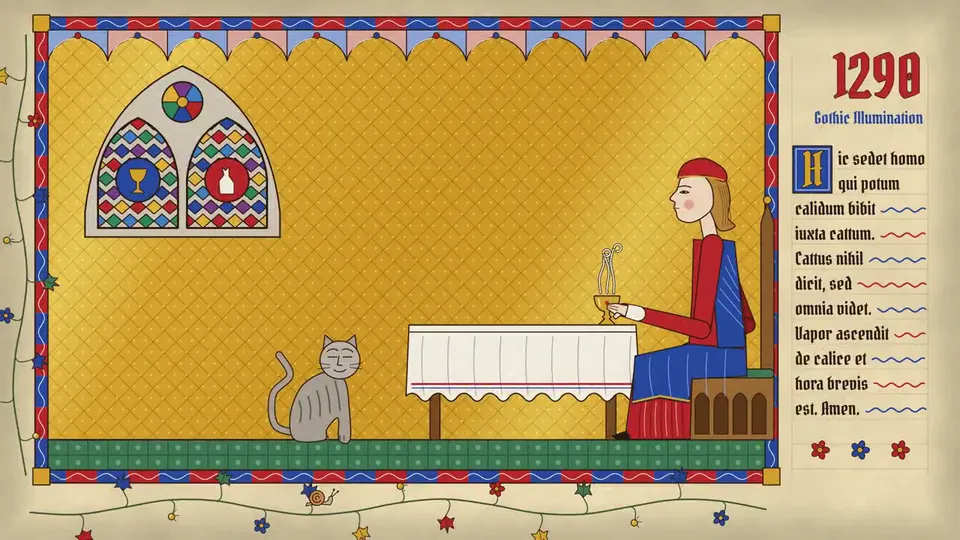
    Art history speedrun by AISuperDomain
  5. 05

    One quote, three aspect ratios

    Every export is a 1080p MP4 at 30 fps in 9:16 (1080×1920), 1:1 (1080×1080) or 16:9 (1920×1080). Aspect ratio does not change the price. One quote can go out as a vertical, square and wide clip.

    • 9:16, 1:1 and 16:9 frames
    • Price not affected by aspect ratio
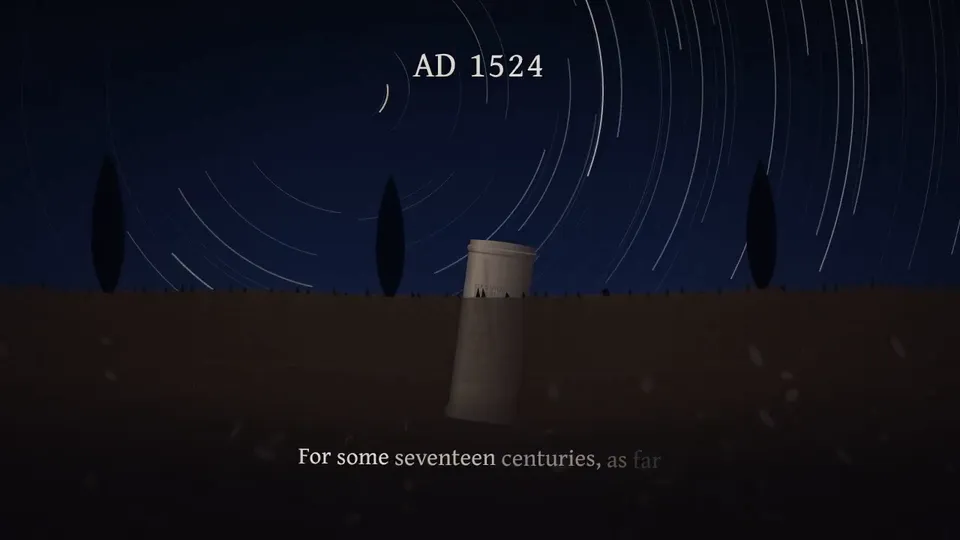
    The Seikilos epitaph, in one HTML file by YanqingCheng
    A day in the life of Claude by ishuagra02
    A scary video about the Illuminati by badboyfoxy

Choose Your Plan

Choose your credits and generation priority. Potto does not add a visible watermark to your downloads.

  • Lite

    Black Friday -50%
    $16$8/month

    Billed $96 for the first year, then $192/year

    Choose Lite

    Monthly HD images

    Learn more
    44 images
    86 images

    Monthly videos

    30s product demo13 videos
    60s explainer5 videos
    • 2,000 monthly credits
    • Up to 86 fast images
    • Standard queue
    • No Potto watermark
    • Batch image tools
    • Private creations
    • All premium skills
  • Pro

    Black Friday -50%
    $40$20/month

    Billed $240 for the first year, then $480/year

    Choose Pro

    Monthly HD images

    Learn more
    111 images
    217 images

    Monthly videos

    30s product demo33 videos
    60s explainer13 videos
    • 5,000 monthly credits
    • Up to 217 fast images
    • Priority queue
    • No Potto watermark
    • Batch image tools
    • Private creations
    • All premium skills
  • Recommended

    Max

    Black Friday -50%
    $80$40/month

    Billed $480 for the first year, then $960/year

    Choose Max

    Monthly HD images

    Learn more
    333 images
    652 images

    Monthly videos

    30s product demo100 videos
    60s explainer40 videos
    • 15,000 monthly credits
    • Up to 652 fast images
    • Highest priority queue
    • No Potto watermark
    • Batch image tools
    • Private creations
    • All premium skills

Videos use credits on export. Your balance must cover the export before you start. Counts assume a 30s demo and a 60s explainer with narration and 3 illustrations.

Quote Video Maker FAQs

Answers on quotes, credit, sizes, voices and prices.

  1. What is a quote video?

    A quote video shows one line as large text, credited to the person who said it. Most have background music, and some add a voice reading it aloud. People post quote videos in social feeds, event recaps and brand channels. To make an inspirational quote video, build it around a line that motivates.

  2. What is a quote video maker?

    A quote video maker turns quoted text into a finished video. It handles layout, motion, music and export. Potto's quote video maker starts from what you type. Claude Opus 5.5 plans the scenes. Potto renders them with Remotion. It does not film footage or add a digital presenter.

  3. How do I use the quote video maker?

    Paste the words and the name to credit into the creator at the top. Choose Quote Video as the type, or let Auto pick. Potto drafts a storyboard. Check the wording and credit scene by scene. Preview the result. Export an MP4 when it reads right.

  4. Will Potto's quote video maker change my quote or the credit?

    It should not. The Quote Video type keeps your text as typed. It credits only the person you name. An AI still drafts the storyboard, so read it before you export.

  5. Can a voice read the quote aloud?

    Yes. Quote Video defaults to music only. Turn narration on and an AI voice reads the quote. Captions highlight each word as it is spoken. Listen once before you export, in case the voice stresses a name differently.

  6. Does Potto's quote video maker keep my brand colors and fonts?

    Yes. Select a brand kit or turn on the default brand. Its four colors apply to the visuals, and your logo appears at the open and close.

  7. Where does the background music come from?

    It comes from Potto's own library of original tracks. Potto's inspirational quote video maker picks one to fit your video, and you can change it. You do not need to upload a song.

  8. What sizes can I export, and where can I post them?

    Use 9:16 for Instagram Reels, YouTube Shorts or TikTok. Use 1:1 for feeds. Use 16:9 for an event recap. Potto does not post for you. Download the MP4 and upload it yourself. A 4:5 frame and GIF export are not available.

  9. Can I add my own video clip to a quote video?

    Not currently. Potto makes a new quote video from your text and files. It cannot take an existing video to edit.

  10. How does a quote video relate to AI motion graphics?

    A quote video is one use of motion graphics. Text is the main visual. Type, motion and timing carry the message. Potto's AI motion graphics page covers every style, including kinetic text, product screens and charts.

  11. How much does Potto's quote video maker cost?

    Previews use no credits. Potto charges credits when you export the MP4, at 5 credits per second of video. Your balance must cover the length you choose. Narration and AI illustrations cost extra. Sign-up gives you 100 credits, which covers a 15-second video. A 30-second video with English narration and no illustrations costs 153 credits. Two illustrations bring it to 199. Each account can start up to 30 video projects and generate 60 illustrations a day.

Potto AI

Turn your words into a quote video

Paste your quote and the name to credit. Preview first, then export when it reads right.