Skip to content
Potto AI

Nano Banana 2.1

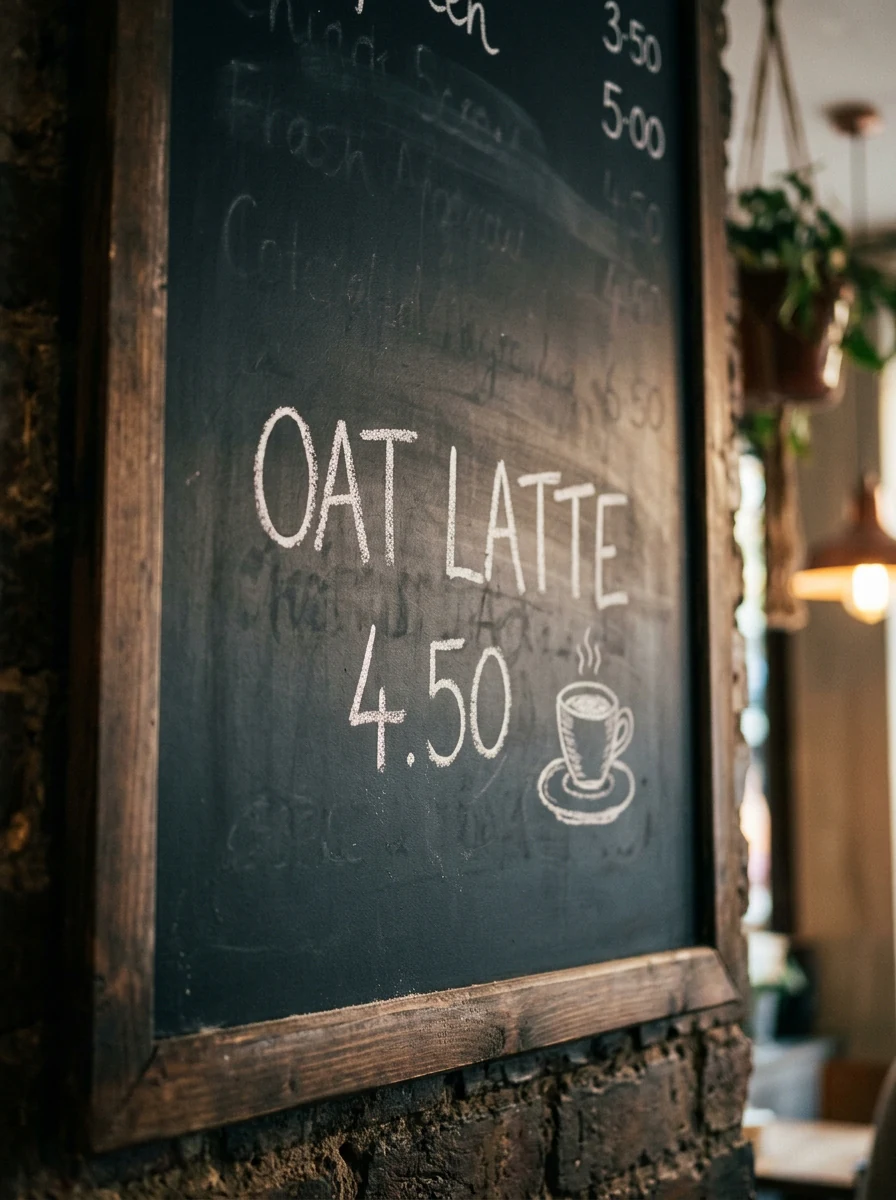
Use the Nano Banana 2.1 image generator to create and edit images from a prompt and up to 10 reference images, in HD, 2K or 4K, then check each result against your brief.

From 12 CreditsHD to 4KUp to 10 Reference ImagesPNG or JPEG
Enter a prompt to generate

Try an example

From a prompt or reference to an image with Nano Banana 2.1

Start with a visual brief for a new image, or a reference for a specific change. Decide what must be readable before you generate.

Create a product label with readable words

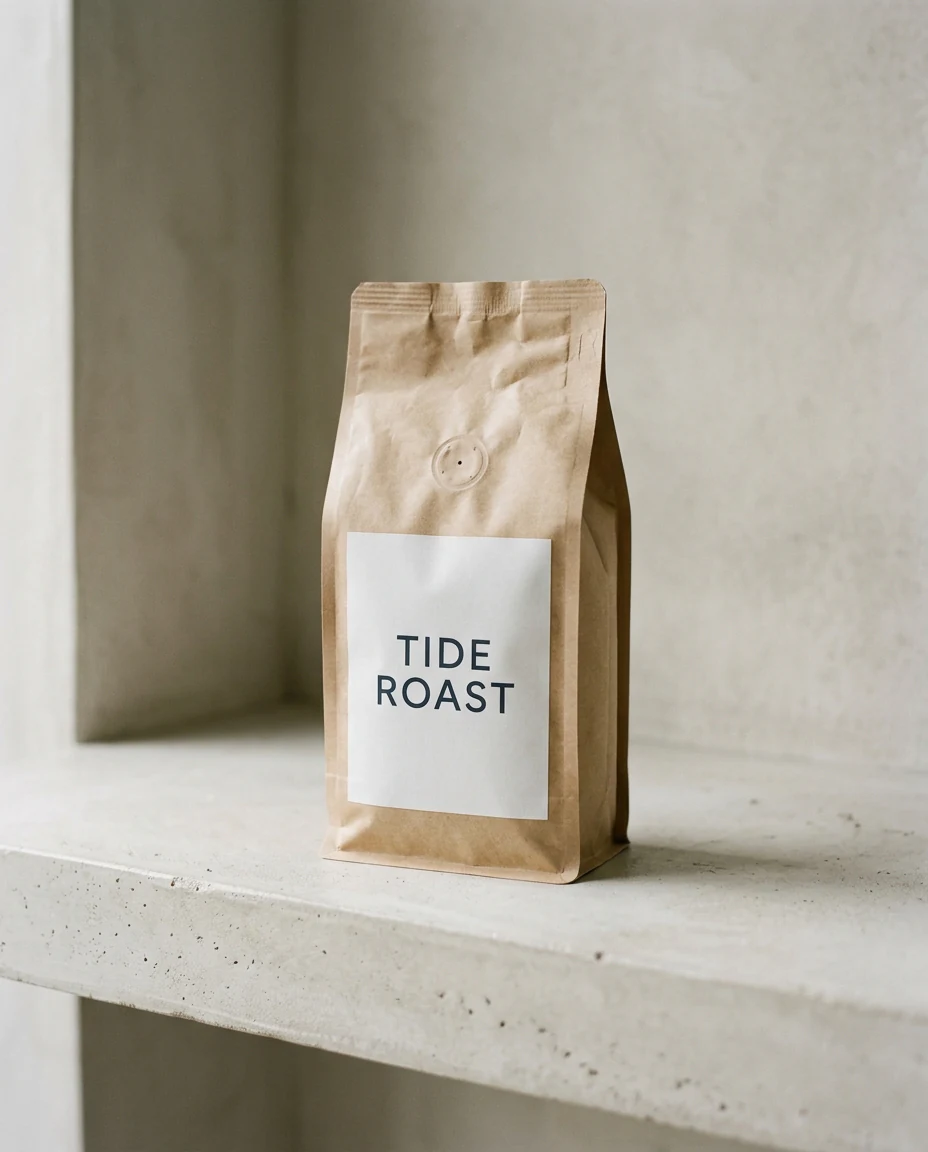
Write a specific visual brief with three decisions: one focal subject, the exact words that belong on it, and a quiet margin around the subject. Keep the words short and in capitals, and treat the lettering as something to verify, not something to trust. The image on the right was generated from this brief with Nano Banana 2.1.

Subject
A kraft coffee bag with a plain white label.
Style
Soft window light, pale concrete, restrained product photograph.
Composition
One focal object, a quiet margin, the label facing the camera.
Kraft coffee bag with a white label reading TIDE ROAST on a pale concrete shelf, made with Nano Banana 2.1
Generated from this brief with Nano Banana 2.1

Product photograph of a kraft coffee bag standing on a pale concrete shelf, a plain white label printed with the two words TIDE ROAST in dark capital letters, soft window light from the left, one focal object, quiet margin around it.

Use a reference image with Nano Banana 2.1 to try a new surface

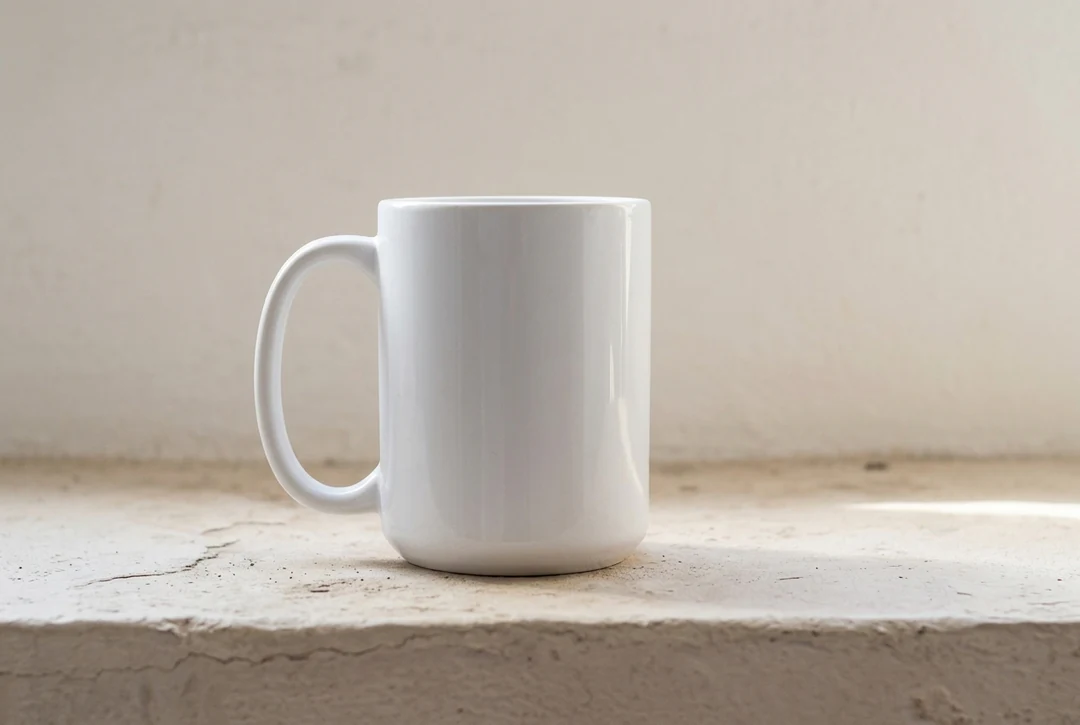
Upload a supported image and say what should stay recognizable and what should change. A reference guides the subject or arrangement; it does not guarantee an exact copy, so compare the shape, handle and finish of the object with the source before you use the result.
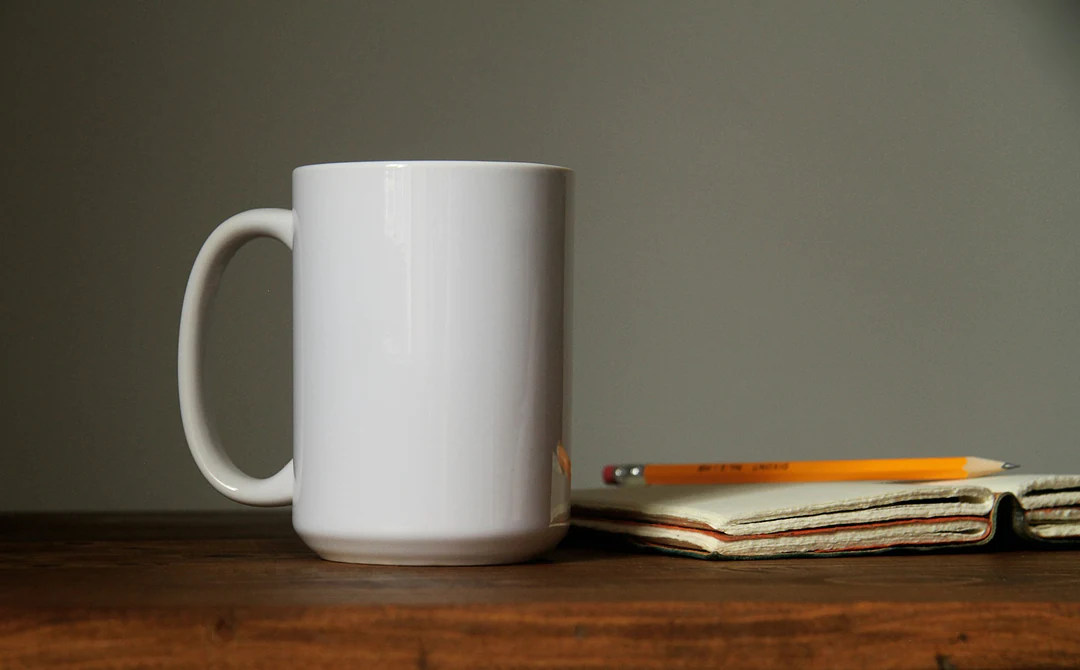
White ceramic mug beside a pencil and a notebook on a wooden desk, used as the reference photo.
Reference photo
The same white mug on a pale plaster ledge in soft morning light.
Result: the same mug on a quiet plaster ledge

How to generate with Nano Banana 2.1

Three actions in the creator above, with Nano Banana 2.1 selected.

  1. 1. Describe the image or add references

    Write the subject, style and composition in the prompt box, up to 4,000 characters. Put any words that must appear in the image in capitals. Add reference images only when each one answers a question, such as a subject or a palette. The creator accepts up to 10 reference images in total.

  2. 2. Choose the ratio and output tier

    Nano Banana 2.1 is selected by default on this page. Pick the aspect ratio for where the image will appear, then choose HD, 2K or 4K and one, two or four images. Start at HD while you compare compositions.

  3. 3. Generate, check and download

    Review the actual image request before you confirm. The Generate button shows the estimate: 12 credits per image at HD, 17 at 2K and 38 at 4K, multiplied by the number of images, so two 2K images cost 34. Read every word in the result, check it at its real display size, then download it or send it to an editing tool.

What Nano Banana 2.1 does with your brief

Four jobs where Nano Banana 2.1, the lowest-priced of the three Nano Banana models, is a practical way to test an idea.

  1. 01

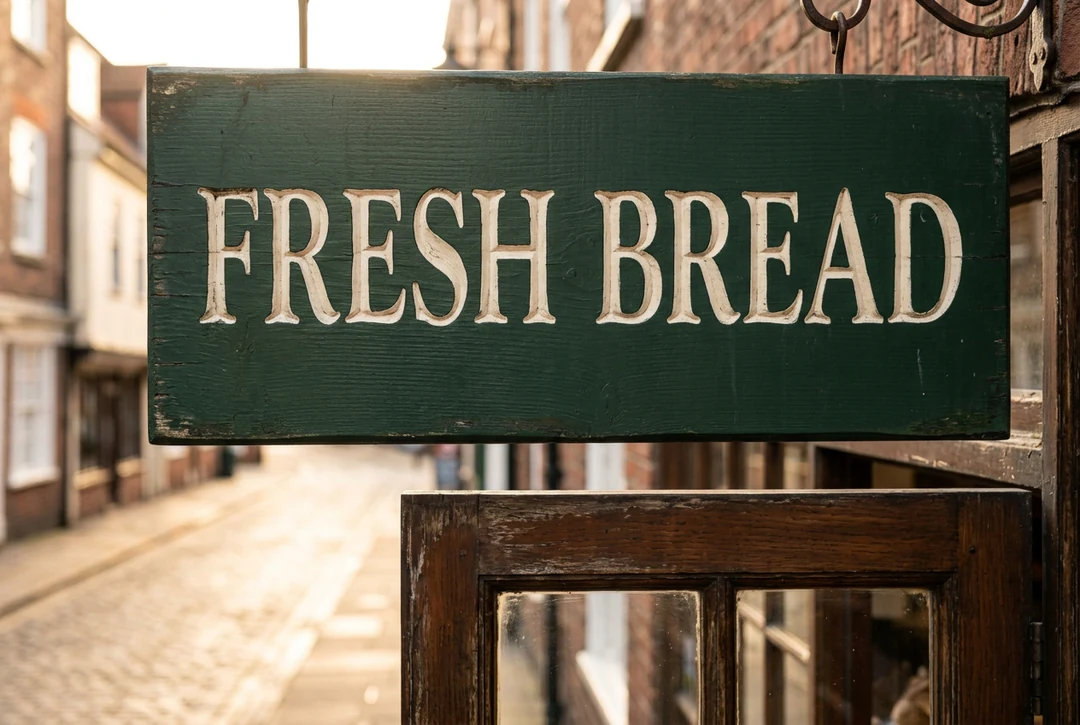
    Short headlines and labels

    Text rendering is one of the improvements listed for Nano Banana 2.1. Quote the exact words in the prompt, keep them to a few capitals, and say where they sit. Then read every letter in the result, because no model guarantees correct lettering.

    • Quote the exact words in the prompt
    • Check every letter before you publish
    Wooden bakery sign reading FRESH BREAD in carved cream letters on dark green paint, made with Nano Banana 2.1
    Two short words, checked letter by letter.
  2. 02

    One character across two scenes

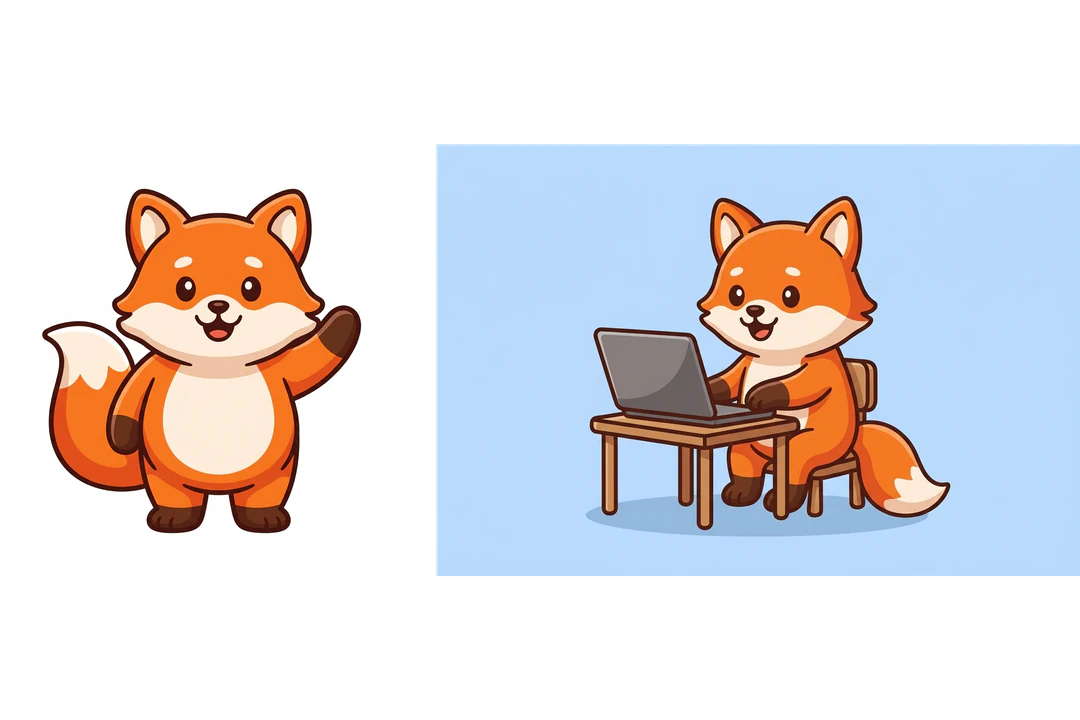
    Use a first result as a reference to place the same character in a new scene. Say what must stay, such as colors, outline weight and proportions, and what changes, such as the setting and the pose. Compare the two images side by side before you keep the new one.

    • Name what must stay the same
    • Compare both scenes side by side
    Orange fox mascot beside the same fox working at a laptop, a Nano Banana 2.1 character reference example
    The mascot from the gallery, placed in a new scene from a reference.
  3. 03

    Combine up to 10 reference images

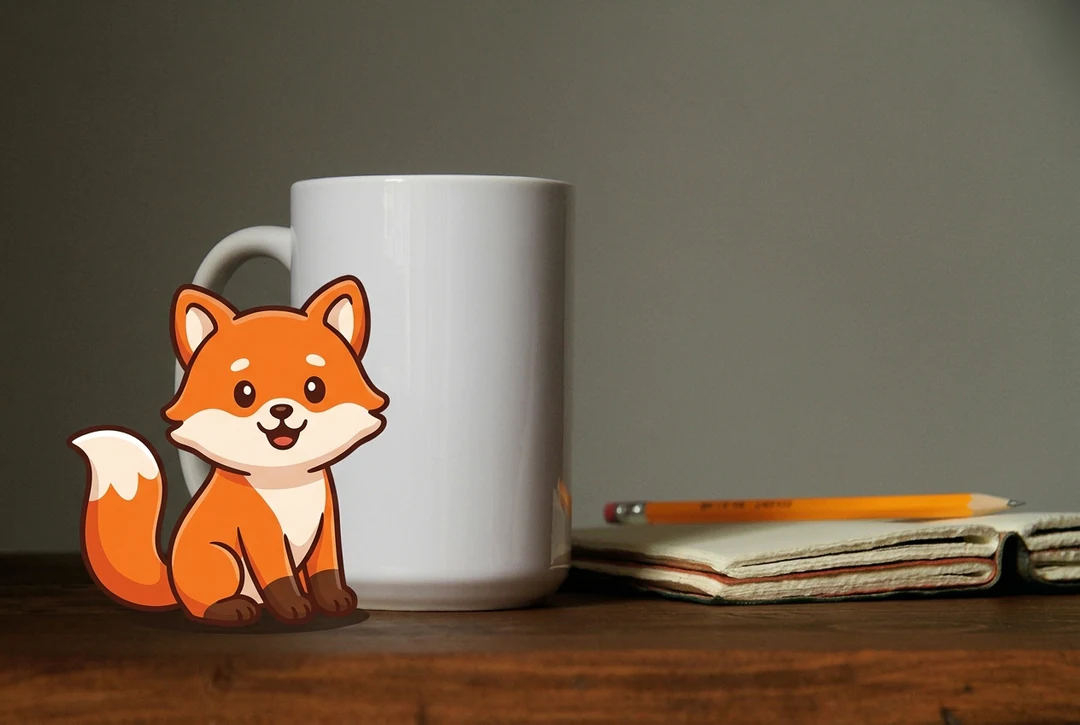
    Attach a subject, a product or a palette as separate reference images and give each one a job in the prompt, such as the fox from the first image and the mug from the second. Nano Banana 2.1 accepts 10 reference images at most, and it treats them as guidance, not as an exact copy.

    • Give each reference image one job
    • Check shapes and wording against each source
    Orange fox mascot sitting beside a white ceramic mug on a plaster ledge, combined from two references
    A fox and a mug, combined from two references.
  4. 04

    HD, 2K and 4K from 12 credits

    Nano Banana 2.1 costs 12 credits at HD, 17 at 2K and 38 at 4K per image. Test a direction at HD, then raise the tier for the version you will publish. The estimate appears on the Generate button before you confirm.

    • Test at HD before you raise the tier
    • Choose the tier for where the image is shown
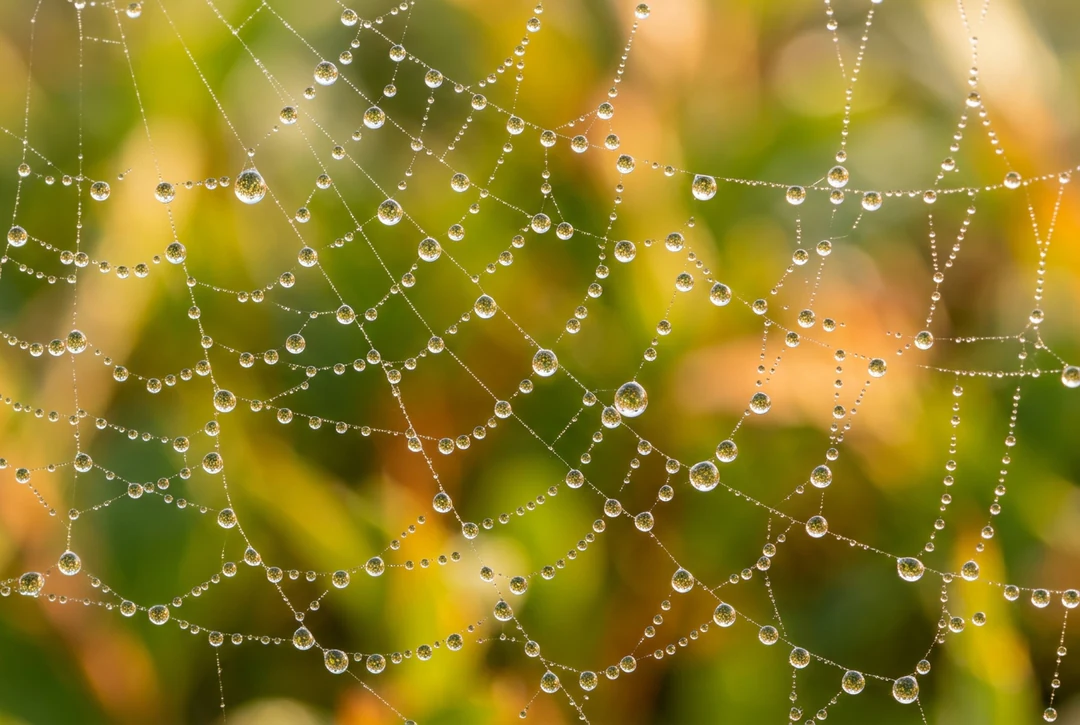
    Macro view of dew drops on a spider web at sunrise, a Nano Banana 2.1 detail example
    Pick the size for where the image will appear.

Nano Banana 2.1, Nano Banana or Nano Banana Pro for the job

All three models accept text and reference images and offer HD, 2K and 4K. They differ in price and reference limit, so compare them on one brief before you choose.

Model comparison
Nano Banana 2.1Nano BananaNano Banana Pro
Best forSharper text, stronger character consistency, up to 4KFast, capable image generation and editing4K resolution and reasoning-guided quality, built for professionals
ResolutionHD · 2K · 4KHD · 2K · 4KHD · 2K · 4K
Reference imagesUp to 10Up to 14Up to 14
Credits per image12 HD · 17 2K · 38 4K23 HD · 34 2K · 51 4K45 HD · 45 2K · 80 4K

Keep working on the image you create with Nano Banana 2.1

Generate another image to test a different direction. Edit the one you have when the subject works and one part needs attention.

Nano Banana 2.1 FAQs

  1. What is Nano Banana 2.1?

    Nano Banana 2.1 is an AI image model that generates new images from a text prompt and edits existing ones from reference images. It is Google's Gemini Nano Banana 2.1, a high-efficiency model in the Nano Banana family, described as improving visual quality, prompt adherence, character consistency, text rendering and multi-reference support. You work with Nano Banana 2.1 through the image generator in Potto AI, with HD, 2K and 4K output and up to 10 reference images.

  2. Is Nano Banana 2.1 the same as Nano Banana?

    No. They are separate models that you choose between in the creator. Nano Banana runs on Gemini 3.1 Flash Image, costs 23, 34 and 51 credits per image at HD, 2K and 4K, and accepts up to 14 reference images. Nano Banana 2.1 costs 12, 17 and 38 credits per image and accepts up to 10 reference images. Price and reference limit are not quality scores, so run one brief on both before you switch.

  3. How much does Nano Banana 2.1 cost?

    Nano Banana 2.1 costs 12 credits per image at HD, 17 credits per image at 2K and 38 credits per image at 4K. More images multiply the price, so two 2K images cost 34 credits. The Generate button shows the total before you confirm, and a failed request releases its credits.

  4. How long does Nano Banana 2.1 take to make an image?

    In our tests on October 9, 2026, an HD image from a text prompt came back in about 29 seconds, and an edit with one reference image took about 67 seconds. Times change with load, output tier and the number of references, so treat them as a rough guide, not a promise.

  5. How many reference images can I add to Nano Banana 2.1?

    Up to 10 reference images in total. Add a reference image only when it has a specific job, such as supplying a subject, a product or a palette, and say so in the prompt. In one of our tests, an edit of a mug printed with the word POTTO kept the mug shape and the printed word unchanged. That is one result, not a guarantee, so compare the details you care about with each source.

  6. Can Nano Banana 2.1 write readable text inside an image?

    It can render short words, and text rendering is one of the improvements listed for this model, but it does not guarantee correct lettering. Put the exact words in the prompt, keep them to a few capitals, say where they sit, and read every letter in the result. Keep approved wording such as prices or legal lines in editable layout text.

  7. Which sizes and file formats does Nano Banana 2.1 support?

    Nano Banana 2.1 supports HD, 2K and 4K output, 10 aspect ratios and PNG or JPEG files from the generator. The ratio and tier you choose set the output size, so pick them for where the image will appear. Start at HD while you compare compositions and move up only when the placement needs more pixels.

  8. When should I choose Nano Banana 2.1 over Nano Banana or Nano Banana Pro?

    Choose Nano Banana 2.1 when you want a lower price than the other two Nano Banana models: it costs less than both at every tier. Nano Banana and Nano Banana Pro accept up to 14 reference images, and Pro is the one to try when a brief needs the finest detail or long text. Keep the prompt, reference images and ratio the same, then compare the results against your brief.

  9. How do I revise a result I only partly like?

    Name the one unresolved issue, such as the wording on a label or the lighting direction, and write the next instruction around it while keeping the working parts of the brief. To change one area of a finished image, use the AI Image Editor; a prompt to change one object is not an exact mask, so check the rest of the picture. If edits pile up unwanted changes, return to a cleaner source.

  10. Do I need an account to use Nano Banana 2.1?

    You can write a prompt, add references and choose Nano Banana 2.1 settings before signing in. Generate opens the sign-in dialog, and everything you entered stays in the creator.

  11. What if a Nano Banana 2.1 request fails?

    The task explains why it stopped and offers a retry, and its credits are released. Stop a running request with the cancel control, since leaving the page does not stop it. Generating again after a finished image is a new request.

Potto AI

Create your next image with Nano Banana 2.1

Describe the image, add reference images only where they have a job, and review the quote before you generate. Create with Nano Banana 2.1 when you want to test a poster, a label or a character for fewer credits than Nano Banana or Nano Banana Pro.