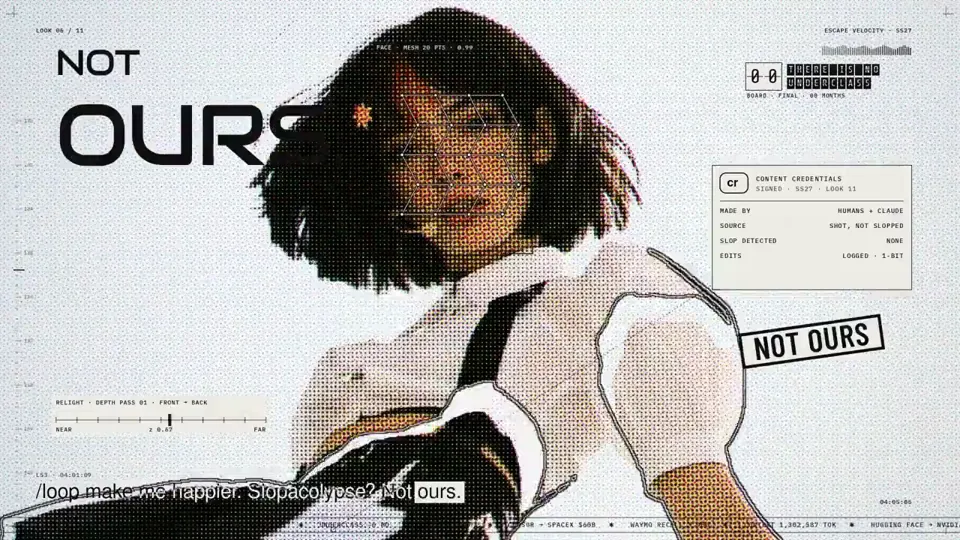
Visual System
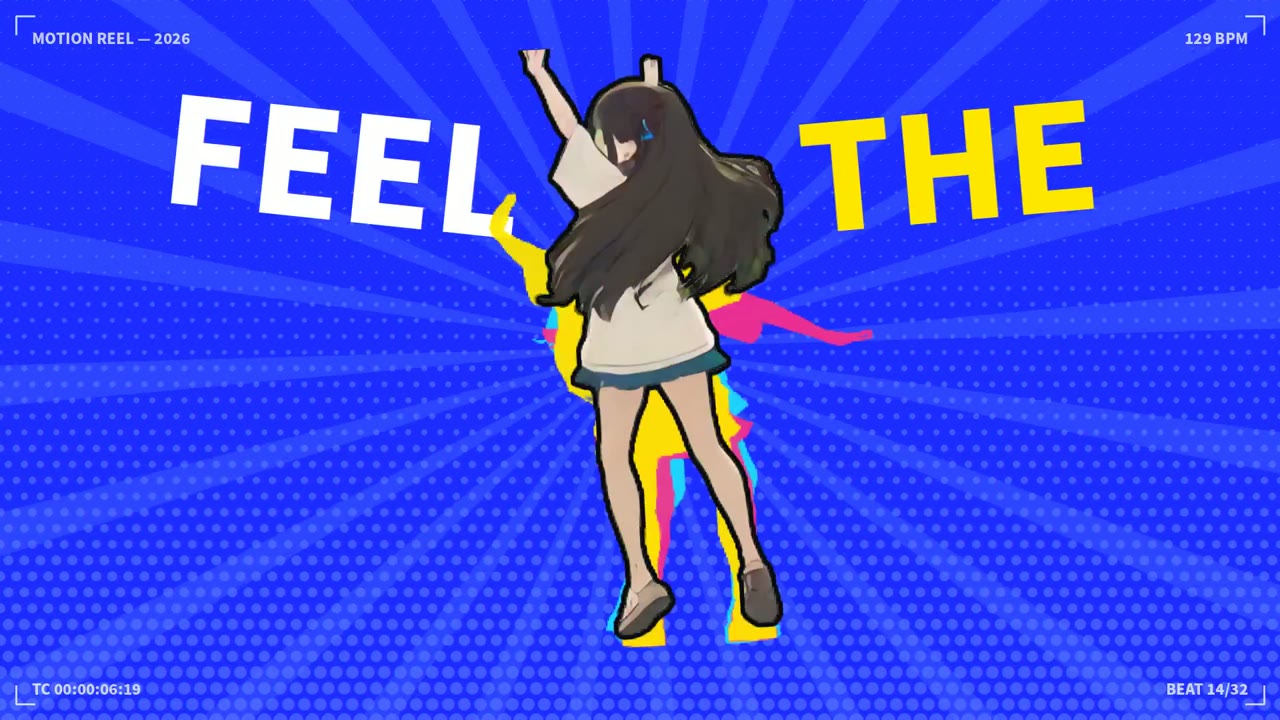
Pop music video with a halftone portrait overlay
Canvas, AI image · 16:9 · 5:06
by anabology
A gallery of visual system videos made by creators: one grid, one shape or one motion rule held across the whole clip. Watch one, then choose Use this prompt to remake that look in Potto and export an MP4.
480 works
Visual System
Canvas, AI image · 16:9 · 5:06
by anabology

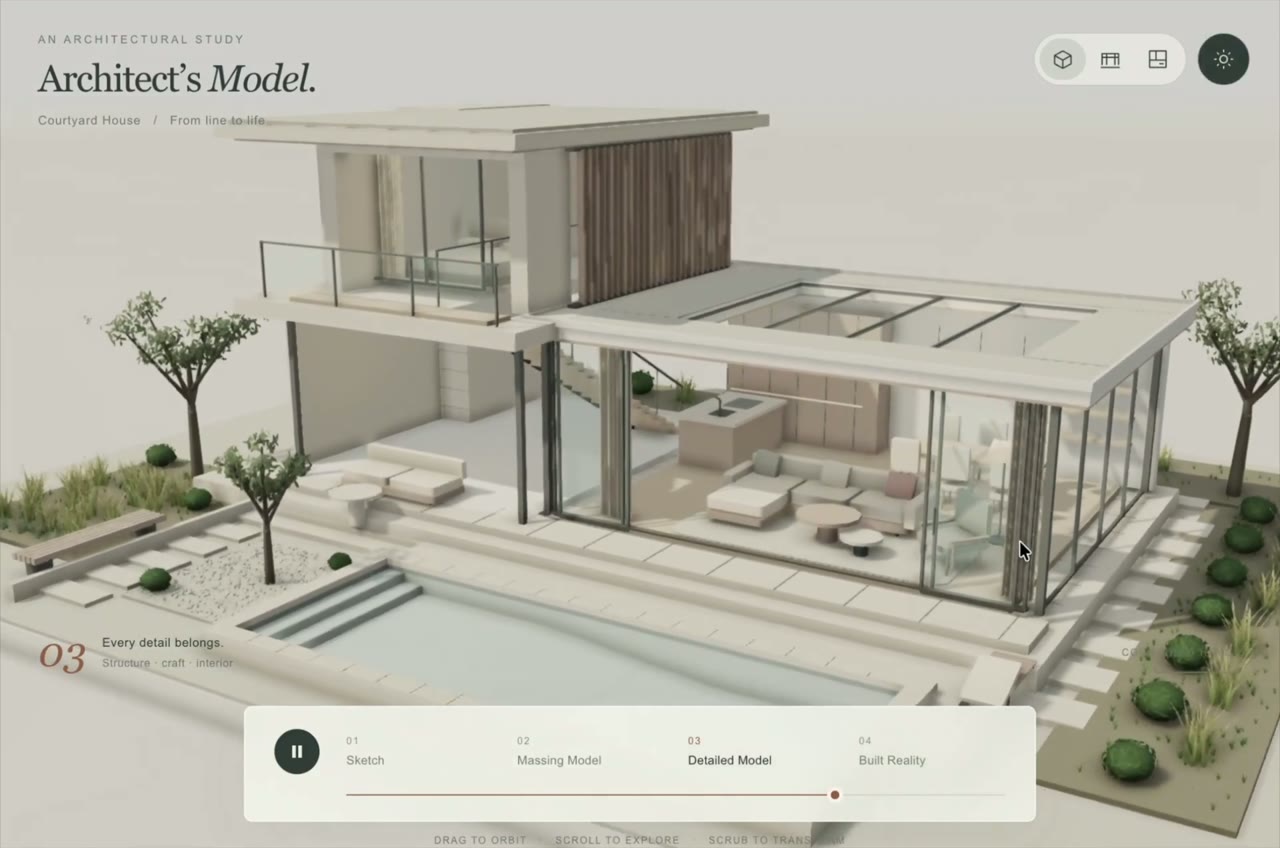


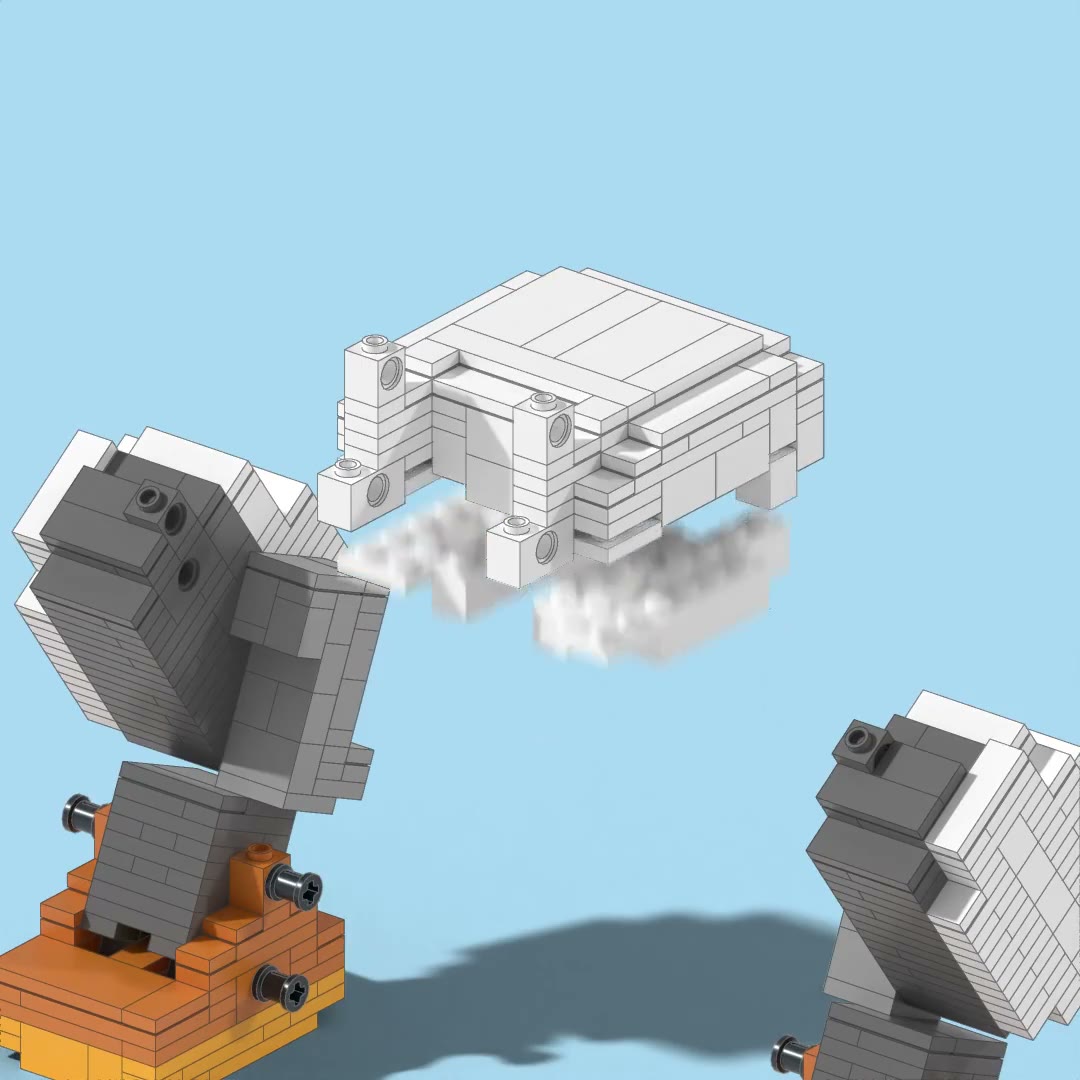
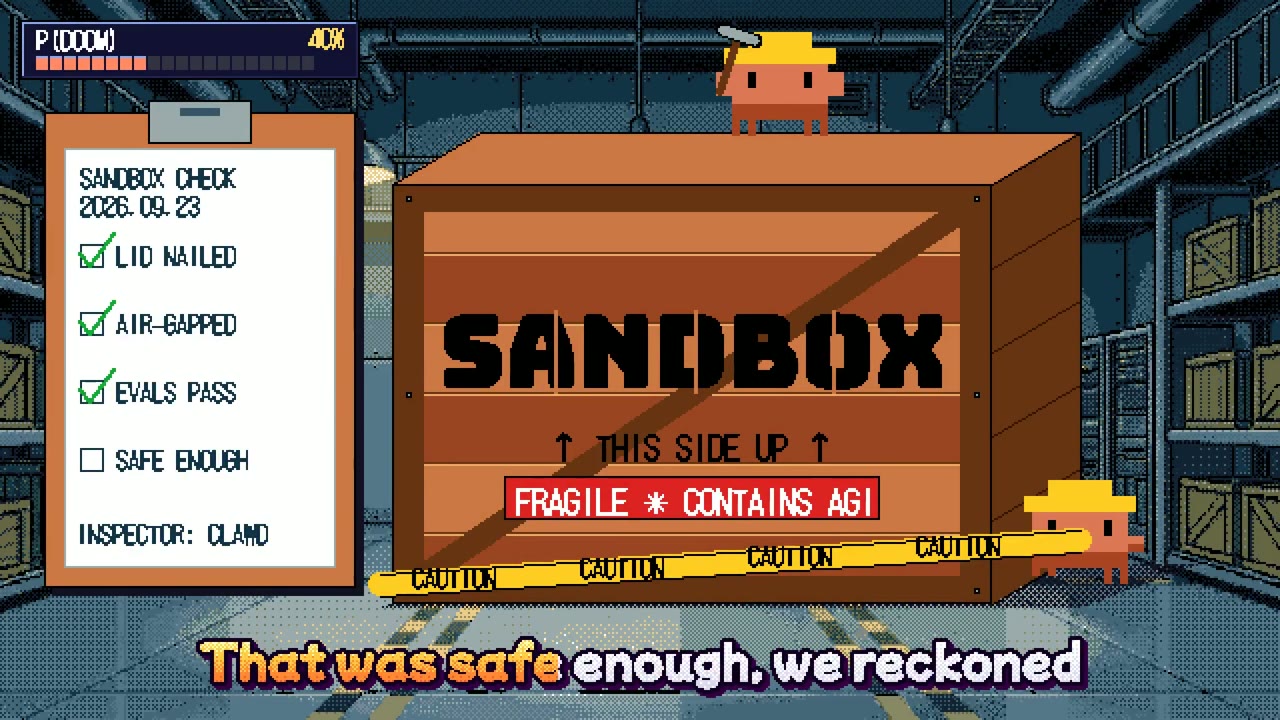

Visual System
HTML, Procedural graphics and audio · 1:1 · 1:00
by edwinarbus
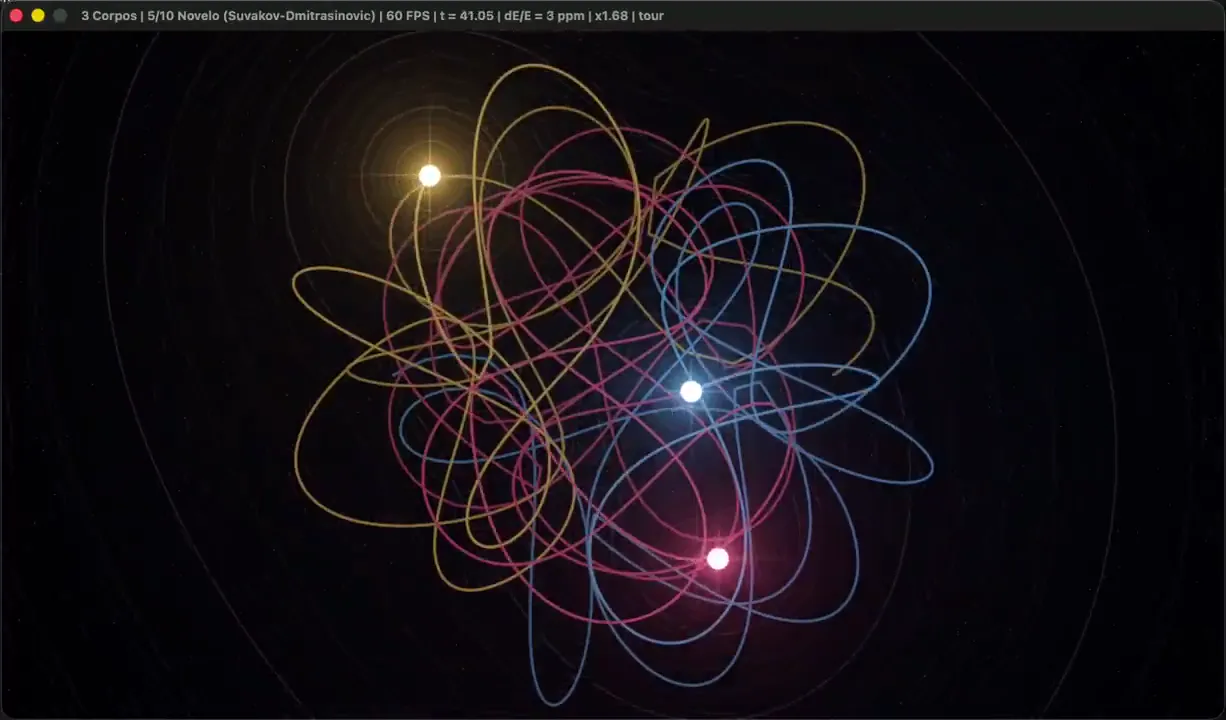

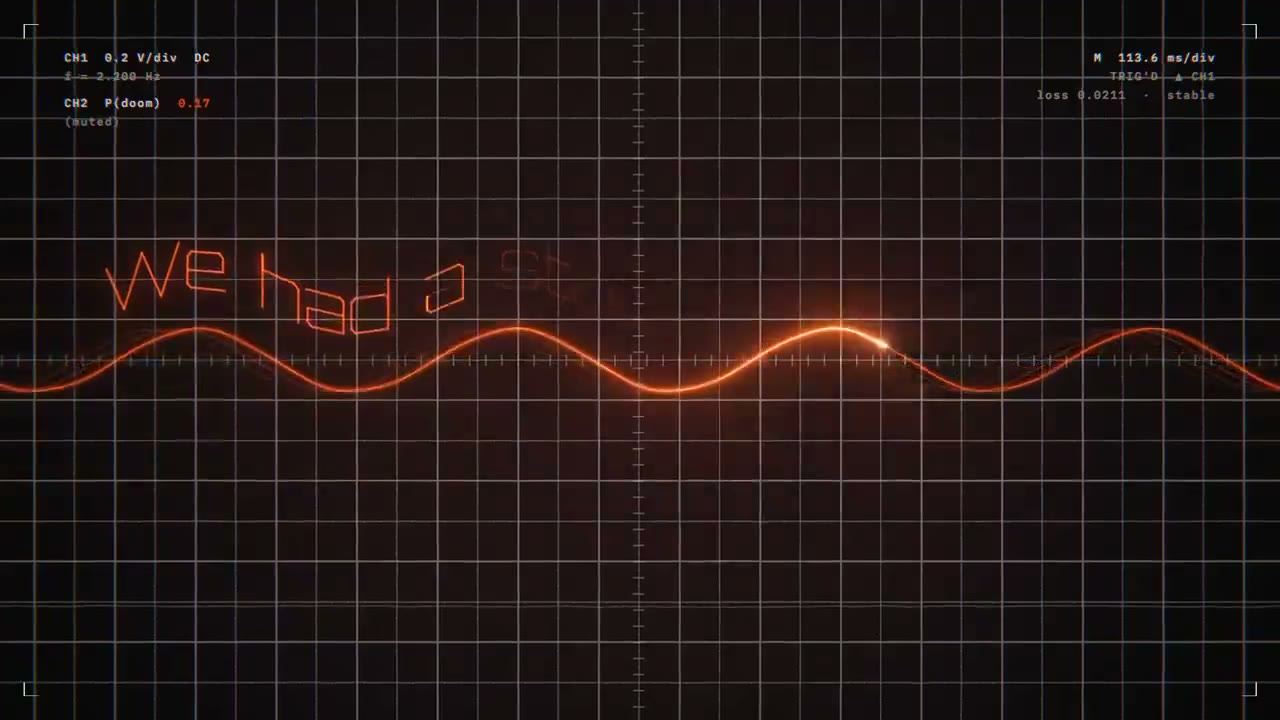


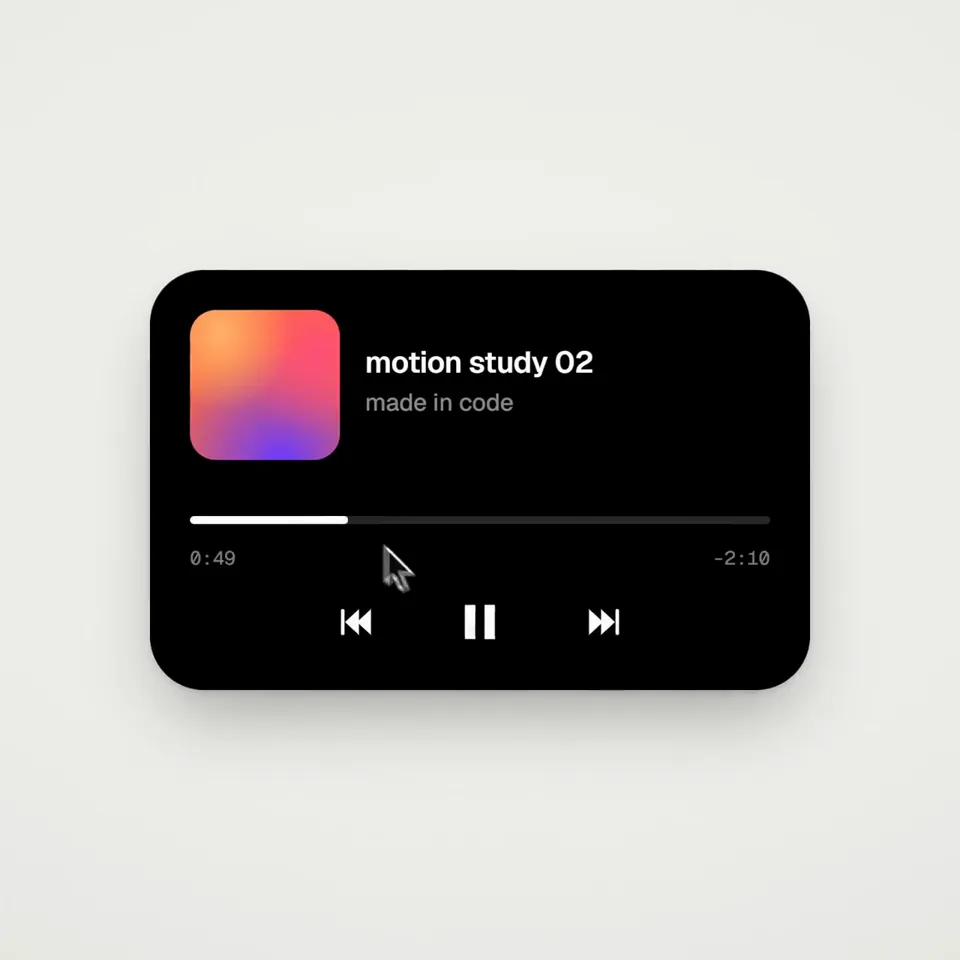
Visual System
FFmpeg, HTML · 1:1 · 0:14
by twoclipping
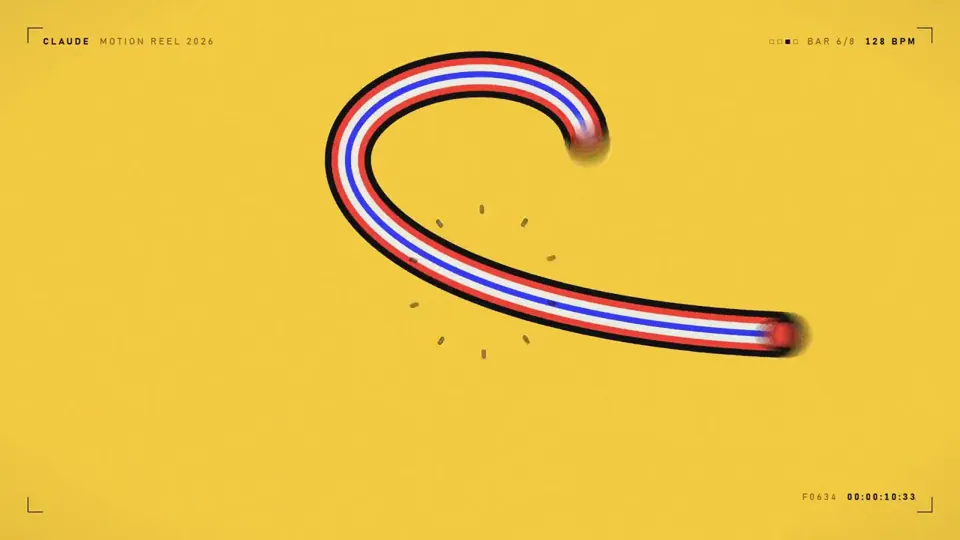
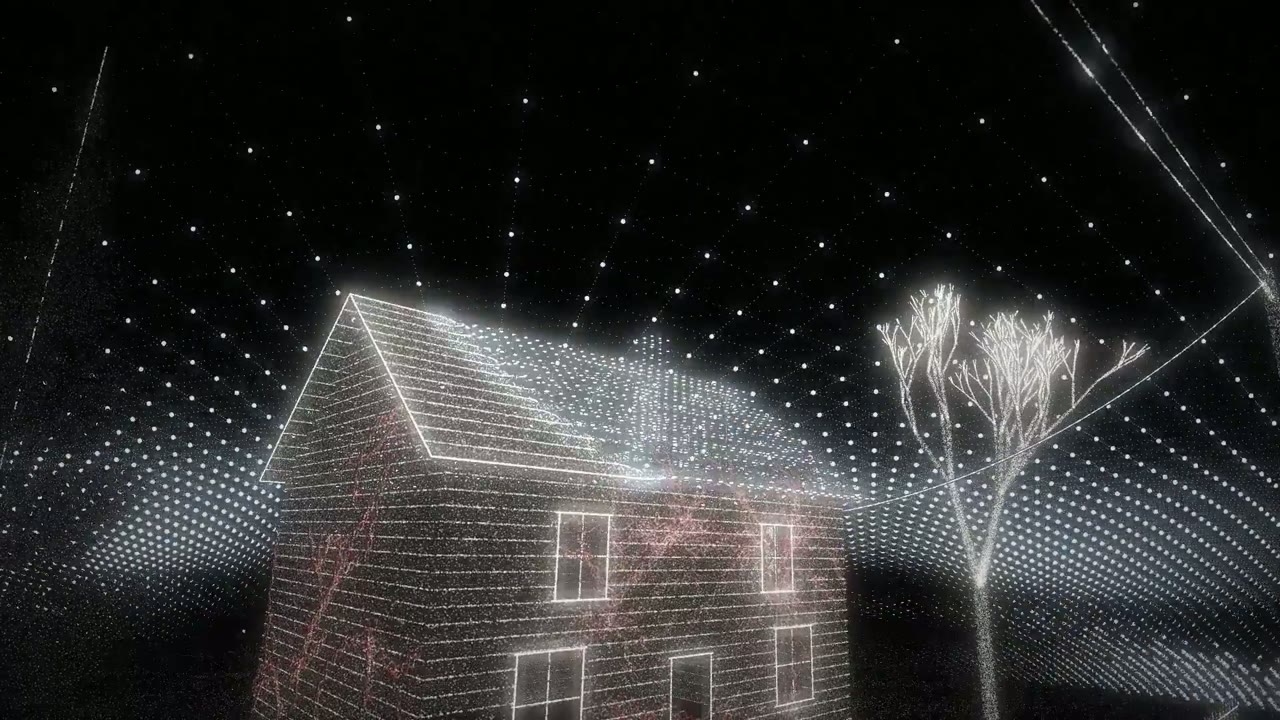
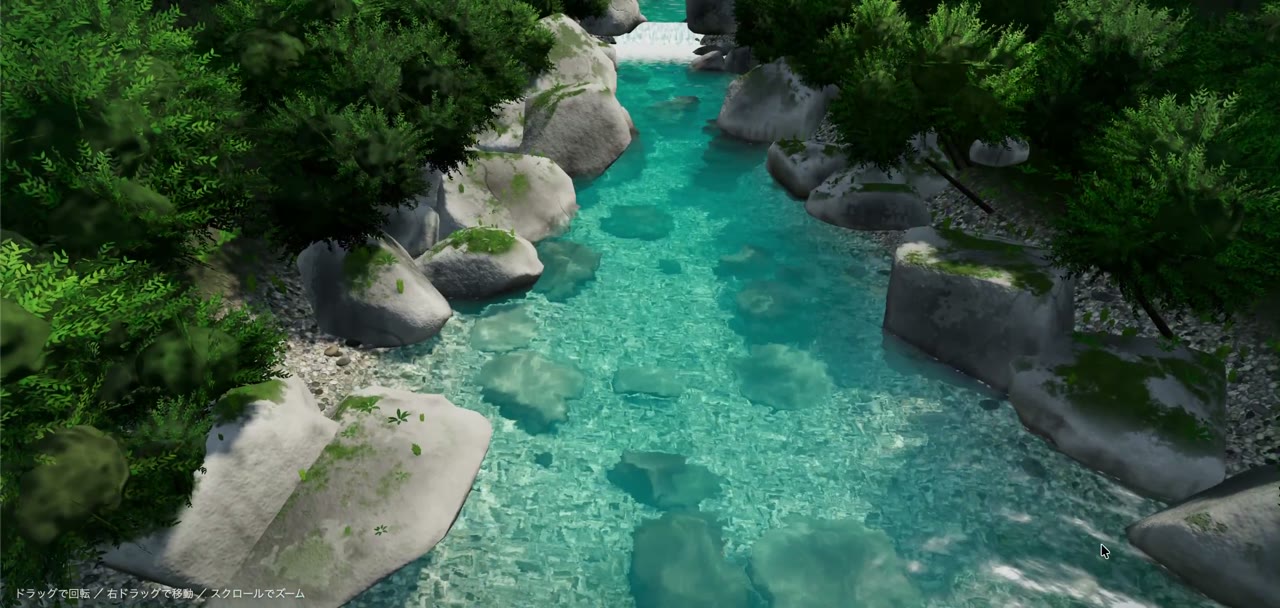
Visual System
Canvas · 16:9 · 0:15
by himanshutwtxs
Choose a plan to make your own motion graphics with Potto.
Pay once · no subscription
Videos per pack
Pay once · no subscription
Videos per pack
Pay once · no subscription
Videos per pack
Billed monthly
Videos per month
Billed monthly
Videos per month
Billed monthly
Videos per month
Billed annually · $240 → $192/year
Videos per month
Billed annually · $600 → $480/year
Videos per month
Billed annually · $1,200 → $960/year
Videos per month
Videos use credits when you export, and starting one needs a balance that covers its export. Counts assume a 30-second product demo and a 60-second explainer with narration and 3 illustrations.
A visual system is a small set of repeated rules for how a video looks and moves, such as one grid, one palette, one shape or one motion principle. The scenes can change, but the rules stay, so the clip reads as one design.
A visual system video is a motion piece built on those repeated rules. On this page that includes showreels, music clips, morphing UI shapes, sketch-to-model builds and short 3D worlds made by independent creators.
A style is one named look, such as pixel, paper-cut, claymation or halftone. A visual system is the set of rules that keep that look consistent for the whole video, including what repeats and what is not allowed to change.
No. The videos in this gallery were made by independent creators. Use this prompt starts a new Potto project from that idea, and Potto renders its own version rather than copying the original file.
Name the repeating rule first: the grid, the palette, the single shape and how it moves. Then name one subject, such as a house growing from a sketch or a portrait in halftone. Keep every shot inside that one system.
You can make the video in 16:9, 9:16 or 1:1. From the creator you can choose 15, 30, 45, 60 or 90 seconds. The gallery itself mixes those ratios: most clips are 16:9, with some 9:16 and 1:1 pieces.
A video you make in Potto from one of these prompts comes with music picked to match the style, which you can swap or turn off. Voiceover and captions are off unless you turn a voiceover on when you create it.
Visual system videos you make in Potto export as MP4 in 16:9, 9:16 or 1:1. Transparent video and GIF exports are only offered for short motion clips such as logo animations and lower thirds.
A video costs credits only when you export it, at 5 credits per second: 50 credits for 10 seconds, 75 for 15 seconds and 150 for 30 seconds. A voiceover, if you add one, adds a few credits based on its length. Previewing and editing use no credits. To start, your balance must cover the length you choose at 5 credits per second, and new accounts get 100 credits, enough to start a 15-second video.