
Explainer Video Examples
Watch explainer videos made by creators, then remake one. Play a cutaway, a history map or a how-it-works clip, and choose Use this prompt to start your own version in 16:9, 9:16 or 1:1.
Explainer videos made by creators
Ratio
264 works
Tool

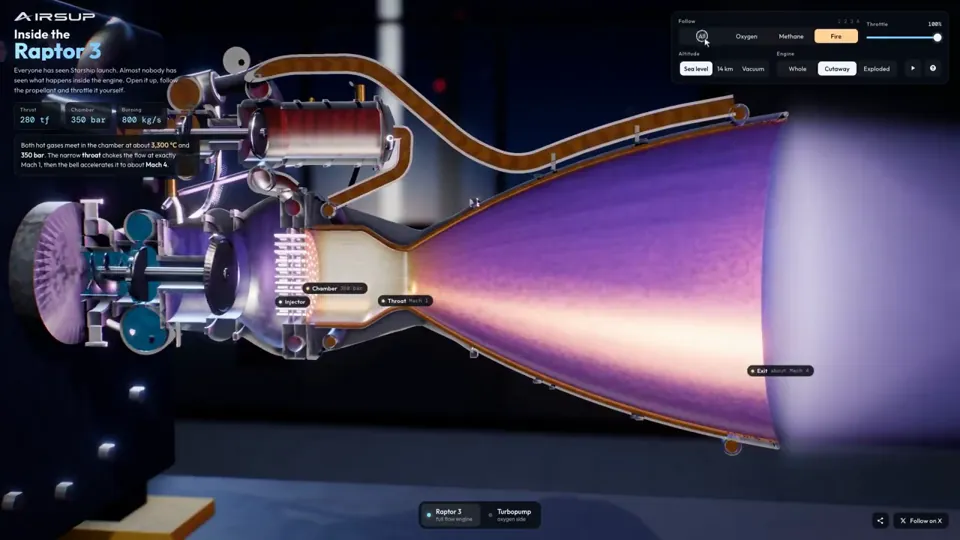
Explainer
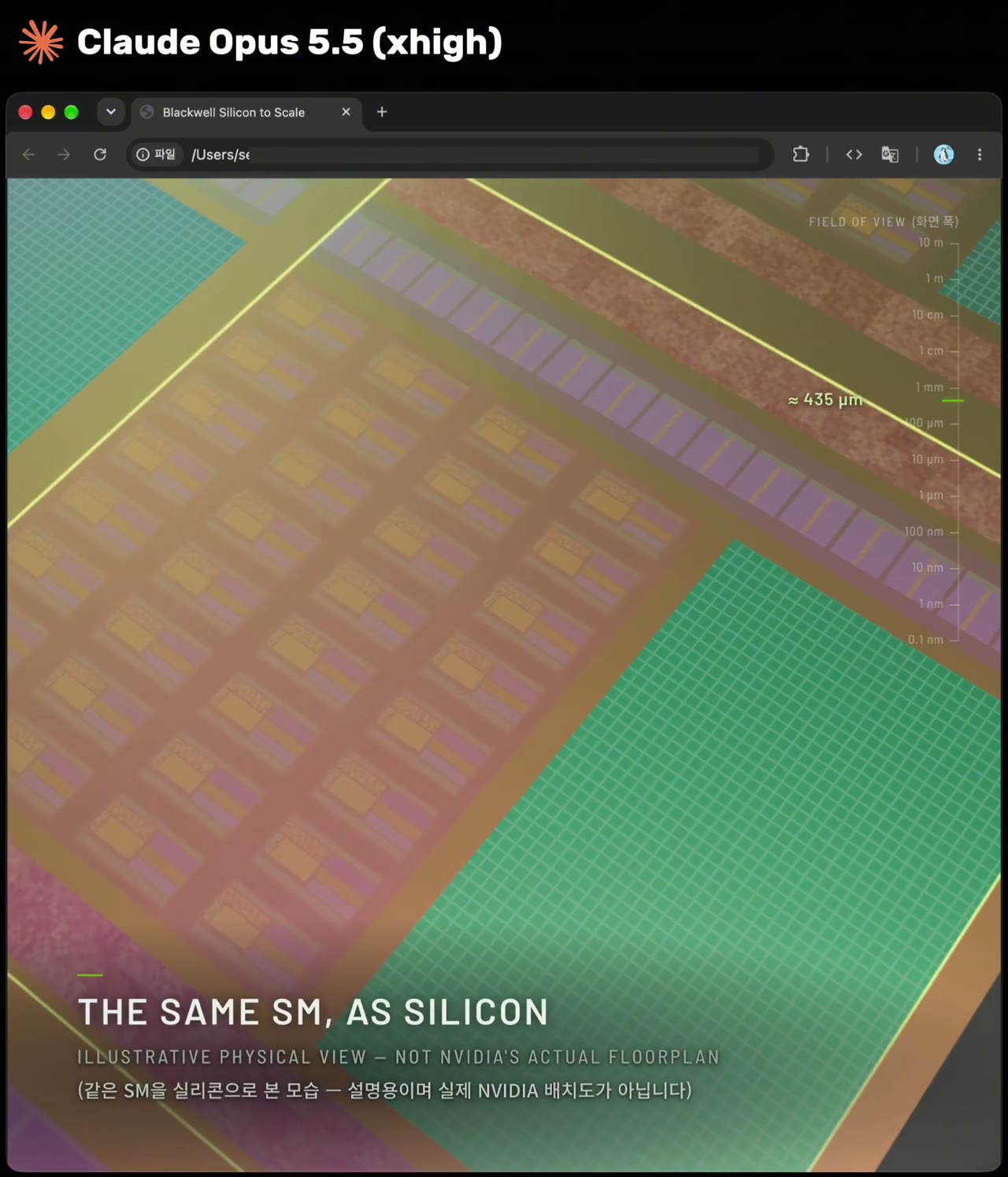
Raptor 3 engine cutaway tracing its turbopumps
three.js, Shader · 16:9 · 0:35
by konstantinsaifo
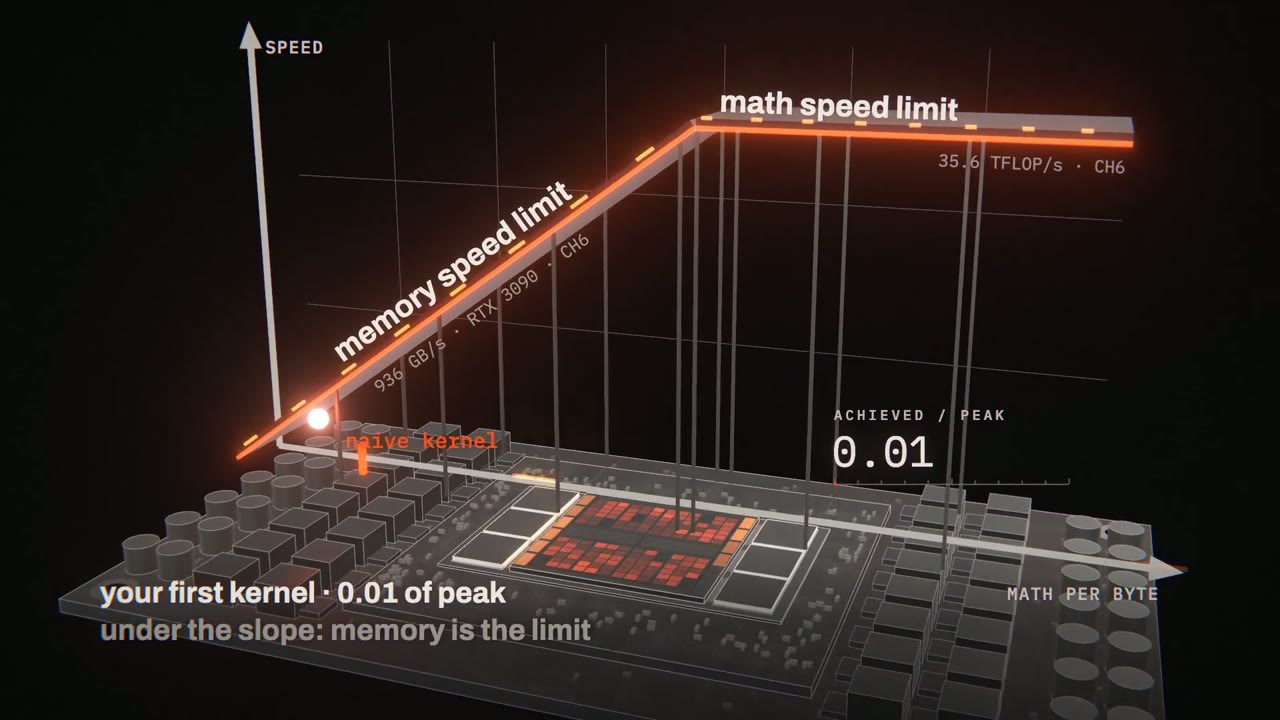

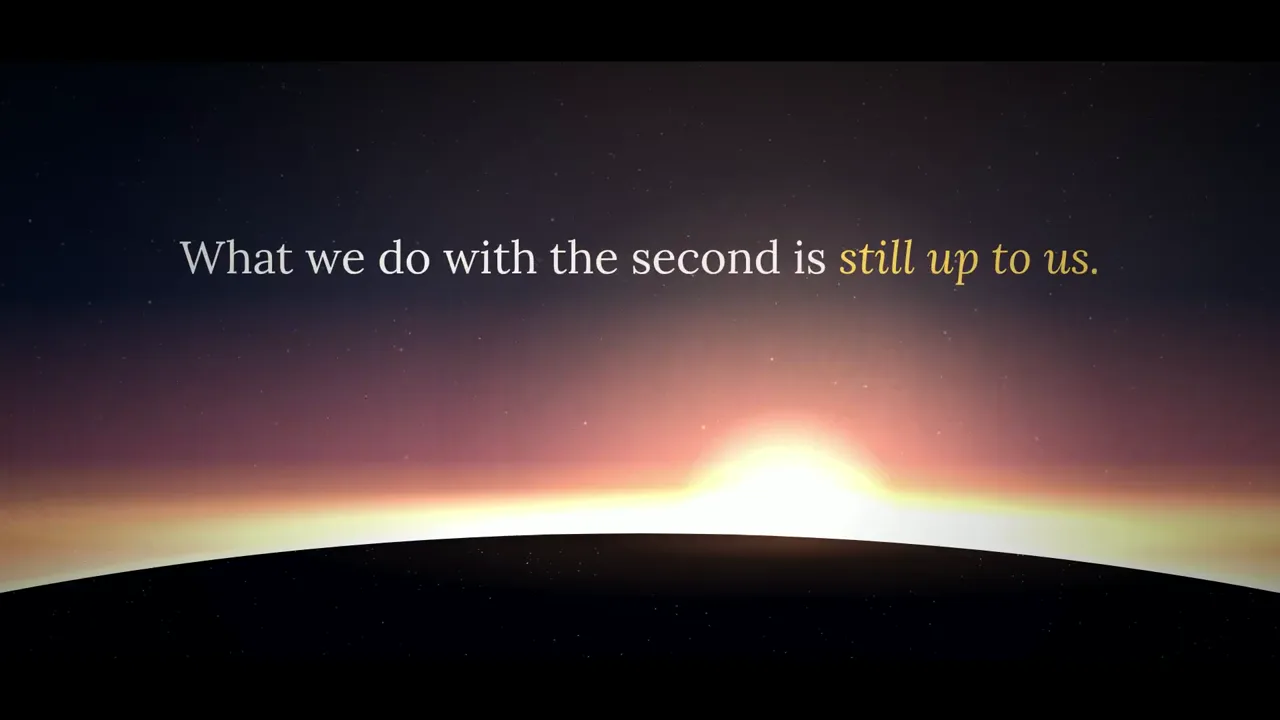
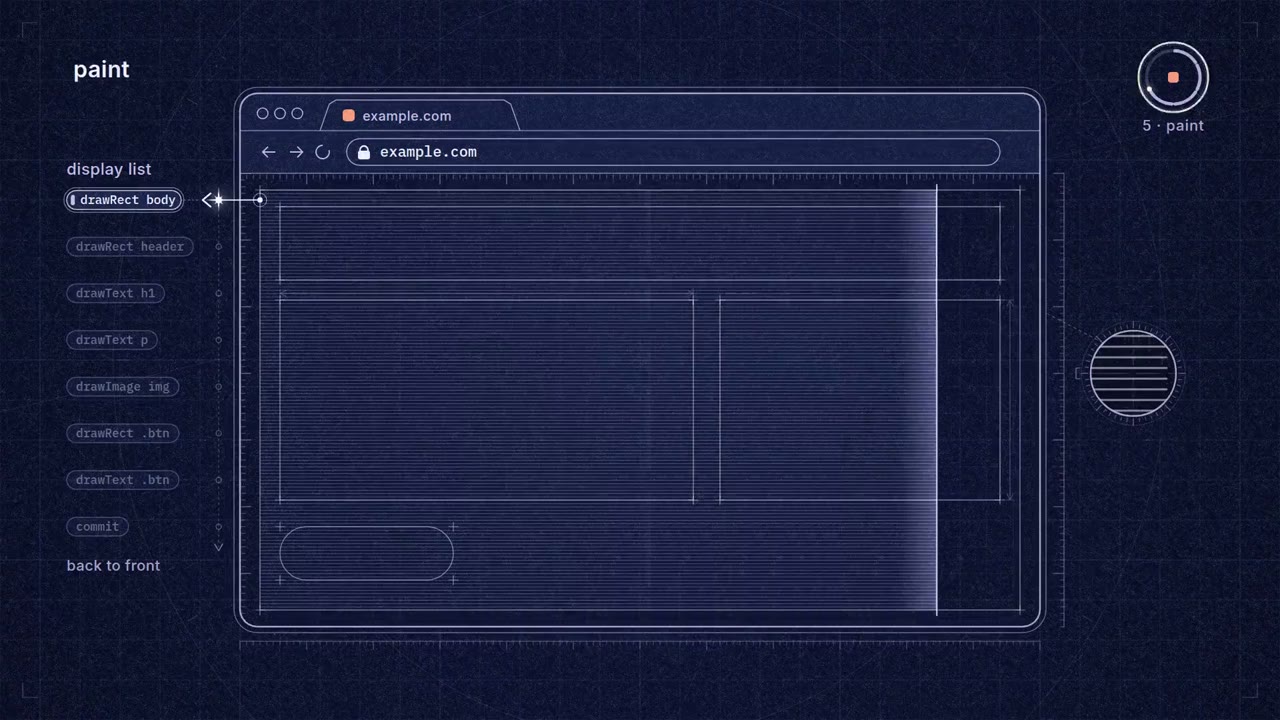


Explainer
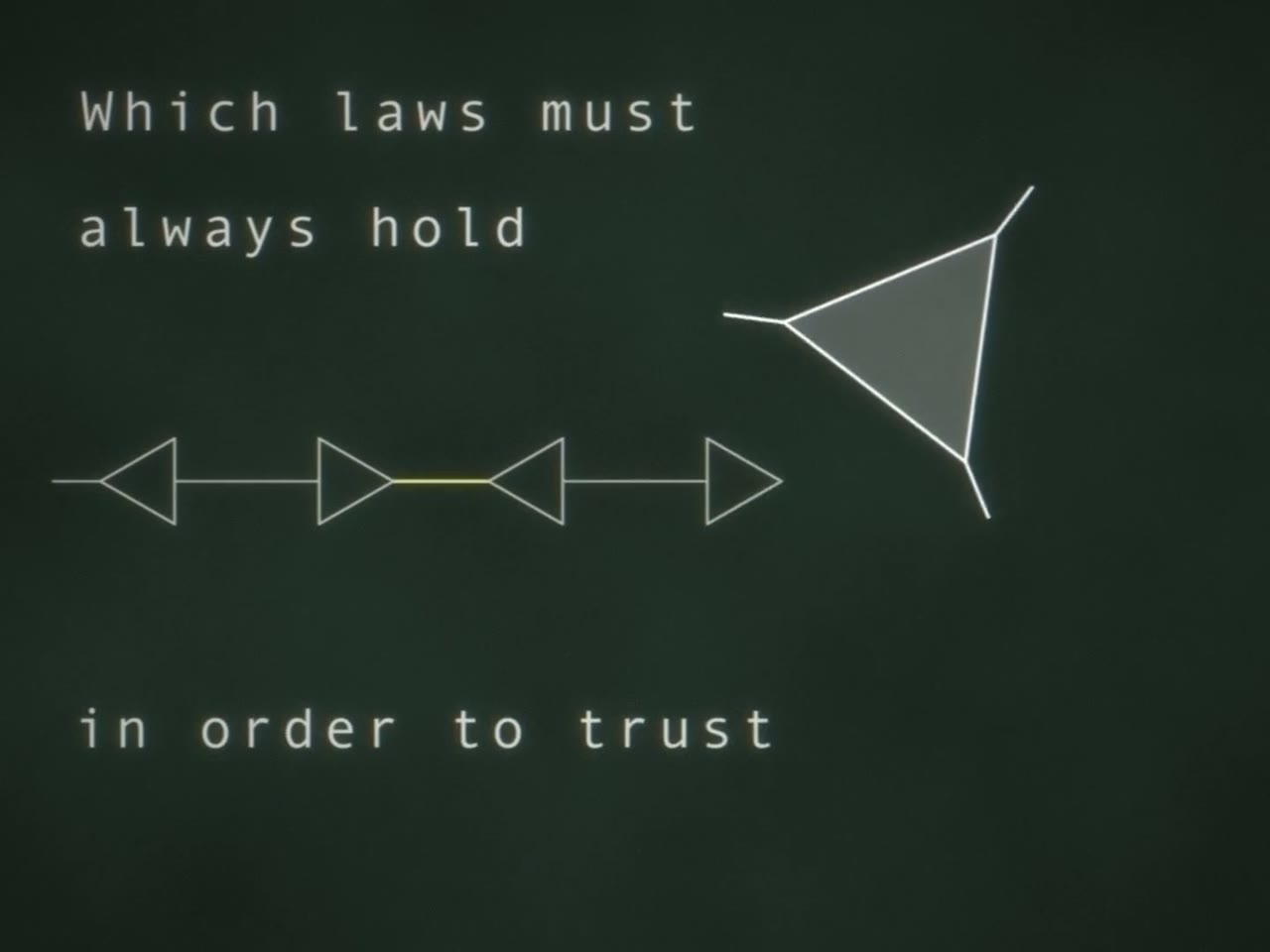
Lambda diagrams and parallel trees in a programming language intro
16:9 · 1:30
by VictorTaelin







Pricing
Choose a plan to make your own motion graphics with Potto.
2,000 credits
$20one-time
Pay once · no subscription
Videos per pack
30-second product demo13 videos
60-second explainer5 videos
- 2,000 credits, added once
- Up to 86 fast images
- No added Potto watermark
- Shared by video and image tools
5,000 credits
$50one-time
Pay once · no subscription
Videos per pack
30-second product demo33 videos
60-second explainer13 videos
- 5,000 credits, added once
- Up to 217 fast images
- No added Potto watermark
- Shared by video and image tools
15,000 credits
$100one-time
Pay once · no subscription
Videos per pack
30-second product demo100 videos
60-second explainer40 videos
- 15,000 credits, added once
- Up to 652 fast images
- No added Potto watermark
- Shared by video and image tools
Lite
Choose Lite$20/monthBilled monthly
Videos per month
30-second product demo13 videos60-second explainer5 videos- 2,000 credits per month
- Up to 86 fast images
- Standard queue
- No added Potto watermark
- Batch processing with AI tools
- Not listed in public galleries
Pro
Choose Pro$50/monthBilled monthly
Videos per month
30-second product demo33 videos60-second explainer13 videos- 5,000 credits per month
- Up to 217 fast images
- Priority queue
- No added Potto watermark
- Batch processing with AI tools
- Not listed in public galleries
- Recommended
Max
Choose Max$100/monthBilled monthly
Videos per month
30-second product demo100 videos60-second explainer40 videos- 15,000 credits per month
- Up to 652 fast images
- Highest priority queue
- No added Potto watermark
- Batch processing with AI tools
- Not listed in public galleries
Lite
-20%Choose Lite$20$16/monthBilled annually · $240 → $192/year
Videos per month
30-second product demo13 videos60-second explainer5 videos- 2,000 credits per month
- Up to 86 fast images
- Standard queue
- No added Potto watermark
- Batch processing with AI tools
- Not listed in public galleries
Pro
-20%Choose Pro$50$40/monthBilled annually · $600 → $480/year
Videos per month
30-second product demo33 videos60-second explainer13 videos- 5,000 credits per month
- Up to 217 fast images
- Priority queue
- No added Potto watermark
- Batch processing with AI tools
- Not listed in public galleries
- Recommended
Max
-20%Choose Max$100$80/monthBilled annually · $1,200 → $960/year
Videos per month
30-second product demo100 videos60-second explainer40 videos- 15,000 credits per month
- Up to 652 fast images
- Highest priority queue
- No added Potto watermark
- Batch processing with AI tools
- Not listed in public galleries
Videos use credits when you export, and starting one needs a balance that covers its export. Counts assume a 30-second product demo and a 60-second explainer with narration and 3 illustrations.
Explainer video FAQs
What is an explainer video?
An explainer video is a short video that teaches one idea, such as how something works, what happened, or why a concept matters. The pictures show the steps, and titles or a narration keep the viewer on that idea.
What is the difference between this gallery and the explainer video maker?
This page is a gallery of 264 explainer videos made by independent creators, which you can watch and remake. The explainer video maker is where you write your own explainer from a brief. Choosing Use this prompt on a gallery clip sends that clip’s prompt into Potto, which renders its own version.
What kinds of explainer videos are in the gallery?
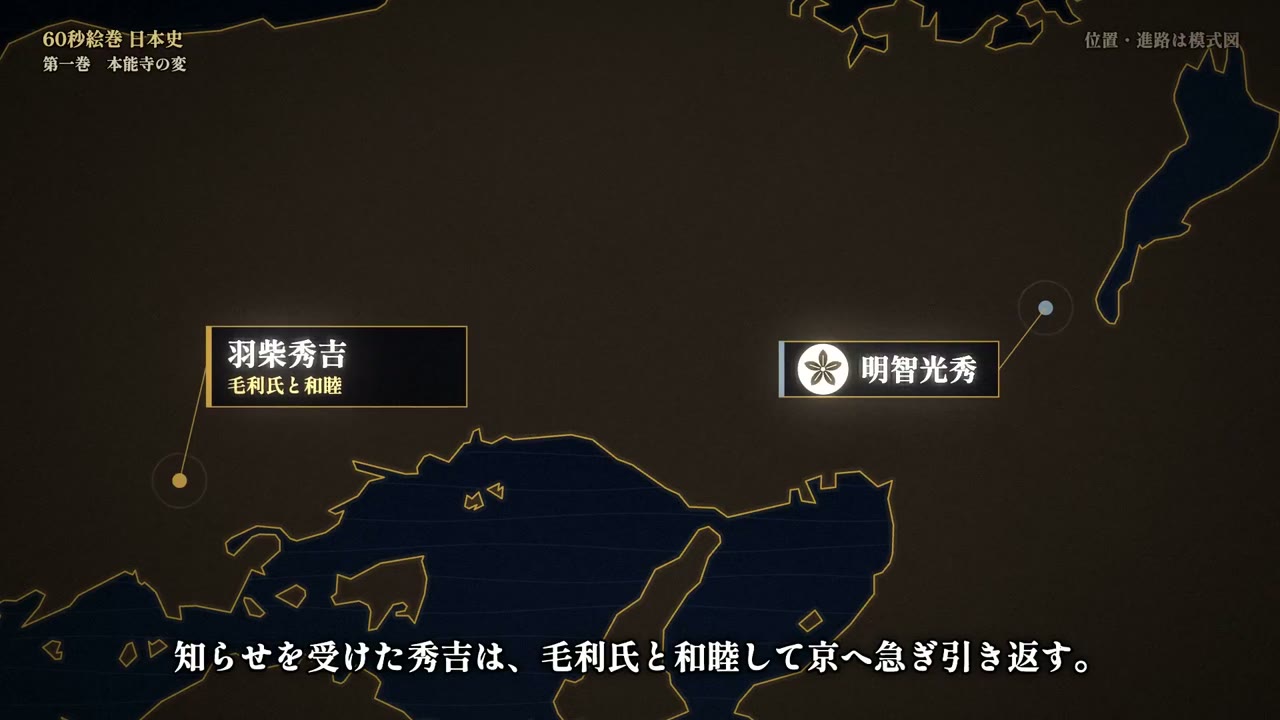
The gallery includes how-it-works clips, cutaways, history maps, essays and paper walkthroughs. Examples include a 35-second Raptor 3 turbopump cutaway, a 40-second browser explainer, a 60-second Honnō-ji map, and a five-minute documentary on superintelligence.
How do I remake an explainer video?
Play the clip, then choose Use this prompt, or type your own subject in a sentence. Pick 16:9, 9:16 or 1:1, watch the preview, and export an MP4 when the version is right.
How long is an explainer video from the creator?
An explainer video from the creator can be 15, 30, 45, 60 or 90 seconds. The gallery itself also includes longer creator films, such as a 158-second history and a five-minute documentary; those runtimes belong to the original clips.
Does the remake come with music or a voiceover?
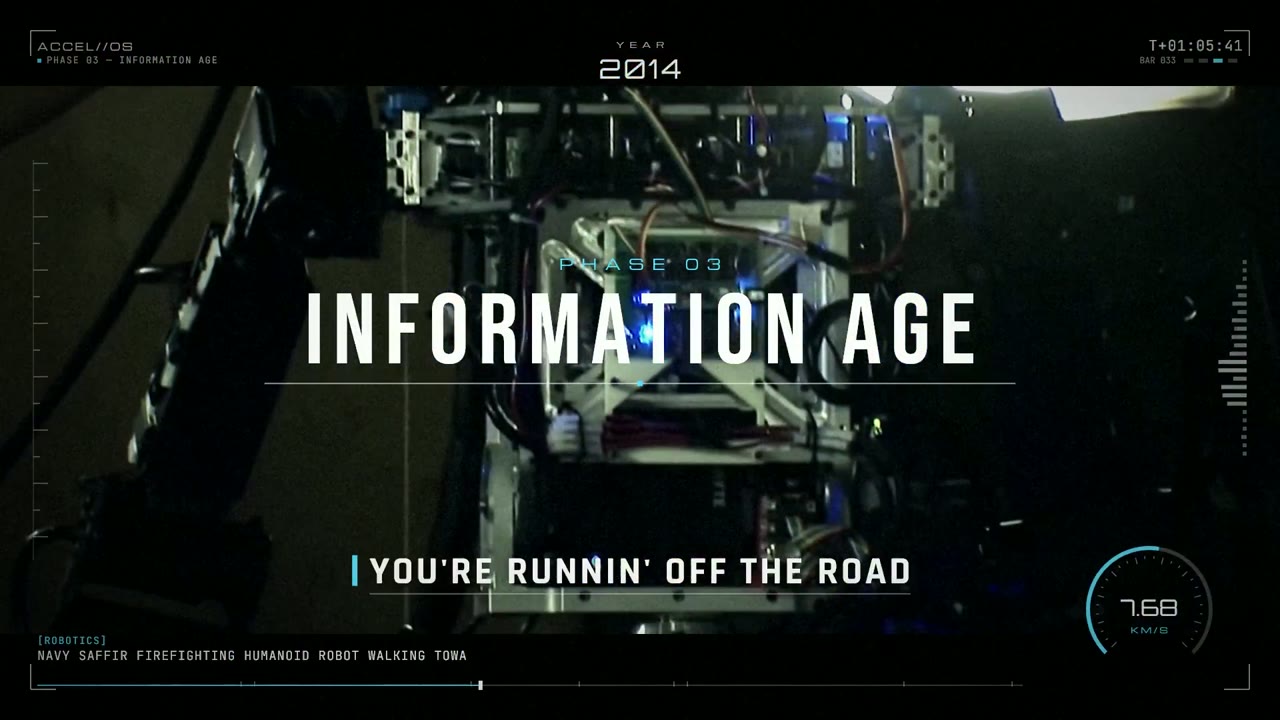
The remake comes with music picked to match the style, which you can swap or turn off. Turn on a voiceover when you create it if you want the explainer narrated. Some originals in the gallery already use narration, including A Short History of AI and Atmospheric Circulation Explained.
What can I export?
Explainer videos you make here export as MP4 in 16:9, 9:16 or 1:1. Transparent video and GIF exports are only offered for short motion clips such as logo animations and lower thirds.
Can I change the video after the first preview?
Yes. Describe the change in the chat, for example a slower pace, a clearer last line or one more step, and Potto renders a new preview. Each change is a round you can undo, and previewing and editing never use credits.
How much does an explainer video cost?
An explainer video costs credits only when you export it, at 5 credits per second of video: 50 credits for 10 seconds and 150 for 30 seconds. A voiceover, if you add one, adds a few credits based on its length. To start, your balance must cover the length you choose at 5 credits per second, and new accounts get 100 credits, enough to start a 15-second video.