Black Friday: 50% off every yearly plan for the first year. Ends Dec 1.
Potto AI

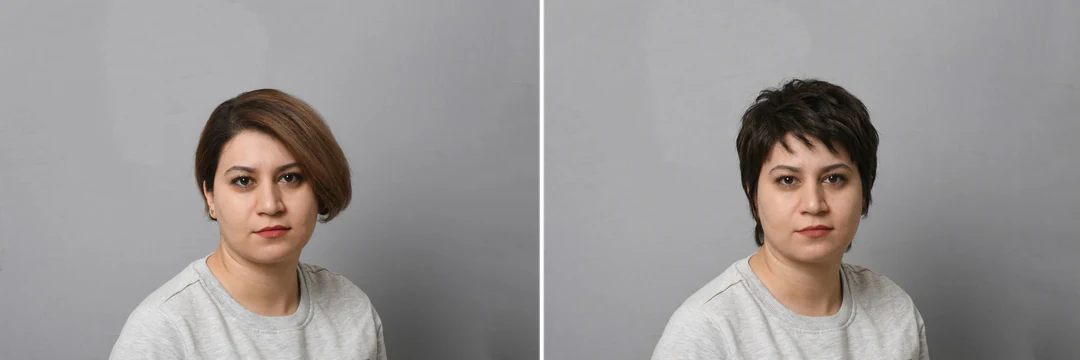
AI hairstyle: the same portrait before and after

One portrait in, one hairstyle concept out. The ratio follows your photo, with 3:4 as the fallback.

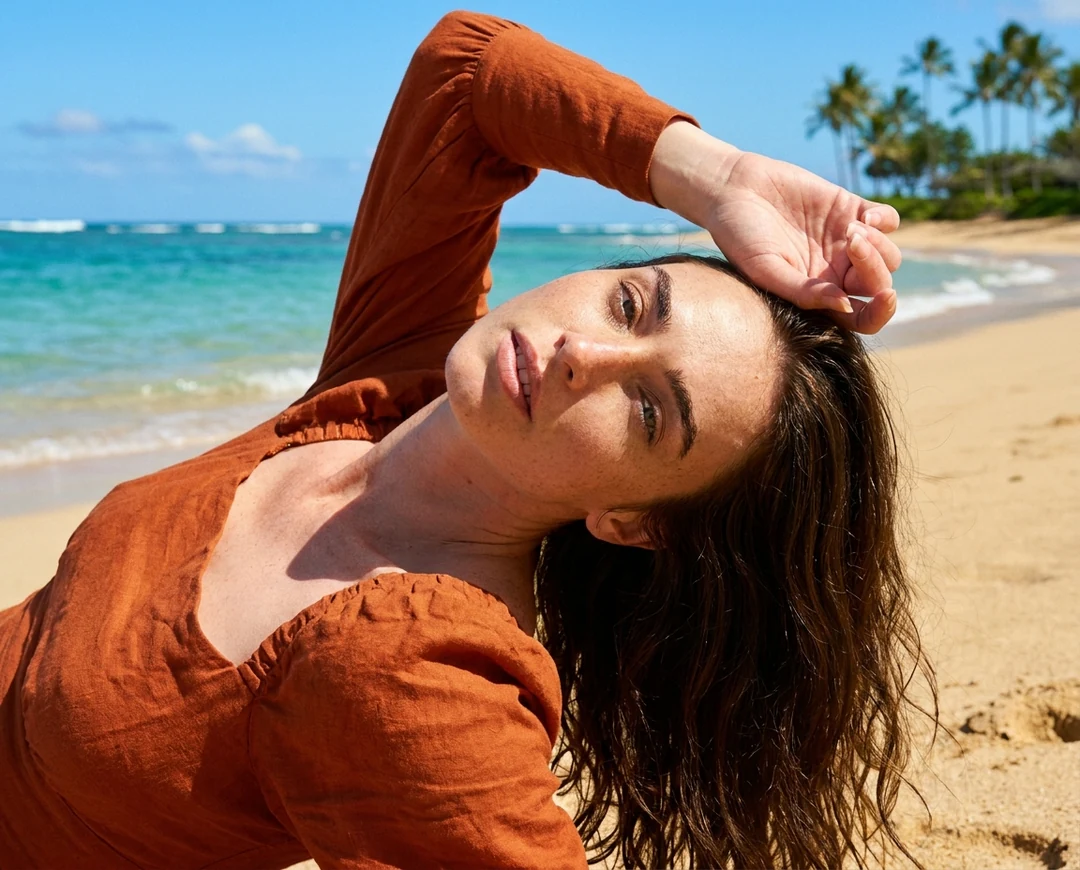
Original portrait photo before the AI hairstyle treatment
Original photo
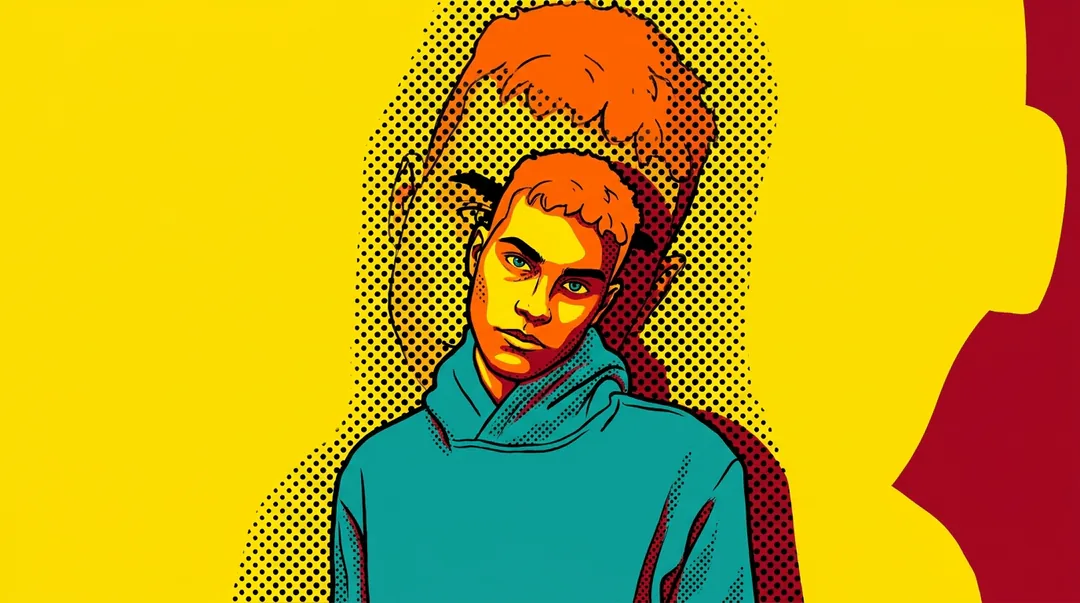
Portrait with a new modern hairstyle generated from the same photo
AI hairstyle result

What stayed

Identity, face, expression, skin, clothing, pose and background should stay the same. Compare the eyes, jaw and neckline.

What changed

The hair gets a fresh modern shape, length and volume, chosen automatically. There is no cut or color menu. Treat it as one visual concept.

What to check

Look at the hairline, ears, glasses arms and collar. Strands should not fuse with clothing or leave a doubled ear. Hidden areas are invented.
How to try an AI hairstyle on your photo

Upload a portrait, check the fixed output, then compare the hairline and face.

  1. 1. Upload one clear portrait

    Add one image up to 20 MB. JPG, PNG and WebP work. Choose a front-facing photo where the forehead, ears and hairline are visible. Use a photo you own or may edit. Wear your hair as usual, because a tight bun leaves little to work with.

  2. 2. Check the fixed settings

    There is no cut, color or length selector. The panel shows one PNG at HD, in the supported ratio closest to your photo.

  3. 3. Generate and compare

    Each AI hairstyle result costs 45 credits, shown on Generate before you confirm. Compare it with your original, check the hairline and face, then download it.

Where an AI hairstyle concept fits

Three uses of an AI hairstyle changer. The image is a concept to discuss. The real haircut stays a separate decision.

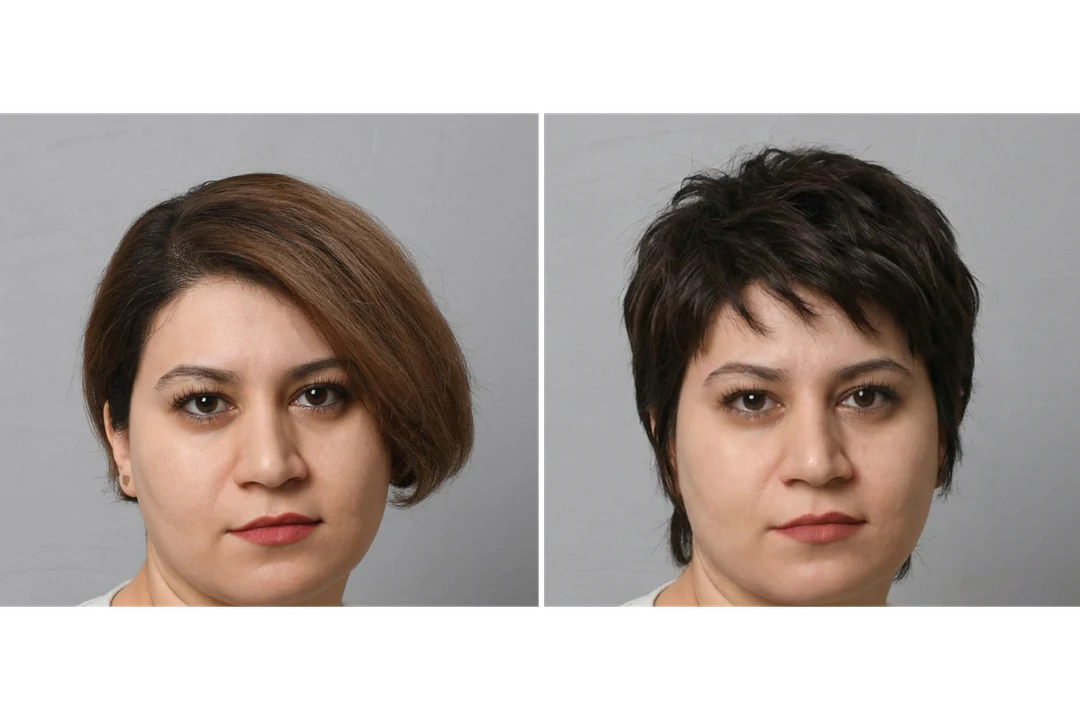
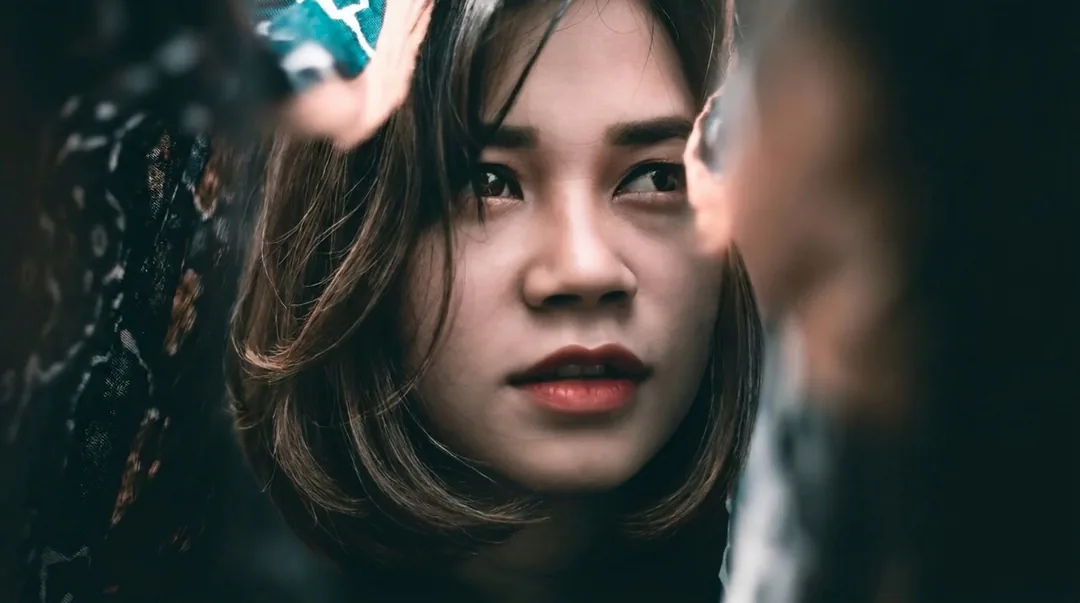
Portrait of a woman with a short bob beside a new AI hairstyle concept of the same woman

Salon visit

Salon consultation

Bring the original and the concept together. Point to what you like, such as volume, length or the space around the forehead. The image shows a look, not a cutting technique, so the stylist still judges texture, density and upkeep.

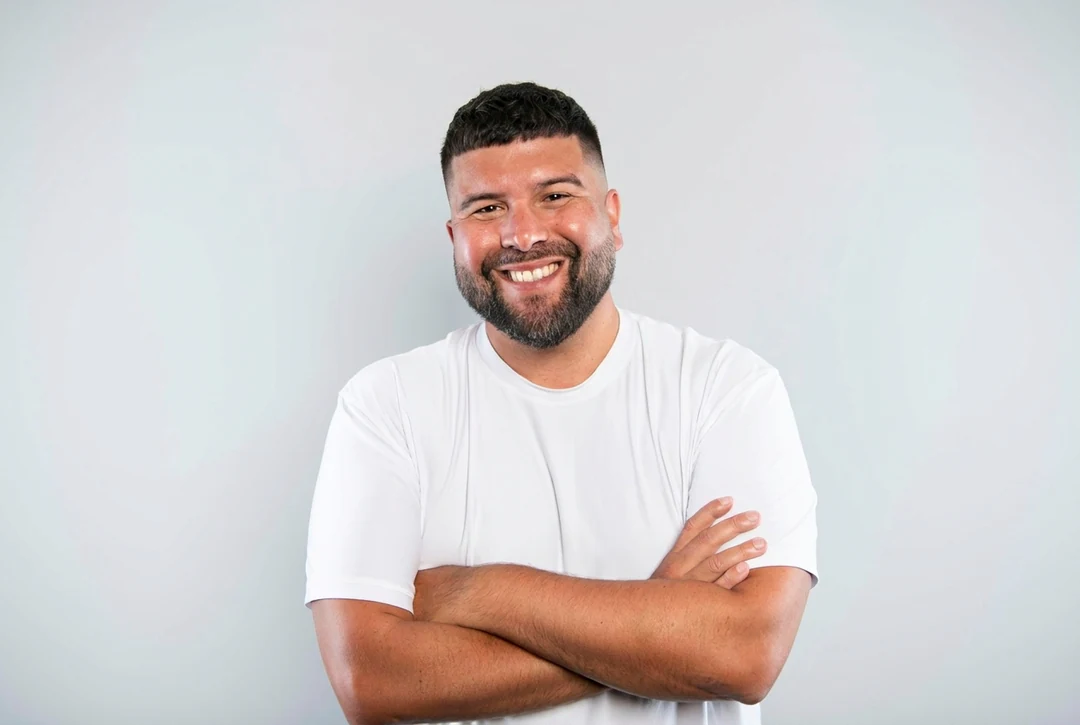
Portrait of a smiling bearded man with a new AI hairstyle, hair edges and ears visible at full size

Profile image

Profile image variation

A generated hairstyle can give a profile picture a new mood without touching your real hair. Choose a result that still looks like you. Check the edges at the size where it will appear. Keep the caption honest.

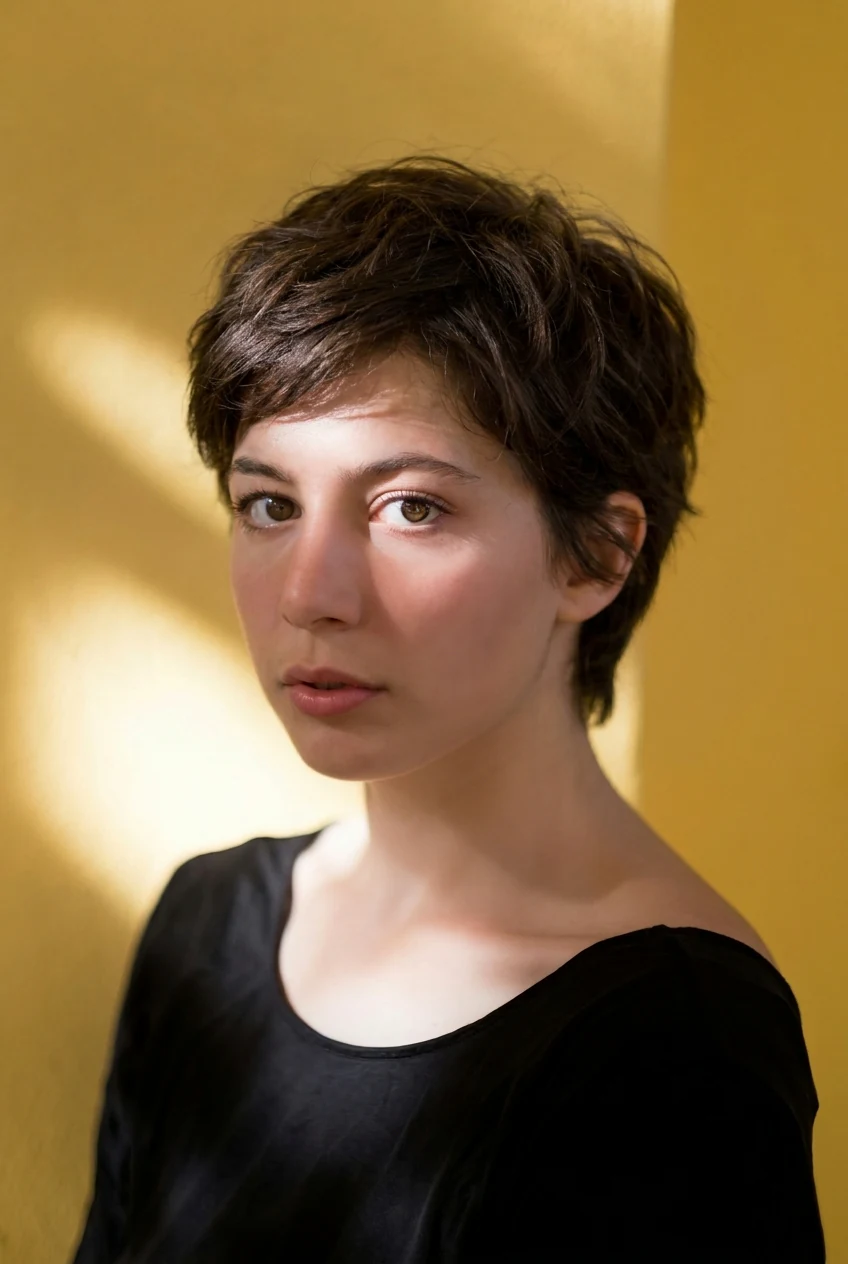
Woman with a new AI hairstyle concept, a generated look to place next to real reference photos

Mood board

Creative mood board

Use the concept to explain a silhouette and mood for a portrait session. Keep it labeled as generated, beside real references. The people doing hair and photography decide what can be made.

What AI hairstyle changes and what it leaves alone

This AI hairstyle changer changes the hair and keeps everything else in the portrait.

  1. 01

    A front-facing photo works best

    The model reshapes the hair it can see, so keep the forehead and ears in view. A hat leaves the hidden area to guess.

    • One portrait per run
    • Hair visible against a clear edge
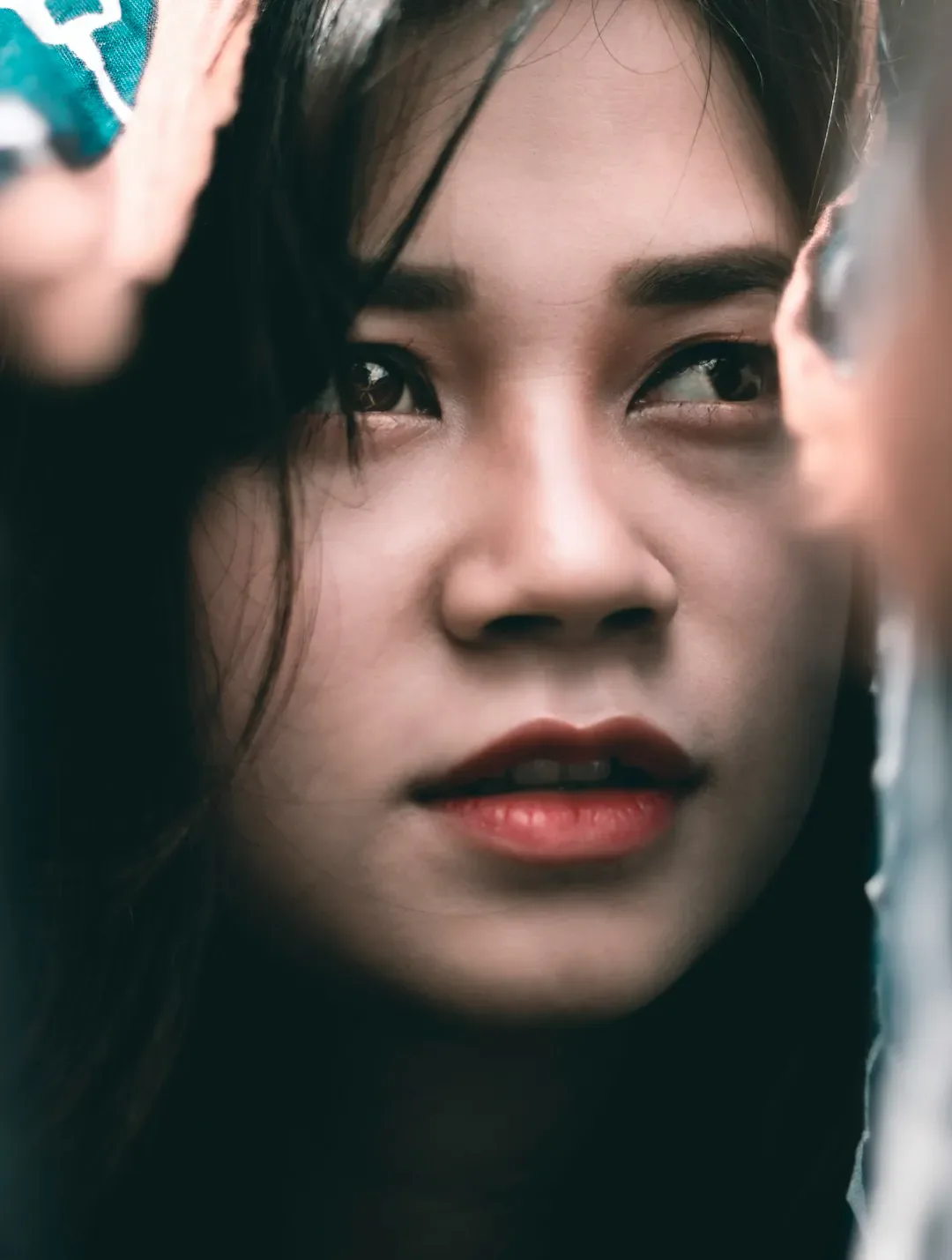
    Close-up portrait of a woman with long straight dark hair
    Original portrait used as the reference
  2. 02

    Only the hair gets a new direction

    The template picks one modern haircut automatically. Everything else stays as it was.

    • Output ratio matches your photo
    • Run again for another concept
    Close-up portrait of the same woman with wavy shoulder-length hair
    AI hairstyle result
  3. 03

    Check where the new hair meets the face

    Look where new hair meets other shapes. Read the result as a hairstyle idea, not a prediction of how your own hair would cut or dry.

    • Face first, hair second
    • Bring both images to a stylist
    Hairline and ear area of the AI hairstyle result compared with the original photo
    Hairline and ear check

Choose Your Plan

Choose your credits and generation priority. Potto does not add a visible watermark to your downloads.

  • Lite

    Black Friday -50%
    $16$8/month

    Billed $96 for the first year, then $192/year

    Choose Lite

    Monthly HD images

    Learn more
    44 images
    86 images
    • 2,000 monthly credits
    • Up to 86 fast images
    • Standard queue
    • No Potto watermark
    • Batch image tools
    • Private creations
    • All premium skills
  • Pro

    Black Friday -50%
    $40$20/month

    Billed $240 for the first year, then $480/year

    Choose Pro

    Monthly HD images

    Learn more
    111 images
    217 images
    • 5,000 monthly credits
    • Up to 217 fast images
    • Priority queue
    • No Potto watermark
    • Batch image tools
    • Private creations
    • All premium skills
  • Recommended

    Max

    Black Friday -50%
    $80$40/month

    Billed $480 for the first year, then $960/year

    Choose Max

    Monthly HD images

    Learn more
    333 images
    652 images
    • 15,000 monthly credits
    • Up to 652 fast images
    • Highest priority queue
    • No Potto watermark
    • Batch image tools
    • Private creations
    • All premium skills

AI Hairstyle FAQs

  1. What is an AI hairstyle changer?

    An AI hairstyle changer edits your portrait to show a different haircut. This template picks one fresh modern hairstyle and keeps everything except the hair. It shows a possible look. It does not predict a real haircut or promise that the style suits your hair.

  2. Can I choose a specific cut or color?

    No. The template has no cut, length or color selector. It applies one automatic modern direction. To describe a cut or color, write it in the AI image editor. For new hair and clothes together, use Kpop Photo.

  3. Which source photo should I use?

    Use a clear portrait that shows the hairline, face and the hair you want changed. Heavy hats, cropped hair or strong shadows blur the boundaries. After generating, inspect clothing and background where hair overlaps them.

  4. Will my face and clothing stay the same?

    The template asks to keep them, but that is a request, not a guarantee. If they changed, it is not a fair hairstyle comparison. Try a clearer photo or treat the result as a rough idea.

  5. Can I show the result to a hairstylist?

    Yes, as a concept beside the original portrait. Discuss shape, volume and mood, and let the stylist judge real hair density, curl and upkeep. The image is not a haircut plan.

  6. Can I see several hairstyles from one photo?

    Each run returns one hairstyle that the template picks. Run it again for another idea. Each run is a new 45-credit generation, and the next result may look similar. For exact styling, use the AI image editor.

  7. Is this AI hairstyle changer free?

    New accounts get 100 free credits, enough for two previews. Each run costs 45 credits and uses Nano Banana Pro. The amount appears on the Generate button before you confirm.

Potto AI

Try an AI hairstyle on your photo

Add a clear portrait. Check the credit estimate. Compare the hairstyle concept with your original.