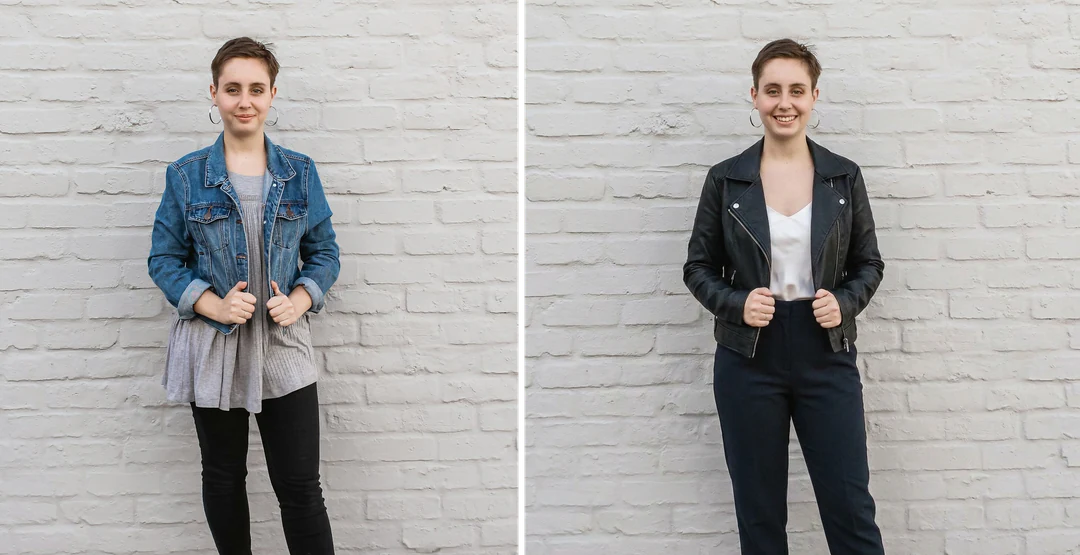
Auto ratio · Casual
Refresh a casual portrait
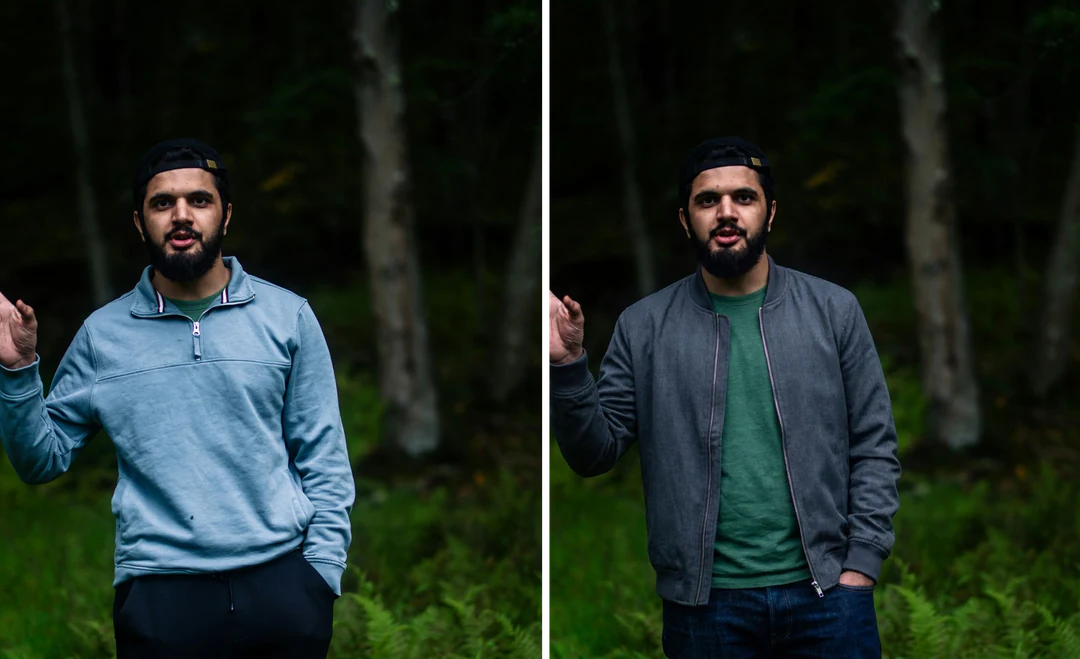
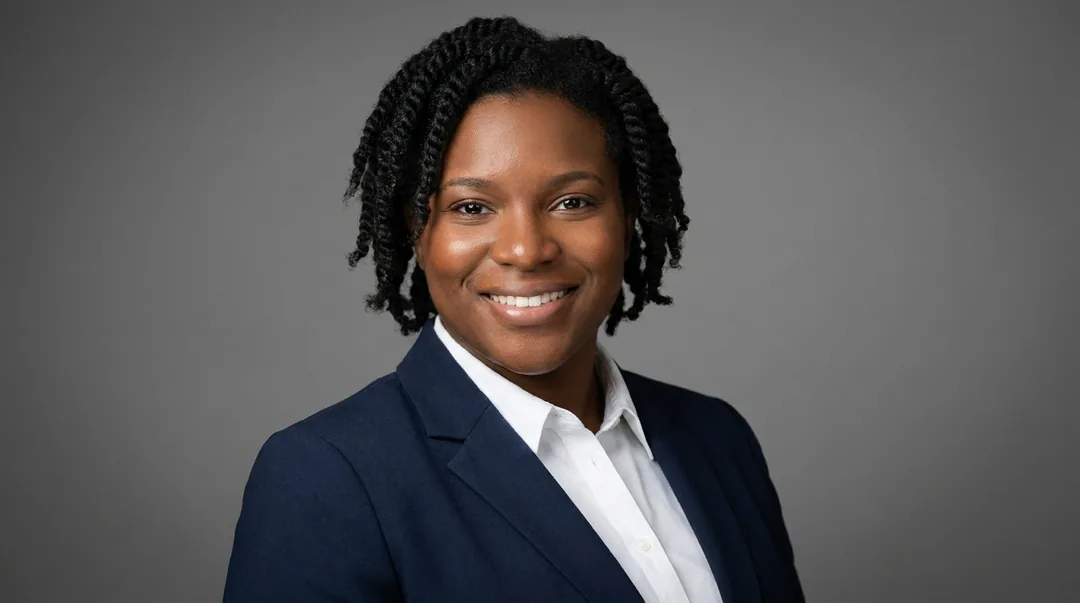
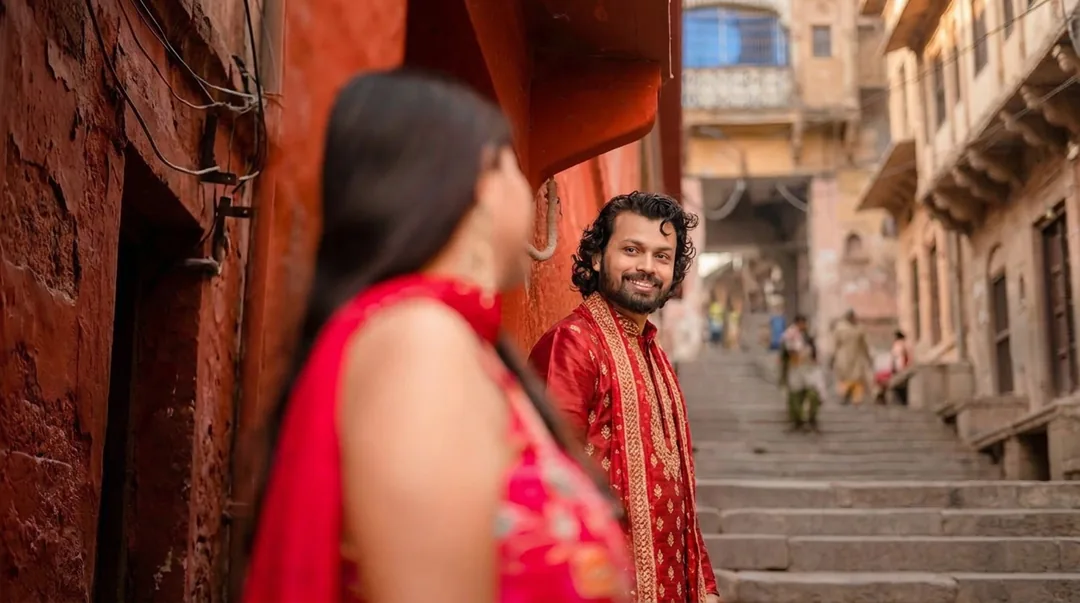
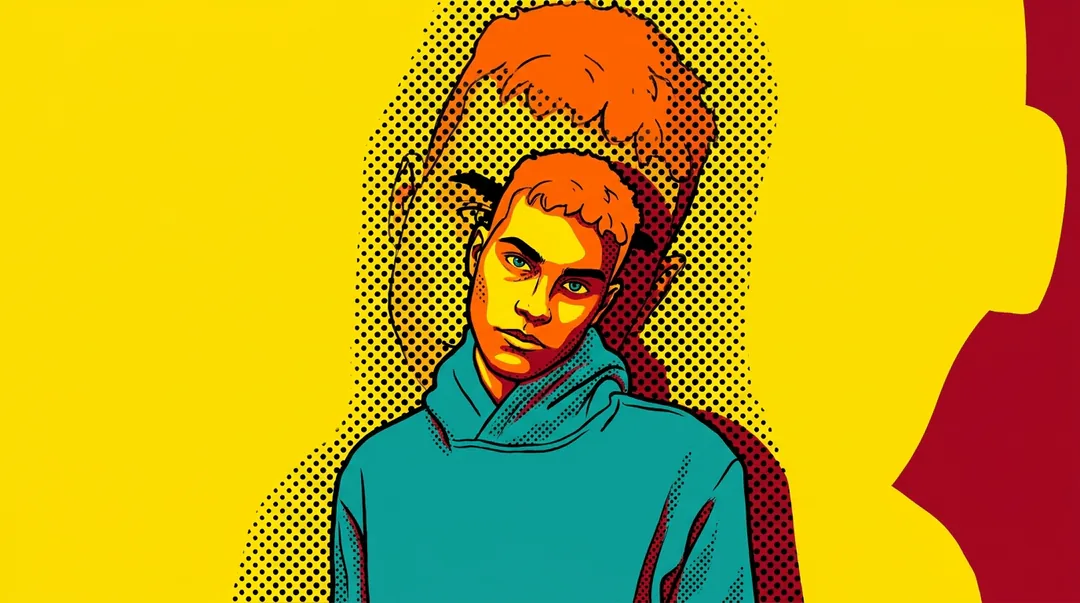
Start with a relaxed portrait you like. The template proposes different clothes. You decide whether their tone fits. If the clothes work but the face drifts, skip the result.
Change clothes in a photo with the AI clothes changer.
One photo in, one restyled version out. The ratio follows your photo, with 3:4 as the fallback.
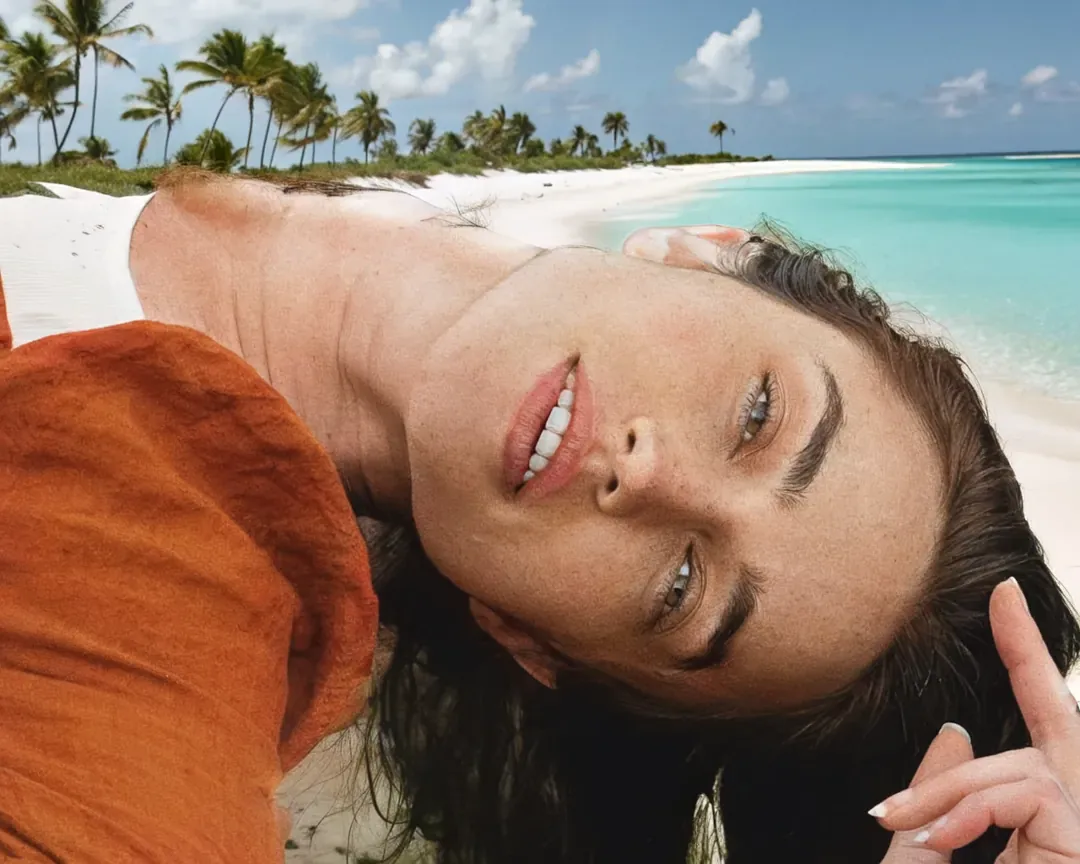
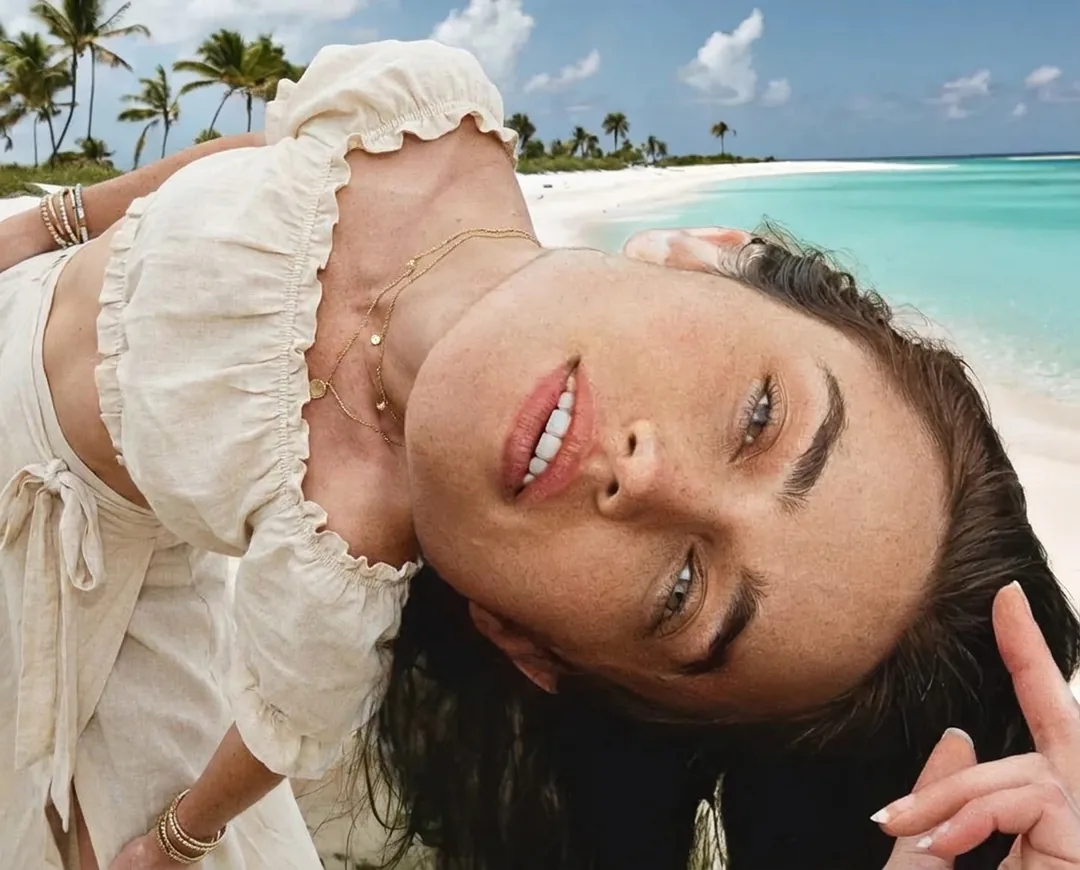
Identity, face, hairstyle, expression, pose and background should stay the same. Compare the face and hands first.
Only the clothes change. The template chooses them, and you cannot name a garment.
Look at the body outline and the wall beside it. Neither should move.
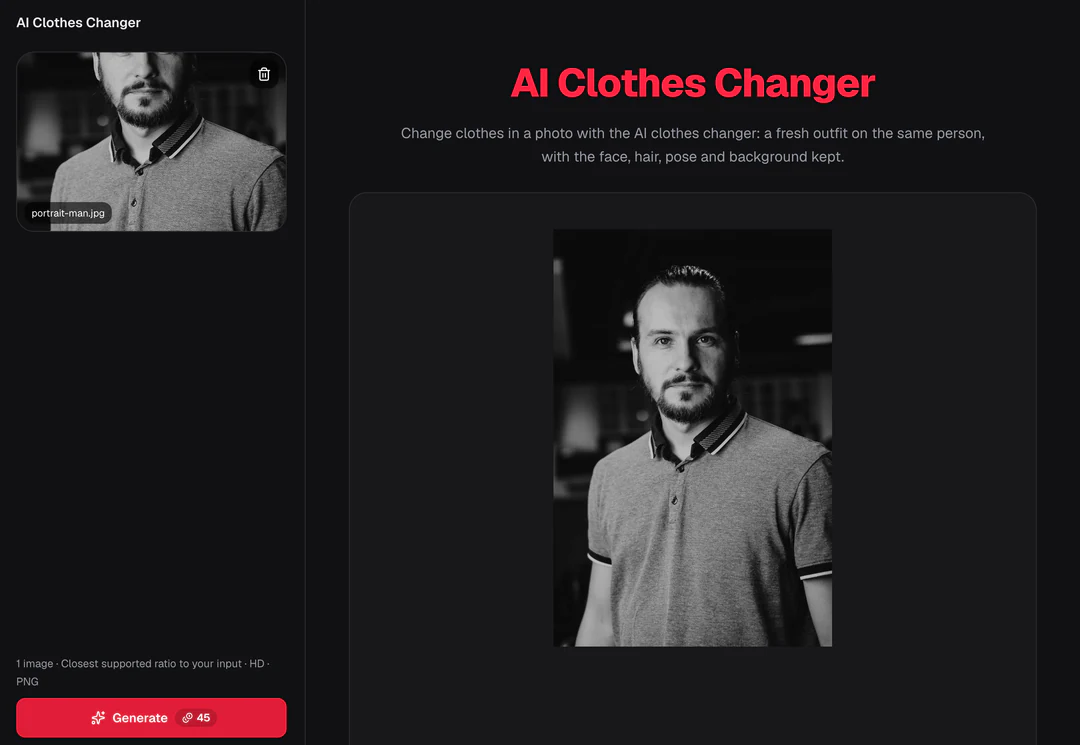
Try AI clothes changer online. Upload a photo, check the fixed output, then compare before you download.
Add one image up to 20 MB. JPG, PNG and WebP work. Choose a full or half-body photo with one person and the clothing visible. Use a photo you own or may edit.
There is no garment upload, wardrobe selector or ratio picker. The panel shows one PNG at HD, in the supported ratio closest to your photo.
Each AI clothes changer result costs 45 credits, shown on Generate before you confirm. Compare the result with your original, then download it.
Three reasons to use an AI clothes changer. Each result is a concept to judge, not a garment to buy.
Auto ratio · Casual
Start with a relaxed portrait you like. The template proposes different clothes. You decide whether their tone fits. If the clothes work but the face drifts, skip the result.
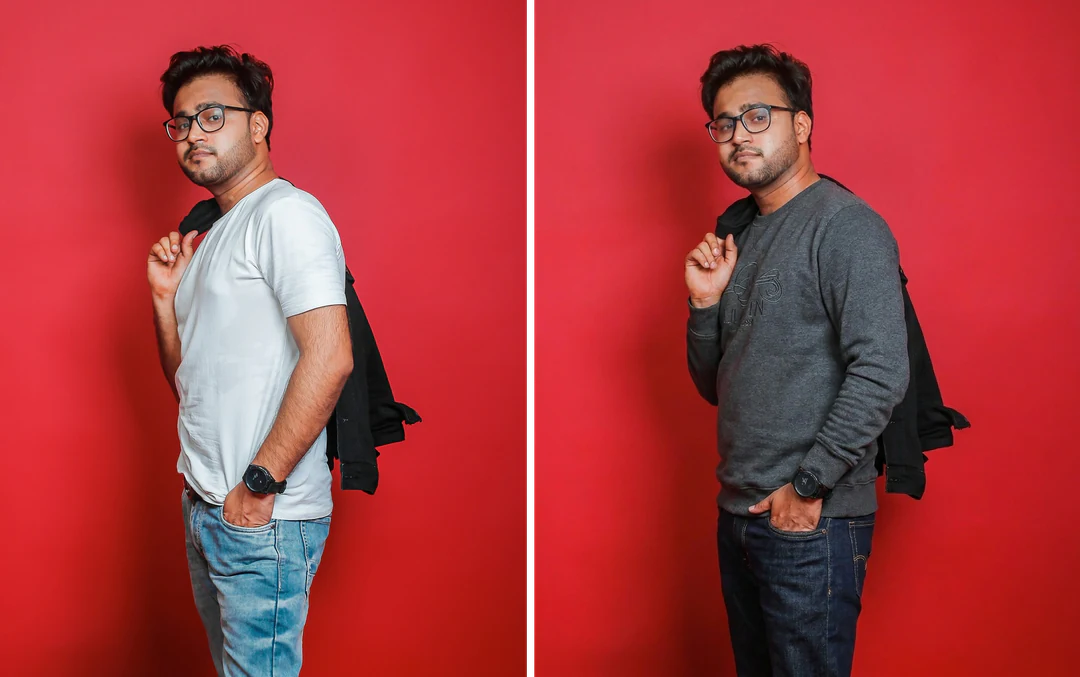
Auto ratio · Profile
Explore a more formal look on a casual portrait. The template does not promise business attire or a uniform. For a studio background, use the headshot template. Avoid badges that imply credentials you do not hold.
Auto ratio · Stylist
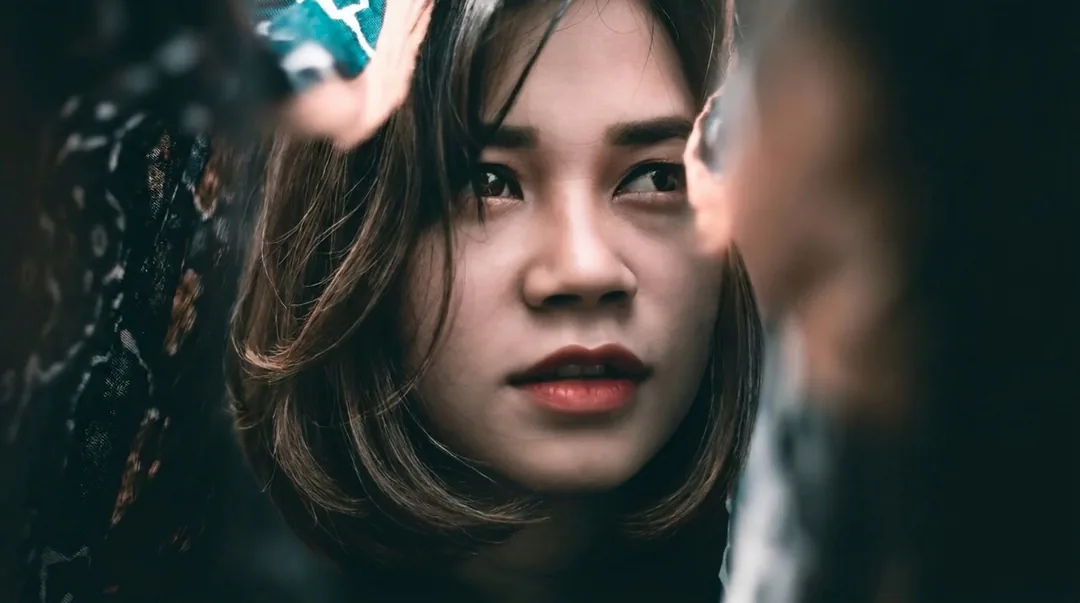
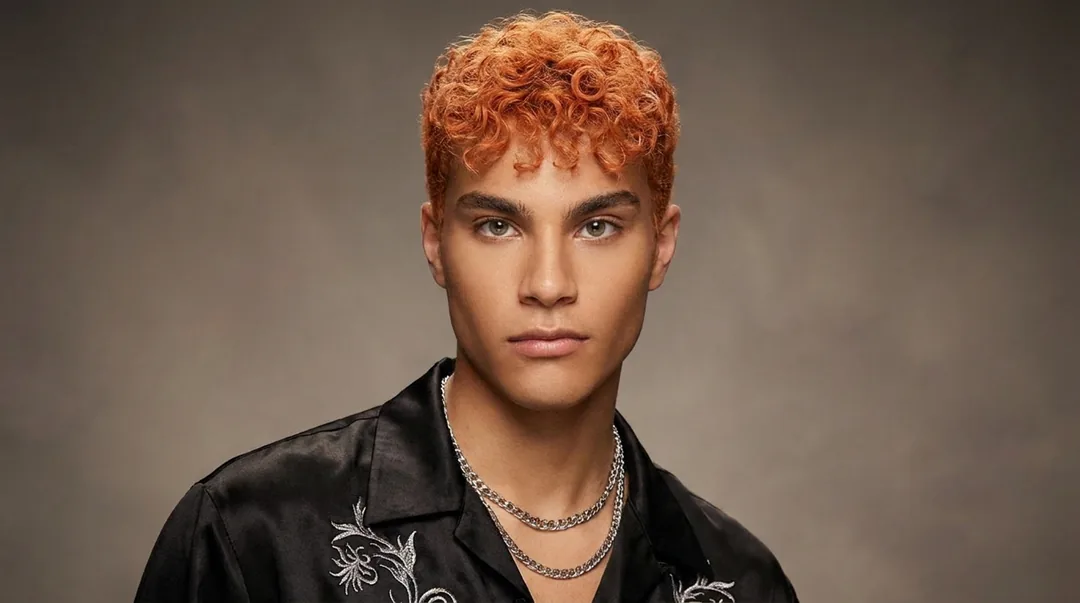
Use the result to talk about shape, contrast and mood. Describe what you like in plain words. The image carries no measurements or fabric preferences, so bring those yourself.
Try AI clothes changer online: it swaps the outfit and leaves the rest alone. Four features cover what stays, what changes, the settings and the review.
01
Identity, pose and background should come back as they were. A strong outfit cannot rescue a drifted face, so check the hands too.
02
The template chooses the clothes. You cannot upload a second garment. The result is a styling concept, not a product or a fit check.
03
Nothing to configure. Each run costs 45 credits. A wider shot shows more of the new clothes than a tight headshot.
04
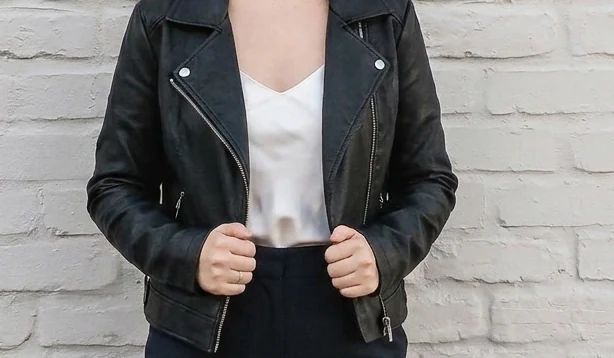
Look where fabric crosses hands, pockets or jewelry. Use the image to talk about shape and mood with a stylist.
Pick the task that matches the change you want next.
Choose your credits and generation priority. Potto does not add a visible watermark to your downloads.
Billed $96 for the first year, then $192/year
Billed $240 for the first year, then $480/year
Billed $480 for the first year, then $960/year
An AI clothes changer edits a photo so the same person wears different clothes. It is also called an AI outfit changer. This template picks a fresh outfit and keeps the face, hair, pose and background. It is a visual idea, not a shop, a catalog or a fit simulation.
No. The template takes one person photo and has no garment upload or wardrobe selector. The outfit is chosen for you. Do not treat it as a real product.
Use a clear photo of one person with the clothing visible. A full or three-quarter view shows more of the outfit. Avoid bags, crossed objects or other people covering the clothes. Even light helps. Use a photo you own or may edit.
The template is built for one person. In a group photo it may be unclear whose clothes change. For coordinated outfits across a group, use the Matching Outfits template.
No. The output has no body measurements, sizing or fabric simulation. Use it to explore a styling direction. For a purchase or a tailor, use real measurements.
Compare the face, hair, pose, hands and background with your original. Then trace the sleeves down to the cuffs. Look for fabric cutting through fingers, pockets or jewelry. Logos and text on clothing may come out distorted.
Yes, with another template. This page changes only the outfit. AI Hairstyle changes only the haircut. Kpop Photo restyles hair and clothes together. Matching Outfits dresses a group in one palette.
45 credits per run for one HD PNG made with Nano Banana Pro. The quote appears on the Generate button before anything is charged.
Add a shot with one person in it. Check the credit estimate. Compare the new clothes with your original.