Claude Fable 5.2 Animation Generator
Make Fable 5.2 animation with Claude, without Blender or code. Describe a 3D scene or add a reference video. Claude Fable 5.2 writes the scenes. Potto renders them and exports an MP4.
Fable 5.2 animation examples
Both videos are real Potto projects. Fable 5.2 wrote every 3D scene, and Potto rendered them.
3D desk lamp animation from a text prompt
A 10-second teaser for a made-up smart desk lamp called Lumen. Fable 5.2 wrote two 3D scenes: a glowing lamp with 3D text, and light rings around a sphere. Made on November 11, 2026.
Video to 3D animation from a reference video
Fable 5.2 rebuilt the shots of a reference video as 3D scenes: a projector with a light beam and the 3D word VELA, orbiting rings and a title screen. Made the same day.
Video to 3D animation
Choose Fable 5.2, then upload a reference video as MP4 or WebM, up to 180 seconds and 20 MB. Potto reads its shots, on-screen text and speech. The model rebuilds the shots as 3D scenes with simple shapes, the same camera moves and the same pace. The colors and words are yours. It copies the motion, not the footage.
More Fable 5.2 animation ideas
Creators made these 3D videos with Claude. Click a card to play it.
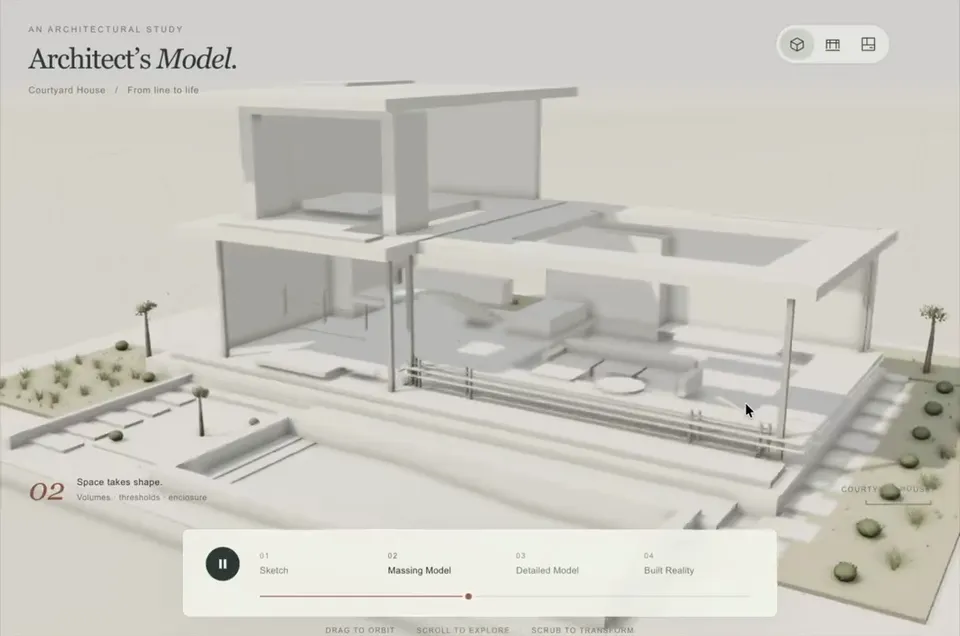
- by techartist_
Visual System
Courtyard house grows from sketch to finished model in 3D
0:19
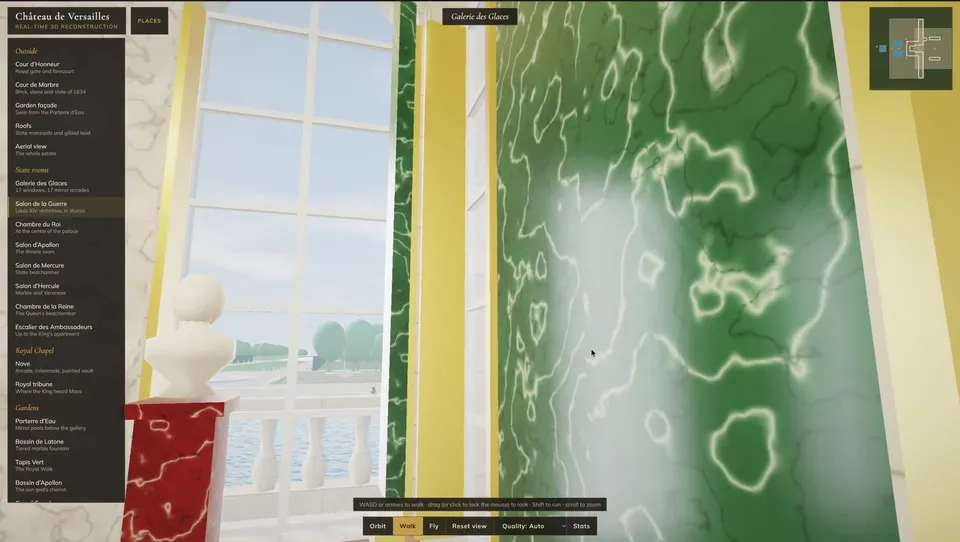
- by AISuperDomain
Visual System
A 3D walk through the Palace of Versailles
0:16
- by JaydenDavisNC
Visual System
A Blender animation starring the dots mascots
Blender · 0:17
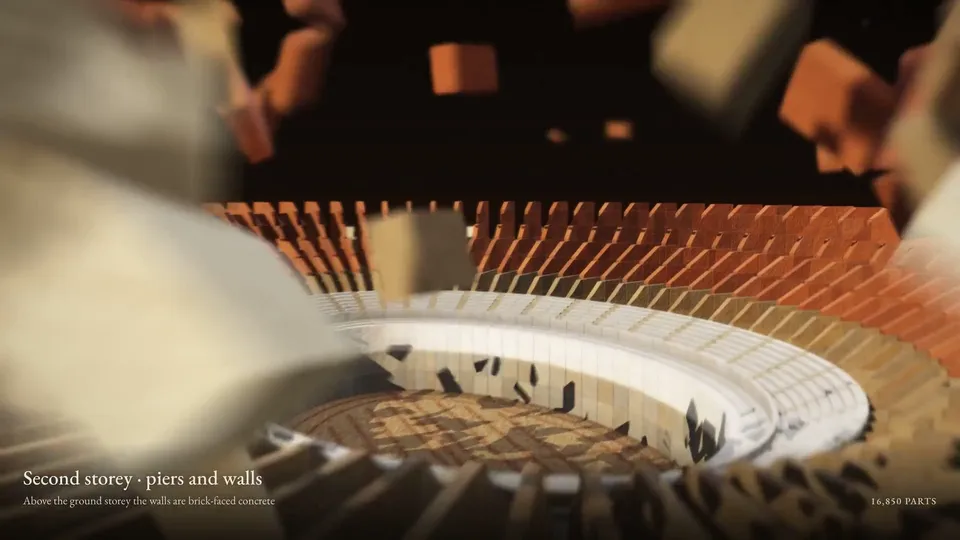
- by cocoloba_
Visual System
The Colosseum in 44,754 3D parts
1:13

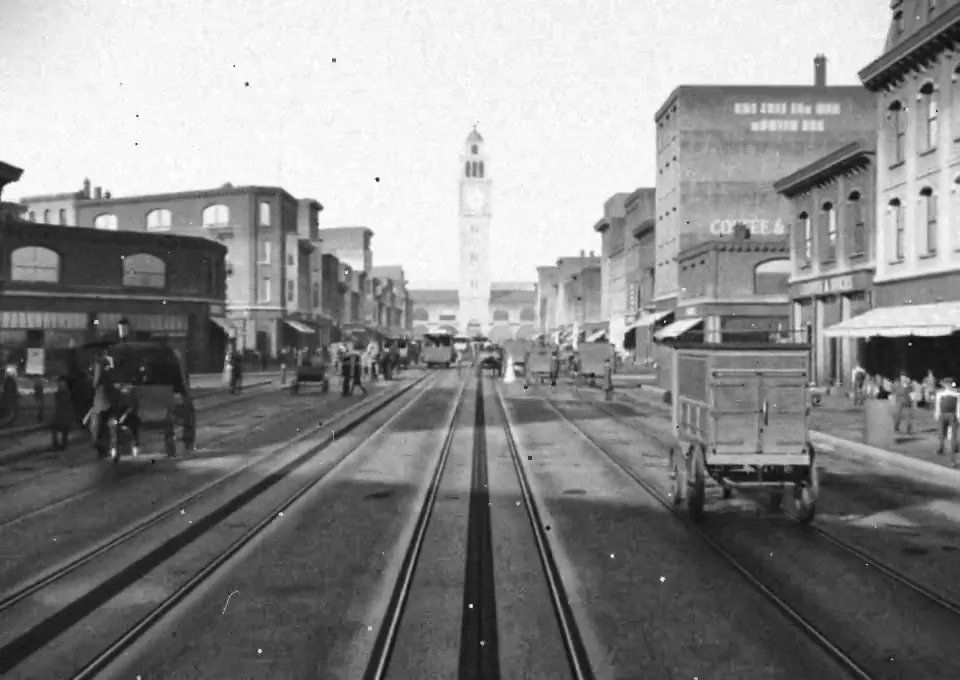
- by alexalbert__
Visual System
1906 San Francisco Market Street rebuilt in 3D
three.js · Shader · Canvas · 0:08
- by imjustnewatai
Visual System
A 3D Rube Goldberg machine
1:00

These videos come from independent creators, not Potto. Each card credits its author and links to the original post.
How to make Fable 5.2 animation
Three steps take you from one sentence or a reference clip to an MP4.
Describe the scene or add a video
Type the 3D animation you want, or add an MP4 or WebM reference video. Fable 5.2 is already selected.
Confirm the storyboard
Fable 5.2 writes the storyboard and the scenes. Read it, or ask for changes in the chat. Potto renders the 3D scenes while you wait.
Preview, then export
Preview the video in your browser. Export an MP4 when it looks right.
Fable 5.2 animation: Blender MCP vs Remotion vs Potto
Three routes make Fable 5.2 animation with Claude. Choose by what you can install and write. Facts checked on November 12, 2026.
| Blender MCP | Remotion | Potto | |
|---|---|---|---|
| What you install | Blender, Python, uv and the Blender add-on | A Node.js project with Remotion and @remotion/three | Nothing |
| Who writes the scene | Claude, as Blender Python | You or Claude Code, as React code | The model writes the storyboard and the scene code |
| Rendering | You render in Blender | You run npx remotion render, or use Remotion Lambda | Potto renders it, with 3D scenes in an isolated sandbox |
| Output | Your Blender render | Video, GIF or image sequence | A 1080p MP4 with captions, voiceover and music |
| 3D | Blender modeling, materials, animation and rigging | Three.js scenes through @remotion/three | 3D device, 3D text and 3D bar chart templates, plus up to 4 custom 3D scenes |
| Code required | None from you. Claude writes the Python | Yes. React and Three.js | None. You edit by asking in chat |
| Cost | The MCP server is free. Anthropic bills Claude use | Free for individuals and teams of up to 3 people. Larger companies pay Remotion | Credits at 3 times the usual rate: 225 for a 15-second export, plus model work |
Another route: Claude Code with Blender MCP
Claude can also build 3D scenes inside Blender. This route needs a local setup.
- Install Blender 3.0 or newer, Python 3.10 or newer and uv.
- Run uvx mcp-for-blender setup. It installs the Blender add-on and adds the server to Claude Code and your other MCP clients.
- In Blender, press N in the 3D viewport. Open the MCP for Blender tab and click Start MCP Server.
- Start Claude Code and pick Fable 5.2 with /model. Describe the scene, the camera move and the length.
- Claude writes Blender Python, checks the viewport and fixes the scene. You render the final animation in Blender.
Blender MCP runs Python in your open Blender file, so save your work first. Its local server has no login, so keep it on your own computer.
More ways to make videos
Fable 5.2 also writes the storyboard for every Claude video. Start from a specific format.
- Claude Video GeneratorClaude writes the storyboard, Remotion renders the MP4.

- AI Motion GraphicsKinetic text, product screens and charts that move.
- Product Demo VideoShow how your product works from screenshots or a link.
- Product Launch VideoShow a product workflow from your screenshots.
- Explainer VideoExplain one idea with illustrations and captions.

- YouTube Shorts MakerMake a vertical Short from one prompt, link or screenshots.

Choose Your Plan
Choose your credits and generation priority. Potto does not add a visible watermark to your downloads.
Lite
Black Friday -50%Choose Lite$16$8/monthBilled $96 for the first year, then $192/year
Monthly videos
30s product demo13 videos60s explainer5 videos- 2,000 monthly credits
- Up to 86 fast images
- Standard queue
- No Potto watermark
- Batch image tools
- Private creations
- All premium skills
Pro
Black Friday -50%Choose Pro$40$20/monthBilled $240 for the first year, then $480/year
Monthly videos
30s product demo33 videos60s explainer13 videos- 5,000 monthly credits
- Up to 217 fast images
- Priority queue
- No Potto watermark
- Batch image tools
- Private creations
- All premium skills
- Recommended
Max
Black Friday -50%Choose Max$80$40/monthBilled $480 for the first year, then $960/year
Monthly videos
30s product demo100 videos60s explainer40 videos- 15,000 monthly credits
- Up to 652 fast images
- Highest priority queue
- No Potto watermark
- Batch image tools
- Private creations
- All premium skills
Videos use credits on export. Your balance must cover the export before you start. Counts assume a 30s demo and a 60s explainer with narration and 3 illustrations.
Fable 5.2 animation FAQs
What Fable 5.2 animation is. How Fable 5.2 makes it in Potto. How it differs from Blender MCP. The limits and prices to know before you export.
What is Fable 5.2 animation?
Fable 5.2 animation is 3D animated video made with Claude Fable 5.2 from a text description or a reference clip. It is also called AI 3D animation. The model plans the scenes, the camera moves and the timing. In Potto, it writes each scene in code. Potto then renders the scenes into an MP4. The model does not draw video frames.
Can Claude Fable 5.2 make 3D animation?
Yes. Choose Claude Fable 5.2 in the Potto creator and describe the animation. It drafts the storyboard first and then the scenes. Potto renders them. You export an MP4. You install nothing and write no code. The model itself outputs text and code, not video frames. Anthropic released it on November 9, 2026, for paid Claude plans and the API.
Is Potto a Fable 5.2 animation generator?
Yes, for videos built from 3D scenes. You describe the video, and Fable 5.2 builds the scenes. Potto is not a modeling or rigging tool. It does not export 3D model files. For those, use Blender. The same project can carry narration, subtitles and a music track, and you export one MP4.
What 3D scenes does Fable 5.2 animation use?
Yes. Both Claude models can use three template 3D scene types: a 3D device that shows a screenshot, 3D text and a 3D bar chart. A video can have up to 3 of these scenes. Fable 5.2 can also write a custom 3D scene as code, and a video can have up to 4 custom scenes. Potto renders each one in an isolated sandbox. If a custom scene cannot render, a template scene takes its place.
Can Claude turn a video into a 3D animation?
Yes, in Potto. Select Claude Fable 5.2 and upload a short reference clip. Potto analyzes the shots. Fable 5.2 recreates them in 3D. Your colors and words replace the original footage. You confirm the storyboard before export. In Blender, Claude can make a rougher version by hand. You export key frames, and Claude rebuilds the shot as a blockout.
What is Blender MCP?
Blender MCP is an open-source MCP server that connects Claude to Blender. A Blender add-on starts a local server. Claude can then read the scene, run Blender Python, import free assets and look at the viewport. The package is now named mcp-for-blender, and one setup command installs both parts.
What is the Claude Blender workflow?
The Claude Blender workflow is Claude building a 3D scene inside Blender through Blender MCP. You describe the scene in Claude Code. Claude scripts the scene, looks at the viewport and corrects it. The final render happens in Blender on your computer. It suits people who already use Blender. Potto skips those steps. Claude writes the scenes, and the platform renders them.
Do I need Blender MCP to make Fable 5.2 animation with Claude?
No. Blender MCP is one route, not a requirement. In Potto, Claude builds the 3D scenes. You export an MP4 from your browser. Blender MCP suits people who model and render inside Blender. It needs Blender, Python and uv on your computer.
Is there a Blender MCP alternative without installing anything?
Yes. Potto needs nothing installed. Set the model to Fable 5.2, then describe the scene or send a reference clip. Export the MP4 when the preview looks right. You get no Blender file and no scene code to edit. You change a scene by asking in the chat. The table above compares the three routes.
How much does Fable 5.2 animation cost on Potto?
A Fable 5.2 project costs 3 times the standard credit rates, and two things are charged. The model's work is billed after each message, from the tokens it used. The export is priced per second of video, 3 times the Opus 5.5 price, so 15 seconds costs 225 credits. To start a 15-second project, your balance must cover 1,425 credits: the export price plus a 1,200-credit reserve for the model. Unused reserve is released. In tests on November 11, 2026, a 15-second 3D video rebuilt from a reference video took about 3,500 credits of model work. A 10-second video with two 3D scenes from one text prompt took about 3,060. Each change you ask for is another message. The 100 sign-up credits do not cover a Fable project.
Can I download the scene code or a Blender file?
No. You get the finished MP4 only. You cannot open or run code inside the creator. Ask the model in the chat to change a scene. Each change is a new message.
Make Fable 5.2 animation with Claude
Start from a prompt or a reference clip, then export an MP4.