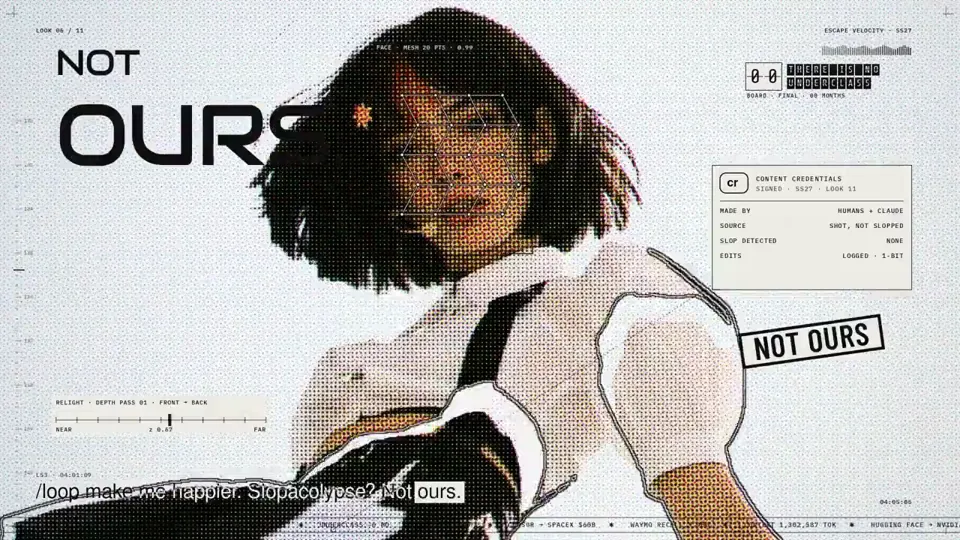
Visual System
Pop music video with a halftone portrait overlay
Canvas, AI image · 16:9 · 5:06
by anabology
Explore AI motion graphics videos by independent creators, credited to their original authors, with new videos added regularly.
1,594 works
Visual System
Canvas, AI image · 16:9 · 5:06
by anabology

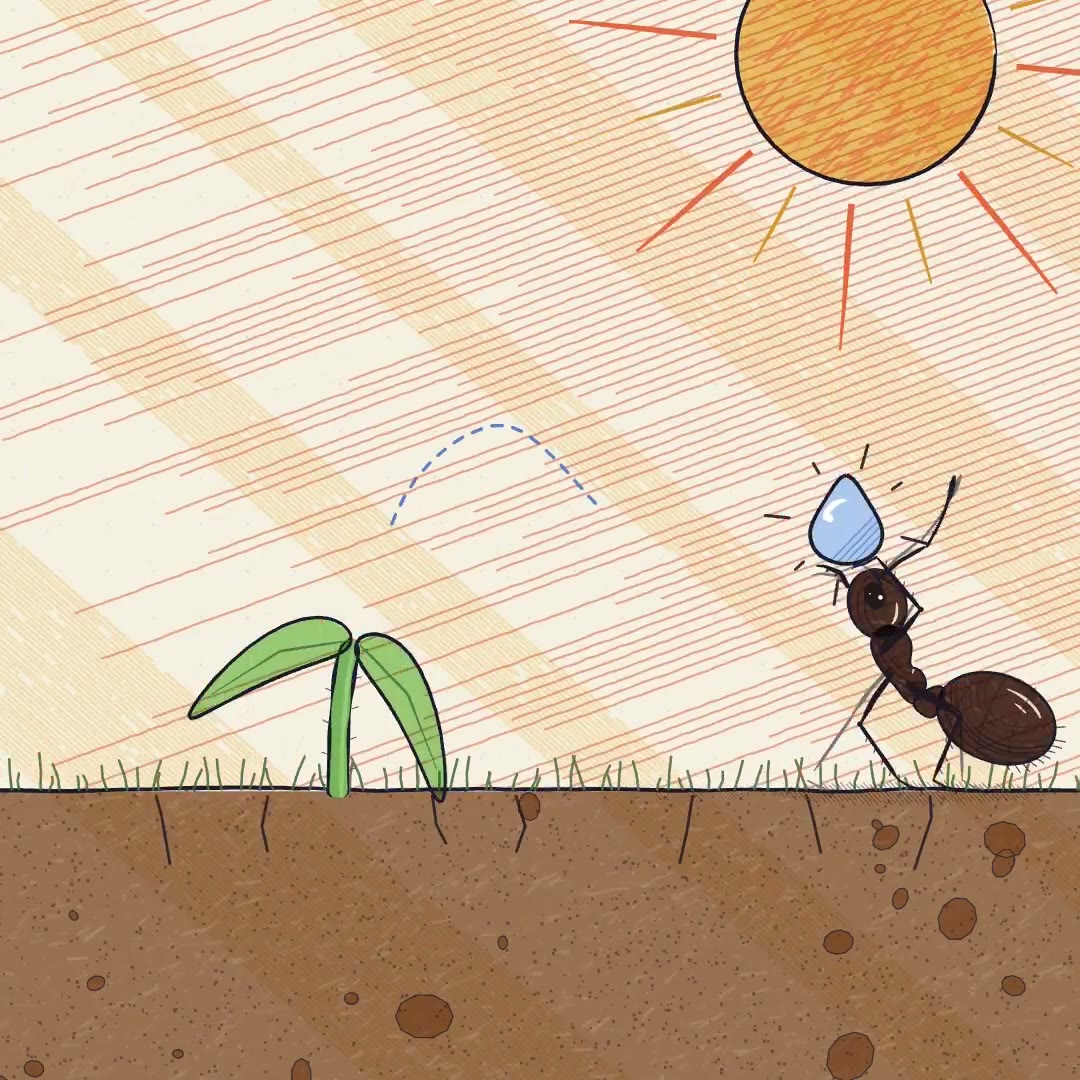


Explainer
three.js, Shader · 16:9 · 0:35
by konstantinsaifo


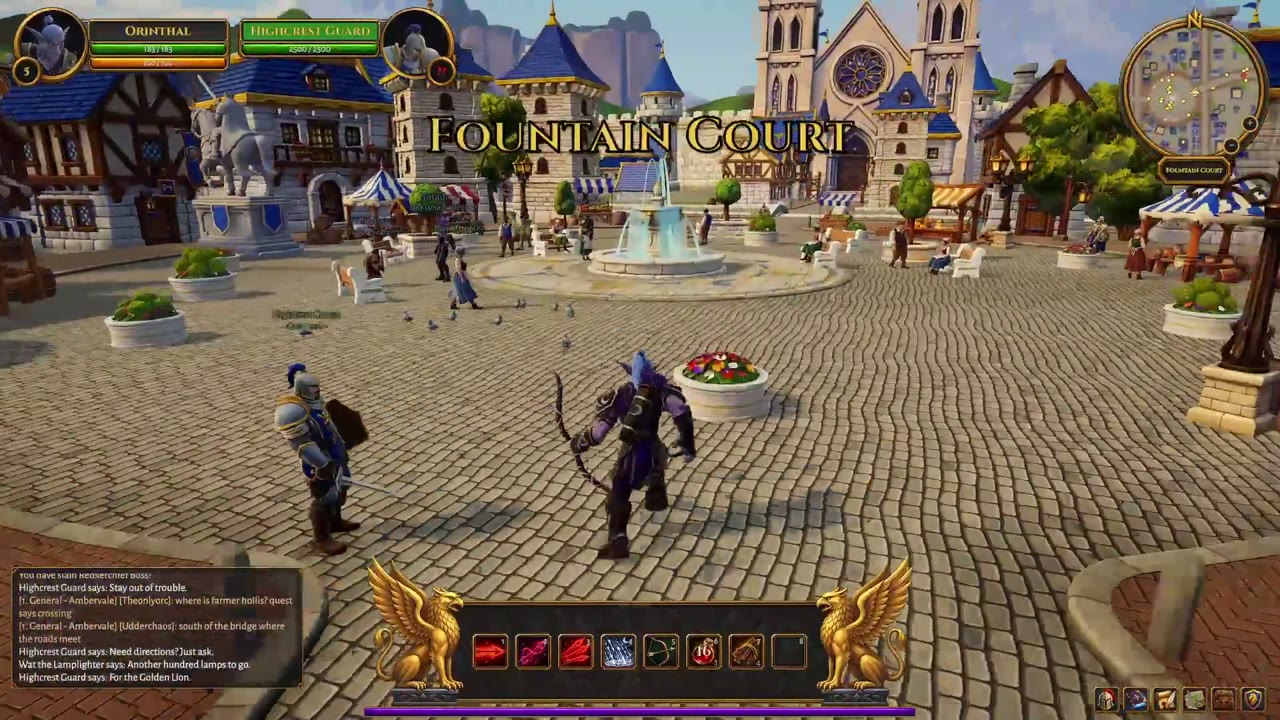
Product Screens
16:9 · 1:17
by Stefan_3D_AI
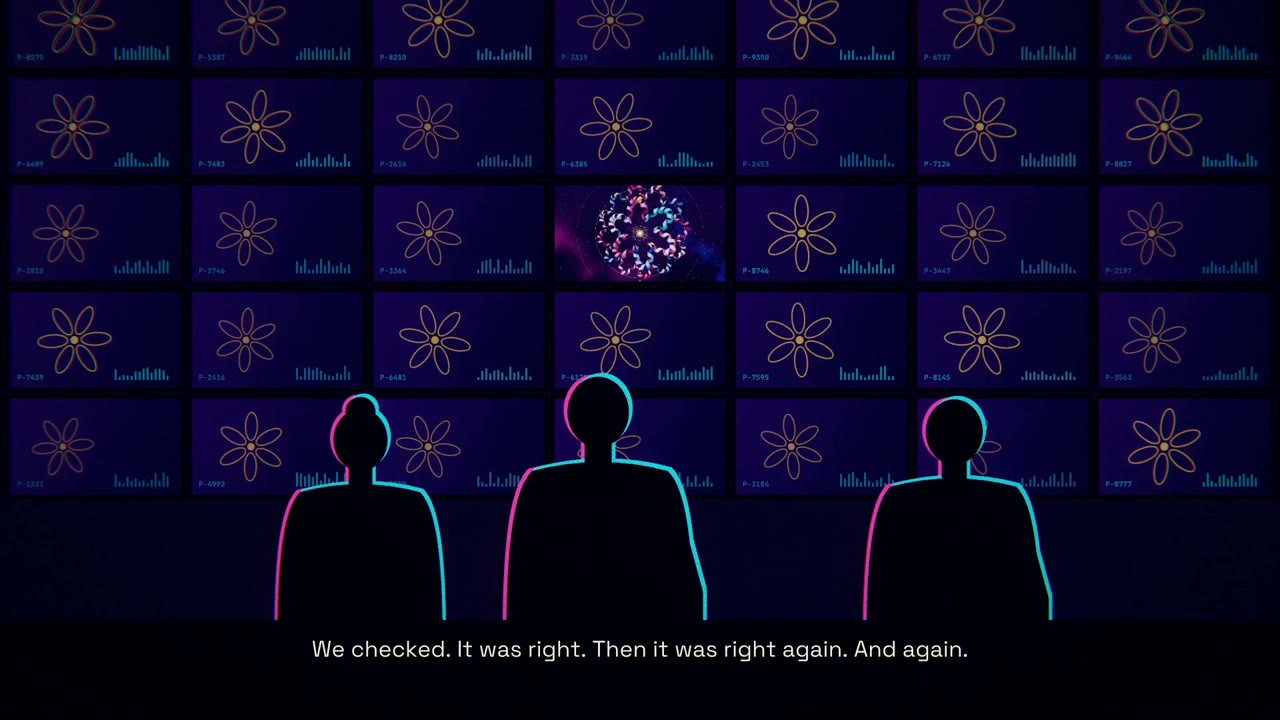
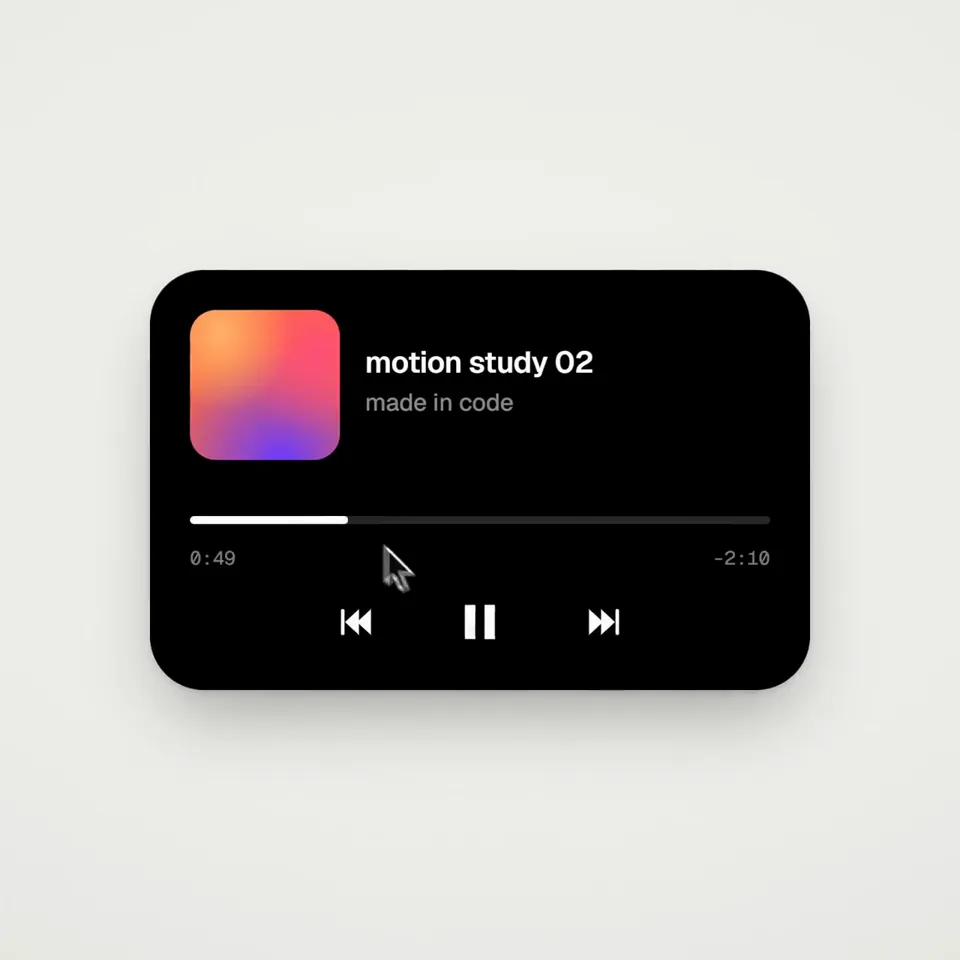
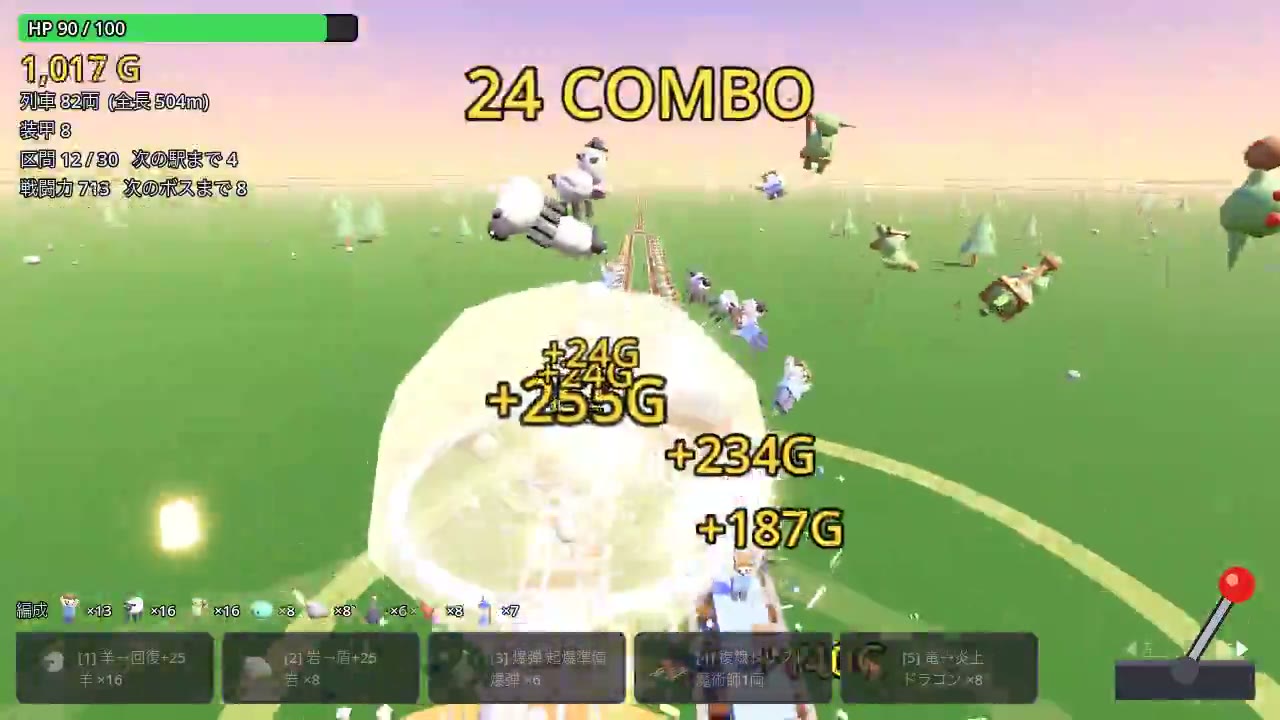
Visual System
FFmpeg, HTML · 1:1 · 0:14
by twoclipping
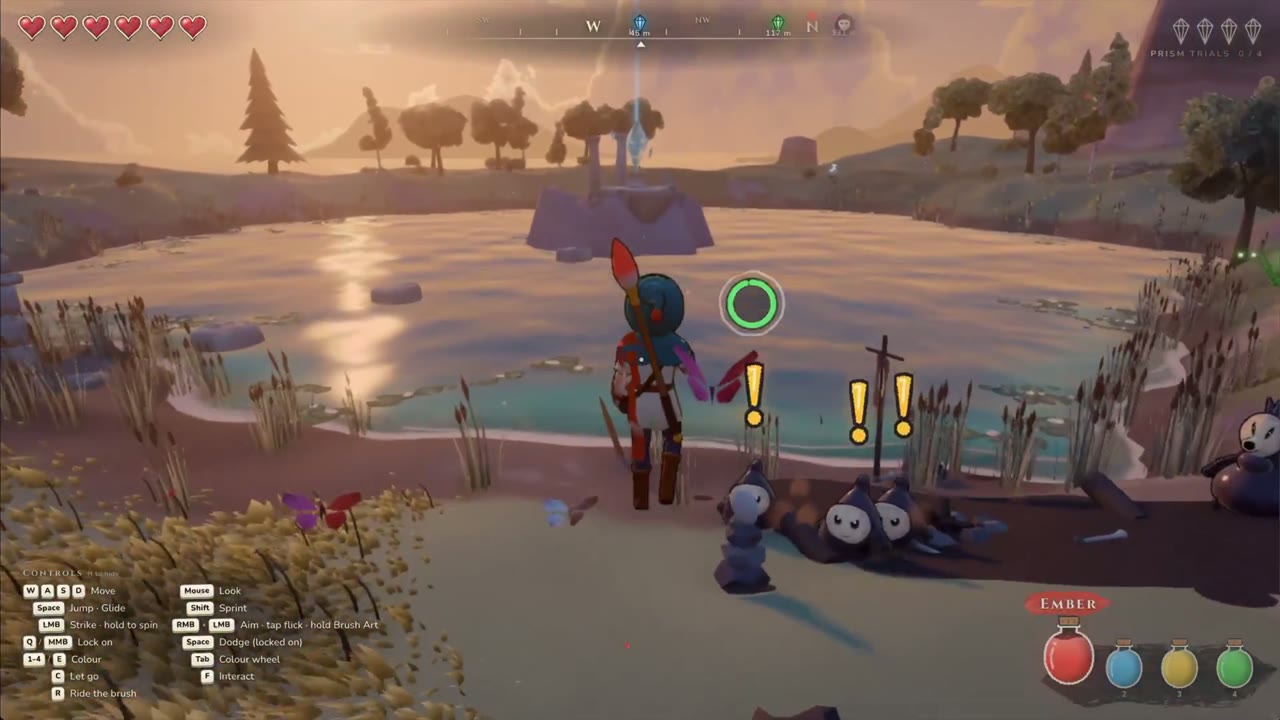


Choose a plan to make your own motion graphics with Potto.
Pay once · no subscription
Videos per pack
Pay once · no subscription
Videos per pack
Pay once · no subscription
Videos per pack
Billed monthly
Videos per month
Billed monthly
Videos per month
Billed monthly
Videos per month
Billed annually · $240 → $192/year
Videos per month
Billed annually · $600 → $480/year
Videos per month
Billed annually · $1,200 → $960/year
Videos per month
Videos use credits when you export, and starting one needs a balance that covers its export. Counts assume a 30-second product demo and a 60-second explainer with narration and 3 illustrations.
AI motion graphics videos are short animated videos, made of moving text, product screens, charts and logos, that an AI helped plan or build. The videos on this page come from independent creators who shared them publicly, and each card credits its author.
Independent creators made them, not Potto. Each card shows the author's name and links to the original where one is available. Potto does not claim these videos as its own work.
Search by keyword, filter by category, tool and ratio, or sort by popular or newest. Categories include logo animation, intro and outro, kinetic type, data story, launch, product screens and explainer. Paging through the results keeps you on the same page address.
Yes, where the author shared a prompt. Open a video to read or copy its prompt, or choose Use this prompt to send it to the Potto video creator. Videos without a shared prompt can still be played, but they have no prompt to reuse.
No. Potto renders its own version from the prompt with its own scene types and visual styles, so the result differs from the original video. Treat the original as inspiration for the idea, the pacing and the look, then edit the storyboard until every screen reads the way you want.
Briefs, storyboards, chat edits and previews use no credits, and credits apply when you export the finished video. The Pricing section on this page lists the plans, and creating a video requires an account and enough credits to cover the length you choose at 5 credits per second. New accounts get 100 credits, enough to start a 15-second video.