
Skip to content
Potto AI

Check a transparent background on light and dark surfaces

The same portrait before and after background removal, saved as a transparent PNG. The checkerboard marks the transparent background; it is a preview, not part of the file. Test the transparent PNG on a light and a dark color before you use it.

Portrait photo in front of a pale wall before background removal
Original photo
Studio headshot with the background removed by the AI background remover, hair edges intact
Transparent PNG

What stayed

The subject keeps its outline, including hair, glasses and the gaps between an arm and the torso. The lighting from the original photo also stays; the transparent PNG is not relit for a new scene. Compare the cutout with the original at the same zoom, because the foreground edge is the only thing that should have changed.

What was removed

The wall, floor and other surroundings become transparent in the alpha channel. A faint shadow or reflection can remain attached, so look at the empty-looking space under and around the subject. Whatever sits behind the transparent PNG in your layout shows through the transparent background, so leftover wall color is easiest to see on a contrasting surface.

What to check

Place the transparent PNG on a dark and a light color backdrop. A pale fringe can vanish on white and show on navy. Glass, fine hair or chains, and a subject close to the background color need the closest look. Check the foreground edge and the alpha channel again on each surface you plan to use.

Where a transparent background fits

A transparent background lets one foreground work in several layouts, because the alpha channel keeps the empty areas open. Check the transparent PNG on the surface where it will actually sit.

Studio headshot with the background removed by the AI background remover, hair edges intact

WallTransparent

A speaker portrait on a presentation slide

A transparent background places the speaker directly on a dark blue slide. After removal, check the outer edge of the hair and the space between an arm and the torso, where part of the wall can remain. Test a color backdrop behind the transparent PNG before choosing a portrait size. A dark slide exposes pale fringes that a light one hides, so test on the slide's own color.

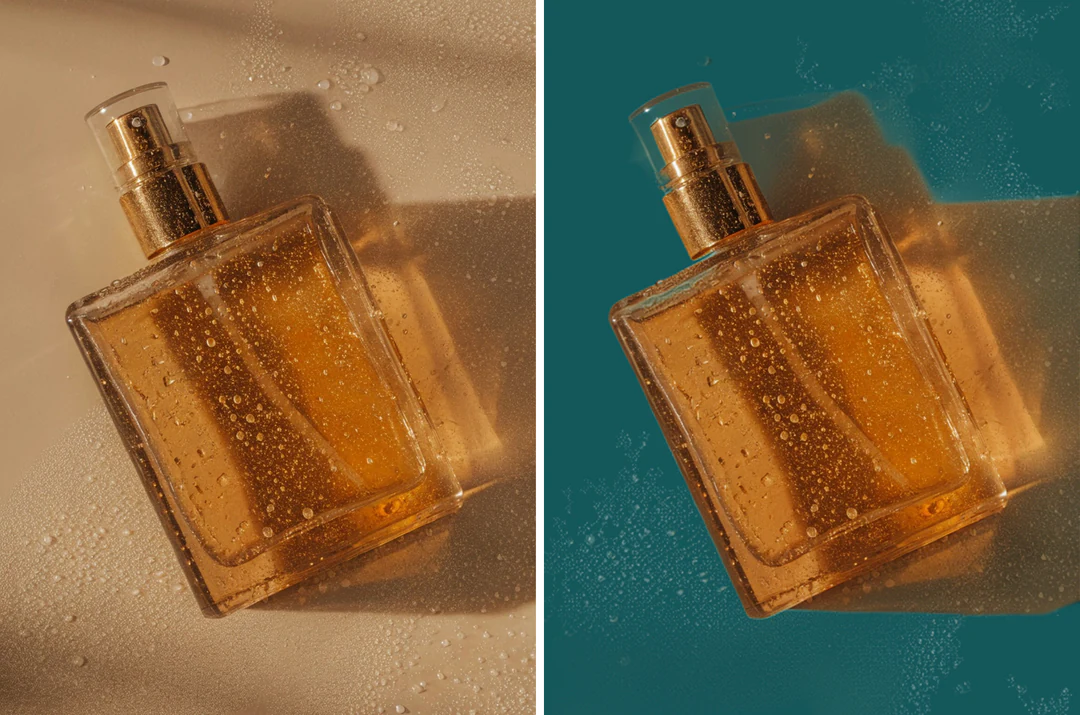
Tabletop product photo beside the same product cut out on a transparent background

TabletopTransparent

A product image for catalog layouts

One product cutout can serve a catalog tile, a presentation and an announcement. Keep handle openings, rim and outline, and check whether a ground shadow stayed behind: it may help on one surface and look like a stain on another. Compare scale with neighboring products, and confirm the destination's image requirements for a PNG file. Clear packaging is the hardest case, because the alpha channel has to hold partial transparency inside the object itself.

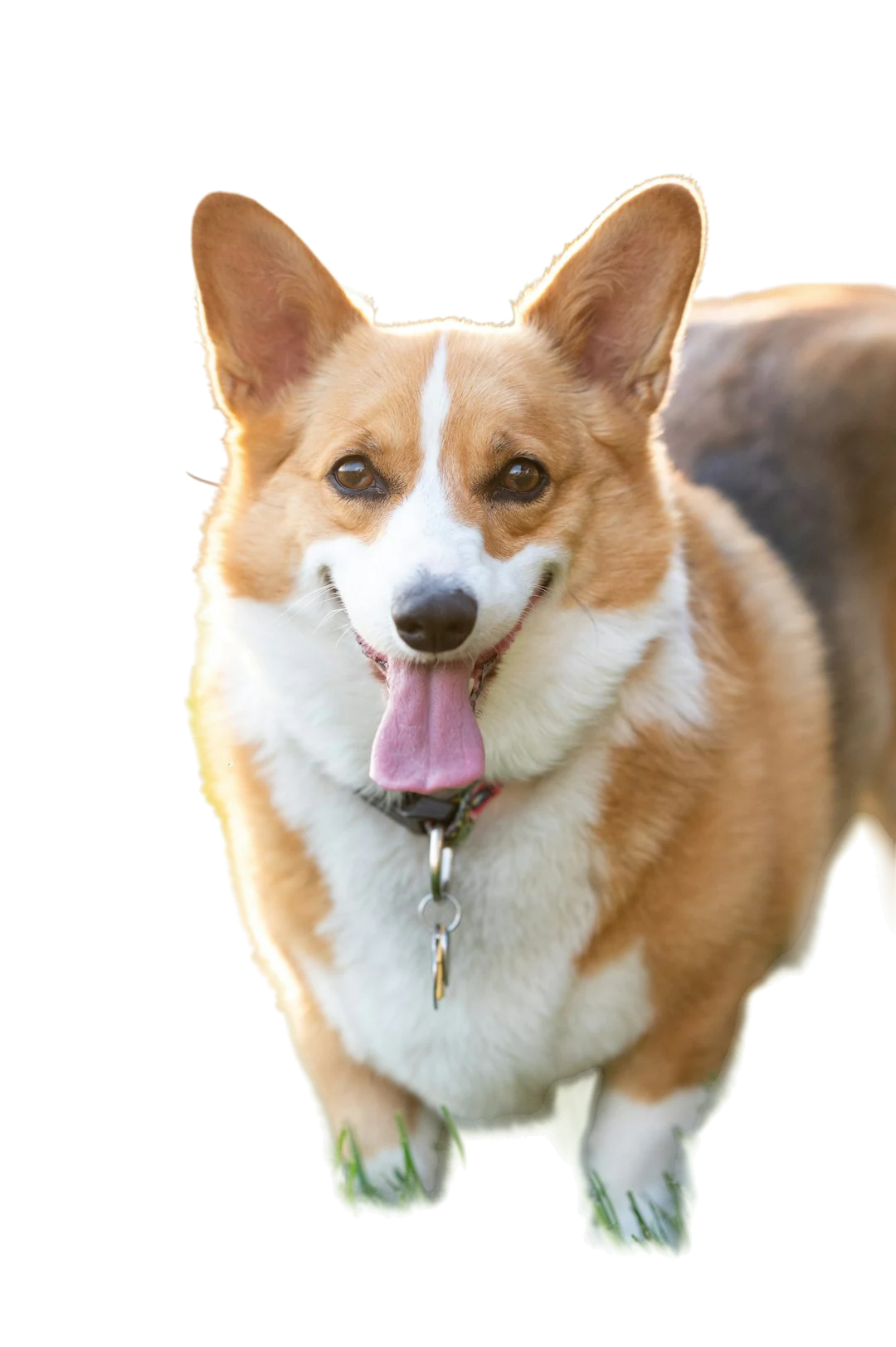
Corgi cut out from the grass by the AI background remover on a transparent background

GrassTransparent

A pet cutout for a sticker or collage

Fur is easy when the silhouette is clear but hard against grass or patterned furniture, where stray hairs may drop out of the alpha channel. Judge ears and expression before stray hairs, and try the transparent PNG over the real backdrop; a dark pet can vanish into a dark design. Test pale fur on a dark color backdrop and dark fur on a light one. Any sticker outline or die-cut path is a later layout choice, not part of this page.

How to create a transparent background

Two controls and a download.

  1. 1. Upload one image

    Add one JPEG, PNG or WebP image up to 20 MB per request, with a subject that has a readable outline. Dark on dark, hair over a busy pattern, glass and reflections make the separation uncertain. The result is a PNG file with an alpha channel, and the tool has no manual brush, so keep the original photo for comparison.

  2. 2. Check the transparent result

    The checkerboard previews the alpha channel; it is not in the download. Zoom and pan the preview to check gaps between limbs, handle openings and hair at full size, then test a color backdrop or your own background image. A background image fills the canvas with a centered cover crop, so content near its edges can be cropped.

  3. 3. Download the file you need

    Download a transparent background as a PNG file, because JPEG cannot hold alpha. With a color or image backdrop you can download PNG or JPEG, but that file is flattened. The task costs 4 credits, shown on Generate. Keep the transparent PNG file as your master and test its alpha channel in the destination app.

What a transparent background gives you

Four things this page does for a transparent background: the alpha channel, the edge, the file you keep and the surfaces you can test it on.

  1. 01

    Real transparent pixels, not a white fill

    The transparent background maker removes the background and saves the subject on see-through pixels, so a compatible layout shows what lies behind it. The checkerboard in the preview only marks transparent areas and is not part of the download.

    • Download a transparent PNG, because JPEG cannot hold alpha
    • Keep the PNG as your reusable master
    Studio headshot with the background removed by the AI background remover, hair edges intact
    A transparent PNG keeps the subject outline and nothing else.
  2. 02

    Hair, fur and outlines keep their shape

    The cutout follows the outline of the subject, including hair, fur and the gaps between an arm and the torso, and the lighting from the original photo stays. A faint shadow or pale fringe can remain, so inspect the transparent background at full size.

    • Zoom and pan the preview to check the gaps
    • Glass, fine chains and dark hair on a dark wall are hard cases
    Corgi cut out from the grass by the AI background remover on a transparent background
    Fur edges are where a cutout shows its quality.
  3. 03

    One PNG for the cutout, flat copies when you need them

    A transparent background downloads as a PNG file with its alpha channel. Put the subject on a solid color or your own image and you can download the flattened result as PNG or JPEG for destinations that expect an opaque picture.

    • 4 credits per image, quoted on Generate
    • JPEG, PNG or WebP source up to 20 MB
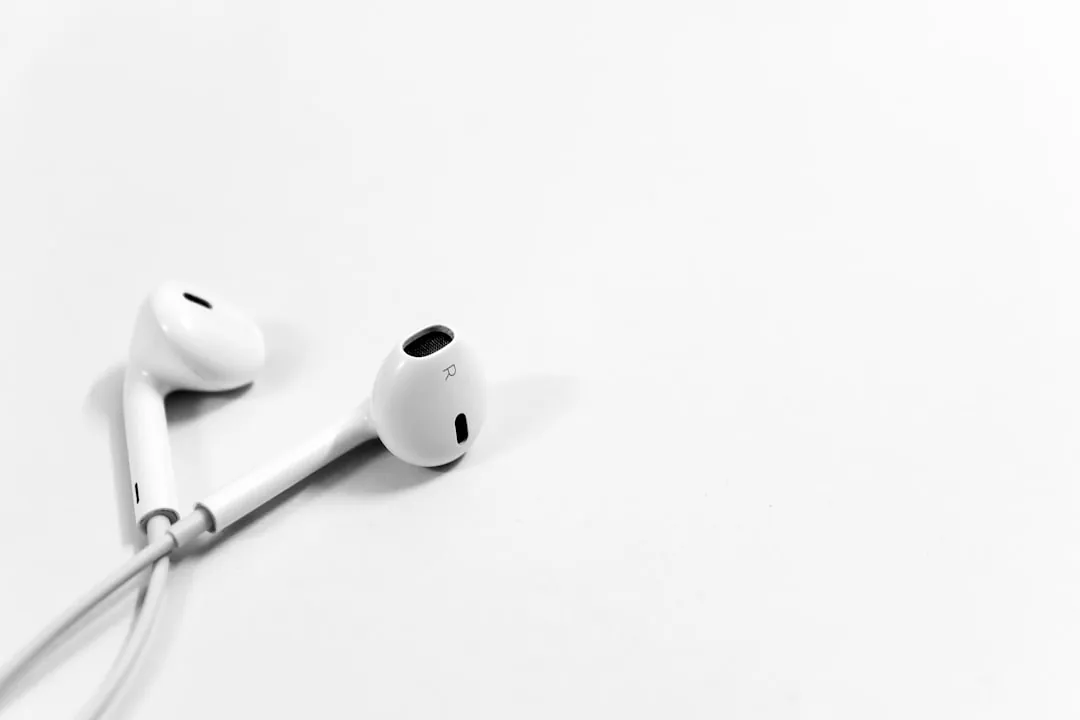
    White earbuds on a plain white tabletop
    A product photo as a source. Check pale subjects on pale backdrops closely.
  4. 04

    Test the cutout on light and dark surfaces

    Place the subject on a color or your own background image before you download. A pale fringe that vanishes on white can show on navy, so a quick test tells you whether the transparent PNG will hold up in its destination.

    • Eight preset colors, any custom color or your own image
    • Trying surfaces starts no new removal task
    A smiling man in a dark jacket against a pale wall
    The source photo. Backdrops are previewed on the cutout in your browser.

Keep exploring Potto AI

When you need something other than a transparent PNG, these tools cover the neighboring tasks.

Transparent background FAQs

  1. What is a transparent background?

    A transparent background stores alpha information so other content can show through empty image areas in a compatible application. It is not a white fill or a checkerboard pattern. Potto AI creates a transparent background through background removal and provides a transparent PNG as the download, with the alpha channel intact.

  2. What is a transparent background maker?

    A transparent background maker removes the background from an image and saves the subject on see-through pixels. Potto AI's transparent background maker takes one JPEG, PNG or WebP image up to 20 MB per request, has no manual brush, and returns a transparent PNG file. Use it when you need a reusable cutout; use the Background Changer when you want the subject on a color backdrop or another image straight away.

  3. What is an alpha channel?

    An alpha channel describes opacity at every pixel of an image. Fully transparent areas reveal what is behind the image, and partial opacity preserves softer edges. A PNG file can carry the alpha channel, while a normal JPEG cannot, although a PNG can still hold an opaque fill. Check the alpha channel by placing the transparent PNG over two different colors in its destination application.

  4. Why does a transparent image look white in my viewer?

    Some viewers display transparent pixels on a white backdrop and ignore the alpha channel. Place the transparent PNG over a colored shape in a compatible layout application to check it. Also verify that you downloaded the transparent background version rather than a flattened color composition or a screenshot of the checkerboard preview.

  5. Which file should I download?

    Download the transparent background as a PNG file and keep it as the reusable master, since only the PNG file holds the alpha channel. If you add a solid color or your own background image, you can download the flattened composition as PNG or JPEG, which suits destinations that expect an opaque picture. A screenshot of the checkerboard is only a review note, and a transparent PNG is still a raster image, not an editable vector logo.

  6. What can I change besides transparency?

    You can choose a solid color from the presets or a custom color, or use your own background image, which fills the canvas with a centered cover crop. There is no stock-background library, no manual brush and no layered export, and a downloaded composite contains finished pixels. Very large composites are reduced to fit a canvas of 16,000,000 pixels, so check the downloaded dimensions.

  7. Can I make only part of an image transparent?

    No. The tool separates the subject from its background and makes the whole background transparent; it has no brush, eraser or area selection. If you need one region changed rather than the whole transparent background, describe that change in the AI Image Editor instead.

  8. Which subjects are hard to cut out?

    Glass and reflective objects carry colors from their surroundings, so the original background can remain inside the silhouette. Fine chains, loose fur, lace, thin stems and smoke can give incomplete edges in the alpha channel, and a white cup on a white table or black hair on a dark wall can lose its boundary. Inspect the transparent PNG at final size, and photograph the subject again with clearer separation if you can.

  9. Do I need an account to make a transparent background?

    You can upload a photo before signing in. Removing the background opens the sign-in dialog, and the photo stays in the transparent background tool.

  10. What if making a transparent background fails?

    The task shows the reason and offers a retry, and the credits are released. If the upload failed, use a JPEG, PNG or WebP file within the size limit. Choosing a different backdrop afterwards happens in your browser and is not charged.

  11. How much does a transparent background cost?

    Removing the background costs 4 credits per image. Downloading the transparent PNG, or switching to a color or image backdrop, does not cost more.

Potto AI

Make a transparent PNG

Upload a photo, remove the background and check the transparent PNG on a light and a dark color before you download.