Use a reference image
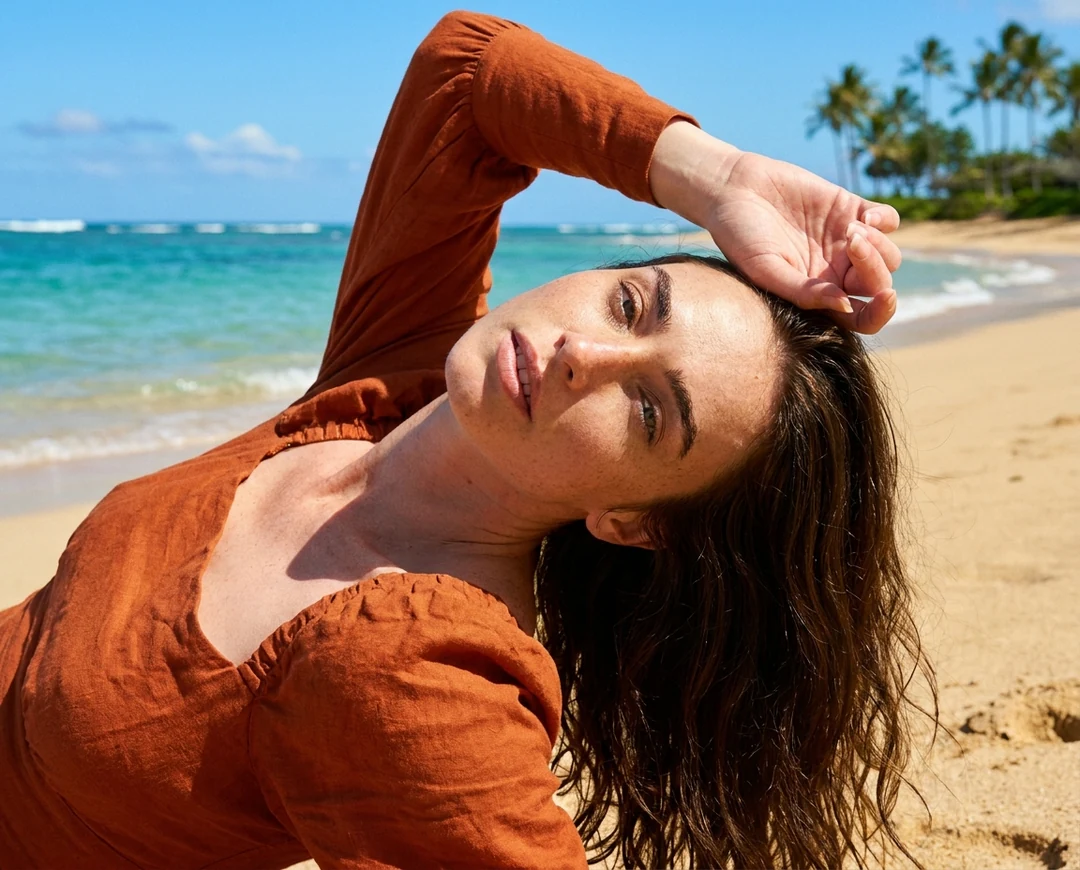
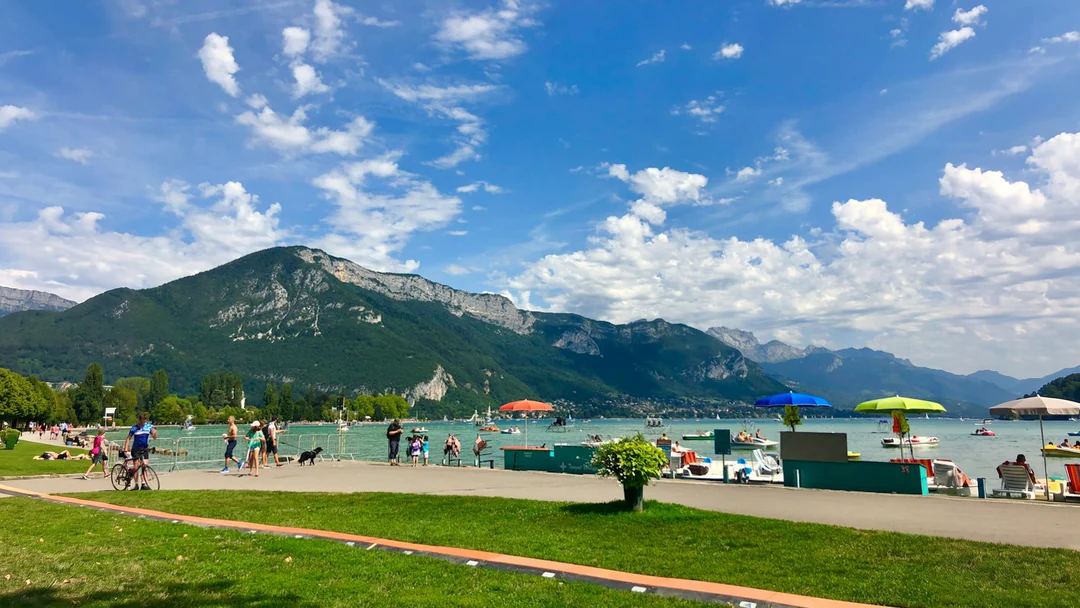
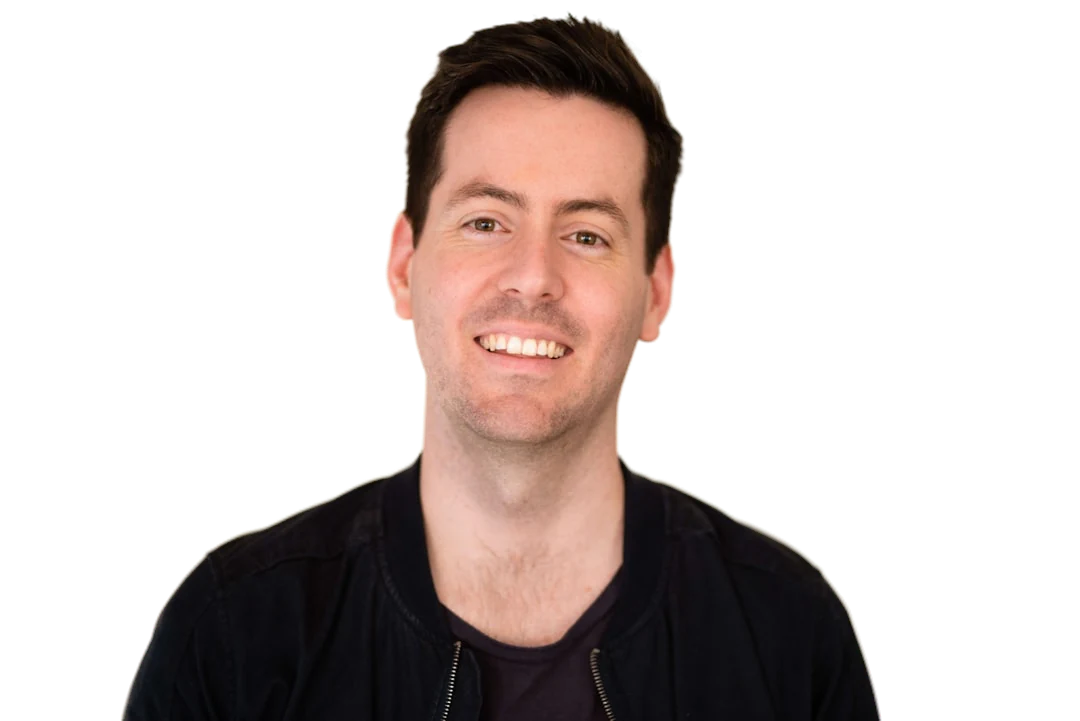
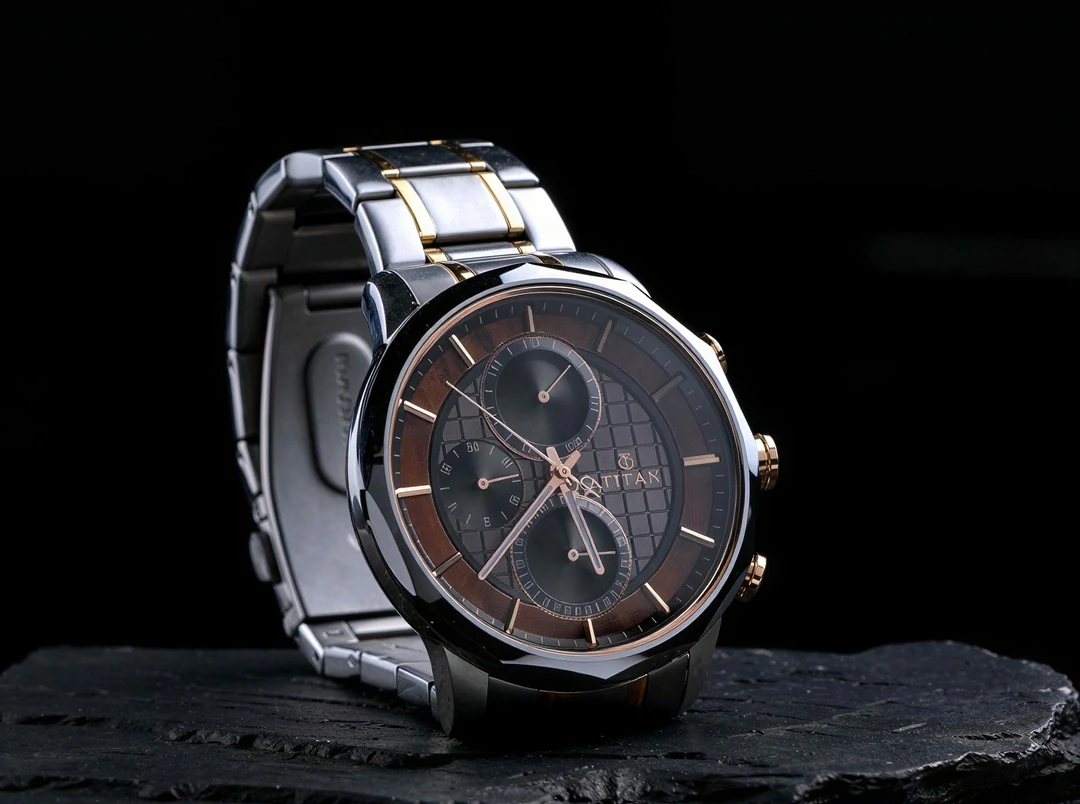
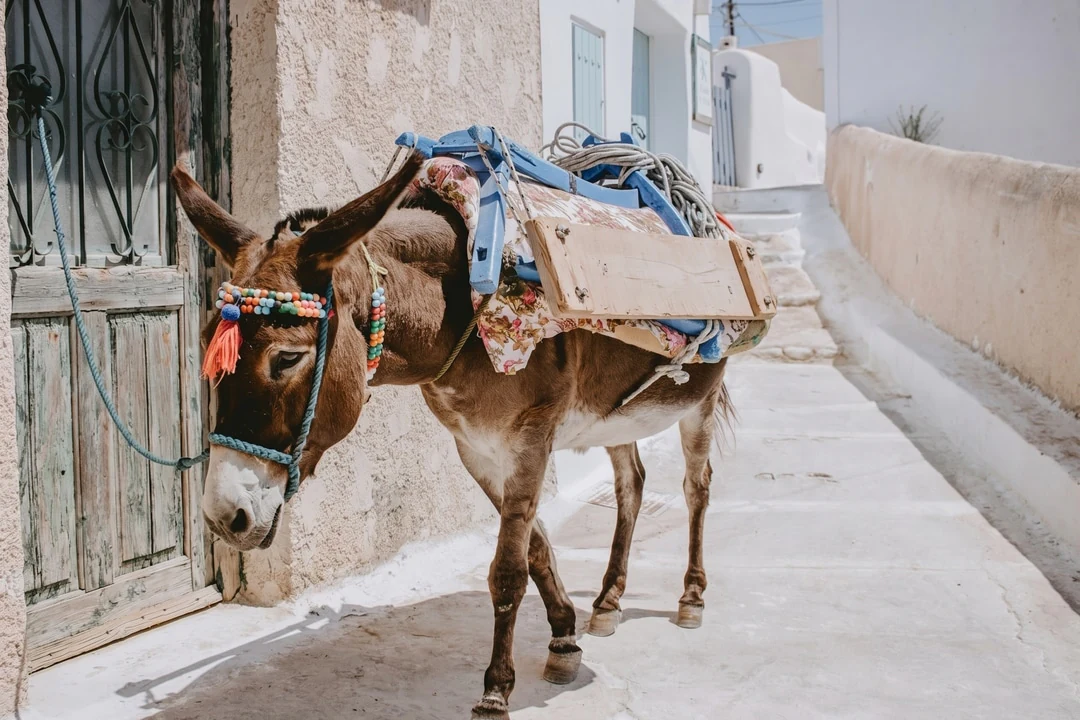
Upload an image. Say what stays and what changes. The reference is guidance, not an exact copy. Compare labels and lettering with the source.
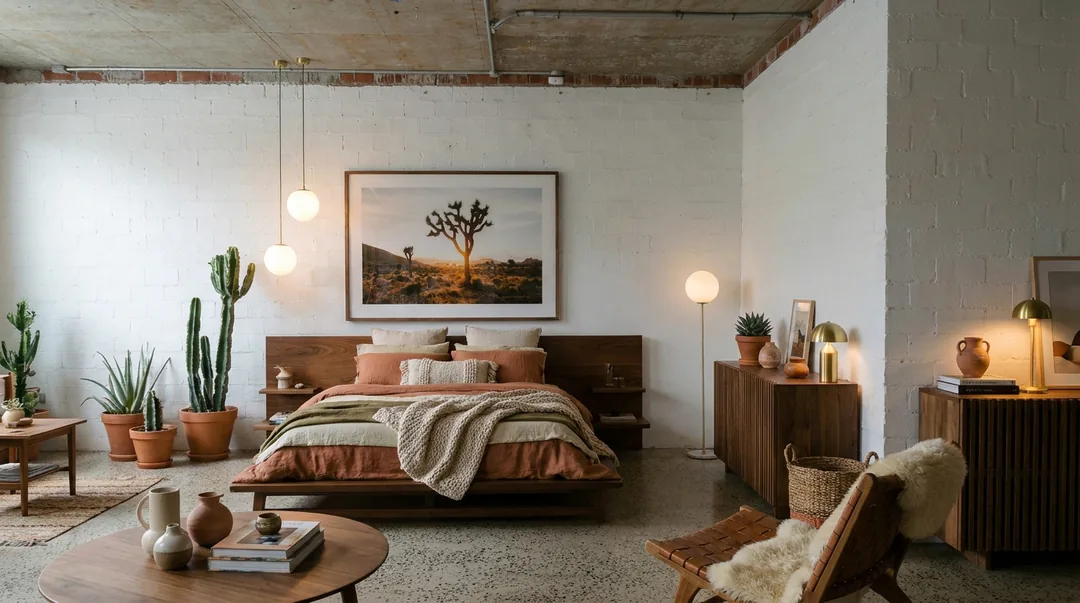
Nano Banana Pro AI image generator with up to 14 references and HD to 4K output.
Try an example
Posters, product concepts, illustrations and character studies. Hover an image to read its prompt. Open it to reuse the prompt above.
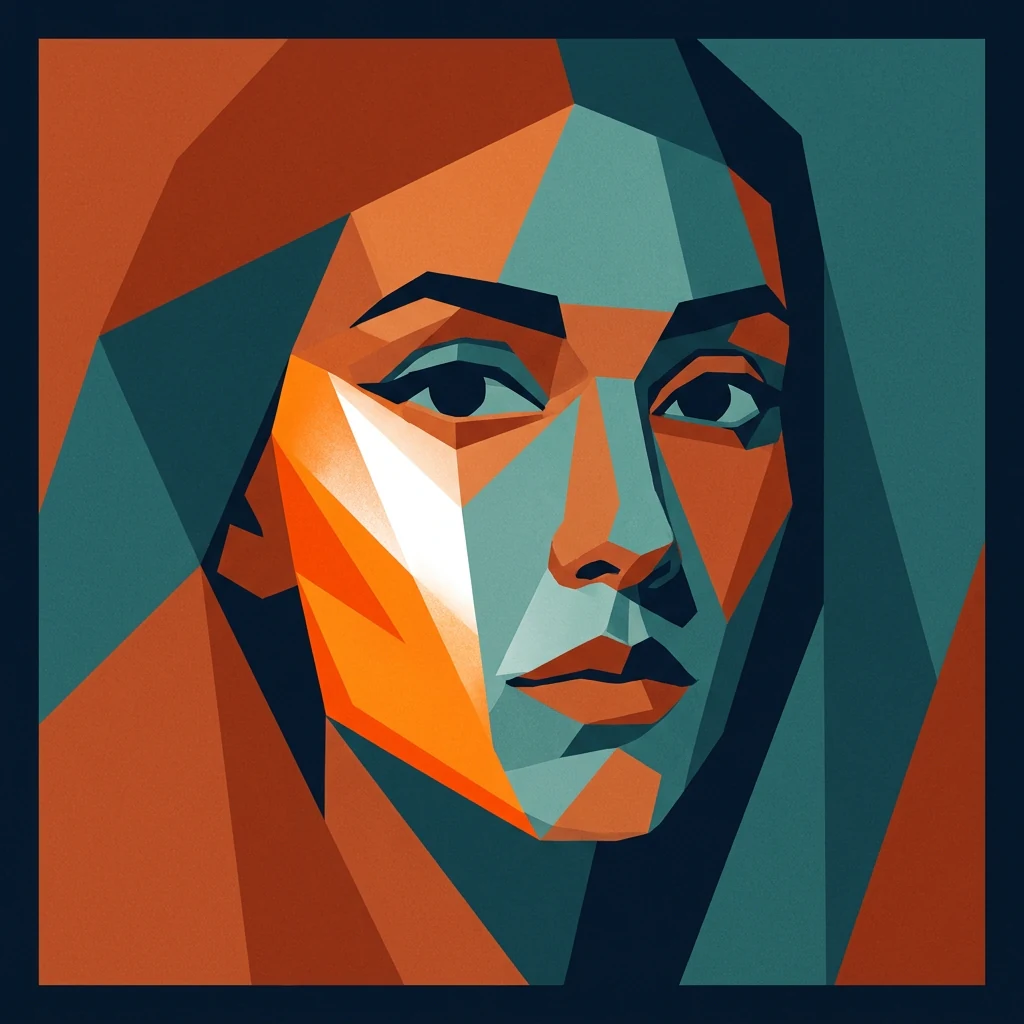
Square album cover illustration of a woman's face built from faceted flat shapes, orange, teal and deep navy palette, strong highlight on the cheek, dark border around the artwork, no text.
Large cookie decorated with icing like a bakery display case, rows of croissants and pastries with small price tags, glass shelves, resting on a metal baking tray.
Hand holding a die-cut acrylic keychain of a smiling corgi with a metal ring, blurred green grass behind, bright daylight, product photograph with the keychain in sharp focus.
Glossy fashion doll portrait with jointed arms, brown waved hair, freckles, orange dress, white studio background, soft highlights on the plastic.
Clean black line drawing of a young fox lying down, fine fur strokes, large ears, white background, no shading, no text.
Portrait holiday card inside an ornate gold frame decorated with holly, pine cones, gold baubles and red ribbon, warm lights, the couple at the center right.
Glass Christmas ornament painted with a grey and white kitten, hanging on a lit pine tree with gold baubles, warm string lights, shallow depth of field.
Pencil portrait of a woman looking slightly upward, loose strands of hair, soft shading on the cheek, visible paper grain, no text.
Each image came from the prompt on its card.
Start with a brief. Place the subject for where the image will appear.
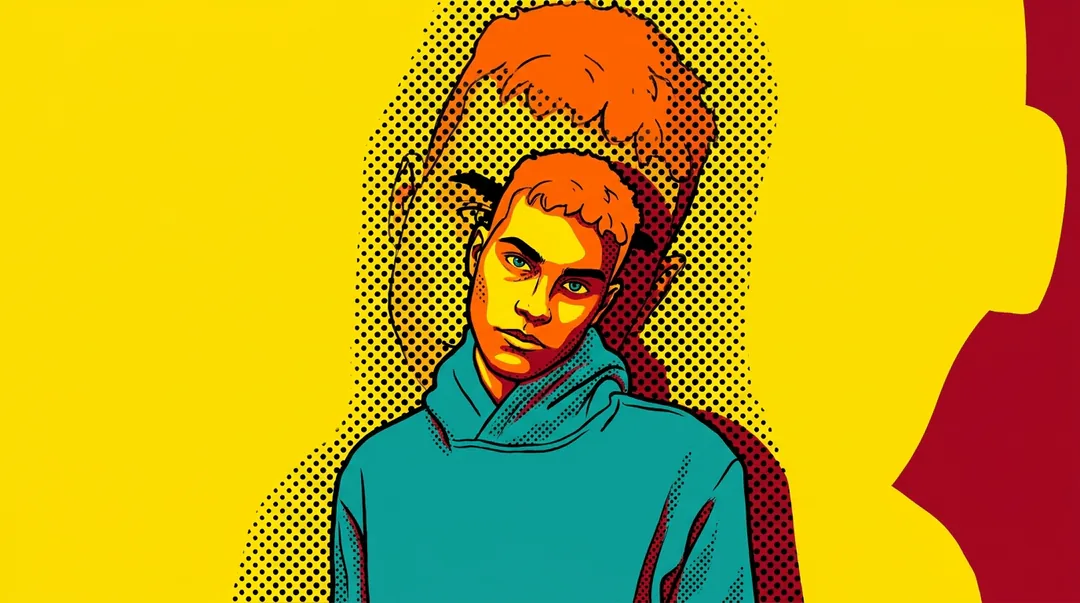
Decide three things: subject, style and composition. Keep a headline to a few words. Then check every letter. The image on the right came from this brief.
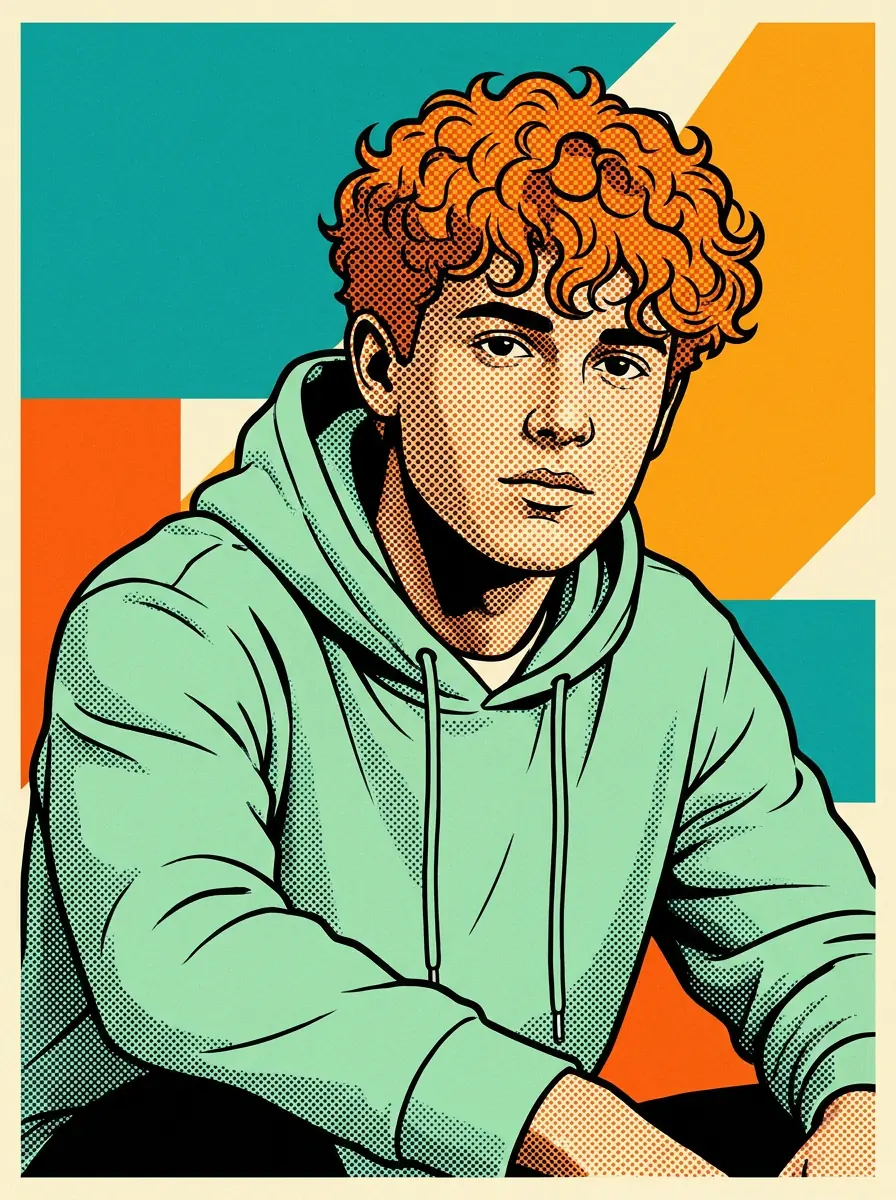
Pop-art poster portrait of a young man with curly orange hair in a mint hoodie, halftone shading, bold black outlines, flat teal, orange and cream geometric background, figure low in the frame, no text.
Upload an image. Say what stays and what changes. The reference is guidance, not an exact copy. Compare labels and lettering with the source.
Three steps in the creator above.
Describe what to show and how it should look. The prompt takes up to 4,000 characters. Add up to 14 references. Give each one a job.
Nano Banana Pro is selected by default. Choose the aspect ratio, then HD, 2K or 4K. Choose 4K only when the placement needs it.
The Generate button shows the price before you confirm: 45 credits for HD or 2K, 80 for 4K. Check lettering at full size. Then download, or open an editing tool.
Four jobs where Nano Banana Pro earns its place: lettering, references, size and revisions.
01
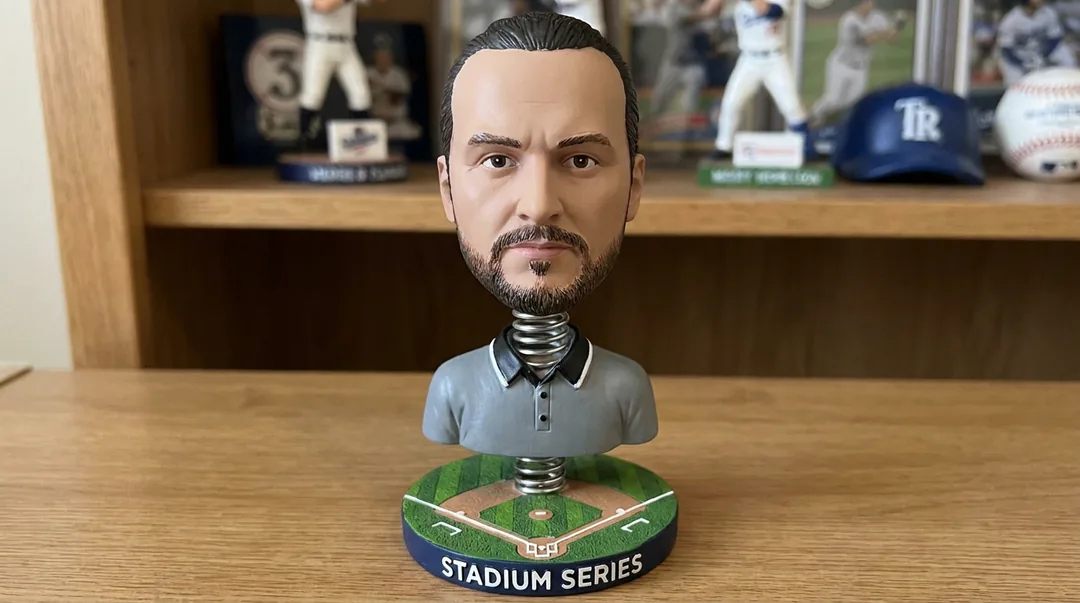
Choose Nano Banana Pro for posters, labels and menu boards. Put the exact words in quotes. Keep them short. Then read every letter.
02
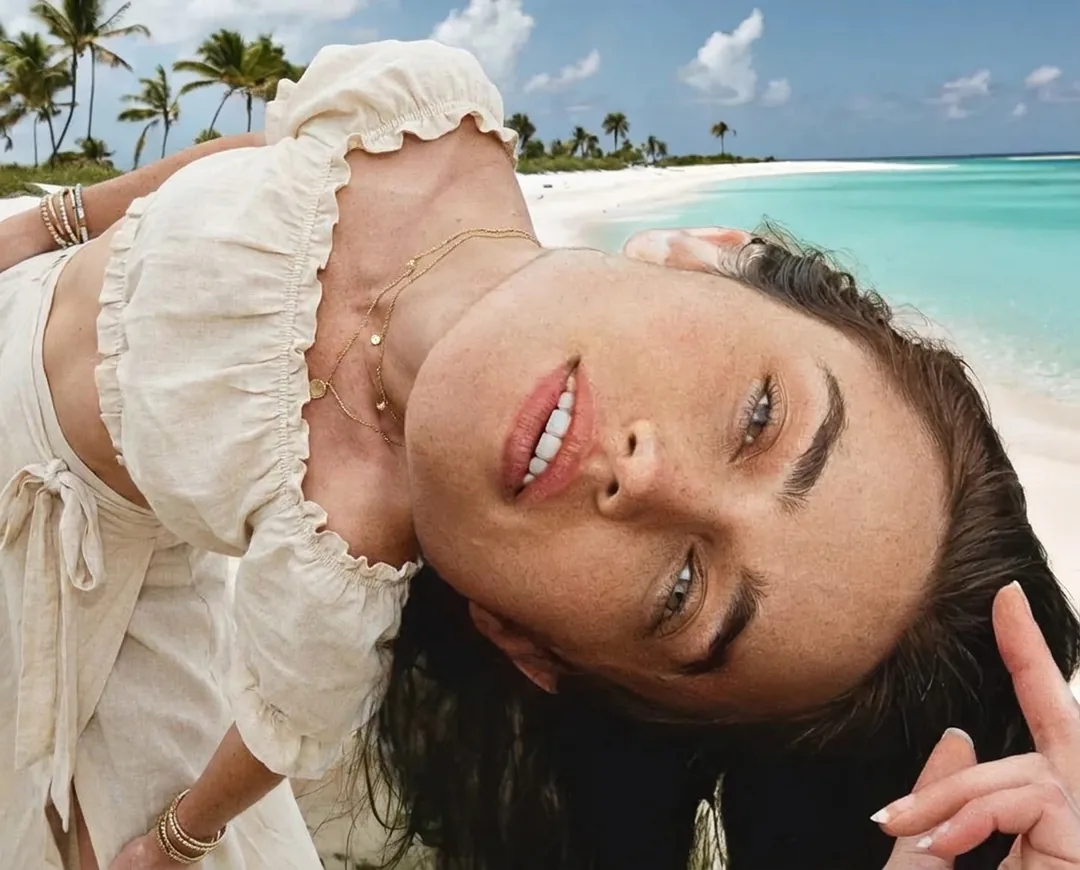
Add a subject, a palette or a room layout. Say what must stay recognizable. Then compare shape and labels with the source.
03
Pick the aspect ratio first, then the size. Nano Banana Pro costs 45 credits at HD, 45 at 2K and 80 at 4K. Reserve 4K for large screens or print. A bigger size never fixes a vague brief.
04
When a result is close, change one instruction and generate again. Or send the image to the editor. Each request is priced on its own.
Both models take references and offer three sizes. Pro costs more. Test both on one brief.
| Nano Banana Pro | Nano Banana | |
|---|---|---|
| Best for | 4K resolution and reasoning-guided quality, built for professionals | Fast, capable image generation and editing |
| Resolution | HD · 2K · 4K | HD · 2K · 4K |
| Reference images | Up to 14 | Up to 14 |
| Credits per image | 45 HD · 45 2K · 80 4K | 23 HD · 34 2K · 51 4K |
Quality, speed and price for Nano Banana Pro and four other image models, from each vendor's own pages. A cell reads Not published when the vendor has no figure.
| Quality | Speed | Price per image | Credits on Potto | |
|---|---|---|---|---|
| Nano Banana Pro | Elo 1198 in text rendering, ahead of GPT-Image 1 at 1150 | Not published | $0.134 (1K) · $0.24 (4K) | HD 45 · 4K 80 credits |
| GPT Image 2.6 Sunburst | Not published | Not published | $0.0435 (medium, 1024×1024) | HD 15 · 4K 49 credits |
| Nano Banana 2.1 | Elo 1050 for overall preference, ahead of Nano Banana 2 at 990 and Nano Banana Pro at 935 | Not published | $0.0336 (1K) · $0.113 (4K) | HD 12 · 4K 38 credits |
| Seedream 5.5 | Ahead of GPT Image 2.5 Sunburst and Nano Banana 2.1 in text structure, in ByteDance’s own test | Not published | Not published (Seedream 5.0 Pro: $0.045) | Not on Potto |
| FLUX 3 Image | Not published | Not published | $0.048 (1K) · $0.607 (4K) | Not on Potto |
Figures from each vendor's official pages, checked 12 Nov 2026. Each vendor ran its own tests, so scores do not compare across rows. Prices are list prices without promotions.
Official pages: Gemini 3 Pro Image model cardGemini API pricingOpenAI API pricingOpenAI image generation guideNano Banana 2.1 model cardSeed: Introducing Seedream 5.5BytePlus ModelArk model pricingBlack Forest Labs pricing
Edit the image you made, or start a new one.
Nano Banana Pro is Google's Gemini 3 Pro Image model. In Potto AI it works as an image generator with output up to 4K and up to 14 reference images. It suits fine detail, lettering and 4K.
Pro is the larger model and costs more per image. Nano Banana takes 23, 34 and 51 credits, from HD to 4K. Try Pro first for lettering, dense layouts and 4K. Nano Banana suits fast drafts.
Up to 14 in total. Add a reference only when it has a job, such as a subject, a composition or a visual direction. Say so in the prompt. Then compare the details with each source.
No. Read every word in the result. Compare reference details with the source. Use editable layout text when accuracy matters. A bigger size or more references does not lock the lettering or the identity.
No. It works from your prompt and references only. It does not browse the web or check facts. Features in Google's developer documentation are not all available here. Check names, figures and dates yourself.
Use 4K when the placement needs more pixels, such as a large display. It costs more than HD or 2K. The exact pixel size depends on the ratio, so check the file. The result is a raster image, not a print-ready file.
Name the one issue, such as space for text or lighting. Write the next instruction around it. Keep the working parts of the brief. To change one area, use the AI Image Editor, then check the rest of the picture.
You can write a prompt, add references and choose settings before signing in. Generate opens the sign-in dialog. Your prompt, references and settings are kept.
The task shows the reason and offers a retry. The reserved credits are released. Cancel a running request from its task controls. Closing the preview does not stop it.
Nano Banana Pro costs 45 credits per image at HD or 2K and 80 credits at 4K. Two or four images multiply the price. The Generate button shows the total before you confirm.
Describe the image. Add references only where they have a job. Review the price, then press Generate.