Portrait
Portrait study
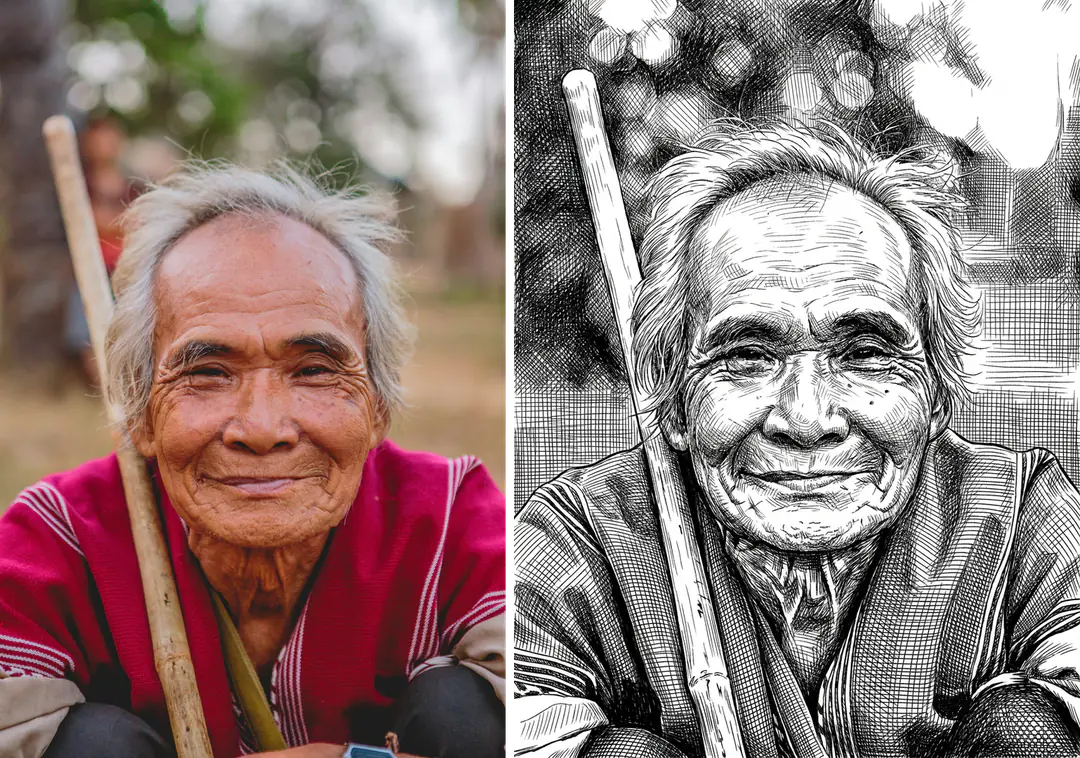
Start with a clear face. Ink turns facial shading into lines, so strong shadows can look harsh. Check the eyes, mouth and nose against the original. Keep the photo beside the drawing.
Ink drawing from photo: turn a portrait, building or object into an ink drawing.
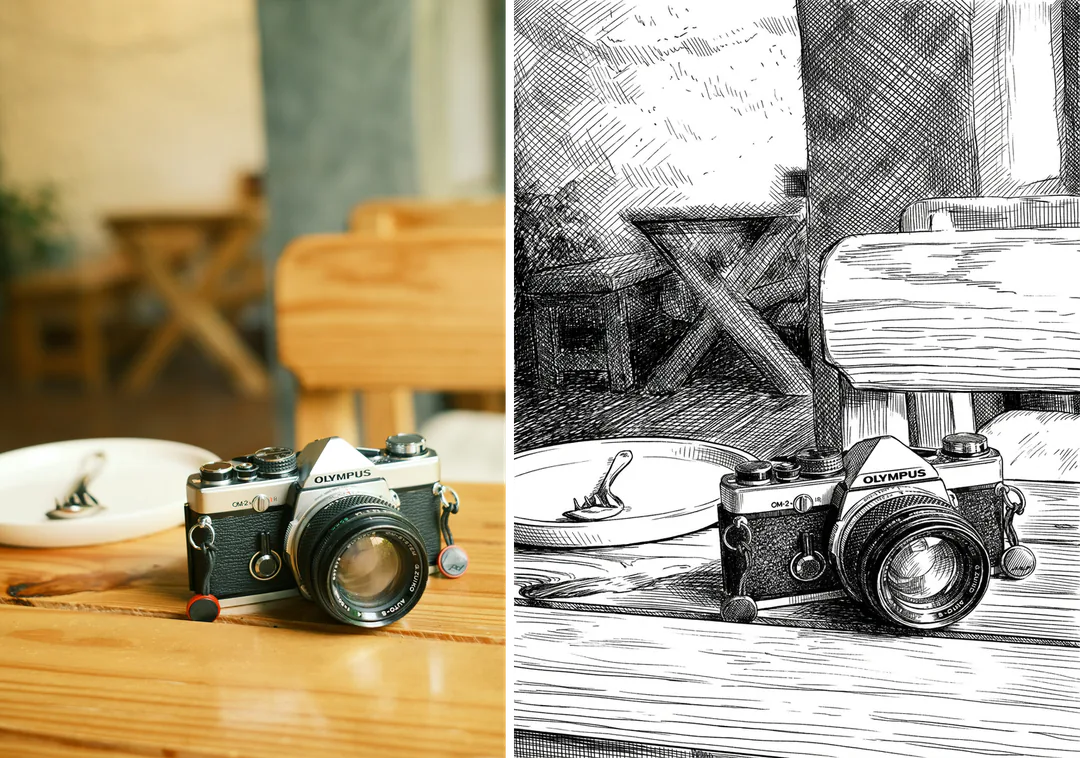
One reference photo and the ink drawing made from it.
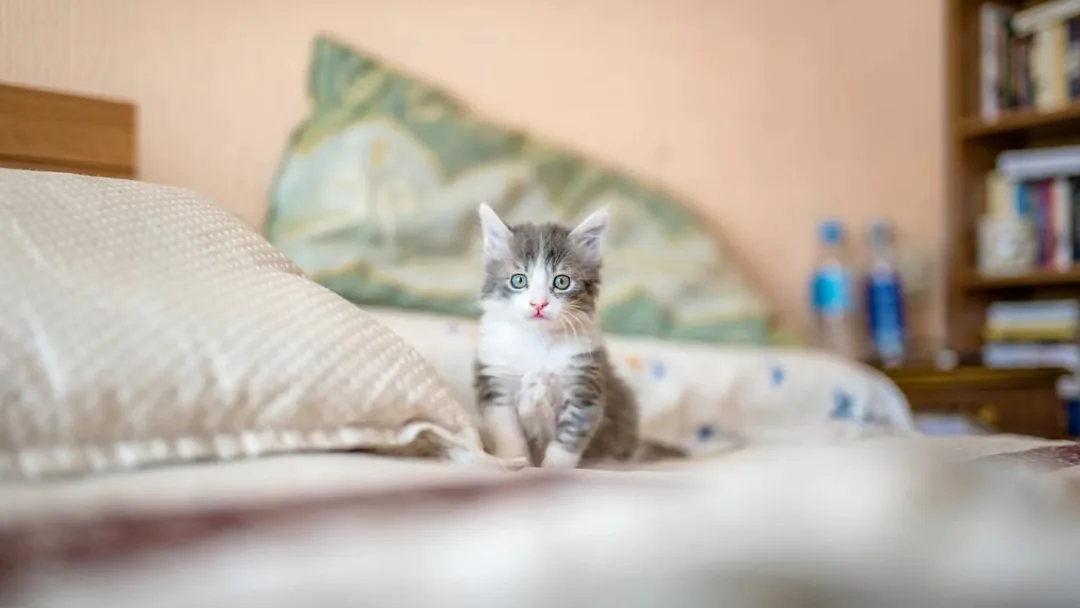
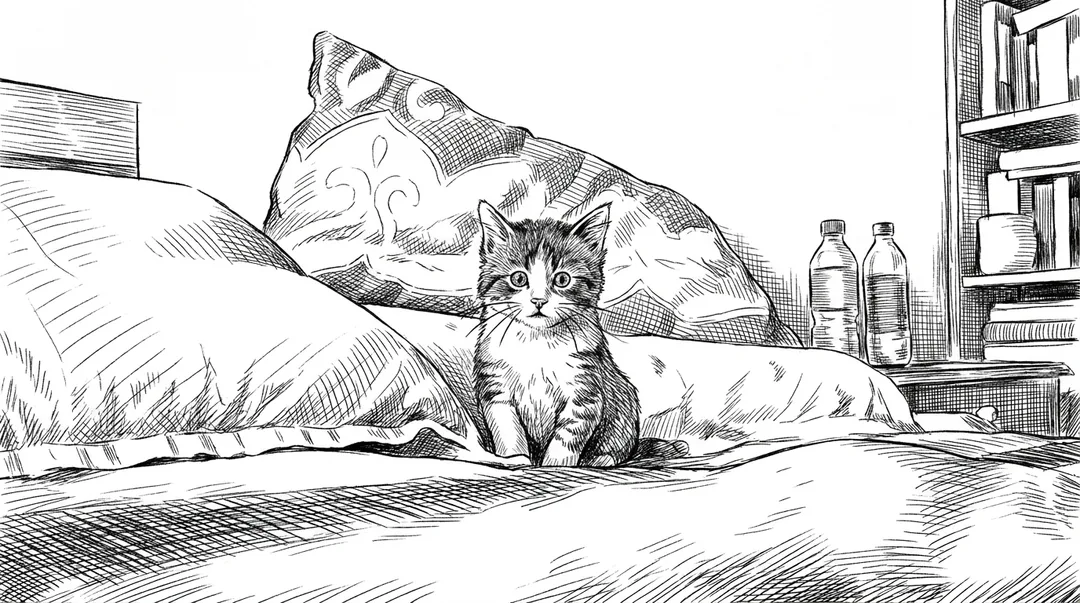
The recipe keeps the composition and recognizable features. Compare the source and the result at equal size. Check the subject outline first, then the background. Major forms should sit where they did.
Photographic tone becomes black ink lines with cross hatching on a white page. Dense lines can merge two separate objects. Window grids, brick joints or buttons may be simplified or invented.
Look at the hatching around eyes, doorways and object edges at real size. Dense lines can print darker than they look on screen. Treat lettering as unreliable. A small proof helps before a large print.
Upload a reference, check the fixed output, then compare the composition.
Add one photo. Pick a source where the shapes do not overlap. Use a photo you own or may edit.
There is no style, ratio or size picker. The panel shows the fixed output: one black and white PNG at HD from Nano Banana Pro. Crop your photo first if the framing matters.
Each ink drawing run costs 45 credits. When it finishes, compare the composition with your source. Check the dark areas and thin lines, then download it.
Three ink drawing ideas. Captions, dates and exact wording stay in your own layout.
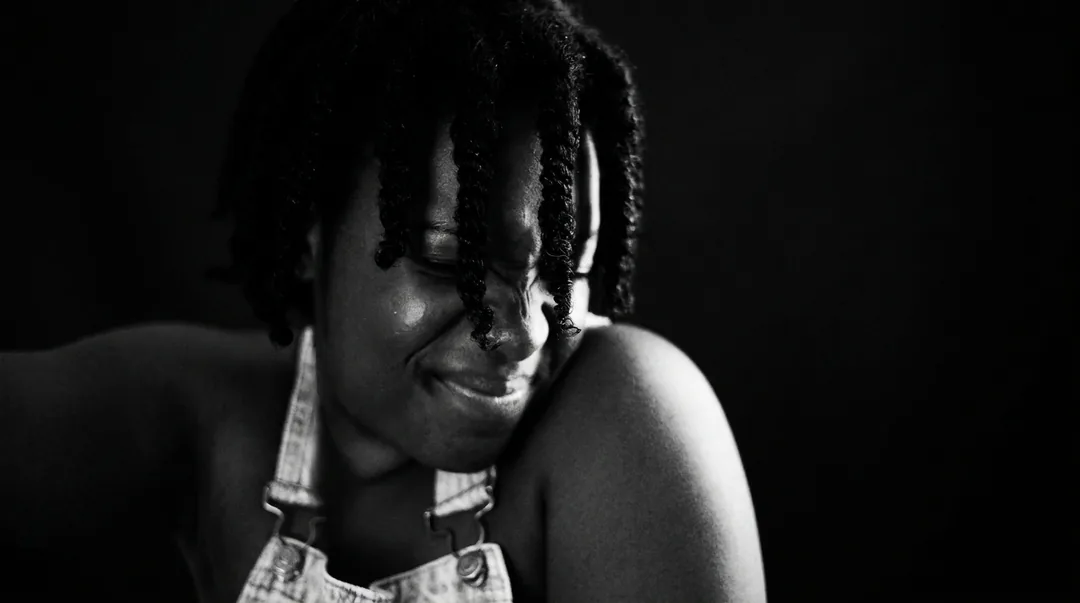
Portrait
Start with a clear face. Ink turns facial shading into lines, so strong shadows can look harsh. Check the eyes, mouth and nose against the original. Keep the photo beside the drawing.
Place
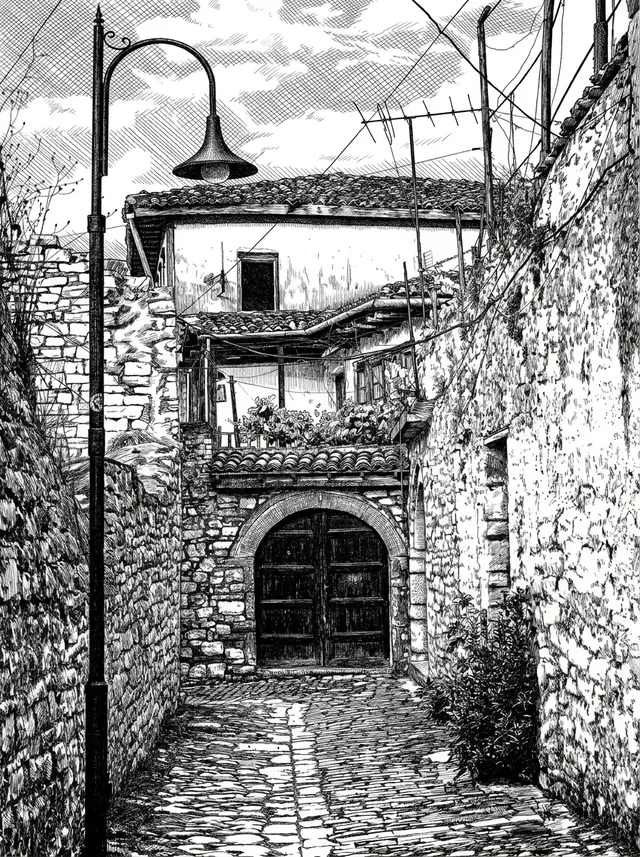
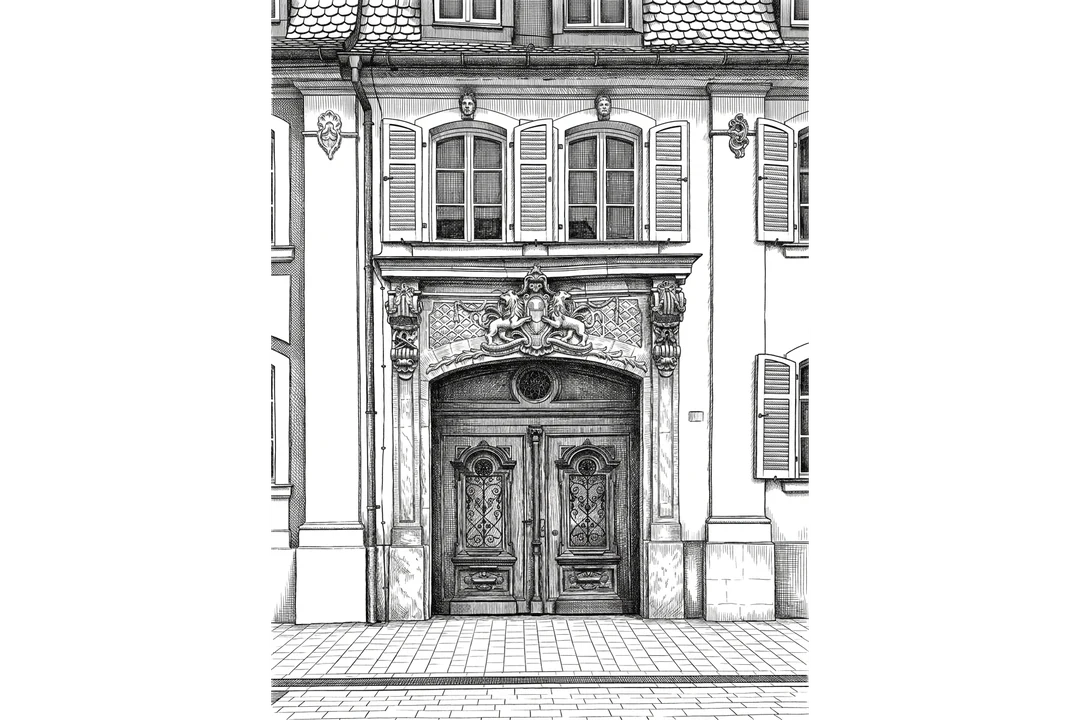
A doorway, street corner or familiar building works better than a wide scene full of tiny features. Compare the main opening and roofline with the photo. Put names and dates in your layout as editable text.
Object
A camera, instrument or keepsake with a clear outline suits a monochrome line treatment. Buttons, keys and markings may be reinterpreted. Keep factual labels outside the image. Label the ink version as an illustration.
Ink drawing ideas from photo start here: a photo redrawn with cross-hatching.
01
Upload one uncluttered photo. The composition and main forms carry over. A face, a roofline or an object silhouette stays where it sat.
02
The ink drawing builds every tone from black lines: dense cross-hatching for shadow, open paper for light. It interprets rather than traces. Regular patterns such as window grids are where it simplifies or invents detail.
03
Dense hatching can fill in and print darker than on screen. Look closely at eyes and doorways. Order a proof first. The file is a raster image, so it cannot be enlarged without limit.
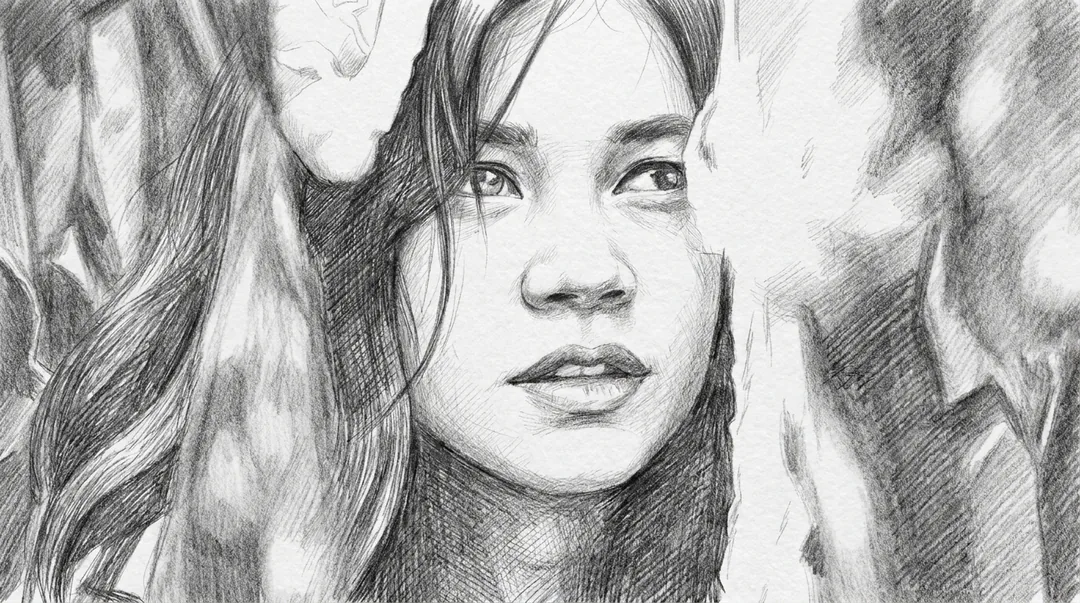
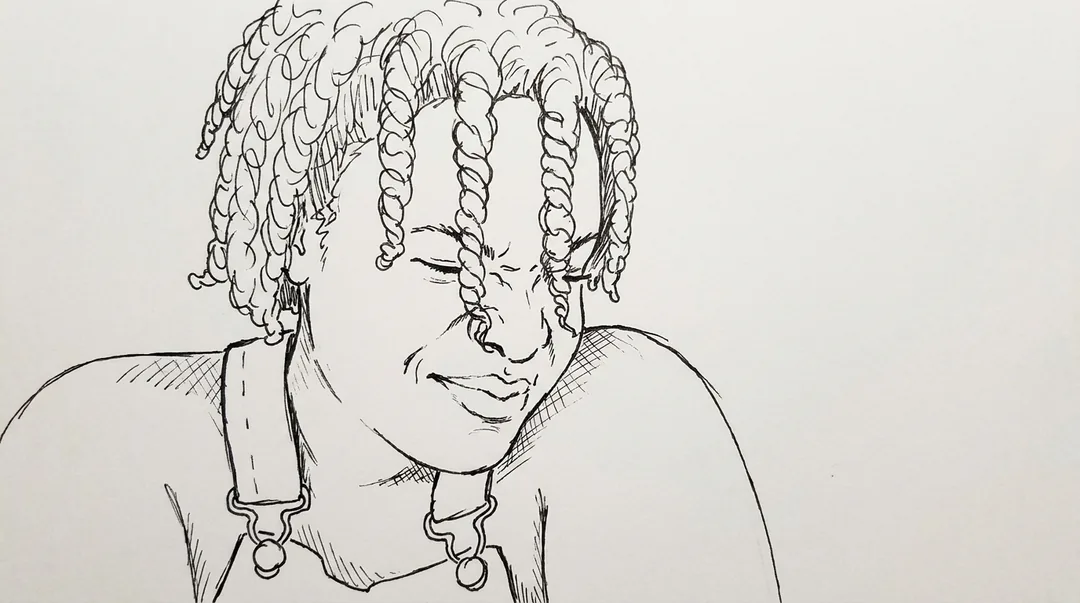
Other looks for the same photo, after these ink drawing ideas.
Choose your credits and generation priority. Potto does not add a visible watermark to your downloads.
Billed $96 for the first year, then $192/year
Billed $240 for the first year, then $480/year
Billed $480 for the first year, then $960/year
An ink drawing describes a subject with dark lines, contours and hatching. This template makes an ink drawing from one photo of a portrait, building, object or scene. It is a raster reinterpretation, not a real pen and ink drawing or a vector tracing. Review the composition and fine detail against the source.
Cross-hatching builds darker tones with intersecting lines. In this template it is part of the fixed look, not a brush setting. Check whether the marks explain the form or hide it. Zoom to full size, because hatching that looks clean in a thumbnail can clog.
Choose a source with a clear outline and clean gaps between nearby shapes. Dark hair against a dark wall can turn into one dense patch. Crop in your own editor and keep the original. Use a photo you own or may edit.
Yes. The template is not limited to portraits. A doorway, street corner or keepsake works when its main outline is clear. Compare the drawn structure with the original. Windows, labels and proportions are not guaranteed.
No. The PNG has fixed pixel dimensions, and the lines are not editable. Check the file size for your page or print. For vector artwork, trace a separate file.
Not on this page. It always makes dense black ink with cross-hatching. For soft graphite tones, use Photo to Sketch. For a loose, playful line, use AI Doodle. For brushstrokes and color, use Photo to Painting.
45 credits per run, made with Nano Banana Pro. Generate shows the cost before you confirm.
Upload one clear reference and check the credit estimate. Then compare the ink drawing with your original.