Skip to content
Potto AI

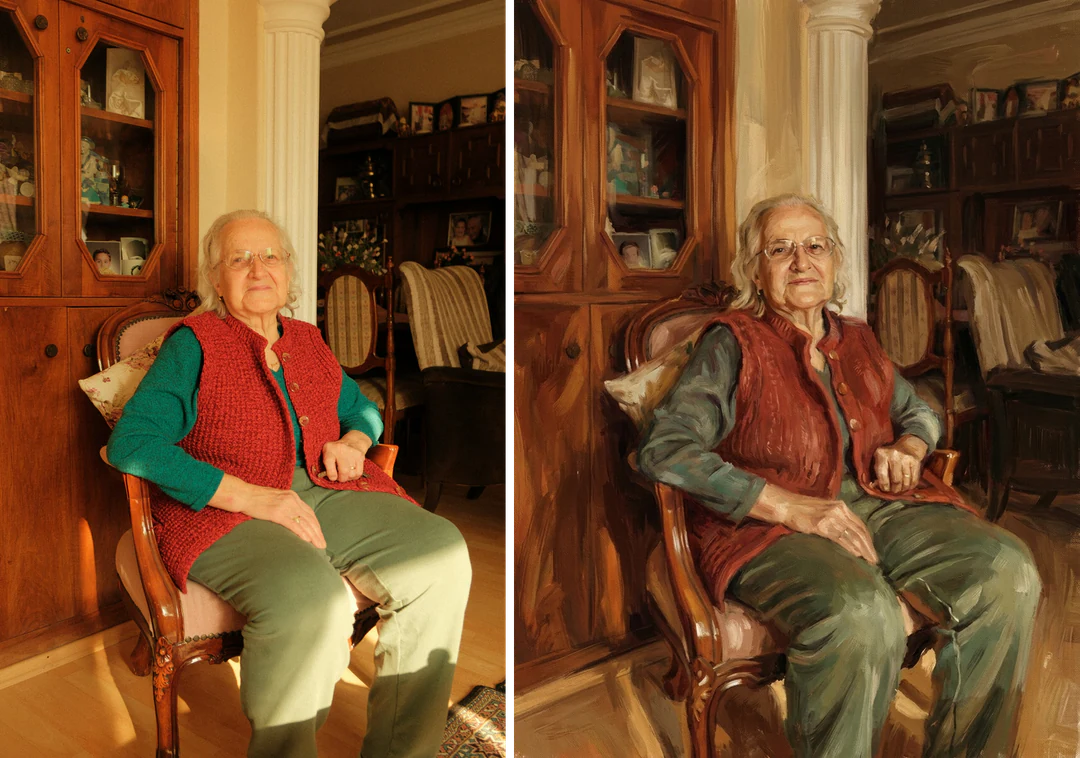
Photo to painting: the same portrait before and after

One reference photo and the oil portrait generated from it. The result uses the template's fixed 3:4 ratio.

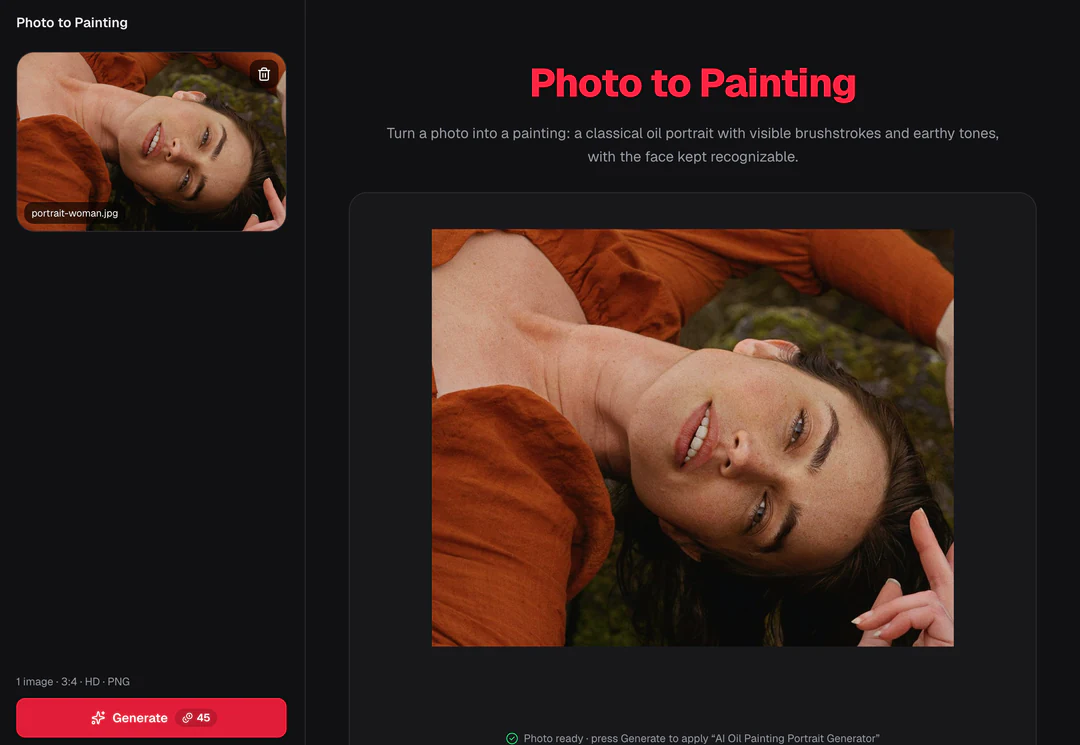
Original portrait photo before the painting treatment
Original photo
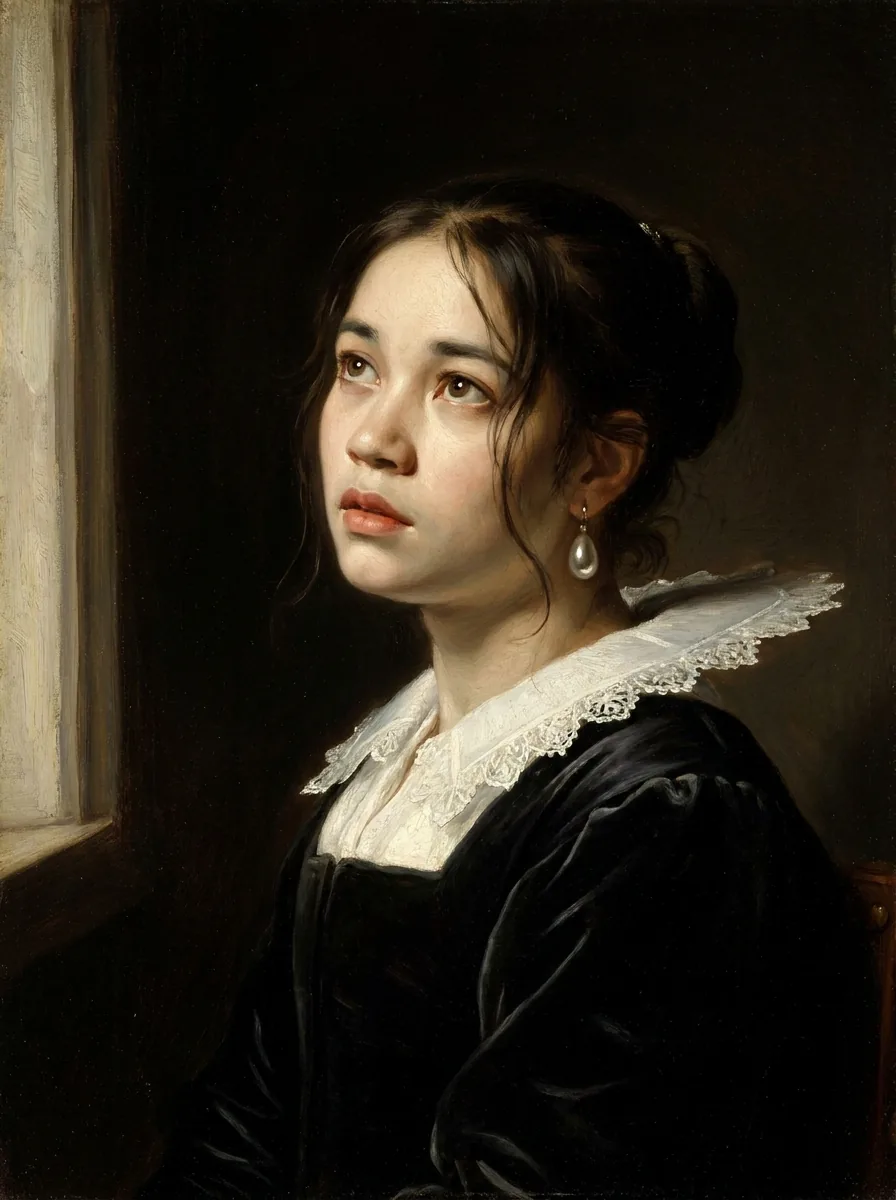
Oil portrait generated from the same photo, with softened skin texture and painted tones
Photo to painting result · 3:4

What stayed

The recipe asks the model to keep the person's identity, face and expression the same. Compare the eyes, mouth, face shape and hair at equal size. Add skin tone and apparent age to that list, because earthy color and soft light can shift both.

What changed

The photograph becomes a classical oil portrait with visible brushstrokes, rich earthy tones and soft studio light, in the manner of an art school study. Fine skin texture is simplified, and hair, clothing and background turn into painted shapes.

What to check

Brushwork should describe form, not hide it. Check that marks do not cover the eyes or mouth, that hands and clothing edges stay separate, and that the face still reads at the size you will use. The output is a flat image, not paint on canvas, so call it generated artwork.

Where a photo to painting portrait fits

Three common uses. In each one the oil painting portrait is the image, and your own layout carries the words.

Photo to painting of an elderly woman in a red vest: the painted portrait beside the original photo

3:4 · Keepsake

Family memory or keepsake

Pair the painted portrait with the photo that inspired it, so the transformation stays clear and the original keeps its record. Choose a source with a meaningful expression, then compare age cues, hair color and face shape. Add names and dates as editable text in your own layout, and keep event captions on the original photo.
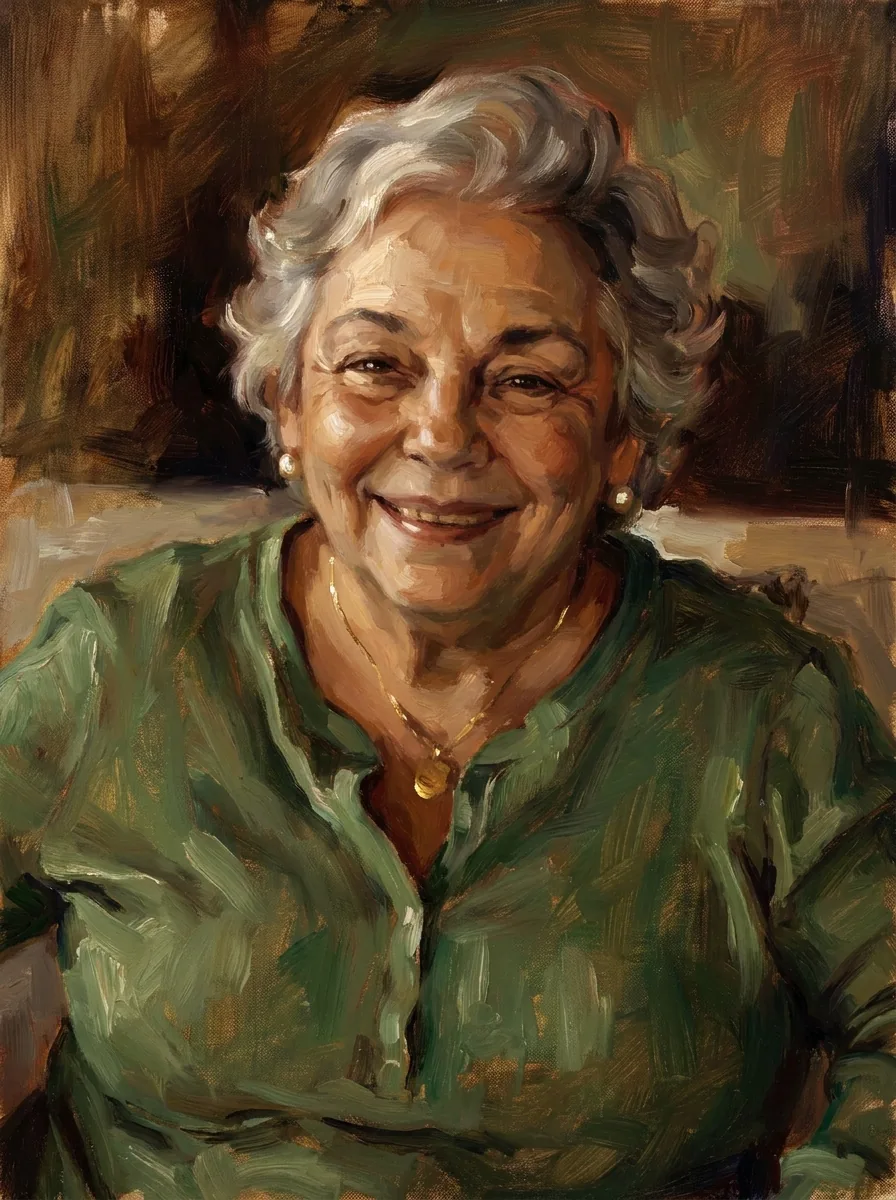
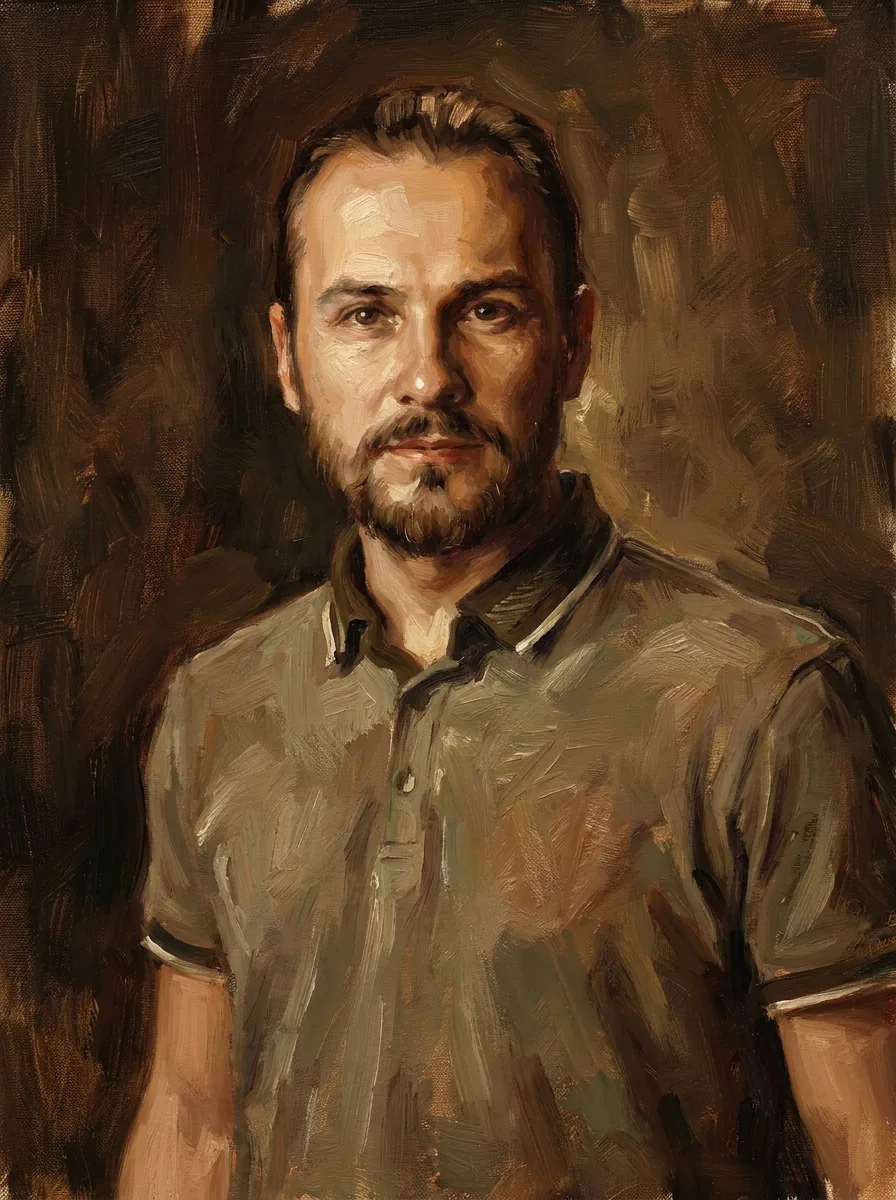
Photo to painting: oil portrait of a smiling older woman in a green top with visible brushstrokes

3:4 · Gift

Gift portrait

A reviewed portrait can become a digital gift or a print of that artwork. Pick a source the recipient already likes, because the treatment cannot rescue a photo they dislike. Put any dedication in a separate layout, away from the face, and make a proof at the real size. Describe the gift as generated artwork, not a hand-painted original.

Photo to painting: classical oil portrait of a man in a polo shirt with soft studio light

3:4 · Profile

Profile or essay portrait

A painted-style portrait can open a personal essay, interview or profile when its tone fits the text. Test it at the real article width, because soft brushwork needs more room than a sharp thumbnail. Check that a more dramatic or older-looking face does not change how readers see the person, and caption it as a generated illustration.

How to turn a photo into a painting

Upload a portrait, check the fixed output, then compare the face and brushwork before you download.

  1. 1. Upload one portrait

    Add one JPG, PNG or WebP image up to 20 MB. Choose a photo where the face is clear and the expression already suits the portrait. Use the best original you have rather than the largest file, and use one you own or may edit.

  2. 2. Check the fixed settings

    There is no medium, style or ratio selector; the panel shows the fixed output, one 3:4 PNG at HD from Nano Banana Pro. For watercolor or another medium, write your own brief in Image to Image AI.

  3. 3. Generate and compare

    Each photo to painting result costs 45 credits, shown on Generate before you confirm. When the portrait is done, compare it with your original at equal size, check the face and the brushwork, then download it.

What the photo to painting template does to your portrait

Photo to painting repaints one portrait as a classical oil study. These four features show what it keeps, what it paints, what is fixed and what to check.

  1. 01

    Your face stays the subject of the painting

    The recipe asks the model to keep the person's identity, face and expression. Eyes, mouth, face shape and hair should still read as you. Skin tone and apparent age deserve a look, because the warm palette and lighting can shift both.

    • One clear portrait is the only input
    • Compare the face before the brushwork
    Portrait photo used as the photo to painting reference
    The original portrait
  2. 02

    A classical oil portrait with visible brushstrokes

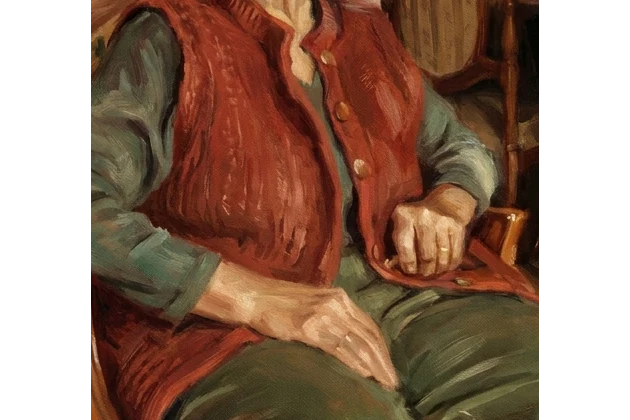
    Every oil painting portrait follows the same art school study: visible brushstrokes, rich earthy tones and soft studio light. Brushwork replaces fine skin texture, and hair, clothing and background become painted shapes, so look at hands and edges where those shapes meet.

    • Brushwork should follow the form
    • The output is a flat image, not paint on canvas
    The portrait repainted as a classical oil painting with visible brushstrokes
    Photo to painting result
  3. 03

    One painting recipe and no medium to pick

    The oil-portrait direction is the only one this page offers, with no medium, style, ratio or size to pick. Each run makes one image with Nano Banana Pro for 45 credits, and the amount appears on the Generate button before you confirm.

    • One image per run
    • Oil-portrait direction only
    Photo to Painting control panel showing the fixed settings summary
    The panel shows the fixed settings before you generate
  4. 04

    Check hands, edges and skin tone before you use it

    Check that brush marks do not cover the eyes or mouth, that hands and clothing edges stay separate, and that apparent age has not shifted. When you share or print the portrait, call it generated painting-style artwork, not a hand-painted original.

    • Hands, edges and objects that were not in the photo
    • Label it as generated artwork
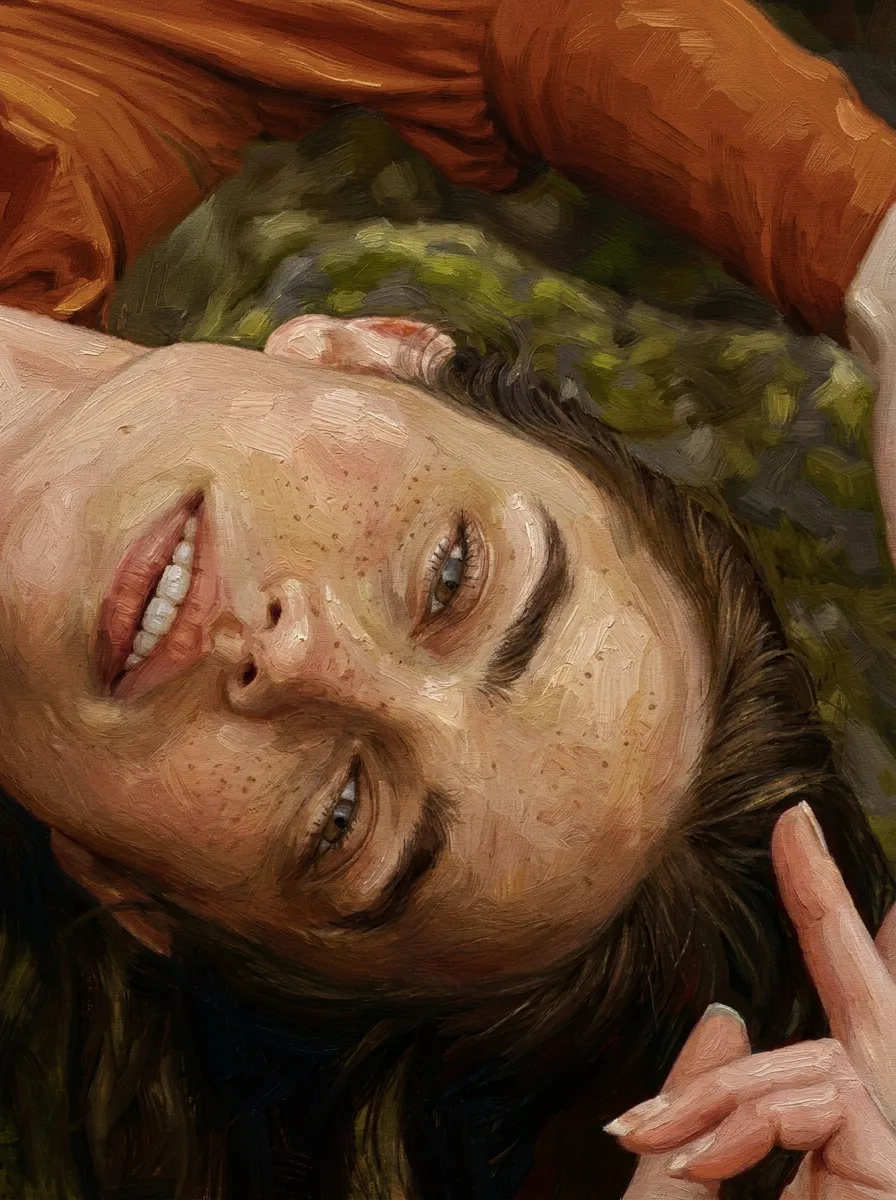
    Close view of brushwork and hands in a finished painted portrait
    Compare hands and edges at equal size

Keep exploring Potto AI

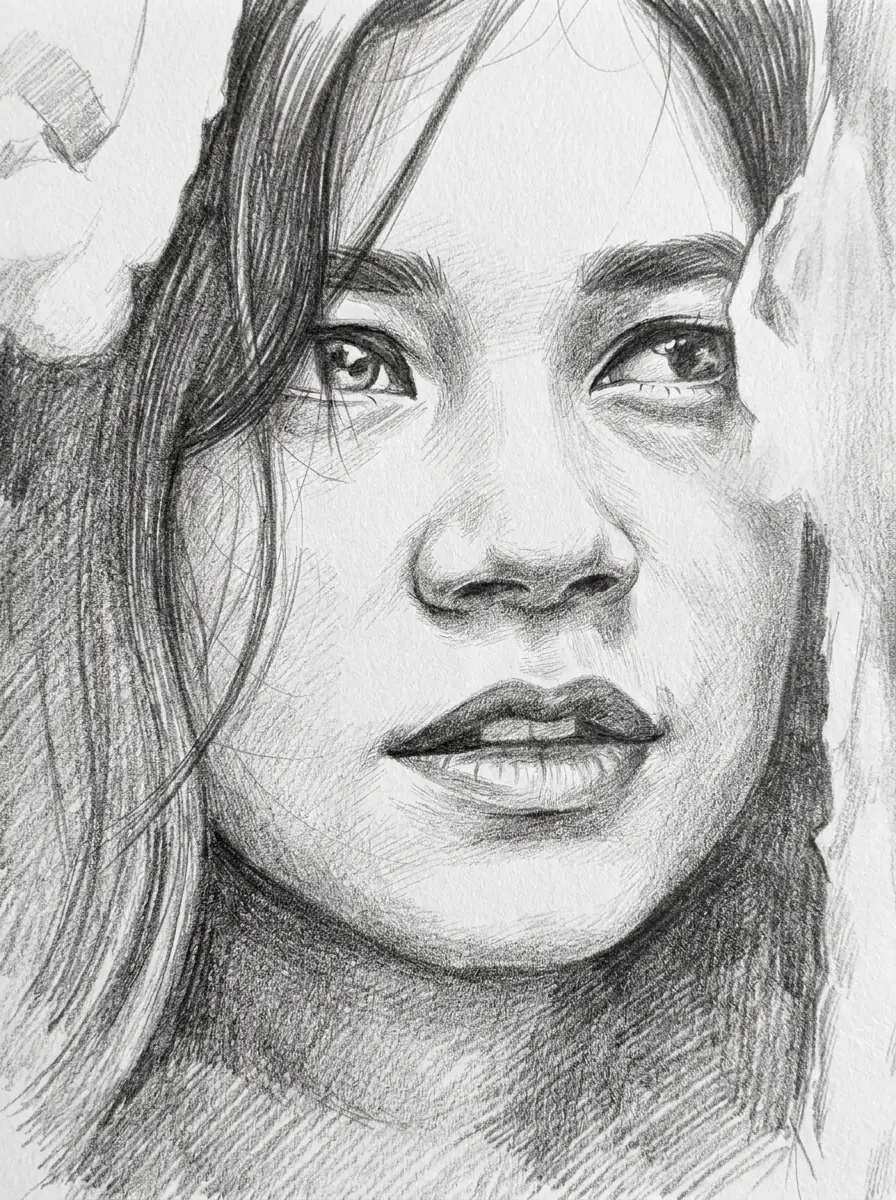
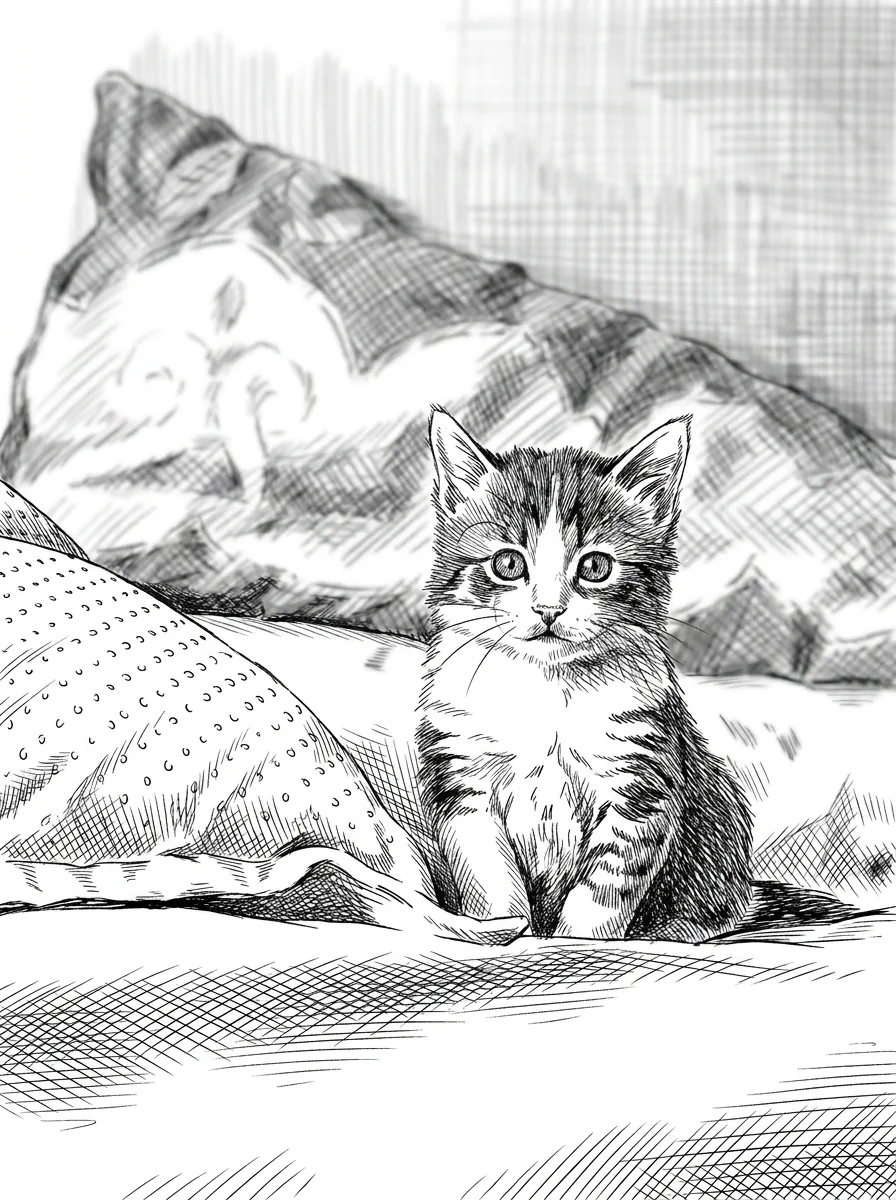
Pick the look you want next, from line work to bold flat color.

Photo to Painting FAQs

  1. What is photo to painting?

    Photo to painting means reinterpreting a photograph in a painted style. This Potto AI template turns one portrait into an oil painting portrait, a classical study with visible brushwork, earthy color and soft light, while asking to keep the person recognizable. It produces a generated raster image, not a real oil painting or an editable painting file.

  2. Which photo works best for photo to painting?

    Use one portrait with a clear face and an expression that already suits the picture. The recipe works from what the photo shows, so a blurred, heavily cropped or heavily filtered face leaves it little to keep. A smaller clear photo beats a larger blurred one. JPG, PNG and WebP are accepted, up to 20 MB, and the photo should be one you own or may edit.

  3. Can I choose watercolor or other painting styles?

    No. This page always applies the same classical oil-portrait recipe; there is no medium selector. For watercolor or another medium, write your own brief in Image to Image AI with the photo as a reference. For line work, use Photo to Sketch or Ink Drawing; for bold flat color, use Pop Art Portrait.

  4. Will the person remain exactly the same?

    The recipe asks to retain identity, expression, and pose, but exact preservation is not guaranteed. Compare eyes, mouth, face shape, hair, age cues, and accessories. A painted texture can make changes less obvious, so inspect the source and result side by side rather than choosing by surface appeal alone.

  5. Can the image become a printed portrait gift?

    A reviewed image can be placed in your own print design. Check its actual pixel dimensions and make a proof for the chosen paper and size. The output does not include a canvas, framing, printing, or a hand-painted original. Describe the result as generated painting-style artwork.

  6. Can I make a matching set of portraits?

    You can generate one portrait per person and lay them out together, but the template does not lock brushwork, palette or lighting across runs. Review each portrait against its own photo first, then arrange the accepted images in your own layout with the same margins and caption style. A shared layout makes them look consistent without making them a matched set.

  7. How do I judge a photo to painting portrait?

    Judge a photo to painting portrait against the original at the same size. Compare the eyes, the mouth and the face shape first, then check that the brushwork follows the form instead of hiding it. Skin tone and apparent age can shift under earthy color and soft light, so look at them on purpose. Hands, clothing edges and the background deserve a second look, because painted shapes can fuse or add objects that were not in the photo.

  8. What does a photo to painting portrait cost, and what file do I get?

    45 credits per run for one 3:4 PNG at HD, made with Nano Banana Pro. The amount appears on the Generate button before you confirm.

Potto AI

Make your painted portrait

Upload one clear portrait, review the credit estimate, and compare the finished painting with your original before using it.