Photo Effects
Browse 30 photo effects, from pencil sketches to plushies and holiday cards, then open one to see what it needs and what it costs.
Choose a photo effect by the result you want
Each card is a fixed recipe for one result. Hover or focus a card to read what the recipe does, then open the template to see its input, output ratio and current quote.
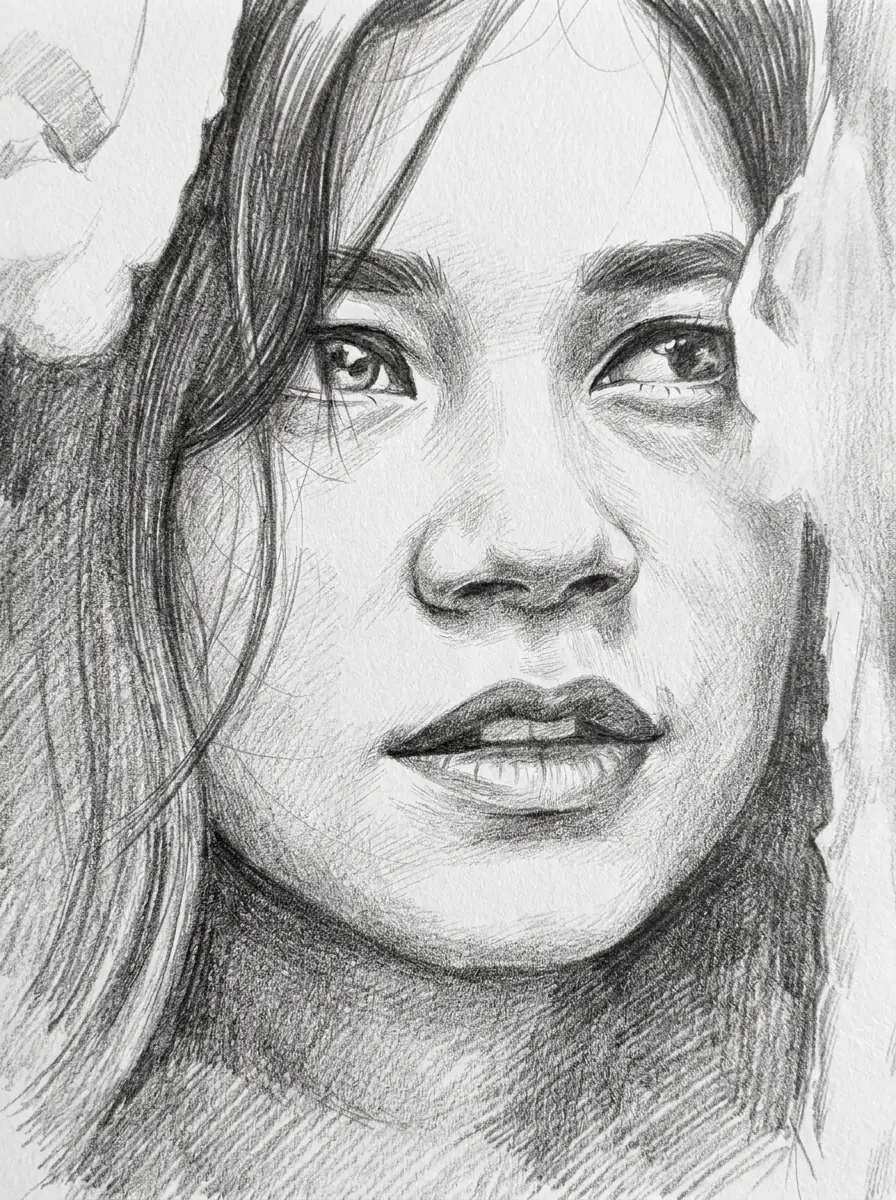 Portrait in, sketch out at 3:4; identity, face, expression and pose stay the same.
Photo to Sketch
Graphite pencil sketch of your portrait on textured paper.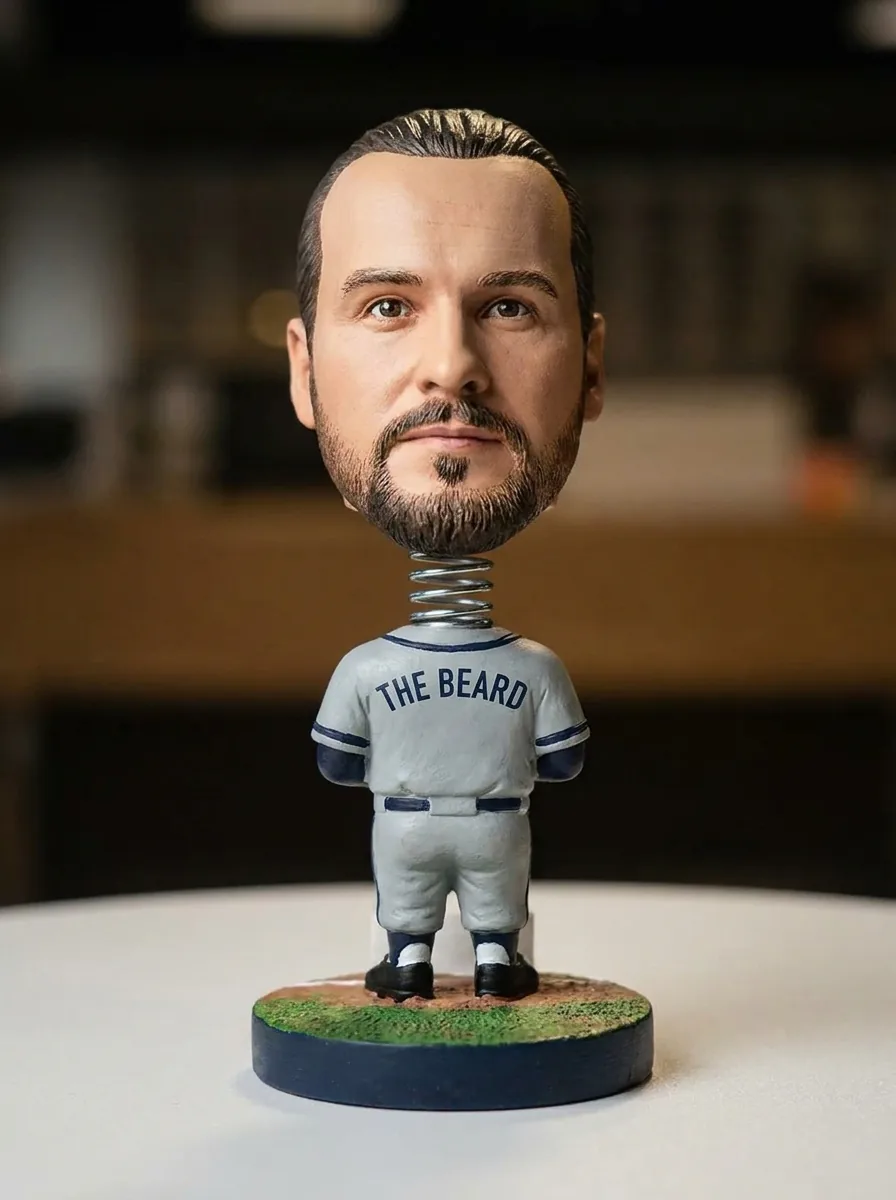 Needs a portrait; the figure arrives framed 3:4, with face, hairstyle, skin tone and expression recognizable.
Bobblehead Maker
Collectible baseball bobblehead with an oversized head on a round base.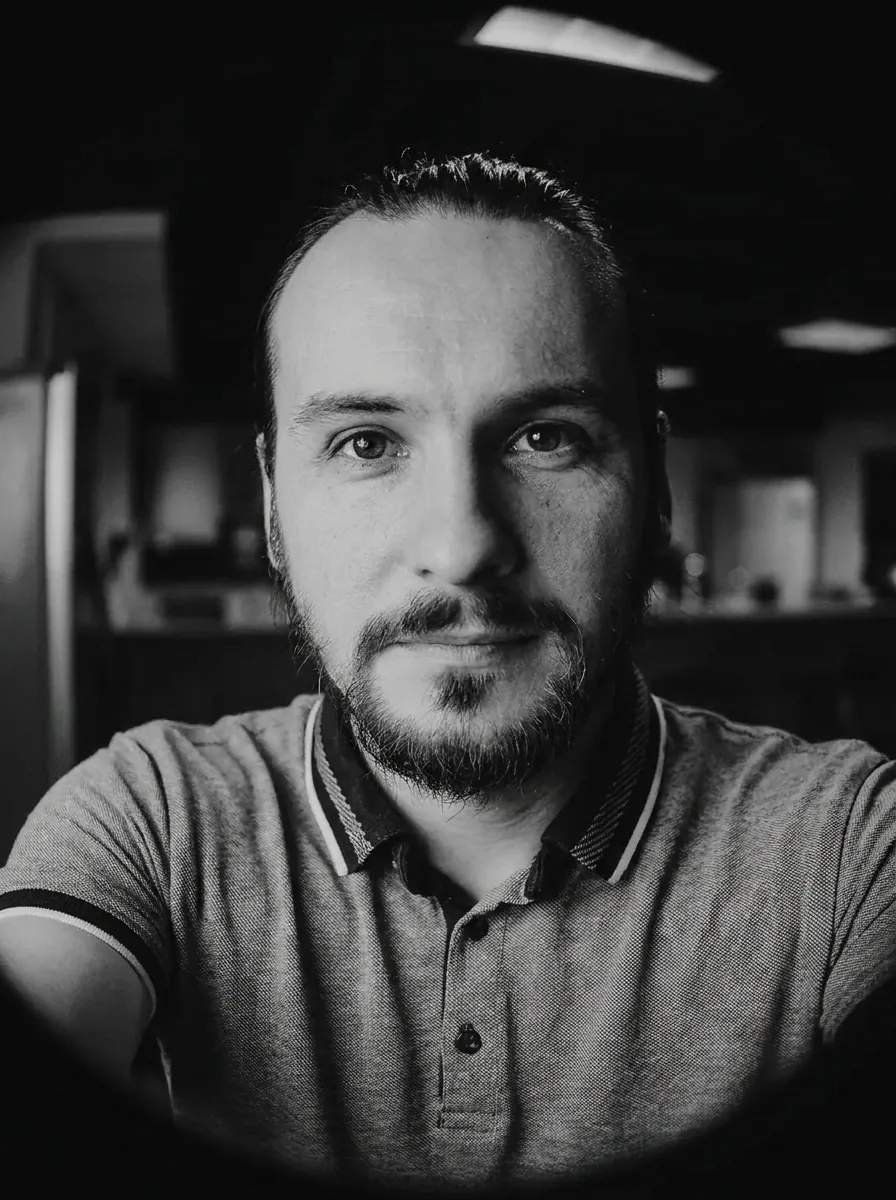 From a portrait you get a 3:4 selfie with identity, face, hairstyle and expression intact.
Fisheye Effect
Close-up fisheye selfie with strong barrel distortion.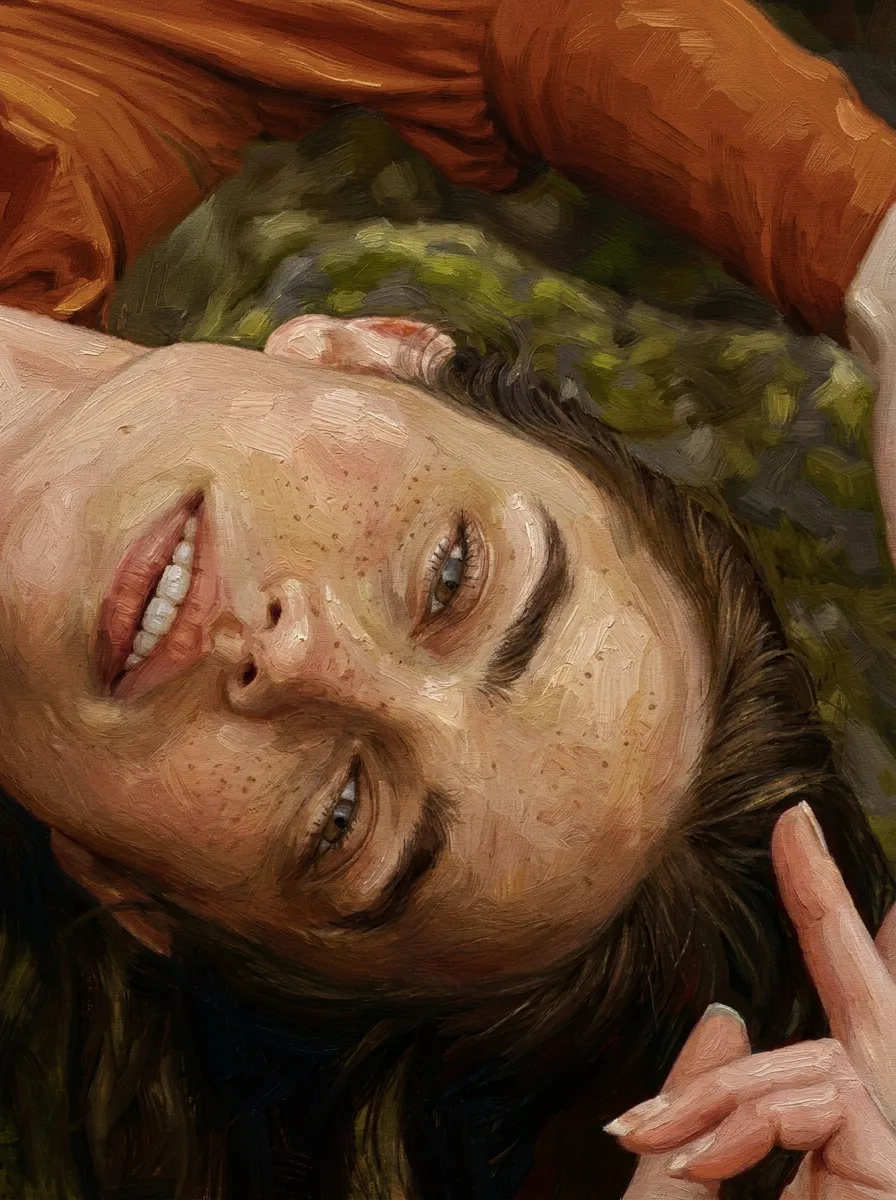 Portrait photo in, 3:4 painting out, with identity, face, expression and pose unchanged.
Photo to Painting
Classical oil painting with visible brushstrokes and earthy tones.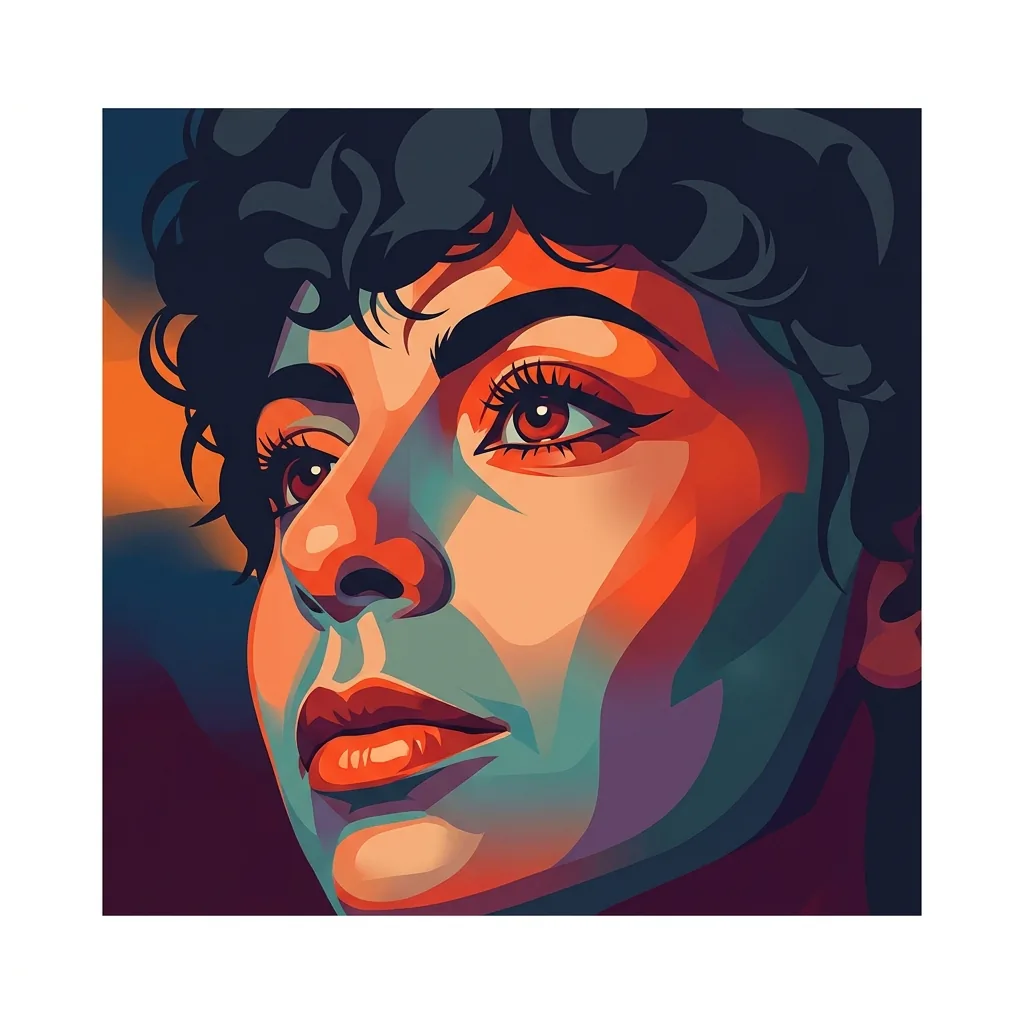 Photo optional; add a theme or mood of 200 characters or fewer and a title of 40 or fewer, and the cover is 1:1.
Album Cover
Square album cover made from a photo, or from a short written idea.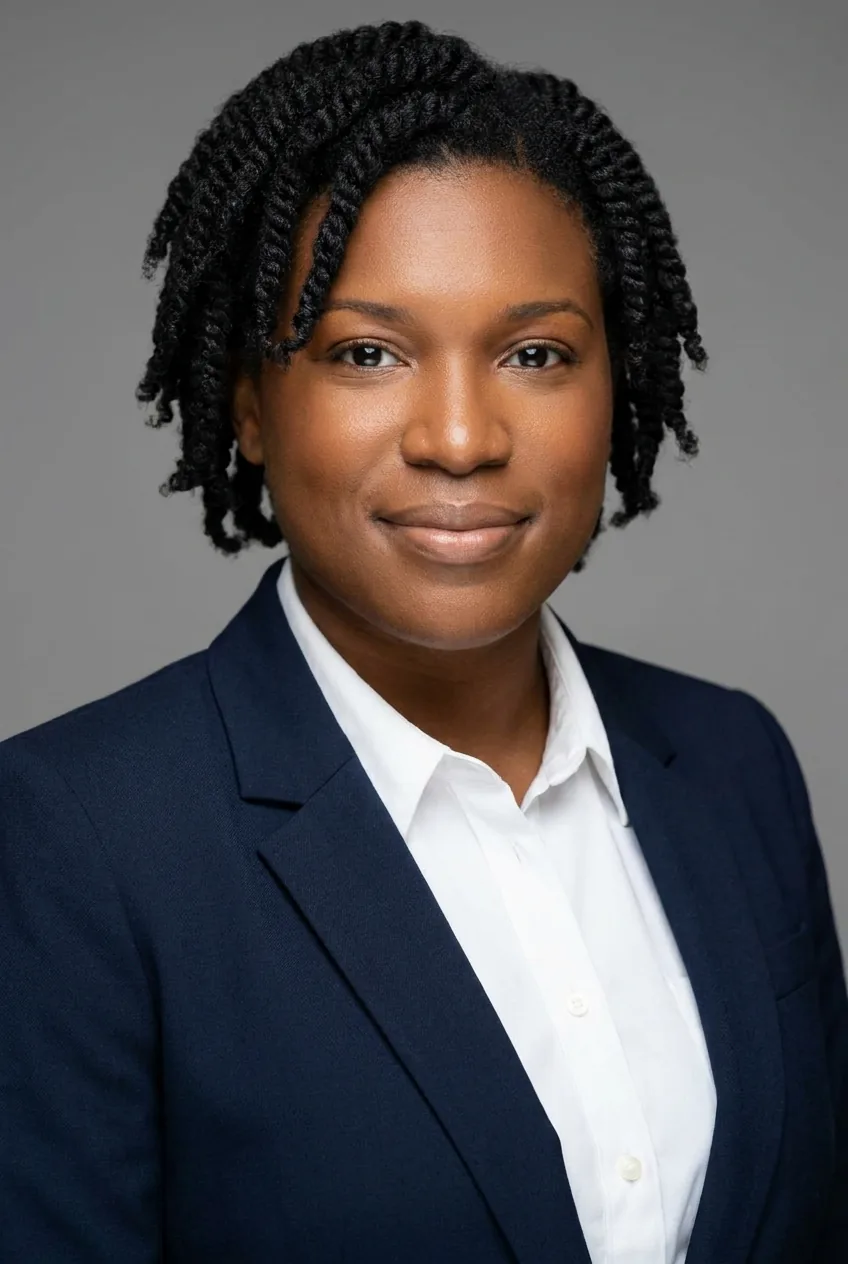 A portrait photo returns with the original aspect ratio; identity, face, skin tone and hairstyle stay.
AI Headshot Generator
Professional headshot with business attire and a neutral studio background.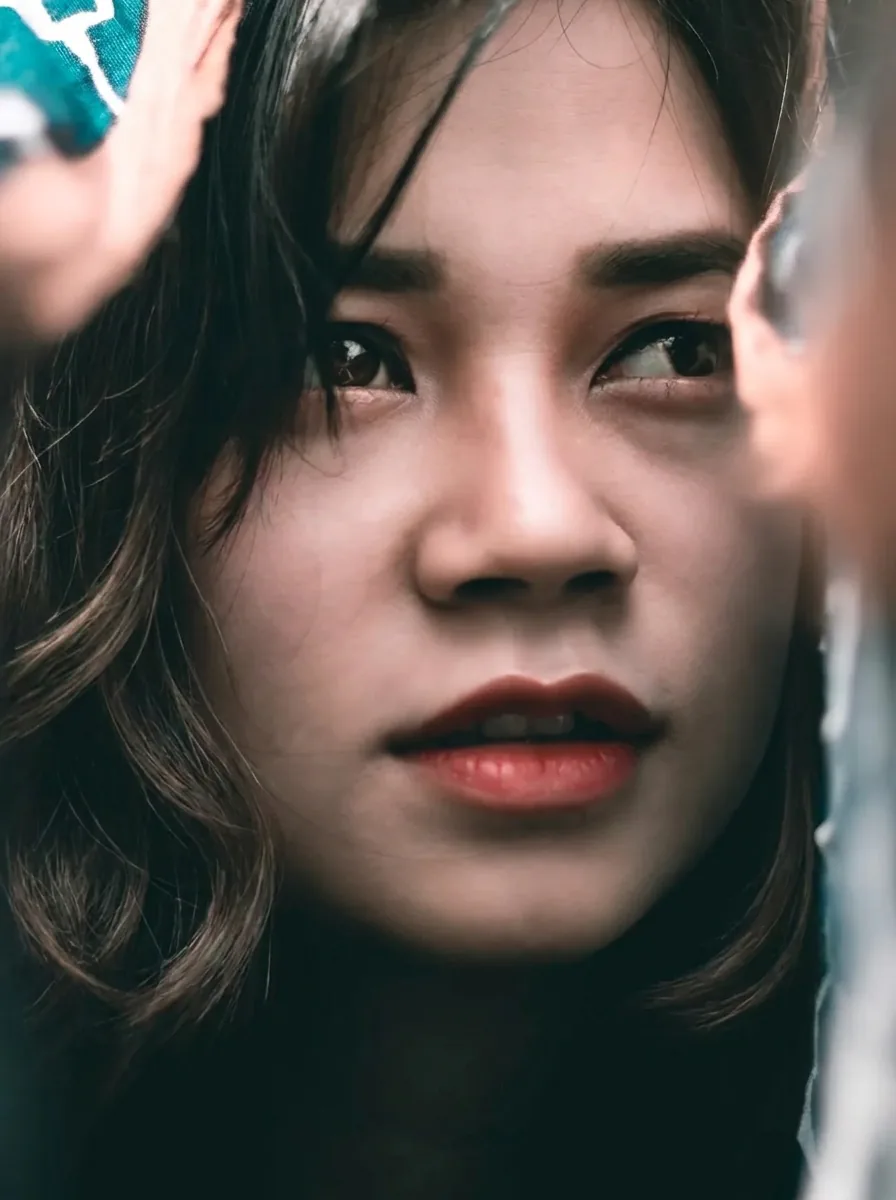 A portrait, same ratio out as in; identity, face, expression, clothing and background do not change.
AI Hairstyle
Only the hairstyle changes, to a modern cut.
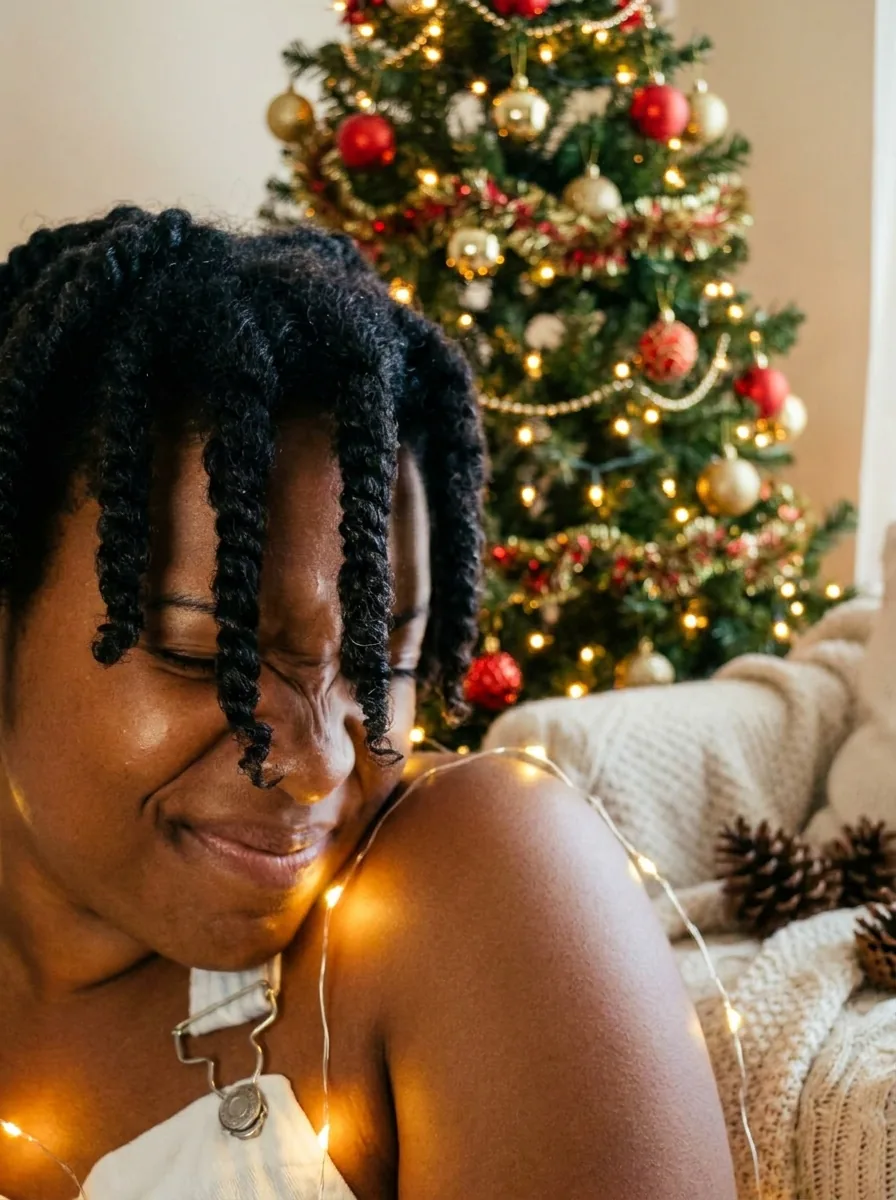 Any single photo, delivered 3:4; identity, face, pose and clothing are held.
Christmas Photos
Warm holiday portrait with festive lights and a decorated tree.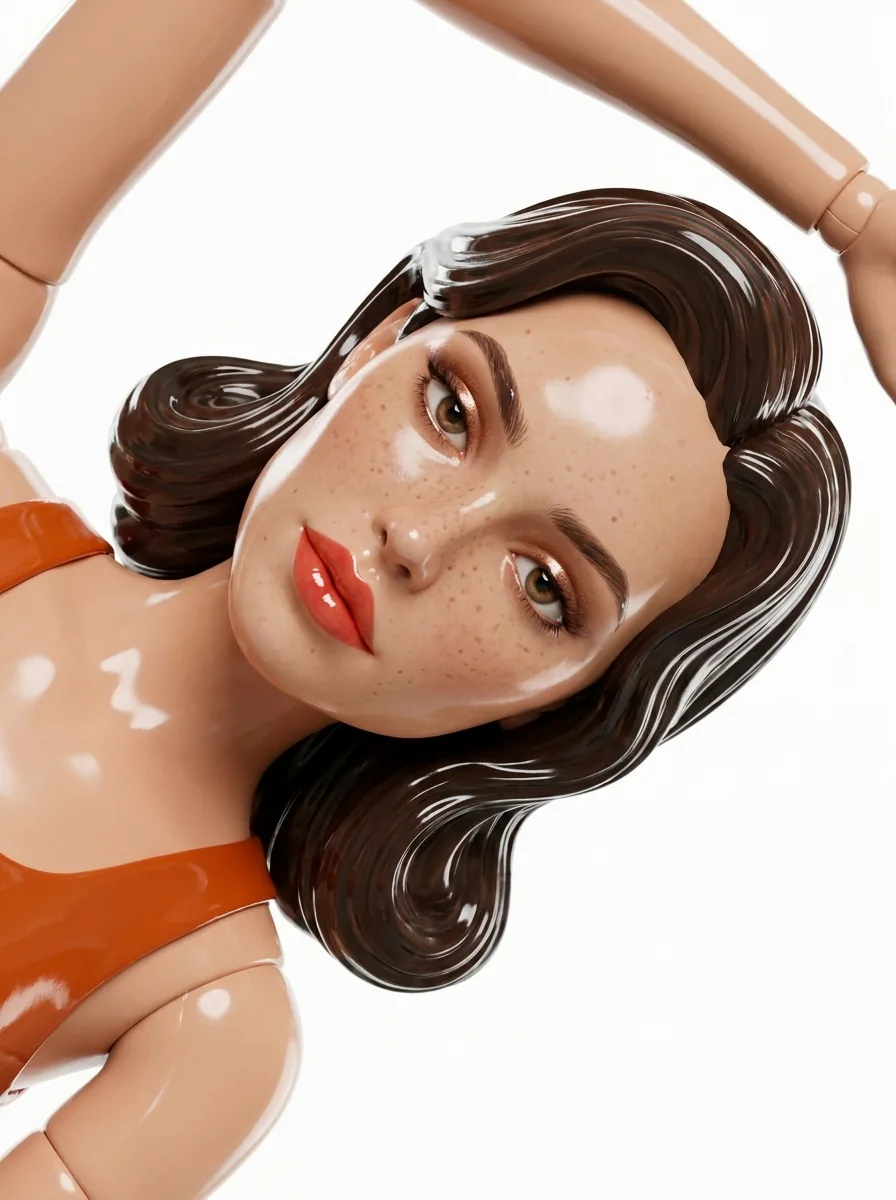 A portrait goes in and a doll comes out at 3:4, keeping face shape, hair color, skin tone and key features recognizable.
Doll Maker
Glossy 3D glam doll with styled hair on a clean studio backdrop.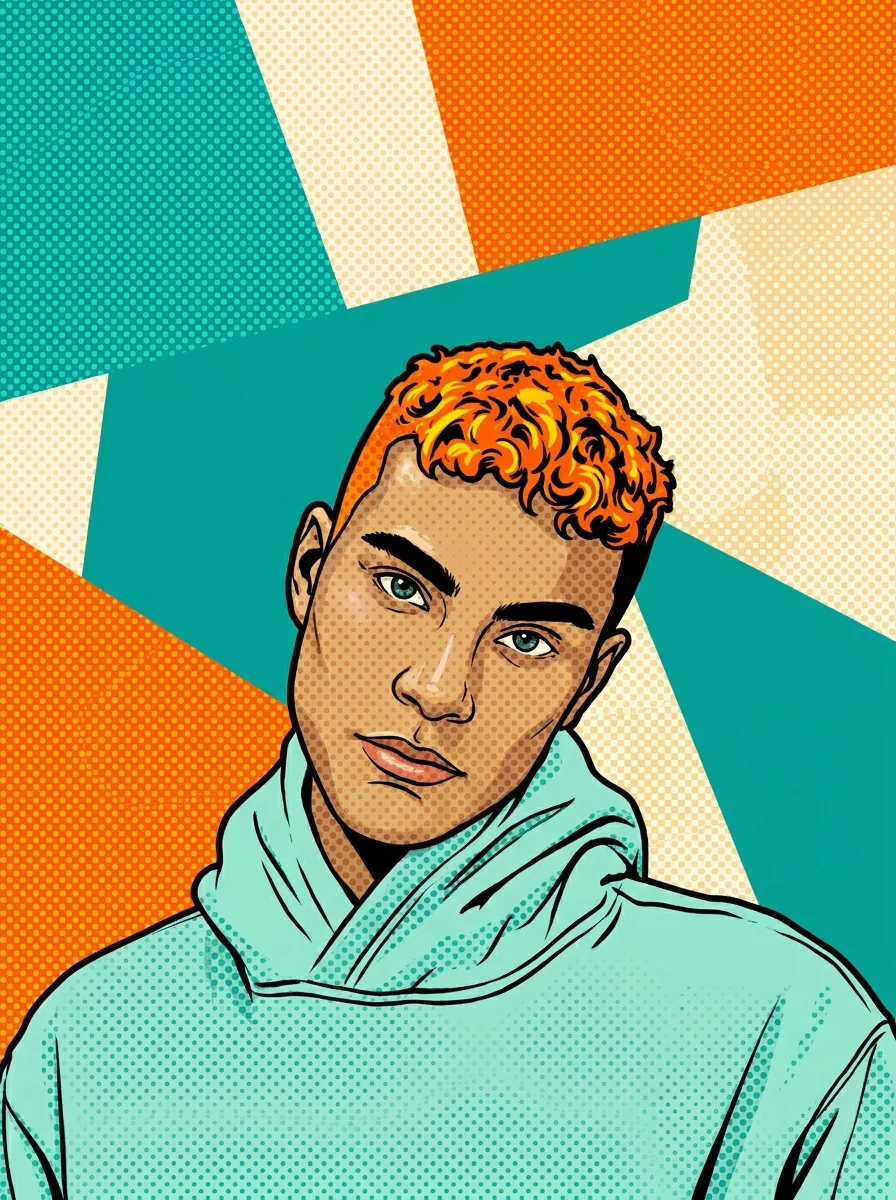 Takes a portrait and frames the result 3:4; face, pose and expression stay recognizable.
Pop Art Portrait
Halftone dots, thick black outlines and saturated flat colors.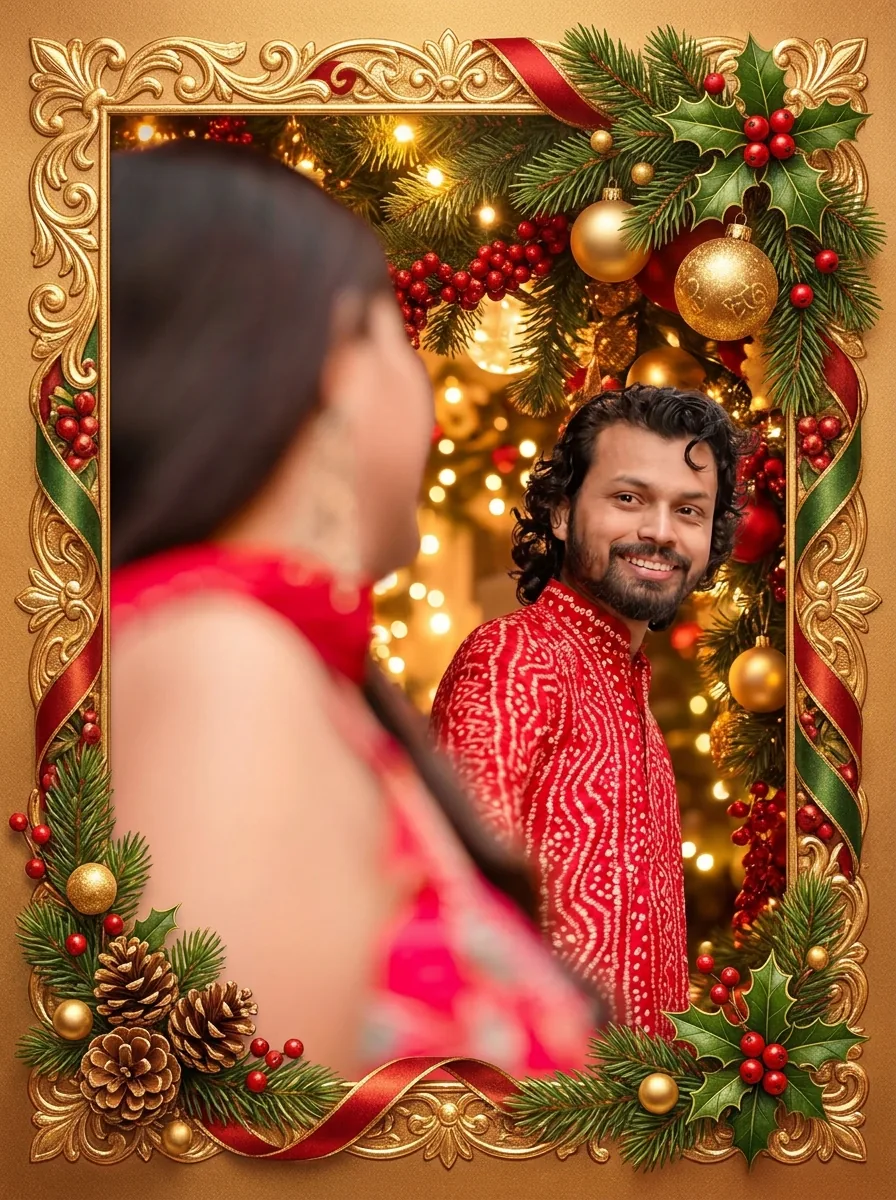 Add one photo of the people; the card is 3:4, faces, poses and clothing stay, and no text is added.
Christmas Cards
Greeting card with a decorative frame around the people in your photo.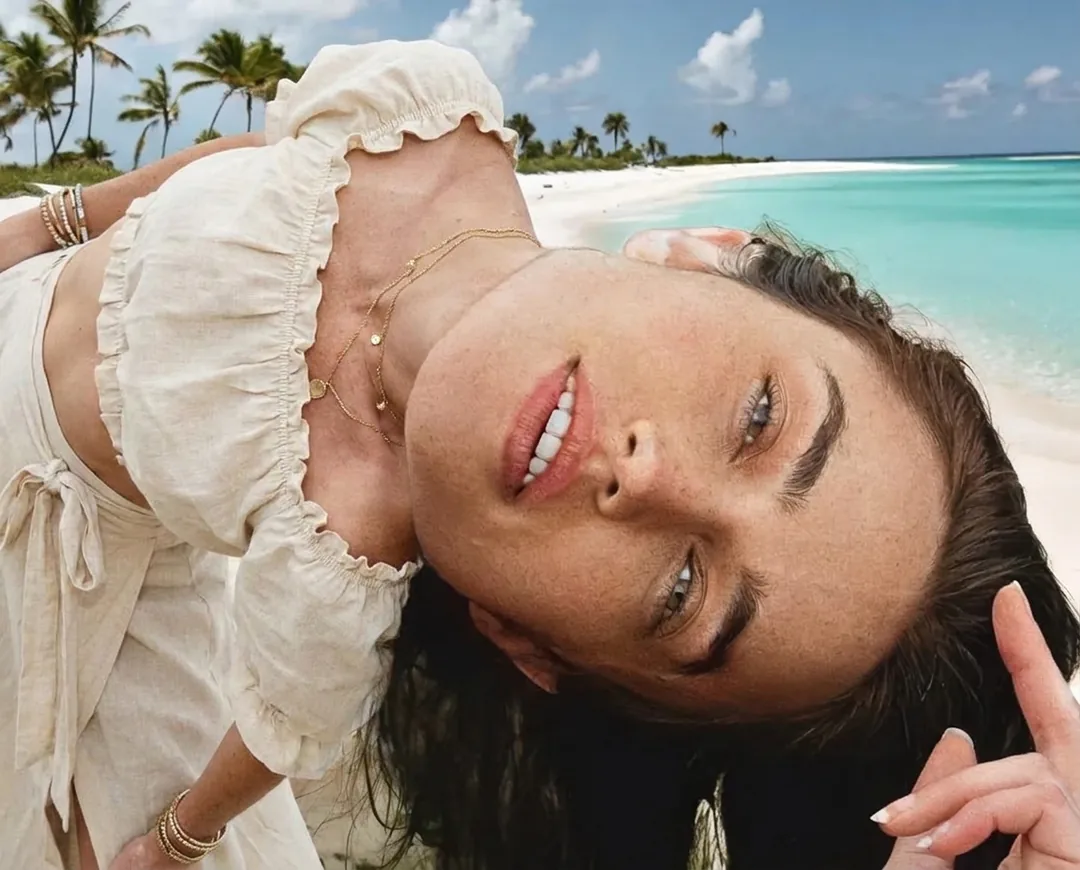 A photo in; the result keeps the ratio of your upload, and identity, hairstyle, pose and background are untouched.
AI Clothes Changer
Swap only the outfit; the rest of the photo stays as it was.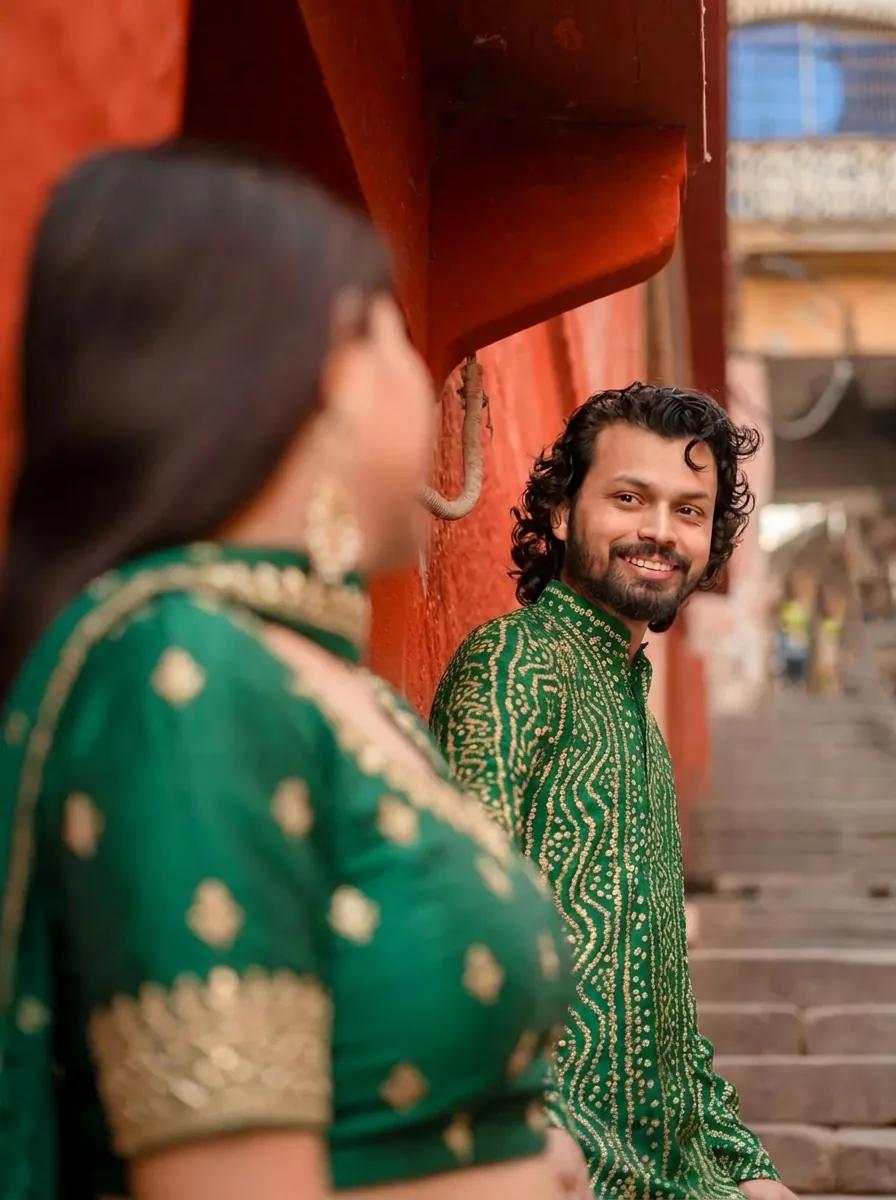 A photo of the people comes back at the input’s aspect ratio, with faces, hairstyles, poses and background unchanged.
Matching Outfits
Coordinated outfits for everyone in the photo, drawn from one color palette.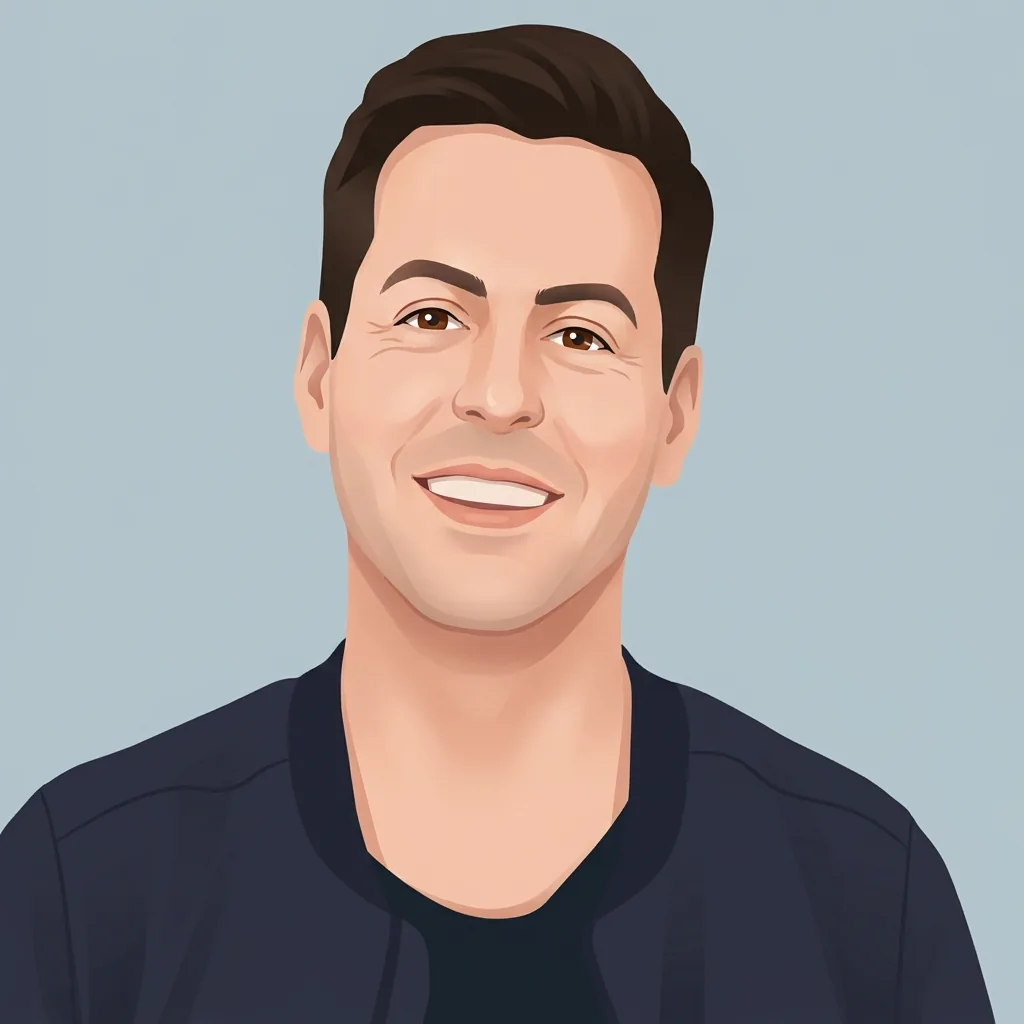 A portrait becomes a 1:1 avatar that keeps hairstyle, hair color, skin tone and key facial features.
Avatar Maker
Stylized square avatar, head and shoulders, on a flat-color background.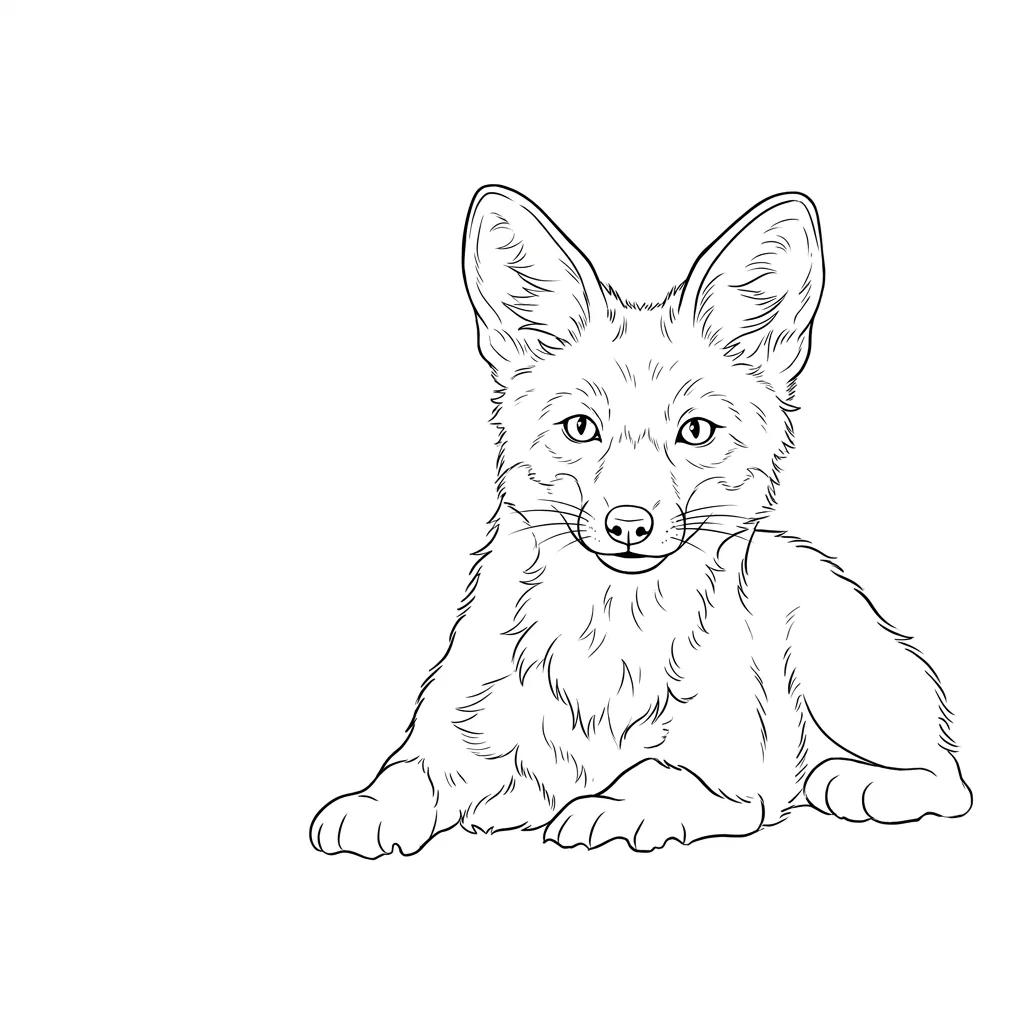 A subject of 200 characters at most is required and a reference is optional; you get two 1:1 images on plain white with no text or lettering.
Tattoo Design
Clean tattoo design concept from a short subject description, with or without a reference image.
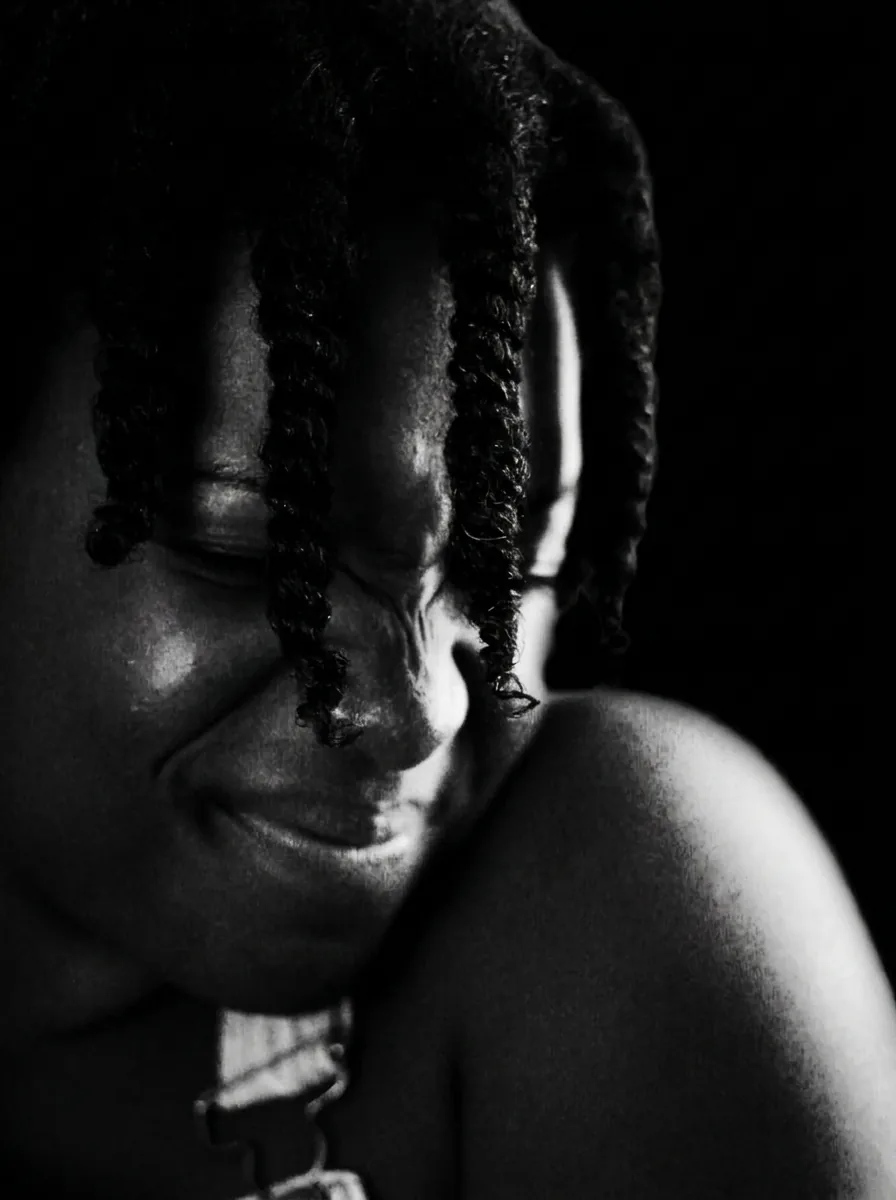 A portrait, 3:4 result; face, expression and pose are preserved.
Black and White Photo
High-contrast studio portrait in monochrome with directional light.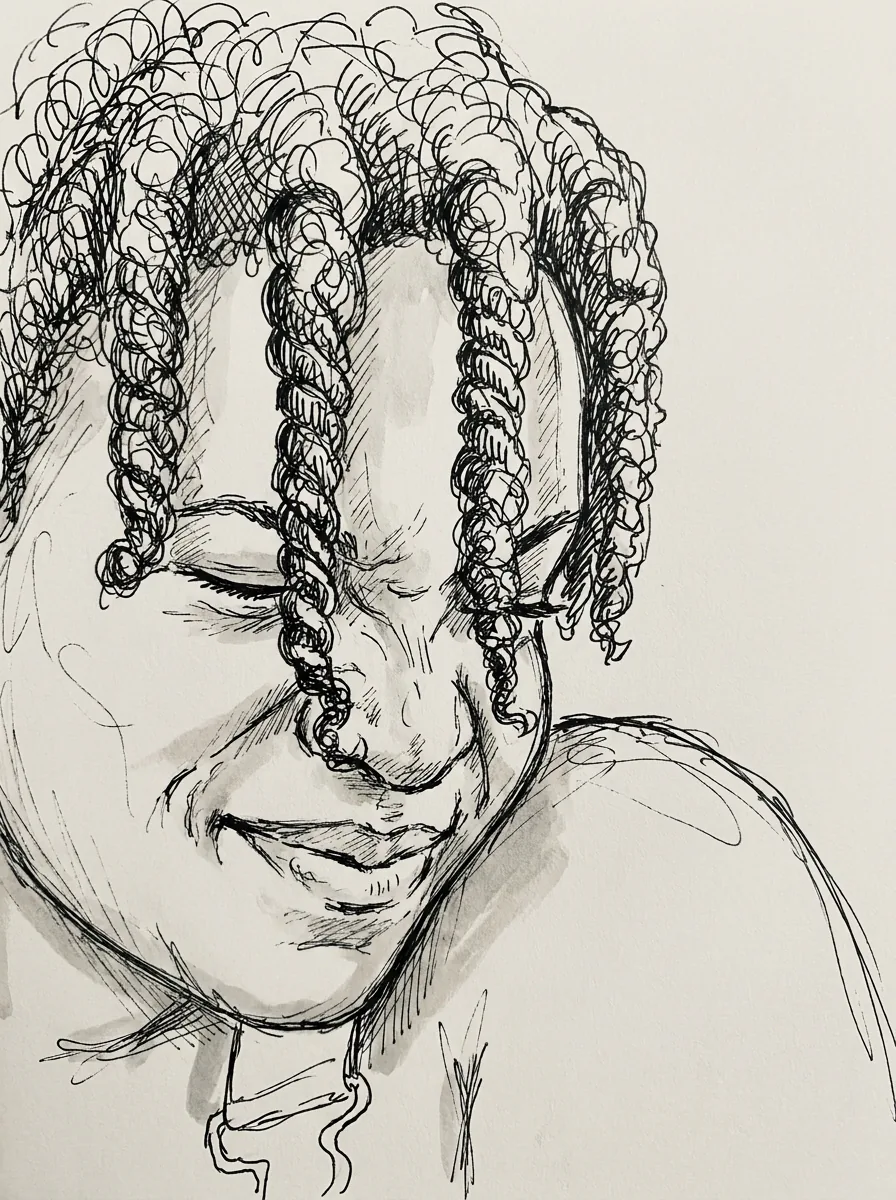 Single portrait, 3:4 drawing; face, hairstyle and expression remain recognizable.
AI Doodle
Playful black ink doodle with loose lines on plain white.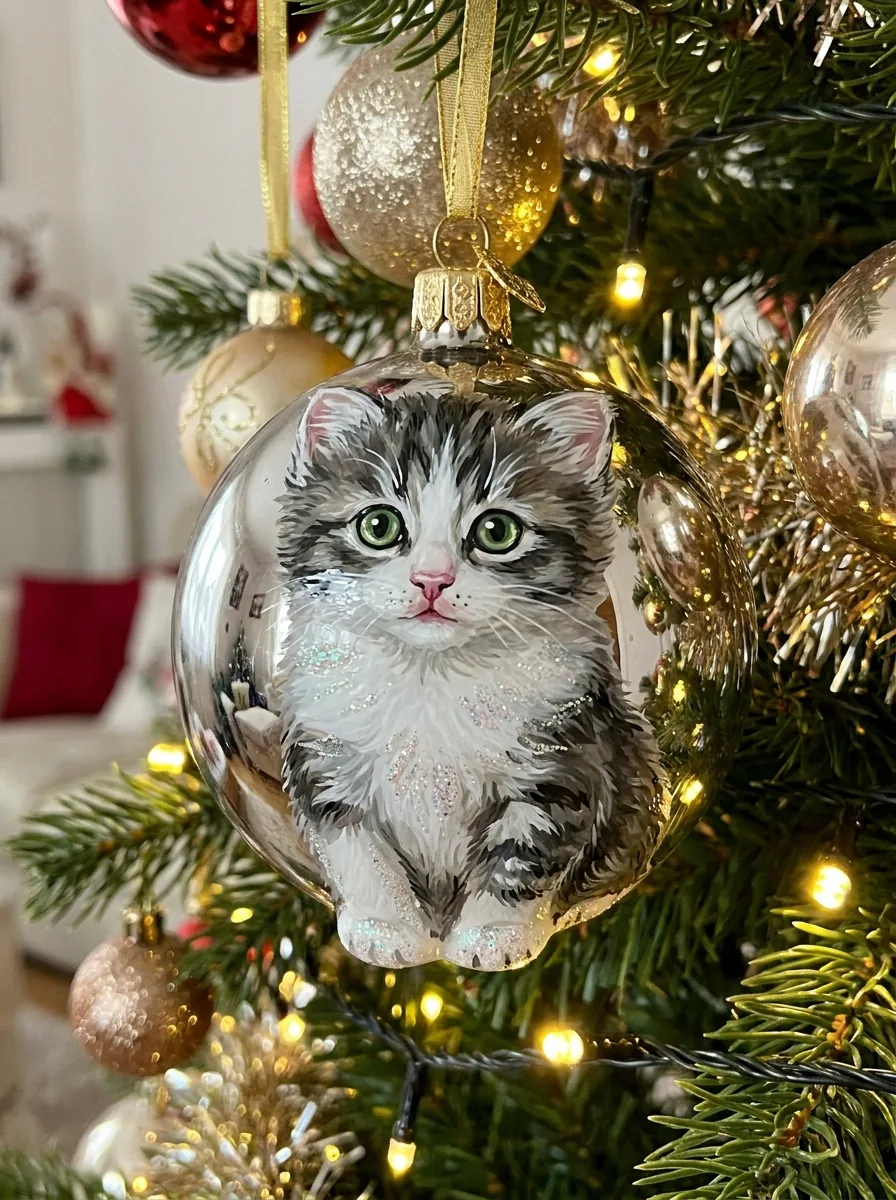 Your subject photo goes onto the ornament, an image sized 3:4 whose key features and colors stay recognizable.
Christmas Ornament Ideas
Glossy glass ornament hanging on a decorated tree, carrying your subject.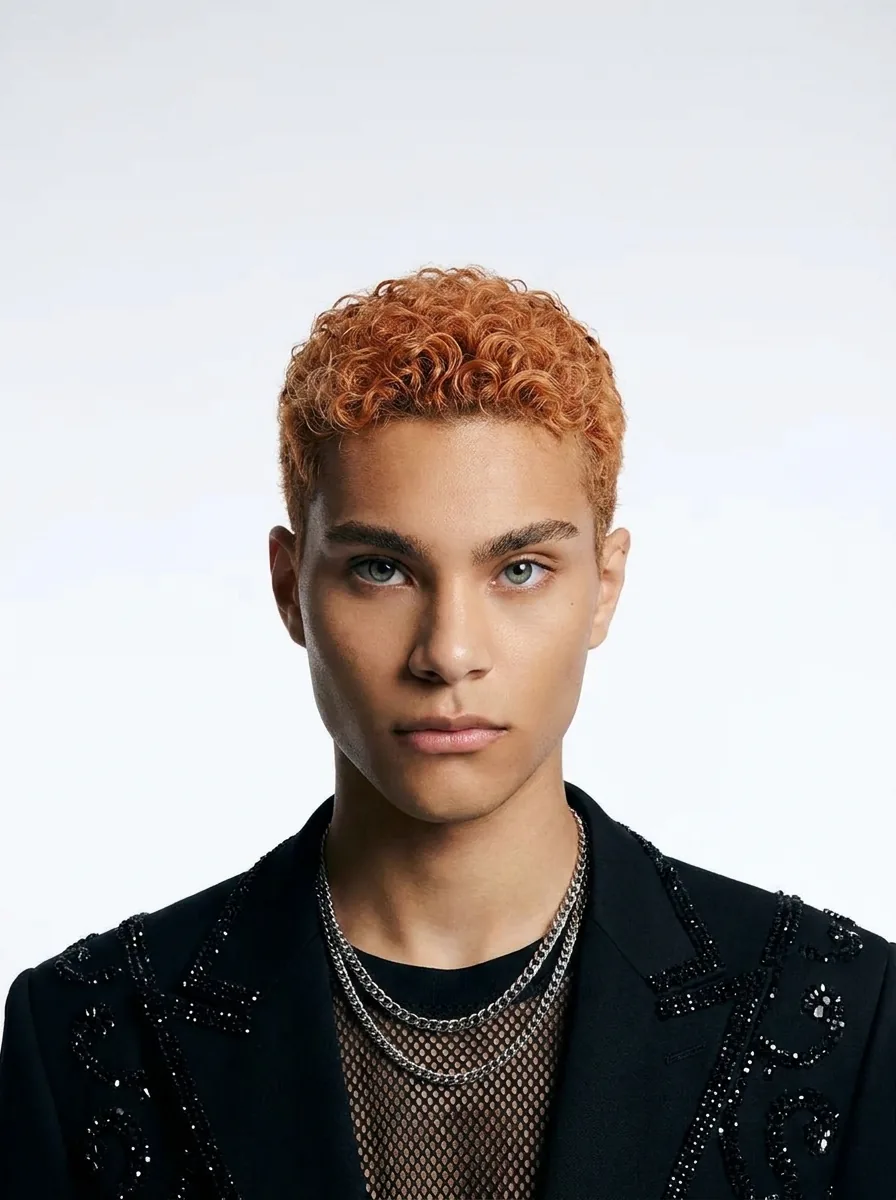 A portrait gives a 3:4 shoot that keeps identity, face and expression recognizable.
Kpop Photo
Polished K-pop idol photoshoot with a fashion outfit and soft studio light.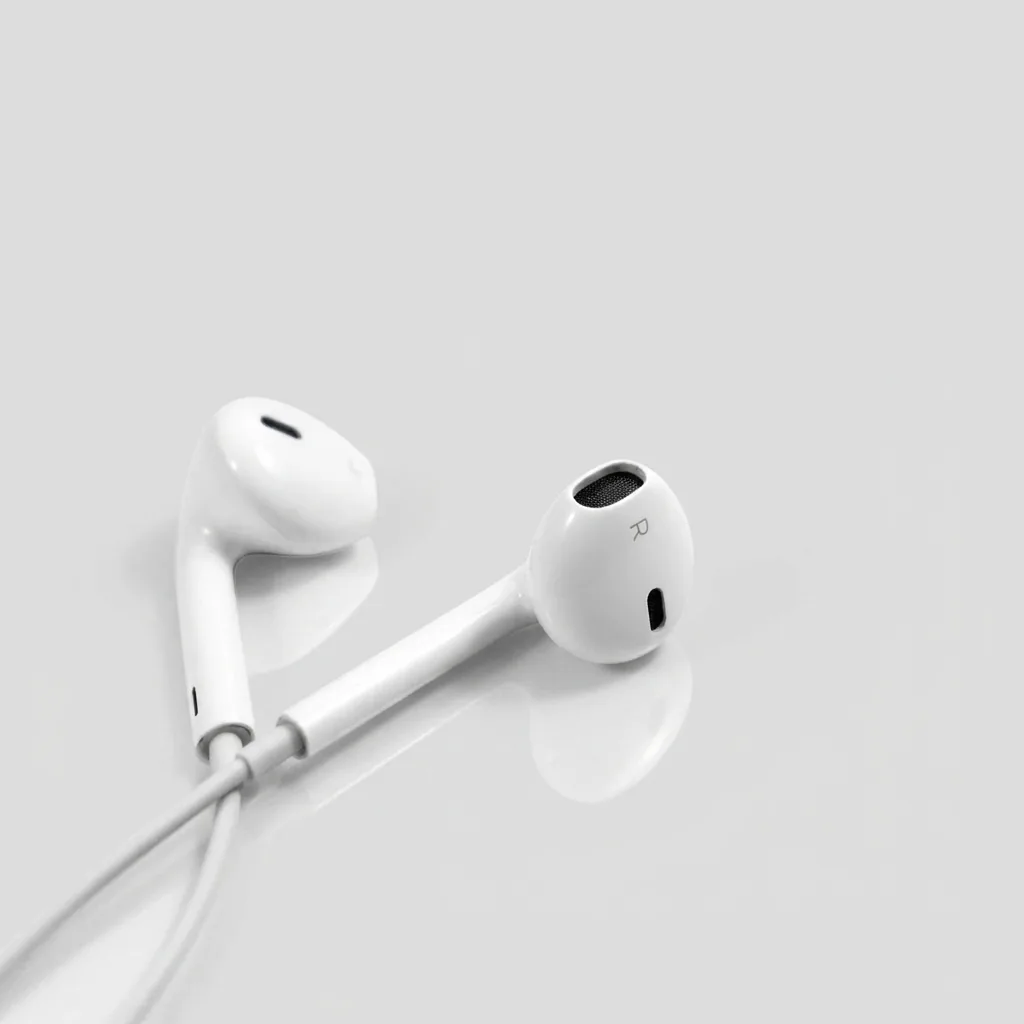 A single product photo returns a 1:1 shot with shape, colors, label and details intact.
Product Photography
Clean studio shot with soft lighting and a subtle reflection.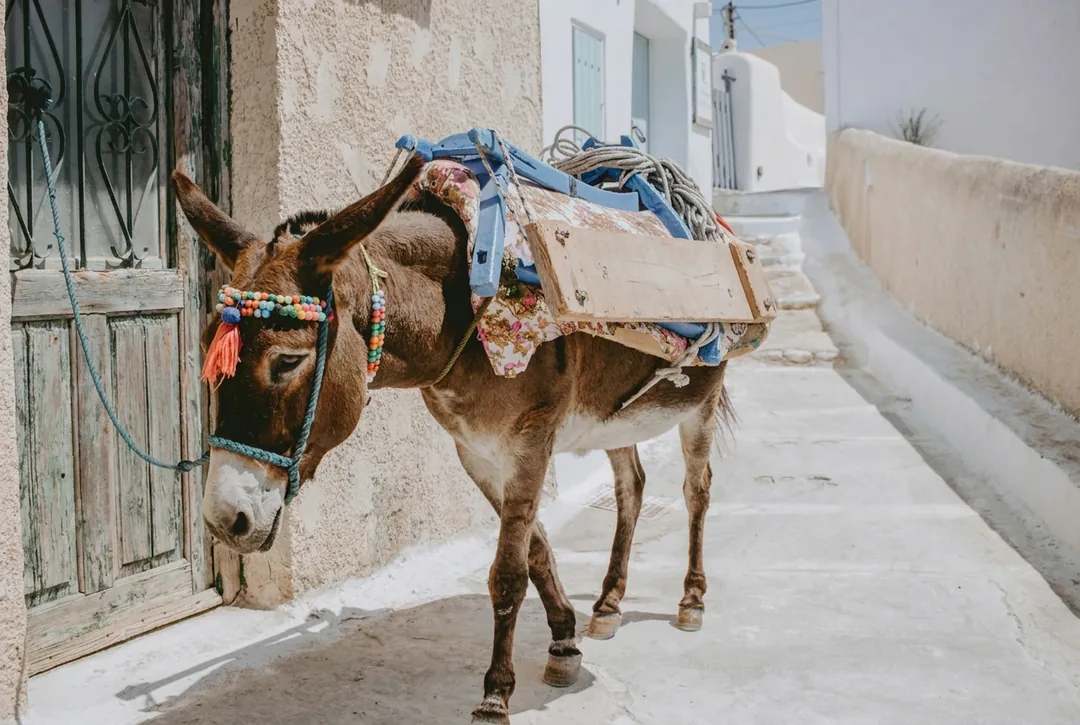 A photo in, output ratio unchanged; the main subject and everything else stay as they are.
Remove People from Photo
Background people removed and the scene behind them filled in.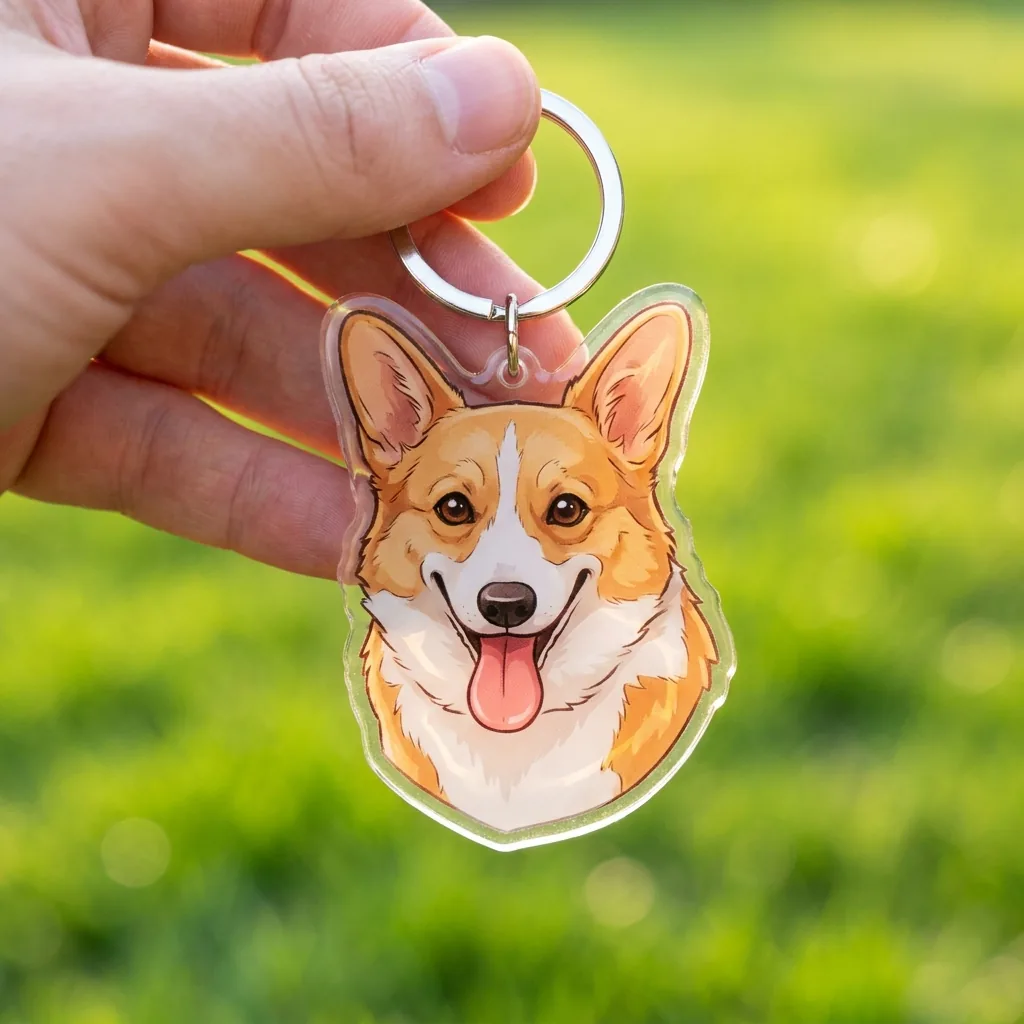 Subject photo in, 1:1 keychain image out, with key features, shape and colors recognizable.
Keychain Design
Cute acrylic keychain with a metal ring, held in a hand.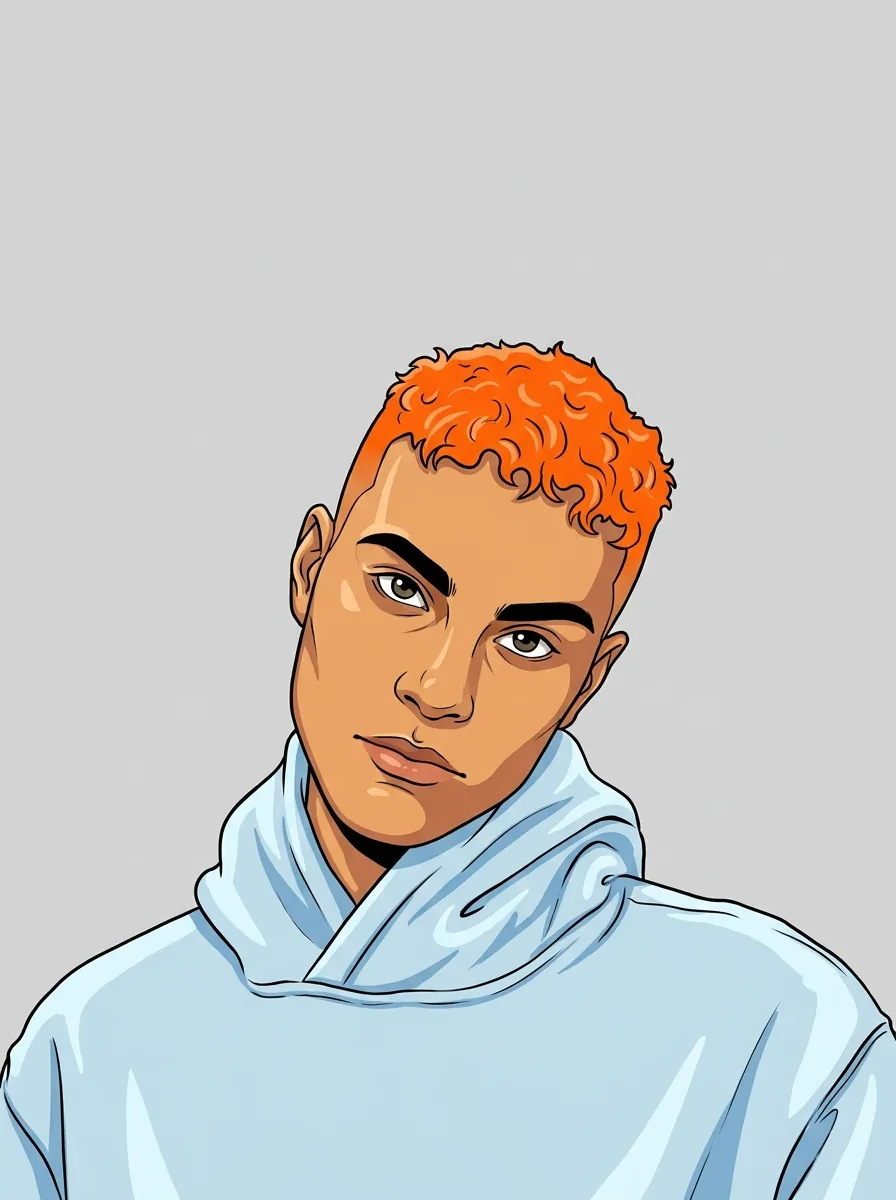 Single portrait photo, 3:4 cartoon, with identity, face, hairstyle, expression, pose and clothing preserved.
AI Cartoon Generator
Cartoon with bold clean outlines and flat vibrant colors.
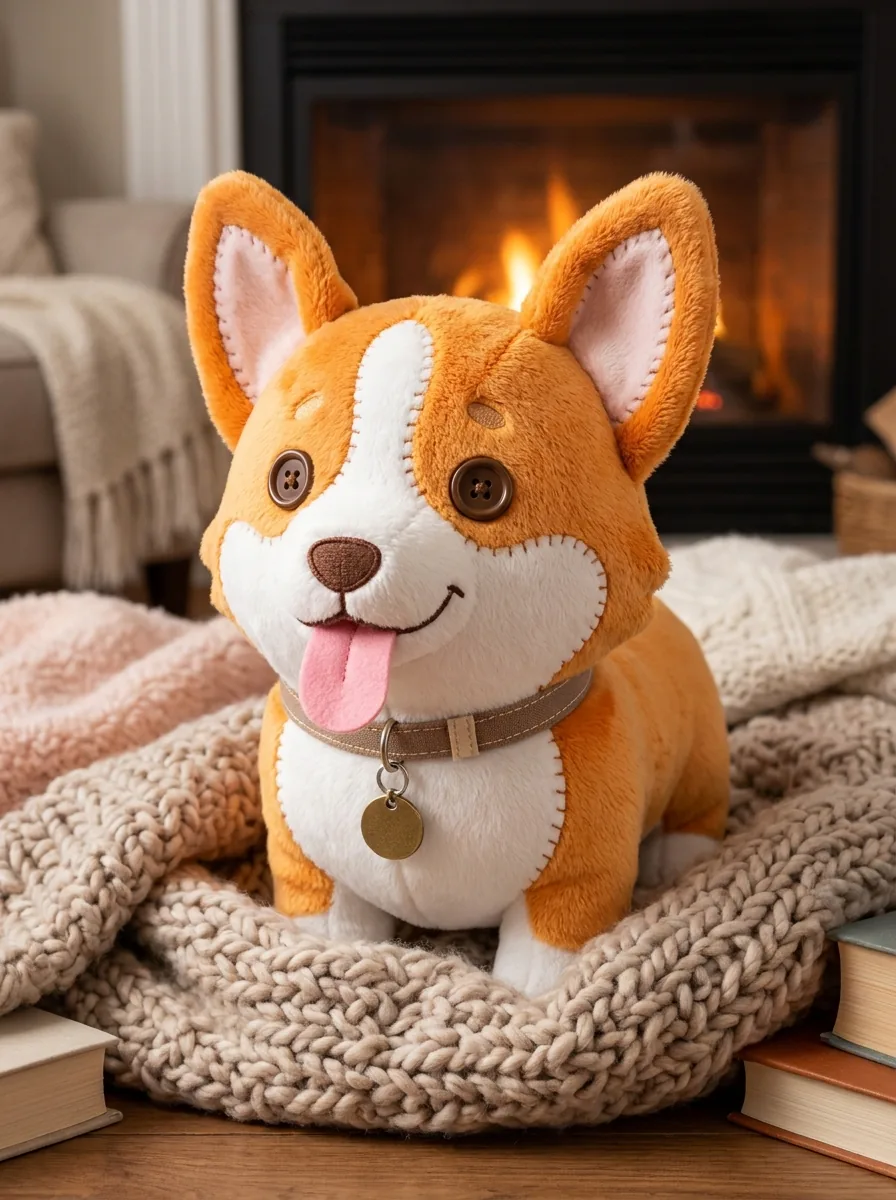 Send a photo of the subject; the plush arrives in a 3:4 frame with key features, pose and colors recognizable.
AI Plushie
Your subject as a soft plush toy with visible stitching and button eyes.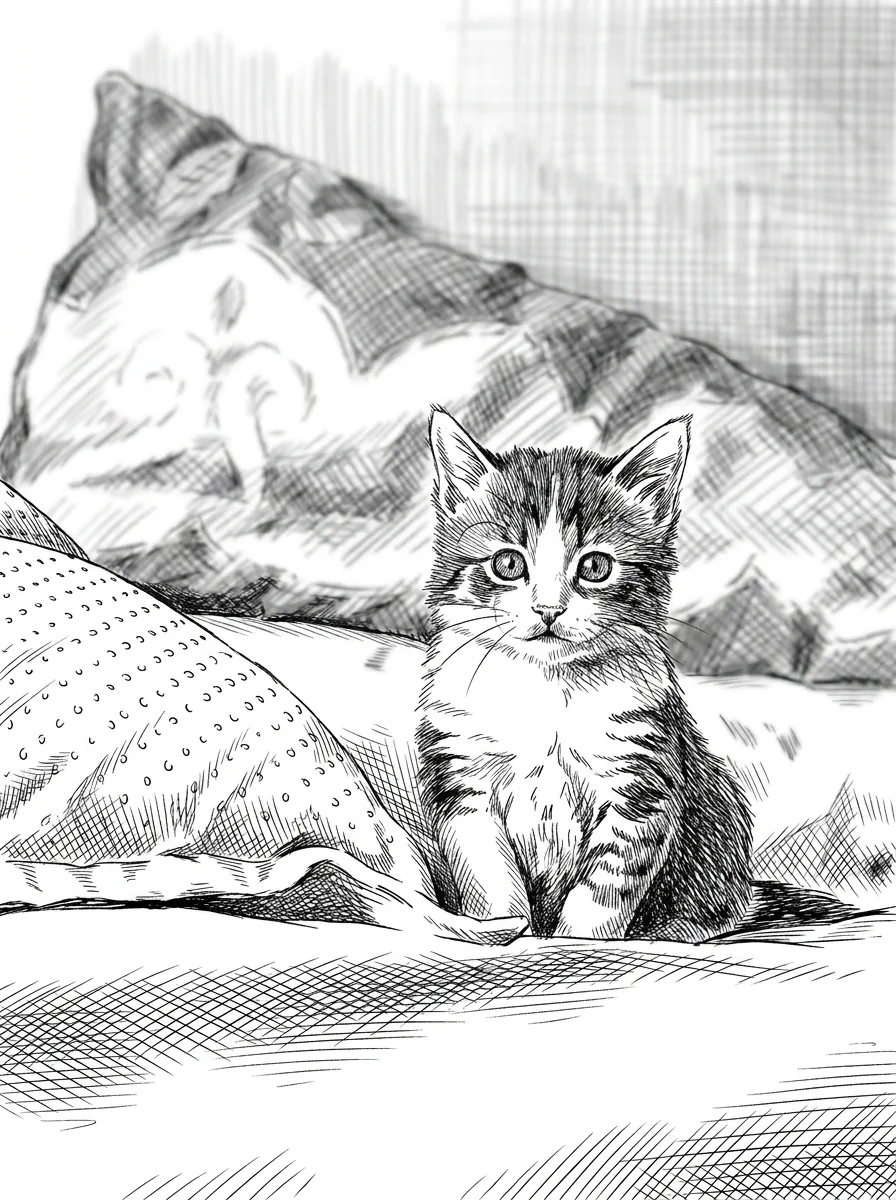 Any subject works, one photo at a time; the 3:4 drawing keeps composition and likeness and adds no text or signature.
Ink Drawing
Detailed ink illustration in black and white, shaded with cross-hatching.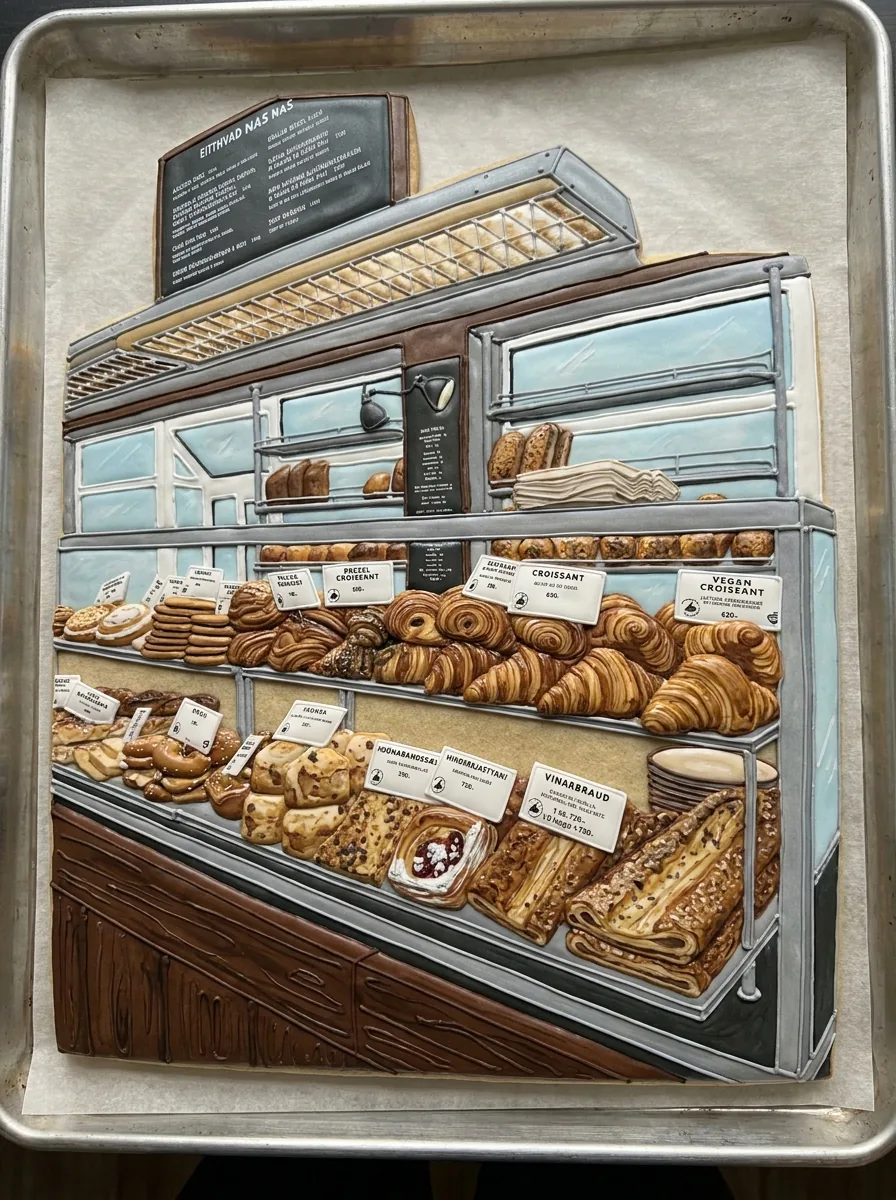 The subject photo becomes a 3:4 cookie image whose icing keeps key features and colors recognizable.
Cookie Art
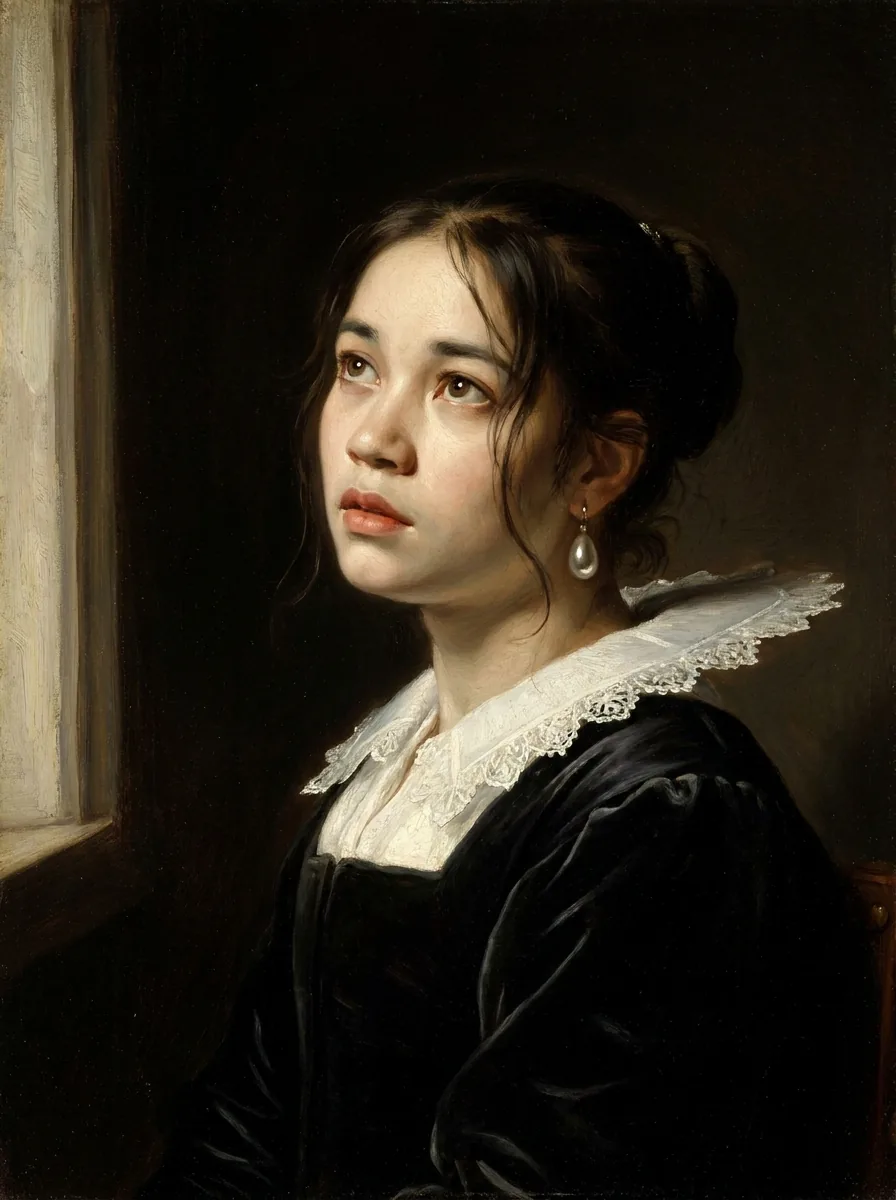 Needs a portrait; the 3:4 painting keeps identity, face and expression recognizable.
Girl with a Pearl Earring
Dutch Golden Age oil portrait with a pearl earring and period clothing.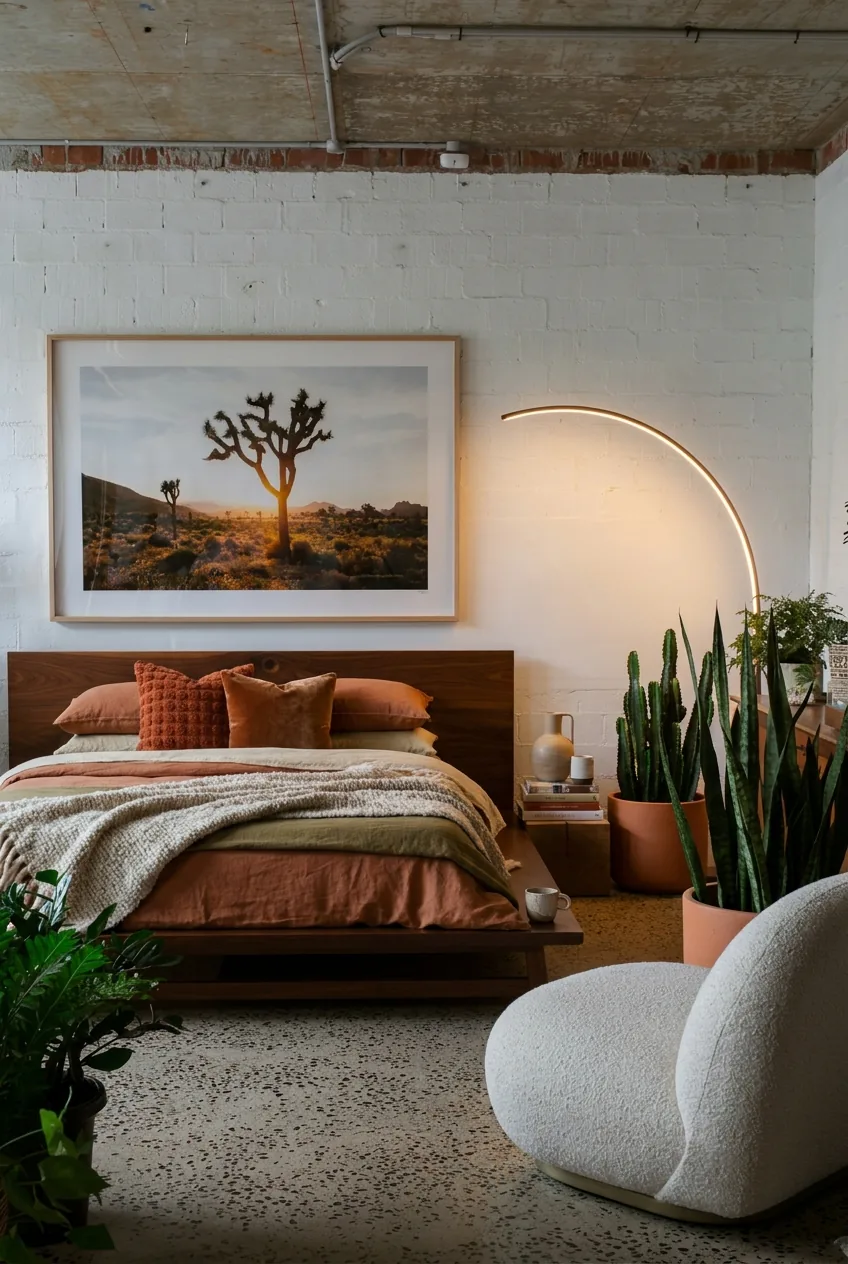 Give it a room photo; the output shares the source ratio, and layout, walls, windows and camera angle stay put.
Interior Design
Room redesigned in a modern, warm style with new furniture, textiles and decor.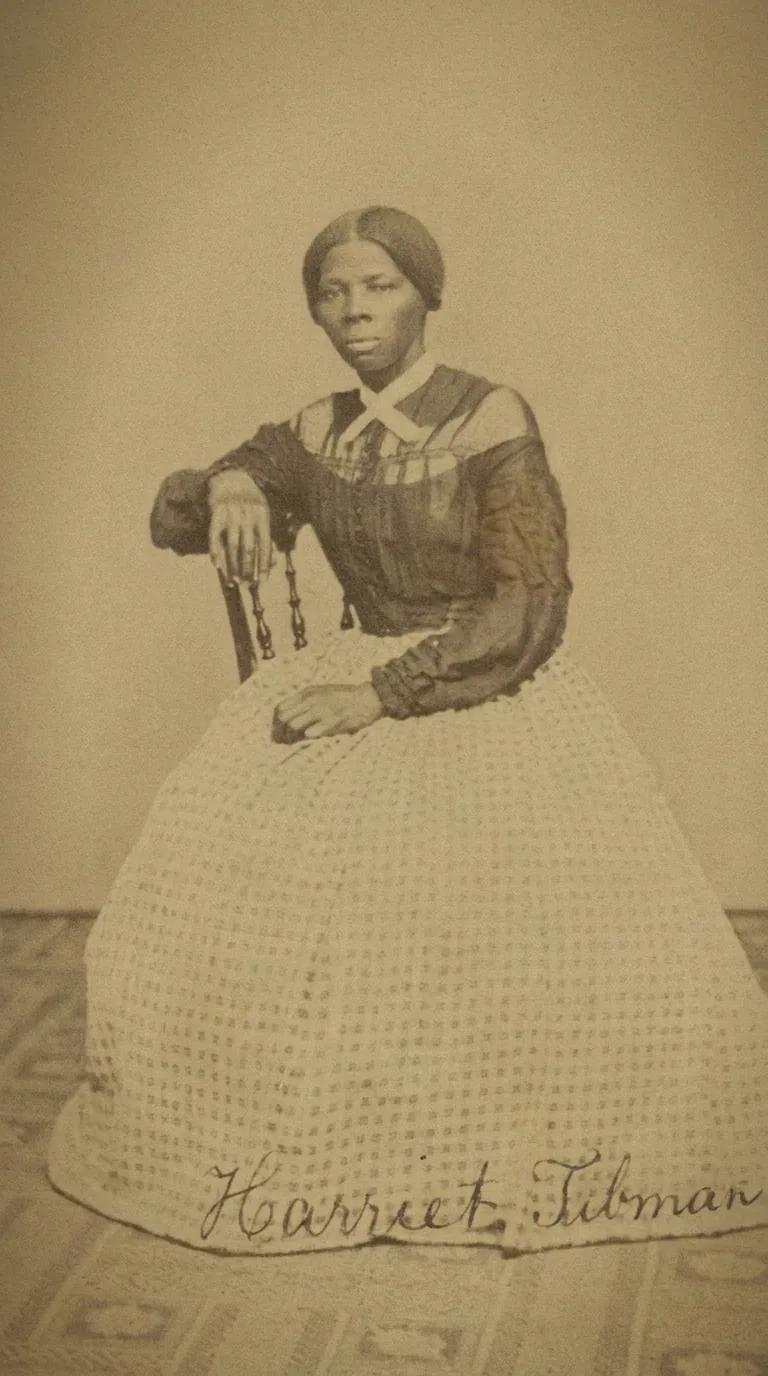 Start from an old photo; the result matches its ratio and keeps original toning, composition, people and faces.
Old Photo Restoration
Scratches, stains, creases and fading repaired, with clarity and contrast gently improved.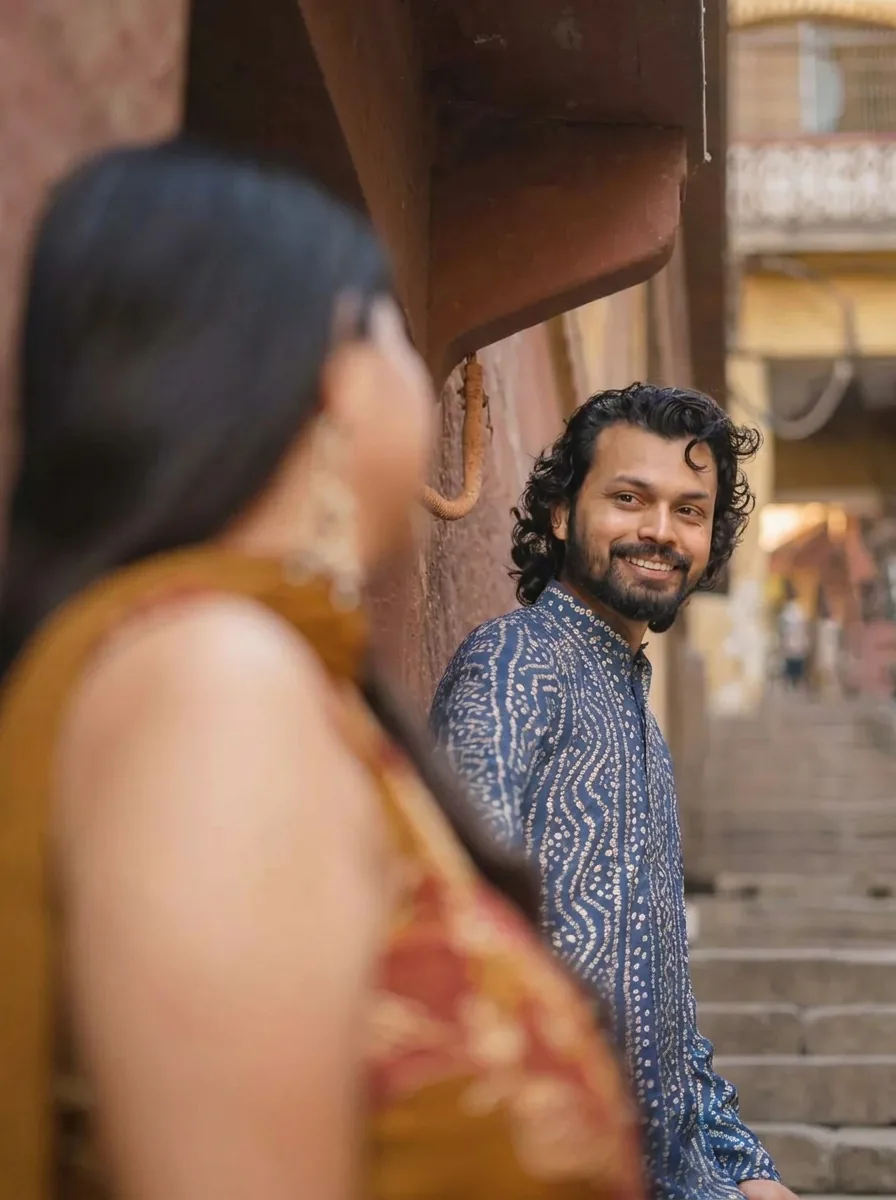 Upload a monochrome photo; the result keeps its ratio, composition, texture and facial features.
Colorize Photo
Natural, plausible colors added to a monochrome photo.
Card images are sample results for these image templates, not output from your photo.
How to use a photo effect template
Three actions, from the directory to a downloaded image. The credit estimate is on the Generate button of the photo effect template you open.
1. Choose a photo effect by its result
Scan the cards for the finished look: a drawing, a portrait style, a seasonal scene or an object concept. Each template is one fixed recipe, so pick it by the output you need rather than by the strongest preview. Opening a card shows what it asks for and starts no request.
2. Add what the template asks for
Most image templates take one reference photo. Album Cover accepts an optional theme or mood (up to 200 characters) and an optional title of 40 at most; Tattoo Design needs a short subject, also 200 characters at most. Use a clear source where the subject is easy to see, and keep the original file.
3. Generate, compare and download
Generate shows the estimate before you confirm: 45 credits for one image at HD, and 90 for Tattoo Design, which returns two images. Compare the result with your source at full size, then download the version that works.
What photo effect templates do for you
Each image template wraps one fixed recipe around your photo, so most photo effects need no prompt writing.
01
One fixed recipe for each photo effect
A photo effect is an image template written for one result, such as a plush toy, a pencil sketch or a studio product shot. You choose the result. The recipe, the output ratio and the model settings are already set for you.
- Recipe, ratio and model come preset
- Pick the finished look, not a prompt
Result from the Plushie photo effect. 02
Your photo stays the starting point
Most image templates take one reference photo and keep the subject recognizable while the look changes. Choose a clear source where the subject is easy to see. The result is a new image, so your original file stays as it was.
- Use one clear photo of the subject
- Your original file is never changed
Result from the headshot photo effect. 03
A short brief where the template asks for one
Album Cover takes an optional theme or mood of up to 200 characters and a title of up to 40. Tattoo Design needs a short subject. The brief fills one slot in the recipe and does not replace it, so the rest of the look stays fixed.
- Keep the brief short and concrete
- The recipe still sets ratio and style
Result from the Album Cover photo effect.
When a fixed recipe is not the right task
A photo effect gives one fixed result. When none matches your idea, use a generator for your own direction or a tool for one precise change.
- AI Image GeneratorDescribe your own image direction
- Image to ImageStart from a reference photo with your own prompt
- AI Image EditorChange one part of a photo with an instruction
- UncropExtend the frame to a new ratio
- AI Background RemoverCut the subject out with alpha
- AI Image UpscalerEnlarge for print or large screens
Photo effects FAQs
What are photo effects?
Photo effects change a photograph’s visual treatment or reinterpret it as another kind of image. Potto AI’s photo effects directory offers fixed image templates such as drawing, portrait, seasonal, and object-like treatments. Open an image template to see its input requirements and current settings. The result remains generated raster artwork that needs comparison with the source.
What is an image template?
An image template is a fixed recipe with its own model, output settings and input. Most use one reference photo; Album Cover and Tattoo Design also take a short written brief. A template is not an editable style prompt and has no hidden variant controls, which is what makes every photo effect in this directory predictable.
How should I choose between a portrait effect and an object concept?
Choose a photo effect from the destination and result. A portrait treatment keeps the face as the main image, so check likeness at the crop where it will appear, such as a small round avatar. An object concept depicts a figure, plushie, ornament, or other reinterpretation of your subject. Inspect likeness in either case, and do not treat a generated object concept as a manufacturing file or a physical product.
Can I switch styles inside a selected template?
No. Each template uses one fixed recipe, so style hints in a preview are not extra options in the upload form. To change the look, open a different template, or use the AI image generator when you want to write the direction yourself.
Which image templates accept written text?
Album Cover and Tattoo Design only. Album Cover accepts an optional theme or mood of up to 200 characters and an optional title of up to 40, and its reference photo is optional too. Tattoo Design requires a short subject of no more than 200 characters, takes an optional reference, and its artwork carries no names or lettering. Every other image template uses one reference photo and a fixed recipe with no prompt box.
Can I make a physical item from an object-style result?
No. The plushie, bobblehead, doll, cookie, ornament, and keychain image templates return images of the idea. They are not sewing patterns, cutting files, baking recipes, or manufacturing designs. If you want a real item, a separate process has to decide size, material, and construction; photo effects only give you the picture.
Does restoring or colorizing a photo show what the original looked like?
No. Old Photo Restoration repairs scratches, stains, creases and fading, and Colorize Photo proposes plausible colors for a black and white source, but both reinterpret the photo rather than recover it. Neither is evidence of the original's true detail or color, so keep an untouched copy and check faces and meaningful details such as insignia or signs against it.
Do I need an account to use photo effects?
You can browse every photo effect and open its page before signing in. On a template page you can upload your photo; pressing Generate opens the sign-in dialog and keeps the photo in place.
What if a photo effect fails to generate?
The template page shows why the task stopped and offers a retry, and the reserved credits are released. Leaving the page does not cancel a running task. Running the same photo effect again on a finished result is a new, charged request.
How much does a photo effect cost?
Most photo effects cost 45 credits for one image; Tattoo Design makes two concepts for 90 credits. Each template page shows the amount on its Generate button before you confirm.
Pick your photo effect
Choose a photo effect by the result you want, open an image template to check its input and the current quote, then generate. Opening a template never starts a request.