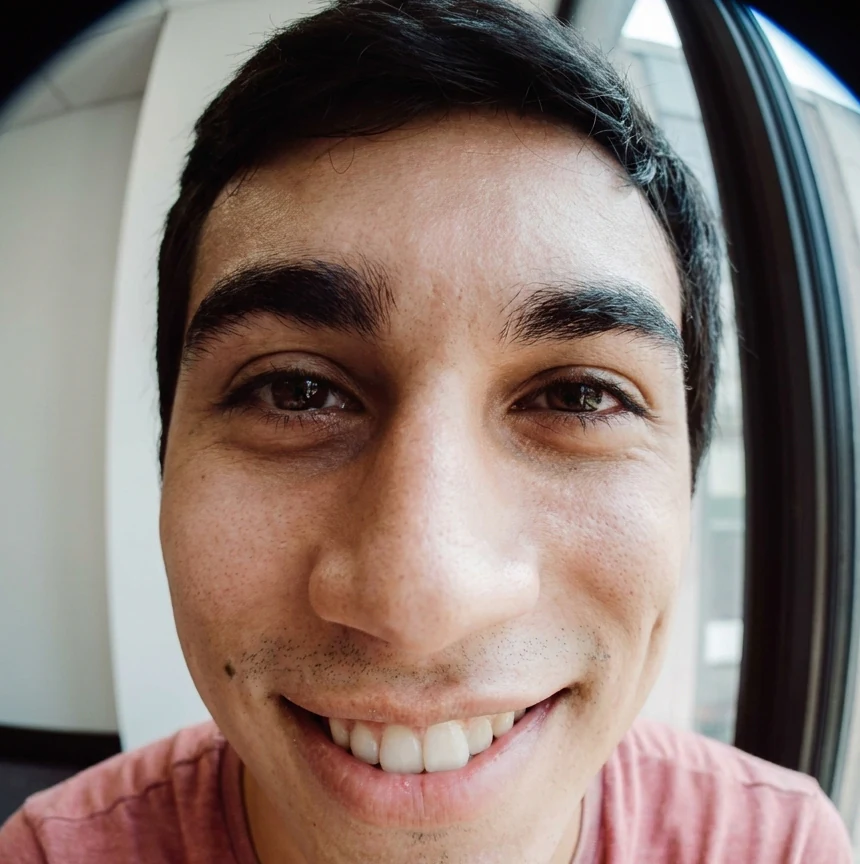
Profile
Playful profile image
A circle crop can remove the curved edges that make the effect obvious. Test the real crop. Keep the full image for other uses. Check the eyes, glasses and teeth at the smallest size.
Apply a fisheye effect online: turn a portrait into a close-up fisheye photo.
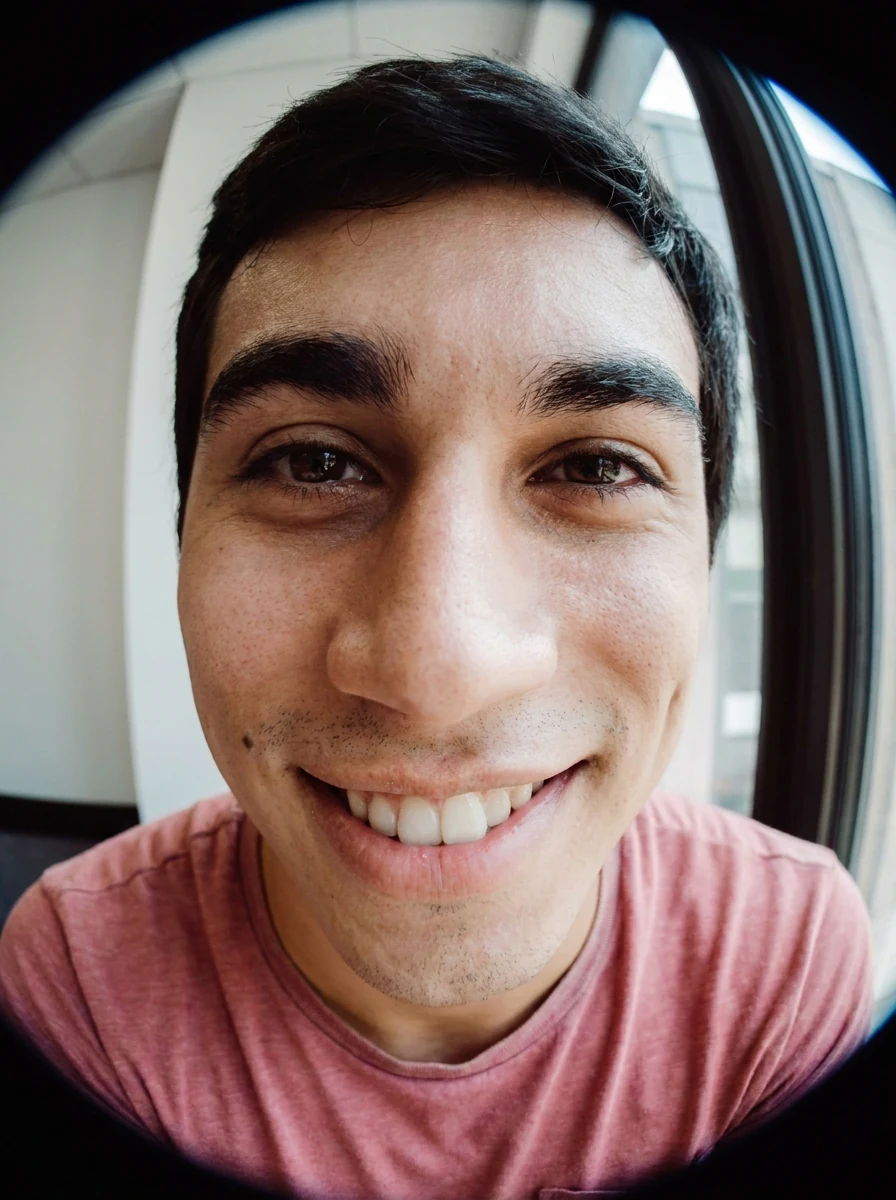
One reference photo and the fisheye portrait made from it.
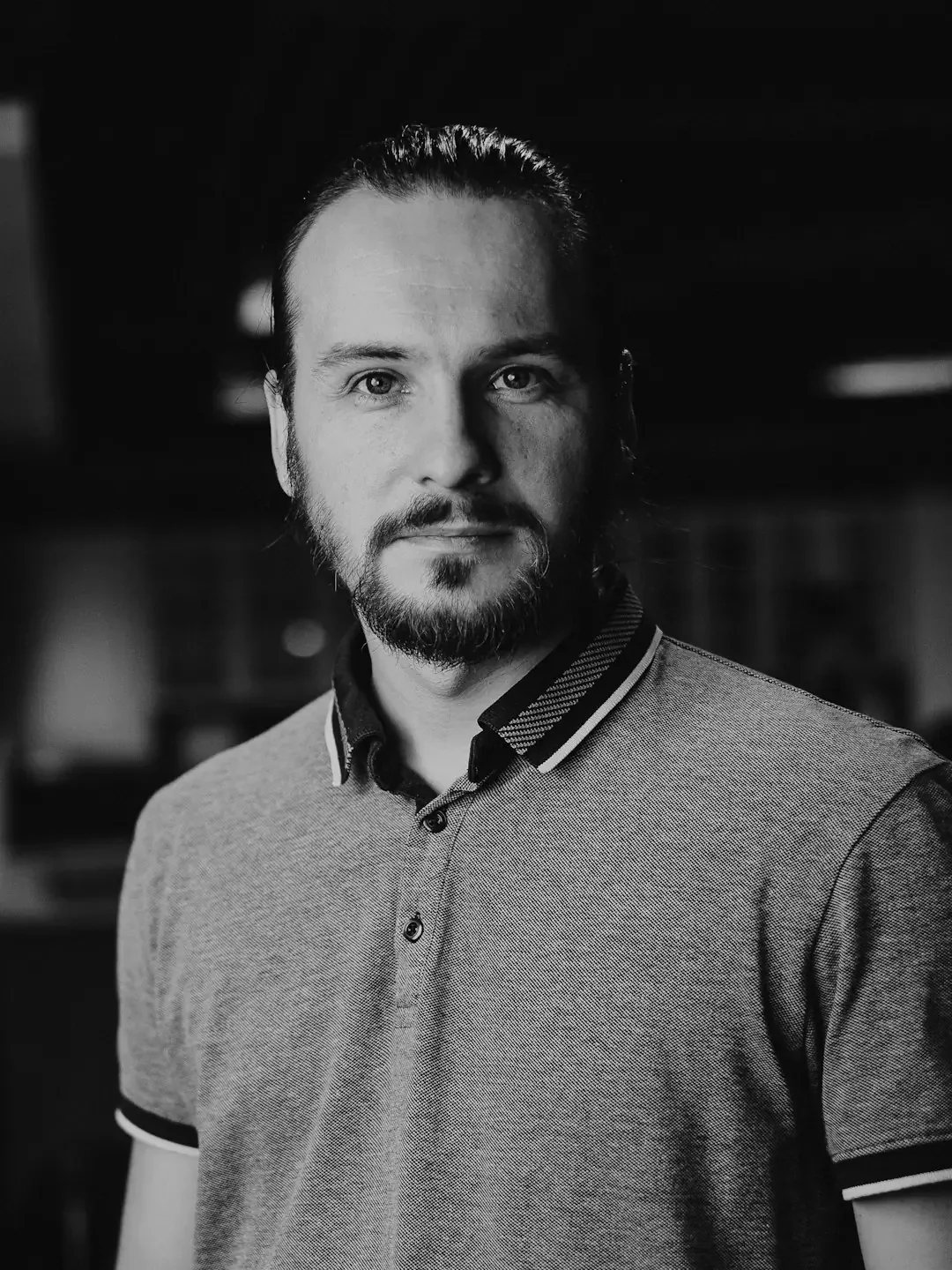
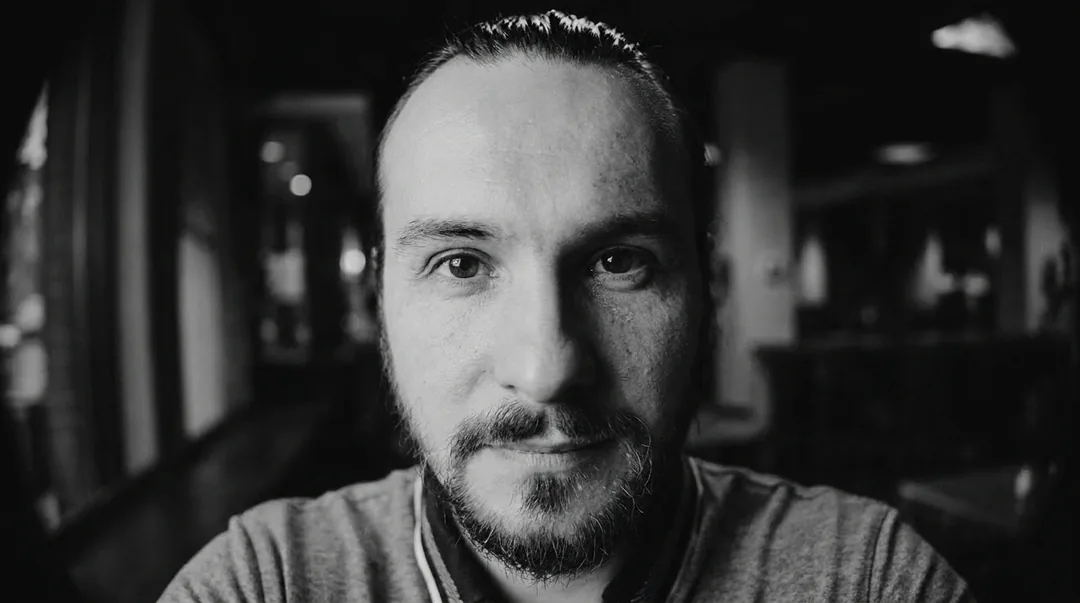
The recipe keeps identity, hairstyle and expression. Put the reference and the result side by side at the same scale. Compare the eyes and mouth. If they survive the curve, it is still the same person.
The face becomes a large central close-up with strong barrel distortion. The surroundings curve away. This is a look, not a lens correction. The background and edges can change too.
Distortion is intended. Structural confusion is not. Count teeth, fingers and glasses arms, because a close-up can add or merge them. Look for hair or ears cut at the edge.
Upload a portrait, check the fixed output, then review the result.
Add one portrait of one person. Eyes, nose and mouth should be in view. A face turned far to the side gives the recipe little to enlarge. Use a photo you own or may edit.
There is no style or ratio picker. The panel shows the fixed output: one PNG at HD from Nano Banana Pro. Crop your photo first if the framing matters.
Each fisheye effect run costs 45 credits. When it finishes, compare it with your reference. Review the central face and the edges, then download it.
Three uses for a fisheye portrait. Captions and exact wording stay in your own layout.
Profile
A circle crop can remove the curved edges that make the effect obvious. Test the real crop. Keep the full image for other uses. Check the eyes, glasses and teeth at the smallest size.
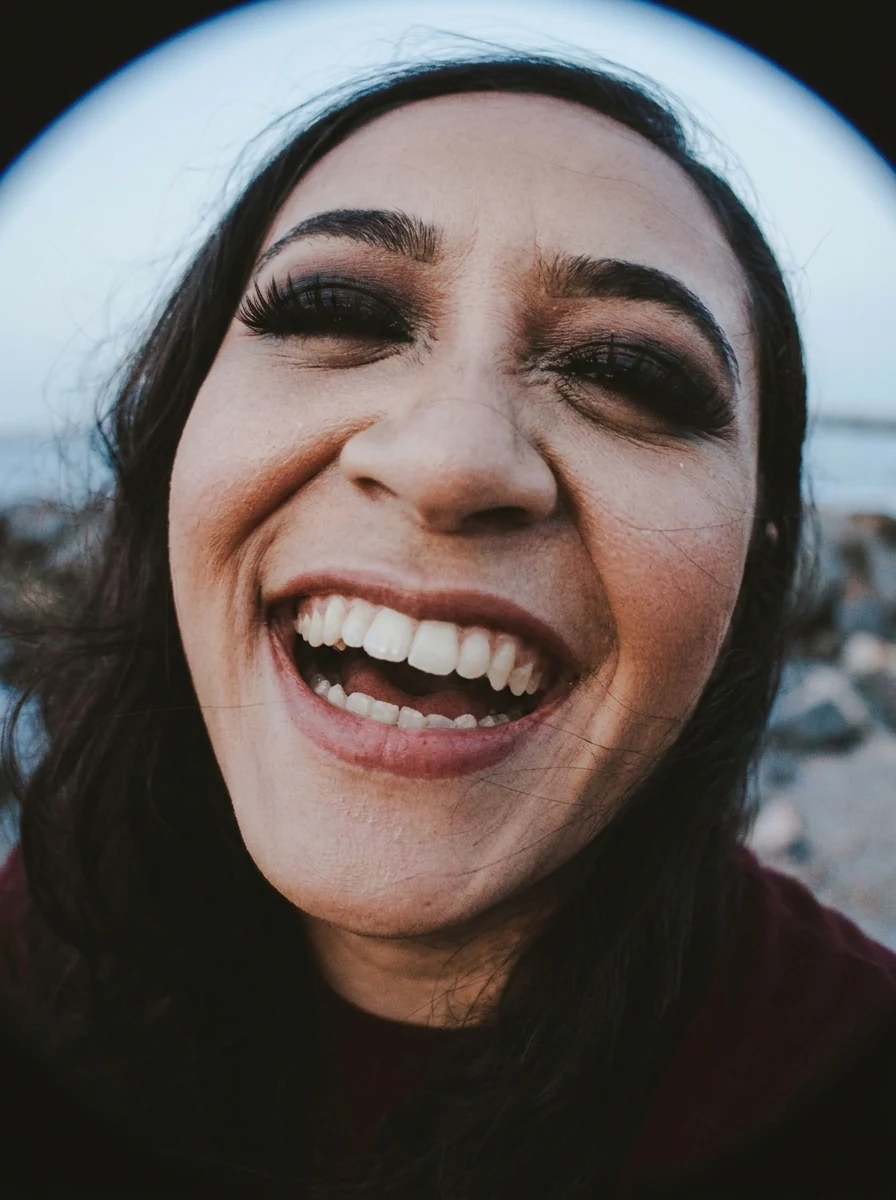
Message
A fisheye selfie can be a joke between friends, if the person is comfortable sharing it. Check that the person is still recognizable. Add a short caption so nobody reads it as a real camera photo.
Social
Use the portrait as one panel and set the headline in editable text beside it. Keep the background simple and the text high-contrast. Preview the crop at feed size and on a phone.
A close-up fisheye lens effect with strong barrel distortion.
01
Upload a portrait with the facial features in view. The recipe keeps identity and expression. A face turned far away gives it little to enlarge.
02
Every fisheye portrait uses the same strong curve. The nose and eyes grow toward the lens and the scene bends away. There is no gentler setting.
03
Teeth and fingers can be added or merged. Hair or ears can be cut by the curved edge. For a profile image, test the crop in its real circle or square.
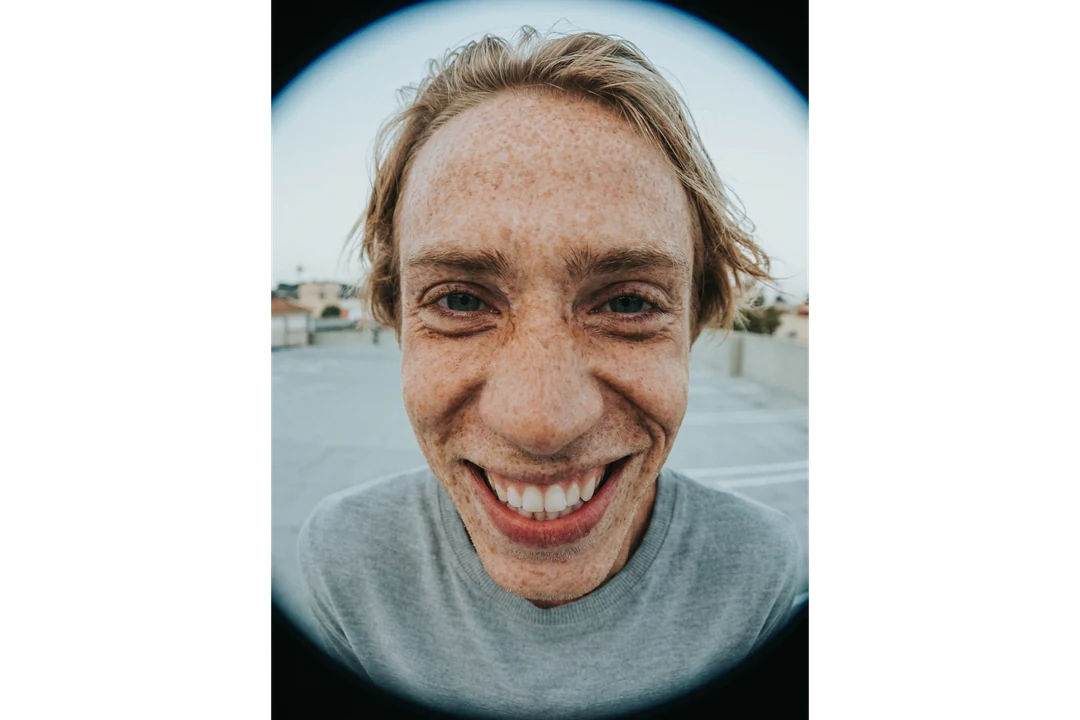
More portrait looks to try.
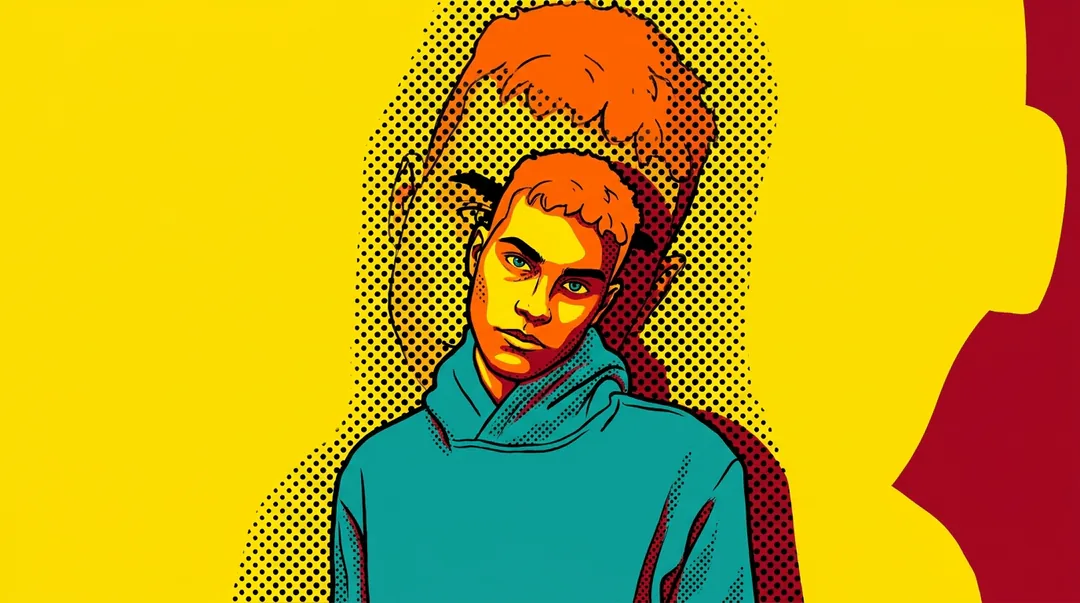
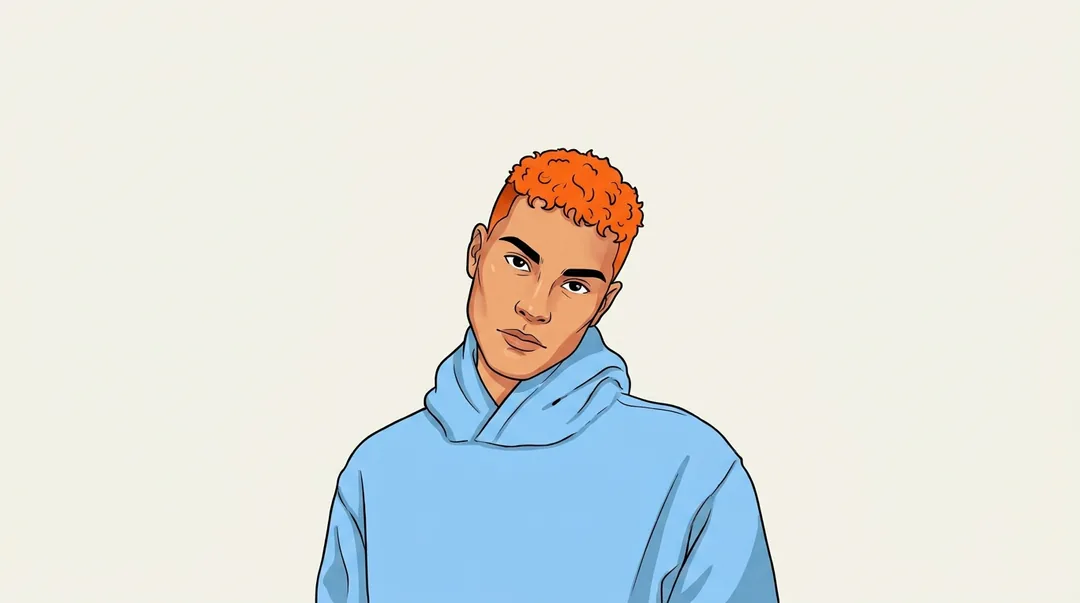
Choose your credits and generation priority. Potto does not add a visible watermark to your downloads.
Billed $96 for the first year, then $192/year
Billed $240 for the first year, then $480/year
Billed $480 for the first year, then $960/year
A fisheye effect is a wide-angle look with curved lines, as if a very short lens sat close to the face. This page turns your photo into a fisheye portrait. The face is large in the center and the surroundings bend away. It is a creative fisheye lens effect, not a real lens. It does not promise natural proportions.
No. Barrel distortion bends straight lines outward. This fisheye effect adds a strong version of it on purpose. It does not correct a distorted photo. Use a photo app with lens-correction controls for that task.
Use one portrait with visible eyes, nose, mouth and hairstyle. Keep hands and objects off the face. Heavy shadows and group shots give the model less to work from. A sharp frontal photo is the safest start. Use a photo you own or may edit.
No. There is no focal-length or distortion control. The recipe supplies the same close-up curve every time. For a gentler curve, write your own brief in Image to Image.
Reject a result with incoherent eyes, glasses, teeth or hands, or a different identity. Enlarged near features are intended. Anatomy errors are not. Test the face in the real profile crop.
Not on this page. It always makes the same close-up fisheye selfie. For halftone dots and flat color, use Pop Art Portrait. For bold outlines, use AI Cartoon Generator. For a tidy profile picture, use Avatar Maker.
45 credits per run, made with Nano Banana Pro. Generate shows the cost before anything is charged.
Upload one clear portrait and check the credit estimate. Then compare the fisheye photo with your original.