Black Friday: 50% off every yearly plan for the first year. Ends Dec 1.
Potto AI

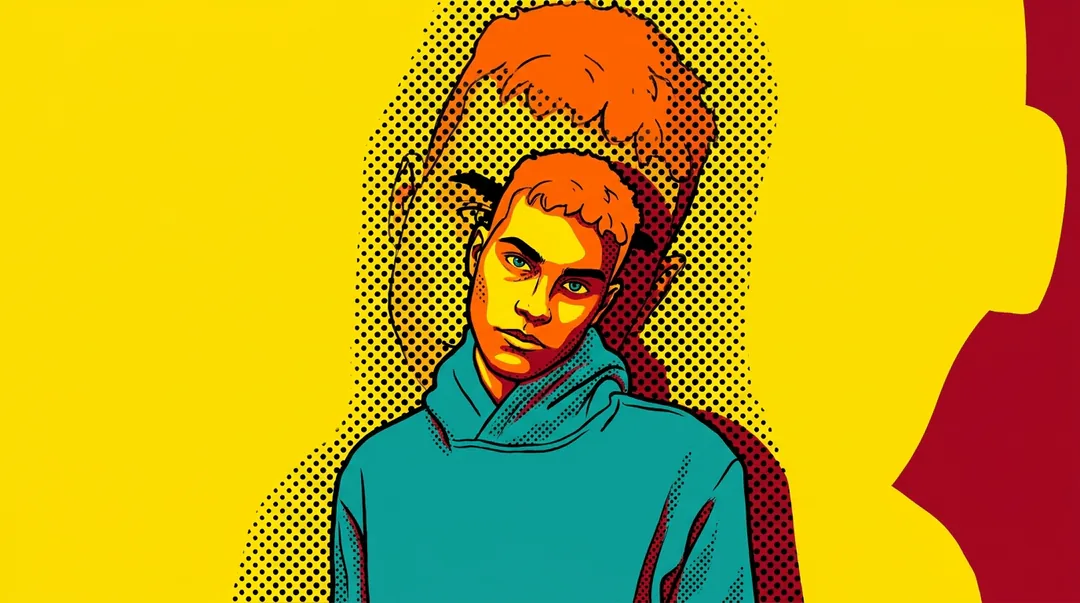
Pop art portrait: before and after

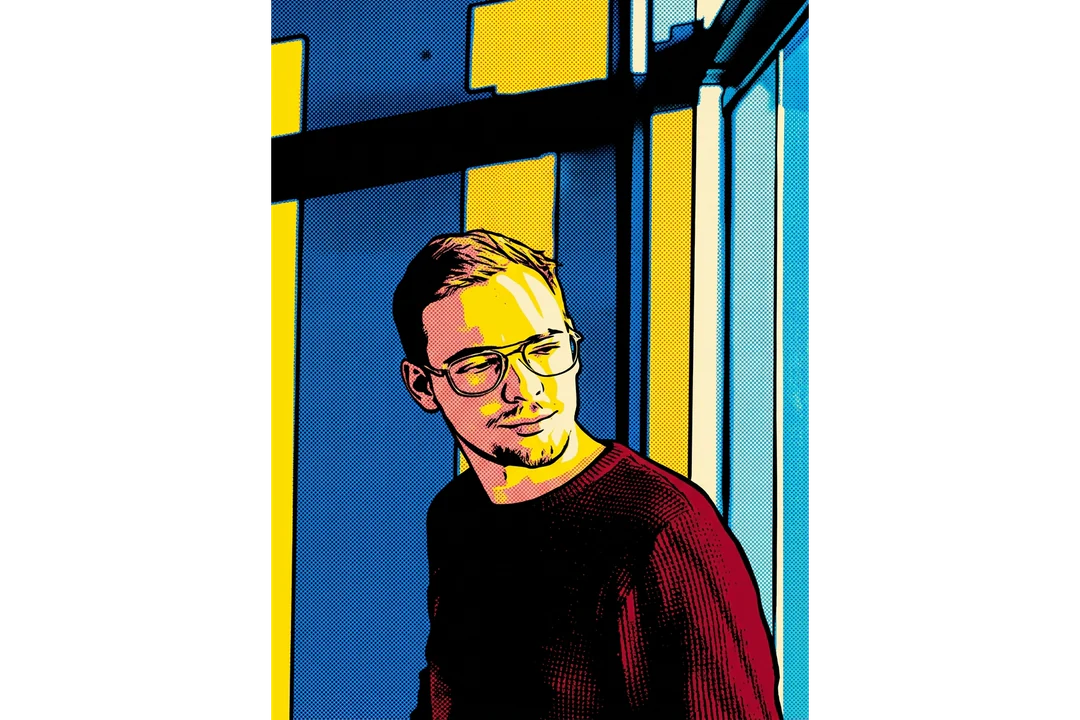
One reference photo and the pop art portrait made from it.

Original portrait photo before the pop art treatment
Original photo
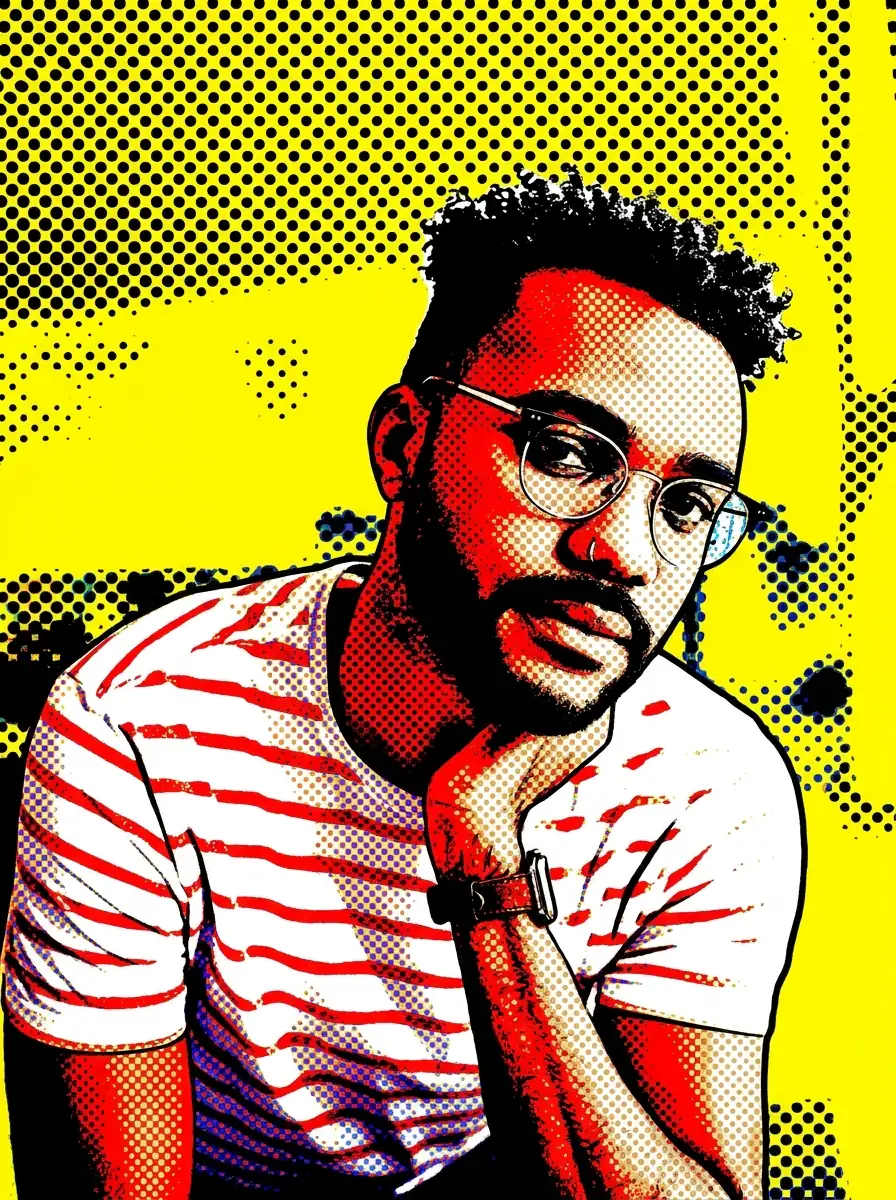
Pop art portrait with halftone dots and thick outlines generated from the same photo
Pop art portrait result · 3:4

What stayed

The recipe keeps the face, pose and expression recognizable. Compare outlines around the jaw, glasses and hairline. Then compare the eyes and mouth.

What changed

Tonal detail becomes halftone dots, bold outlines and saturated flat colors. The colors are generated, so skin tones may be stylized. A bold outline can join two shapes that were separate.

What to check

Confirm the face is the focal point. Check that dots do not cover the eyes or mouth. Look at thin outlines around glasses or hair for breaks. The PNG cannot promise exact brand colors. Order a proof before a larger print.

How to make a pop art portrait from a photo

The pop art portrait generator turns one portrait into dots and outlines. Check the fixed output, then review them.

  1. 1. Upload one portrait

    Add one portrait with a clear gap to the background. One main person works best. Use a photo you own or may edit.

  2. 2. Check the fixed settings

    There is no style, color, dot-size or ratio picker. The panel shows the fixed output: one PNG at HD from Nano Banana Pro.

  3. 3. Generate and compare

    Each pop art portrait run costs 45 credits. When it finishes, compare it with your source. Check the bold outlines and the halftone dots, then download it.

Where a pop art portrait fits

Three uses for a pop art portrait. Names, dates and messages stay as editable text in your layout.

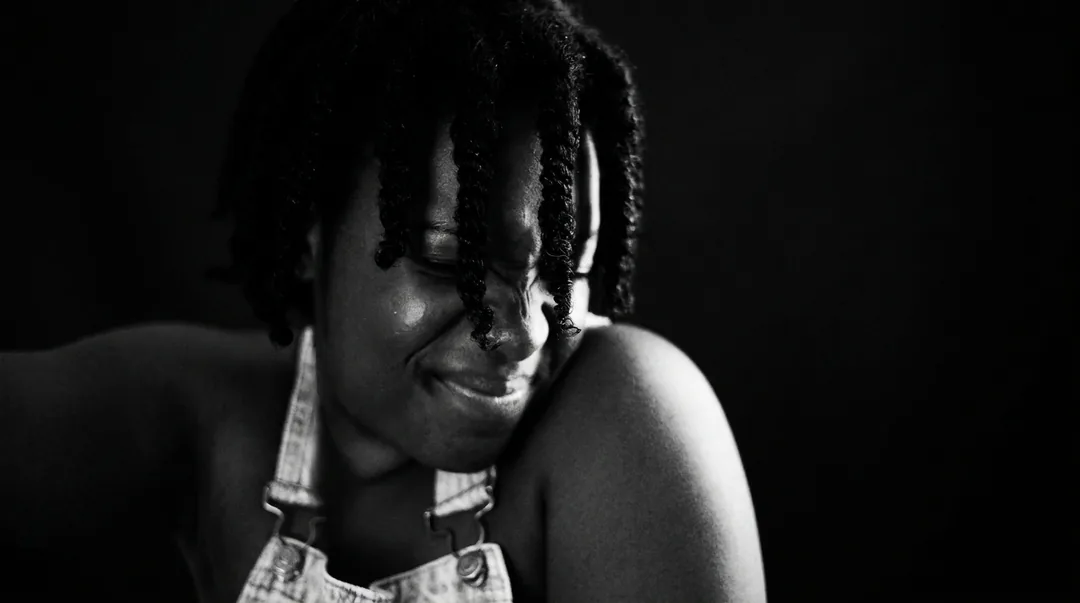
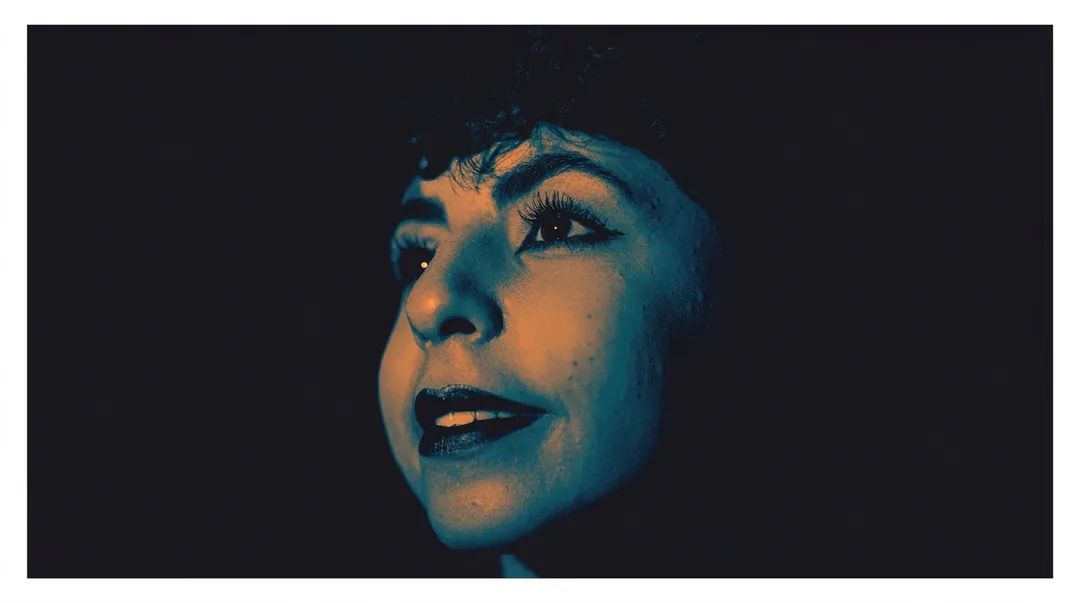
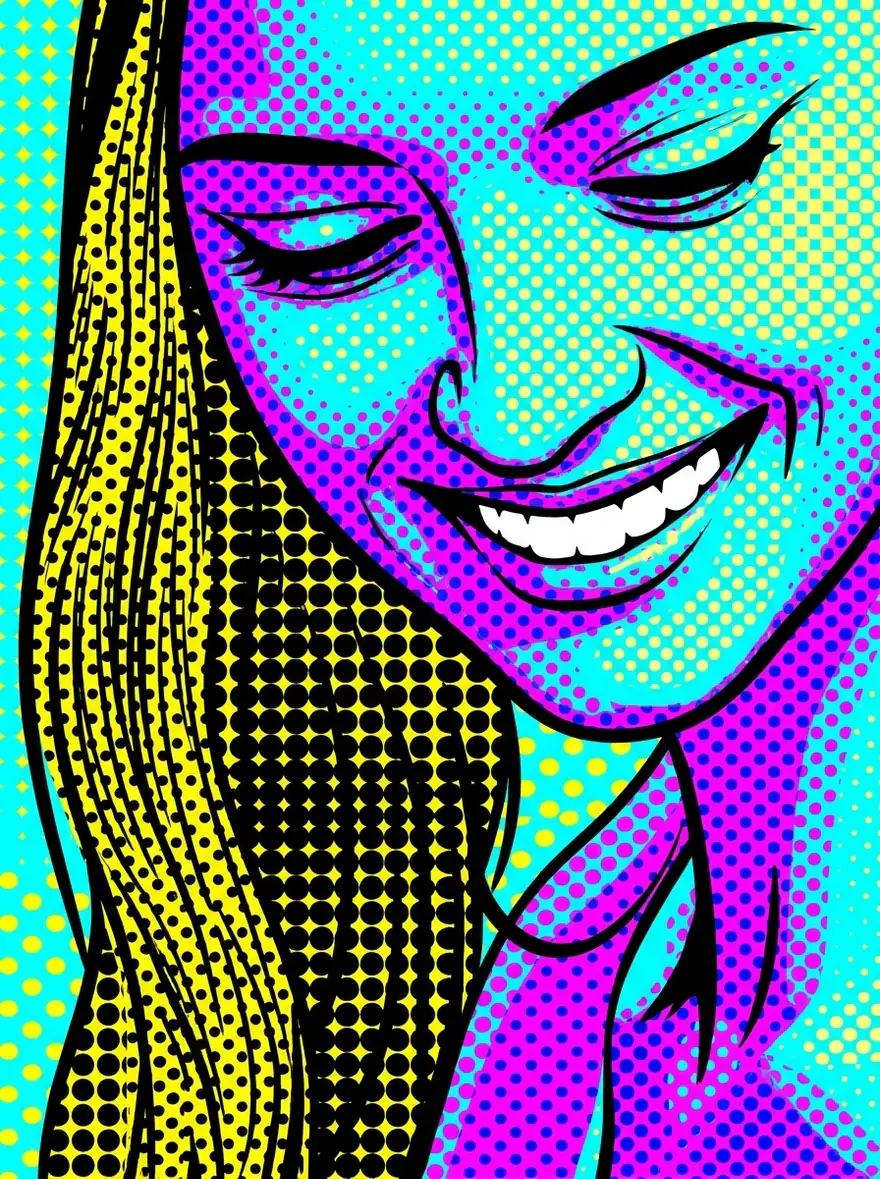
Pop art portrait of a smiling woman with halftone dots, thick black outlines and flat saturated colors

Gift

Birthday card or gift print

Choose a photo with an expression the recipient knows. Check that the hairstyle and smile still feel like the person. Set the message as editable text, away from dense dots. For a print, check the file size with your provider.
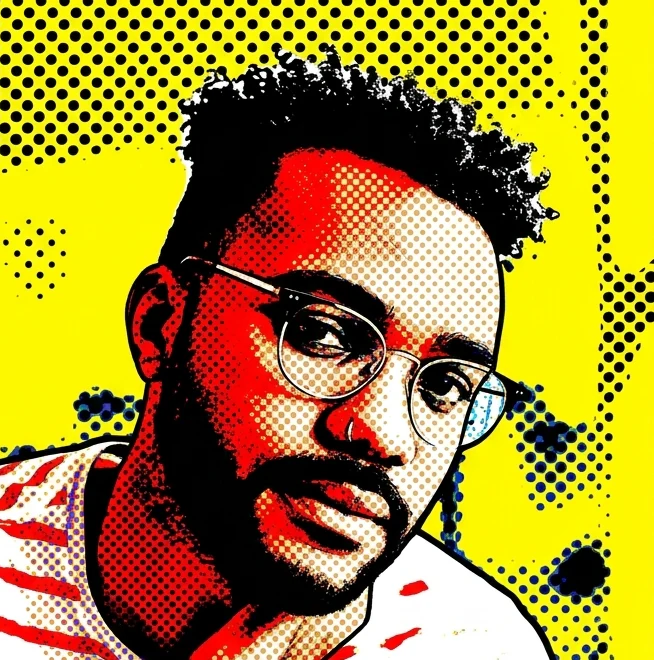
Pop art portrait of a bearded man in glasses cropped close to the face for a square or round profile picture

Profile

Creative profile image

A small avatar has less room for pattern. Test the portrait in a square and a circle. Dense dots can turn into a dark patch. Keep the full version to crop again.

Pop art portrait of a bearded man with halftone dots, thick outlines and flat colors

Poster

Event poster portrait

A pop art portrait gives a poster a human focal point. Keep the title, date and venue as real text with strong contrast. Dense dots make small text hard to read. Check the layout at poster and phone size.

What the pop art portrait template does to your photo

Dots, thick outlines and a limited saturated palette.

  1. 01

    A readable face, clear of the background

    Upload one portrait with a readable face and clear separation from the background. Face and pose carry over.

    • One photo per run
    • A clear pose is easier to place in a layout
    Original portrait photo before the pop art treatment
    The reference photo
  2. 02

    Dots, thick lines and flat color

    Shadows become halftone dots. Edges become thick black outlines. Areas become flat saturated color. The palette is generated, so skin may look stylized.

    • The same graphic style on every run
    • No color or dot-size picker
    Pop art portrait with halftone dots and thick outlines generated from the same photo
    One pop art portrait
  3. 03

    A PNG for screens and proofs

    The file is a raster image, not print artwork. Brand colors may differ. Check the dots at display size and get a proof before printing.

    • Keep outlines connected
    • Dots should not hide the eyes
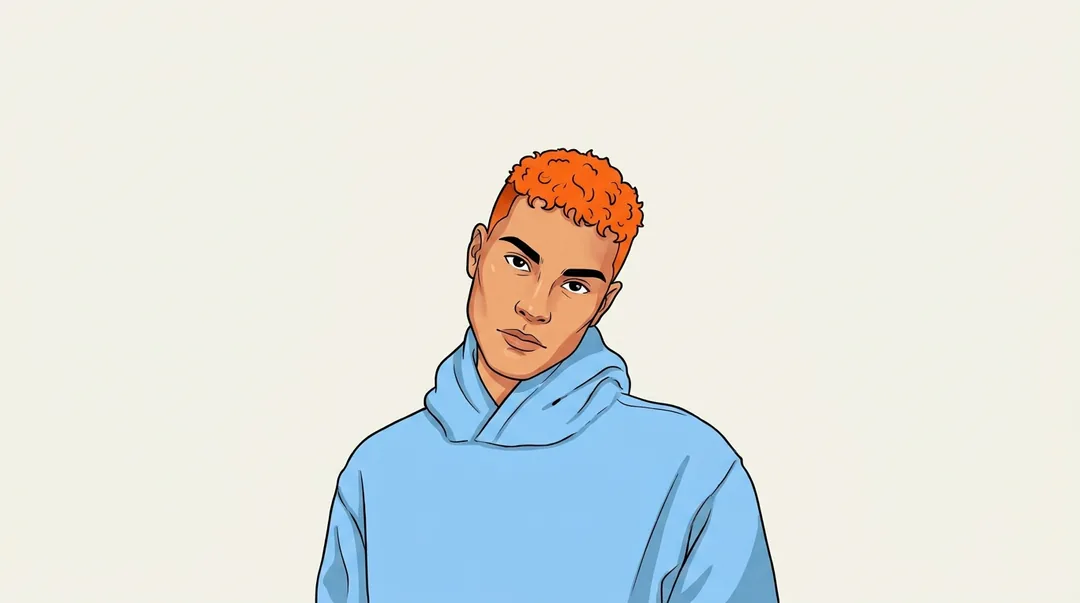
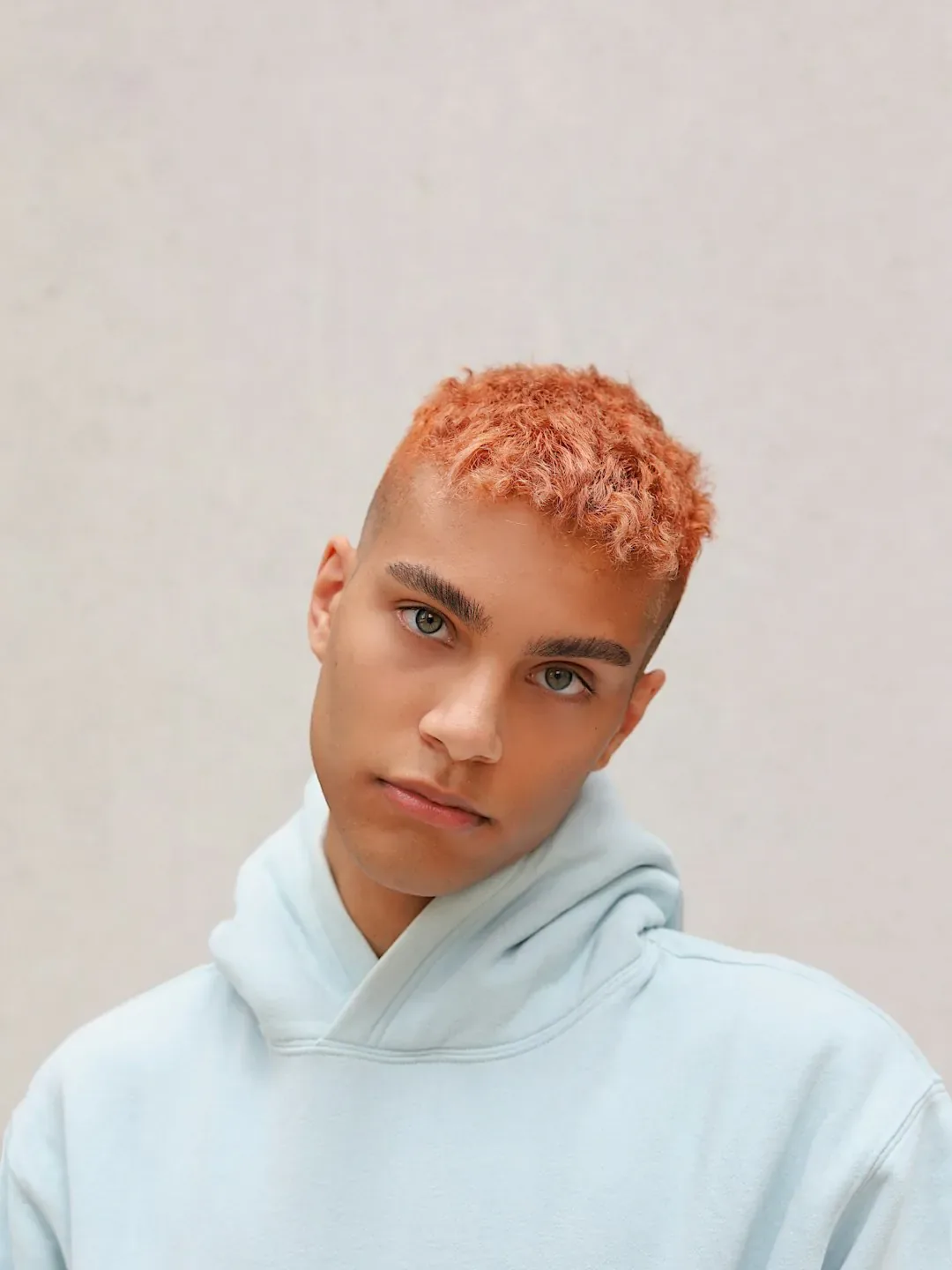
    Pop art portrait of a second person with halftone dots and bold outlines
    A second pop art portrait from a different photo

Choose Your Plan

Choose your credits and generation priority. Potto does not add a visible watermark to your downloads.

  • Lite

    Black Friday -50%
    $16$8/month

    Billed $96 for the first year, then $192/year

    Choose Lite

    Monthly HD images

    Learn more
    44 images
    86 images
    • 2,000 monthly credits
    • Up to 86 fast images
    • Standard queue
    • No Potto watermark
    • Batch image tools
    • Private creations
    • All premium skills
  • Pro

    Black Friday -50%
    $40$20/month

    Billed $240 for the first year, then $480/year

    Choose Pro

    Monthly HD images

    Learn more
    111 images
    217 images
    • 5,000 monthly credits
    • Up to 217 fast images
    • Priority queue
    • No Potto watermark
    • Batch image tools
    • Private creations
    • All premium skills
  • Recommended

    Max

    Black Friday -50%
    $80$40/month

    Billed $480 for the first year, then $960/year

    Choose Max

    Monthly HD images

    Learn more
    333 images
    652 images
    • 15,000 monthly credits
    • Up to 652 fast images
    • Highest priority queue
    • No Potto watermark
    • Batch image tools
    • Private creations
    • All premium skills

Pop Art Portrait FAQs

  1. What is a pop art portrait?

    A pop art portrait is a bold graphic treatment of a person. It uses strong outlines, flat color and dots. This pop art portrait generator turns one reference photo into that look. You do not choose the outlines or colors. The result is an image, not editable print artwork or a copy of an artist's work.

  2. What are halftone dots?

    Halftone dots suggest tone with patterns of dots instead of smooth shading. This template uses them as part of its fixed style. It has no dot-size control. Check the pattern at display size. Fine dots can merge and coarse dots can hide features.

  3. Which photo works best for a pop art portrait?

    Use one sharp portrait in even light. The face, hairstyle and pose should be easy to read. Heavy shadows, motion blur or an object across the mouth leave the model to guess. Use a photo you own or may edit.

  4. Can I choose exact colors for a pop art portrait?

    No. There is no palette picker. The recipe uses saturated flat colors, and the result may not match brand values. Do not take print colors from a screen preview.

  5. Is a pop art portrait ready for screen printing?

    No. The result is a PNG image, not color separations or an ink spec. A printer must check size, colors and production needs. Use a proof to see how outlines and dots reproduce.

  6. Can I get a different pop art look?

    Not on this page. It always makes the same halftone portrait. For smooth outlines and flat color without dots, use AI Cartoon Generator. For black and white hatching, use Ink Drawing. For a square music cover, use Album Cover.

  7. How much does a pop art portrait cost?

    45 credits per run, made with Nano Banana Pro. Generate shows the cost before you confirm.

Potto AI

Make your pop art portrait

Upload one clear portrait and check the credit estimate. Then compare the pop art portrait with your original.