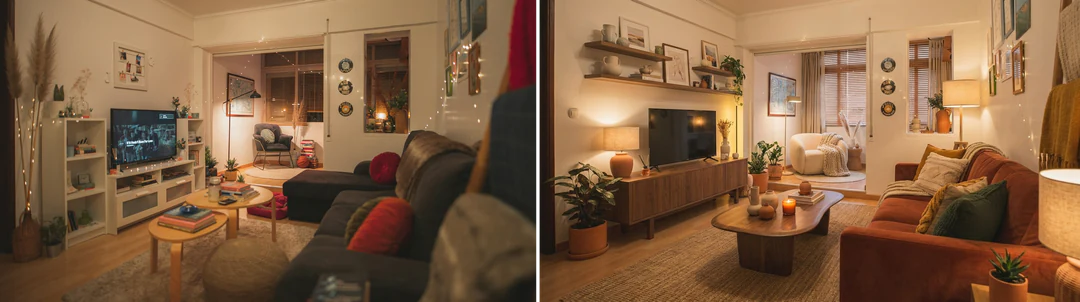
Auto ratio · Living room
Living room interior design for a crowded room
Use a view with the seating area, the way through and the windows. The new version may suggest a quieter color balance. Check real dimensions before buying anything.
Try AI interior design ideas on your own room photo.
One room photo in, one redesign out. The ratio follows your photo, with 4:3 as the fallback.
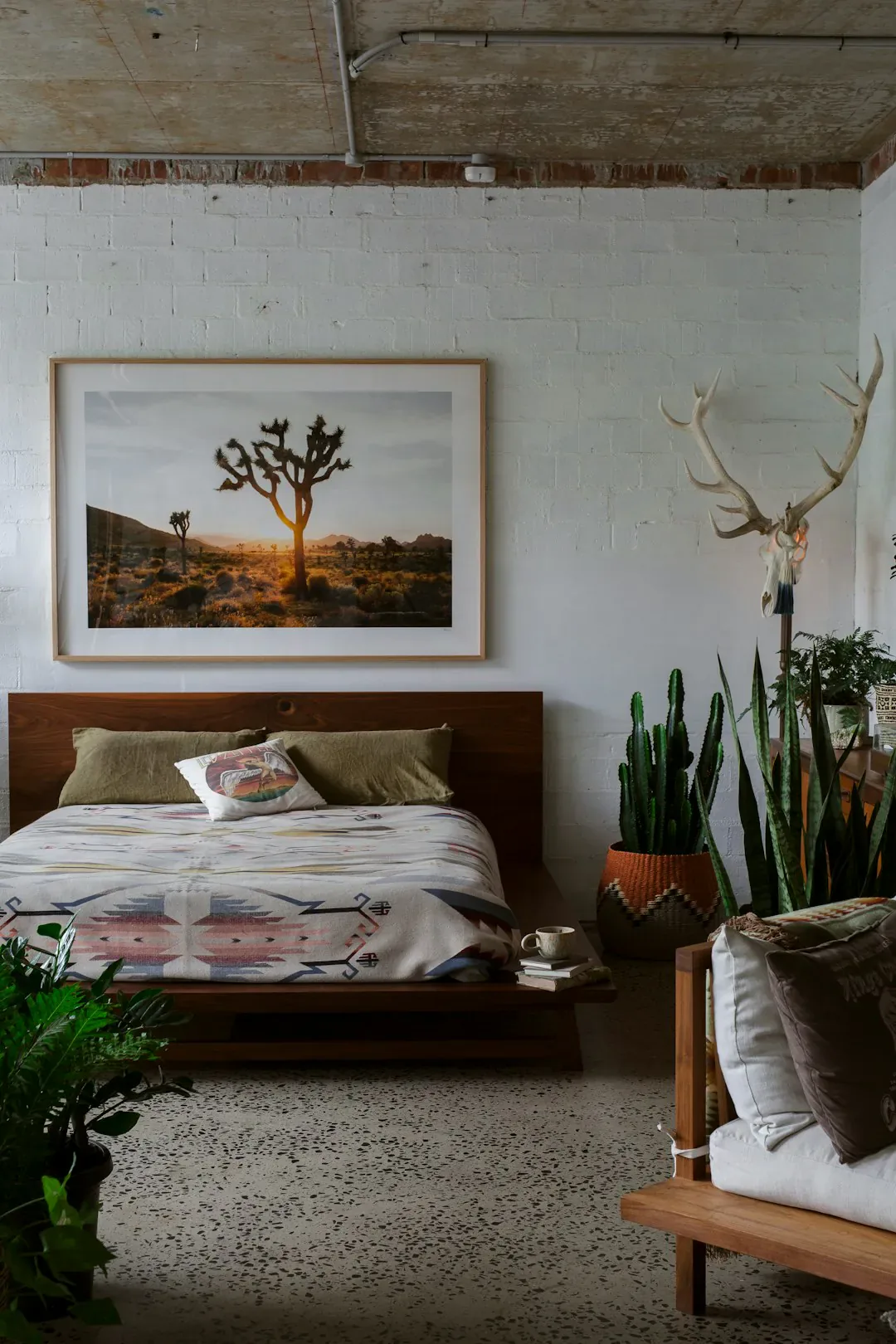
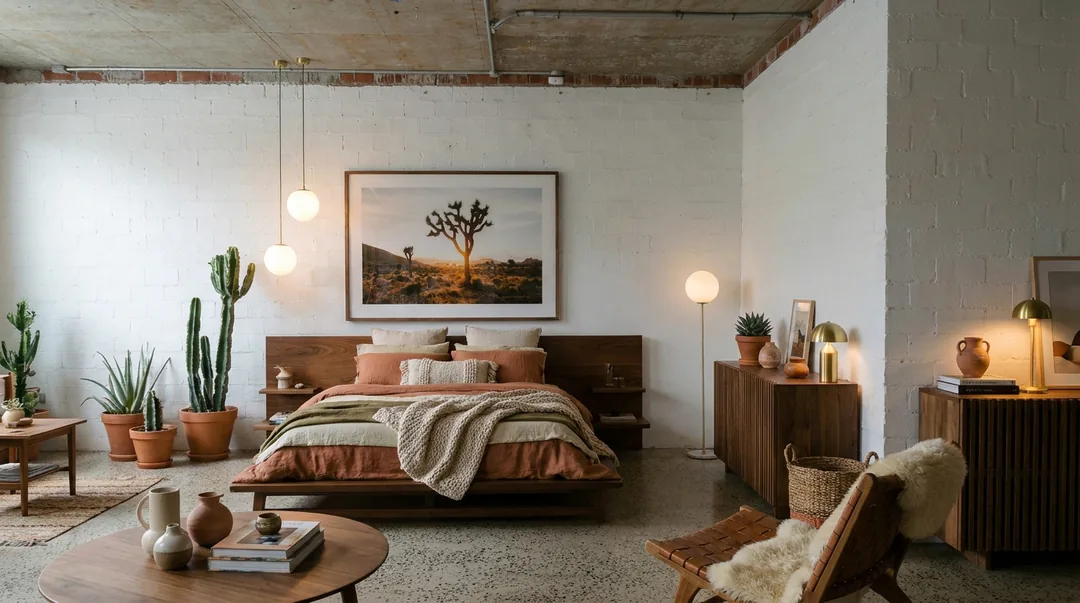
Layout, walls, windows and camera angle should stay the same. Count the windows and doors first.
Furniture, textiles, decor and colors change to a warm modern style. The template picks it, and the materials are visual suggestions.
Look for a moved window or a missing door. A bigger-looking floor makes the room seem roomier than it is.
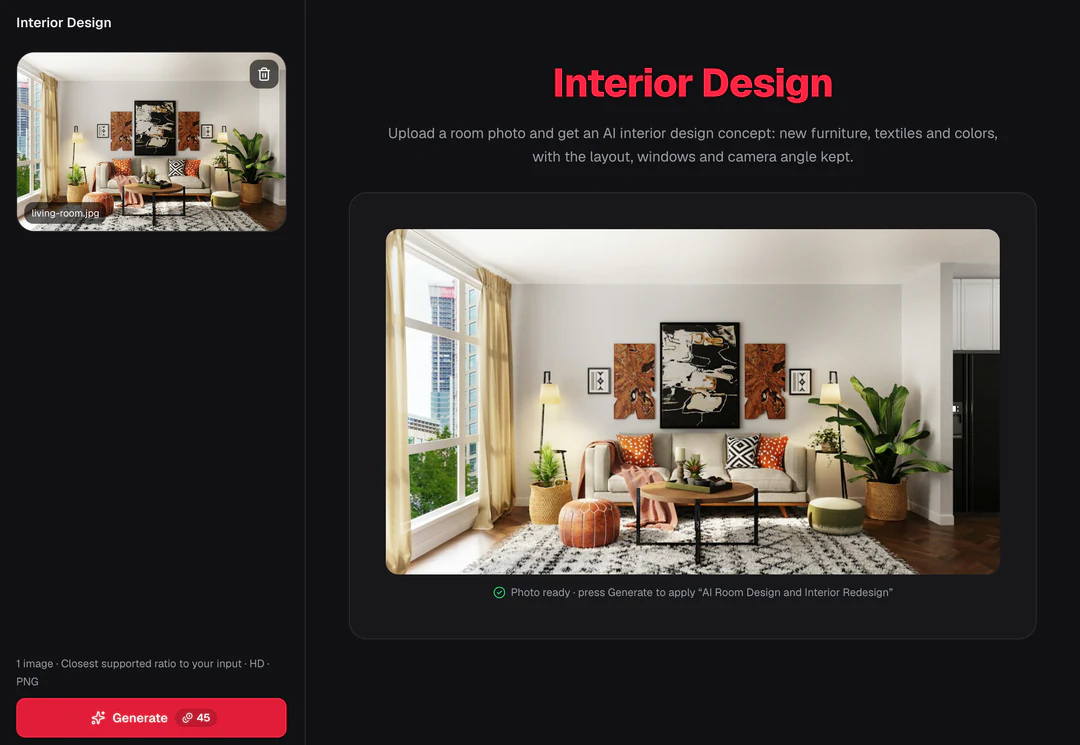
Add a room photo, check the fixed output, then compare windows, doors and walls.
Add one file up to 20 MB that shows the floor, wall corners, doors and windows. JPG, PNG and WebP work. Keep radiators and built-in cabinets visible. You do not need an empty room.
There is no furniture, style, dimension or paint input. The panel shows one PNG at HD, in the supported ratio closest to your photo.
Each interior design result costs 45 credits, shown on Generate before you confirm. Check the structure before you judge the furniture, then download it.
Three real decisions. The picture shows a direction, not a measured plan.
Auto ratio · Living room
Use a view with the seating area, the way through and the windows. The new version may suggest a quieter color balance. Check real dimensions before buying anything.
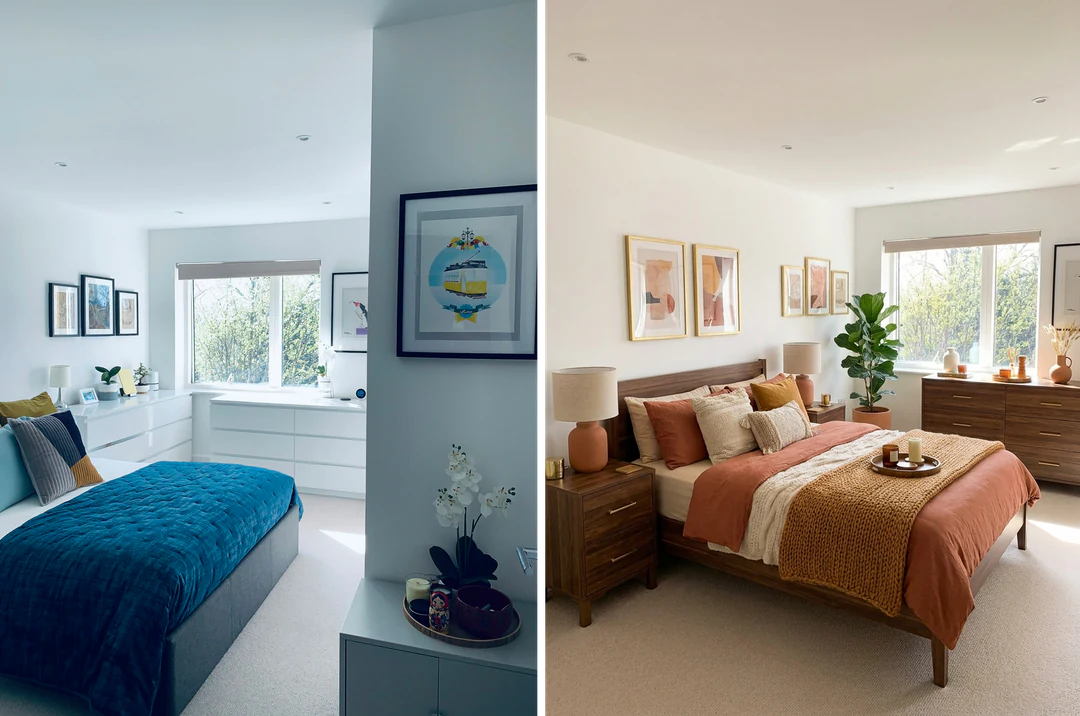
Auto ratio · Bedroom
Choose a photo with the bed, storage and some wall and floor. The palette starts a talk about warmth and contrast. The colors are not paint specifications, so look at real samples in your own light.
Auto ratio · Designer
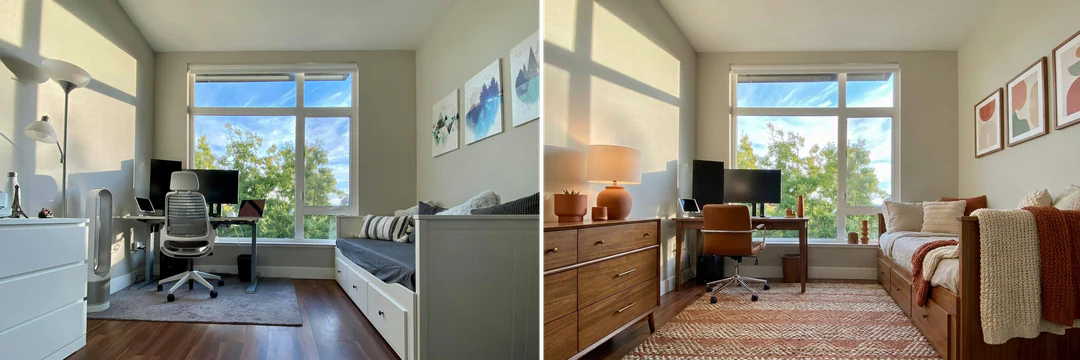
Bring the original and the labeled concept to a designer or partner. Say which parts appeal and which look wrong. Discuss single elements, not the whole image. Feasibility and furniture scale still need real measurements.
Try AI interior design ideas: the template restyles a room you photographed. Four features cover the structure it keeps, the style it applies, the settings and the checks.
01
The recipe asks to leave the structure alone. That is why the source photo matters most. A view with the floor, corners and every opening gives the redesign a room to follow.
02
All movable items are restyled in one warm modern direction. The pieces and finishes are invented for the picture. Read them as a mood for the room, not as products you can order.
03
Nothing to fill in. Each run costs 45 credits.
04
Check for a moved window, a missing door or a chair blocking an opening. Get real measurements before buying anything or briefing a designer.
Pick the task that matches what you need next for the room.





Choose your credits and generation priority. Potto does not add a visible watermark to your downloads.
Billed $96 for the first year, then $192/year
Billed $240 for the first year, then $480/year
Billed $480 for the first year, then $960/year
Interior design is the planning of how an indoor space looks and works. This template is AI interior design for the visual side. It restyles one room photo in a warm modern direction and keeps the room structure. It makes no measured layouts, drawings or code approvals.
Use one photo that shows the floor, doors and windows. Keep fixed features like radiators visible. Avoid extreme wide-angle views, which make furniture look smaller than it is.
The recipe asks to keep the structure, but compare the anchors with your source anyway. A moved opening or a changed floor makes the concept unreliable. Plan from real photos and measurements.
No. The preset has a fixed warm modern direction, with no furniture catalog or style selector. For one specific change, describe it in the image editor. A pictured sofa or lamp is not a product you can buy.
No. Measure the real space, check clearances and structure, and get professional design work. The concept has no reliable dimensions or installation specs.
45 credits per run, made with Nano Banana Pro. The amount appears on the Generate button before you confirm.
Upload one clear room photo. Check the credit estimate. Compare the structure with your original.