AI Dance Generator
Add one photo and pick a dance. Your character moves like the video, with sound.
Pick a dance
4 dances
AI Dance Videos Made From One Photo
Each video starts with one character photo and a dance. The original moves play right next to each result.
- SourceResult
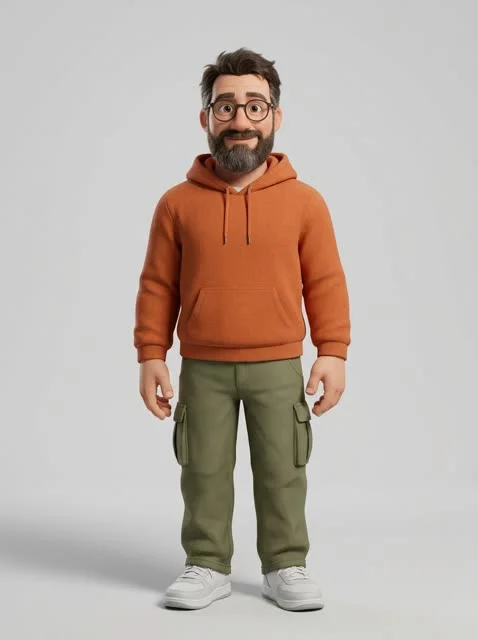
3D character
A stylized 3D character takes on the Hip-Hop Groove.
- SourceResult
New scene
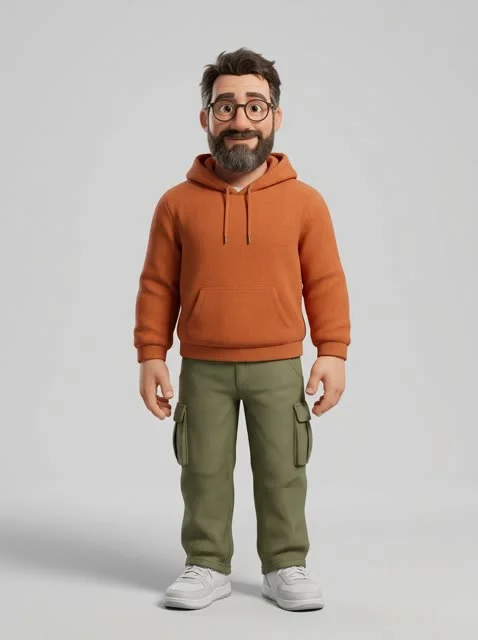
The same 3D character dances K-Pop Flow on a neon rooftop in the rain.
- SourceResult
Pet photo
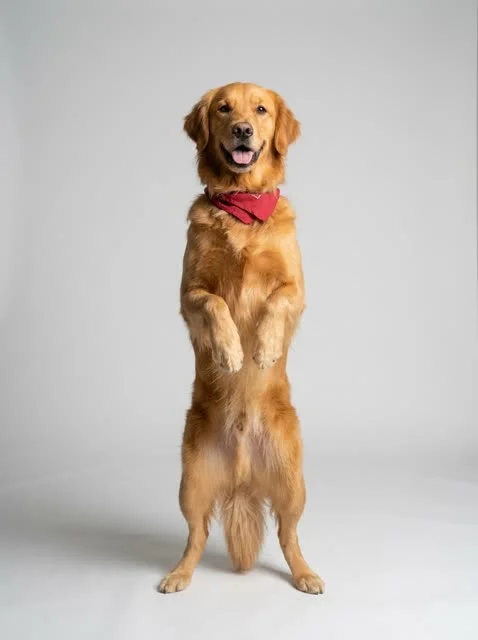
A golden retriever stands up and grooves through Disco Fever.
- SourceResult
Anime character
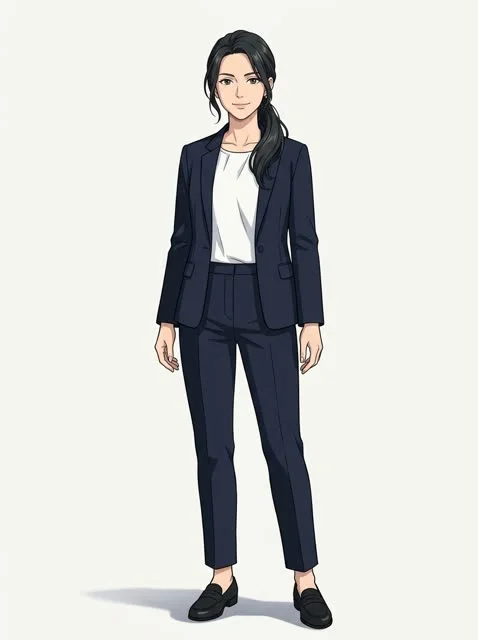
An anime character keeps the cel-shaded look in the Shuffle Step.
What Is an AI Dance Generator?
An AI dance generator turns one character photo into a dance video. It copies the moves from a source clip. Your character performs them.
The camera angle, rhythm and sound of the source stay the same. The character and the scene change. You can write a new scene or keep the original.
Pick one of four library dances, or upload your own video. Potto makes a short MP4 with sound.
One character photo
A person, 3D figure, anime hero or mascot.
A dance or a video
A library dance, or your own clip of 4 to 15 seconds.
A new dance video
Same moves and timing, starring your character.
Four AI Dances, One Tap Each
Pick a dance to load it into the creator above.
How to Make an AI Dance Video
Three steps from photo to MP4.
Add one character photo
Upload a full-body photo. Potto checks it before it charges any credits.
Pick a dance or your own video
Choose a library dance. Or upload a short clip with one person dancing.
Describe the scene and generate
Add a scene if you want a new setting. Then generate and download the MP4.
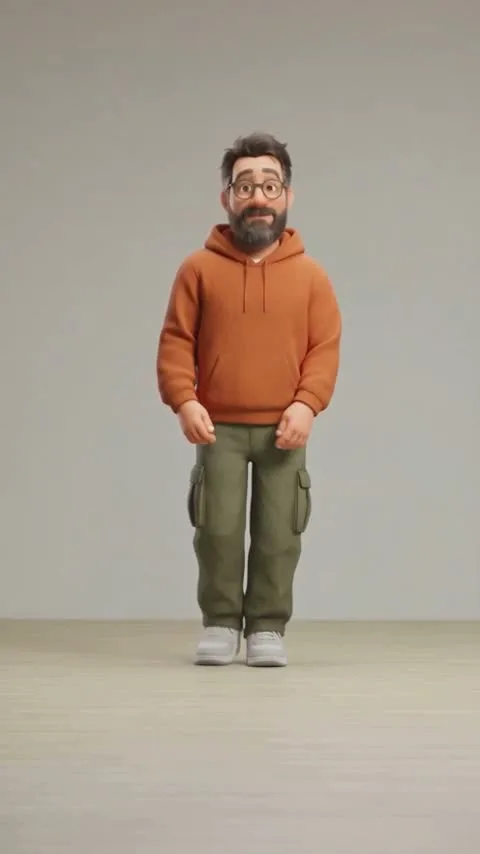
Photos That Work Best
Potto checks every photo before it charges credits. A photo that fails costs nothing.
Use
- One person, head to feet
- Feet visible and a clear pose
- Even light and a plain background
- A style close to the dance: real, 3D or anime
Avoid
- Group shots or crowds
- Photos cropped at the waist or knees
- Heavy shadows, masks or sunglasses
- Minors, public figures or anyone who did not agree
Motion Transfer, Character Swap and Face Swap
Three ways to put a new character into a video. Dance and Character swap are live today.
Motion transfer
Motion transfer gives your character the moves of a source video. The character and the scene change. The motion, timing and camera stay.
Character swap
Character swap replaces the performer in a video with your character. The background, light and camera stay as they were.
Face swap (coming soon)
Face swap changes only the face in a video. Everything else stays the same. It is not available yet.
| Mode | What changes | What stays the same | Best for |
|---|---|---|---|
| Motion transfer | The character and, if you write one, the scene | Moves, timing, camera and sound | Dance trends and short clips |
| Character swap | The performer | Background, light, camera and timing | Scenes you already filmed |
| Face swap (coming soon) | Only the face | Everything else | Not available yet |
Formats and Credits
Pick 480p, 720p or 1080p. You see the price before you generate.
| Resolution | Library dance · 10 s | Your video · 5 s | Your video · 10 s | Your video · 15 s |
|---|---|---|---|---|
| 480p | 431 | 274 | 479 | 684 |
| 720pDefault | 942 | 529 | 990 | 1,451 |
| 1080p | 2,289 | 1,203 | 2,337 | 3,471 |
Model: Seedance 2.5, sound included. The price covers the preparation steps. Credit packs and plans are on the Pricing page.
AI dance generator FAQs
Answers about photos, dances, sound and credits.
What is an AI dance generator?
An AI dance generator turns a character photo into a dance video. You add one photo and pick a dance. The AI copies the moves onto your character. On Potto, the result is a short MP4 with sound.
What is motion transfer?
Motion transfer applies the moves of one video to a new character. The camera angle, timing and rhythm stay. The character, and the scene if you describe one, change. Potto's Dance mode uses motion transfer.
How do I make an AI dance video from a photo?
Upload one full-body photo, pick a dance and press generate. Potto checks the photo first. The price shows on the button before you start. Most videos take a few minutes.
Can I use my own dance video?
Yes. Upload an MP4 or MOV clip of 4 to 15 seconds, up to 100 MB. It must show one adult. Public figures are blocked, and you confirm the person agreed to be replaced.
What is the difference between Dance and Character swap?
Dance gives your character the moves of a clip, and you can write a new scene. Character swap keeps the whole scene and only replaces the performer. Character swap always needs your own video.
Which photo works best for an AI dance generator?
Use one person, head to feet, with the pose and feet in view. Photos up to 20 MB in JPG, PNG or WebP work. Group shots, cropped photos and heavy shadows often fail the check.
Can I change the background of the dance video?
Yes, in Dance mode. Write a scene of up to 1,000 characters, such as a neon rooftop. Leave it empty to keep the scene of the source. Character swap always keeps the original scene.
Does the AI dance video keep the original music?
Yes. Keep original audio is on by default, so the video plays with the sound of the source. Turn it off to get a silent video.
How long is an AI dance video?
The video is as long as the source. Library dances run 10 seconds. Your own clips can run 4 to 15 seconds. You can't change the length separately.
Who can appear in my AI dance video?
Only adults who agreed to take part. You confirm that you have the right to use the photo. Potto blocks minors, public figures and clips with more than one person.
How much does an AI dance video cost?
A 10-second library dance costs 431 credits at 480p, 942 at 720p and 2,289 at 1080p. Your own clips cost more, because Potto prepares them first. The exact price shows before you generate.
What happens if my AI dance video fails?
You are not charged. Potto releases all reserved credits when a video fails, times out or is canceled. Your photo and settings stay, so you can try again.
Is face swap available?
Not yet. Face swap changes only the face and is coming later. Character swap is available now and replaces the whole performer.
Make Your AI Dance Video
Add a character photo and pick a dance. See the credit price, then generate.