Skip to content
Potto AI

Tattoo design: two concepts from one brief

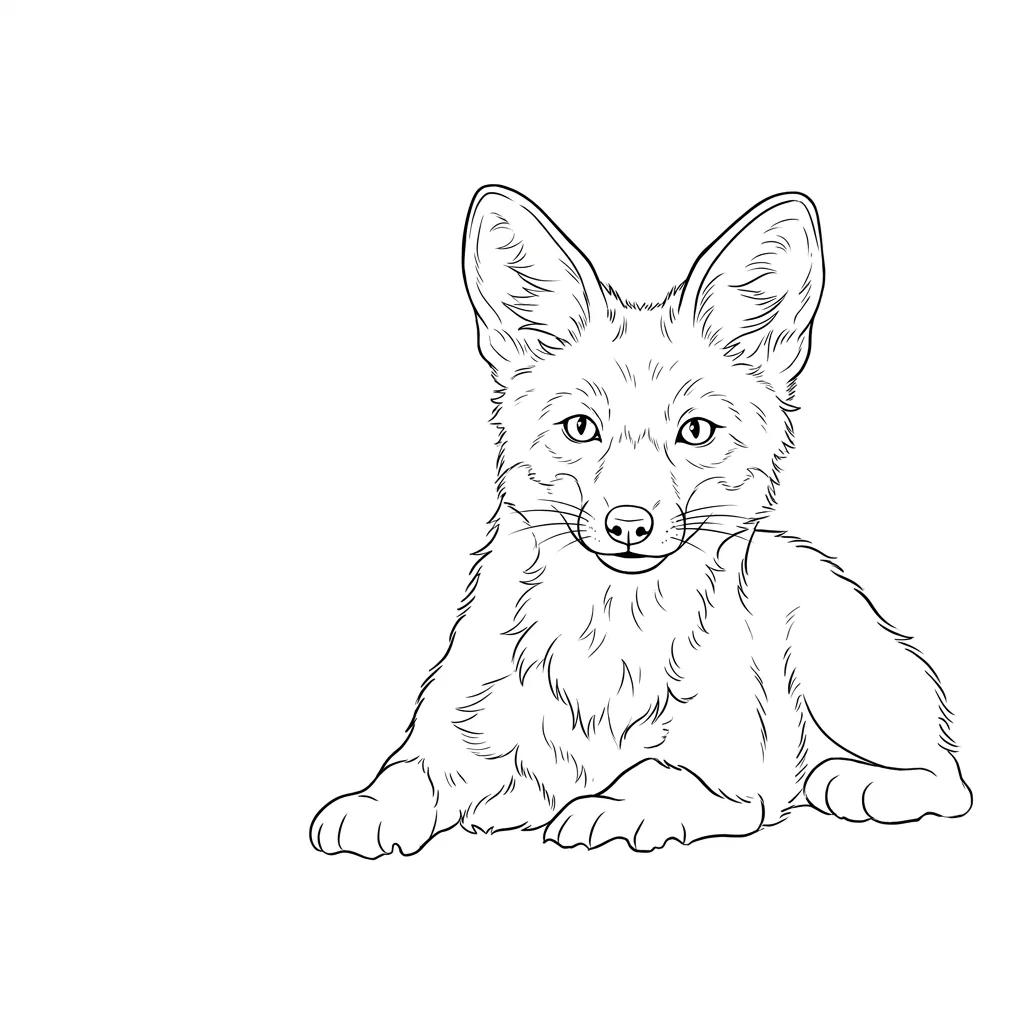
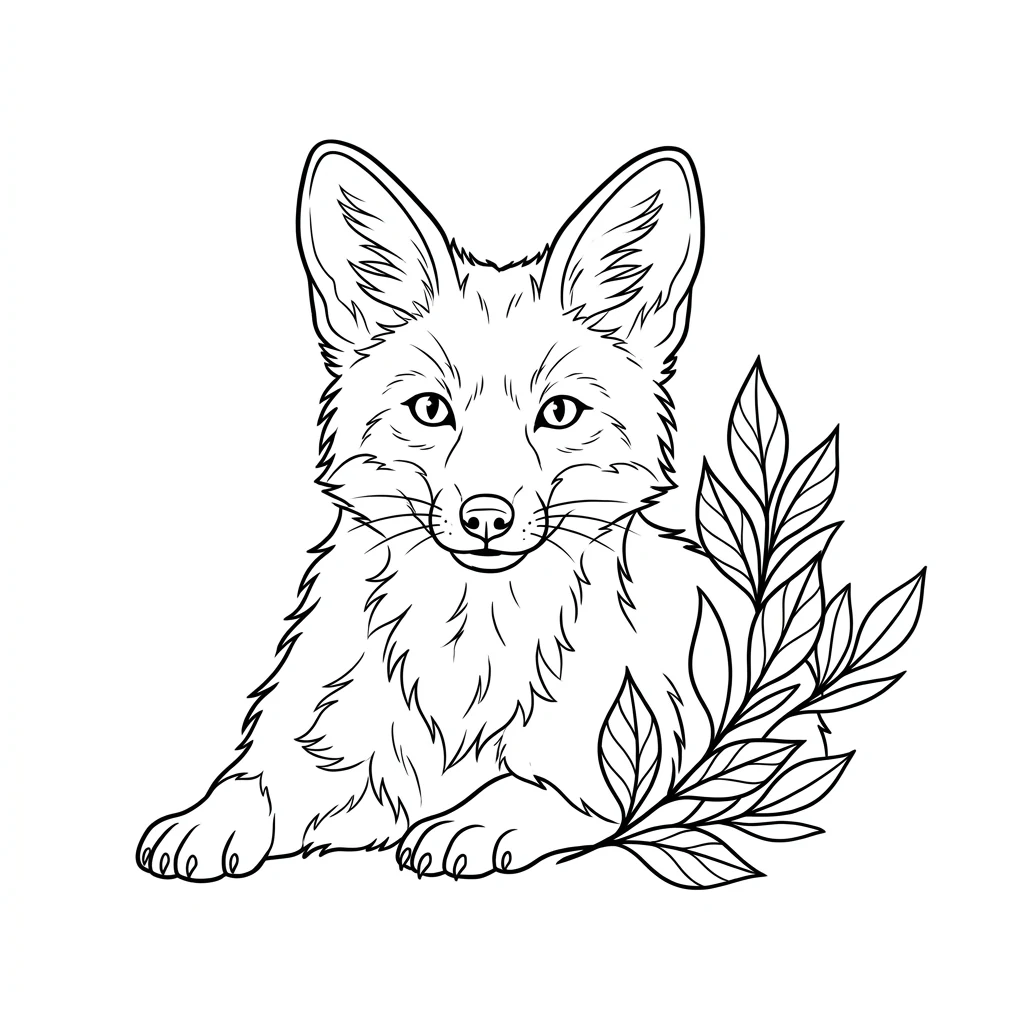
One tattoo idea and the two concept images generated from it in a single run, both in the template's fixed 1:1 ratio.

Tattoo design concept of a fox in clean linework on a white background, first result
Concept 1 · 1:1
Tattoo design concept of a fox in clean linework on a white background, second result
Concept 2 · 1:1

What stayed the same

Both images come from the same brief and the same fixed recipe: clean linework with even line weight, balanced shapes, a plain white background, no skin, no body parts and no lettering. The subject you described should be recognizable in both.

What differs

The two images differ only through generation variability, not through two chosen styles. One may separate its shapes more clearly while the other has better overall balance. Compare line clarity, silhouette and open space instead of looking for two named styles.

What to check

Check the connections between leaves, limbs and objects, repeated elements that changed in number, and any stray letters or marks. View the image at the size you have in mind, because tight gaps between lines can close up. A tattoo artist still has to redraw the idea for real use.

Where a tattoo design concept fits

Three common uses. In each one the concept is a starting point for a conversation with an artist, not a finished stencil.

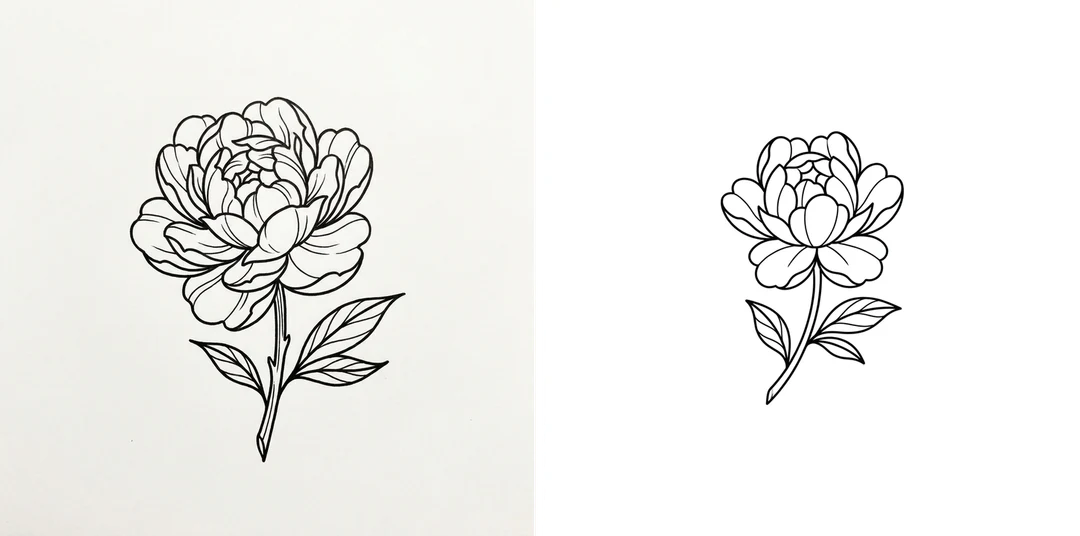
Two tattoo concepts of a single peony in clean linework on a white background

1:1 · Botanical

Botanical subject

Describe one flower, leaf cluster or branch as the main focus. Use the two results to compare silhouette, balance and the mix of filled and open areas. Check that petals and stems connect sensibly, then discuss the useful arrangement with an artist who can adapt it for size and placement.
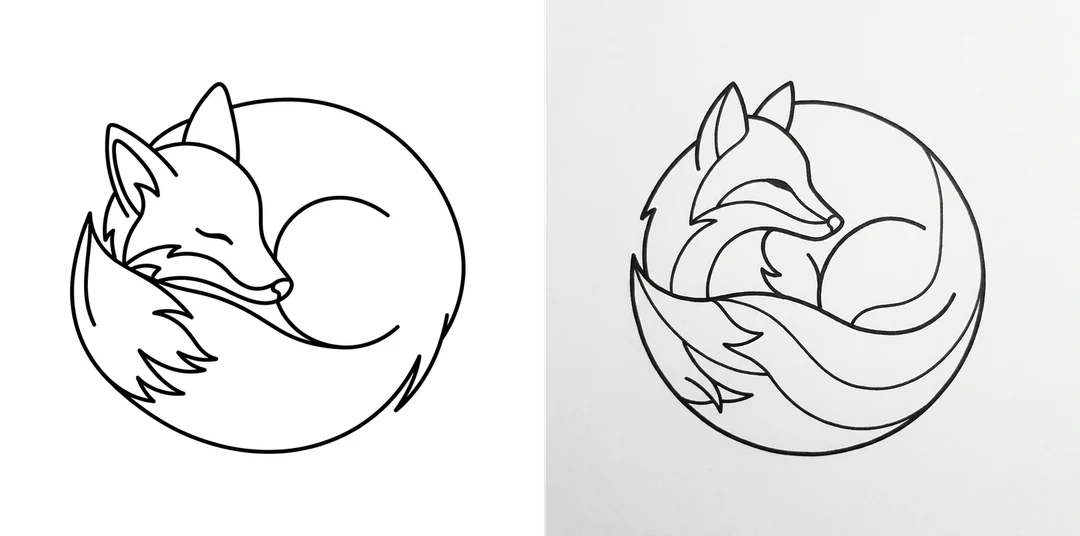
Two tattoo concepts of a curled-up fox in profile, in clean linework on white

1:1 · Animal

Animal motif

Name the animal and its pose in the brief, such as curled up or in profile. Inspect anatomy, repeated limbs and eyes in both results. If one outline is appealing but the anatomy is off, keep it as a discussion reference and ask the artist to redraw it rather than tracing it.

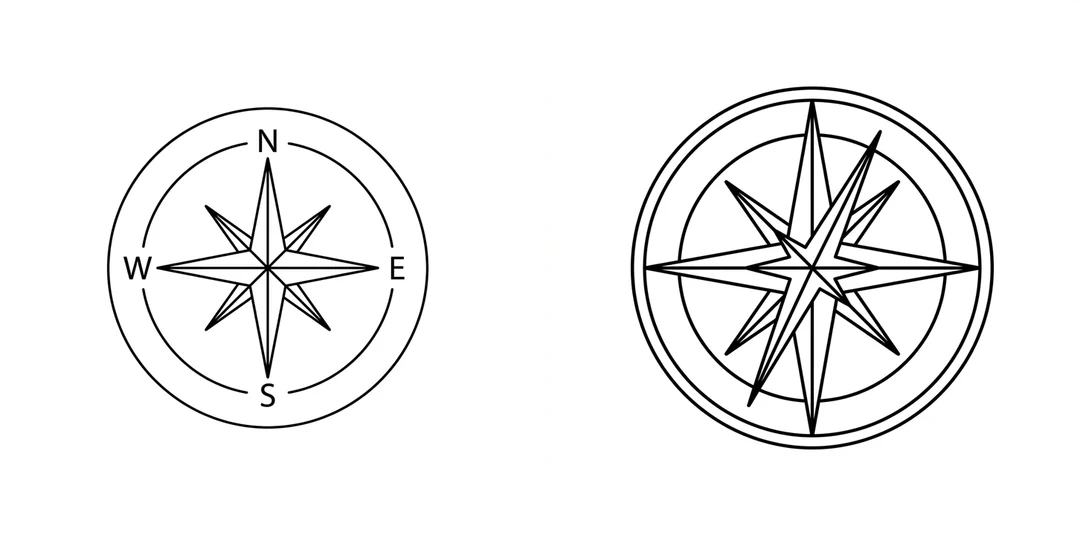
Two tattoo concepts of a compass in clean linework on a white background

1:1 · Symbol

Personal symbol

A key, compass or instrument can anchor a design. Explain the object and the layout in the brief, and add a reference photo if its exact shape matters, though details may still drift. Tell the artist what the symbol means to you so they can decide which details stay.

How to create a tattoo design concept

Write the brief, add a reference if it helps, then compare both concepts. The credit estimate is on the Generate button before you confirm.

  1. 1. Describe your tattoo idea

    Write the subject and its main arrangement in up to 200 characters; the counter above the box shows the limit. Leave out names, words and lettering, which the template rejects. Choose one clear idea over a crowded list. Try an example shows the kind of brief that works.

  2. 2. Add a reference if it helps

    Upload one JPG, PNG or WebP image up to 20 MB if a sketch or photo explains the subject better than words, or skip it. The result is always a fixed 1:1 image on white. Use a reference you own or may adapt, because the output is not an exact copy of it.

  3. 3. Generate two concepts

    One run makes 2 PNG images at HD with Nano Banana Pro. The total of 90 credits (45 each) is shown on the button before you confirm. Compare the two results one quality at a time, then download the one worth discussing with your artist.

What tattoo design makes from your idea

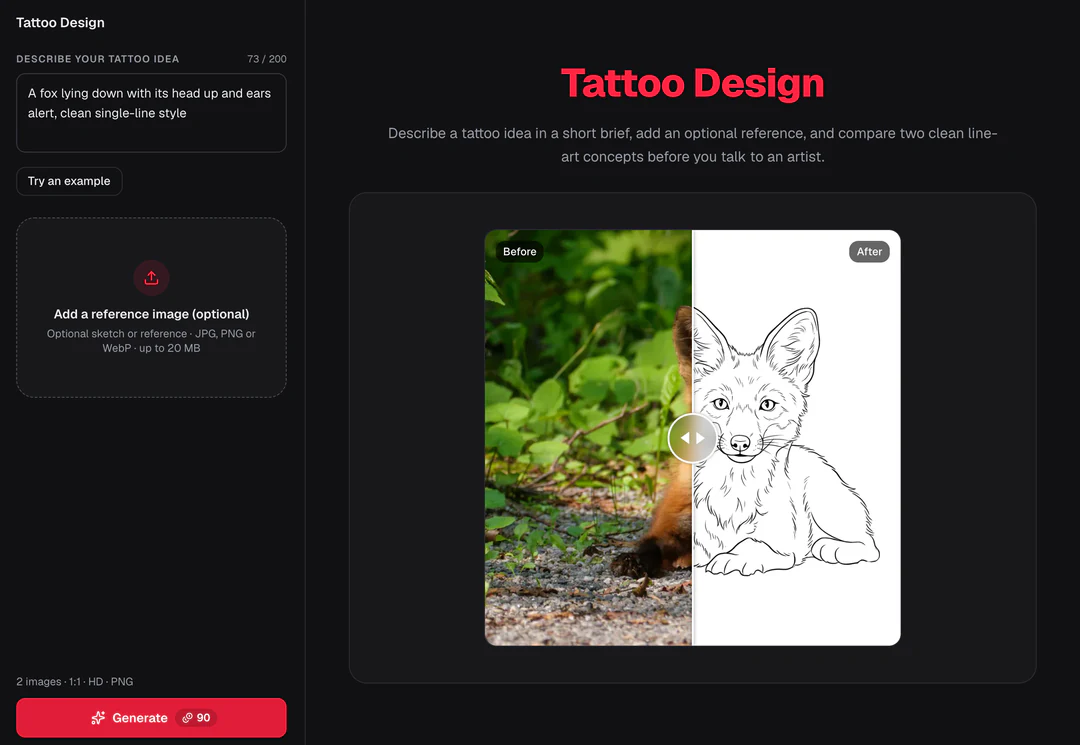
One short brief and an optional reference become two linework concepts from the AI tattoo generator.

  1. 01

    Two concept images from one run

    Every run makes two PNG images from the same brief: clean linework with even line weight, balanced shapes and a plain white background, with no skin, no body parts and no lettering. The two differ through generation variability, not through chosen styles.

    • A fixed 1:1 image at HD for each concept
    • Compare line clarity, silhouette and open space
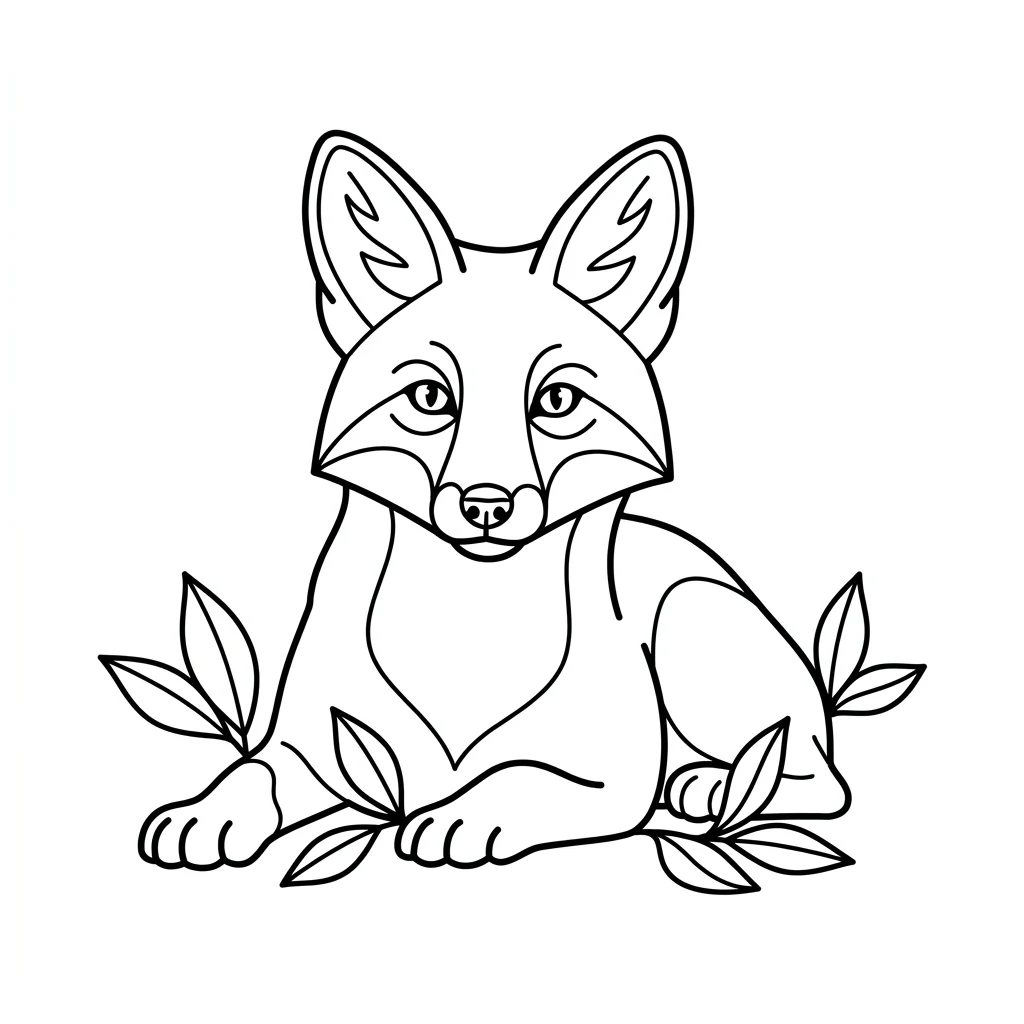
    Clean black linework tattoo concept of a fox lying down on a white background
    Tattoo concept · 1:1
  2. 02

    Add a reference when words are not enough

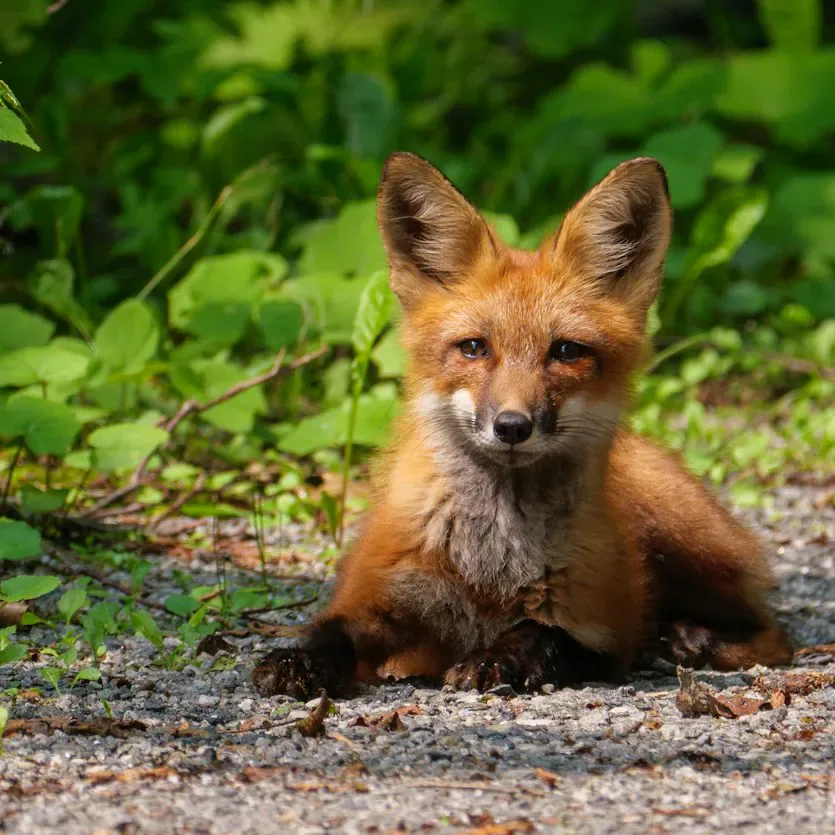
    A sketch or photo can explain the subject better than a sentence, so one optional reference image is accepted. The result keeps the subject and its overall shapes recognizable but is not an exact copy of the reference.

    • One JPG, PNG or WebP image, or skip it
    • Use a reference you own or may adapt
    Photo of a red fox lying on gravel among green plants
    Reference photo used with the brief
  3. 03

    Describe the subject in up to 200 characters

    The brief is the only required input. Name one clear subject and its main arrangement, such as a single flower or an animal in profile, and leave out names and lettering, which the template rejects.

    • Try an example shows the kind of brief that works
    • A tattoo artist still has to redraw the idea for real use
    Brief box with a short tattoo description and the 200-character counter
    Brief with the character counter

Keep exploring Potto AI

More ways to develop a design idea.

Tattoo Design FAQs

  1. What is tattoo design?

    Tattoo design is the creation of artwork for a tattoo. This AI tattoo generator turns a short subject brief, plus an optional reference, into two clean line-art concepts on a white background for discussion. It does not produce a stencil, a body placement or tattooing advice; the final design belongs to a conversation with a tattoo artist.

  2. Do I need a photo, and what must I write?

    A reference is optional, but the subject brief is required and currently limited to 200 characters. Describe the subject and visual arrangement without asking for names, lettering, or text. If you add a reference, it should guide the recognizable subject rather than serve as a production stencil.

  3. Can I add a name, date or lettering?

    No. The template rejects names, words and lettering in the brief, and its recipe asks for artwork without any text. Keep exact names, dates or inscriptions in a separate note for your artist, who can design and proofread them as a controlled step. Treat any stray letters in a result as an error, not as part of the design.

  4. Are the two results two different named styles?

    No. Both images come from the same brief and the same fixed line-art recipe; their differences come from generation variability, not from two chosen styles. Compare line clarity, shape balance and usable open space to pick a direction.

  5. Can I tattoo the image directly or use it as a stencil?

    The image is a concept rather than a tested stencil. Discuss placement, size, line behavior, healing considerations, and feasibility with a qualified tattoo artist, who can prepare the final artwork. This page does not validate body fit, safety, or uniqueness of the generated design.

  6. Is the design original?

    A generated image is not automatically free of resemblance to existing artwork, and the template does not certify originality. Use your own subject ideas and references you are allowed to adapt. If a concept looks too close to a recognizable design, discuss a different direction with your artist. Describe the image as an AI-generated starting point, not as the artist's work.

  7. Can I change the tattoo design style?

    The template keeps one fixed line-art recipe with even line weight on white; there is no style picker. You steer each run with the subject brief and the optional reference, so rewrite the brief for a different subject or mood. For a looser line, use AI Doodle; for dense hatching from a photo, use Ink Drawing.

  8. How much does a tattoo design run cost, and what files do I get?

    90 credits per run for two 1:1 PNG images at HD, 45 credits each, made with Nano Banana Pro. The total appears on the Generate button before anything is charged.

Potto AI

Create your tattoo design concept

Write your idea in up to 200 characters, review the credit estimate for both images, and compare the two concepts before taking one to an artist.