Black Friday: 50% off every yearly plan for the first year. Ends Dec 1.
Potto AI

How to make a video ad with AI

Use the AI video ad maker in three steps, in the creator above.

  1. 1. Add your product and your offer

    Upload product photos, or add a product page link. Write one sentence on the audience, the lead benefit and the exact offer. Choose Social Ad or Product Ad. A project holds up to 8 attachments.

  2. 2. Review the hook, scenes and claims

    Read the storyboard and script against your brief. Check every price, date and quote before you move on.

  3. 3. Preview, then export an MP4

    Watch a preview in your browser. Then export a 1080p MP4 at 30 fps and upload it to your ad account yourself.

Pick the video ad that fits what you sell

An ad works best with one job. Decide what viewers should do after watching. Then give the video ad maker the material that proves it.

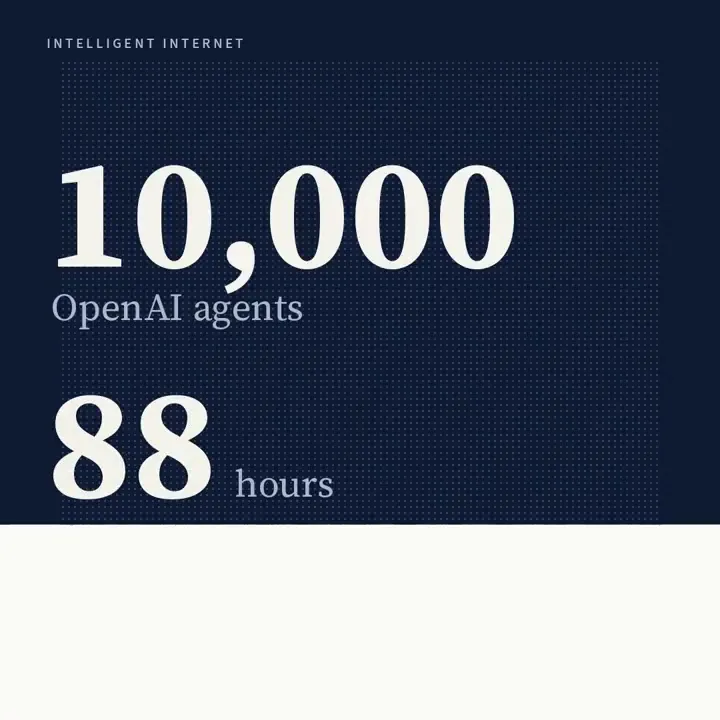
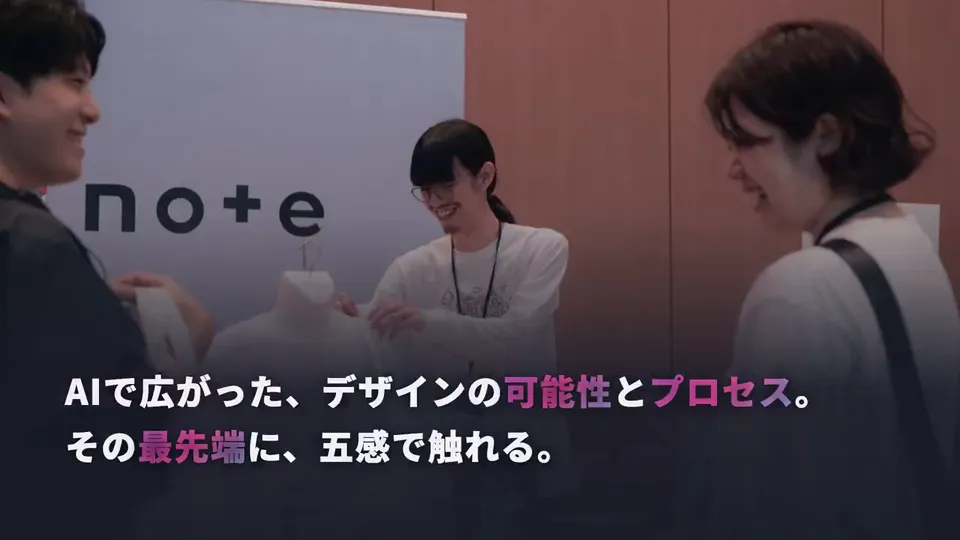
Limestone Digital launch video on production AI agents by LimestoneHQ

Product video ad from photos

For a physical product, upload clear photos from two or three angles. Give your price and offer exactly as they appear at checkout. Lead with the main selling point, show the product, then your price and one call to action. It begins as a 15-second vertical video without voiceover. Turn narration on if the ad will play with sound. If the item gets lost against a busy background, remove the background before you upload.
Agency reel shows +84% Google traffic for a client by baptistelcx

Social video ad for apps and services

For software or a service, paste a public page or add screenshots of the screen that matters. A social ad needs a hook, a benefit, proof and a next step. A customer count you can back up is one kind of proof. It opens as a vertical 15-second video with voiceover and captions on. Export it in 9:16 or 1:1.

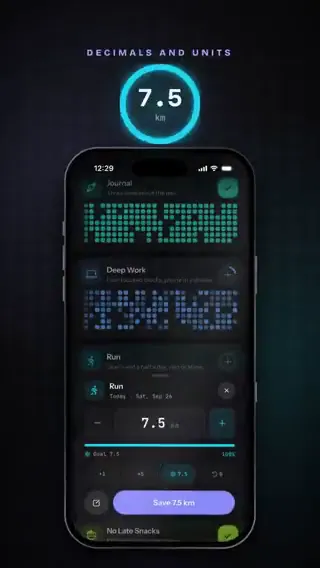
Habit-tracker screen hides finished tasks by SebastianRoehl

Video ads that lean on proof

When reviews or results sell your product, put the exact quote, the name you may show and any number in your brief. Your ad is told to use that proof as written. Without proof, build the message around one benefit. Do not ask the AI to supply a review.

What Potto's AI video ad maker does with your product

Many video ad maker tools start from a stock template that you fill in. Potto writes each ad from your own inputs. Photos and screens become animated scenes. The ad's beats become on-screen text. You get a finished video ad, not a slideshow with music.

  1. 01

    An ad script built around one benefit

    Claude Opus 5.5 drafts the outline, storyboard and script from your brief, photos and link. The Social Ad type follows four beats. The Product Ad type leads with your main selling point. Scenes render with Remotion.

    • Script and scenes drafted by AI
    • Hook, benefit, proof and call to action
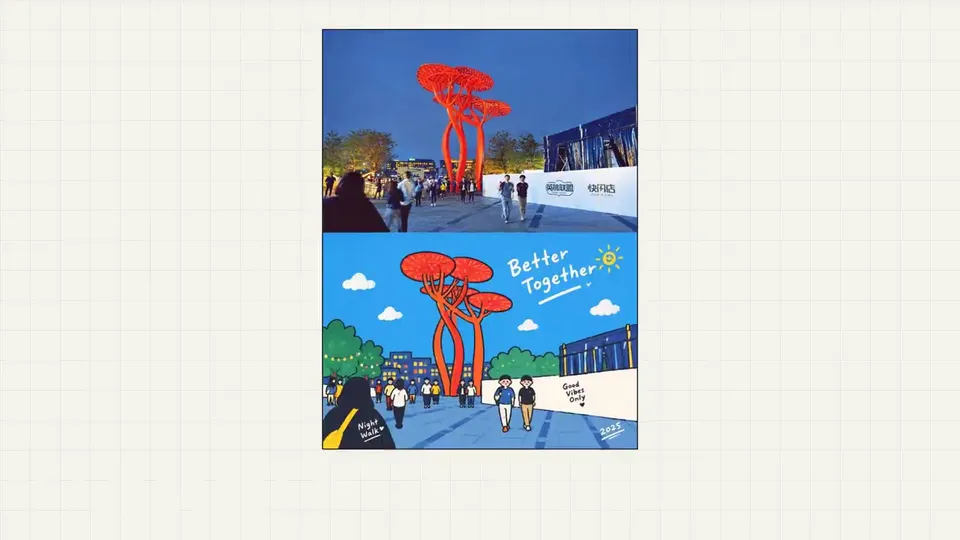
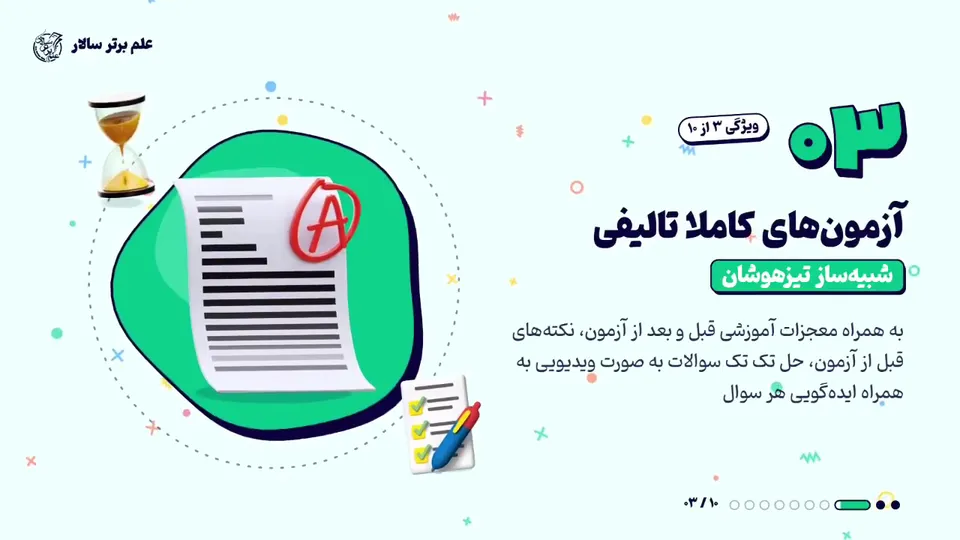
    Persian tutoring promo with a lightbulb brain graphic by Saeiid
  2. 02

    Your own product photos on screen

    The Product Ad type puts your uploaded photos first, so the item in the video is the one you sell. You can refocus any scene on one part of the photo. With a public link, Potto reads the page for your brand name, colors, fonts and logo.

    • Uploaded product photos used first
    • Brand details read from your link
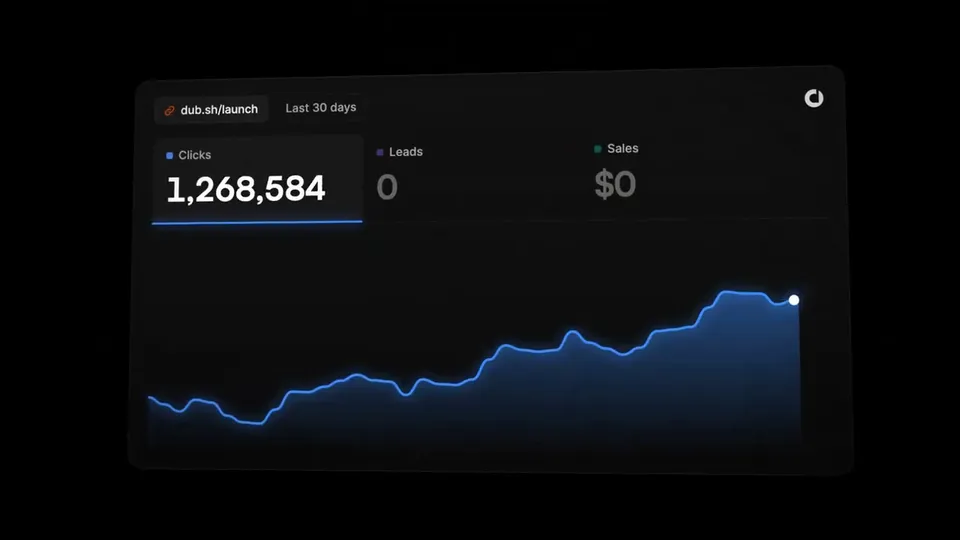
    Partner network orbits the Dub logo in a promo by steventey
  3. 03

    Prices, offers and quotes from your brief

    A video ad that shows a wrong price causes trouble at checkout. Put exact figures in your brief and read each scene before export.

    • Price and offer taken from your brief
    • AI told not to add reviews or discounts
    Promo video tours an AI-work showcase gallery site by aiwarts
  4. 04

    Voiceover in 32 languages, with captions and music

    Narration speaks any of 32 languages, or Potto detects the language. With voiceover on, captions highlight each word as it is spoken, so your ad reads with sound off. Music comes from Potto's library of original tracks, and you can change it.

    • 32 narration languages or auto-detect
    • Word-by-word captions
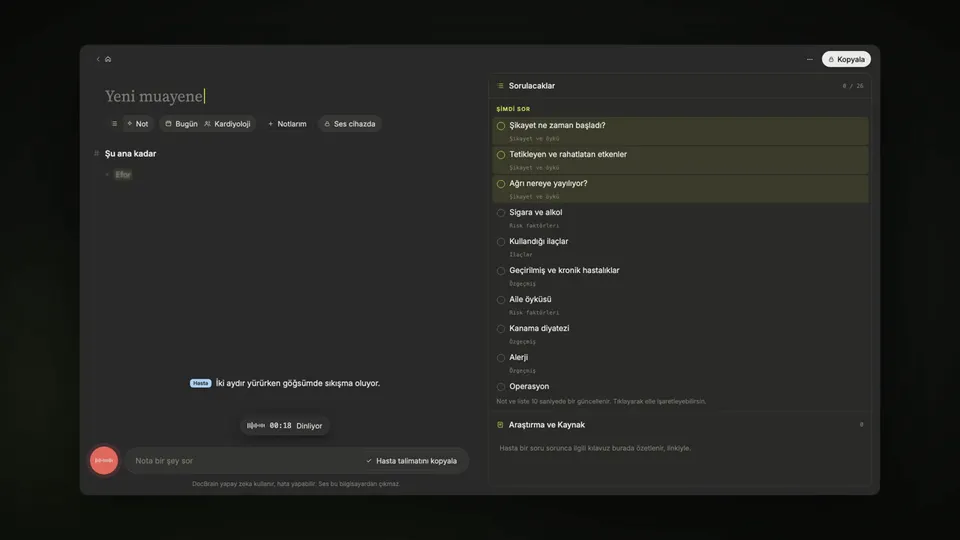
    Clinical note app lists live follow-up questions for a doctor by DoganEth
  5. 05

    Vertical, square and wide video ads

    Aspect ratio does not change the price. Export one version per placement.

    • 9:16, 1:1 and 16:9 frames
    • Price not affected by aspect ratio
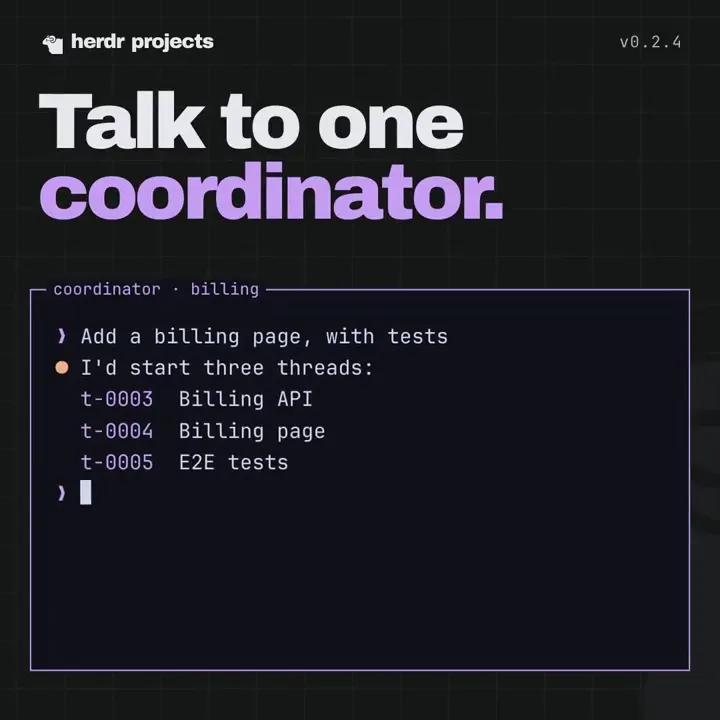
    Serif type asks what Zenith does to a cheap model by EMostaque
    Giant '148' over a wall of unanswered support tickets by euboid
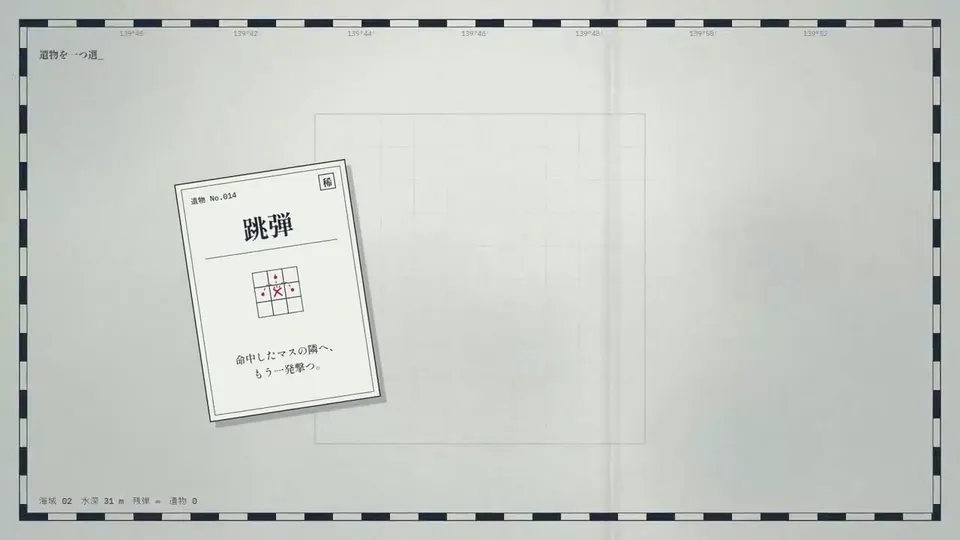
    Battleship-grid trailer for an imaginary roguelike by ootamato

Choose Your Plan

Choose your credits and generation priority. Potto does not add a visible watermark to your downloads.

  • Lite

    Black Friday -50%
    $16$8/month

    Billed $96 for the first year, then $192/year

    Choose Lite

    Monthly HD images

    Learn more
    44 images
    86 images

    Monthly videos

    30s product demo13 videos
    60s explainer5 videos
    • 2,000 monthly credits
    • Up to 86 fast images
    • Standard queue
    • No Potto watermark
    • Batch image tools
    • Private creations
    • All premium skills
  • Pro

    Black Friday -50%
    $40$20/month

    Billed $240 for the first year, then $480/year

    Choose Pro

    Monthly HD images

    Learn more
    111 images
    217 images

    Monthly videos

    30s product demo33 videos
    60s explainer13 videos
    • 5,000 monthly credits
    • Up to 217 fast images
    • Priority queue
    • No Potto watermark
    • Batch image tools
    • Private creations
    • All premium skills
  • Recommended

    Max

    Black Friday -50%
    $80$40/month

    Billed $480 for the first year, then $960/year

    Choose Max

    Monthly HD images

    Learn more
    333 images
    652 images

    Monthly videos

    30s product demo100 videos
    60s explainer40 videos
    • 15,000 monthly credits
    • Up to 652 fast images
    • Highest priority queue
    • No Potto watermark
    • Batch image tools
    • Private creations
    • All premium skills

Videos use credits on export. Your balance must cover the export before you start. Counts assume a 30s demo and a 60s explainer with narration and 3 illustrations.

Video Ad Maker FAQs

Definitions, ad types, claims, uploads, formats and prices.

  1. What is a video ad maker?

    A video ad maker turns product details, images and ad copy into a short video made to run as an ad. It has one message, visuals and a clear next step. You do not film or edit an ad yourself. Many tools fill in a fixed template. Potto is an AI video ad maker. It writes a storyboard and voiceover script from your photos, link and brief. It animates them as scenes with music, and renders an MP4. It does not film footage or generate a digital presenter.

  2. What is the difference between a Social Ad and a Product Ad?

    Both are video types in Potto's video ad maker. A Social Ad follows four beats: a hook, one benefit, proof from your materials and a call to action. It suits apps, services and offers. A Product Ad shows a physical product in a short vertical ad. It leads with the main selling point and uses your product photos first. Both start as 15-second 9:16 videos. A Social Ad starts with voiceover and captions on. A Product Ad starts without voiceover. You can change the length, frame and voiceover in the creator.

  3. How do I make a video ad with Potto?

    Add product photos, screenshots or a public product link in the creator at the top. Pick the video type for your product. Write one sentence with the audience, the benefit to lead with and the exact price or offer. Potto drafts a storyboard and on-screen text. Edit them scene by scene, preview, and export an MP4 when every claim reads right.

  4. Can I make a Facebook video ad or an Instagram ad video?

    Yes. Potto makes the video, and you upload it yourself. Export an MP4 and add it to either one in your own ad account. Potto does not connect to ad accounts, publish posts or run campaigns. Check the current specs of the platform where your ad will run.

  5. Will Potto make up prices, reviews or offers?

    No. Potto's ad types tell the AI to use only the price, offer and proof you provide. They tell it never to invent reviews, ratings or discounts. If you give no proof, write the ad around its benefit. This is an instruction to the AI, not a check of your ad. You are still the advertiser. Read every scene and caption. Compare each figure and quote with what a buyer sees at checkout.

  6. What can I upload for a product video ad?

    Upload clear product photos or screenshots, or give a public page link. You can also attach a document of up to 20 MB, such as a price sheet. From a link, Potto reads that page and up to 2 more on the same site. Pages behind a login cannot be read. Potto cannot take an existing video as input. It makes a new ad out of your photos and text.

  7. Can I edit the ad before exporting?

    Yes. Edit the words on screen and the voiceover for each scene, including the hook and the closing line. Swap a photo or choose its focus point. Regenerate an AI illustration or replace it with your own upload. Preview after each change.

  8. Does the ad use my brand colors, font and logo?

    Yes. Select a brand kit or turn on the default brand. Four brand colors apply to the visuals. Choose Inter, Space Grotesk or Bricolage. Your logo appears in the opening and closing scenes.

  9. What formats and sizes can I export?

    Potto's AI video ad maker exports an MP4. Choose 9:16 (1080×1920) for full-screen phone placements, 1:1 (1080×1080) for feeds, or 16:9 (1920×1080) for websites and video players. A 4:5 frame and GIF export are not available, so pick the closest frame your placement accepts.

  10. How many credits does one video ad cost?

    Making and previewing use no credits. Potto's AI video ad maker charges credits when you export, at 5 credits per second of video. Your balance must cover the length you choose. Narration and AI illustrations cost extra. Sign-up gives you 100 credits, which covers a 15-second video. A 30-second video with English narration and no illustrations costs 153 credits. Two illustrations bring it to 199. To test several versions of an ad, start a project for each one. Each account can start up to 30 video projects and generate 60 illustrations a day.

Potto AI

Make your video ad

Add photos or a link. Review the hook, offer and on-screen text before you export your ad as an MP4.