Black Friday: 50% off every yearly plan for the first year. Ends Dec 1.
Potto AI

How to turn audio to video

Turn audio to video in three steps, in the creator above. You confirm the segment in chat before anything is exported.

  1. 1. Upload audio and say what it is for

    Upload your recording. Write a sentence on the audience and the moment you want. Name a specific answer, not the whole episode.

  2. 2. Confirm the moment in the chat

    Potto's agent picks a segment from your description. The brief shows where it starts and stops. Approve it, or name a different moment in chat.

  3. 3. Check the waveform video, then export

    Check the waveform, captions and show details in a preview. Then export the MP4. Download the captions as SRT from the export card.

Pick the recording, then the moment worth hearing

Before you turn audio to video, say who your audiogram is for and what it should make them do: play the full episode, follow the speaker or remember an idea. The kind of recording decides which moment to ask for.

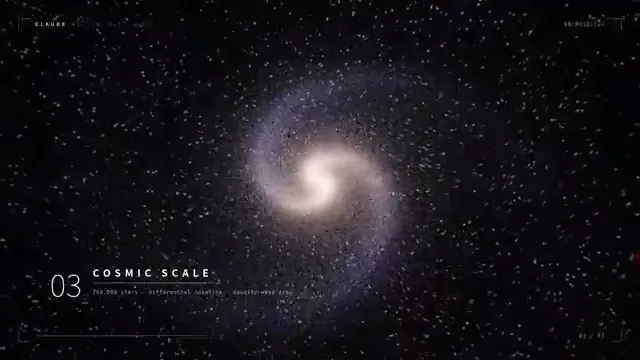
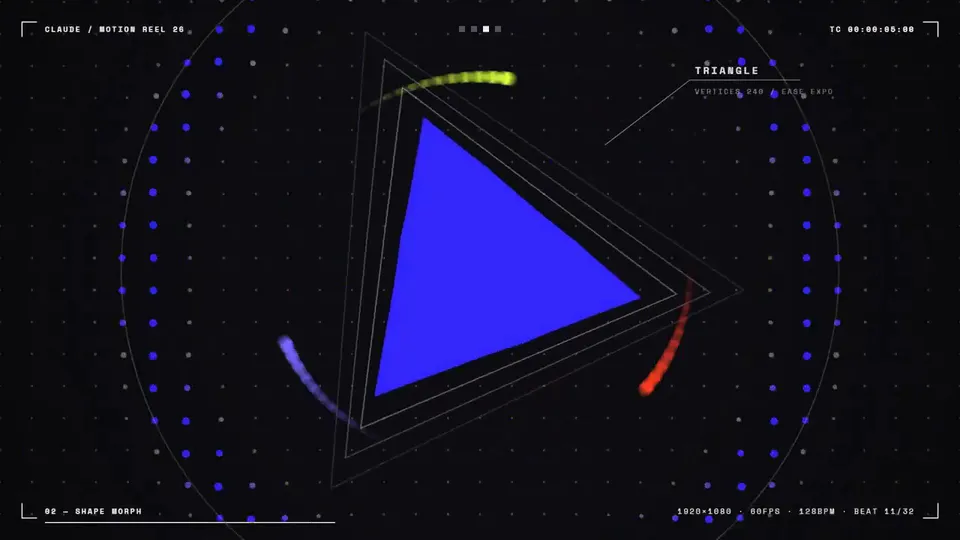
Beat-synced motion reel morphs a circle and glitches type by aiehon_aya

Podcast audiograms

Ask for the answer that makes the episode worth hearing, not the intro or a sponsor read. A podcast audiogram has room for one idea, so name it in your message. Check that the show details on screen match the episode you will link to.
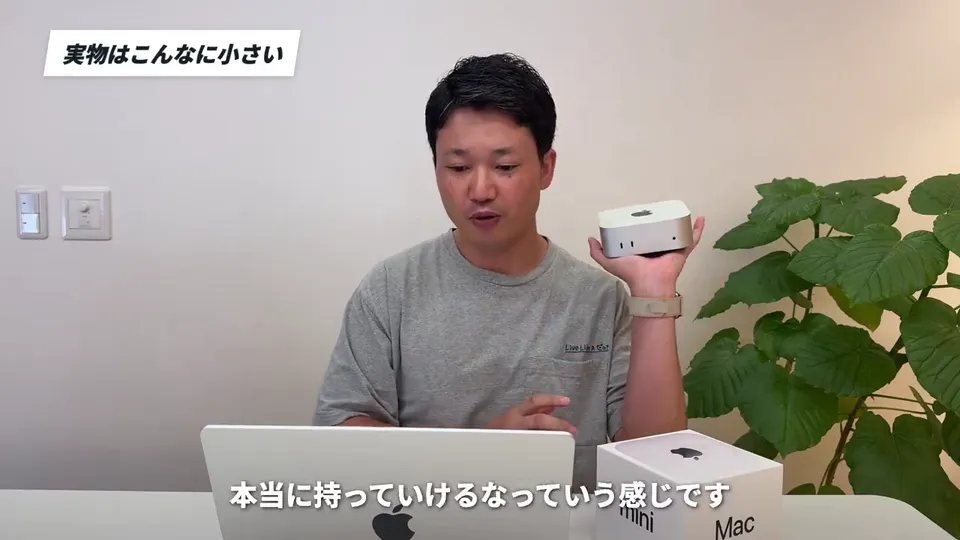
Talking-head review cut with captions and B-roll by shupeiman

Interviews and guest spots

Pick a moment where the guest says something specific: a number, a short story or a clear opinion. Put the guest's name on screen so it makes sense when shared alone. Check that the segment opens with enough context to follow.

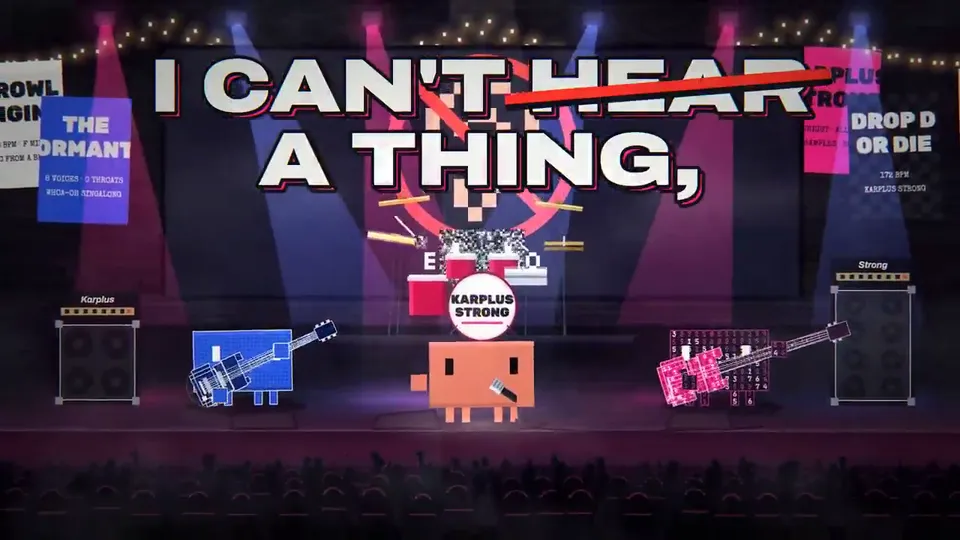
Blocky band plays a pop-punk song in a four-way split screen by aj_dev_smith

Talks, classes and readings

For a recorded talk, class or reading, ask for one complete explanation or passage. Do not ask for a summary of everything.

What Potto's audio to video audiogram maker does

Many audio to video tools put a still image over a whole file. An MP3 to video converter only changes the format. To turn audio to video as a short clip, use Potto's audiogram maker. It builds a new waveform video from your audio. It picks a moment, draws a waveform around it and adds captions, so people scrolling with the sound off can still follow.

  1. 01

    One moment picked from your recording

    Upload a recording and say which part matters. Potto's agent picks a single continuous stretch. If it is not right, say so and it picks again.

    • Moments up to 90 seconds
    • Audio plays in original order
    Motion-design and sound-engineering demo by kloss_xyz
  2. 02

    A waveform video in three styles

    The waveform moves with the voice and is drawn as bars, a wave or a ring. That motion tells a viewer at a glance that this recording is worth turning up.

    • Three waveform styles
    • Drawn from your own audio
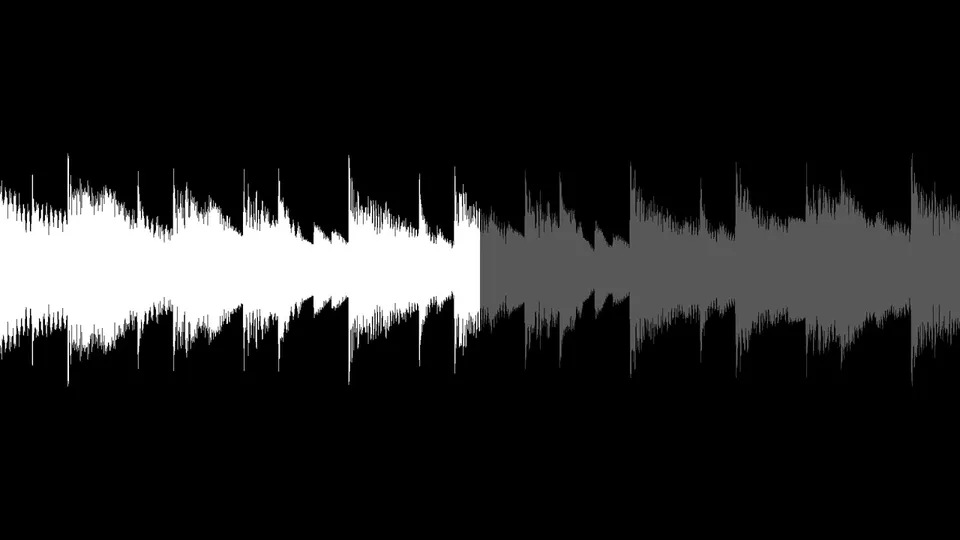
    Scrolling waveform plays an AI-composed launch soundtrack by maria_rcks
  3. 03

    Captions on screen, plus SRT

    Potto turns the speech in your segment into captions, with an SRT file next to your MP4.

    • Captions shown sentence by sentence
    • SRT caption file to download
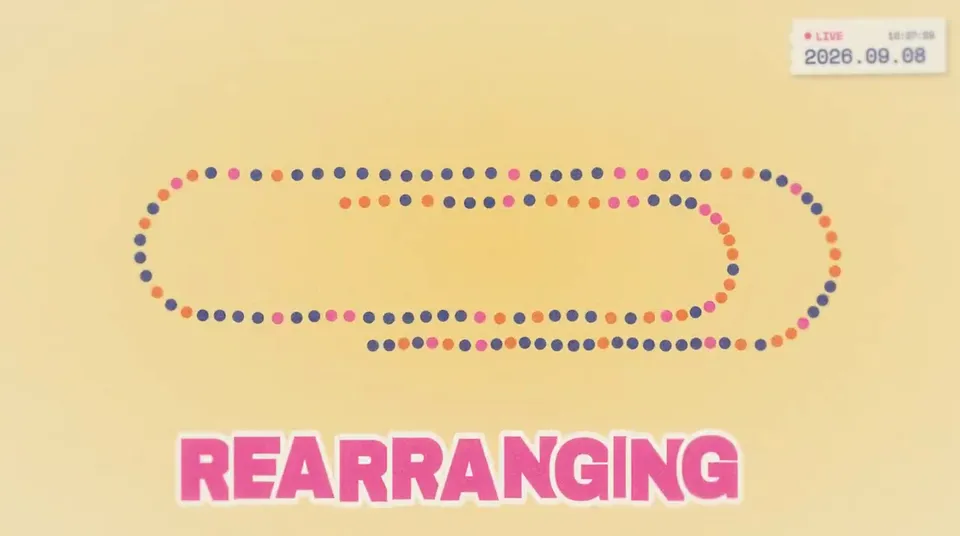
    Paper-collage music video with a planet made of paperclips by makevoid
  4. 04

    Show name, guest and cover art

    A waveform video shared on its own still says which show it came from and who is speaking.

    • Show name and guest on screen
    • Cover art in the frame
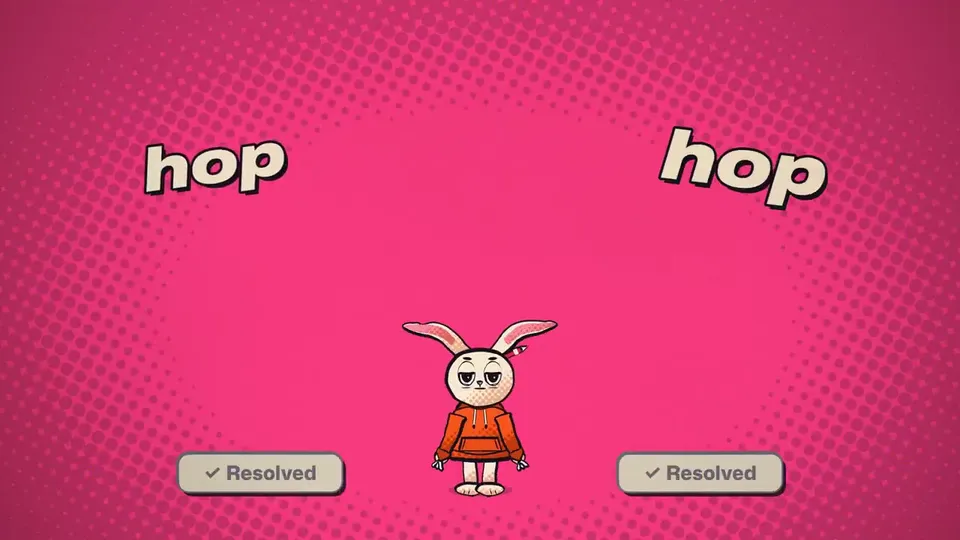
    CodeRabbit's rabbit pulls a 3 a.m. deploy in a comic music video by IndraVahan
  5. 05

    Square by default, two more frames

    One episode can have a wide version for its web page and a vertical one for phones.

    • 1:1 by default, 16:9 and 9:16 too
    • 1080p MP4, 30 fps
    Painterly chalkboard lecture scene set to an AI-written song by eudaemonea
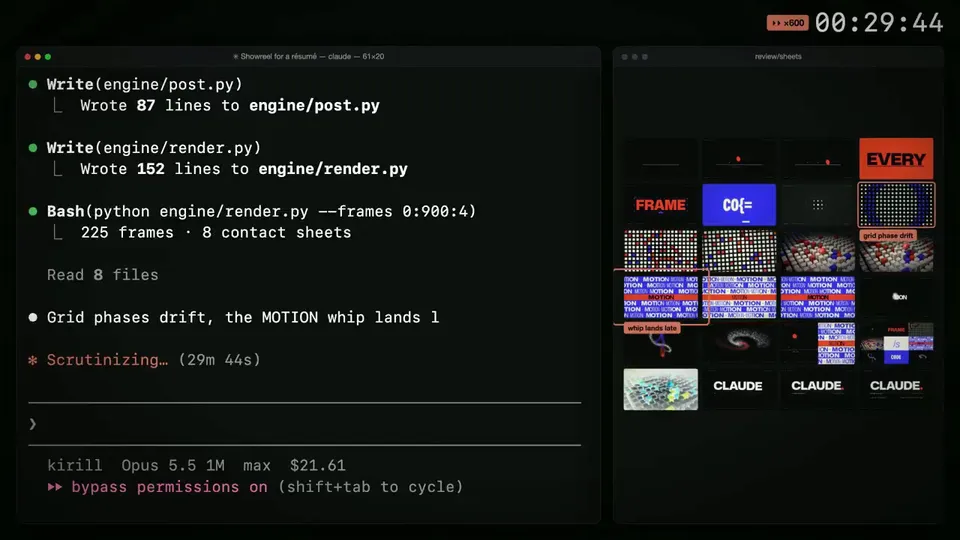
    Replay of the terminal session that built a motion reel by shneural
    Vertical podcast highlight short with bold Japanese captions by Fujin_Metaverse

Choose Your Plan

Choose your credits and generation priority. Potto does not add a visible watermark to your downloads.

  • Lite

    Black Friday -50%
    $16$8/month

    Billed $96 for the first year, then $192/year

    Choose Lite

    Monthly HD images

    Learn more
    44 images
    86 images

    Monthly videos

    30s product demo13 videos
    60s explainer5 videos
    • 2,000 monthly credits
    • Up to 86 fast images
    • Standard queue
    • No Potto watermark
    • Batch image tools
    • Private creations
    • All premium skills
  • Pro

    Black Friday -50%
    $40$20/month

    Billed $240 for the first year, then $480/year

    Choose Pro

    Monthly HD images

    Learn more
    111 images
    217 images

    Monthly videos

    30s product demo33 videos
    60s explainer13 videos
    • 5,000 monthly credits
    • Up to 217 fast images
    • Priority queue
    • No Potto watermark
    • Batch image tools
    • Private creations
    • All premium skills
  • Recommended

    Max

    Black Friday -50%
    $80$40/month

    Billed $480 for the first year, then $960/year

    Choose Max

    Monthly HD images

    Learn more
    333 images
    652 images

    Monthly videos

    30s product demo100 videos
    60s explainer40 videos
    • 15,000 monthly credits
    • Up to 652 fast images
    • Highest priority queue
    • No Potto watermark
    • Batch image tools
    • Private creations
    • All premium skills

Videos use credits on export. Your balance must cover the export before you start. Counts assume a 30s demo and a 60s explainer with narration and 3 illustrations.

Audio to Video FAQs

Definitions, audio types, length limits, captions, sizes and credits.

  1. What is audio to video?

    Audio to video turns a sound recording, such as a podcast, an interview or a lecture, into a video people can watch and share. The simplest method, used by most MP3 to video tools, places one still image over the full recording. Potto makes an audiogram instead. It picks a short moment from your audio. It builds a moving waveform around it, with captions, and exports an MP4. It does not film footage or generate a digital presenter.

  2. What is an audiogram?

    An audiogram, in podcasting and social media, is a short video that plays audio over a moving waveform. It usually has captions and the show's artwork. People preview a recording in a feed. In medicine the same word names a hearing test chart. An audiogram generator makes the video kind. Potto's audiogram maker builds one from a segment of your own audio.

  3. How do I turn audio to video with Potto?

    Upload an audio file in the creator at the top. Write a sentence about who will watch and which moment you want. Potto's agent picks a continuous segment. The brief in chat shows where it begins and ends. Confirm it or ask for a different moment. Then preview, check the result and export an MP4.

  4. Is Potto an MP3 to video converter?

    Not in the file-format sense. You can upload MP3 files. But an MP3 to video converter wraps a whole audio file in a video, often with one still image. The result is as long as the recording. Potto's audiogram maker generates a new, shorter waveform video. It is a continuous segment of 90 seconds at most. If you need a full episode as one file with a static picture, an MP3 to video converter does that job. If you want a preview people can watch, turn audio to video with the creator on this page.

  5. What kind of audio works best for an audiogram?

    To turn audio to video well, use spoken audio: podcast episodes, interviews, panel talks, lectures and readings. Captions come from what is said. Clear speech with little background noise gives the most accurate captions. A recording with a strong answer gives the agent a clear moment to choose. Music is not what this audiogram maker is built for.

  6. How long can my audio and the audiogram be?

    Your audio file can be up to 10 minutes long and 20 MB in size. The audiogram is one continuous segment of up to 90 seconds. Your recording is the soundtrack, so the audiogram length follows the chosen segment. For a longer episode, upload only the part you need.

  7. Can I choose which part of my audio is used?

    Yes, through chat rather than a timeline. Describe the moment you want, such as the guest's answer about hiring or the closing minute of a talk. Potto's agent lists the segment's start and end times in the brief you confirm. If it is not right, describe a different moment. There is no manual segment picker. The segment plays in its original order, with nothing removed from the middle.

  8. What is a waveform video?

    A waveform video is a moving image in which a shape drawn from an audio signal moves with the sound. Viewers can see that someone is speaking even when their sound is off. Every Potto audiogram is an audio waveform video. The waveform follows the voice in your segment. It is drawn in one of three styles.

  9. Does my audiogram have captions, and can I get an SRT file?

    Yes. Captions are on by default. With captions on, you can download them as an SRT file from the export card, for a player or site that accepts caption files. Read the captions before you export. Names, product terms and numbers are the words most often heard wrongly.

  10. What sizes and formats can I export?

    The audiogram maker exports a 1080p MP4 at 30 fps. Square 1:1 (1080×1080) is the default for feeds. 16:9 (1920×1080) suits a website player. 9:16 (1080×1920) suits phones. A 4:5 frame and GIF export are not available.

  11. Can I upload a video podcast instead of audio?

    Not at the moment. Potto cannot take an existing video as input. For a video podcast, upload its audio track instead, within the same length limit. You get a new waveform video built around that audio, not a version of your original footage.

  12. How many credits does an audiogram cost?

    Making and previewing an audiogram uses no credits. Your balance must cover the length you choose at 5 credits per second before you start. Sign-up gives you 100 credits. That covers a 15-second video. You pay when you export, at 5 credits for each second of your audiogram. A 45-second segment costs 225 credits. A 60-second audiogram with the original audio costs about 300 credits. Your original audio is the soundtrack, so there is no voiceover fee. Each AI illustration adds 23 credits. Each person can transcribe audio up to 20 times a day.

Potto AI

Turn audio into an audiogram

Turn audio to video: upload your audio, confirm the moment in chat, then export an MP4.