AI Sticker Maker
Make your own stickers from a sentence or a photo. Get a transparent sticker pack or a looping animated sticker.
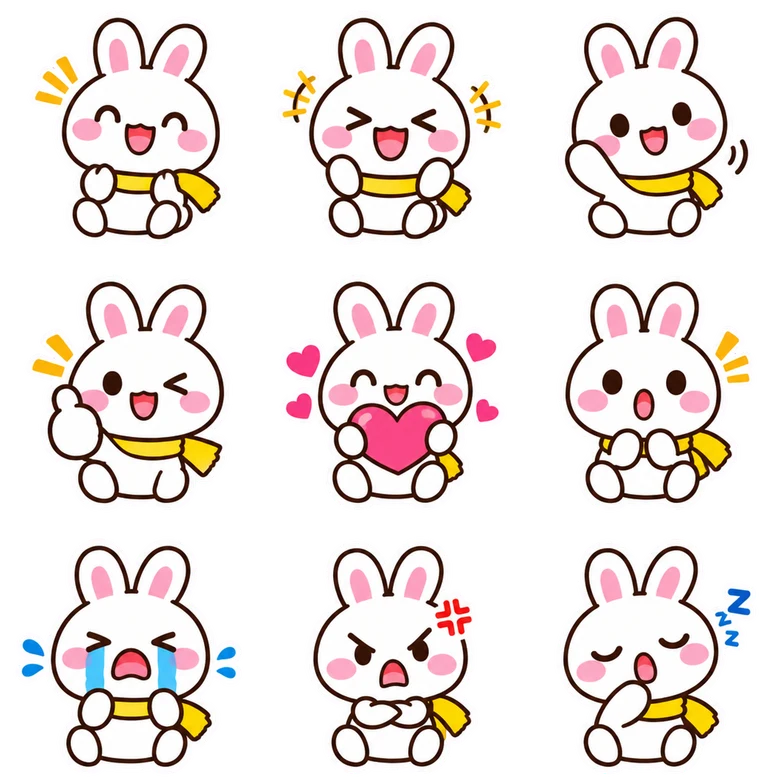
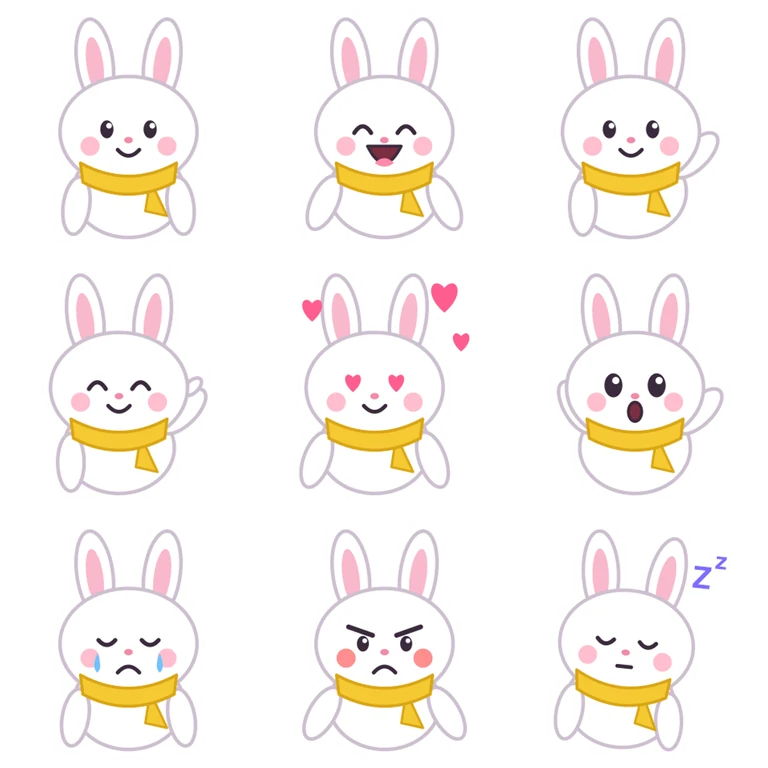
A round white bunny with pink cheeks and a tiny yellow scarf, chibi style
9 stickers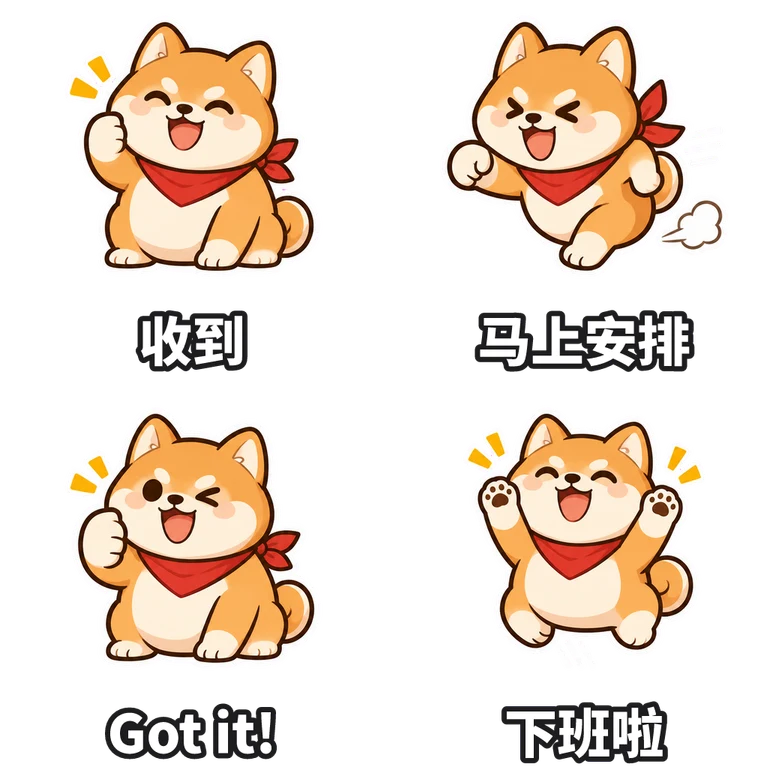
A chubby shiba inu dog with a red bandana, chibi style
4 stickers4 captions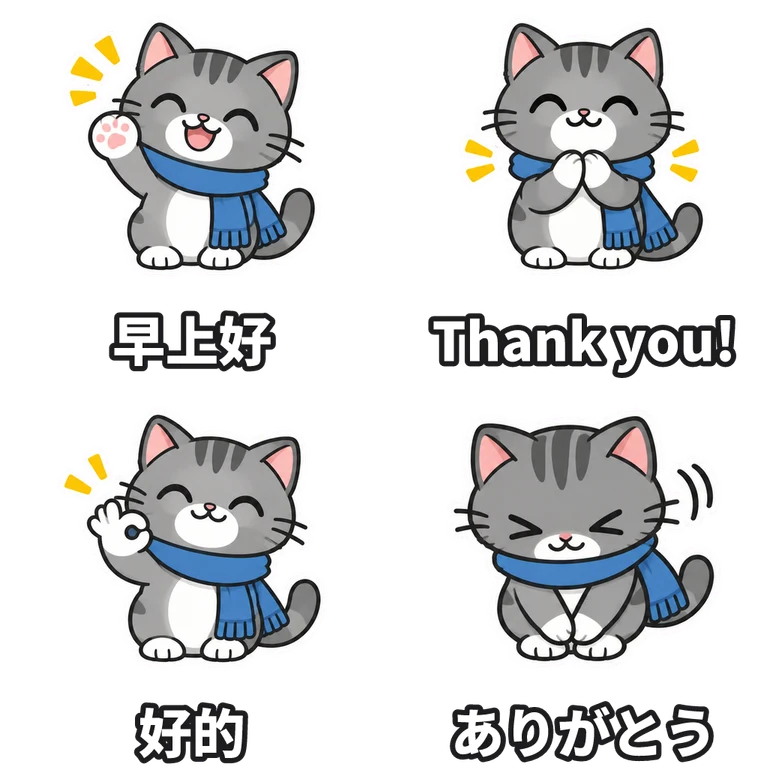
A round grey cat with a blue scarf, flat sticker style
4 stickers4 captions
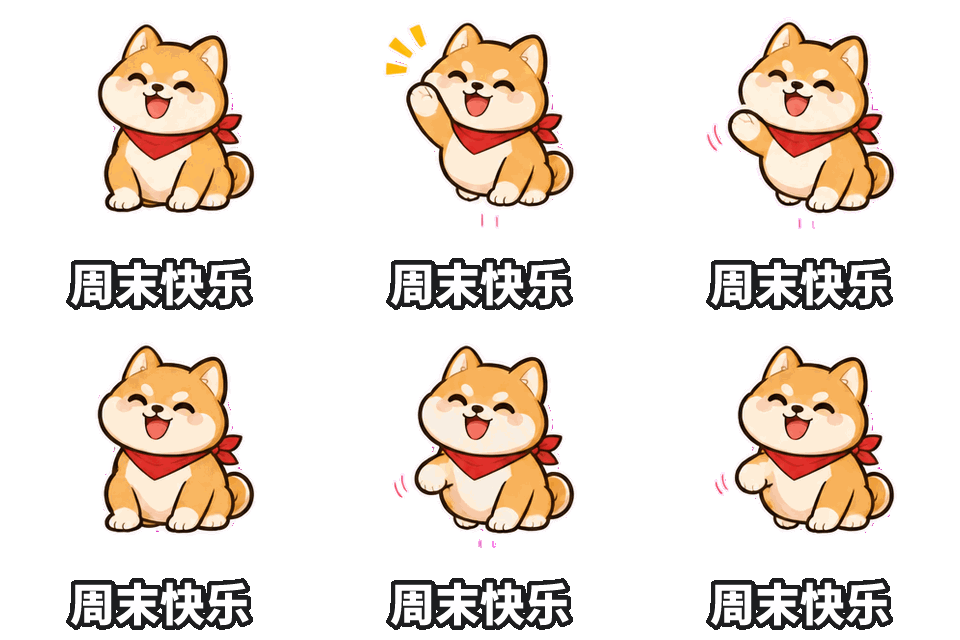
The shiba inu waves hello and hops a little
Animated GIFCaption: 周末快乐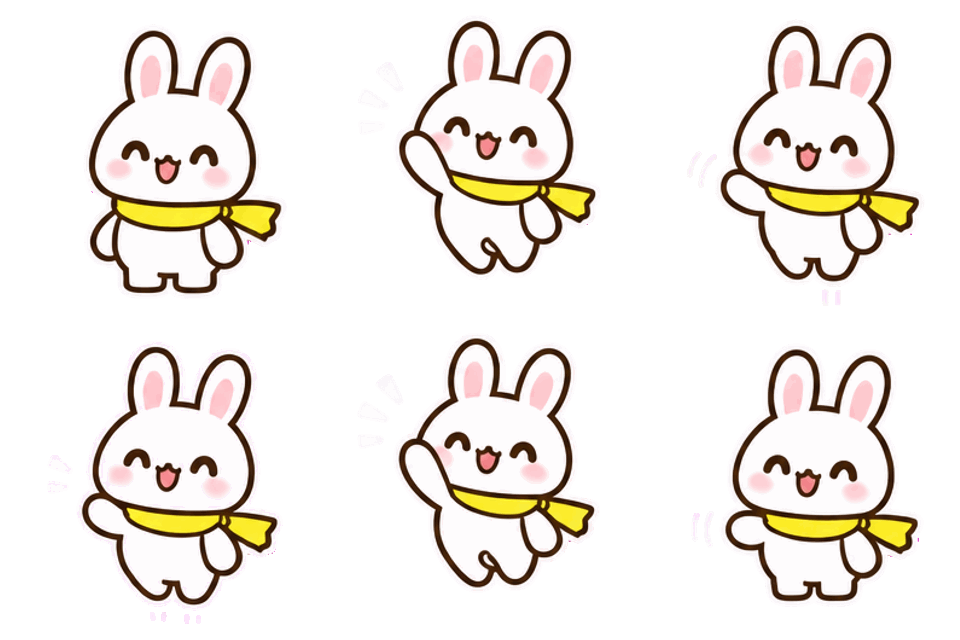
The round white bunny with a tiny yellow scarf waves hello and hops a little
Animated GIF
How to Make Your Own Stickers
Three steps from an idea or a photo to a finished set.
Describe or upload
Describe one character in a sentence. Or add a photo or drawing for the AI sticker maker to follow.
Choose a pack or a motion
Pick a pack of 4 or 9 stickers, or a single animated sticker. The price appears beside the button.
Download your stickers
Press Make stickers and wait for the set. Save each PNG on its own, or grab them all in a ZIP.
From One Sentence to a Sticker Pack
This AI sticker maker turns a short description into digital stickers for chats, posts and profiles. It is not a sticker printer or a cutting machine.
A chubby white bunny wearing a yellow scarf, cute chibi look
Describe one character
Say who it is, its colors and its style. The AI sticker maker draws the poses for you.
Or start from a photo
Upload a pet, a person or a mascot as a reference. The stickers keep its look. A photo is optional.
Get transparent stickers
Each sticker is a 512 × 512 px PNG with a white die-cut outline and a clear background.
Sticker Pack or Animated Sticker?
Potto's AI sticker maker offers two modes at one price. Choose by what you want to send.
- Describe your character
A white bunny in a yellow scarf, chibi style
Sticker pack: 4 or 9
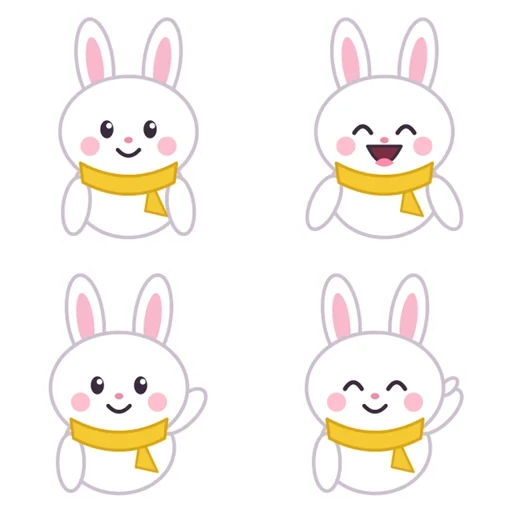
A pack of 9 covers happy, laughing, waving hello, thumbs up, heart love, surprised, crying, angry and sleepy. A pack of 4 keeps the first four, drawn larger, so fine details survive better.
- Describe your character
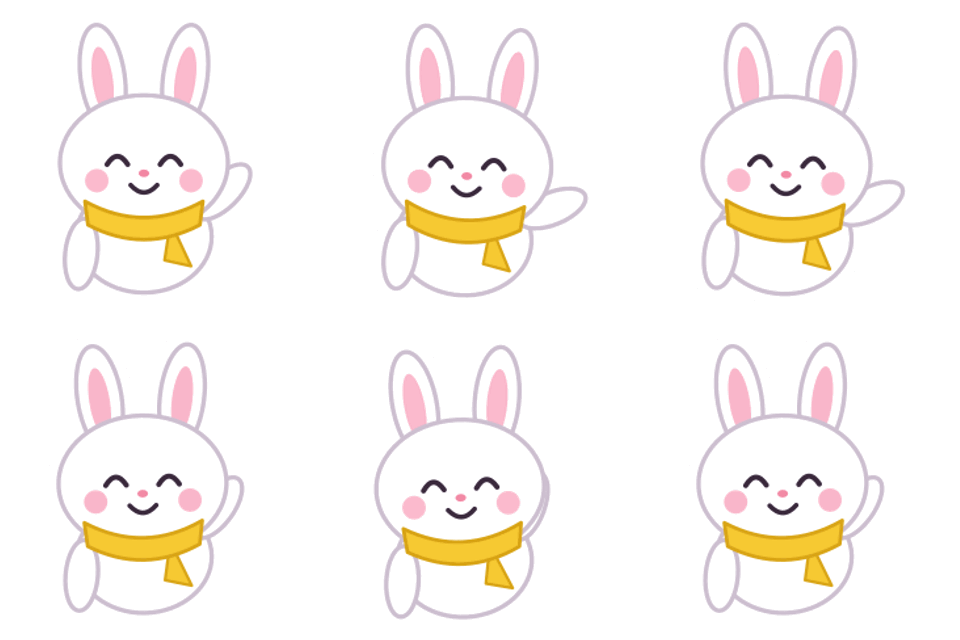
The bunny waves hello and hops a little
An animated sticker
One short motion repeats forever, such as a wave or a jump. The GIF is 320 × 320 px with 16 frames. Each loop lasts two seconds.
Where to Use Your AI Stickers
Download once, then add the files wherever you chat or post. Potto never posts or uploads them for you.
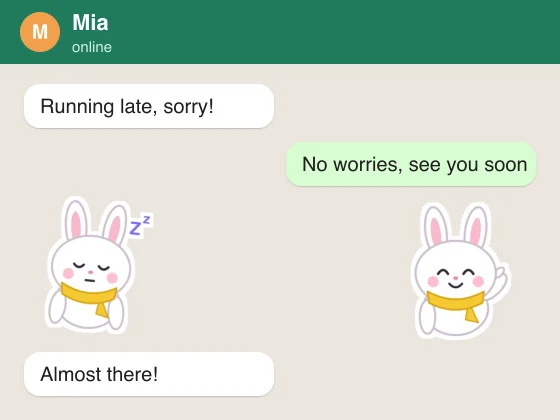
WhatsApp
Save the PNG files to your phone. Then add them through WhatsApp's own sticker steps. Its size and file rules apply, so check them first.
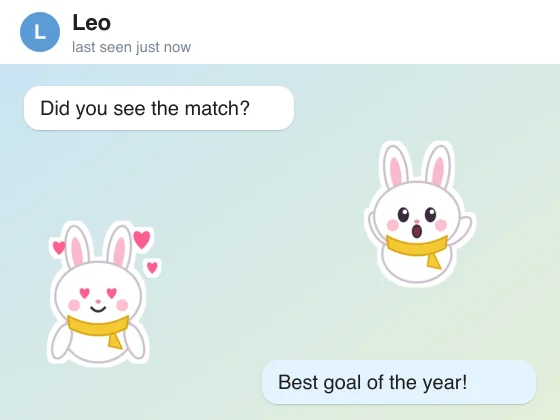
Telegram
Telegram sticker sets are built with Telegram's own tools. Upload each PNG there. Telegram decides the format and size it accepts.
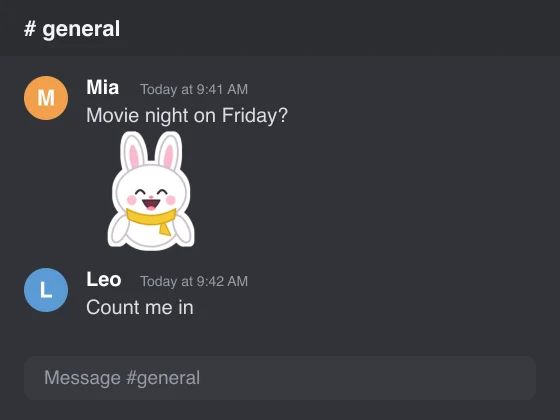
Discord
Server stickers are added in your Discord server settings. Use Potto as a Discord sticker maker for the art, then upload it there. Your server's limits apply.
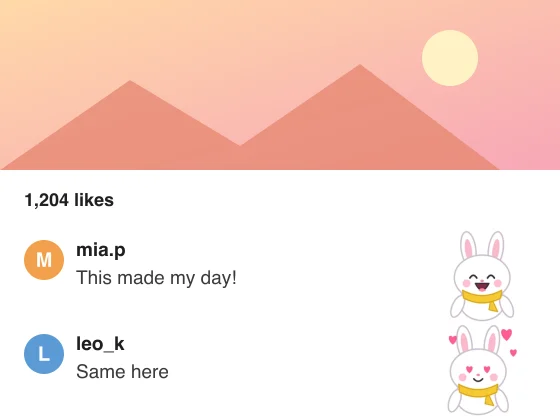
Comments and stories
Drop a transparent PNG into a social comment, post or story. It sits on any background with no square box behind it.
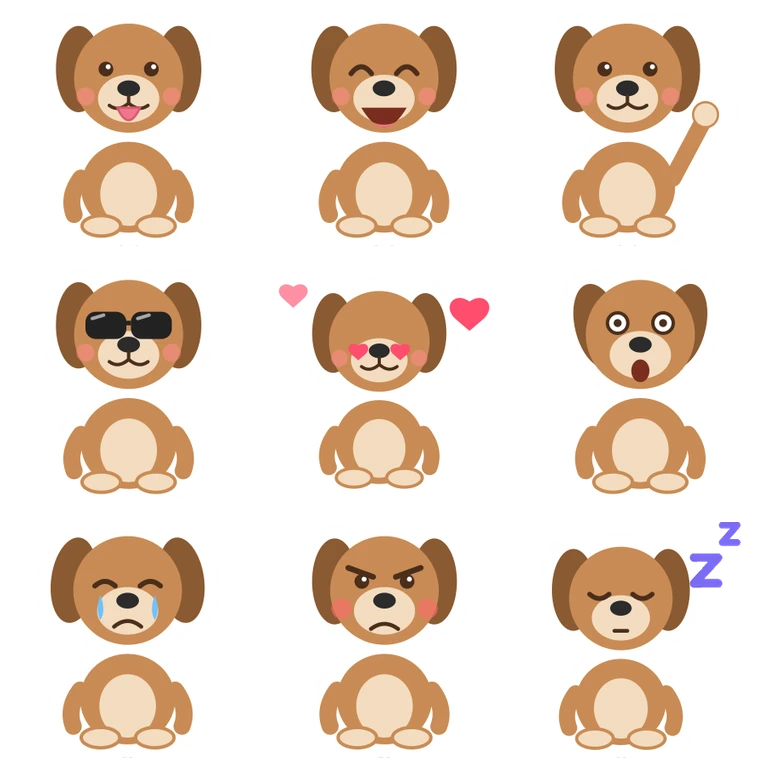
Your pet in nine moods
Upload a photo of your dog or cat. Get a set of the same pet laughing, waving and sleeping. Family chats love this kind of reply. A mascot or game hero works the same way, and every sticker shares one style.
Choose Your Plan
Choose your credits and generation priority. Potto does not add a visible watermark to your downloads.
Lite
Black Friday -50%Choose Lite$16$8/monthBilled $96 for the first year, then $192/year
- 2,000 monthly credits
- Up to 86 fast images
- Standard queue
- No Potto watermark
- Batch image tools
- Private creations
- All premium skills
Pro
Black Friday -50%Choose Pro$40$20/monthBilled $240 for the first year, then $480/year
- 5,000 monthly credits
- Up to 217 fast images
- Priority queue
- No Potto watermark
- Batch image tools
- Private creations
- All premium skills
- Recommended
Max
Black Friday -50%Choose Max$80$40/monthBilled $480 for the first year, then $960/year
- 15,000 monthly credits
- Up to 652 fast images
- Highest priority queue
- No Potto watermark
- Batch image tools
- Private creations
- All premium skills
Sticker maker FAQs
Answers on photos, chat apps, printing, limits and price.
What is a sticker maker?
A sticker maker is a tool for creating sticker designs. Some are machines that print or cut paper stickers. This page is an AI sticker maker for digital stickers. It turns a description or a photo into transparent PNG stickers or a GIF. People also call it a sticker creator or a custom sticker maker.
What is an AI sticker generator?
An AI sticker generator is a tool that draws stickers with an image model. You give it text, a picture, or both. You don't draw anything yourself. Potto's AI sticker generator runs on GPT Image 2.6. It returns a full set of matching stickers from a single request.
How do I turn a photo into stickers?
Upload the photo as your reference image. Add a short line about the style you want, such as chibi or flat cartoon. Choose a mode, then press Make stickers. The photo must be a PNG, JPG or WebP file of 20 MB or less.
Which photos work best for photo to sticker?
Photo to sticker works best with one subject facing the camera, even light and a plain backdrop. Crop out other people and pets before you upload. Image to sticker also works with drawings, mascots and game characters. The pack keeps the look of your image, though small details may shift from sticker to sticker.
How should I describe the character?
Name the character, its colors and a trait or two, for example a grey cat with a red collar. Keep each pack to a single subject. Say how it should look, such as chibi, flat cartoon, watercolor or 3D clay: bold shapes and thick lines read well at chat size, while fine texture vanishes when a sticker shrinks. You can write up to 1,000 characters, but one sentence often does the job. In a pack the poses are set for you, so use your words for looks, not actions. Captions change that: each sticker acts out its own caption. For an animated sticker, describe the motion, such as a wave or a little hop.
Should I pick a sticker pack or an animated sticker?
Choose a pack when you want a reply for every mood, and choose animation when one gesture should move, like a hello or a happy dance. Run both if you want each kind. A PNG pixel can be partly see-through, so pack edges look smooth. A GIF pixel is either fully clear or solid, which makes animated sticker edges a little harder.
How do I keep the same character across sticker packs?
Pick “Use this character” under any finished sticker. That sticker becomes the reference for your next pack or animated sticker, so the same character carries over. Every sticker in one pack is drawn together, so a pack always matches. Small details can still shift between packs, because each sticker is drawn fresh.
Can I add these stickers to WhatsApp or Telegram?
Yes, but you add them yourself. Download the PNG files first. Then follow each app's own rules for custom stickers. Potto does not upload stickers for you. It does not export WebP, WebM or other app-only formats. So it is not a WhatsApp sticker maker that installs a pack. It makes the artwork.
Can I print the stickers?
Yes, on your own printer or at a print shop. Each PNG has a white border and a clear background. Each sticker also comes as an SVG vector file, which stays sharp at any print size. Print on sticker paper. Then cut along the border by hand or with a cutting machine. At 300 dpi, a 512 px sticker prints about 1.7 inches wide. Potto does not print or ship stickers.
How long does a sticker pack take?
Most sticker packs are ready within a minute. Animated stickers take about as long. The model spends most of that time drawing. Cutting out each sticker takes a moment after that.
Can I download my stickers again later?
Yes. Every sticker is saved in My Creations as a transparent PNG, and an animated sticker as a GIF, so you can download it again later. Everything runs on the web page, so no sticker maker app is needed.
Why does a sticker have leftover background?
Sometimes a sticker keeps a patch of the backdrop color, or its white border breaks. The model draws a fresh set each time, so results vary. Generate again for a new set. A new run is charged as a new pack.
Can I add text to my stickers?
Yes. Add a caption to each sticker, up to 20 characters, such as “On my way!” or “收到”. Potto sets it in a real font under the character, so it is spelled exactly as you typed. The pose follows the words. Latin, Chinese, Japanese and Korean all work. Emoji can't be added.
Will the stickers look like the person in my photo?
They look similar, but not identical. Each sticker is a new cartoon drawing based on the photo. Upload only photos you have the right to use. Potto does not make stickers of celebrities, and it does not swap faces.
How much does a sticker pack cost?
One pack costs the same as one standard-size GPT Image 2.6 image. So does one animated sticker. Pack size does not change the price. The exact credit price shows next to the Make stickers button. This tool is not free, and you need to sign in.
How is the AI sticker maker different from the AI GIF generator?
The sticker maker cuts the character out, so every file has a transparent background. The AI GIF generator keeps a plain backdrop in its loops. To turn your own video or photos into a GIF, use the GIF maker.
Make your own stickers
Describe a character or add a photo. Choose a sticker type, then download the files.