 Motion graphics
AI Rap Generator: Make a Rap Video From Photos
An AI rap generator that turns two photos and a topic into a rap video: AI writes the bars, you pick one of six stages, and Seedance 2.5 adds the sound.
Making product launch videos, explainers and AI images with Potto AI: practical guides, examples and ideas for your next launch.
Take what sparked your interest and turn it into a video or an image of your own. Bring screenshots, a topic or a prompt.
Motion graphicsAn AI rap generator that turns two photos and a topic into a rap video: AI writes the bars, you pick one of six stages, and Seedance 2.5 adds the sound.
 AI images
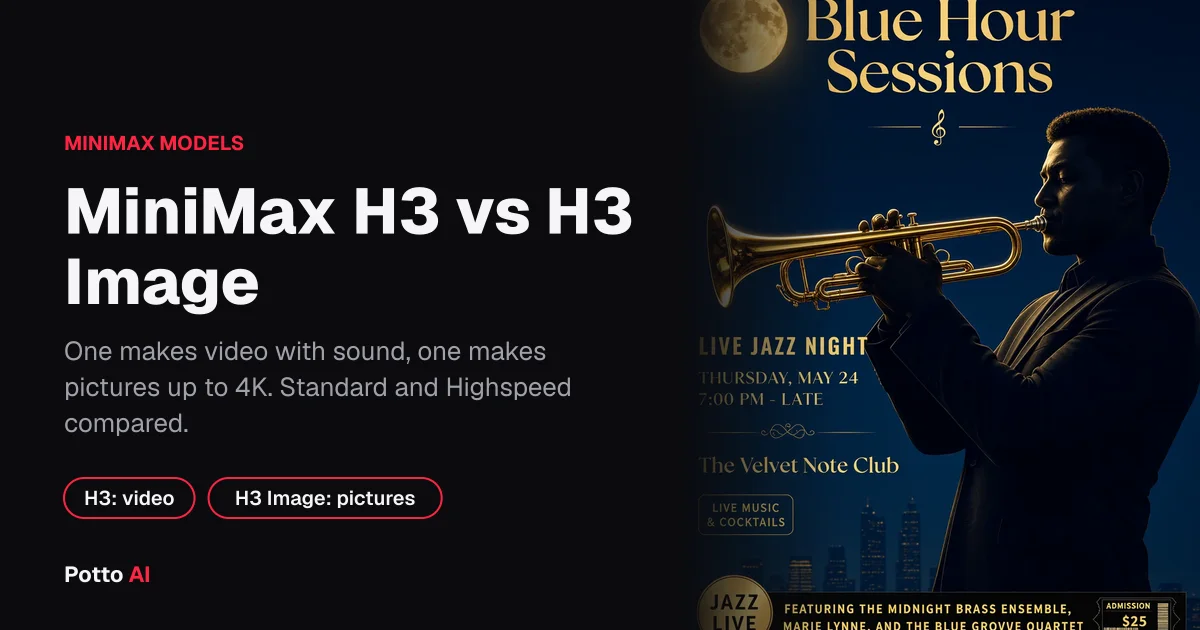
MiniMax H3 vs H3 Image: H3 makes video with sound, H3 Image makes 4K pictures. Compare Standard and Highspeed, credits, test times, text and references.
 Explainer videos
Turn a news link or story text into a narrated MP4. How URL to video works, what the scenes look like, why there is no fixed news video template, and the cost.
 Motion graphics
AI 3D animation from text or a reference clip: template 3D scenes, custom 3D scenes written as code by Claude Fable 5.2, and a 1080p MP4 export.
 AI images
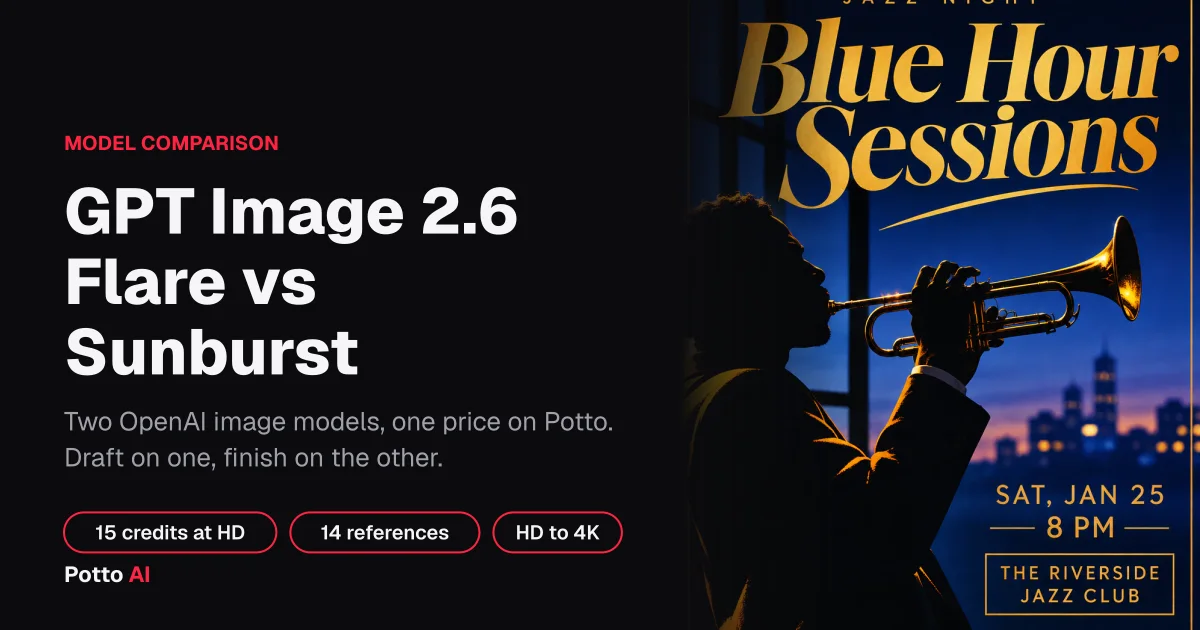
GPT Image 2.6 Flare vs Sunburst: what each OpenAI model is for, same-prompt results, token costs, a draft-then-finish workflow and prompt tips.
 Motion graphics
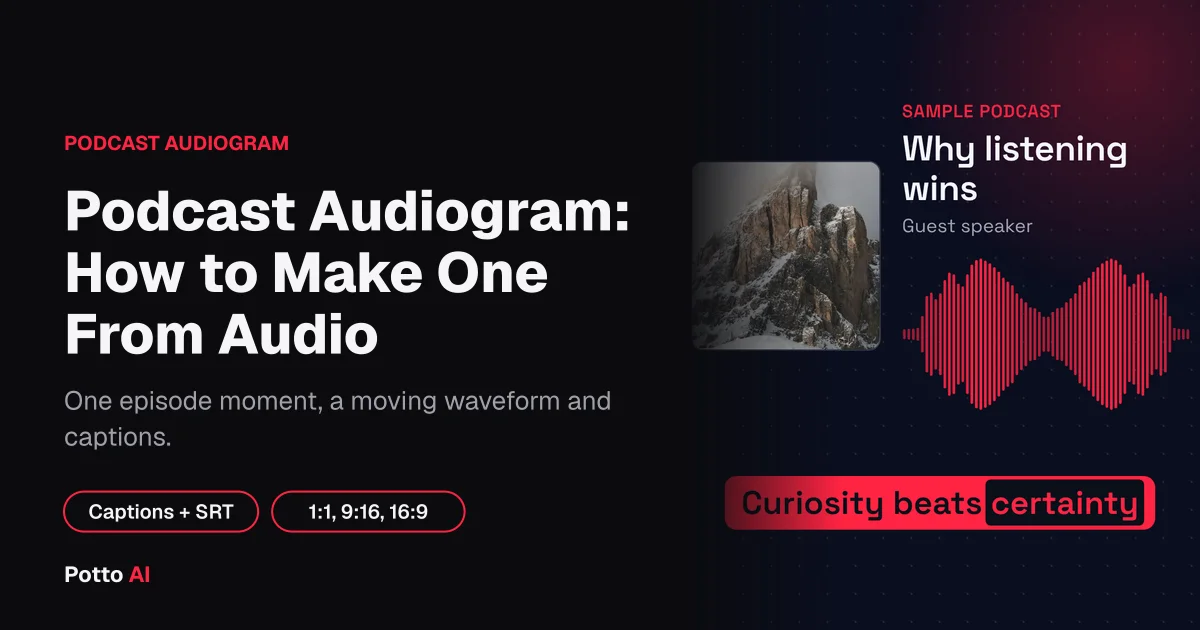
How to make a podcast audiogram: upload an episode, confirm the moment Potto proposes, add show details and captions, and export an MP4 of up to 90 seconds.
 Motion graphics
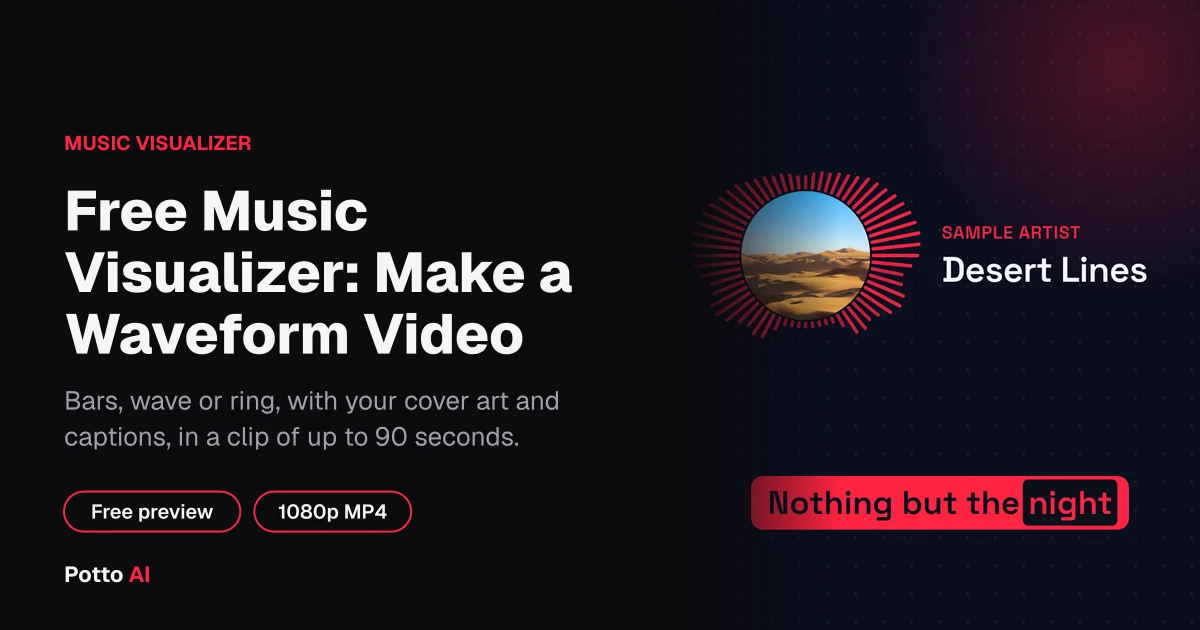
Start a free music visualizer on Potto: upload a song, add cover art, pick bars, wave or ring, and export a 1080p waveform video of up to 90 seconds.
 AI images
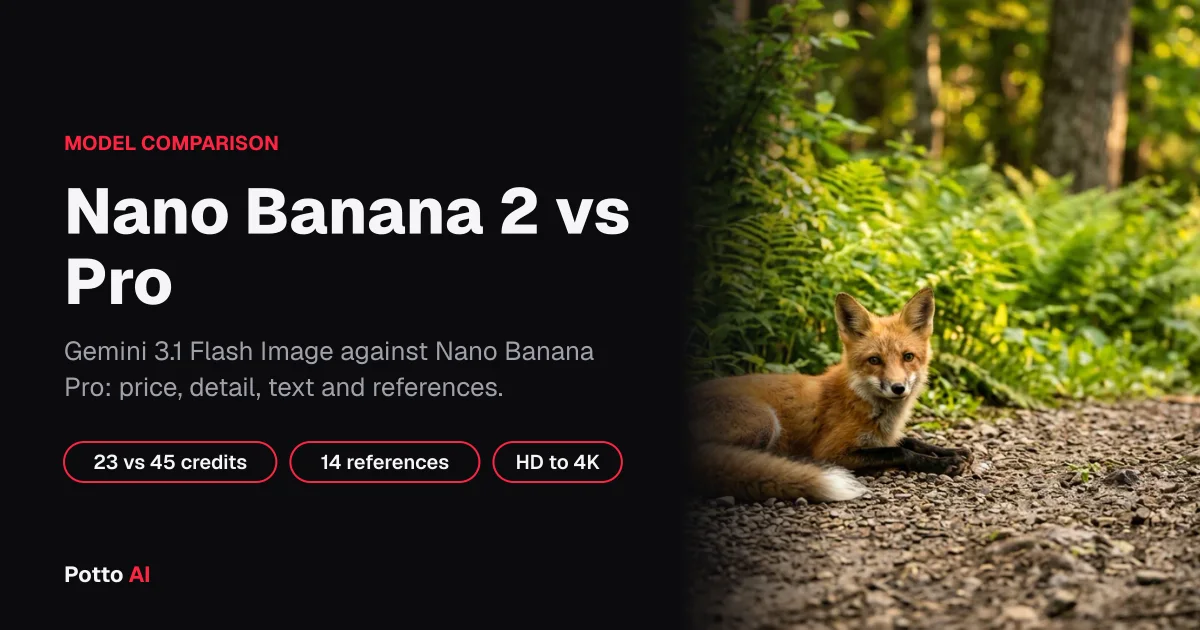
Nano Banana 2 vs Pro: Gemini 3.1 Flash Image against Nano Banana Pro on price, references and text, with Potto credits and a fair way to test both.
 Motion graphics
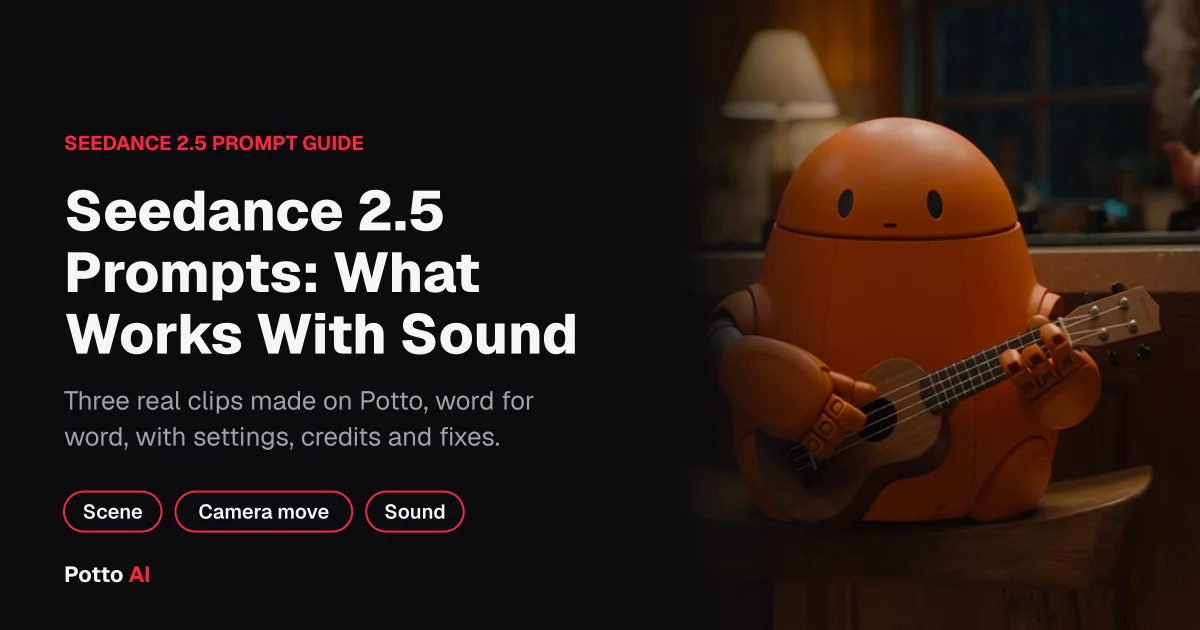
Seedance 2.5 prompts that work with sound: three real examples made on Potto, word for word, with settings, credits, what came out and how to fix the misses.
Updated
The Potto AI blog covers AI video creation from first idea to finished MP4: product launch videos, explainer videos, motion graphics, and Claude and Remotion animation. It also covers AI images, from Nano Banana models to image generation and editing. Each article is a practical tutorial or explainer you can apply to your next video.
It covers AI video creation and AI images: how to plan and script product launch videos and explainers, how motion graphics and code-based animation with Claude and Remotion work, and how to choose and prompt image models such as Nano Banana for product shots, posters and edits.
Open the AI video generator, describe your video in one sentence or add a link, screenshots or a document, and Potto AI drafts the outline, storyboard and narration. You preview the scenes and edit any of them without using credits, and credits are charged when you export the MP4; your balance must cover the length you choose at 5 credits per second before you start. New accounts get 100 credits, enough to start a 15-second video.