 Motion graphics
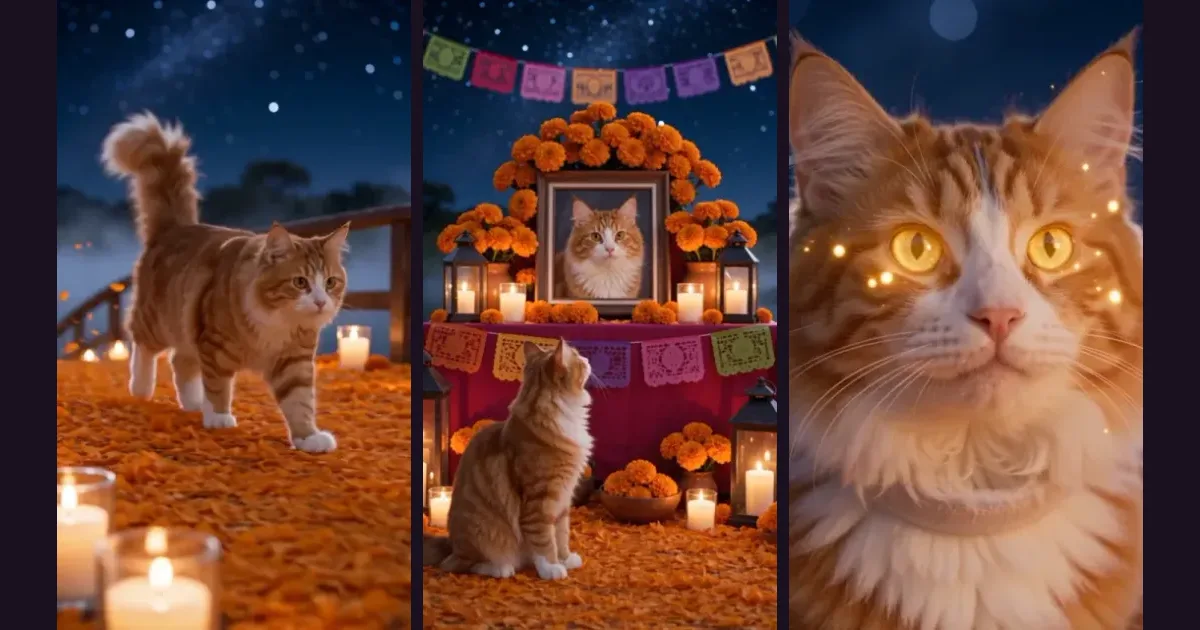
Dia de los Muertos for Pets: Ofrenda & Video
Dia de los Muertos for pets explained: why October 27 is for pets, what goes on an ofrenda for pets, and how to turn one pet photo into a tribute video.
Making product launch videos, explainers and AI images with Potto AI: practical guides, examples and ideas for your next launch.
Take what sparked your interest and turn it into a video or an image of your own. Bring screenshots, a topic or a prompt.
Motion graphicsDia de los Muertos for pets explained: why October 27 is for pets, what goes on an ofrenda for pets, and how to turn one pet photo into a tribute video.
 Motion graphics
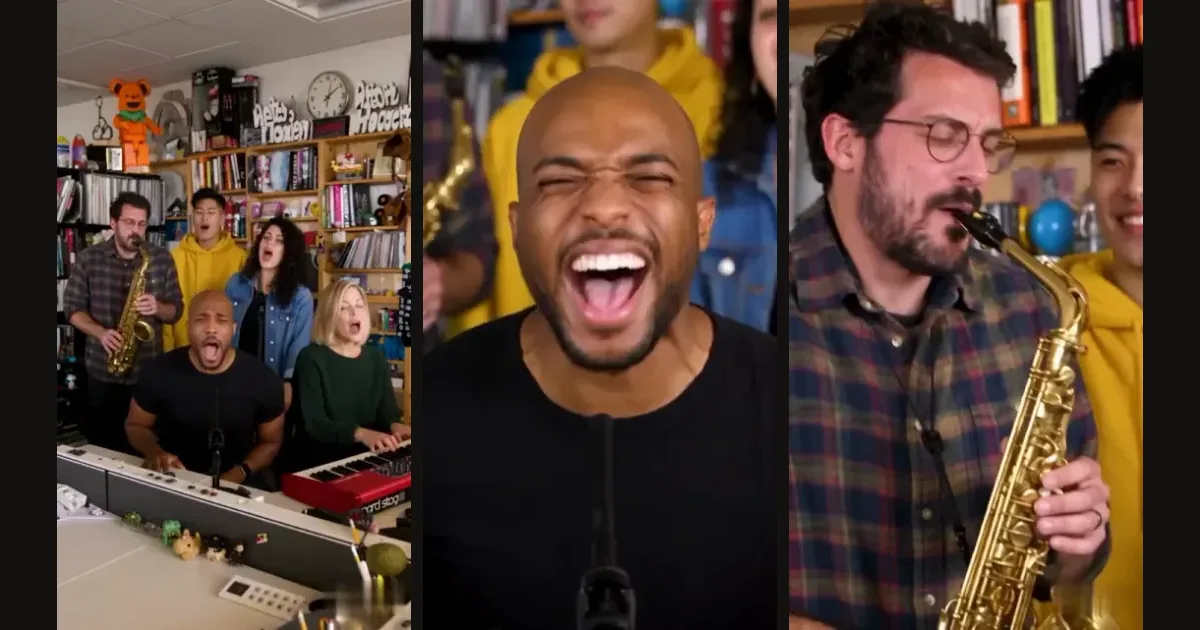
The Tiny Desk AI trend explained: the Outstanding clip, who sits where in the band, and how to make a Tiny Desk AI video from one to five photos.
 Motion graphics
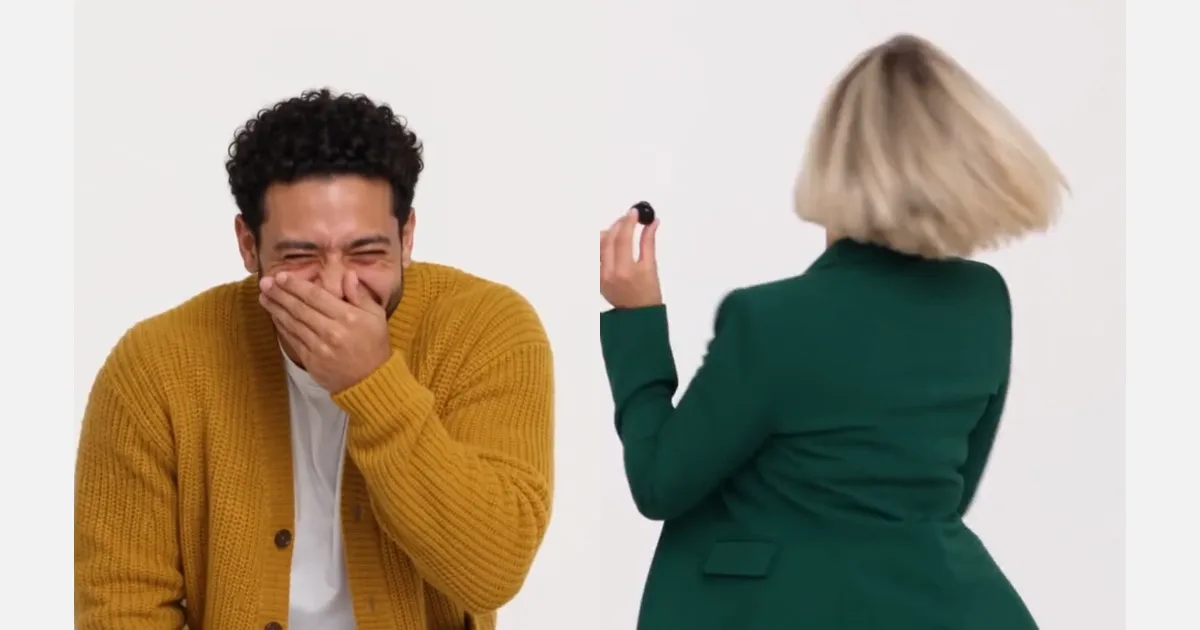
The oh you can make it cap meme explained: meaning, the original clip, the TikTok trend, every shot, and how to make an oh you can make it cap AI video.
 AI images
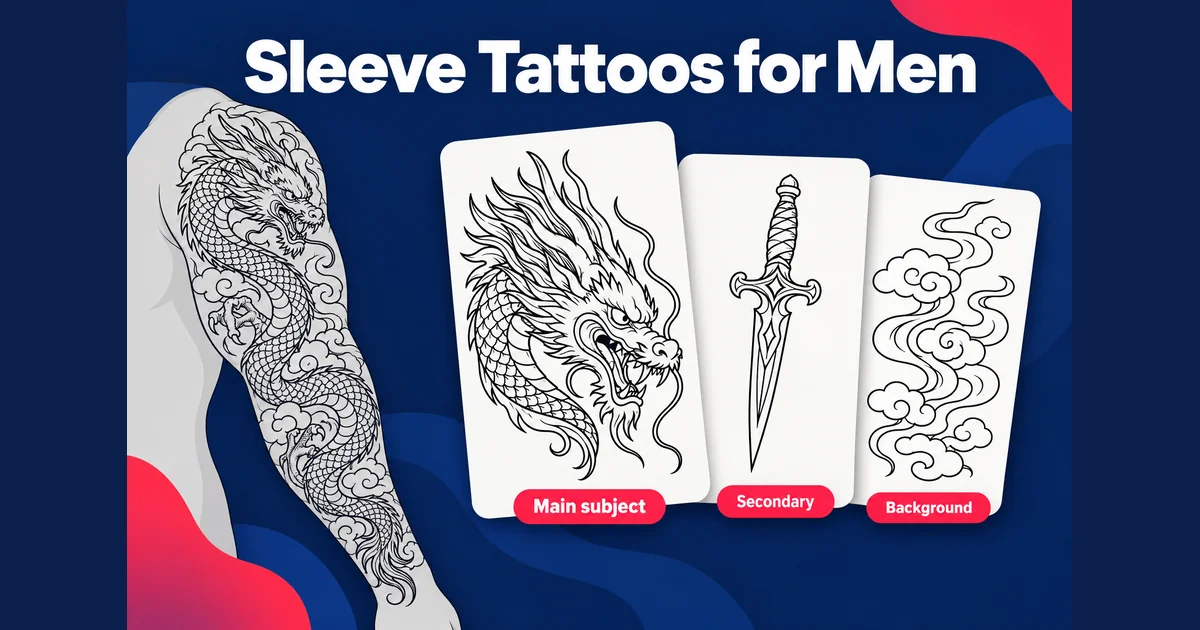
Sleeve tattoos for men: 45 ideas for half, full, quarter, forearm and floral sleeves, with arm layouts, sizes, styles and a plan for building your sleeve.
 AI images
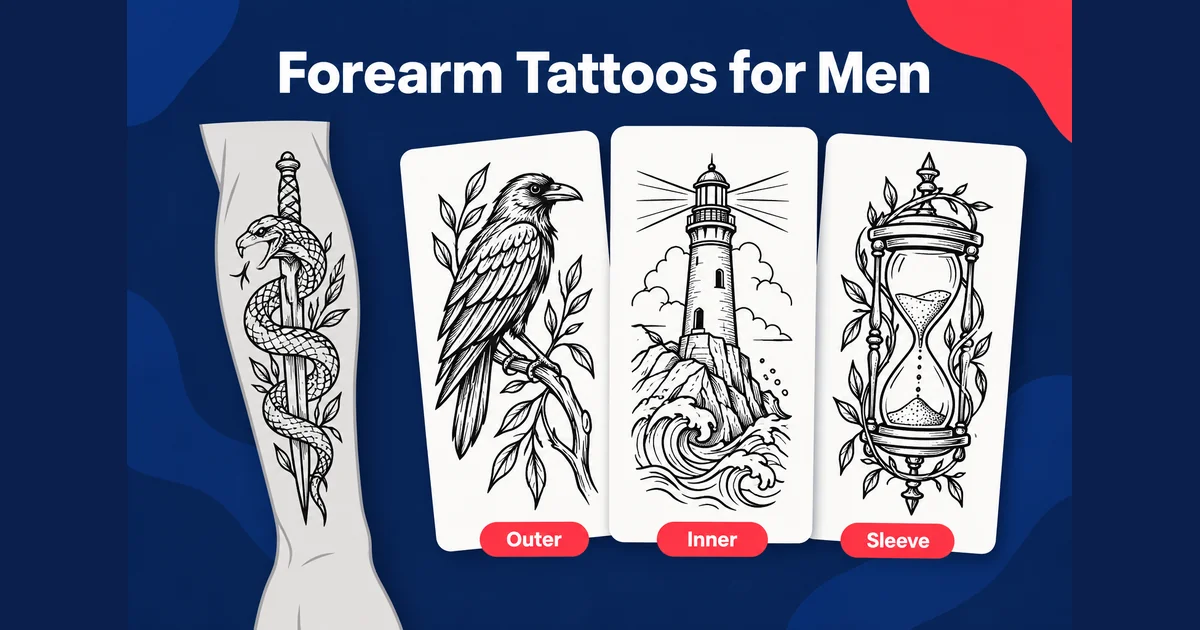
Forearm tattoos for men: 50 ideas for the outer and inner forearm, small and simple pieces, crosses and forearm sleeves, with sizes and how to plan yours.
 AI images
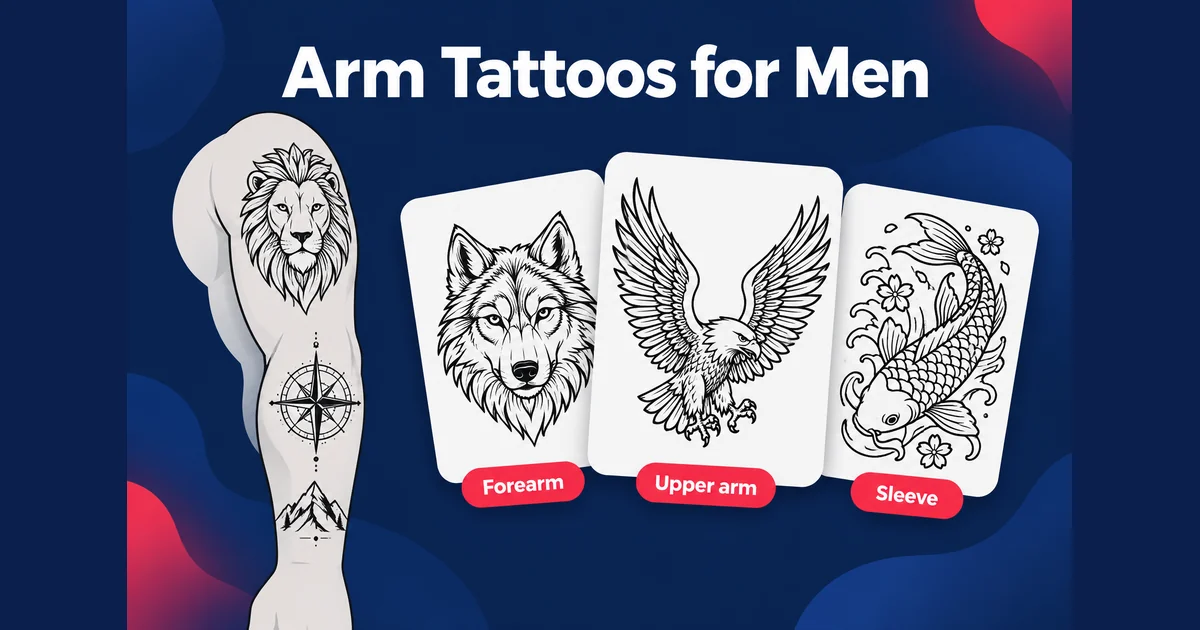
Arm tattoos for men by placement: forearm, upper arm, bicep, inner arm, small pieces and sleeves, with 40 ideas, styles that age well and how to plan yours.
 Motion graphics
What a Claude Code skill for video is, how to install one, and which free skills to pick for Remotion, launch videos, hand-drawn explainers and product screens.
 Explainer videos
A buyer's checklist for choosing an explainer video production company: the brief, stage deliverables, revision rounds, ownership and contract questions.
 Motion graphics
 examples sorted by job: launch films, product screens, kinetic type, data stories, explainers and logo reveals, each from a credited creator.
Updated
The Potto AI blog covers AI video creation from first idea to finished MP4: product launch videos, explainer videos, motion graphics, and Claude and Remotion animation. It also covers AI images, from Nano Banana models to image generation and editing. Each article is a practical tutorial or explainer you can apply to your next video.
It covers AI video creation and AI images: how to plan and script product launch videos and explainers, how motion graphics and code-based animation with Claude and Remotion work, and how to choose and prompt image models such as Nano Banana for product shots, posters and edits.
Open the AI video generator, describe your video in one sentence or add a link, screenshots or a document, and Potto AI drafts the outline, storyboard and narration. You preview the scenes and edit any of them without using credits, and credits are charged when you export the MP4; your balance must cover the length you choose at 5 credits per second before you start. New accounts get 100 credits, enough to start a 15-second video.