

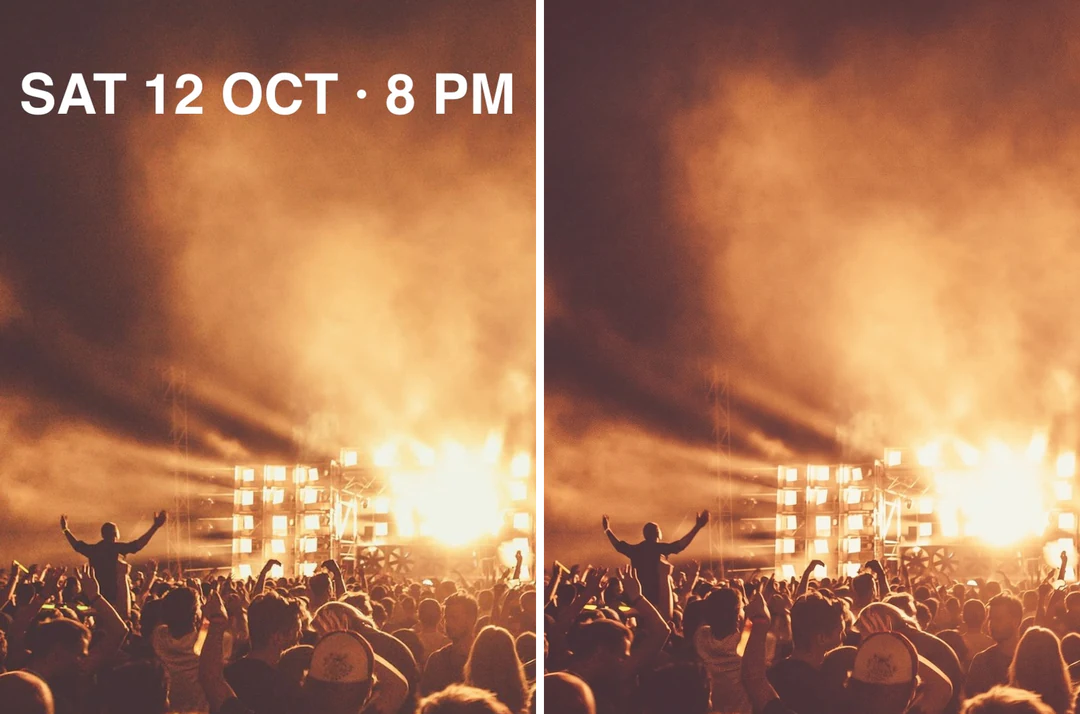
DateClean background
Event posters
Reuse the artwork when only a flat export of your poster is left. Other overlaid text can change too, so keep a copy of any line that must stay. Add the new title and date as editable text.
Use the AI text remover to erase captions, prices and stamps from an image you own. Then check the rebuilt area.
Layout preview — image with overlaid text. This is not a generated result.
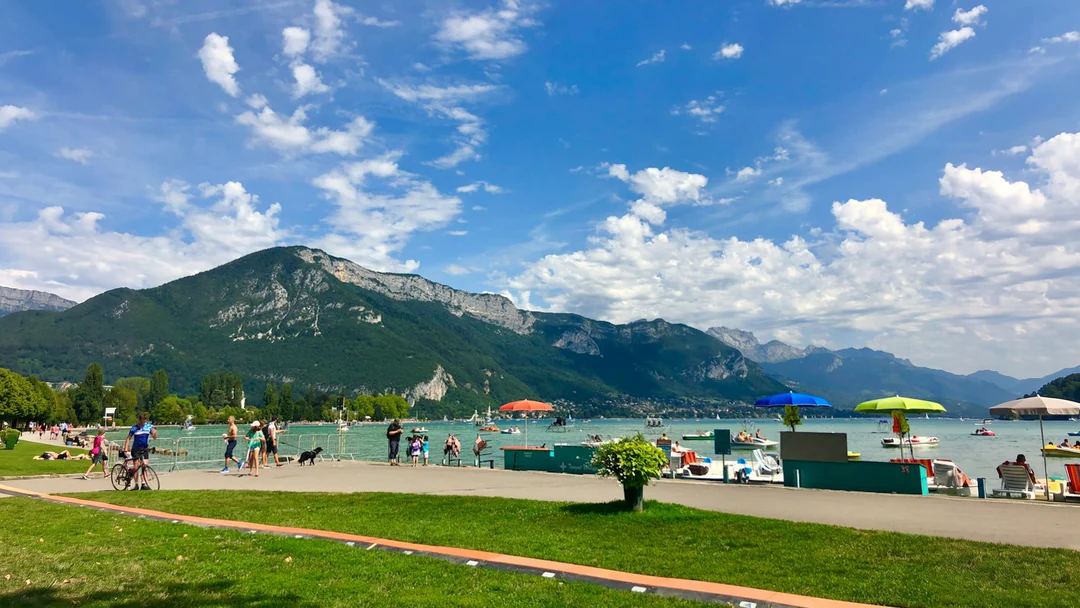
The same coastal photo before and after the AI text remover erased its overlaid text. The covered area is rebuilt from what surrounds it.
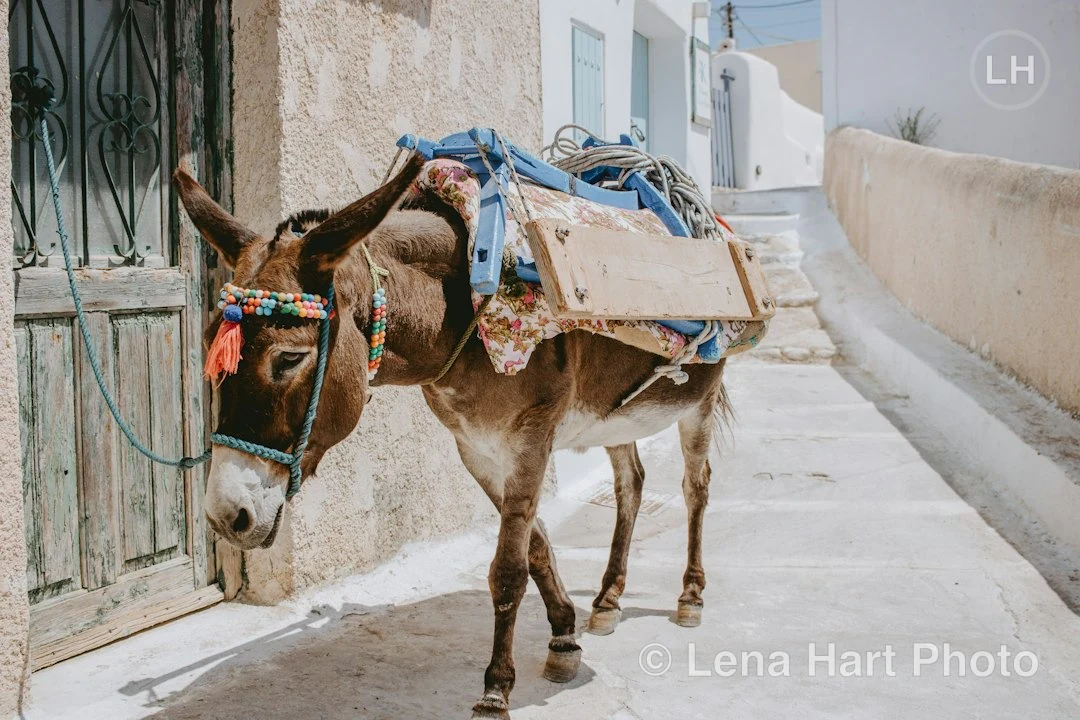
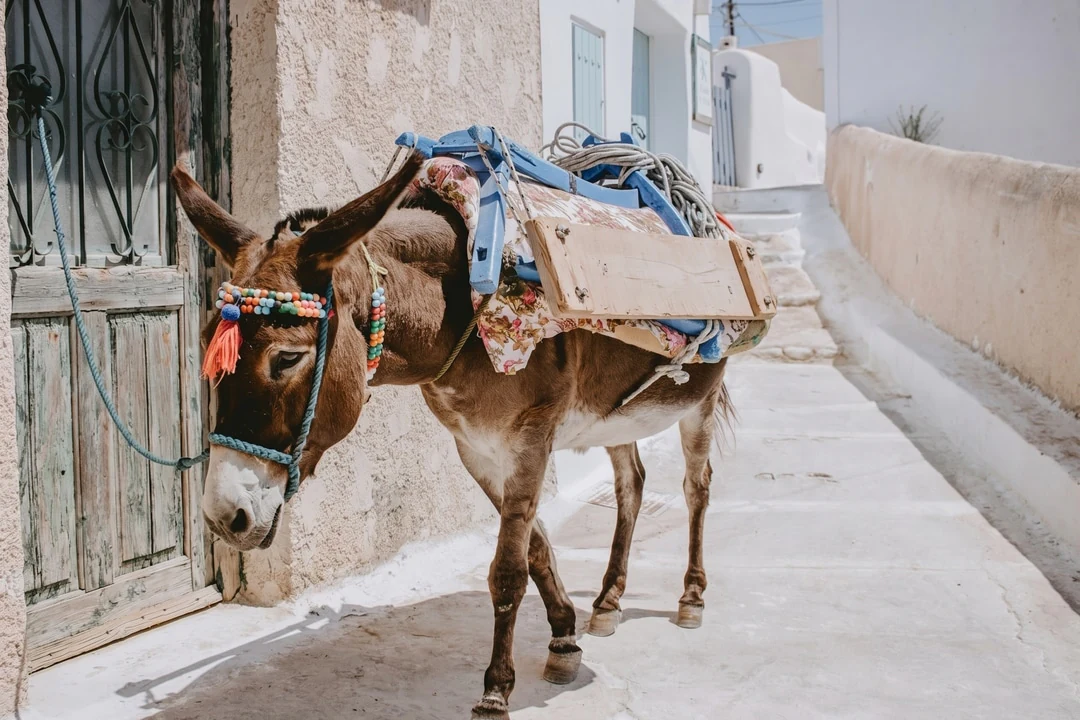
Captions, titles, subtitles, banners, date stamps and text stickers are removed. Each covered area is filled to match the texture, color and light around it. It cannot reveal what the text was hiding.
Signs, street names, packaging and printed text on objects are meant to stay. The match is not infallible. There is no brush to protect one line.
Check the spots where letters sat for faint outlines, repeated patches and sudden gradient changes in sea, sky or walls. Unmarked pixels are not guaranteed to stay identical.
Three steps in the AI text remover for captions.
Look in your design file for the original text layer. If it is gone, upload the exported image. It must be yours or one you may edit.
All overlaid text is targeted, so note anything that must stay. Compare the repaired area with the original before running again. If the overlay hid most of an important subject, repeating cannot supply the true detail.
The Generate button shows the price first. Keep the original, then add your own wording in your design tool.
Use the text remover on images you own or may edit. Then add new wording in a layout tool.
DateClean background
Reuse the artwork when only a flat export of your poster is left. Other overlaid text can change too, so keep a copy of any line that must stay. Add the new title and date as editable text.

Sale badgeClean product
An expired sale badge or promo line can come off a product image you own. Look for the clean original in your catalog first. If only the marked image remains, inspect the silhouette and printed packaging.
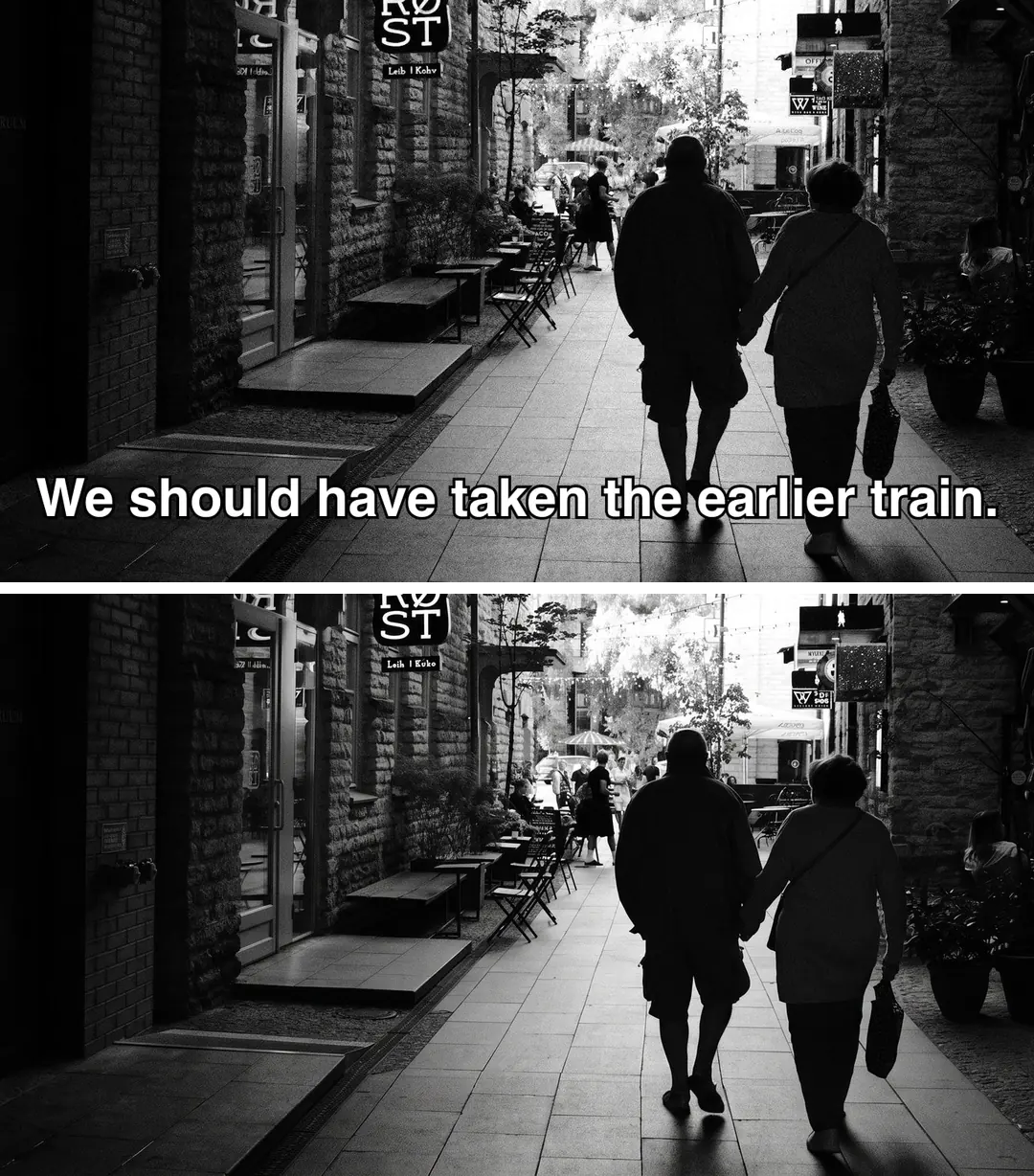
SubtitleClean still
Capture the still from an unsubtitled export when one exists. Remove burned-in subtitles only as a fallback. One image cannot consult neighboring frames, so a repair around a moving hand can fail when enlarged. The text remover works on a single image, not a whole video.
Four points: what is targeted, what stays, why there is no brush and how to check.
01
The text remover aims at wording laid over the picture, not at text in the scene. The result is a rebuilt area, not the hidden original.
02
Signs, street names and packaging belong to the photograph and are meant to stay. A sticker, a label and a graphic caption can look alike, so check that nothing you needed was repaired away.

03
There is no selection tool. Upload, press Generate and review the repair. If a line must stay, copy it first and add it back in a layout tool afterwards.
04
Look at sea, sky and walls first, where patches show most. Another pass costs credits again and cannot supply detail the overlay hid.
When the problem is not overlaid text, these tools fit the job better.


Choose your credits and generation priority. Potto does not add a visible watermark to your downloads.
Billed $96 for the first year, then $192/year
Billed $240 for the first year, then $480/year
Billed $480 for the first year, then $960/year
A text remover removes overlaid wording from an image and rebuilds the area it covered. The Potto AI text remover targets text only, with no brush. The output is a generated repair, not a recovered original.
Upload the image and press Generate. The AI text remover targets every piece of overlaid text, so there is nothing to select. Run once, inspect the repaired area, then decide whether another pass is worth its credits.
No. A caption or date stamp sits on top of an image. A sign, street name or product label is part of the scene. The text remover aims to keep scene text, but some labels and captions look alike. Review the result.
No. This page removes text and does not typeset new wording. Add it in a layout tool, with the right translation, font and placement.
Yes. If the words still exist as a text layer, edit or hide that layer. It keeps the untouched background. An exported image holds only pixels. Use the text remover when only the export is left.
Upload a JPEG, PNG or WebP image up to 10 MB that you own or may edit. The result keeps the format. Its longest edge is limited to 2048 pixels, so a larger source returns smaller. Plans with batch access process up to 10 images at once. Each image is a separate task.
Start where the text sat. Look for faint outlines, dark fragments and repeated patterns. Then compare faces, edges and colors across the whole image. Finally view it in its destination layout.
You can upload images without one. Removing text opens the sign-in dialog, and the uploads stay in the text remover.
A failed image shows the reason and a retry, and its credits are released without affecting the others. Running the text remover again on a finished result is a new, charged request.
The text remover costs 60 credits per image. With several images, each is priced on its own, and the total shows before you confirm.
Upload an image you own, run the AI text remover and check the repaired area before you download.
Edit & Enhance