AI Video Generator
Describe a video or paste a link. Potto writes the brief and storyboard, adds voiceover, captions and music, and renders an MP4 you can edit in chat.
Popular AI videos
Product demos, explainers and launch films made with the AI video generator. Posters load first; a video plays only when you click it, and the line under each poster shows where it came from.
Create a 16:9 product launch video from my screenshots. Open with a one-line hook, zoom into two key screens with captions, list three features and finish with a call to action.
Product launch
Product launch in widescreen
16:9 launch demo · 0:19
Explain compound interest in 16:9 with the Midnight Tech style: a title question, an illustration, a three-item list, a bar chart and a closing quote.
Explainer
Widescreen explainer
Same story, 16:9 · 0:23
Turn our refund policy into a 16:9 training video: a title, a three-step list and a comparison of the normal path and the exception.
Training
A process in three steps
Refund approval, 16:9 · 0:11
Make a 9:16 product demo for phones. Start with a hook, zoom into two screens, show one number that proves the result and close with a call to action.
Product demo
Vertical product demo
9:16 for phones · 0:18
Create a 16:9 demo for an analytics dashboard: a hook, one screenshot with a cursor, two features and a call to action.
Product demo
Dashboard demo in widescreen
Analytics product, 16:9 · 0:13
Make a 9:16 support video that answers 'Why is my export blurry?' with three checks and a pointer to the help page.
Support
Answer a support question
Blurry export, 9:16 · 0:11
Create a 1:1 product demo for social feeds from my screenshots: a hook, two captioned screens, a short feature list and a closing call to action.
Product demo
Square demo for the feed
1:1 for social · 0:19
Make a 9:16 tip video: a hook line, one zoomed screenshot with a cursor path and a stat that shows the time saved.
Tips
One-tip vertical clip
Weekly tip, 9:16 · 0:08
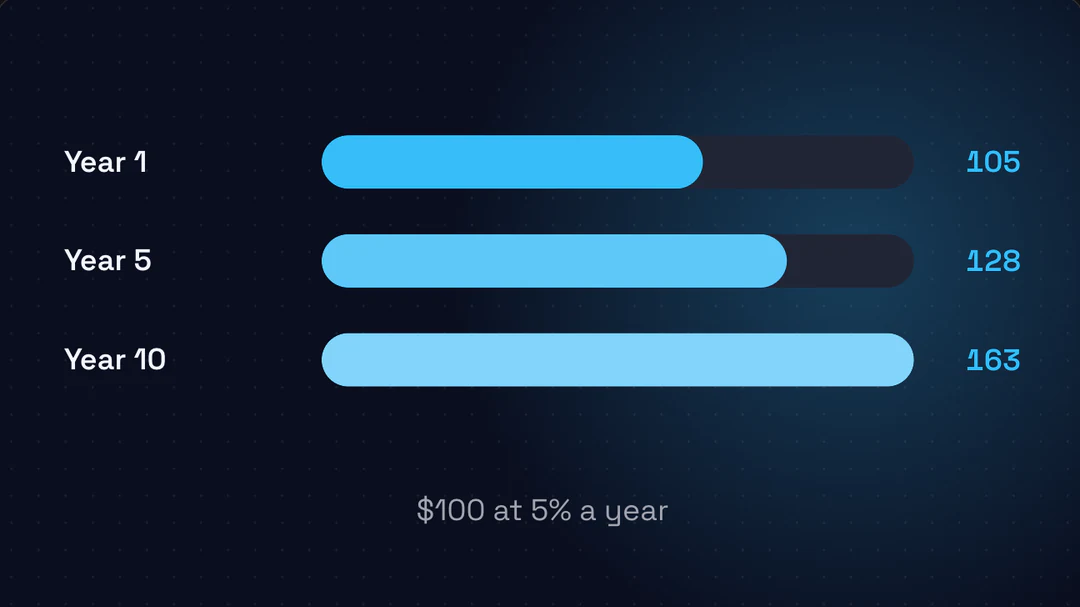
Explain compound interest in a 9:16 video. Open with a question, add one illustration, list three ideas, show a bar chart of $100 at 5% a year and end on a quote.
Explainer
Explainer for a phone screen
Compound interest, 9:16 · 0:23
Explain compound interest in a 1:1 video with the Bold Pop style, built for a feed placement.
Explainer
Square explainer
Same story, 1:1 · 0:23
Make a 16:9 onboarding video: a welcome title, the first three steps as a list and an illustration of the first report.
Onboarding
Welcome video for new users
First three steps, 16:9 · 0:10
Summarize my article in 16:9: a title, its central answer as a quote and three takeaways with the source credited.
Summary
An article in one minute
Central answer, 16:9 · 0:11
Every video here is a Potto sample built from a short brief. Samples are arranged demonstrations made from Potto scene types, not customer work, and they play as live previews in your browser from the same scene data that exports to MP4.
How to make a video with AI
Four steps in the AI video maker above. You confirm the brief and the storyboard before anything renders, and you only pay when you export.
Confirm the brief
Make a video with the AI video generator by typing a prompt, pasting a link or adding files. Potto drafts the story, the audience and the settings. Attach up to 8 images, documents or audio files; video clips are not accepted.
Outline + visual system
Story beats with timing, plus colors and fonts pulled from your brand or one of 12 built-in styles. Review the beats and change them in chat before moving on.
Storyboard
Every screen with its voiceover, what viewers see, the on-screen text and the assets. Edit a screen directly or ask in chat; drafts and previews are free.
Generate the video
Voice, captions and music render to a preview. Tweak it in chat, then export a 1080p MP4 at 30 frames per second. Credits apply when you export: 5 per second of video, plus narration and illustrations.
Everything the AI video generator does for you
From the first sentence to the exported file, this AI video maker handles the writing, the look and the sound, and leaves every decision open to your edits.
01PROMPT, LINK OR FILE
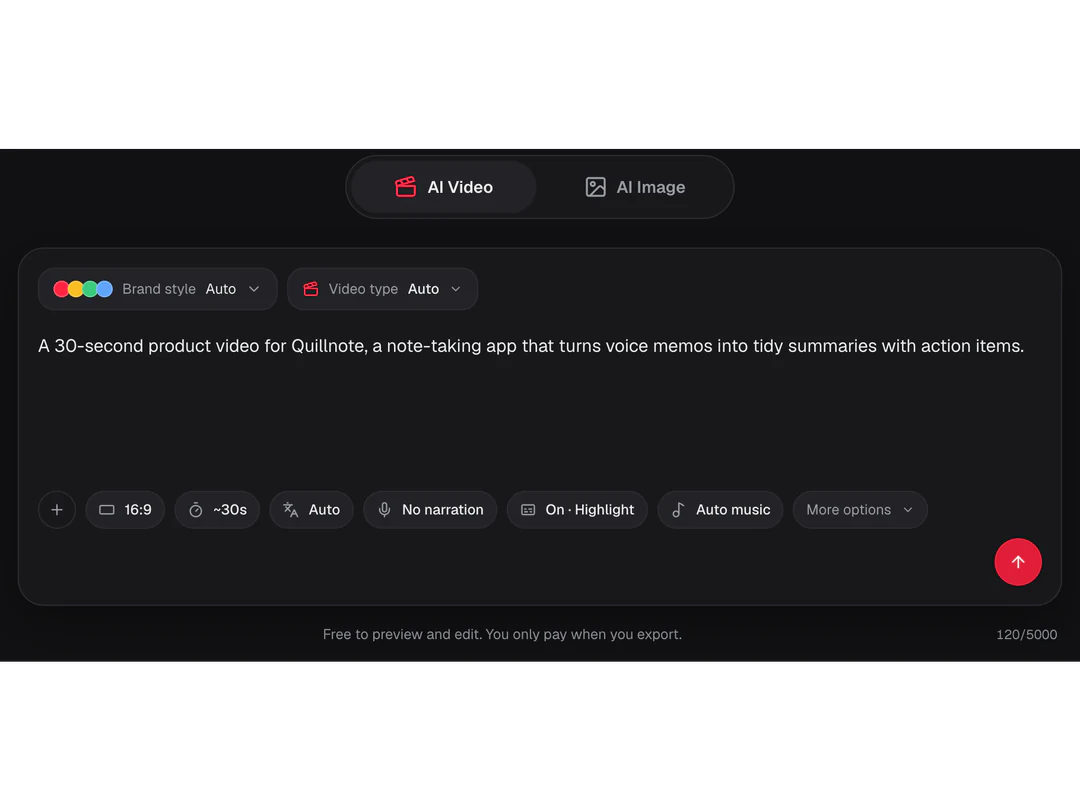
Start from a sentence, a link or a document
Type the idea, paste a webpage link or attach files, and the AI video generator reads them first. It writes a brief that names the audience, the message and the action to take, then lists the settings it chose so you can correct them before a single scene is written.
- Links, images, documents and audio, up to 8 files
- A brief you can confirm or rewrite
- Brief and storyboard drafts cost no credits
02BRAND STYLE
Your brand, matched automatically
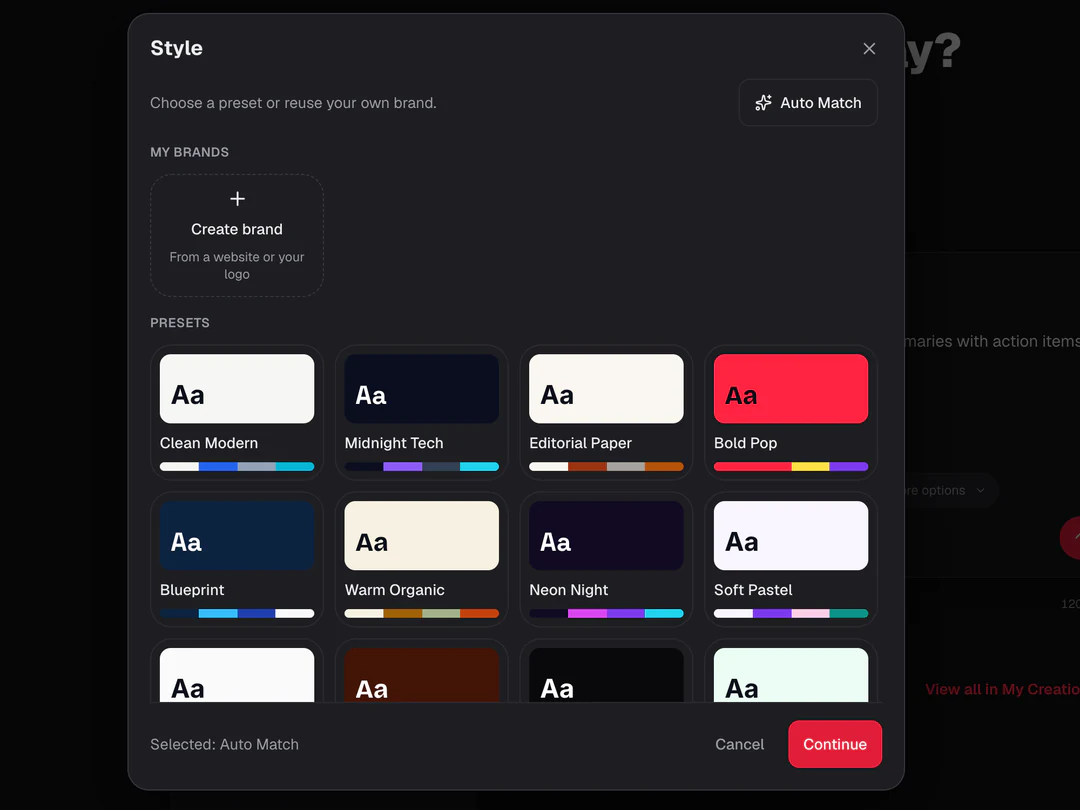
Auto Match pulls colors and type from your link or your saved brand kit, so the video looks like your product from the first screen. Prefer another look? Pick one of 12 built-in styles such as Midnight Tech, Bold Pop or Warm Organic, and set your own brand color on top.
- Auto Match from your link or brand kit
- 12 built-in visual styles
- A custom brand color on any style
03VOICE, CAPTIONS, MUSIC
Voiceover, captions and music in one render
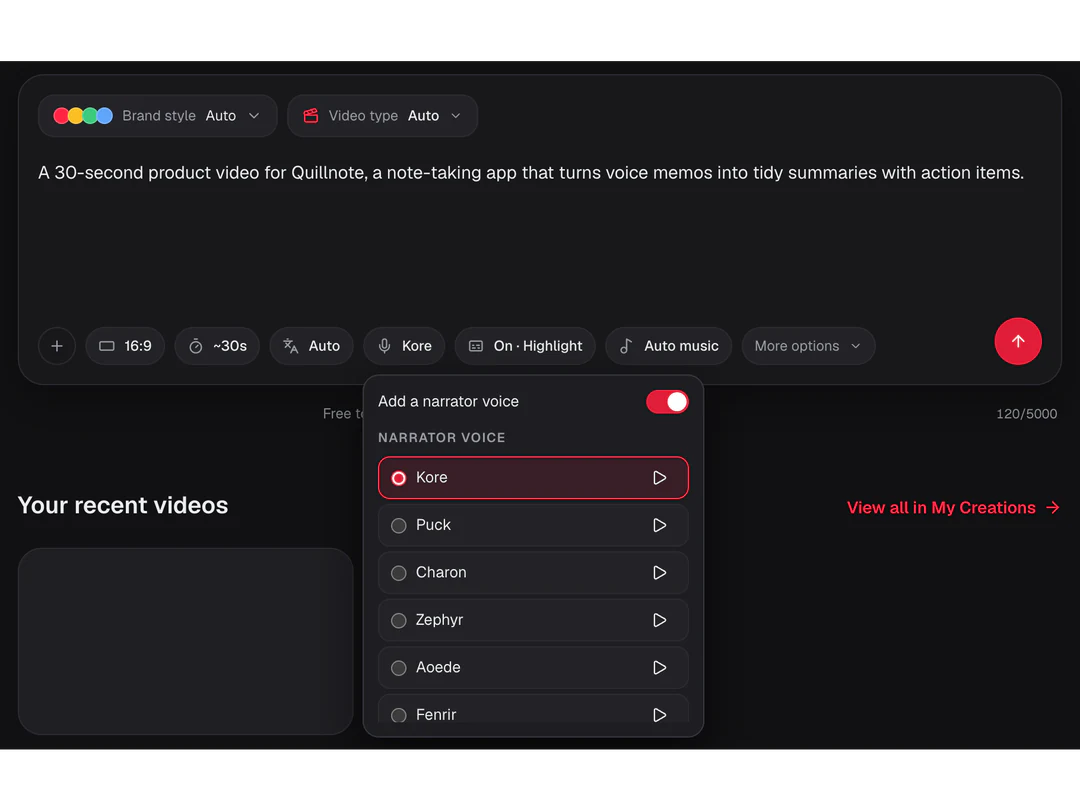
Narration reads the storyboard in the voice and language you choose, captions follow the spoken words, and music is picked for you, turned off or chosen from the track list. Narration and captions work in 32 languages, so one storyboard can serve several markets.
- Voices and languages for narration
- Clean, highlight or bold captions
- Auto music, a chosen track or none
04EDIT IN CHAT
Change it by saying what you want
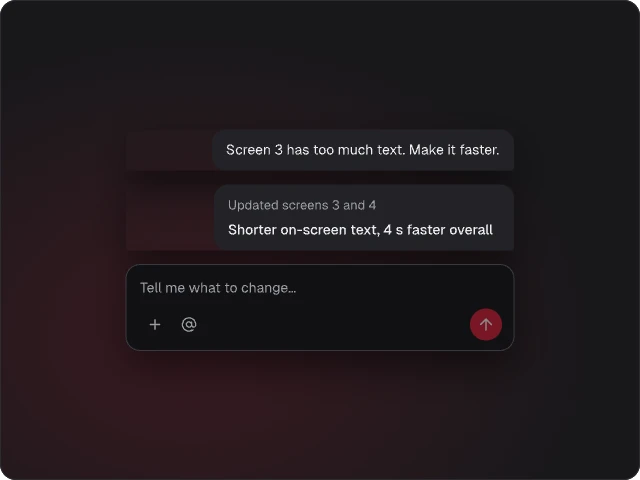
Tell Potto what to change, such as making screen 3 shorter and ending on your logo, and it edits only the screens that need it. Direct edits, earlier versions and previews stay free, so you can iterate until the pacing and the wording are right.
- Chat edits touch only the affected screens
- Edit text, timing and order directly
- Earlier versions stay available
05EXPORT
1080p MP4 for every channel
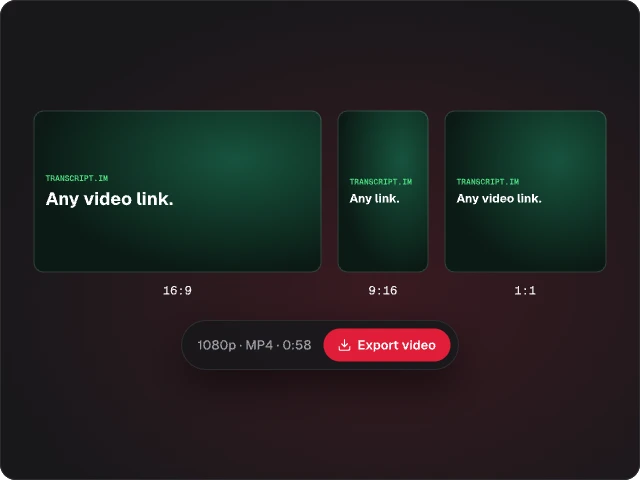
Export in 16:9 for websites and YouTube, 9:16 for phones and 1:1 for feeds, as a 1080p MP4 with H.264 video, AAC audio and a cover image. Lengths run from 15 to 90 seconds, and credits are charged when you export, not while you draft.
- 16:9, 9:16 and 1:1 in one project
- 1080p at 30 fps, H.264 and AAC
- Credits only on export
Keep exploring Potto AI
Pick a video type for your next project, or prepare the images that go into a scene.
- Explainer VideoExplain one idea with illustrations and captions.
- Product Launch VideoShow a product workflow from your screenshots.
- AI Motion GraphicsAnimate text, screens and charts to a voiceover.
- AI Image GeneratorCreate illustrations and visuals for your scenes.

- AI Image EditorFix one detail in a screenshot or illustration.
- Image TemplatesStart an image from a ready-made style.
AI video generator FAQs
Answers about what the AI video generator makes, what it accepts and what it costs.
What is an AI video generator?
An AI video generator turns a prompt, a link or your own files into a finished video. In Potto you describe the video or paste a link, Potto drafts the brief and storyboard, and the video renders as motion graphics scenes built from text, screenshots, charts and illustrations, with voiceover, captions and music, then exports as a 1080p MP4. Potto works as an AI video maker for product demos, explainers and launch films. It does not film new footage and it does not create a digital presenter.
How do I make a video with the AI video generator?
Type your idea or paste a link in the creator at the top of the page, then confirm the brief, review the outline and storyboard, and generate the video. Each step is a draft you can change in chat or by editing a screen directly. Briefs, storyboards and previews cost no credits, so the first charge happens when you export the finished MP4.
What can I use as a source for an AI video?
Paste a webpage link, or attach up to eight images, documents or audio files, and the AI video generator reads them before it writes the brief. State what each source should contribute and check the claims in the draft against it. Existing video clips are not accepted as input, and a page that cannot be read will not be reused automatically.
Should I choose a product demo or an explainer?
Choose a product demo when viewers need to see what a product does, and an explainer when they need to understand an idea. Video type also offers Product Launch, Feature Walkthrough, Article to Video, and Data Story, or Auto, which reads your brief and picks one. A product demo defaults to 30 seconds without narration; an explainer defaults to 60 seconds with narration. You can change either after choosing.
Can I edit an AI video after it is generated?
Yes. Every video stays editable: ask in chat for a change such as a shorter screen, a different headline or a new closing line, and Potto updates only the screens that need it. You can also edit text and timing directly and return to an earlier version. Drafts, edits and previews are free, so you can iterate before you export.
What do voiceover, captions and music include?
Voiceover reads the storyboard in the voice and language you choose, captions follow the spoken words in a clean, highlight or bold style, and music is picked automatically, turned off or chosen from the track list. Narration and captions work in 32 languages. Listen to the generated audio once for pronunciation and pauses, because the voice reads the script exactly as written.
What formats and lengths can I export?
Export a 1080p MP4 at 30 frames per second, with H.264 video, AAC audio and a cover image, in 16:9, 9:16 or 1:1. Length runs from 15 to 90 seconds, with presets at 15, 30, 45, 60 and 90. Choose 16:9 for websites and YouTube, 9:16 for phone feeds and 1:1 for square placements, and play the file once at the size your audience will see.
How much does an AI video cost, and do I need an account?
Creating a video requires an account; the sign-in dialog opens when you submit while signed out, and your draft and attachments stay in place. Previews and edits are free. Credits apply when you export: the quote shows the base rate, for example 150 credits for a silent 30-second video, plus narration by character count and each illustration.
Make your first AI video from a link
Paste a link or describe the video in the AI video maker above, review the brief and storyboard, and export when it looks right. Previews and edits are free, and you only pay when you export.