Skip to content
Potto AI

Black and white photo: the same portrait before and after

One portrait and the black and white photo generated from it, in the template's fixed 3:4 ratio.

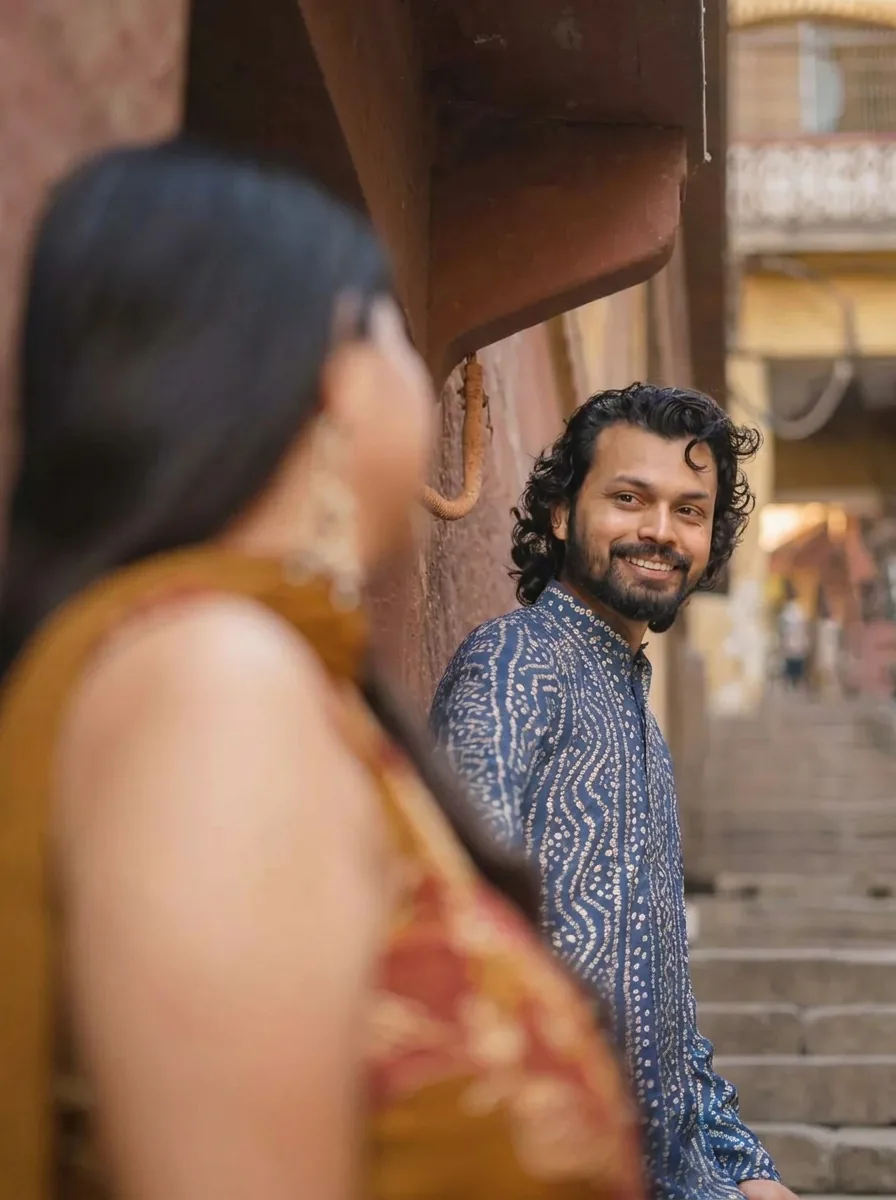
Original portrait photo before the black and white treatment
Original photo
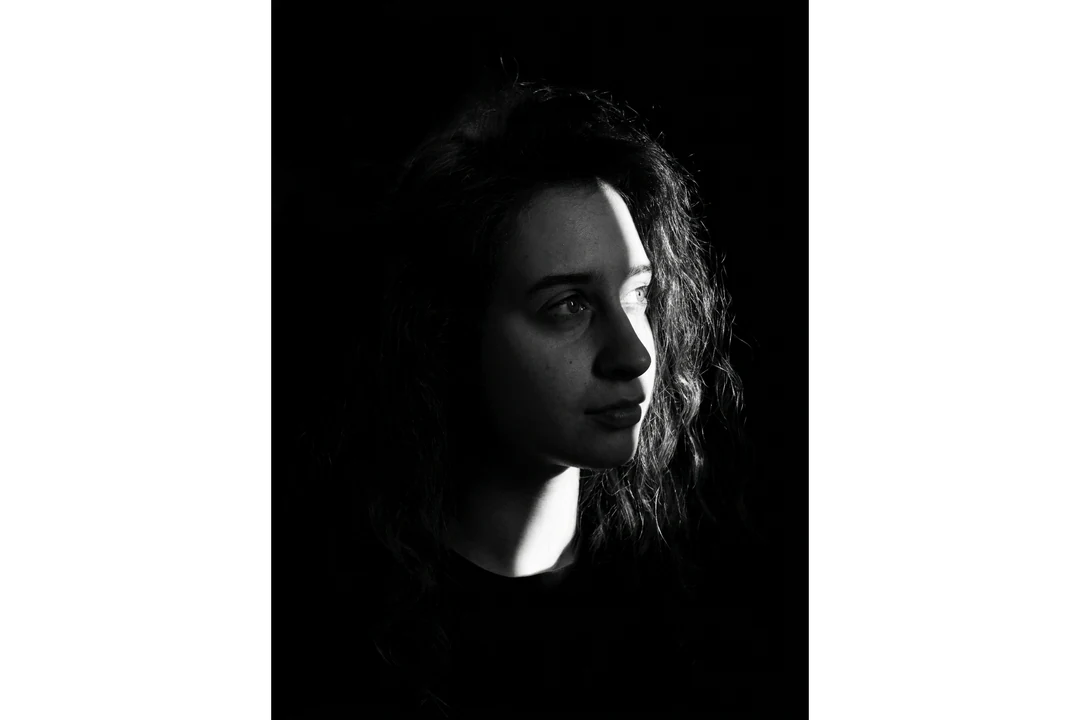
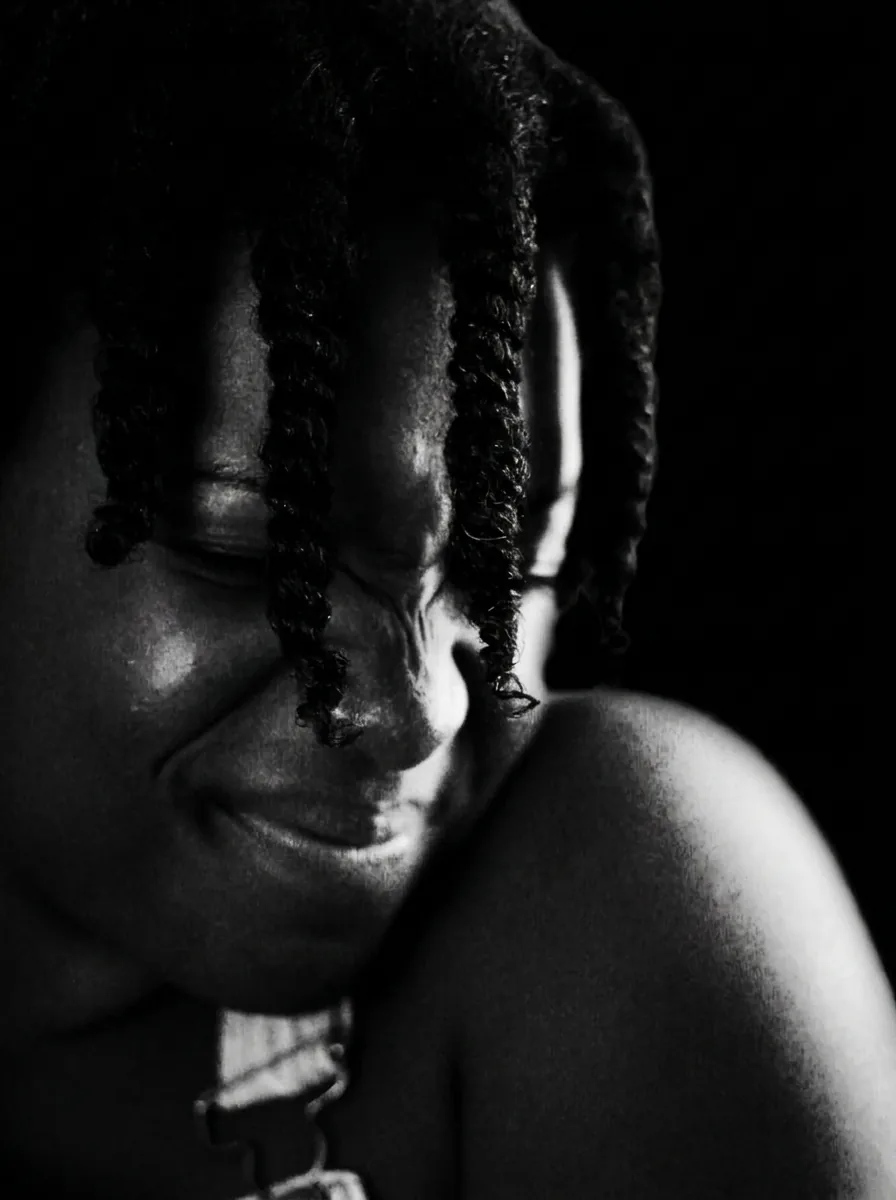
High-contrast black and white portrait generated from the same photo
Black and white photo result · 3:4

What stayed

The recipe asks the model to keep the person's identity, face, expression and pose. Compare eye shape, the smile and the hairline with the original. Those features decide whether the portrait still looks like the same person once color is gone.

What changed

This is a new studio-style portrait, not the original pixels with color removed. Directional light and deep shadows reshape the contrast, so skin, hair and clothing take new values. The lighting direction is not adjustable, so a source with soft, even light gives the recipe more facial detail to work from.

What to check

Look at the shadow side of the face: the eye and the line between cheek and hair should still show detail. Dark hair, a black jacket or a dark wall can merge into one flat shape, and glasses or a pale collar can lose their edges. Judge the result at its real size, and if one side of the face disappears into black, start again from a photo with more even light.

Where a black and white photo portrait fits

Three common uses. In each one the black and white portrait is the image, and your own layout carries names and text.

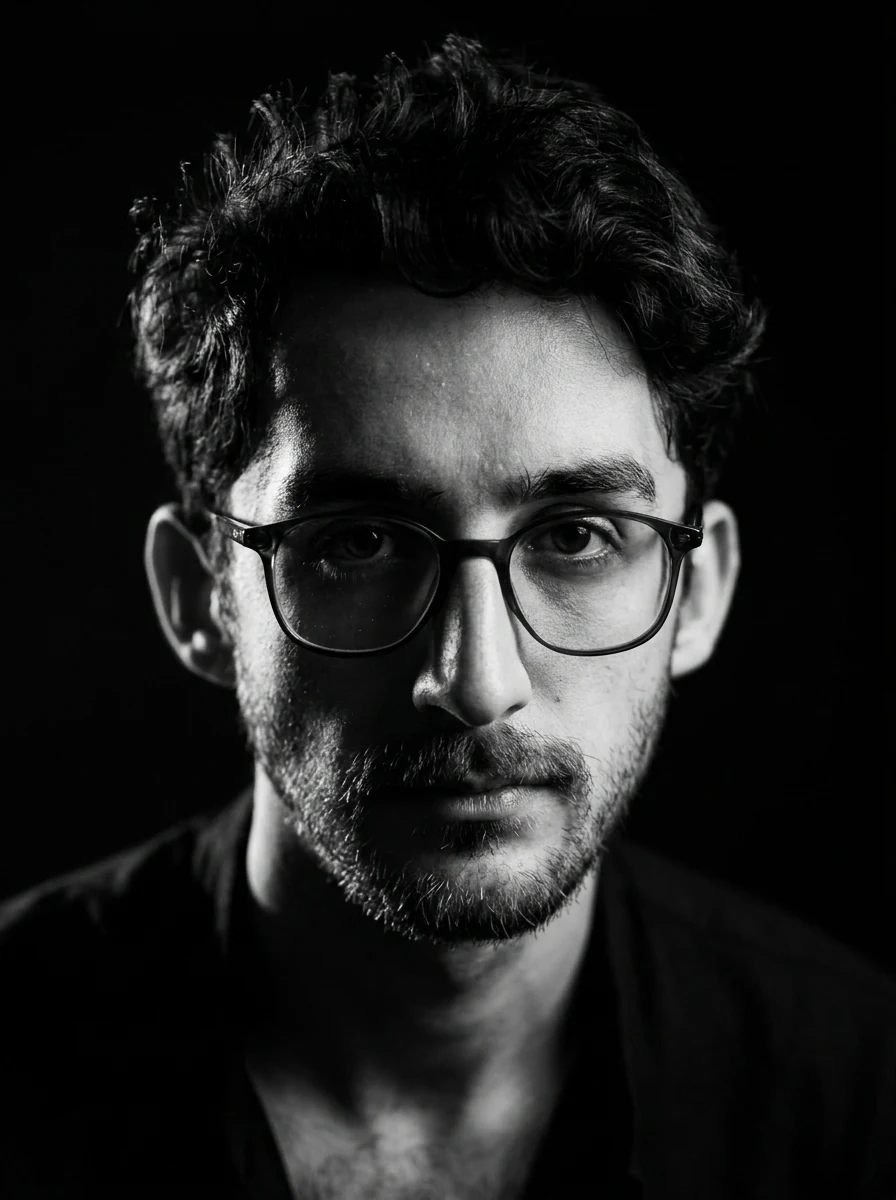
High-contrast black and white photo portrait of a man in glasses with deep shadows and directional light

3:4 · Bio

Author or bio portrait

A monochrome portrait can sit beside an essay, interview or biography when color would compete with the text. Reduce it to the column size and confirm the eyes and mouth still read. Compare the face with the original before placing it next to a real name, and keep the name and role as editable text. Label it as a generated portrait, not a studio photograph.
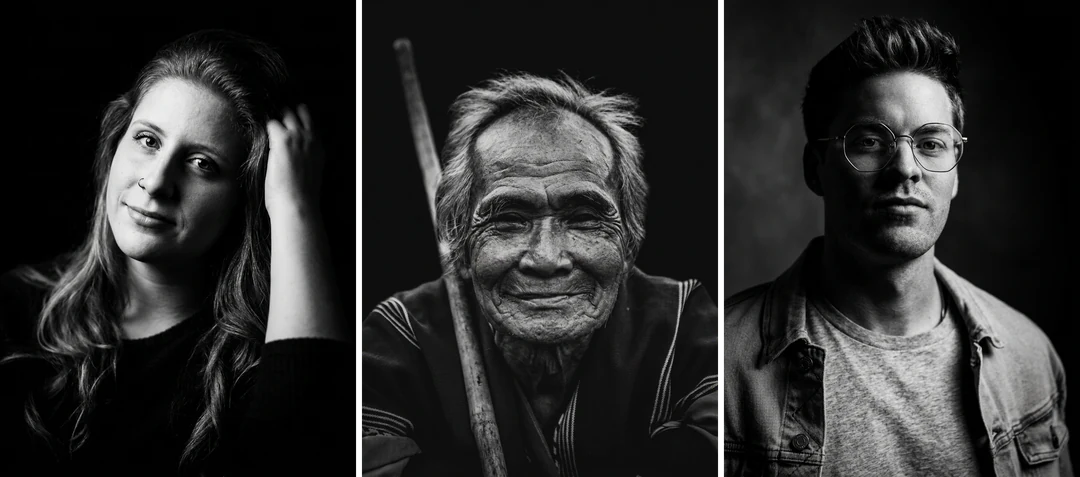
Three black and white photo portraits of different people side by side, each with strong contrast and clear light

3:4 · Portfolio

Portfolio or shared project page

Each portrait is its own run with its own photo, so a set will not match automatically. Choose photos with similar head size and expression, check every result for likeness, then compare tone across the set. Arrange the accepted images at the same face scale in your layout, and ask each person to approve their own portrait.

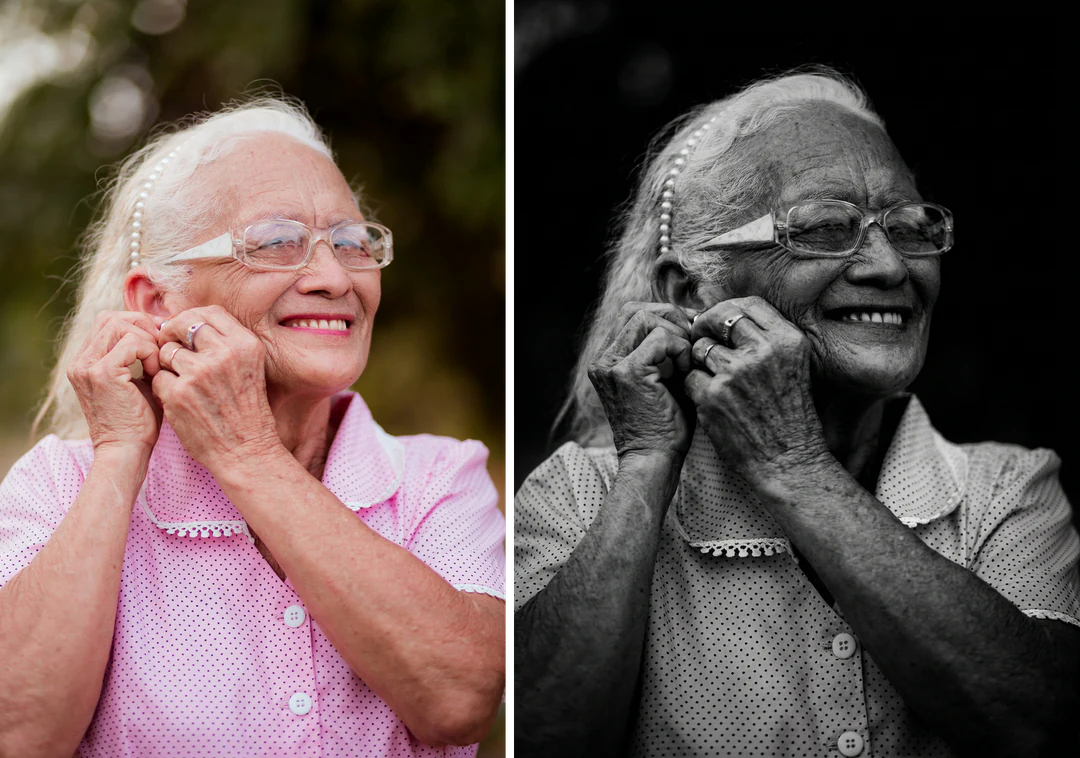
Color photo of an older woman beside her high-contrast black and white photo portrait made from it

3:4 · Print

Print or family book

Make a small proof before a larger print, since dark values and pale midtones change between screen and paper. Ask your print provider how matte and glossy stock handle deep shadows. Keep the original photo beside the generated version and label which is which. If the source is old or damaged, restore it first; this template changes the lighting and does not repair a photograph.

How to make a black and white photo from a portrait

Upload a portrait, check the fixed output, then compare the shadows before you download.

  1. 1. Upload one portrait

    Add one JPG, PNG or WebP image up to 20 MB. Pick a photo with a readable face and the expression you want to keep, and avoid heavily compressed social copies when a larger original exists. Use a photo you own or have permission to edit.

  2. 2. Check the fixed settings

    The panel lists the fixed output: one 3:4 PNG at HD from Nano Banana Pro, with no contrast, light-position or style control to set. Crop your photo first if the framing matters.

  3. 3. Generate and compare

    Each black and white photo result costs 45 credits, shown on Generate before you confirm. When the portrait is done, compare it with your original, check the shadow side of the face, then download it.

What the black and white photo template does to your portrait

One fixed high-contrast studio look, applied to a single reference photo.

  1. 01

    Start from a portrait with a readable face

    Upload one color or monochrome portrait. The recipe asks the model to keep the person's identity, face, expression and pose, so the eyes, smile and hairline visible in the source are what it works from. Soft, even light in the source leaves more facial detail to shape.

    • One photo per run, up to 20 MB
    • Choose the expression you want to keep
    Original portrait photo before the black and white treatment
    The reference: identity, expression and pose carry over.
  2. 02

    Directional light and deep shadows replace the original tones

    The black and white portrait is lit again rather than desaturated: directional light and deep shadows decide which side of the face stays bright, and skin, hair and clothing take new values. The light always comes from the recipe, so you cannot move it.

    • A moody, high-contrast look on every run
    • Check the shadow side of the face for lost detail
    High-contrast black and white portrait generated from the same photo
    The result: one 3:4 black and white studio portrait.
  3. 03

    One HD PNG at 45 credits

    Every run makes one 3:4 HD PNG with Nano Banana Pro. There is no contrast slider, light-position control or style menu, so when one side of the face sinks into black, start again from a photo with more even light.

    • Credit estimate shown before you confirm
    • Judge the result at its real size
    High-contrast black and white portrait of a second person with strong side light
    A second black and white portrait, made from a different photo.

Keep exploring Potto AI

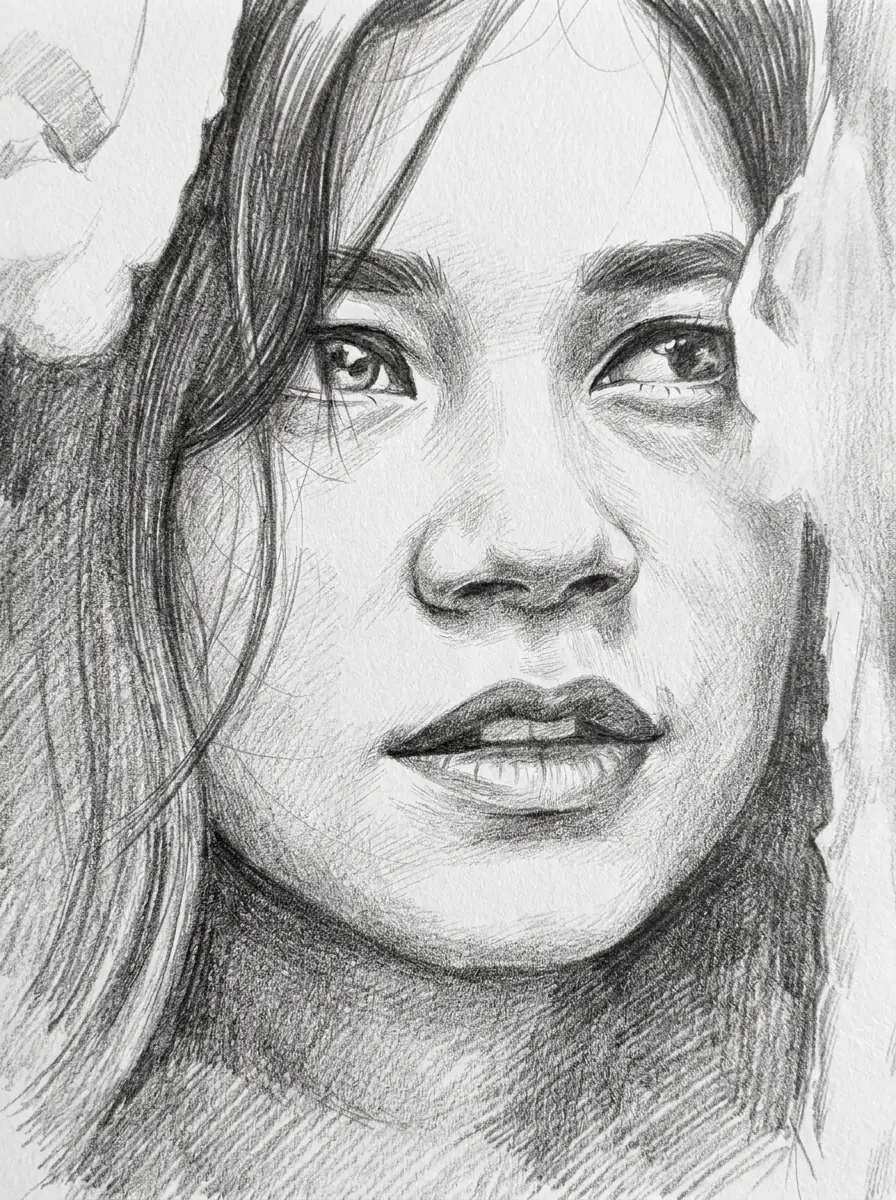
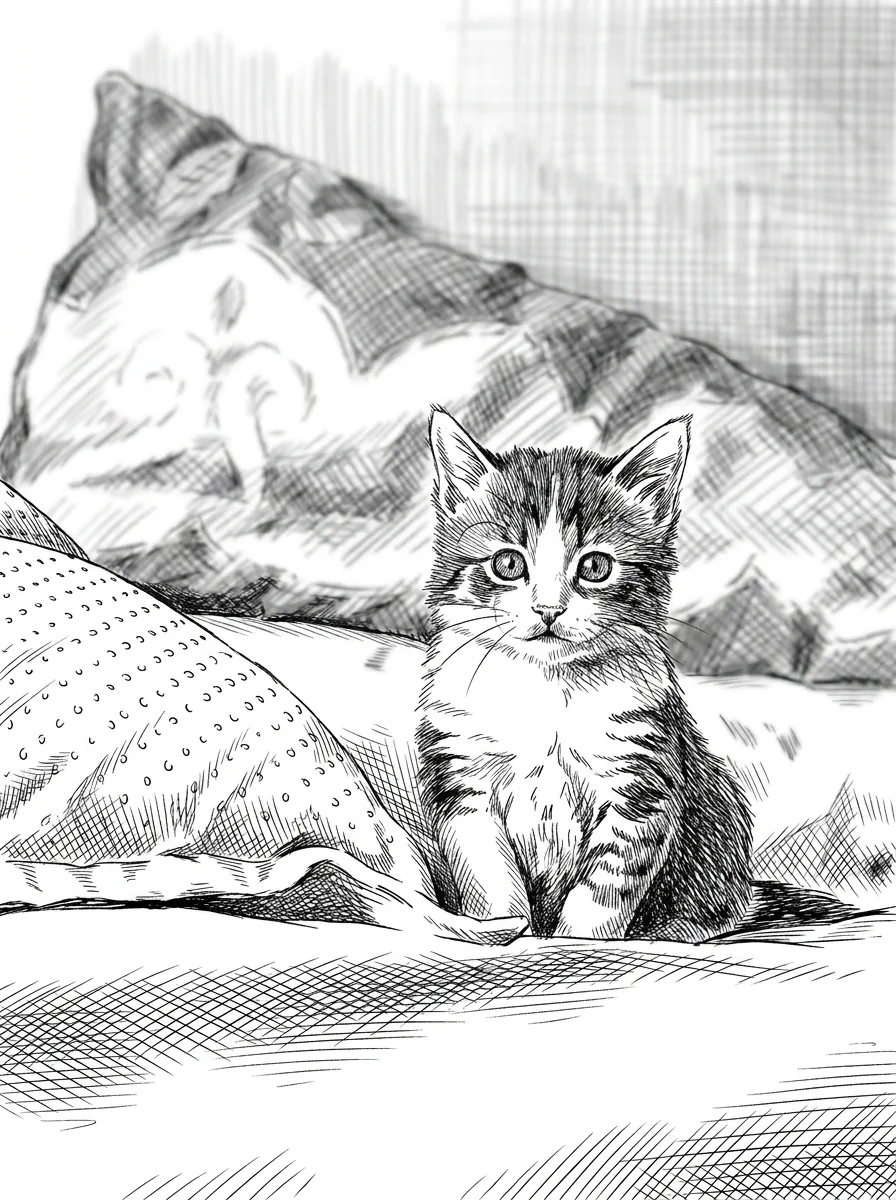
Compare other ways to restyle the same portrait.

Black and White Photo FAQs

  1. What is a black and white photo?

    A black and white photo shows a scene in shades of light and dark instead of color. This page turns your reference into a dramatic black and white portrait with directional studio light and deep shadows. It is a new generated image, not a color-removal filter, so features, lighting and composition can be reinterpreted; compare the result with your photo.

  2. How is this different from a black and white filter?

    A filter removes color from the pixels you already have. This template generates a new portrait with directional lighting and deep shadows, so the light, contrast and even small features can change. Use a filter when the original detail must stay exactly as shot, and this template when you want a moody studio look and can review the face afterwards.

  3. What makes a source photo suitable?

    Choose a source with a readable face and the expression you want to keep. Check the brightest and darkest areas before uploading: detail the source does not contain is detail the model has to invent, and a face already lost in heavy shadow will not come back faithfully. Look at accessories and the crop as well, and keep the original so you can try again from a better photo.

  4. Can I control the contrast or move the light?

    This fixed template has no manual contrast curve or studio-light positioning control. You can choose a better source or compare generated candidates. For an explicit tonal or lighting change after generation, use a focused image-editing request or a photo application with direct adjustment controls. Do not treat the preset name as a complete monochrome editing suite.

  5. Can it restore an old or damaged photo?

    No. This template restyles a portrait with new lighting and deep shadows. It does not repair scratches, fading or missing areas, and it does not return a historical photograph to a verified original condition. If the photo is damaged, restore it first and then use the repaired copy here. Keep the original file so the creative version is not mistaken for the source.

  6. Can I get a softer or different monochrome look?

    Not on this page; it always makes the same high-contrast studio portrait. For soft graphite tones, use Photo to Sketch; for bold lines and cross-hatching, use Ink Drawing. For a plain grayscale copy that keeps your original pixels, a black and white adjustment in any photo app is the better tool.

  7. How many credits does a black and white photo use?

    45 credits per run for one 3:4 PNG at HD, made with Nano Banana Pro. The quote appears on the Generate button before anything is charged.

Potto AI

Make your black and white photo

Upload one clear portrait, review the credit estimate, and compare the finished image with your original before using it.