Skip to content
Potto AI

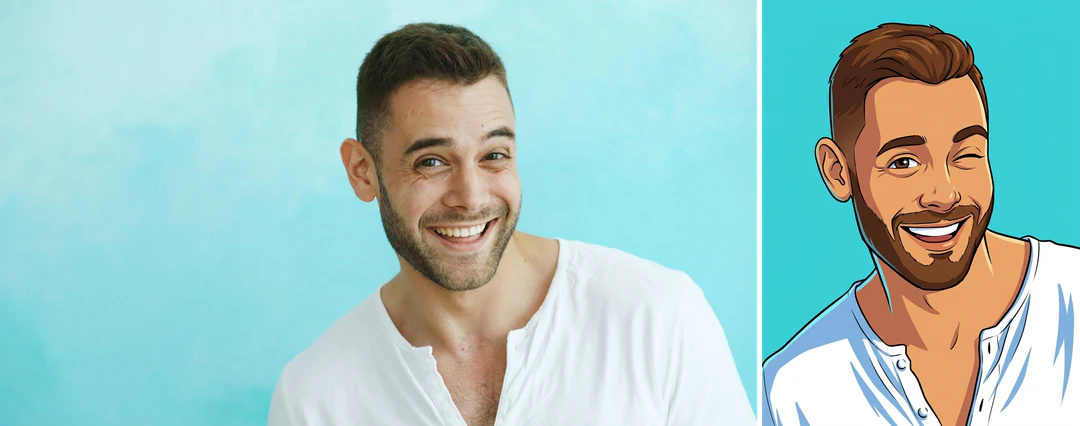
AI cartoon generator: the same portrait before and after

One reference photo and the cartoon portrait generated from it, in the template's fixed 3:4 ratio.

Original portrait photo before the AI cartoon treatment
Original photo
Cartoon portrait with bold outlines generated from the same photo
AI cartoon result · 3:4

What stayed

The recipe asks the model to keep the person's identity, face, hairstyle, expression, pose and clothing. Compare the eye shape, smile, hair and outfit colors with the original at the same size. If they match, the portrait still reads as the same person in a new drawing style.

What changed

The photo becomes a cartoon portrait with bold clean outlines, flat vibrant colors and smooth shading. Skin texture, fabric detail and background turn into simple shapes, so small items such as earrings, fine jewelry or text on clothing may be simplified. Expect cleaner edges than the photo, with fewer tonal steps in skin and hair.

What to check

Look at the outlines around the eyes, mouth, glasses and fingers. A thick line can merge a glasses arm into the hair or leave a hand with missing fingers. At small size the face should still be recognizable, so view the result at the size where it will be used.

Where an AI cartoon portrait fits

Three common uses. In each one the cartoon is the image, and your own layout carries any text.

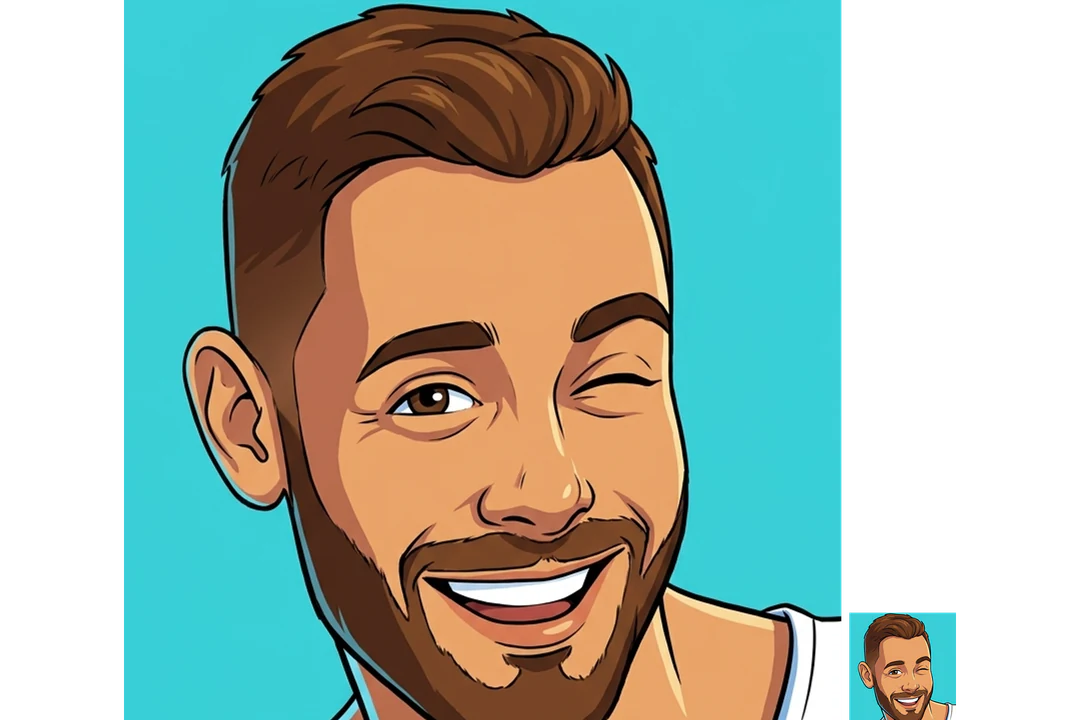
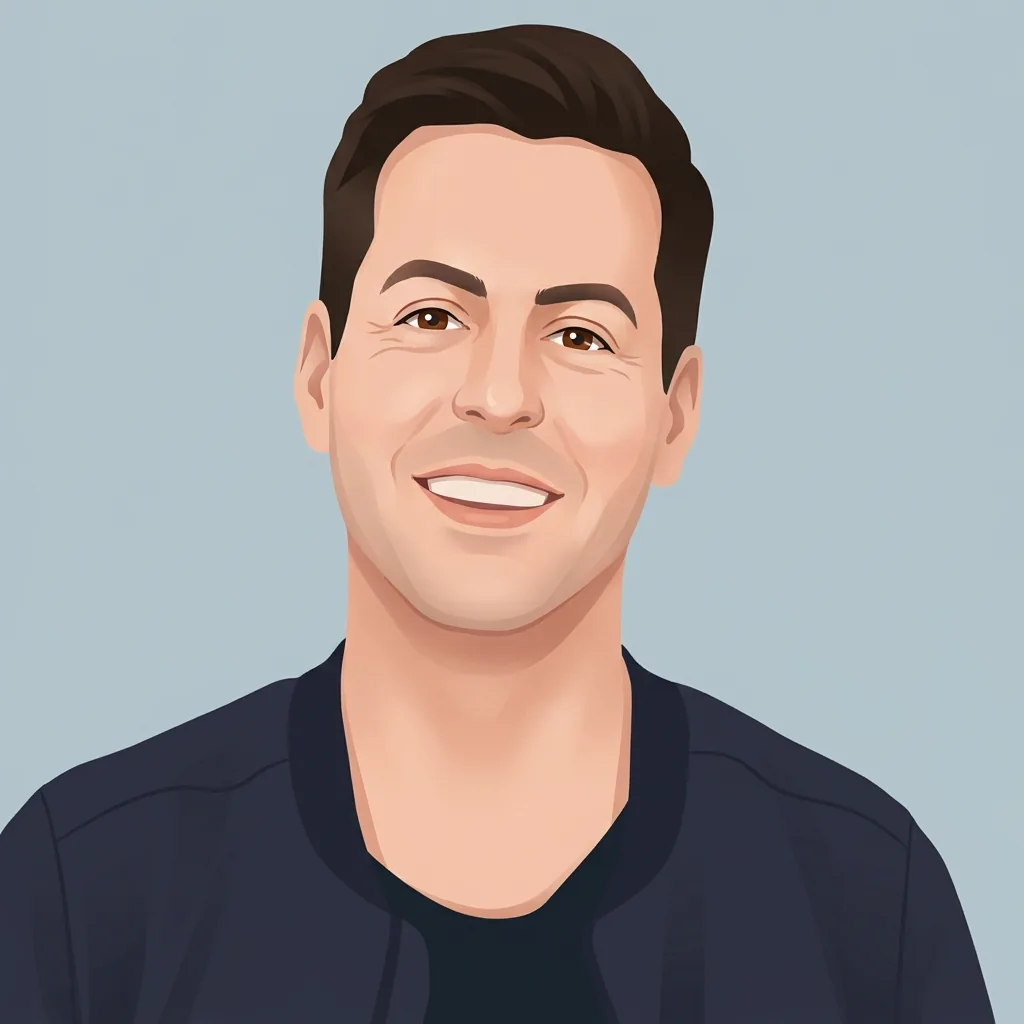
Cartoon portrait of a smiling man with bold outlines beside the original photo

3:4 · Portrait

Personal illustrated portrait

Start with a photo whose expression and pose you already like. The cartoon treatment turns it into a more graphic version for a personal page or collection. Check the eyes, mouth, hair and face shape before judging the linework, and keep the original photo as the reference for who the portrait shows. Print a small test if the portrait will go on paper, because bold outlines and flat color can look heavier on a page than on a screen.
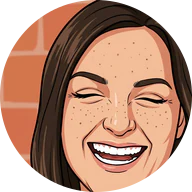
Cartoon portrait of a laughing woman cropped to a round profile image with the expression still readable

3:4 · Profile

Profile image with more personality

A cartoon portrait can make a profile feel more expressive, but it has to work in a small crop. Test the face in the square or round crop your destination uses. A wider portrait may need its own crop so the expression stays readable. Get the person's agreement before using it as their public image. Keep an unedited photo available for places that require a real face.

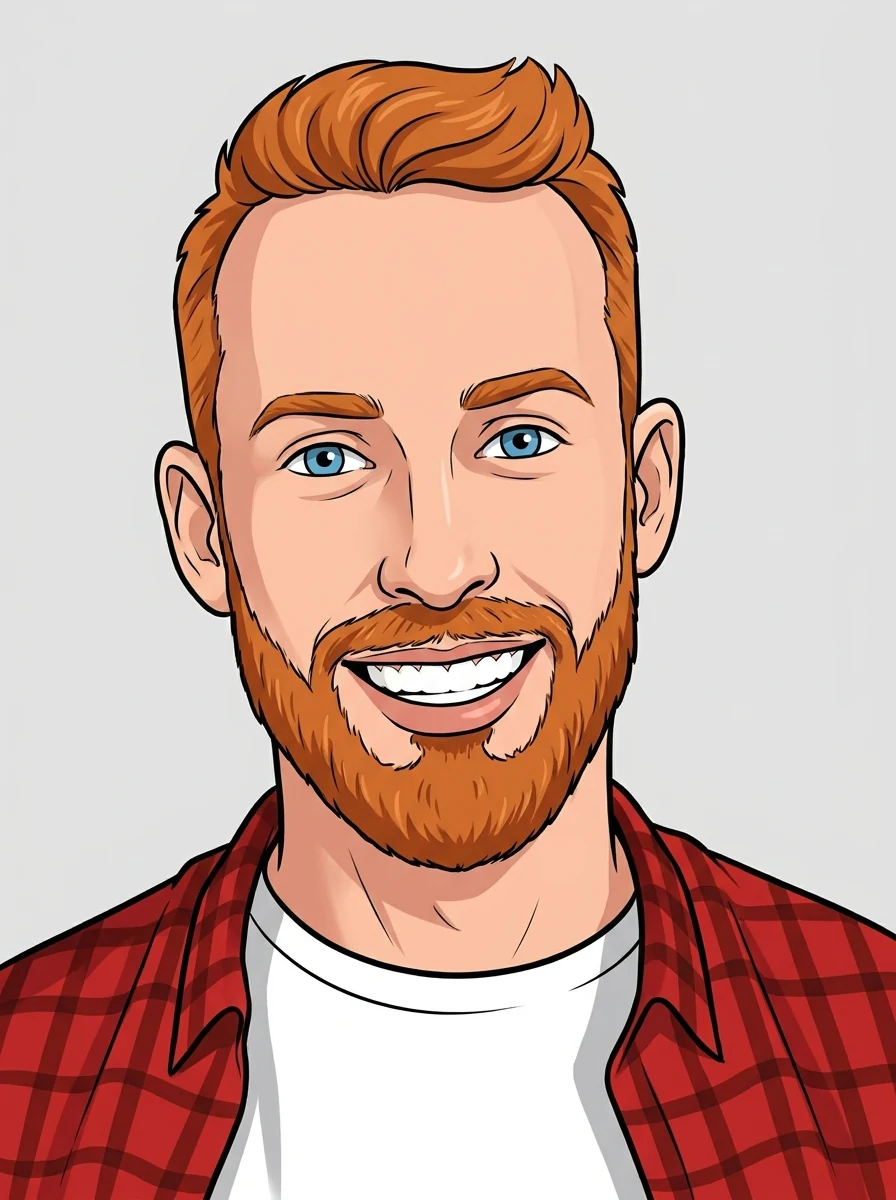
Cartoon portrait of a smiling red-haired man, drawn as the picture for a birthday greeting

3:4 · Greeting

Birthday or greeting

Pick a portrait of someone who is comfortable with the edit, and check that the expression still feels friendly. Add the message, name or date in your own layout, because the template makes the portrait, not a designed card, and it does not set lettering. Review the final composition at the size where it will be viewed.

How to turn a photo into a cartoon portrait

Upload a portrait, check the fixed output, then compare the face and linework with your photo.

  1. 1. Upload one portrait

    Add one JPG, PNG or WebP image up to 20 MB. Choose a photo with a readable face and an expression you like, and make any important clothing or accessory visible. Use a photo you own or have permission to edit. Avoid heavy filters or beauty smoothing in the source, because the cartoon treatment starts from whatever the photo shows.

  2. 2. Check the fixed settings

    There is no style, ratio or size selector; the panel shows the fixed output, one 3:4 PNG at HD from Nano Banana Pro. Crop your photo first if the framing matters, because a different input ratio is recomposed to 3:4.

  3. 3. Generate and compare

    Each AI cartoon result costs 45 credits, shown on Generate before you confirm. When the cartoon is done, compare it with your original, check the face and linework, then download it. If the first result is close but not right, change the source photo rather than expecting small tweaks, because there are no style controls.

What the AI cartoon generator does to your portrait

From photo to cartoon: a fixed treatment that redraws the portrait while keeping the person recognizable.

  1. 01

    Start from a photo with a readable face

    The AI cartoon generator redraws whatever the photo shows, so choose a portrait with an expression you like and make any important clothing or accessory visible. Avoid heavy filters or beauty smoothing in the source.

    • One JPG, PNG or WebP portrait per run
    • A different input ratio is recomposed to 3:4
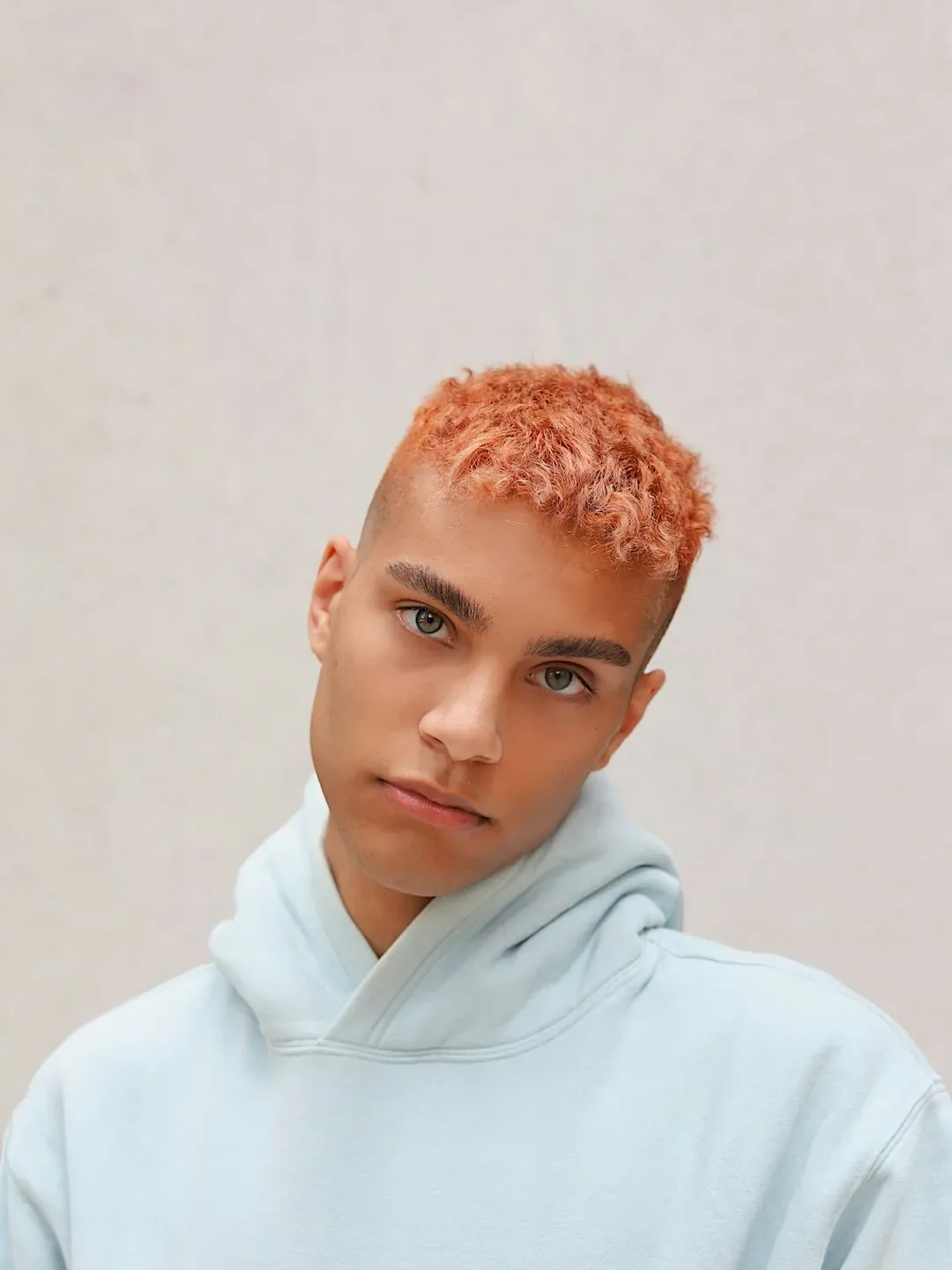
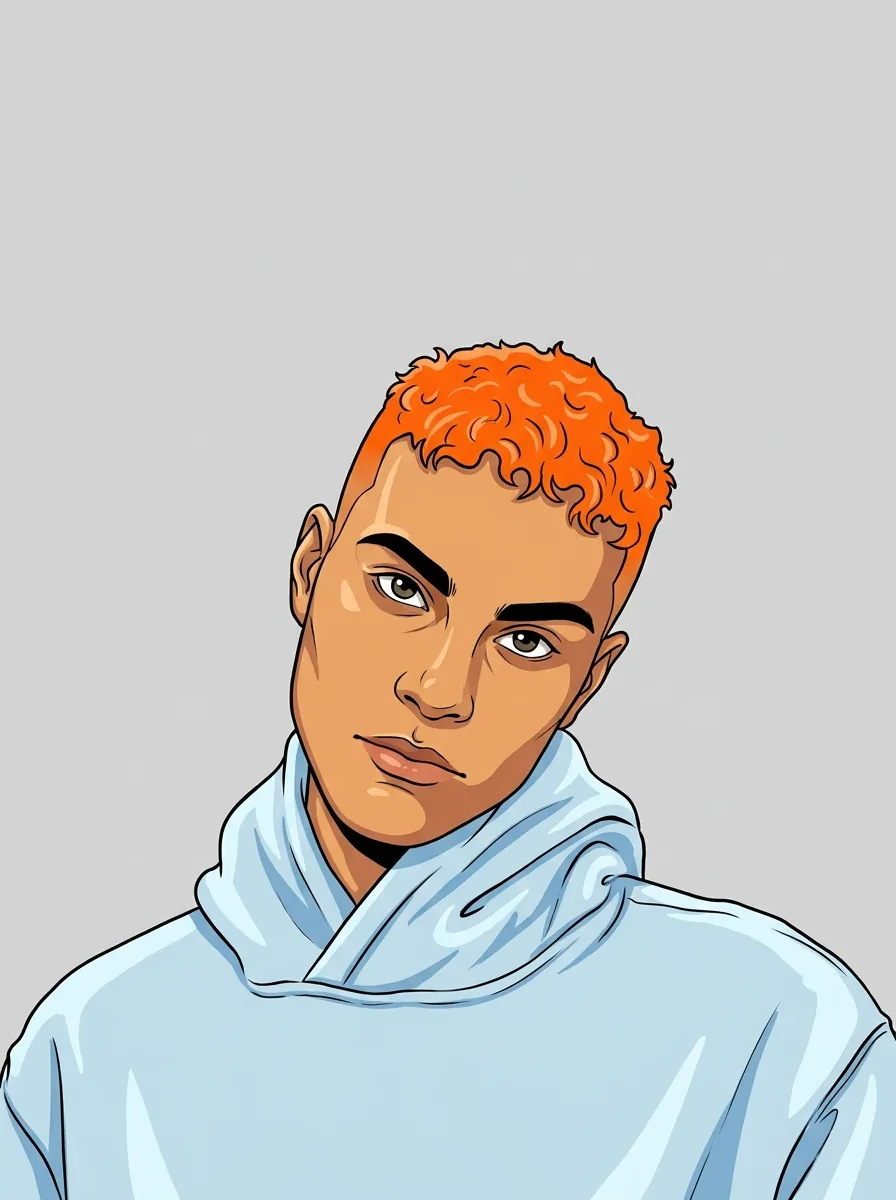
    Portrait of a young man with short orange hair in a light blue hoodie
    Original photo used as the reference
  2. 02

    Bold outlines, flat color, smooth shading

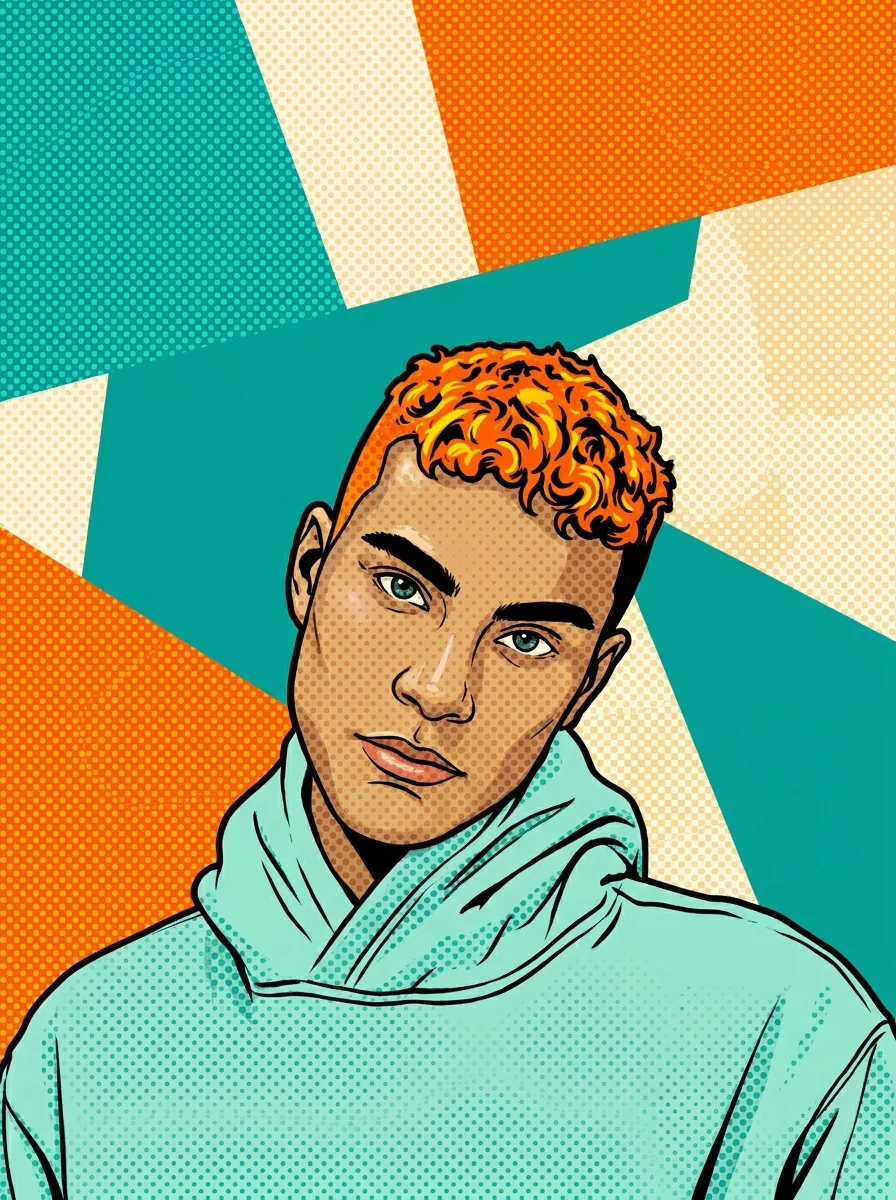
    The photo is redrawn as a cartoon portrait with clean outlines, flat vibrant colors and smooth shading, keeping identity, hairstyle, expression, pose and clothing. Skin texture and fabric detail simplify into shapes, so expect cleaner edges and fewer tonal steps than in the photo.

    • One 3:4 HD PNG per run, with no style menu
    • Small details such as jewelry may be simplified
    Cartoon portrait of the same young man with bold outlines and flat color
    AI cartoon result · 3:4
  3. 03

    Check the outlines at the size you will use

    Outlines are where a cartoon goes wrong: a thick line can join a glasses arm to the hair or drop a finger. View the result at the size you will use it, and if the face stops reading at that size, start again from a clearer photo rather than expecting small tweaks.

    • Compare eye shape, smile and hair with the original
    • Change the source photo rather than expecting small tweaks
    Cartoon portrait outlines shown at full size and reduced to profile size
    Linework check at small size

Keep exploring Potto AI

Other illustrated looks for the same portrait.

AI Cartoon Generator FAQs

  1. What is an AI cartoon generator?

    An AI cartoon generator takes you from photo to cartoon in one step. This one redraws one portrait with bold clean outlines, flat vibrant colors and smooth shading, while asking to keep the person's identity, expression and clothing. It creates a still image, not an animation, a drawing editor or a rigged character.

  2. Which photo works best for an AI cartoon?

    Use one clear photo of the person with a visible face and an expression you like. Make any outfit or accessory that matters visible too, because a tiny face, hidden hands or a busy background leave the model to guess. JPG, PNG and WebP are accepted, up to 20 MB. Use a photo you own or have permission to edit, and get the person's agreement before using the cartoon as their public image.

  3. Can I select different cartoon styles?

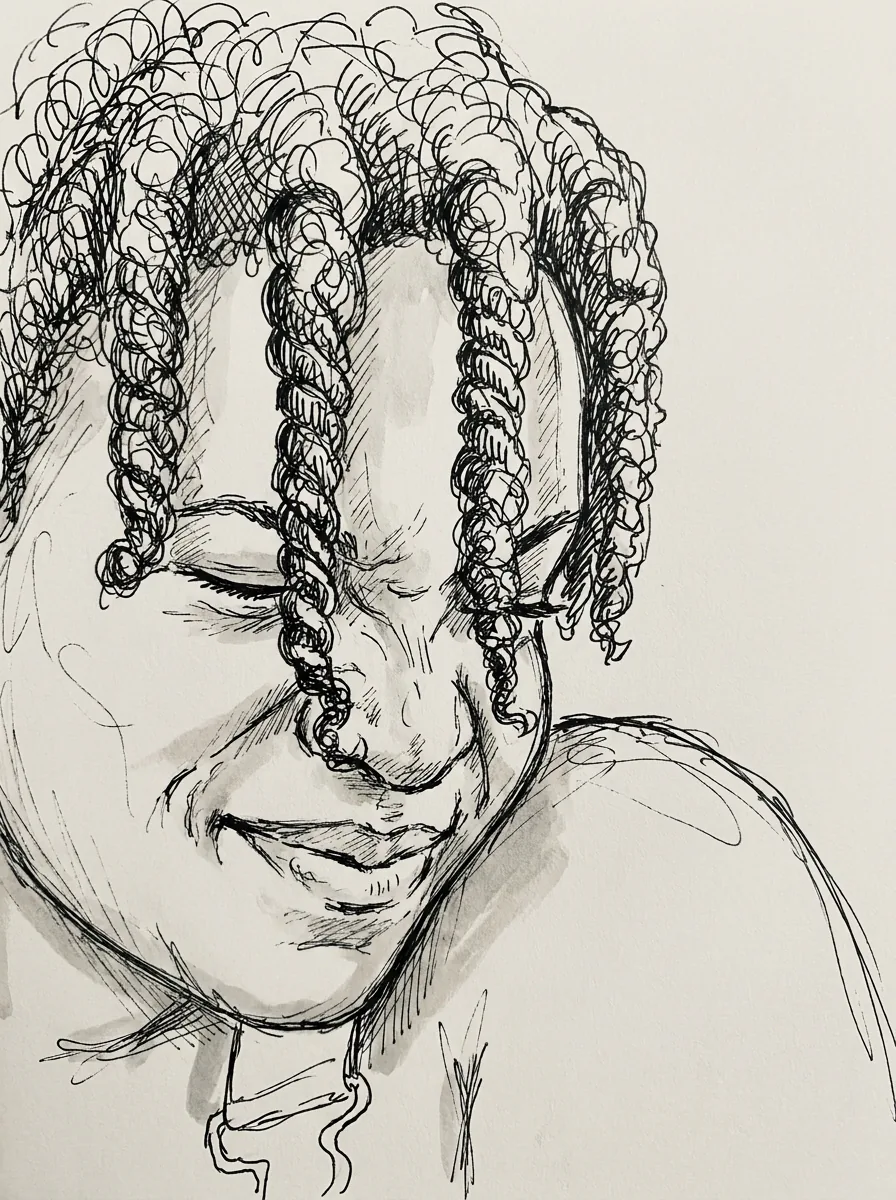
    No. Every result uses the same clean-outline cartoon recipe; there is no style selector. For loose black ink lines, use AI Doodle; for halftone dots and bold flat color, use Pop Art Portrait; for a square illustrated profile picture, use Avatar Maker. To describe your own cartoon style, write it in the AI image generator.

  4. Will it keep expression and clothing exactly?

    The recipe asks to keep them, but exact preservation is not guaranteed. Compare the eye and mouth shapes, hair, pose, outfit colors and accessories with the reference. A convincing cartoon style is not enough if important identity or clothing details have changed.

  5. Does the image include animation layers?

    No. The output is a PNG image with no rig, animation timeline, vector paths, or editable layers. A cartoon appearance does not establish an animated character asset. Any animation or production illustration needs separately prepared material.

  6. Can I cartoon a pet or a group photo?

    The recipe is written for one person: it asks to keep a face, hairstyle and clothing. A group photo gives it no way to choose, so crop to one person first. For a pet, AI Plushie or Keychain Design turns the animal into a toy or charm, and the AI image generator can take your own cartoon brief.

  7. What does an AI cartoon portrait cost, and what file do I get?

    45 credits per run for one 3:4 PNG at HD, made with Nano Banana Pro. The amount appears on the Generate button before you confirm.

Potto AI

Create your AI cartoon portrait

Upload one clear portrait, review the credit estimate, and compare the finished cartoon with your original before using it.