Note
Thank-you note
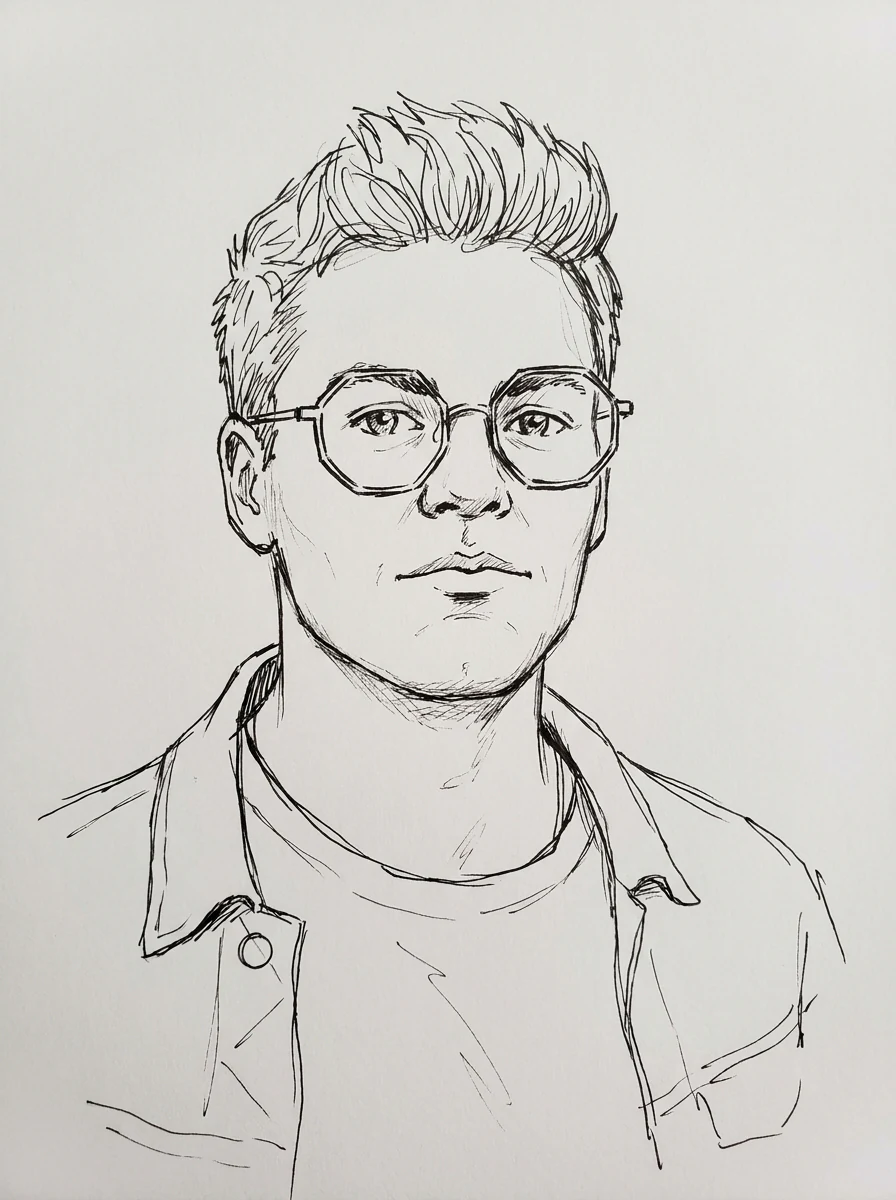
A doodle portrait makes a thank-you note feel personal. Set the drawing beside a short message in a layout app. Leave white space so the lines never touch the text.
The AI doodle generator turns one photo into an AI doodle portrait.
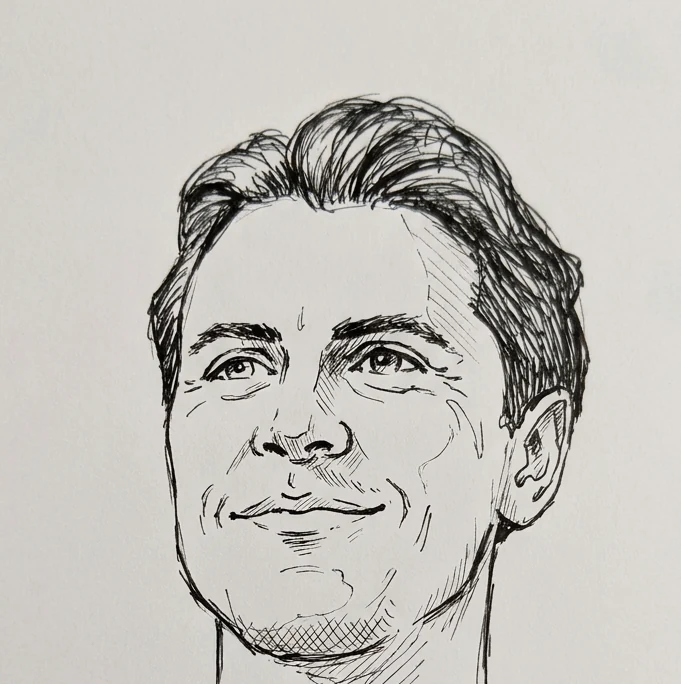
One reference photo and the AI doodle made from it, in loose black ink lines on white.
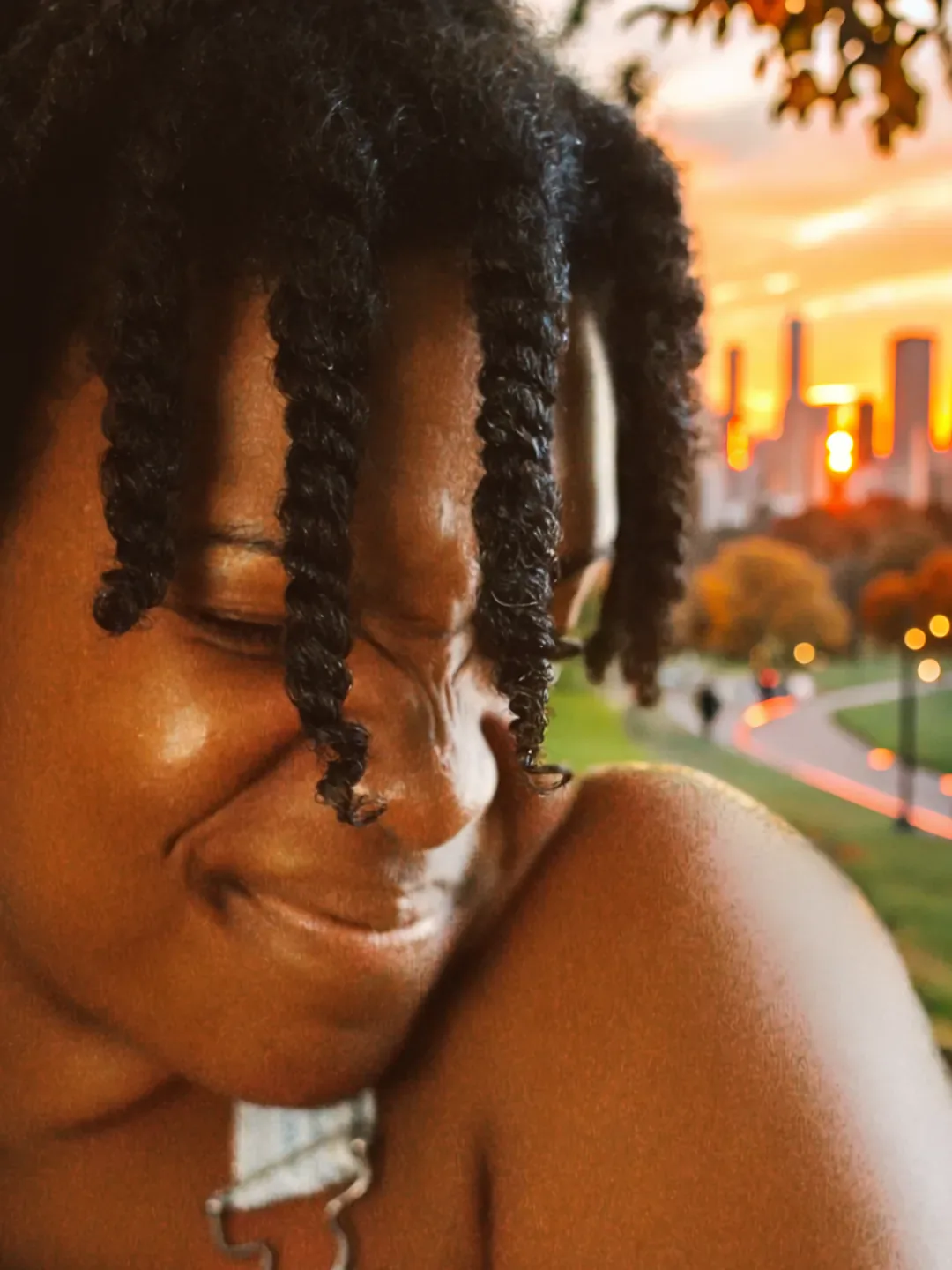
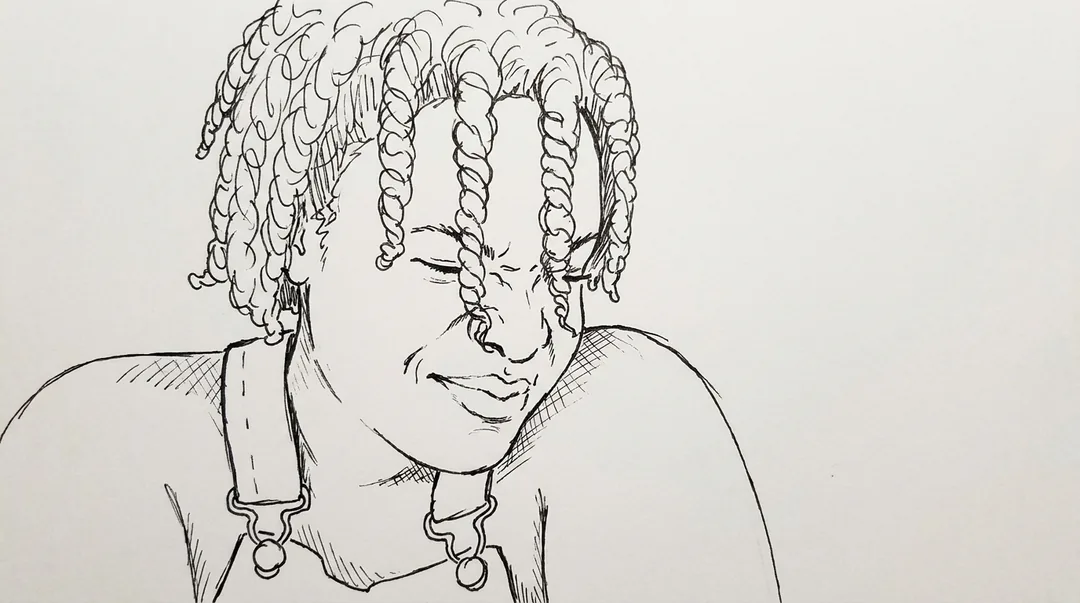
The recipe keeps the face and hairstyle recognizable. Compare the eyebrow direction, mouth curve and face outline with the original. They decide whether the expression survives.
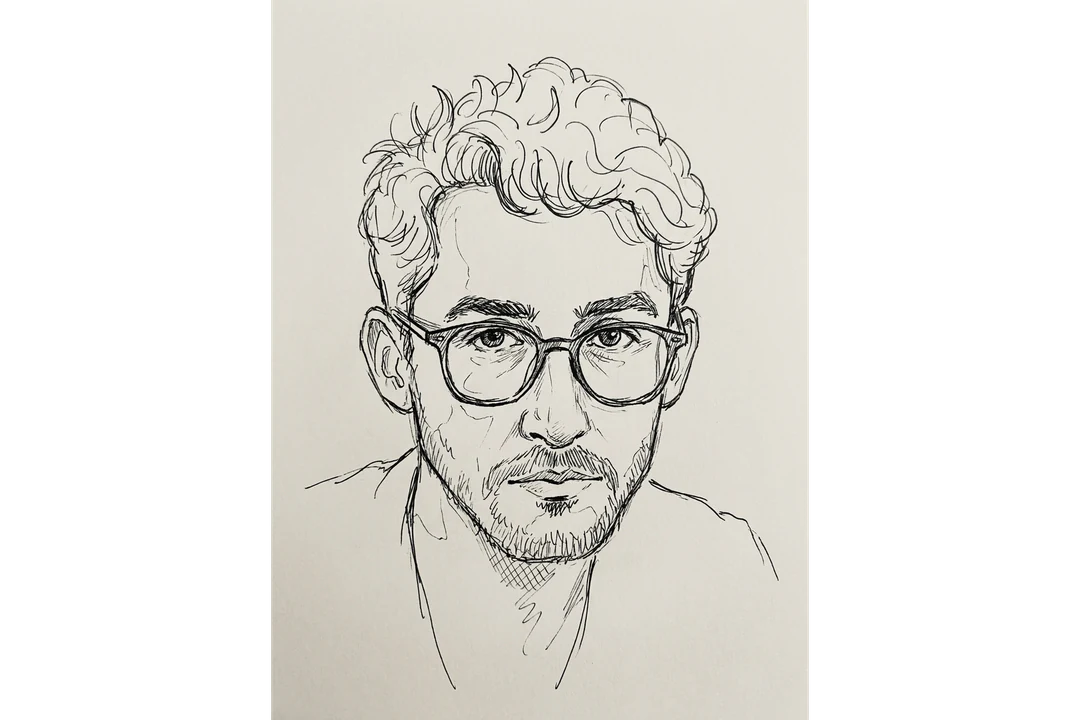
Photographic detail becomes wobbly ink lines with minimal shading. Hair and accessories shrink to a few strokes. Glasses can touch an eyebrow. The irregular line is part of the style.
Review the eyes and mouth first. The result is a raster image with a white background. If you remove the background elsewhere, check the thin lines. If the expression is off, try a sharper source photo.
The AI doodle generator turns one portrait into loose lines. Check the fixed output, then review the lines.
Add one portrait of a single person. Pick a photo with a clear hairstyle and a plain background. Use a photo you own or may edit.
There is no style, ratio or size picker. The panel shows the fixed output: one PNG at HD from Nano Banana Pro. Crop your photo first if the framing matters.
Each AI doodle run costs 45 credits. When it finishes, compare the expression with your source. Check thin strokes around the eyes and hair, then download it.
Three uses for an AI doodle. Names, dates and messages stay as real text in your layout.
Note
A doodle portrait makes a thank-you note feel personal. Set the drawing beside a short message in a layout app. Leave white space so the lines never touch the text.
Team
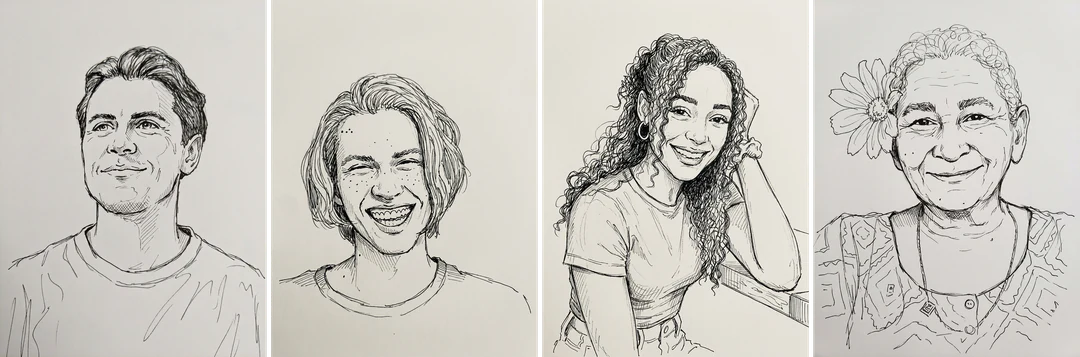
Make one doodle per person from portraits with a similar crop. Review the set together. Line weight will not match across runs, so keep the candidates that sit well side by side. Let each person approve their own.
Avatar
Review the lines at avatar size before you publish. Eyes can merge with the fringe, and a faint mouth can vanish. Keep the full image and make a separate crop for the account.
The AI doodle generator draws loose lines in black ink on plain white.
01
Upload one portrait where the face stands out. The eyebrows, mouth and face outline in the source decide how the doodle reads.
02
The doodle keeps only what a few loose lines can say: the outline of face and hair, the eyes and the mouth. Small accessories may collapse into a stroke. The wobble is intended.
03
The white background is not transparent, and the lines are pixels, not vector strokes. Check thin strokes if you shrink the doodle into a small avatar.
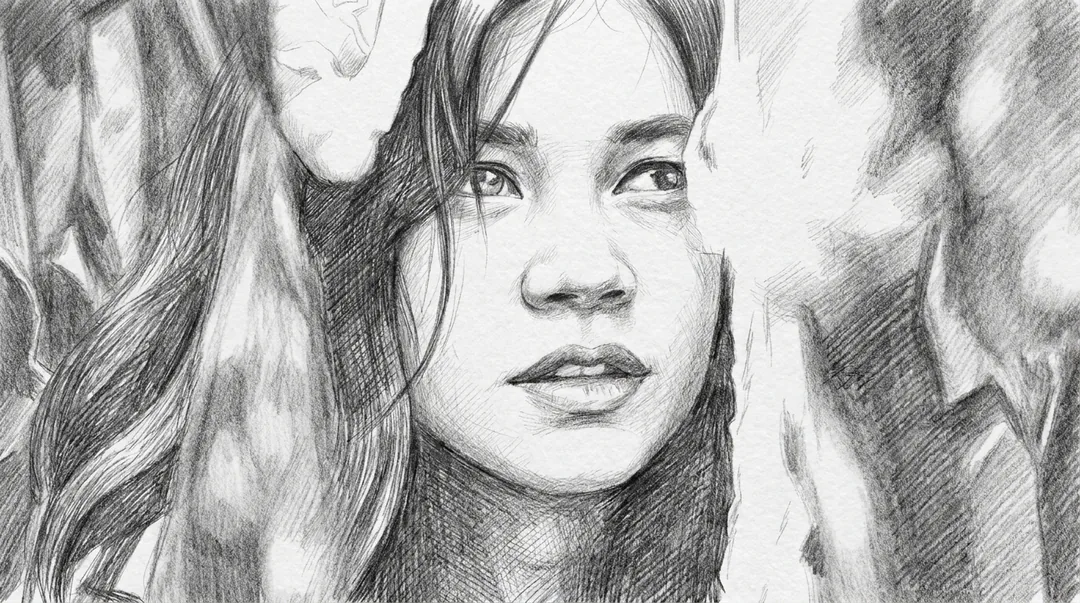
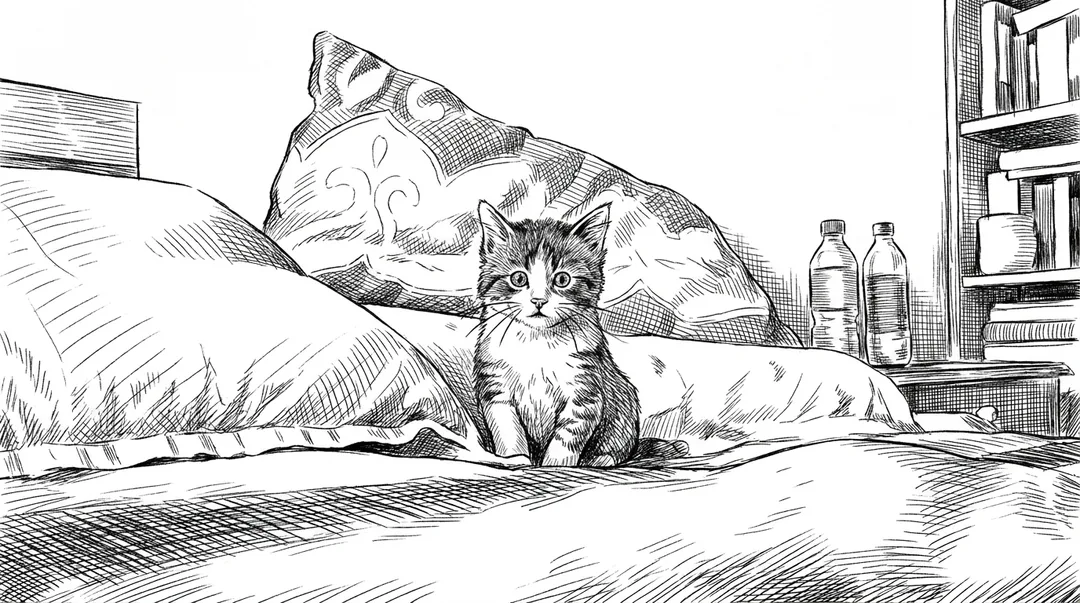
Other ways to draw a portrait from the same photo.
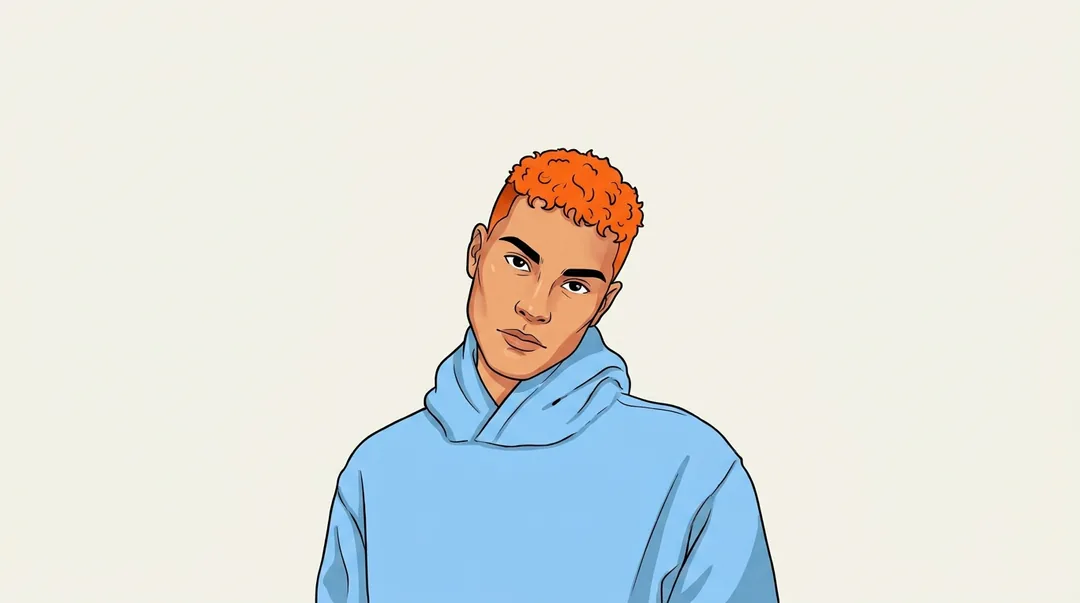
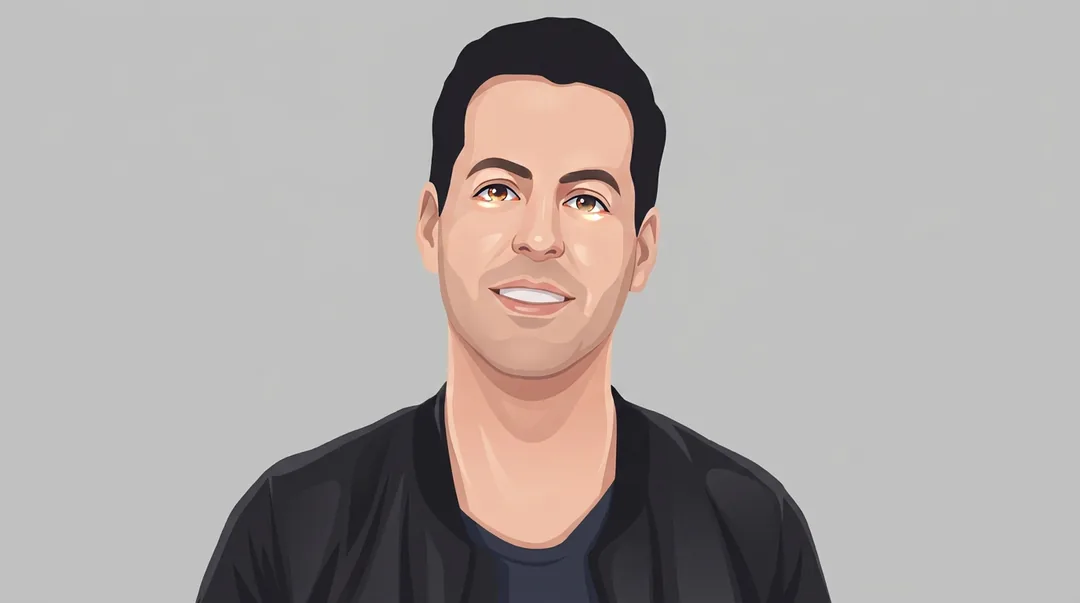
Choose your credits and generation priority. Potto does not add a visible watermark to your downloads.
Billed $96 for the first year, then $192/year
Billed $240 for the first year, then $480/year
Billed $480 for the first year, then $960/year
An AI doodle is generated artwork in a loose, informal line style. This AI doodle generator turns one portrait into wobbly black ink lines on a white page. The source supplies the person and the expression. It makes an image, not editable pen strokes.
Use one clear portrait. The face and hairstyle should stand out from the background. A busy background, strong shadows or a hand over the mouth leave the loose lines little to work from. Use a photo you own or may edit.
No. The output is an image file, even though it looks like pen lines. You cannot edit single strokes as vector paths. If you need clean vector shapes, trace the artwork separately.
No. The white page is a visible color, not transparency. Use a separate background remover for a transparent result. Then check the fine lines against a dark background.
Check the eyebrows, mouth curve, face outline and glasses at the real avatar size. The loose line is intended. Accidental joins or a changed expression make the portrait less recognizable. Thin lines are the first detail to vanish.
Not with this template. The loose line is the whole point. For soft graphite shading, use Photo to Sketch. For dense ink hatching, use Ink Drawing. For clean outlines with flat color, use AI Cartoon Generator.
45 credits per run, made with Nano Banana Pro. The PNG has a white background. Generate shows the cost before you confirm.
Upload one clear portrait and check the credit estimate. Then compare the doodle with your original.