Black Friday: 50% off every yearly plan for the first year. Ends Dec 1.
Potto AI
AI IMAGE

AI Photo Generator

Create realistic photos with the AI photo generator. Describe the camera angle, light and materials. Treat the result as a concept, not a real photograph.

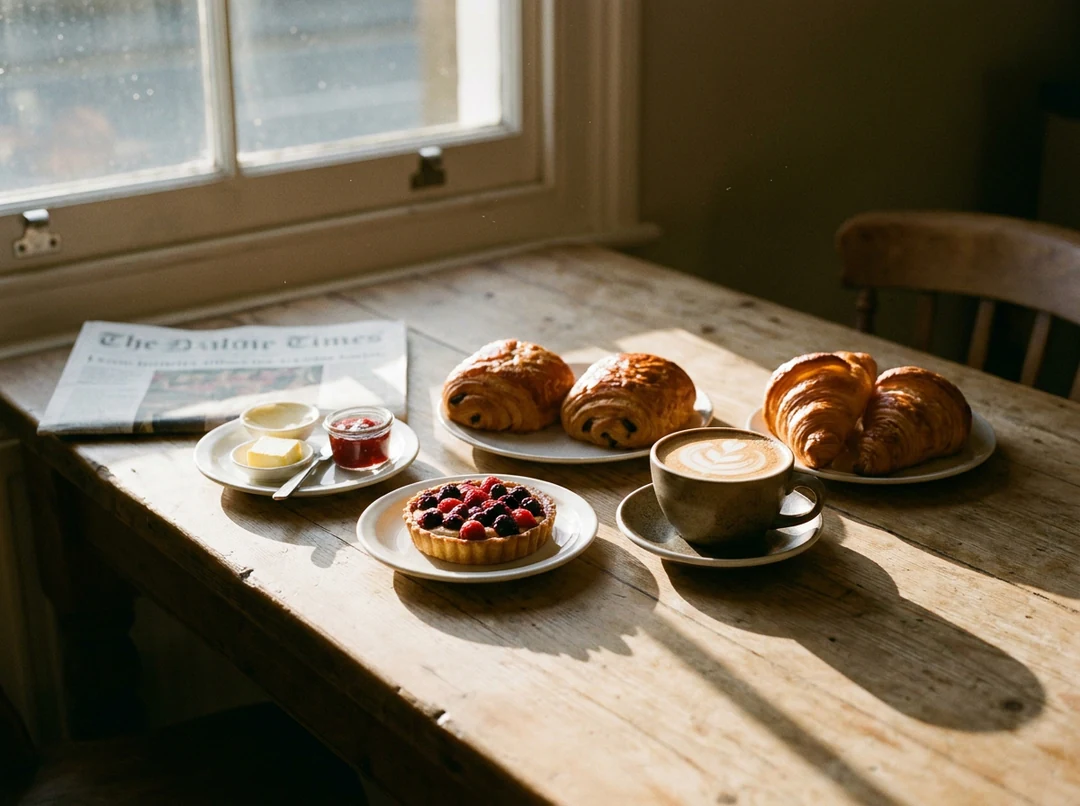
  • Breakfast table concept: example result

    Breakfast table concept

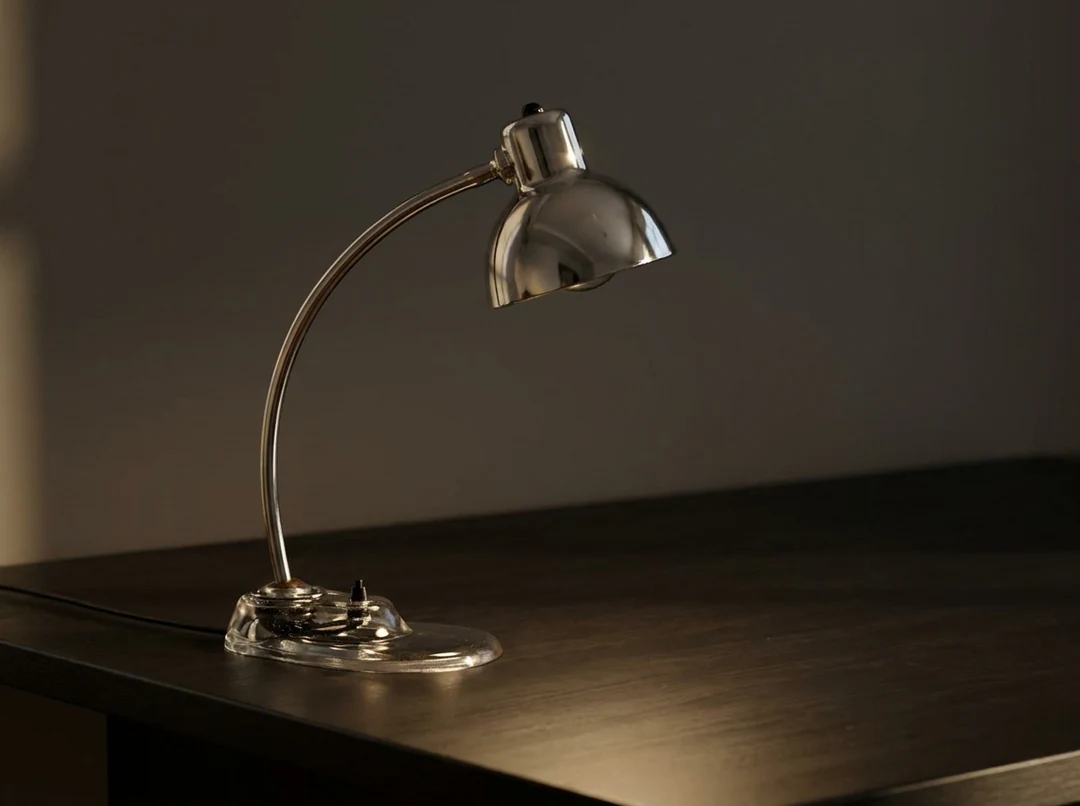
  • Worktable header: example result

    Worktable header

  • Product on stone: example result

    Product on stone

Compare two AI photo generator framings

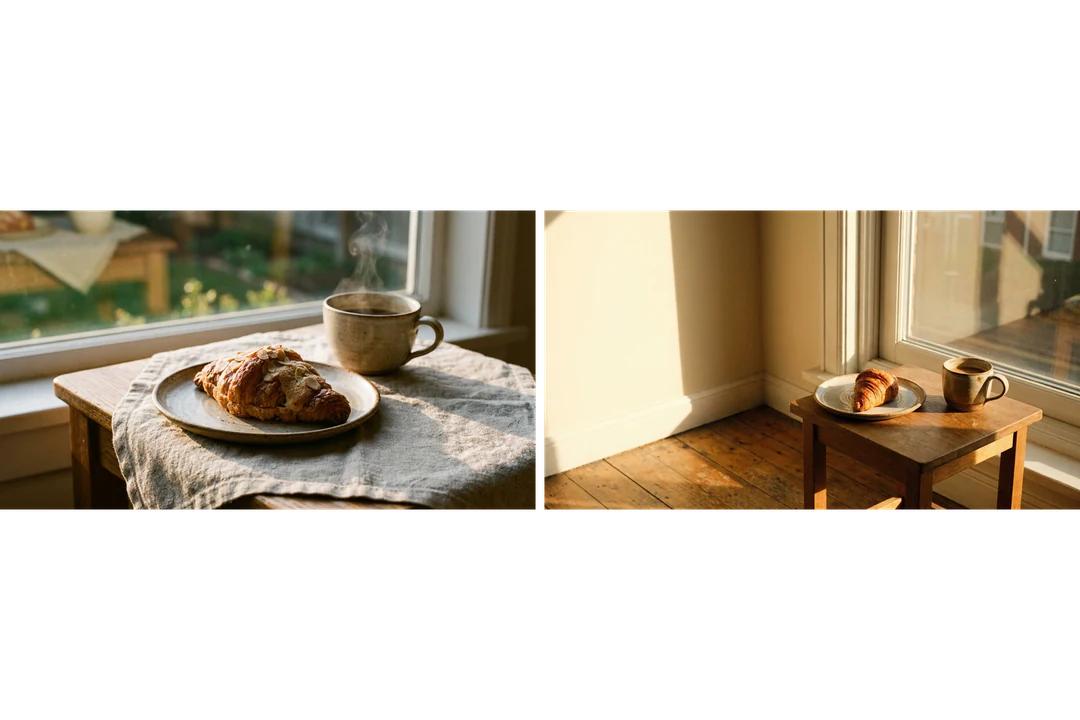
One breakfast-table prompt, run twice. Only the camera distance changed.

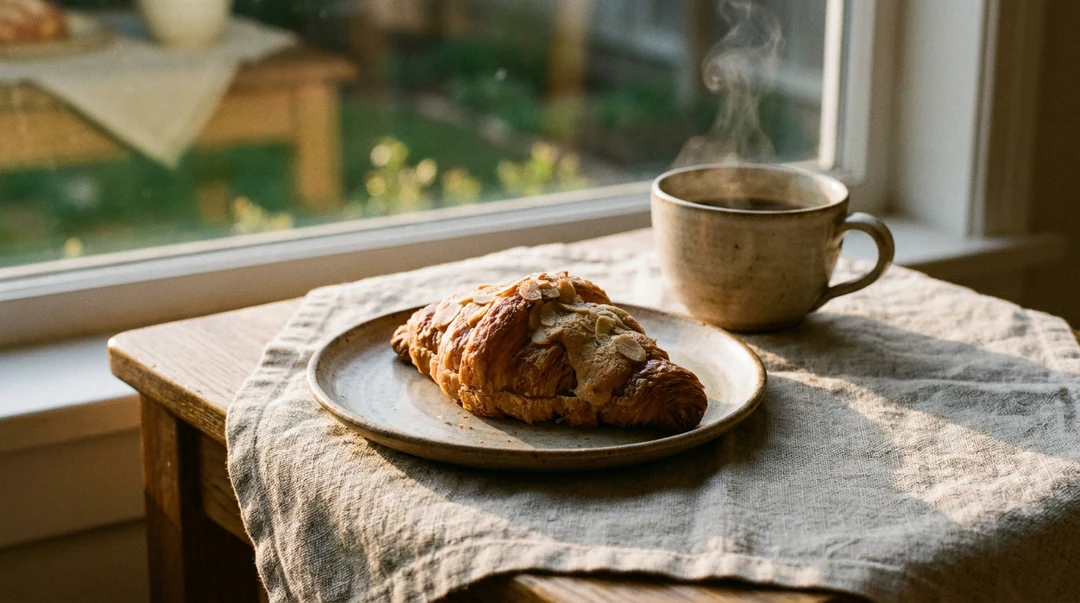
Close view of a pastry and coffee cup on a window table in warm morning light
Close framing · 16:9
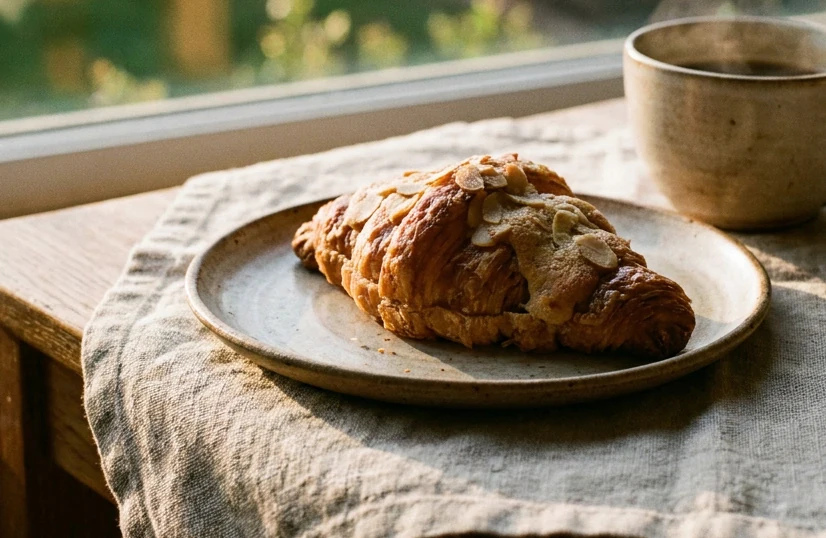
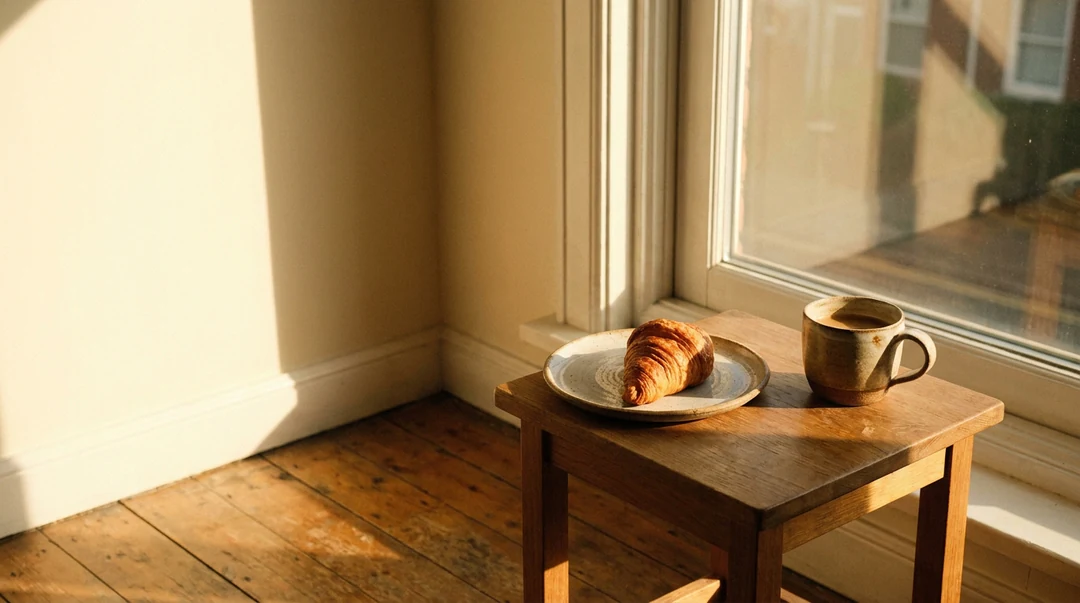
Wider view of a croissant and coffee mug on a small wooden table by a window, with quiet space on the left
Wider framing · 16:9

What stayed

Both versions share the plate, one pastry, the coffee cup, a small window table and the warm morning mood. The frame is 16:9 in both. Small details still differ between runs.

What changed

Only the camera distance changed. The close view shows texture and steam. The wider view leaves room for the setting and for editable copy on the left. Compare which one fits your banner.

What to check

Inspect cup handles, cutlery, pastry layers, window reflections and shadow direction at full size. Check that the quiet area on the left survived. Label the image as a concept. It is not a photograph of a served item.

How to use the AI photo generator

Three steps in the creation card above.

  1. 1. Describe the photograph

    Write the viewpoint, light and materials of a fictional scene. The prompt field takes up to 4,000 characters. Say where the layout needs quiet space. Name a place by its qualities, such as architecture, not by a real street. Add exact wording later in your own layout.

  2. 2. Give any reference a job

    Add a reference only when it answers one question: the subject, a color palette or a composition. Say which in the prompt. Then choose the model, aspect ratio, resolution and image count. Upload only material you may use. A reference does not guarantee a face, logo or texture stays unchanged.

  3. 3. Generate and refine one choice

    One Nano Banana HD image costs 23 credits and one Nano Banana Pro HD image costs 45. Change one decision per attempt, such as the light or the framing. Settle the composition before paying for a higher resolution.

AI photo generator uses for three concept jobs

A realistic AI photo generator suits planning and illustration. Each card names the job and what to verify.

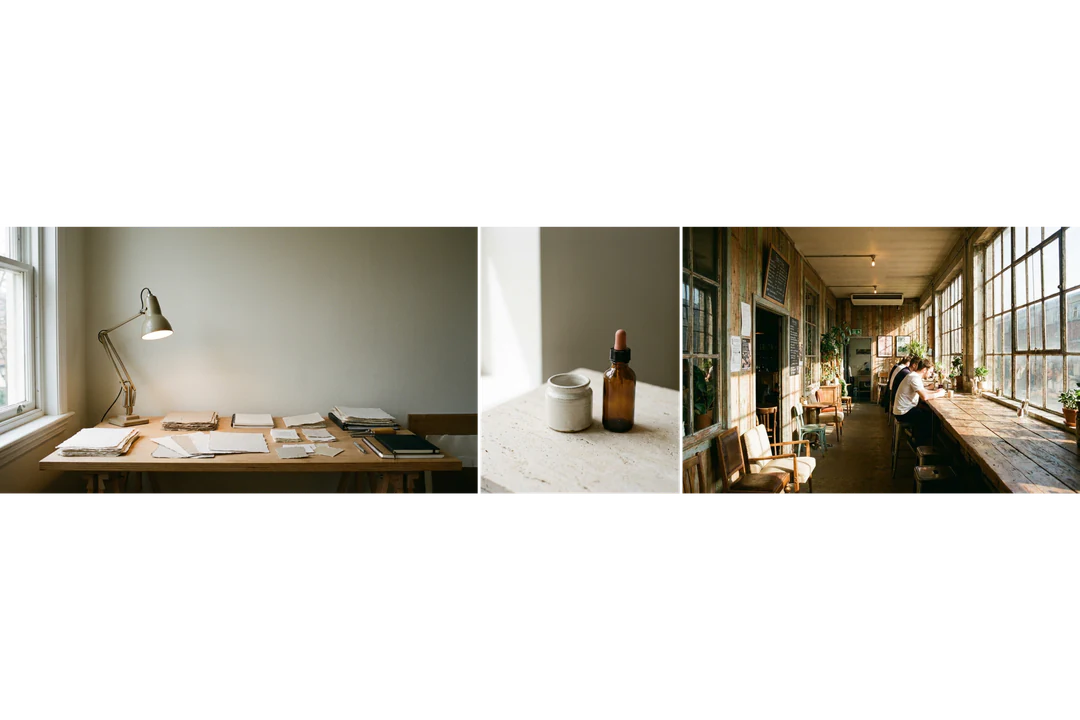
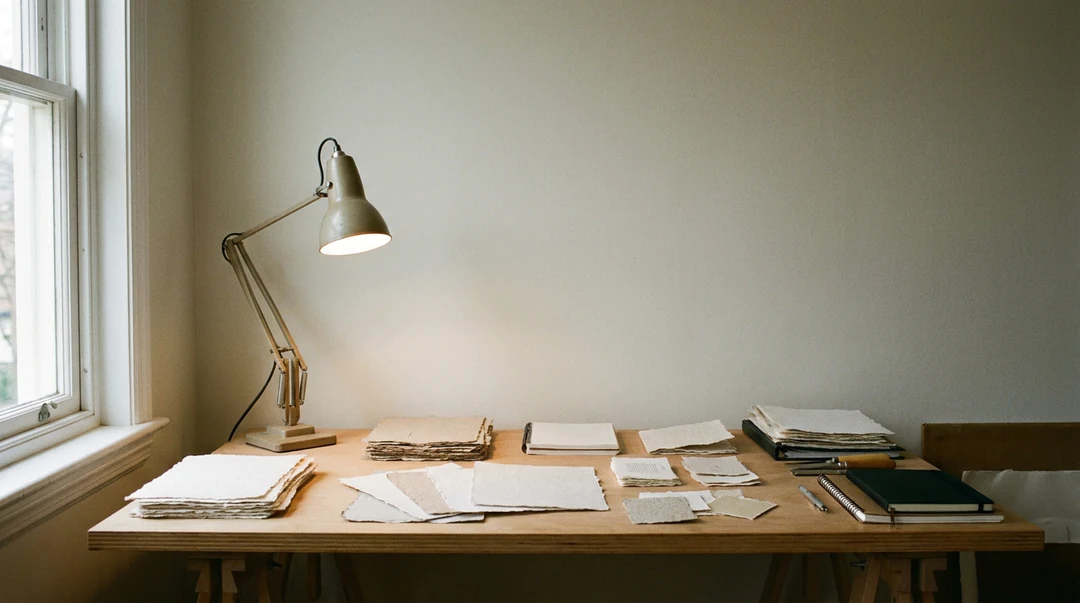
Modest worktable with paper samples, a lamp and morning light, with open space for an article title

16:9 · Article header

An editorial header for an abstract topic

Some ideas are hard to photograph. For an article about a small creative business, describe a worktable with paper samples, a lamp and morning light. Leave an uncluttered area for the title. Check the mobile crop. Inspect any notebook or screen for lettering that looks real from a distance but fails up close.
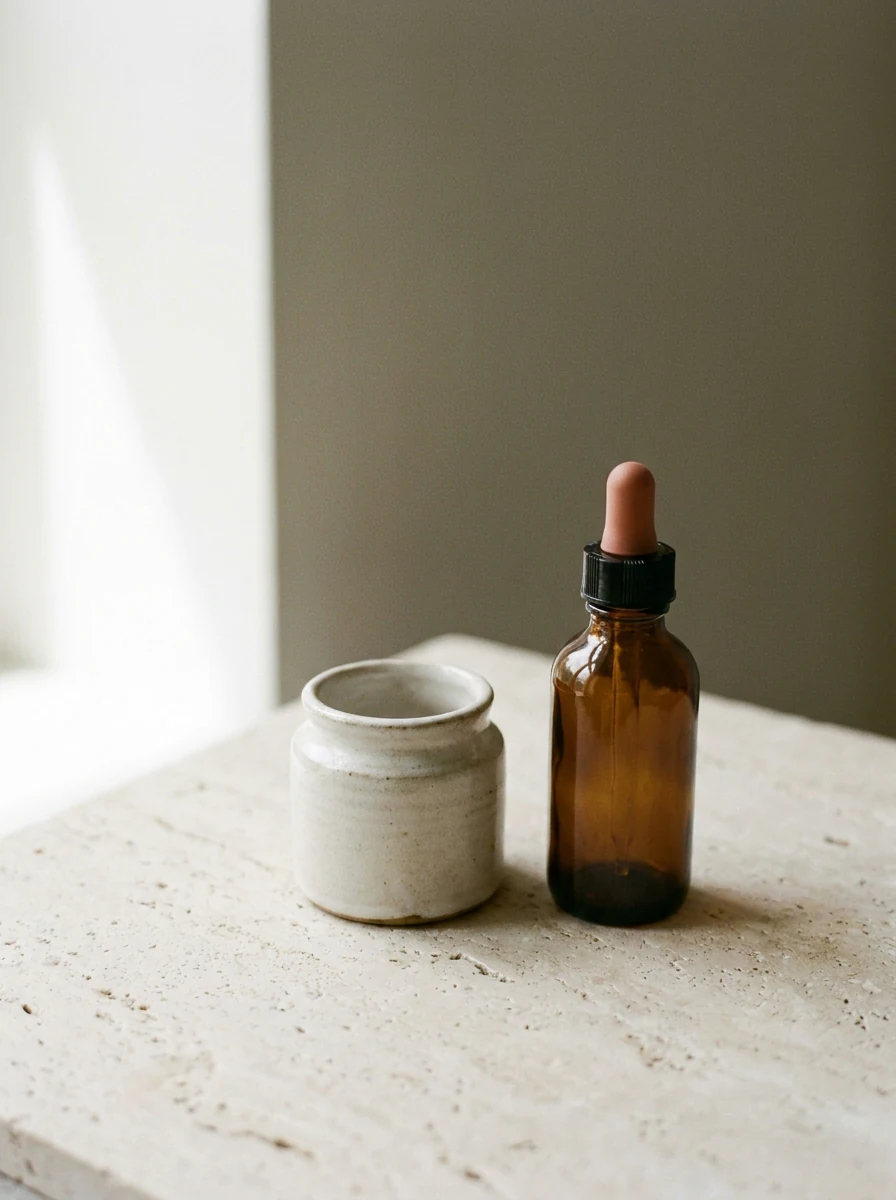
Product on a pale stone surface in soft window light, as a concept before a real shoot

3:4 · Product concept

A product concept before the shoot

Compare a pale stone surface in soft window light with a darker shelf and a stronger shadow. Do it before you book a real shoot. Describe where the object sits, which materials surround it and how much empty space the layout needs. The concept guides a discussion. It does not verify packaging or ingredients.

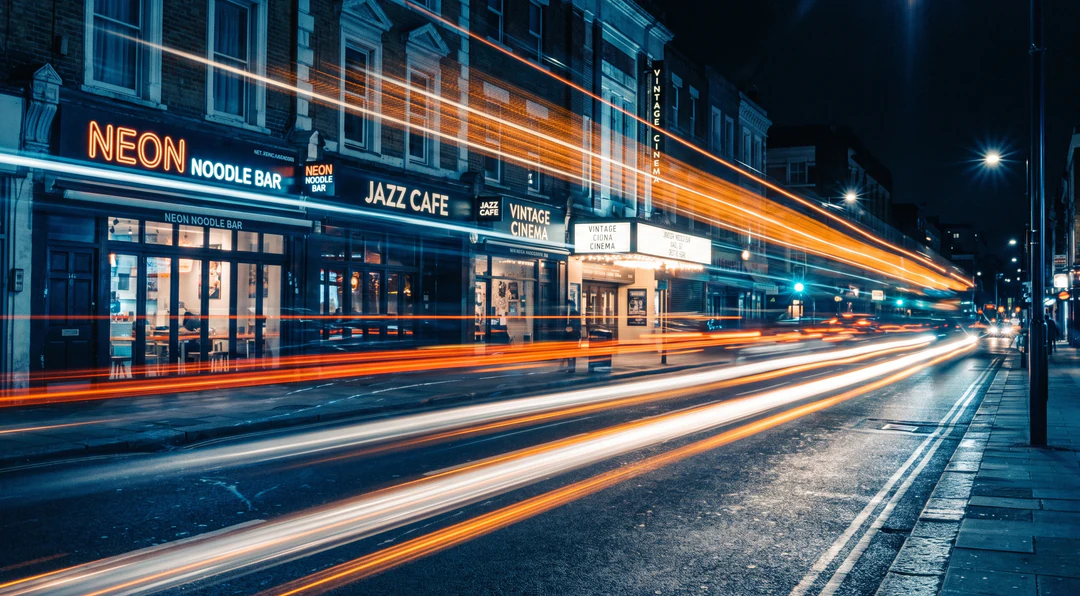
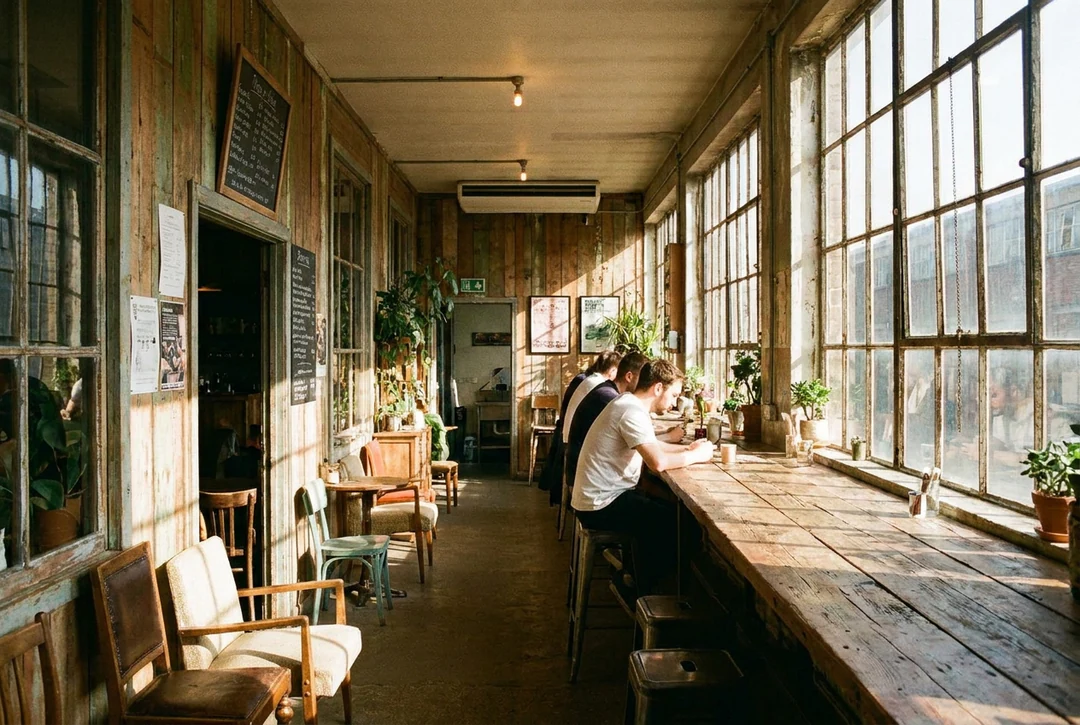
Narrow cafe with warm wood and large windows, as a location mood board frame

3:2 · Location mood

A location mood board for a planned production

Describe the qualities you need, such as a narrow cafe with warm wood or a workshop with large windows. Do not name a real street. Specify architecture, space, light direction and foreground against background. Label each image so collaborators do not assume a room is booked.

What the AI photo generator controls in a photograph

A realistic AI photo generator needs photographic choices. You set these four in the prompt.

  1. 01

    Choose the distance and angle of the camera

    An AI photo generator needs the decisions a photographer makes first: how close, how high and how wide. One plate seen close up and a whole breakfast table seen from above are different pictures. Say the framing in the prompt. Then compare two distances side by side.

    • Close, medium or wide framing
    • Eye level, high or low angle
    Two AI photo generator results of one breakfast prompt at different camera distances, close and wide
    The same breakfast table at a close and a wide distance
  2. 02

    Describe the light the photograph would have

    Window light, hard midday sun and a soft overcast sky each give a scene a different mood. Name the direction and warmth of the light. The AI photo generator builds the surfaces around it. Then check the shadows.

    • Direction, warmth and softness of the light
    • Shadows that agree across the frame
    Breakfast table lit by warm early-morning window light
    Warm early-morning window light on a table
  3. 03

    Name the materials you want to see

    Glazed ceramic, brushed metal, linen and wood read as photographic when the prompt names each surface. Name a few materials rather than many. Zoom to full size and check edges, reflections and small objects.

    • Surfaces named in the prompt
    • Full-size check of edges and reflections
    Close view of a ceramic plate on a linen cloth and a wooden table
    Ceramic, linen and wood in one frame
  4. 04

    Match the frame to where the concept will be used

    Headers, product shots and location frames need different compositions. Choose the aspect ratio first, then the resolution and file format. The quote on Generate updates with every change.

    • Ratio chosen before the first image
    • Quote on Generate before you confirm
    Three photo concepts in 16:9, 3:4 and 3:2 frames
    A header, a product and a location frame from one idea

Choose Your Plan

Choose your credits and generation priority. Potto does not add a visible watermark to your downloads.

  • Lite

    Black Friday -50%
    $16$8/month

    Billed $96 for the first year, then $192/year

    Choose Lite

    Monthly HD images

    Learn more
    44 images
    86 images
    • 2,000 monthly credits
    • Up to 86 fast images
    • Standard queue
    • No Potto watermark
    • Batch image tools
    • Private creations
    • All premium skills
  • Pro

    Black Friday -50%
    $40$20/month

    Billed $240 for the first year, then $480/year

    Choose Pro

    Monthly HD images

    Learn more
    111 images
    217 images
    • 5,000 monthly credits
    • Up to 217 fast images
    • Priority queue
    • No Potto watermark
    • Batch image tools
    • Private creations
    • All premium skills
  • Recommended

    Max

    Black Friday -50%
    $80$40/month

    Billed $480 for the first year, then $960/year

    Choose Max

    Monthly HD images

    Learn more
    333 images
    652 images
    • 15,000 monthly credits
    • Up to 652 fast images
    • Highest priority queue
    • No Potto watermark
    • Batch image tools
    • Private creations
    • All premium skills

AI Photo Generator FAQs

  1. What is an AI photo generator?

    An AI photo generator makes a photo-like image from a prompt and optional references. It is also called an AI photo maker. The image can show realistic light, framing and surface detail. Potto AI creates a generated raster image for review. A photographic look does not prove the scene, person or item existed.

  2. Is a photo from a realistic AI photo generator a real photograph?

    No. A real photograph records light from a scene through a camera. An AI photo generator synthesizes the image from a request. Use real photography for documentation, product accuracy or event evidence. Label generated concepts when their origin matters to the audience.

  3. Can I plan a product shoot with an AI photo generator?

    Yes, as visual planning, not product evidence. Compare camera angle, backdrop, light direction and space for copy. Check the real product’s details separately. Note which parts of the concept the real shoot should reproduce. A generated scene does not replace a verified photograph of the item.

  4. Can I use an AI photo generator for a location mood board or a menu?

    Yes, for planning or illustration. A prompt that names a city can give a plausible scene without reproducing a real street. Describe architecture, space, light and viewpoint instead. Label the board so nobody assumes a location is booked. For a menu, verify any image against the actual dish. The generator cannot confirm ingredients, portions or nutrition.

  5. Can I make a portrait of an invented person?

    Yes, for fiction or a visual exercise. Describe an original adult through visible choices such as posture, clothing and setting. Avoid naming a real person. Do not present the result as a real customer, employee or expert. For a portrait of yourself from an authorized photo, start from a headshot template.

  6. How do I refine a photo from the AI photo generator?

    Change one visual decision at a time, such as light direction or camera angle. Keep the rest of the brief steady. Save the wording of the accepted direction. Higher resolution adds pixels, not accuracy for anatomy, labels or reflections. Settle the composition first, then choose the output size.

  7. Do I need an account to use the AI photo generator?

    You can describe the photo, add references and pick settings before signing in. Generate opens the sign-in dialog. Your prompt and settings are kept.

  8. What if an AI photo generation fails?

    The task shows why it stopped and offers a retry. Reserved credits are released. Cancel a running request from its controls; leaving the page does not stop it. A new photo after a finished result is a new, charged request.

  9. How much does the AI photo generator cost?

    Each photo costs 45 credits with Nano Banana Pro at HD or 2K, or 23 with Nano Banana at HD. 4K and more photos cost more. Generate shows the total before you confirm.

Potto AI

Create your photo concept

Describe the camera, the light and the surfaces. Then check the AI photo generator result before you use it as more than a concept.