How-to and tutorial Shorts
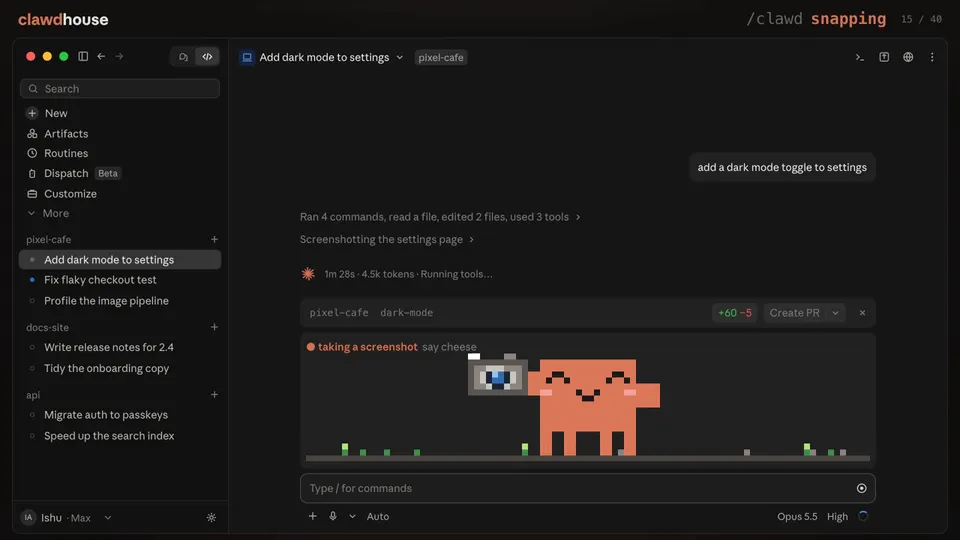
One task per video. Start from screenshots for steps on a screen, or from a sentence for a single technique. Keep the steps in order. Put exact button names on screen, not only in narration.
Make YouTube Shorts with AI from one sentence, a page link or screenshots. Potto's AI YouTube Shorts maker writes the script, builds vertical scenes with voiceover and captions, and exports an MP4 to upload yourself. It makes new Shorts. It does not cut clips from a long video.
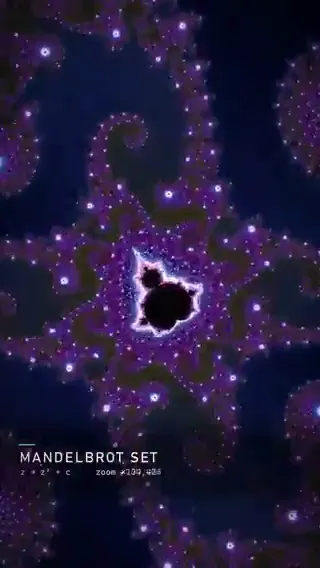
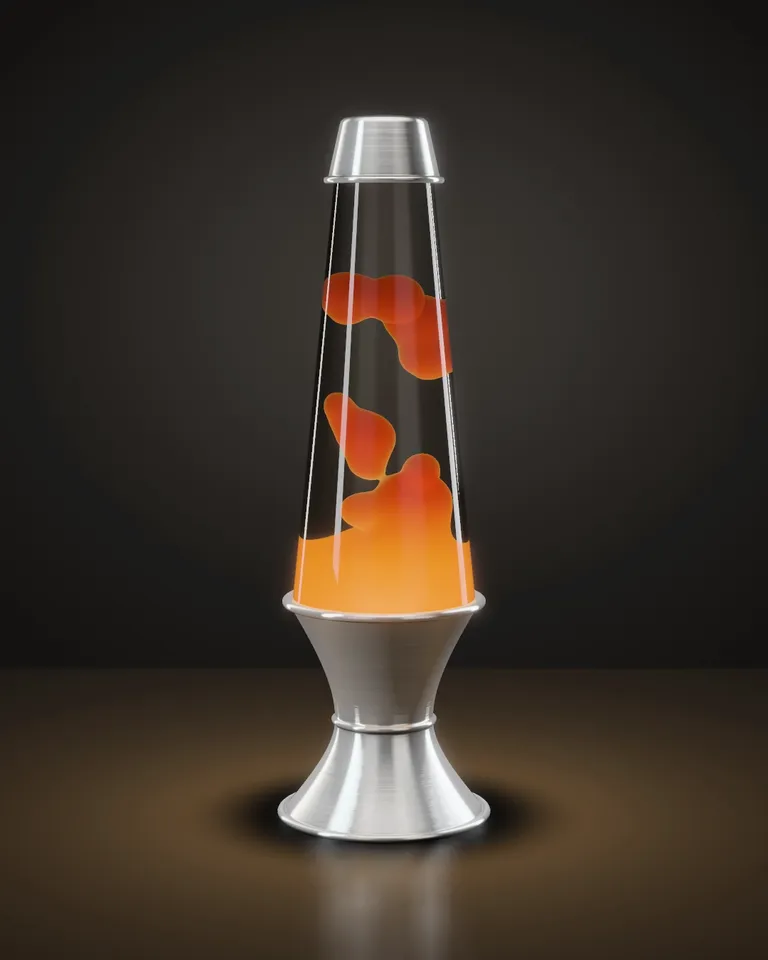
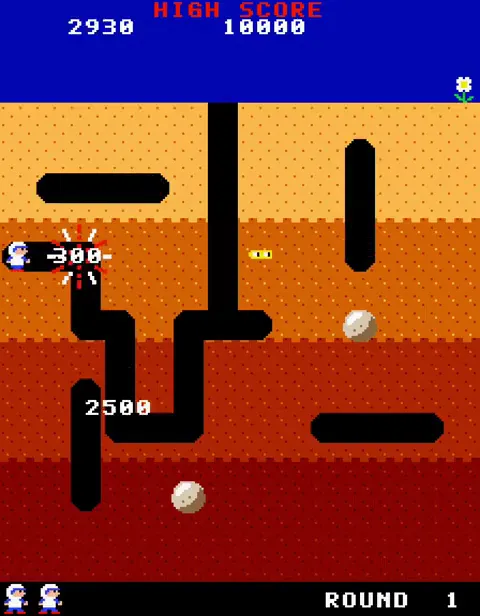
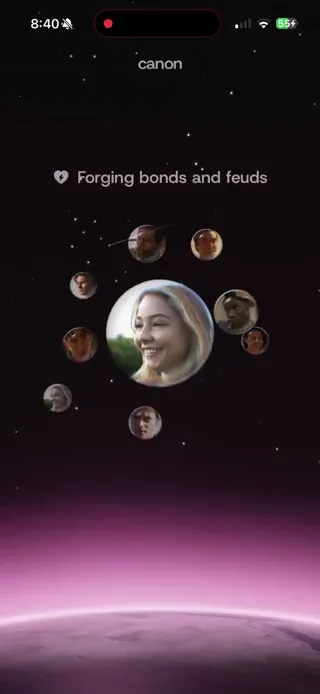
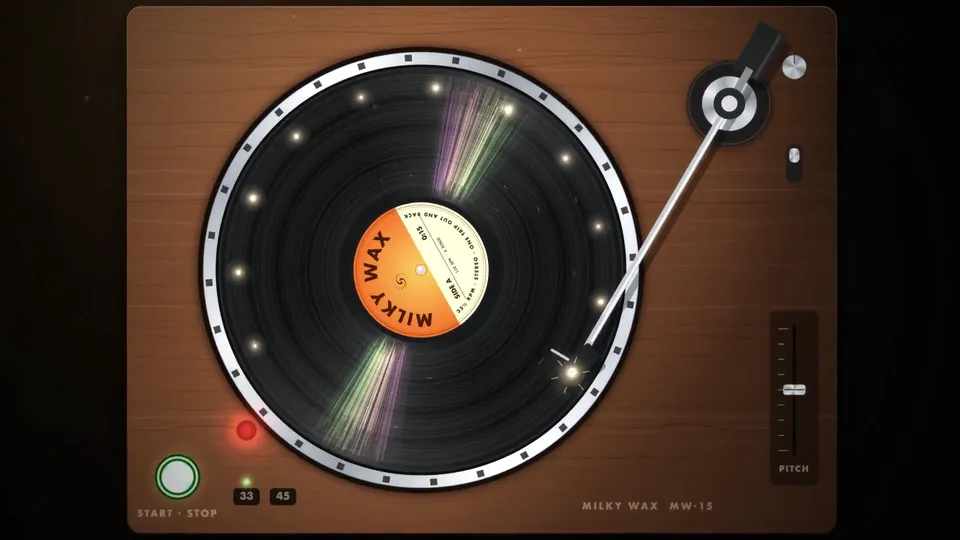
Vertical clips and text animations by other creators, chosen for a phone screen. Not every one was posted as a YouTube Short. Select a poster to play it.
These videos were made by independent creators, not by Potto. Each card credits the author and links to the original. If the author shared a prompt, copy it or start from it in Potto. Potto renders its own version, so yours will differ.
Go from one idea to a finished Short in three steps, in the creator above.
Write a sentence on what the video should teach or show, and who it is for. Add a public link, screenshots or documents. Set the type to Short for a vertical video with voiceover and captions.
Read the script and storyboard the AI drafted. Make sure the opening hook lands.
Watch a preview in your browser. Then export the MP4 and post it on YouTube Shorts yourself.
Shorts are watched on phones, often by viewers who do not know your channel. Give each video a single job. That job decides the input, the opening line and the ending.
One task per video. Start from screenshots for steps on a screen, or from a sentence for a single technique. Keep the steps in order. Put exact button names on screen, not only in narration.
Ask for Shorts that preview a long video. Potto builds new scenes from your outline. End on where to watch the full video. Keep every claim to what the long video shows.
Paste a public page link, upload a document, or type your numbers into the prompt. Turn one idea or one number into a short video. Use a single chart per screen so it stays readable.
Potto's AI YouTube Shorts maker is a short video maker that starts from your idea and sources. It builds new scenes: an AI-written script, motion graphics, narration, captions and music, exported as a vertical MP4.
01
Describe your video in one sentence. Say what the first scene should land on. The AI drafts the script around that hook. If the hook falls flat, rewrite it before exporting.
02
Paste a public http or https link. Potto reads that page plus up to 2 more pages on the same site, and captures the first view at 1440×900. You can also add screenshots and documents. Pages behind a login need screenshots instead.
03
The Short type uses the full height of the frame, with large text and one idea at a time. The same creator exports 16:9 and 1:1 too. The price stays the same for every aspect ratio.
04
Word-by-word captions keep your Shorts clear with the sound off. Music comes from Potto's library of original tracks, and you can change it.
05
Four brand colors apply to the visuals. Choose Inter, Space Grotesk or Bricolage. Your logo appears in the opening and closing scenes, so a series of Shorts looks like one channel.
A short video maker for YouTube is one way to use Potto. These pages cover other formats and starting points.


Choose your credits and generation priority. Potto does not add a visible watermark to your downloads.
Billed $96 for the first year, then $192/year
Monthly videos
Billed $240 for the first year, then $480/year
Monthly videos
Billed $480 for the first year, then $960/year
Monthly videos
Videos use credits on export. Your balance must cover the export before you start. Counts assume a 30s demo and a 60s explainer with narration and 3 illustrations.
Definitions, inputs, limits, formats and prices.
A YouTube Shorts maker is a short video maker for vertical videos. Shorts are the short-form format viewers swipe through on their phones. Many Shorts makers are editors that cut a long video into pieces. Potto is an AI YouTube Shorts maker that generates new Shorts. It starts from a sentence, a link, screenshots or a document. It writes the script and renders motion graphics scenes with narration and captions. It does not film footage or generate a digital presenter.
An AI shorts generator uses AI to produce short vertical videos from an input. The input can be a prompt, a script, an article or an existing video. Potto is one. It works from prompts and sources. Claude Opus 5.5 writes the outline, storyboard and voiceover script. Potto's Remotion scenes turn it into motion graphics. So it does not pick highlights from your footage.
Describe the video in the creator at the top. Add a page link or files if you have them. Pick Short as the video type and start the project. Claude Opus 5.5 drafts the script, storyboard, voiceover and captions. Edit them scene by scene, preview, export an MP4 and upload it to YouTube Shorts yourself.
Potto's AI YouTube Shorts maker accepts a sentence of direction, a public link, screenshots and documents. A public link must open without a login. PDF, PowerPoint and Word files can be 20 MB each, with text read from up to 100 pages.
No. Potto cannot take an existing video to analyze or edit, so it cannot cut Shorts out of a long video. It can make new Shorts on the same topic. Paste the outline or key findings of your long video into the brief. Potto's AI YouTube Shorts maker builds fresh scenes that send viewers to the full video.
Yes. Edit the words on screen and the voiceover for each scene. Swap a screenshot or choose its focus point. Regenerate an illustration or replace it with your own upload. Preview after each change. Check that the first scene says what it is about.
Yes. Select a brand kit or turn on the default brand. Your channel's look carries into every Short.
Yes. Narration comes in 32 languages, or the maker detects the language. Captions highlight each word as it is spoken, which helps viewers who watch with the sound off. Listen to a preview once for names, numbers and abbreviations.
Shorts export as a 1080p MP4 at 30 fps in 9:16 (1080×1920). The Short video type starts from that vertical frame, 30 seconds and narration with captions. The same creator also exports 16:9 (1920×1080) and 1:1 (1080×1080). A 4:5 frame and GIF export are not available.
No. Potto exports an MP4 file for you to post yourself. It is not connected to your YouTube account. It never publishes or schedules Shorts. The file works in any app that accepts a vertical MP4. For Instagram, see the Reels maker page.
Making and previewing use no credits. Credits are charged when you export, at 5 credits per second of video. Your balance must cover the length you choose. Narration and AI illustrations cost extra. Sign-up gives you 100 credits, which covers a 15-second video. A 30-second Short with English narration and no illustrations costs 153 credits. Two illustrations bring it to 199. Each account can start up to 30 video projects and generate 60 illustrations a day.
Describe your idea, add a link or screenshots, and review every scene. The credit price shows before you export.
Social Clips