

Black Friday: 50% off every yearly plan for the first year. Ends Dec 1.
Potto AI

How to make Reels with Potto's AI reels maker

Use Potto's AI reels maker in three steps, in the creator above.

  1. 1. Describe your Reel and add material

    Write a sentence on who the Reel is for and what they should do next. Add a public link, screenshots or one document. Use the Short type for a 30-second vertical Reel.

  2. 2. Review script, scenes and voiceover

    Read the storyboard and script that the AI drafted. Check every name, price and date against your source.

  3. 3. Preview, export and post

    Watch a preview in your browser. Then export a 1080p MP4 at 30 fps. Post it on Instagram Reels or in any app that plays vertical video.

Pick the Reel your brand needs

Give each Reel one job. Use Potto's AI reels maker: tell it who will watch and what they should do next. The kind of Reel decides what goes on screen and how it ends.

Dig Dug, rebuilt in one HTML file by imjustnewatai

Product and new-arrival Reels

Open on the product and one detail that sells it, such as a price, a size or a launch date. Give every other detail its own screen. Put each price, offer and date in your prompt, or upload the product page. End on where to buy.

A black hole renderer from scratch by imjustnewatai

Small business and brand Reels

A café, shop or studio can build Reels from a menu, a price list or its own website. A public link gives the AI reels maker your brand to work from. A one-page PDF suits a menu or a class schedule. Keep one offer per Reel. End on opening hours or how to book.

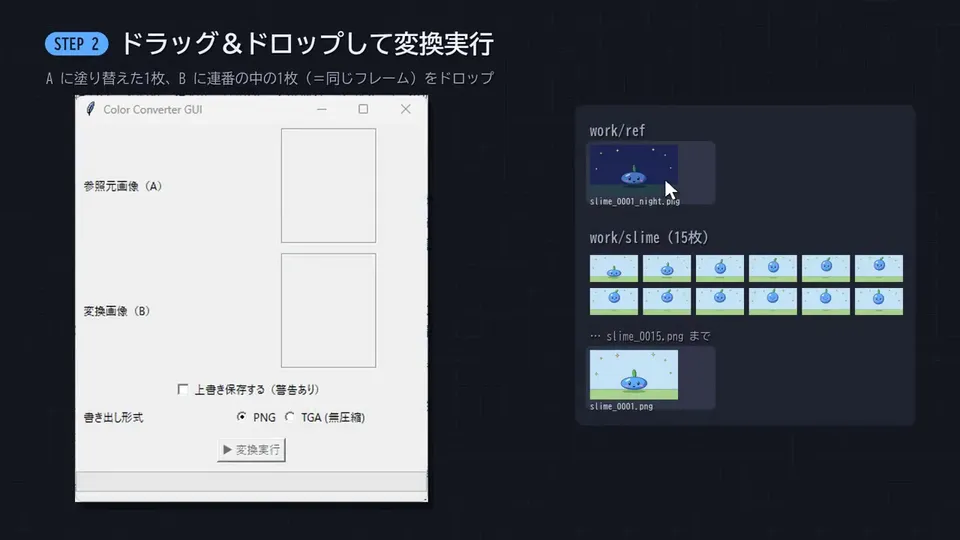
A non-template UI animation sequence by iancarscadden

Tips and lifestyle Reels

List Reels such as three tips or a weekly routine work from one sentence of direction. AI illustrations carry each point while narration explains it. Keep every tip short enough to read on one screen. Number them, so viewers know how many are left.

What the AI reels maker does for each Reel

Most reel maker apps start from footage you have already filmed. Potto's AI reels maker starts from what you know about your brand. A sentence, a link or a few files become a storyboard, motion graphics and a voiceover in a vertical frame. You never need to film a scene.

  1. 01

    A Reel script written by AI

    Say who the Reel is for. The script is built around one action for viewers. Scenes render with Remotion, with AI illustrations and voiceover.

    • One action per Reel
    • Outline and storyboard by AI
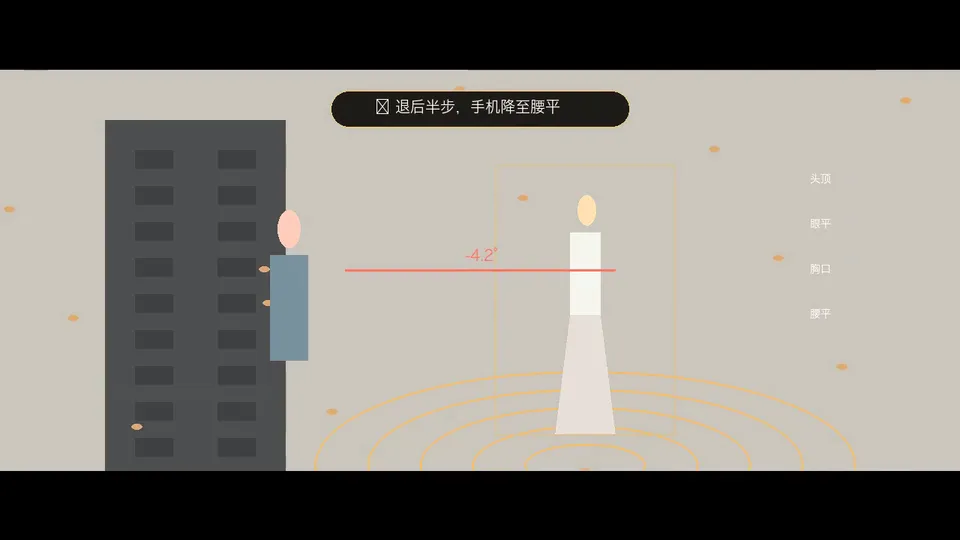
    Ten visual illusions by imjustnewatai
  2. 02

    Start from a link, screenshots or a file

    Paste a public link. Potto reads that page plus up to 2 more pages on the same site and captures the top of the page. PDF, PowerPoint and Word files of up to 20 MB work too.

    • Links, images and documents
    • Up to 8 attachments per project
    An optical illusion nobody has seen before by imjustnewatai
  3. 03

    Your brand colors, font and logo

    Your brand carries into every Reel, so a series reads as one brand.

    • Four brand colors in the visuals
    • Logo at the open and close
    Something for Halloween by cherry_mx_reds
  4. 04

    Voiceover, captions and music

    Captions help viewers who scroll with the sound off. Music comes from Potto's library of original tracks, and you can change it.

    • 32 narration languages or auto-detect
    • Original music you can change
    A landscape painting, drawn then animated by chetaslua
  5. 05

    A vertical MP4 ready to upload

    Download the MP4 and it is ready to upload.

    • 9:16, 1:1 and 16:9 frames
    • Price not affected by aspect ratio
    Vizzbees brand motion design by Blushneyy
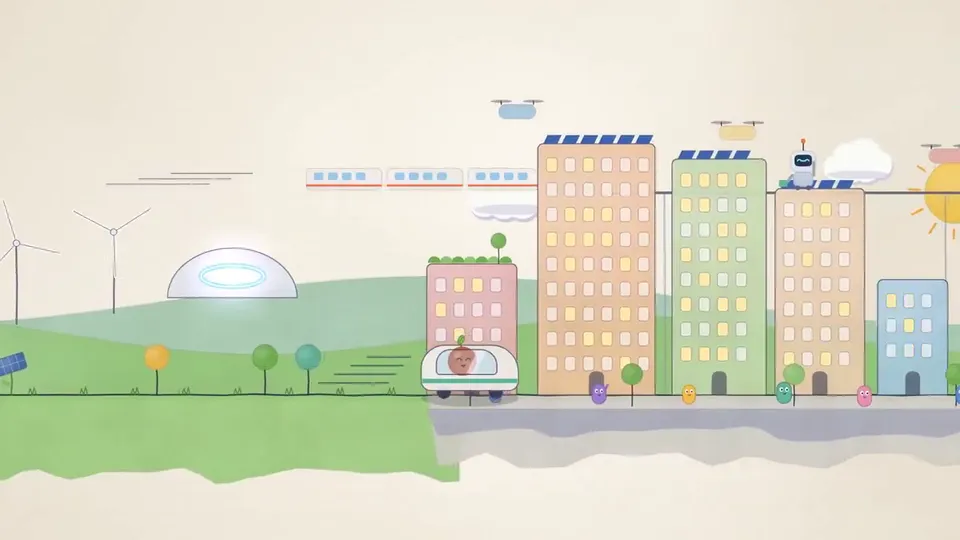
    Cartoon green city and rocket launch in 2076 by Layton_Gott

Choose Your Plan

Choose your credits and generation priority. Potto does not add a visible watermark to your downloads.

  • Lite

    Black Friday -50%
    $16$8/month

    Billed $96 for the first year, then $192/year

    Choose Lite

    Monthly HD images

    Learn more
    44 images
    86 images

    Monthly videos

    30s product demo13 videos
    60s explainer5 videos
    • 2,000 monthly credits
    • Up to 86 fast images
    • Standard queue
    • No Potto watermark
    • Batch image tools
    • Private creations
    • All premium skills
  • Pro

    Black Friday -50%
    $40$20/month

    Billed $240 for the first year, then $480/year

    Choose Pro

    Monthly HD images

    Learn more
    111 images
    217 images

    Monthly videos

    30s product demo33 videos
    60s explainer13 videos
    • 5,000 monthly credits
    • Up to 217 fast images
    • Priority queue
    • No Potto watermark
    • Batch image tools
    • Private creations
    • All premium skills
  • Recommended

    Max

    Black Friday -50%
    $80$40/month

    Billed $480 for the first year, then $960/year

    Choose Max

    Monthly HD images

    Learn more
    333 images
    652 images

    Monthly videos

    30s product demo100 videos
    60s explainer40 videos
    • 15,000 monthly credits
    • Up to 652 fast images
    • Highest priority queue
    • No Potto watermark
    • Batch image tools
    • Private creations
    • All premium skills

Videos use credits on export. Your balance must cover the export before you start. Counts assume a 30s demo and a 60s explainer with narration and 3 illustrations.

Reels Maker FAQs

Definitions, inputs, edits, formats and prices.

  1. What is a reels maker?

    A reels maker is a tool for creating Reels, the short vertical videos people watch full screen on Instagram and Facebook. Many reel maker apps help you edit footage you filmed on your phone. Potto is an AI Instagram reels maker that creates a new Reel without footage. Claude Opus 5.5 writes a storyboard and voiceover script from your prompt, link or files. Potto renders motion graphics with captions and music. You export a vertical MP4. It does not film scenes or generate a digital presenter.

  2. Can I use my own video footage in my Reels?

    Not at the moment. Potto cannot take an existing video to analyze or edit. This reels maker builds a new Reel from text, links, screenshots and documents. Use a reel editing app when your Reels are built around filmed footage. Use Potto's AI reels maker when you want to make Reels from what you have written, designed or published.

  3. How do I make Reels with Potto?

    Open the creator at the top. Write a sentence about your audience and what viewers should do next. Add a link or files if you have them. Set Video type to Short. Potto drafts a script, storyboard, voiceover and captions. Edit them scene by scene, preview, and export an MP4.

  4. What can I start my Reels from?

    You can make Reels from a single sentence, a public link, screenshots or a document. The link also gives the AI reels maker your brand name, palette, fonts and logo. Pages behind a login cannot be read, so upload screenshots of those instead.

  5. Will my Reel use my brand colors and logo?

    Yes. Select a brand kit or turn on the default brand. Four brand colors apply to the visuals. Text uses Inter, Space Grotesk or Bricolage. Your logo appears in the opening and closing scenes.

  6. Can I edit the script and scenes before exporting?

    Yes. Edit the words on screen and the narration for every scene. Swap a screenshot or choose its focus point. Regenerate an AI illustration or replace it with your own upload. Preview the Reel after each change. Check names, prices and dates.

  7. Does Potto post to Instagram Reels for me?

    No. Potto exports an MP4 file. You upload it to Instagram yourself and add the caption, hashtags and cover. The same vertical MP4 works on Facebook, TikTok or YouTube Shorts. For YouTube, see the YouTube Shorts maker.

  8. What size and format does the reels maker export?

    The Instagram reels maker exports an MP4. Choose 9:16 (1080×1920) for Instagram Reels, 1:1 (1080×1080) for a square feed post, or 16:9 (1920×1080) for a website. A 4:5 frame and GIF export are not available.

  9. Which languages can the voiceover use?

    The voiceover covers 32 languages, or Potto detects the language from your prompt and files. Captions highlight each word as it is spoken, so viewers can follow with the sound off. Listen to the preview once for product names and prices.

  10. How much does the reels maker cost?

    Making and previewing Reels uses no credits. Credits are charged when you export the MP4, at 5 credits per second of video. Your balance must cover the length you choose. Narration and AI illustrations cost extra. Aspect ratio does not change the price. Sign-up gives you 100 credits, which covers a 15-second video. A 30-second Reel with English narration and no illustrations costs 153 credits. Two illustrations bring it to 199. Each account can start up to 30 video projects and generate 60 illustrations a day.

Potto AI

Make Instagram Reels with AI

Add your shop link or screenshots. Review every scene. The credit price shows before you export.