AI Models
Compare the five AI image models in Potto AI by task, output tier and credits per image, then pick one for your next request.
AI image models in Potto AI
The five AI image models in Potto AI are three Nano Banana models and two GPT Image 2.5 models. Each one generates new images and edits photos you upload: add an instruction and the AI model returns a changed image. Open the page of any of the AI models for its settings and credits, and pick it in the creator when you start an image.
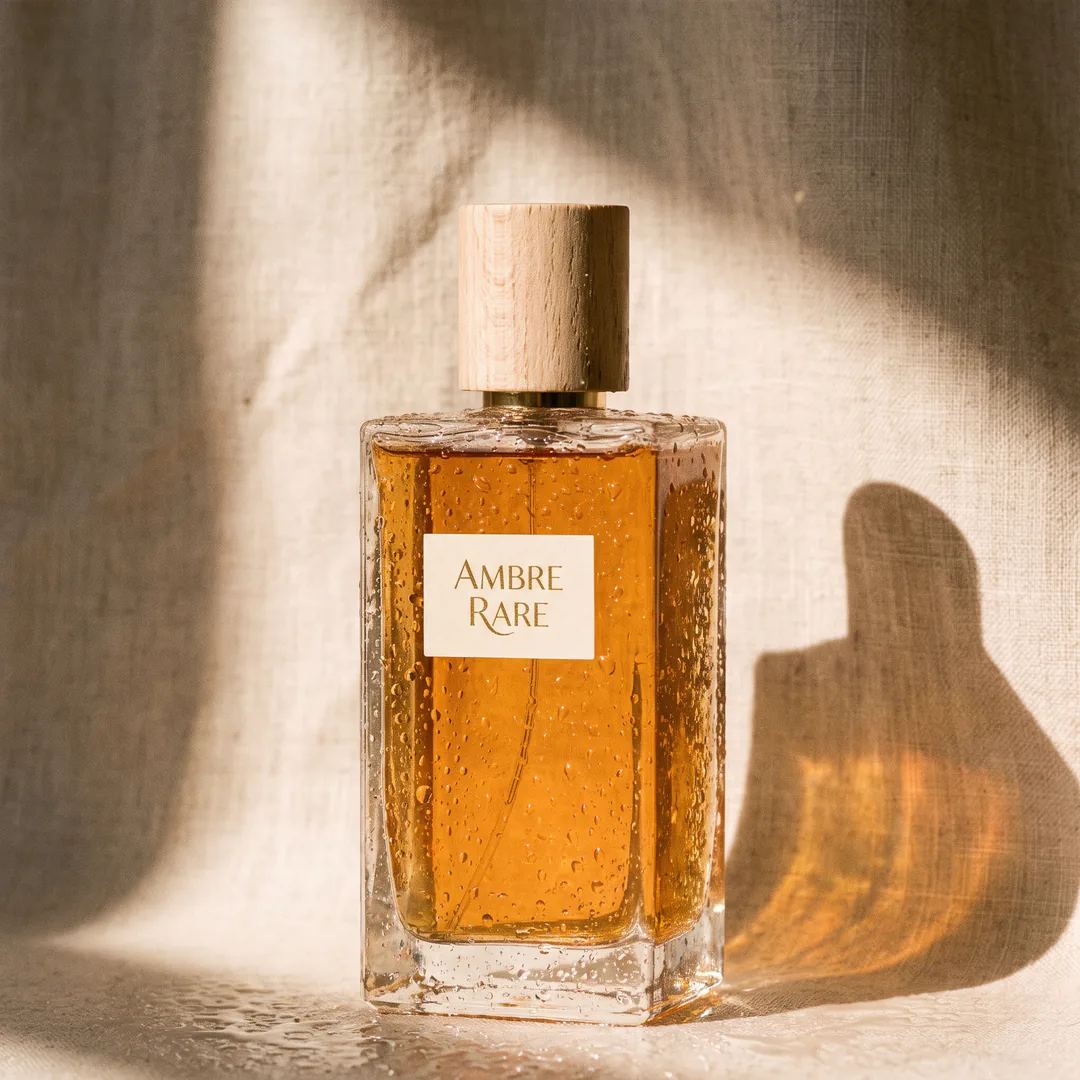
Nano Banana Pro
4K resolution and reasoning-guided quality, built for professionalsGemini 3 Pro Image · HD / 2K / 4K · 14 reference images at most · from 45 credits per imageThe creator opens with this model selected. HD and 2K cost the same 45 credits for every image, so 2K is the better value, and 4K costs 80. Pick it for final renders, briefs with many parts to follow and images that will be shown large.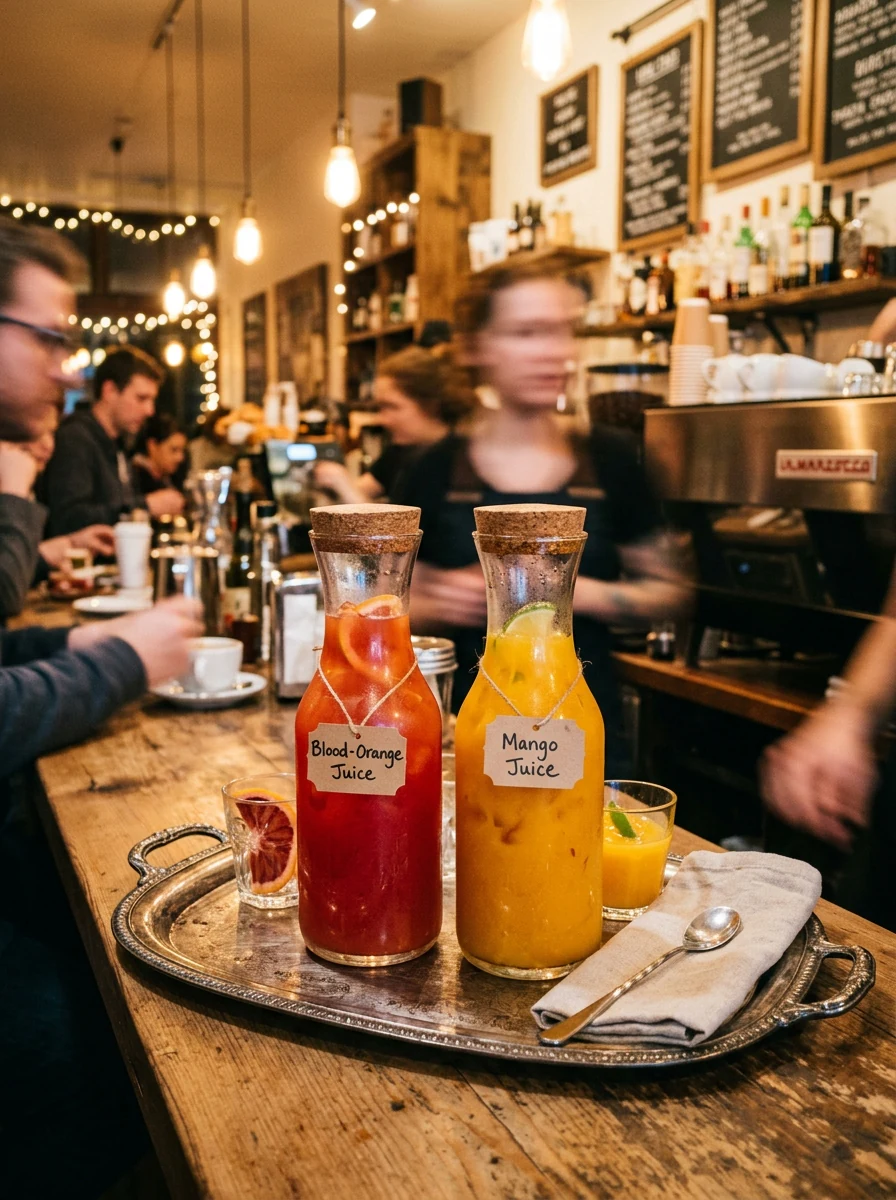
Nano Banana
Fast, capable image generation and editingGemini 3.1 Flash Image · HD / 2K / 4K · 14 reference images at most · from 23 credits per imageEvery tier costs less than on Pro: HD is 23 credits, 2K is 34 and 4K is 51. That suits drafts and variations, where you run several outputs, compare them, and then move the strongest brief to a higher tier or to the Pro model.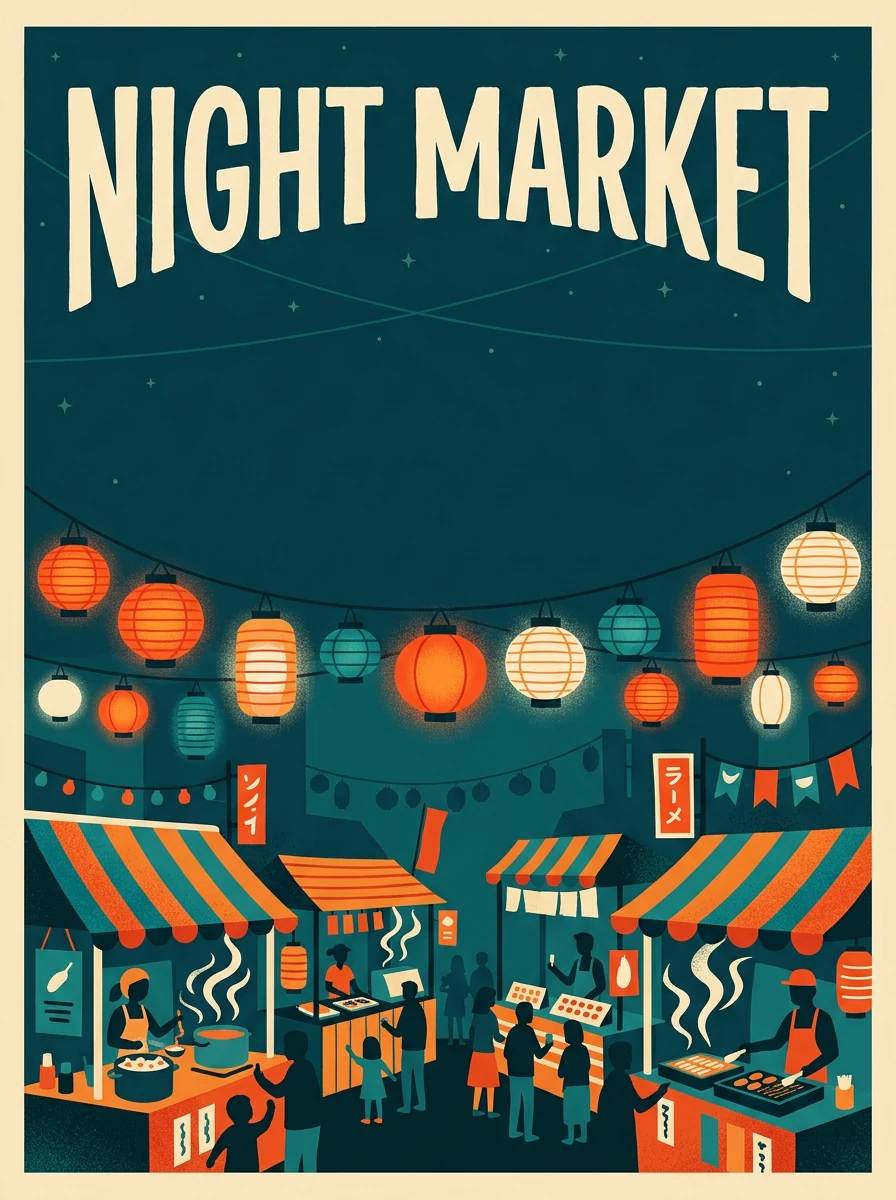
Nano Banana 2.1
Sharper text, stronger character consistency, up to 4KGemini Nano Banana 2.1 · HD / 2K / 4K · 10 reference images at most · from 12 credits per imageThe newest of the three Nano Banana models. HD costs 12 credits, 2K costs 17 and 4K costs 38, below Nano Banana and Nano Banana Pro at every tier. Better text rendering and character consistency are among its listed improvements, worth testing on menus, signs and characters that must recur. It takes up to 10 references.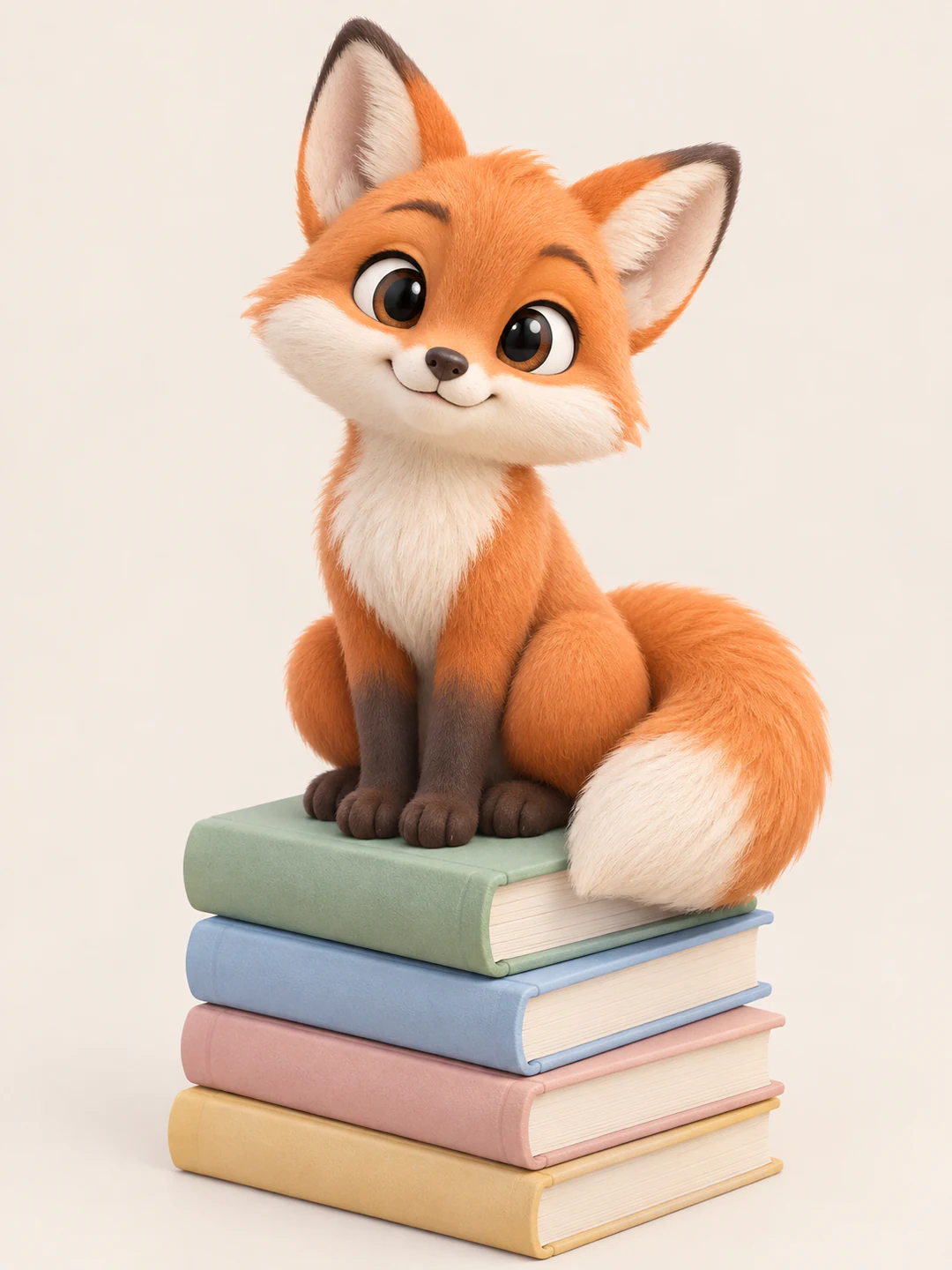
GPT Image 2.5 Flare
Fast, high-quality everyday image generation and editinggpt-image-2.5-flare · HD / 2K / 4K · 14 reference images at most · from 5 credits per imageOpenAI calls Flare its fastest model for high-quality, everyday image generation. HD costs 5 credits, 2K costs 9 and 4K costs 15. The Flare High option in the creator renders the same model at a higher quality for 18, 33 and 60 credits, which suits a final pass on a draft you like.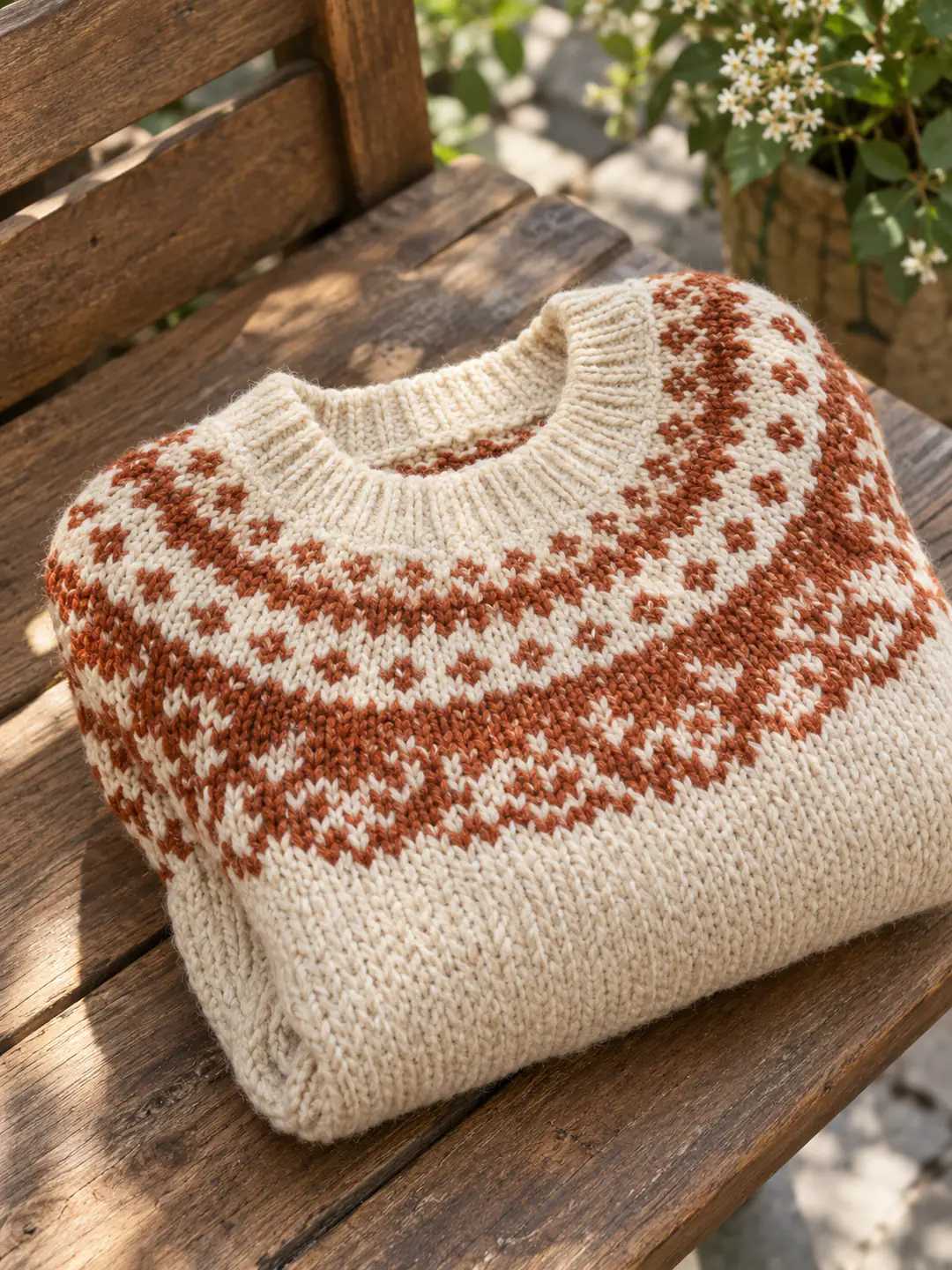
GPT Image 2.5 Sunburst
Precise image editing with strong instruction followinggpt-image-2.5-sunburst · HD / 2K / 4K · 14 reference images at most · from 5 credits per imageOpenAI calls Sunburst its most capable model for image generation and editing, for when editing precision matters most. Its prices match Flare, at 5, 9 and 15 credits, and it takes up to 14 references. Choose it when one part of a photo should change and the rest should not.
The five AI image models all take a prompt of up to 4,000 characters, 10 aspect ratios from 1:1 to 21:9, one, two or four outputs per request, and PNG or JPEG files. Prices in the creator are per image, so four outputs cost four times one. The exact pixel size depends on the AI model and the ratio you choose, so check the downloaded file if a layout needs fixed dimensions.
AI model images are sample results, not output from your request.
Compare AI image models for your task
The five AI models take the same prompt, ratio and output controls and offer the same three tiers. They differ in the underlying model, the reference limit and the price. Run one brief through two or three AI models before you choose.
| Nano Banana Pro | Nano Banana | Nano Banana 2.1 | GPT Image 2.5 Flare | GPT Image 2.5 Sunburst | |
|---|---|---|---|---|---|
| Best for | 4K resolution and reasoning-guided quality, built for professionals | Fast, capable image generation and editing | Sharper text, stronger character consistency, up to 4K | Fast, high-quality everyday image generation and editing | Precise image editing with strong instruction following |
| Resolution | HD · 2K · 4K | HD · 2K · 4K | HD · 2K · 4K | HD · 2K · 4K | HD · 2K · 4K |
| Reference images | Up to 14 | Up to 14 | Up to 10 | Up to 14 | Up to 14 |
| Credits per image | 45 HD · 45 2K · 80 4K | 23 HD · 34 2K · 51 4K | 12 HD · 17 2K · 38 4K | 5 HD · 9 2K · 15 4K | 5 HD · 9 2K · 15 4K |
Choose AI models by task. Pro suits final renders and briefs with many parts, Nano Banana suits drafts and variations, and 2.1 suits text-heavy images at a low price. Flare suits fast everyday images, with its Flare High option adding a higher-quality pass at 18, 33 and 60 credits, and Sunburst suits precise edits. Pro charges the same for HD and 2K, while the other AI image models rise at each step. Outputs multiply the price: four Nano Banana Pro HD images are 180 credits and four Nano Banana HD images are 92. Compare AI models at the same tier, then read the quote in the creator before you generate.
What the AI image models do for you
The five AI image models generate and edit images in the same creator, with the same inputs and three output tiers.
01
Generate from words and references
Every AI model turns a prompt into images. Add up to 14 reference images, or 10 on Nano Banana 2.1, when a subject, a palette or a room layout should guide the result, and say what each reference is for.
- Prompts run up to 4,000 characters
- Up to 14 reference images per request, 10 on Nano Banana 2.1
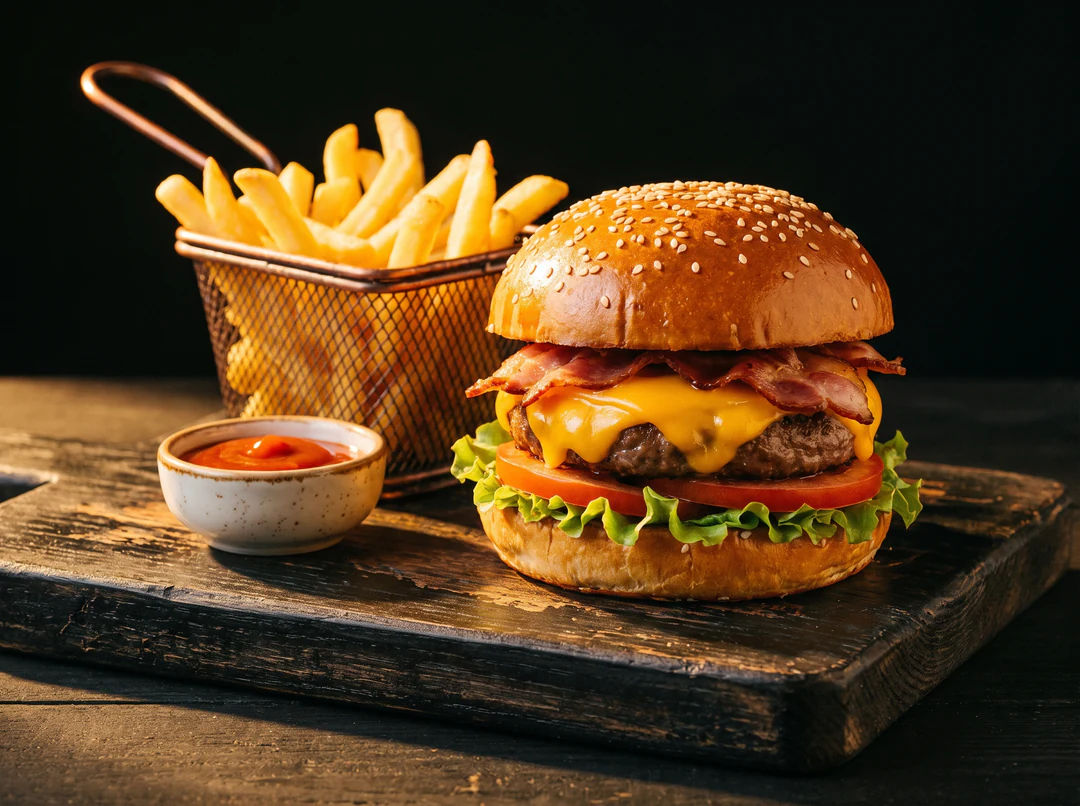
Describe the dish and the lighting, then add references only where they help. 02
Edit a photo with the same model
Upload a photo with a written instruction and the AI image model returns a changed image: a new background, a different outfit or one object removed. Describe the change in a single sentence and name what must stay the same. Sunburst is built for edits where precision matters most.
- Describe one change per instruction
- The result is a new image, not your file
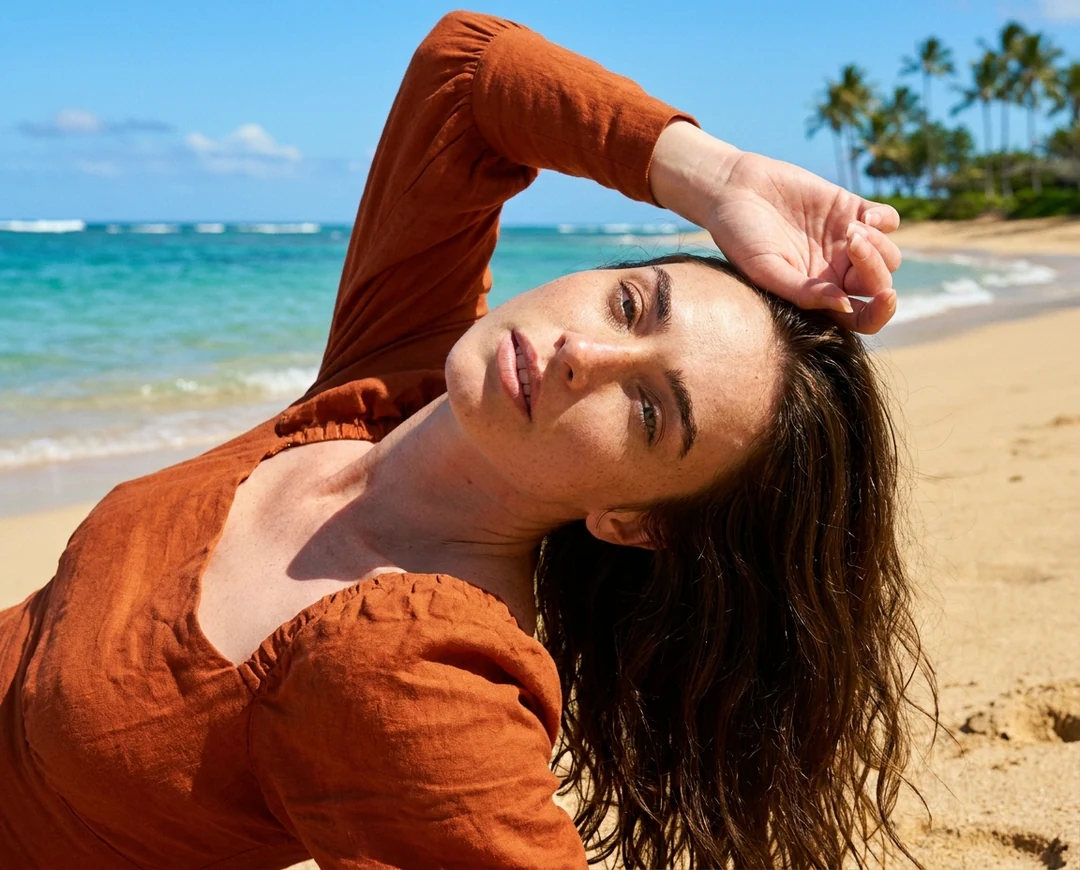
A photo with one part changed by instruction. 03
Three output tiers on every AI model
Choose HD, 2K or 4K for every request. Nano Banana Pro charges the same at HD and 2K, and the other AI models charge more at each step, so the table above shows what each tier costs per image. Price multiplies with the number of outputs.
- Choose the tier for where the image is shown
- Read the quote in the creator before you generate
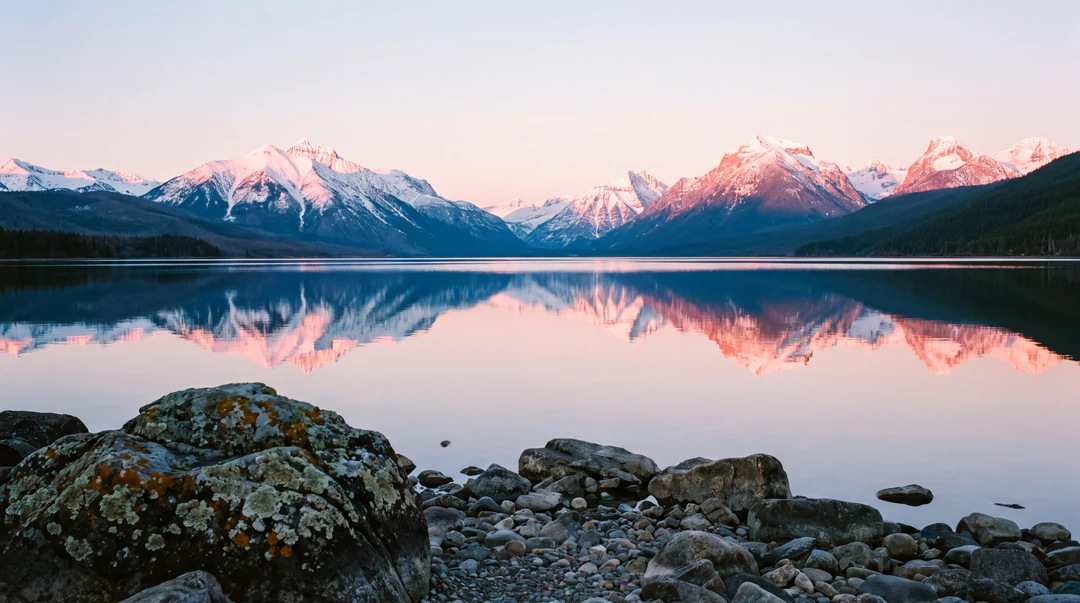
Larger tiers suit large screens and print.
Where to use these models
You choose between the AI models in the image creator, request by request. Start from the input you already have.
- AI Image GeneratorPick any of the five AI models, set the ratio, tier and number of outputs, and create an image from a prompt
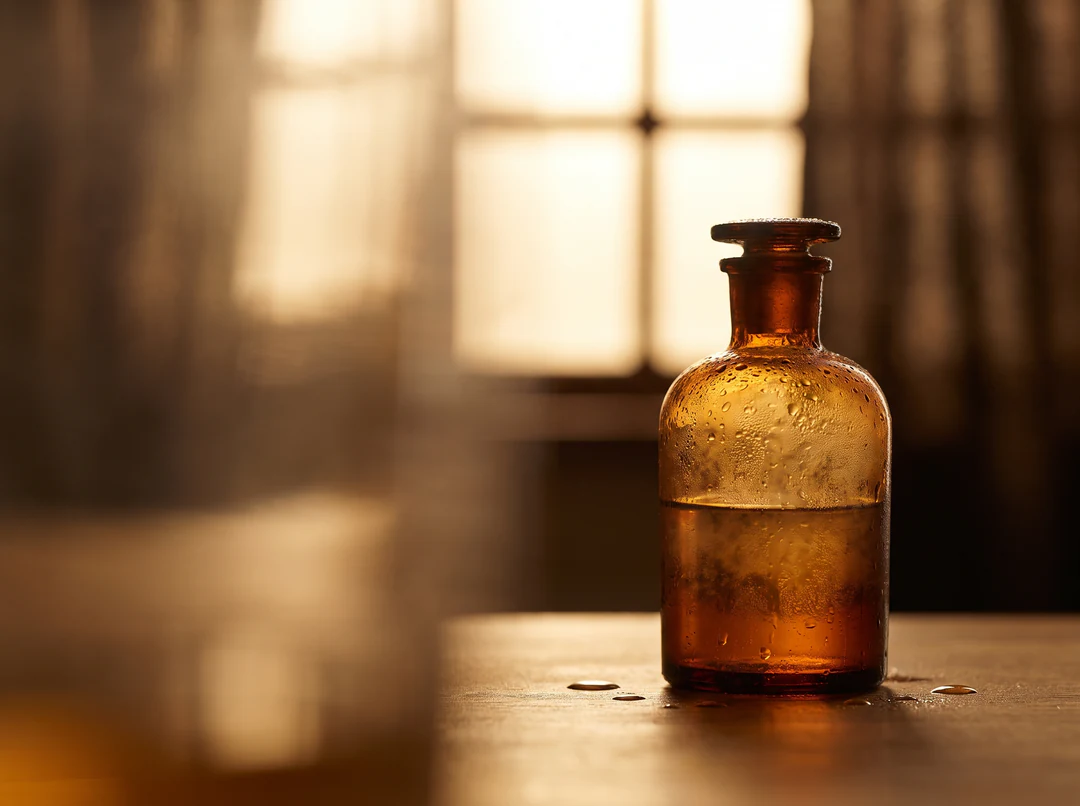
- Text to ImageDescribe the image in words, with no reference photo, and generate it
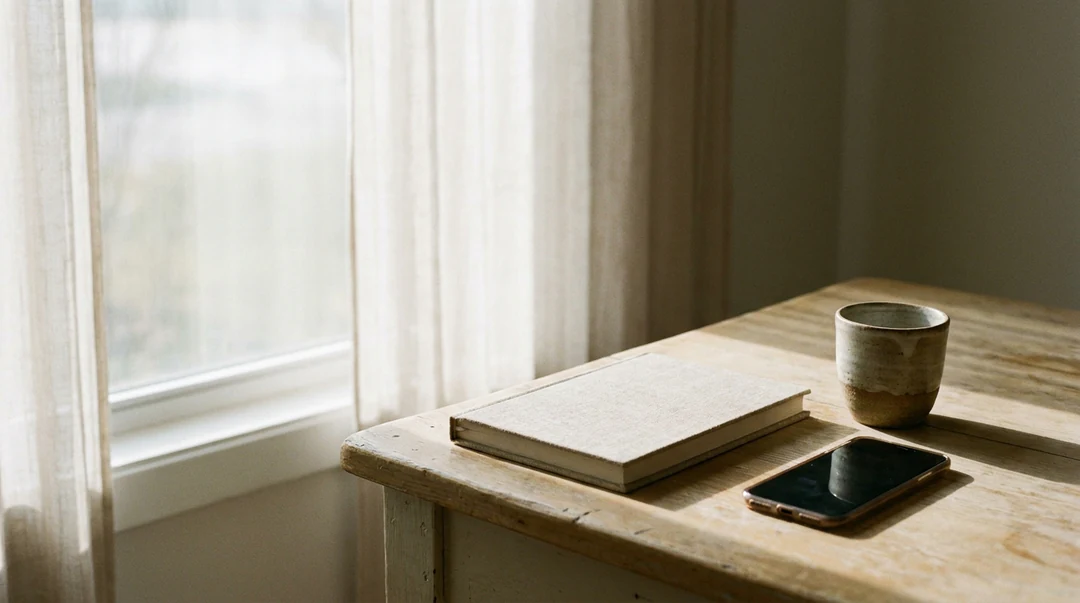
- Image to ImageStart from a prompt and up to 10 or 14 reference images, depending on the model, and say what to keep
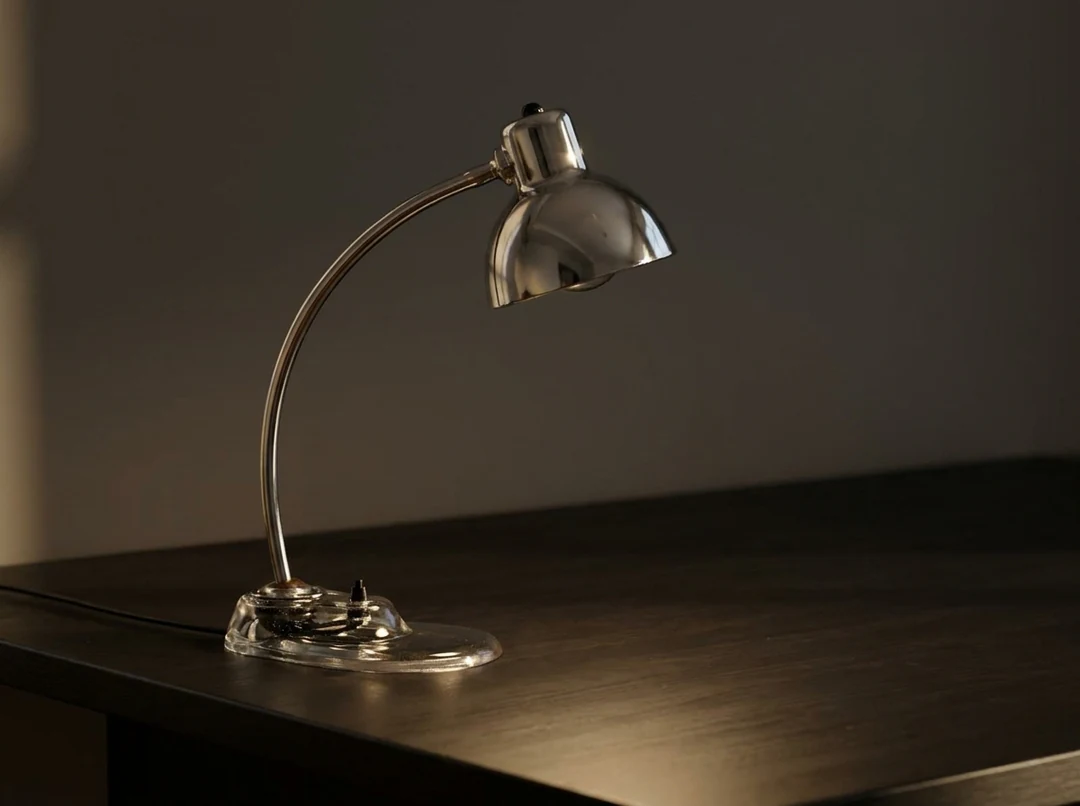
- AI Image EditorUpload a photo and change one part of it with a written instruction
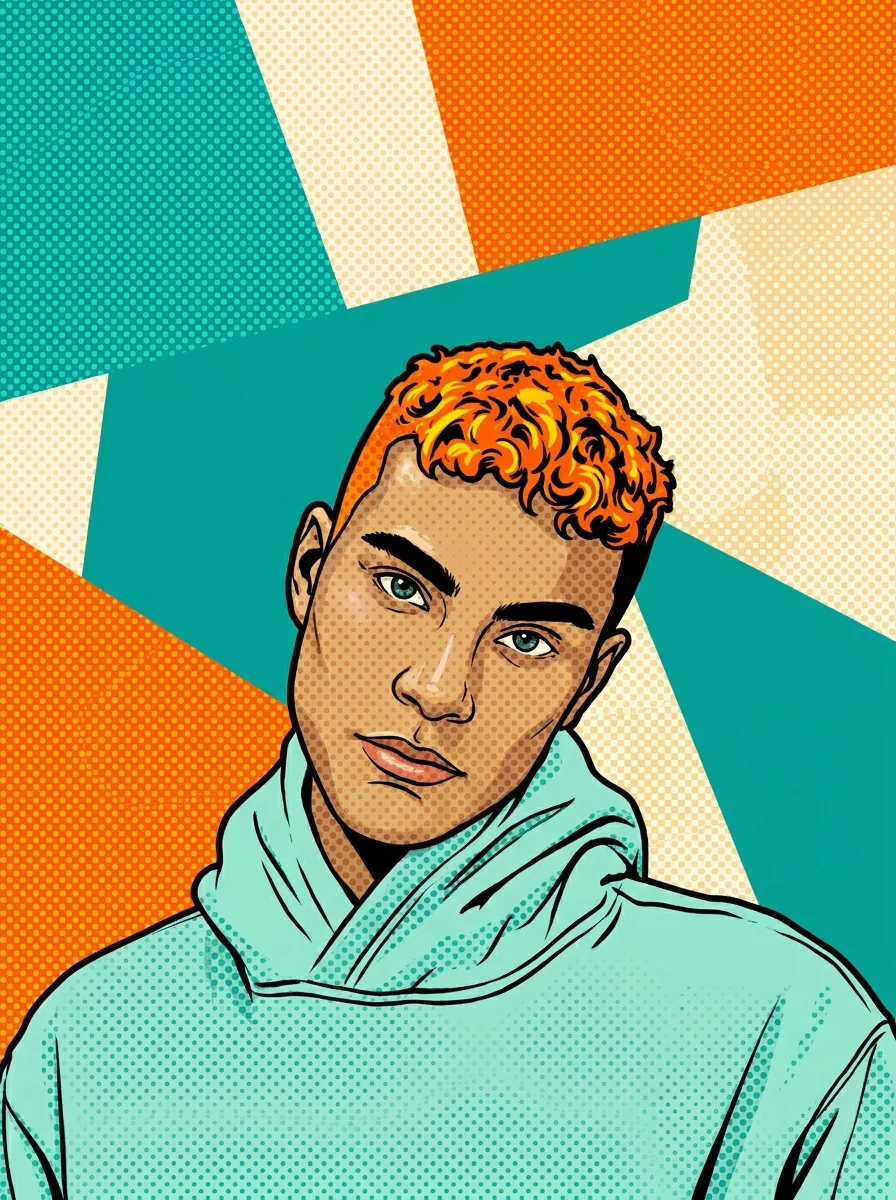
- Image TemplatesApply a fixed effect, such as a sketch or pop art style, to a photo
 AI Video GeneratorBuild a video from your materials; the text, speech and rendering roles run inside that workflow
AI models FAQs
What are AI models in a creative workflow?
AI models are systems trained to perform a task, such as generating an image, organizing text or producing speech. Which AI models matter depends on the workflow: Potto AI's image creator lets you pick between the five AI image models, while video projects combine a text model, a speech model and a renderer. Every model's output still needs review for the task.
What is an image-generation model?
An image generation model turns a written request, and optionally reference images, into a new image. In Potto AI you choose the AI image model in the creator, along with the ratio, resolution, number of outputs and format. Only models offered in the creator are available; tools such as Background Remover and Image Upscaler use their own engines.
Which AI image models can I choose in Potto AI?
Five AI image models have their own model pages: Nano Banana Pro, Nano Banana, Nano Banana 2.1, GPT Image 2.5 Flare and GPT Image 2.5 Sunburst. The creator menu also lists GPT Image 2.5 Flare High, a higher-quality setting of Flare that has no page of its own. Background removal and upscaling run on internal engines that are not model choices. Read the actual menu when you start a request.
Which AI model should I choose?
Choose AI models by task, then confirm with your own brief. For final renders and briefs with many parts, pick Pro. For cheap drafts and variations, pick Nano Banana. For text-heavy images and recurring characters, test 2.1. For fast everyday images, pick Flare, and add Flare High for a higher-quality pass. For precise edits, pick Sunburst. Run the same prompt through two of the five AI image models before you commit credits to a batch.
What is Nano Banana 2.1?
It is the newest member of the Nano Banana family in Potto AI. It is described as improving visual quality, prompt adherence, character consistency, text rendering and multi-reference support, with output up to 4K. It costs 12 credits at HD, 17 at 2K and 38 at 4K and takes up to 10 reference images. Treat those as claims to test: run your own brief to see whether the lettering and characters hold.
What are GPT Image 2.5 Flare and Sunburst?
They are two OpenAI image models. OpenAI describes Flare as its fastest model for high-quality, everyday image generation, and Sunburst as its most capable model for image generation and editing, the one to use when editing precision matters most. In Potto AI both cost 5 credits at HD, 9 at 2K and 15 at 4K and take up to 14 reference images.
What does the Flare High option change?
It runs GPT Image 2.5 Flare at a higher quality setting. The inputs, the three tiers and the 14-reference limit stay the same, but each image costs 18 credits at HD, 33 at 2K and 60 at 4K instead of 5, 9 and 15. The quality level is fixed in the menu entry, not a slider, so pick Flare for drafts and Flare High for the pass you plan to keep.
Which model runs Uncrop and the other editing tools?
Uncrop and the AI Watermark Remover run on Nano Banana Pro, the creator's default model. Background Remover and Image Upscaler use dedicated engines that you do not choose. Each tool has its own price: 81 credits for Uncrop, 60 for the watermark remover, 4 for background removal, and 2 at 2× or 6 at 4× for upscaling.
How do the three Nano Banana models differ?
They run on different engines at different prices: Gemini 3 Pro Image for the Pro model, Gemini 3.1 Flash Image for the standard model, and Gemini Nano Banana 2.1 for 2.1. Pro costs 45 credits per image at HD and 2K and 80 at 4K; the standard model costs 23, 34 and 51; 2.1 costs 12, 17 and 38. Pro and the standard model take up to 14 references and 2.1 takes 10. Pro is usually stronger on fine detail and lettering, so run your own brief through each of these AI models to decide.
What do HD, 2K and 4K mean for these AI image models?
They are output tiers that you pick for each request, with HD as the base tier. The exact pixel size comes from the model and the aspect ratio you choose, so check the downloaded file if a layout needs fixed dimensions. A higher tier costs more credits on every one of the AI models except the Pro model, which charges the same at HD and 2K.
How many reference images can an image model use?
14 in total on four of the five AI image models and 10 on Nano Banana 2.1, counted together across everything you attach. Reference images guide the result, and the prompt should say what each one is for, such as the person, the product or the style to follow. A reference does not guarantee an exact copy, so compare the output with your source before you use it.
Can these image models create a transparent background?
Not as a creator setting, on any of the five AI models. The creator offers PNG or JPEG files and has no transparent-background option, so do not rely on a prompt to produce real see-through pixels. To get a transparent PNG, run the finished image through Background Remover, which costs 4 credits per image and uses its own engine.
Is a video renderer another generative model?
No. Rendering assembles approved scenes and assets into the video file according to the project structure. AI models can help create text, illustrations, or narration, but the rendered MP4 does not establish that those inputs are accurate. Review both content and playback.
What do text and speech models do in a video project?
A text model helps turn your brief and source material into an outline, screen text and narration. A speech model reads the script aloud in the voice you choose. Neither verifies facts: check the script against your sources, and listen for names, numbers and pacing before you approve the voice track. Both run inside the video workflow, not as one of the AI models you pick on this page.
How can I compare image models fairly?
Keep the prompt, references, ratio, tier and review criteria the same for every AI model, then judge the outputs in the placement you intend. Judge by the task: identity and expression for a portrait, shape and labels for a product concept, spelling for a graphic. Record failures as well as the best candidate; a result from a different prompt is not evidence that one model is better overall. Change one setting at a time, because a comparison of AI models only tells you something when the other inputs match.
Is every feature in a provider’s documentation available in Potto AI?
No. Provider documentation can describe inputs and tools that a product does not offer. In Potto AI, the options visible in the creator and on each model page are what you can use. An AI model can keep the same name while its underlying version changes, so check the version named on the model page.
Do I need an account to compare AI models?
No. You can read every model card and the comparison of AI models without signing in. You need an account only when you generate an image.
What if a generation with one of the AI models fails?
The task shows why it stopped and offers a retry, and the reserved credits are released, whichever of the AI models you used. Cancel a running request from its task controls; a new attempt on a finished image is charged again.
How much do the AI models cost?
Per image, Nano Banana Pro costs 45 credits at HD or 2K and 80 at 4K; Nano Banana costs 23, 34 or 51; Nano Banana 2.1 costs 12, 17 or 38; Flare and Sunburst cost 5, 9 or 15, and Flare High costs 18, 33 or 60. The Generate button shows the total for your model and settings before you confirm.
Choose from the AI models for your next image
Open any of the AI models' pages to check its settings and credits, or go straight to the creator and pick one. The quote is on the Generate button before you confirm.