YouTube Intro Maker
Make a YouTube intro or outro in 5, 10 or 15 seconds. Start from a creator’s prompt or one line about your channel, add your logo and tagline, and export an MP4, a transparent video or a GIF.
YouTube intro template ideas from creators
Ratio
16 works
Tool
Intro & Outro
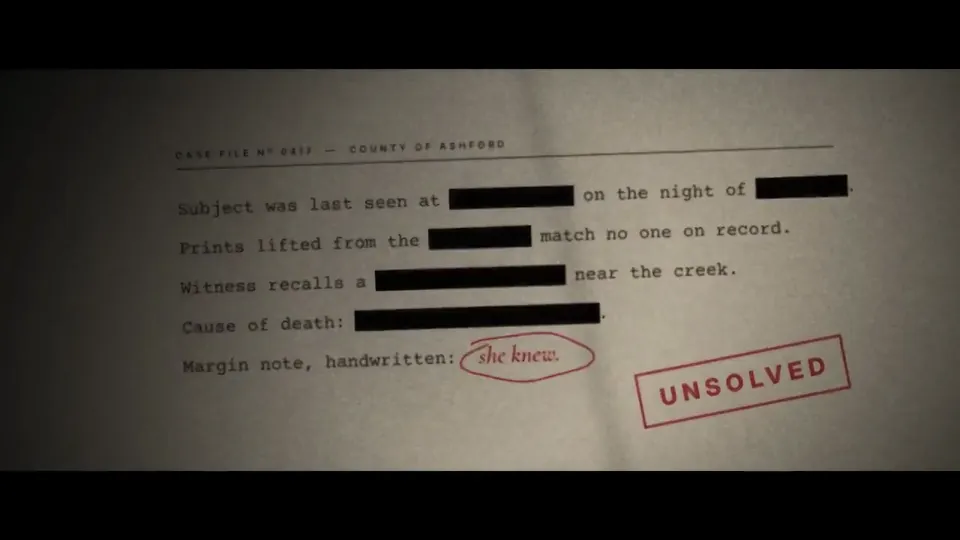
Prestige-drama title sequence over a topographic map
Shader, WebGL · 16:9 · 0:20
by abhinayguptha

Intro & Outro
Floating documents sorted into approvals in a German talk intro
16:9 · 1:00
by iamjankoch
Intro & Outro
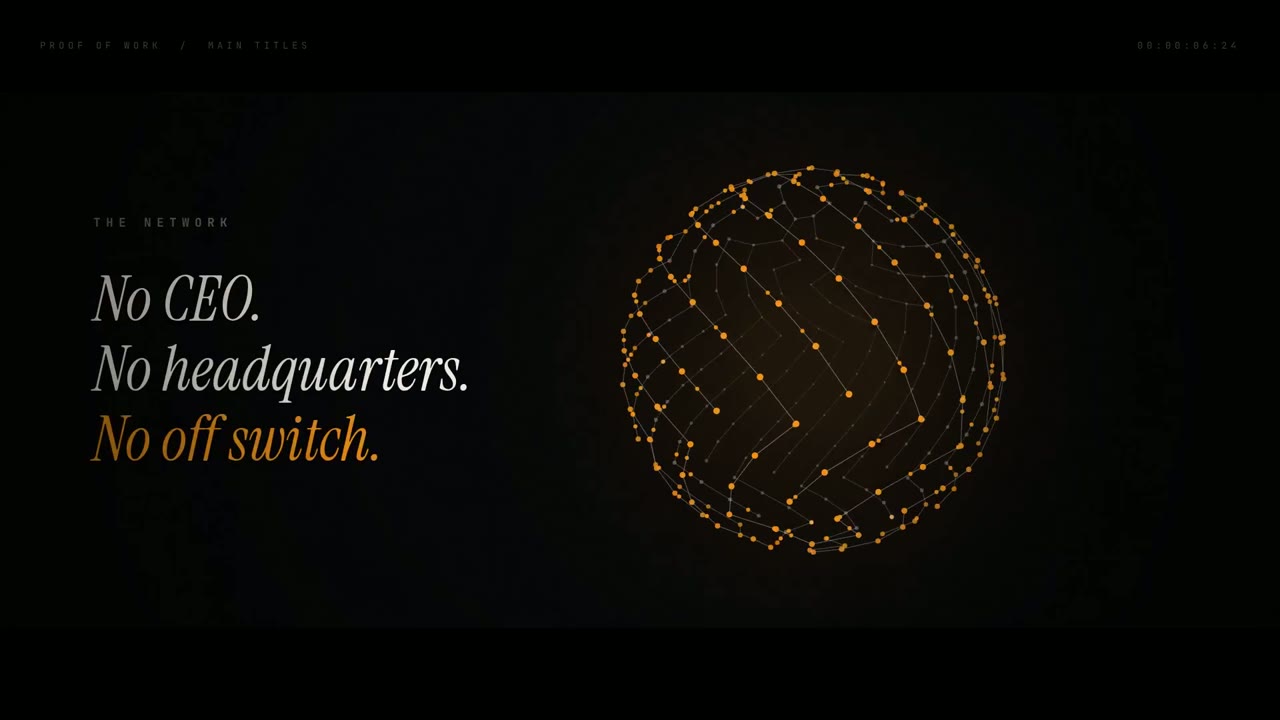
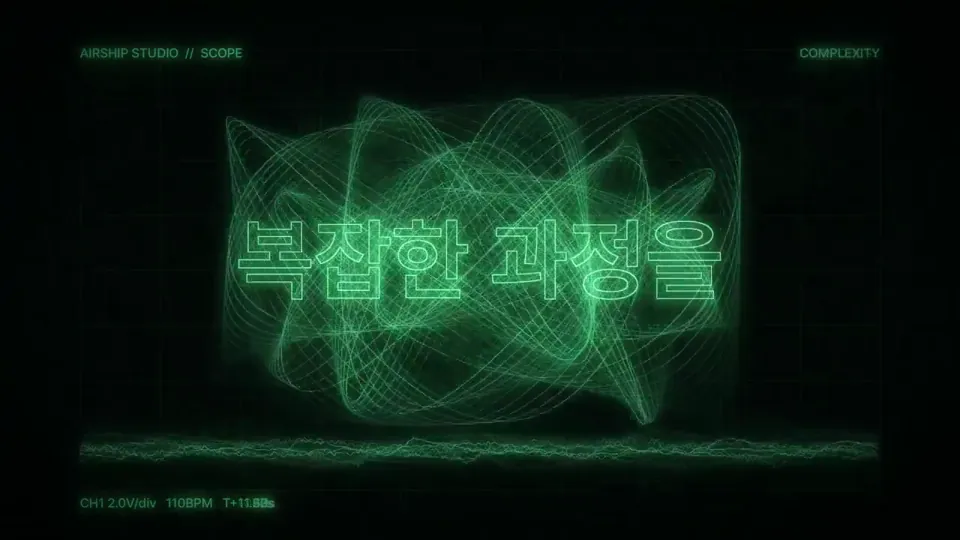
Risograph-style studio intro overlays text on scanlines
Canvas, SVG · 16:9 · 1:09
by rneayan
Intro & Outro
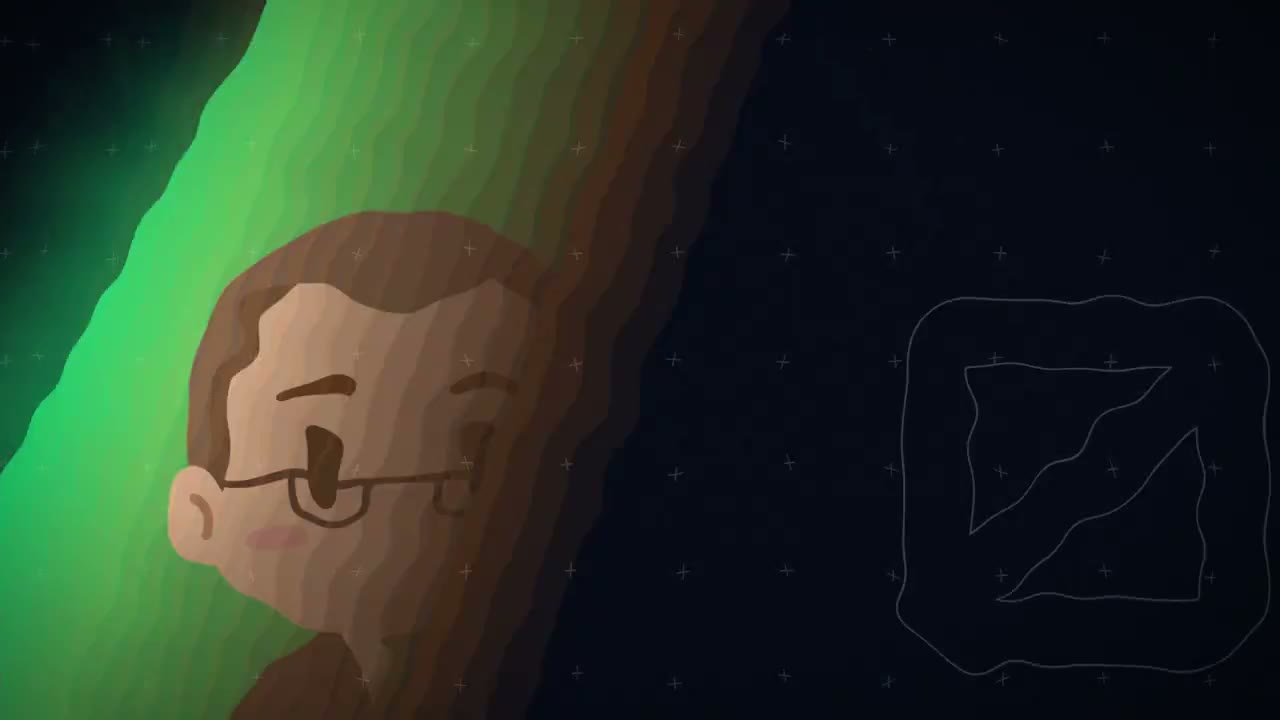
Chibi team members pop in on neon stripes in a Legend Members intro
16:9 · 0:10
by Toarukanshiin
- Skill

Intro & Outro
Personal-brand intro reel with cyborg portrait
Shader, Canvas · 9:16 · 0:15
by jayjohnsonai
Intro & Outro
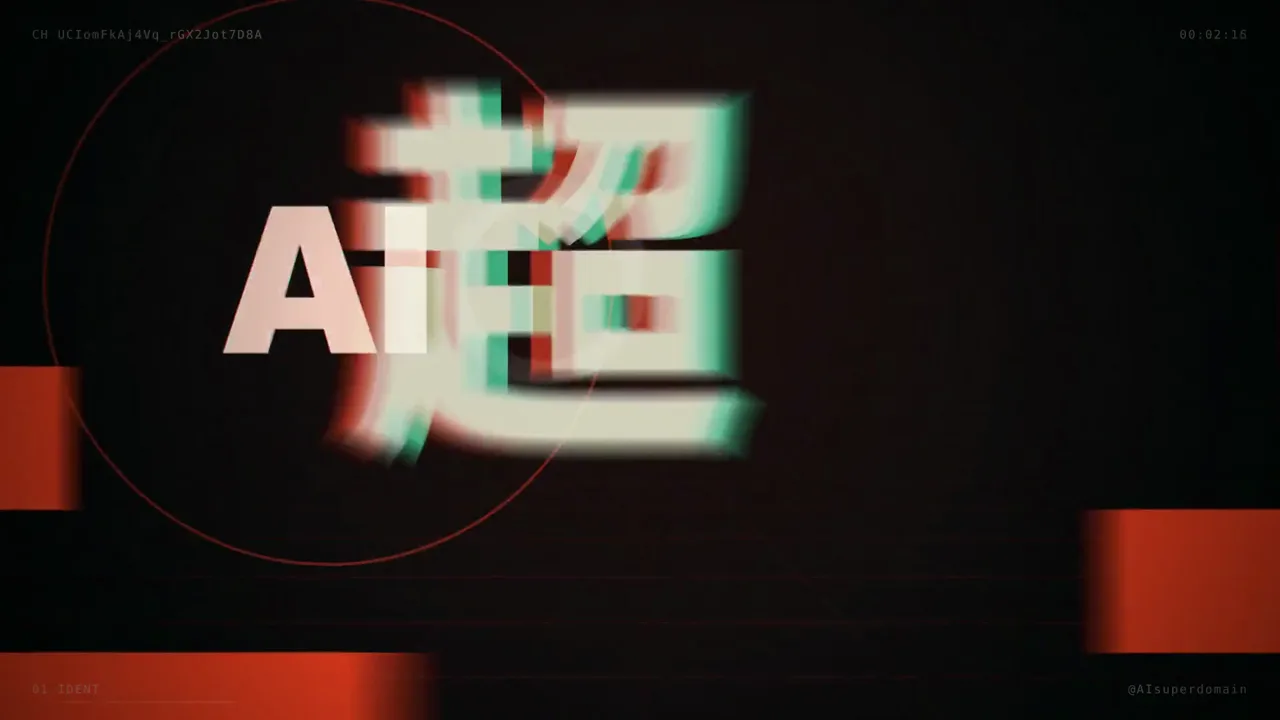
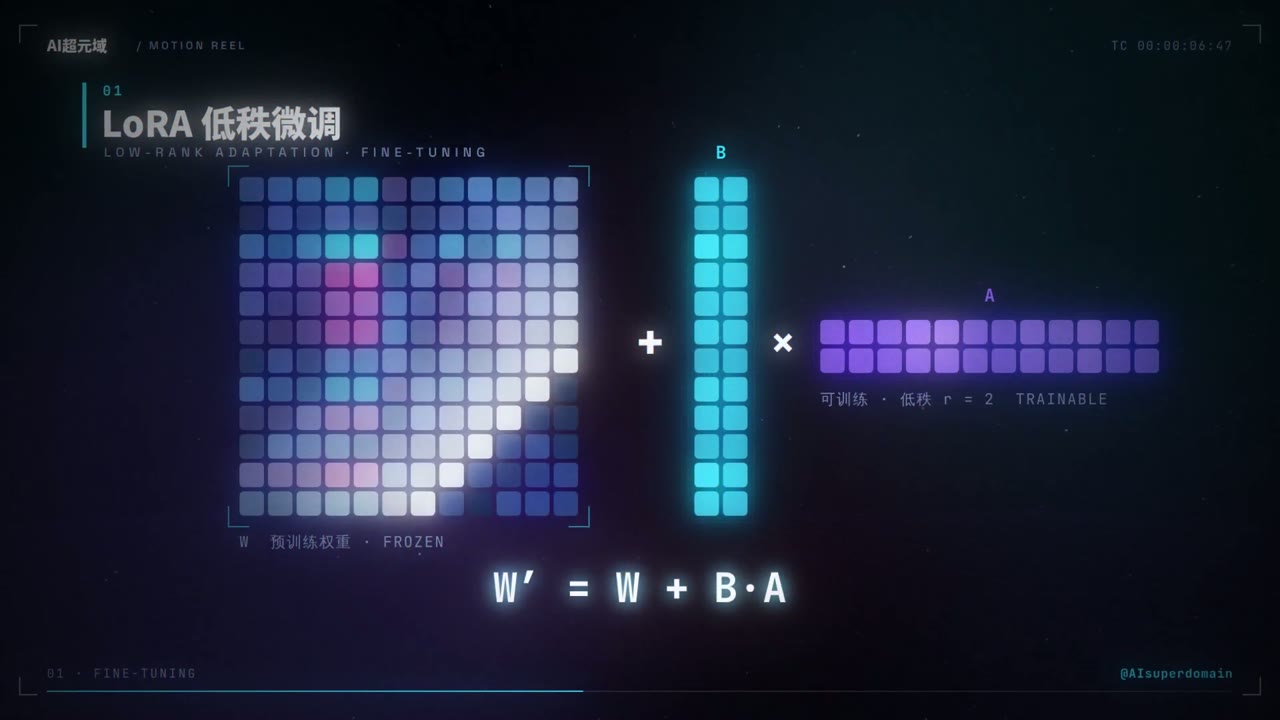
Glowing icosahedron and particle clouds introduce an AI channel
16:9 · 0:15
by AISuperDomain

Pricing
Choose a plan to make your own motion graphics with Potto.
2,000 credits
$20one-time
Pay once · no subscription
Videos per pack
30-second product demo13 videos
60-second explainer5 videos
- 2,000 credits, added once
- Up to 86 fast images
- No added Potto watermark
- Shared by video and image tools
5,000 credits
$50one-time
Pay once · no subscription
Videos per pack
30-second product demo33 videos
60-second explainer13 videos
- 5,000 credits, added once
- Up to 217 fast images
- No added Potto watermark
- Shared by video and image tools
15,000 credits
$100one-time
Pay once · no subscription
Videos per pack
30-second product demo100 videos
60-second explainer40 videos
- 15,000 credits, added once
- Up to 652 fast images
- No added Potto watermark
- Shared by video and image tools
Lite
Choose Lite$20/monthBilled monthly
Videos per month
30-second product demo13 videos60-second explainer5 videos- 2,000 credits per month
- Up to 86 fast images
- Standard queue
- No added Potto watermark
- Batch processing with AI tools
- Not listed in public galleries
Pro
Choose Pro$50/monthBilled monthly
Videos per month
30-second product demo33 videos60-second explainer13 videos- 5,000 credits per month
- Up to 217 fast images
- Priority queue
- No added Potto watermark
- Batch processing with AI tools
- Not listed in public galleries
- Recommended
Max
Choose Max$100/monthBilled monthly
Videos per month
30-second product demo100 videos60-second explainer40 videos- 15,000 credits per month
- Up to 652 fast images
- Highest priority queue
- No added Potto watermark
- Batch processing with AI tools
- Not listed in public galleries
Lite
-20%Choose Lite$20$16/monthBilled annually · $240 → $192/year
Videos per month
30-second product demo13 videos60-second explainer5 videos- 2,000 credits per month
- Up to 86 fast images
- Standard queue
- No added Potto watermark
- Batch processing with AI tools
- Not listed in public galleries
Pro
-20%Choose Pro$50$40/monthBilled annually · $600 → $480/year
Videos per month
30-second product demo33 videos60-second explainer13 videos- 5,000 credits per month
- Up to 217 fast images
- Priority queue
- No added Potto watermark
- Batch processing with AI tools
- Not listed in public galleries
- Recommended
Max
-20%Choose Max$100$80/monthBilled annually · $1,200 → $960/year
Videos per month
30-second product demo100 videos60-second explainer40 videos- 15,000 credits per month
- Up to 652 fast images
- Highest priority queue
- No added Potto watermark
- Batch processing with AI tools
- Not listed in public galleries
Videos use credits when you export, and starting one needs a balance that covers its export. Counts assume a 30-second product demo and a 60-second explainer with narration and 3 illustrations.
YouTube intro maker FAQs
What is a YouTube intro?
A YouTube intro is a short branded clip at the start of a video that shows the channel name, logo or show title before the content begins. Most YouTube intros last 3 to 10 seconds, so they introduce the channel without delaying the video.
What is a YouTube outro?
A YouTube outro is the closing clip of a video that thanks the viewer, repeats the channel name and makes room for a subscribe prompt or a link to the next video. Outros often run 10 to 20 seconds so YouTube end screen elements have time to appear, and Potto works as a YouTube outro maker in the same style as your intro.
What is a YouTube intro maker?
A YouTube intro maker is a tool that turns your channel name, logo and a short description into a finished intro clip without editing it frame by frame. Potto's YouTube intro maker uses AI to plan the motion from your brief, renders a preview and revises it when you ask.
How do I make a YouTube intro from a template idea?
Choose Use this prompt on a YouTube intro in the gallery on this page, then replace the channel name, logo and tagline in the brief with your own. Potto renders its own version, so it will not match the original exactly. Ask for changes in the chat, such as a different color or a faster title, then export when the preview looks right.
How long should a YouTube intro be?
A YouTube intro should usually be 5 to 10 seconds so viewers reach the content quickly. Potto makes intros and outros of 5, 10 or 15 seconds, starting at 10 seconds in 16:9.
What do I need to make an intro or outro?
The YouTube intro maker needs only your channel or brand name; a logo and a tagline are optional. Upload the logo as an SVG to have it drawn stroke by stroke, or as a PNG, JPEG or WebP for wipes, scale-ins and light sweeps.
Which formats can I export an intro in?
You can export an intro or outro as an MP4, as a transparent WebM or MOV to place over your own footage, or as a GIF. Transparent files have no sound, and GIFs are made at 720 pixels on the short side.
Can I make a YouTube Shorts intro?
Yes. Switch the ratio to 9:16 and keep the intro at 5 seconds, because Shorts viewers decide quickly whether to keep watching. The same channel name, logo and colors carry over from your 16:9 intro.
Does a YouTube intro come with music or a voiceover?
A YouTube intro comes with music but no voiceover or captions: Potto picks a track from its music library to match the style, and you can swap it or choose None. Turn on a voiceover when you create the video if the intro should speak; transparent WebM and MOV exports have no sound.
How much does a YouTube intro cost?
A YouTube intro or outro costs credits only when you export it: 25 credits for 5 seconds, 50 for 10 seconds and 75 for 15 seconds. MP4, transparent WebM or MOV, and GIF cost the same, and a voiceover adds a few credits based on its length. To start, your balance must cover the length you choose at 5 credits per second, and new accounts get 100 credits, enough to start a 15-second video.