Product Screens
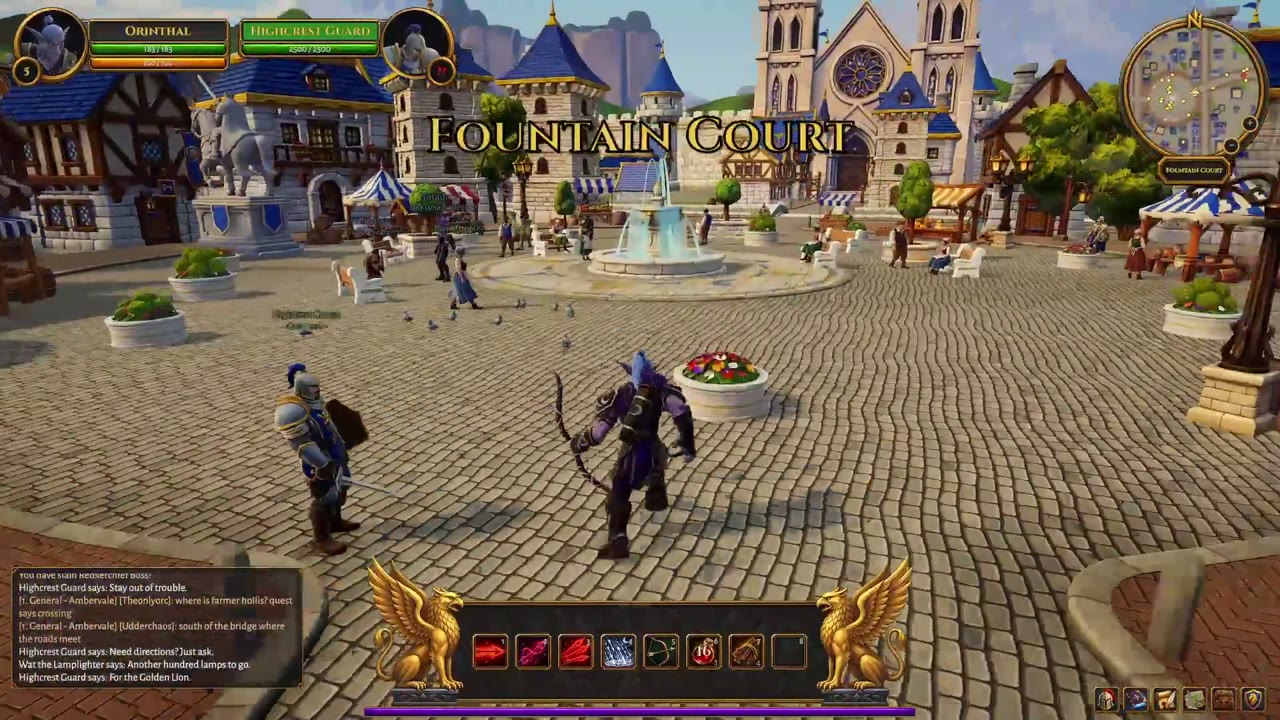
Old-school MMO town square with an elf archer and quest chat
16:9 · 1:17
by Stefan_3D_AI
Watch product screen videos made by creators, from game UIs and browser worlds to app screens and 3D walkthroughs. Play one, then choose Use this prompt to remake it in your ratio and export an MP4.
244 works
Product Screens
16:9 · 1:17
by Stefan_3D_AI
Product Screens
9:16 · 1:46
by 8co28
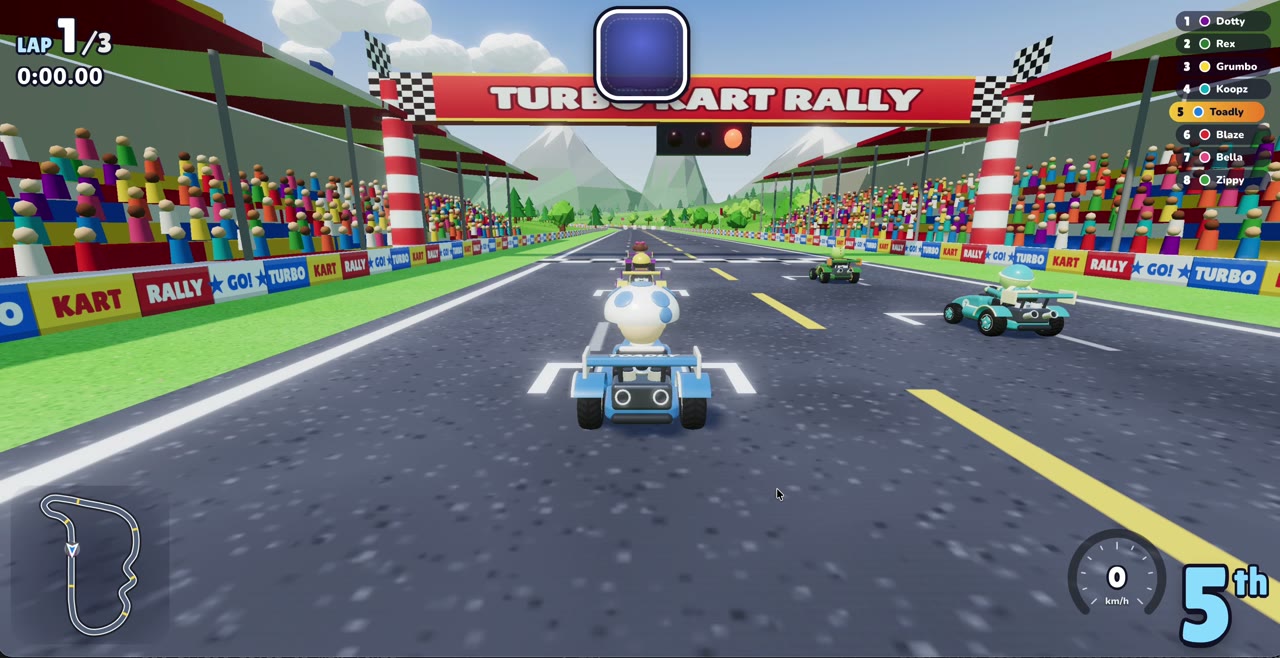
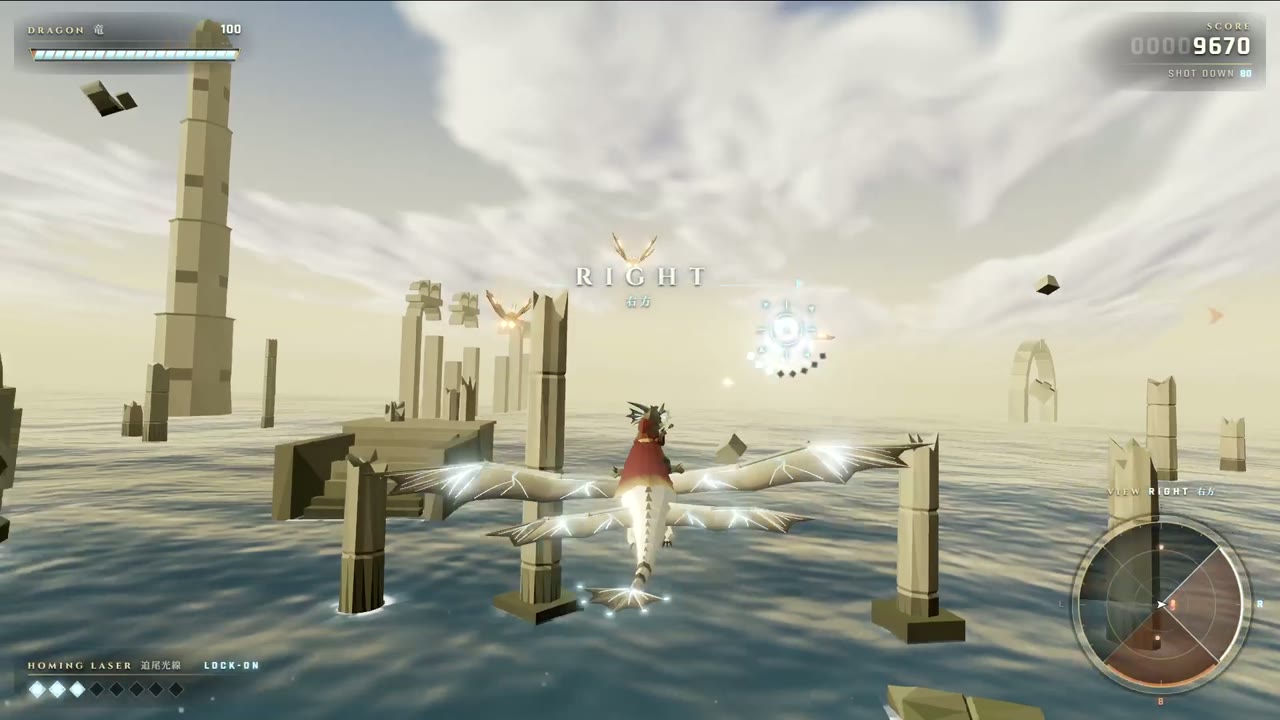
Product Screens
16:9 · 2:47
by yasei_no_otoko
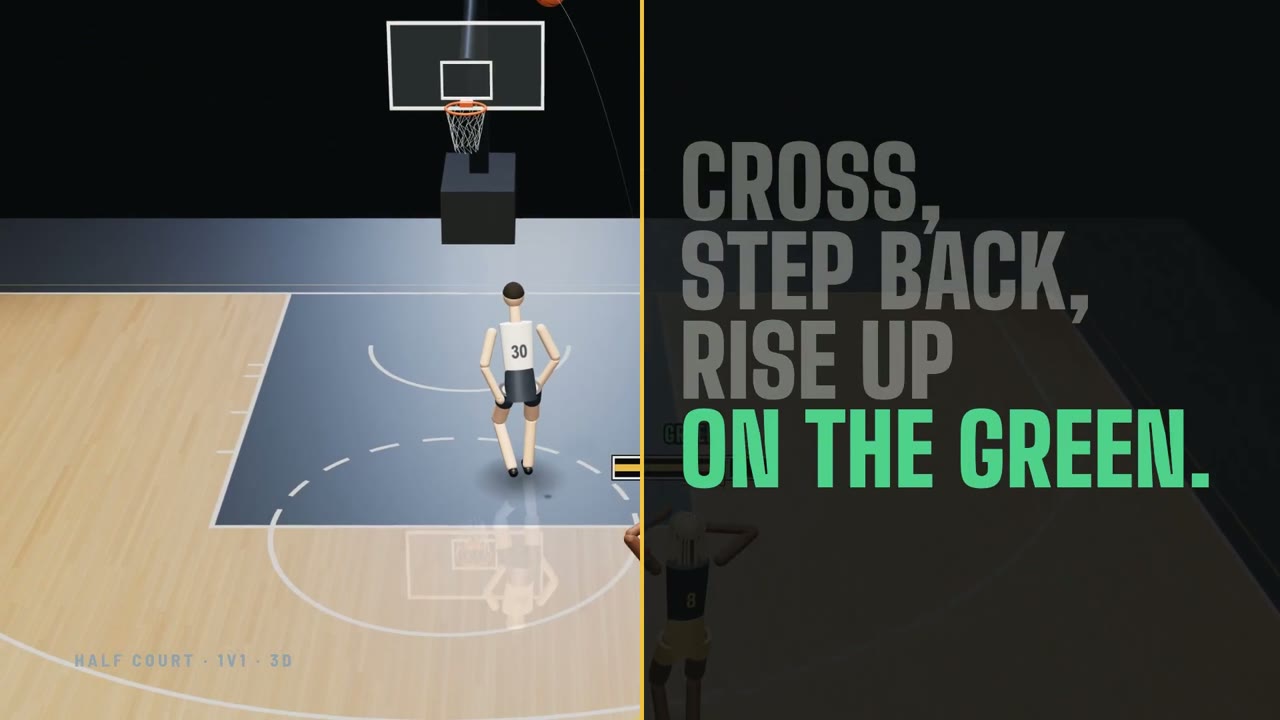
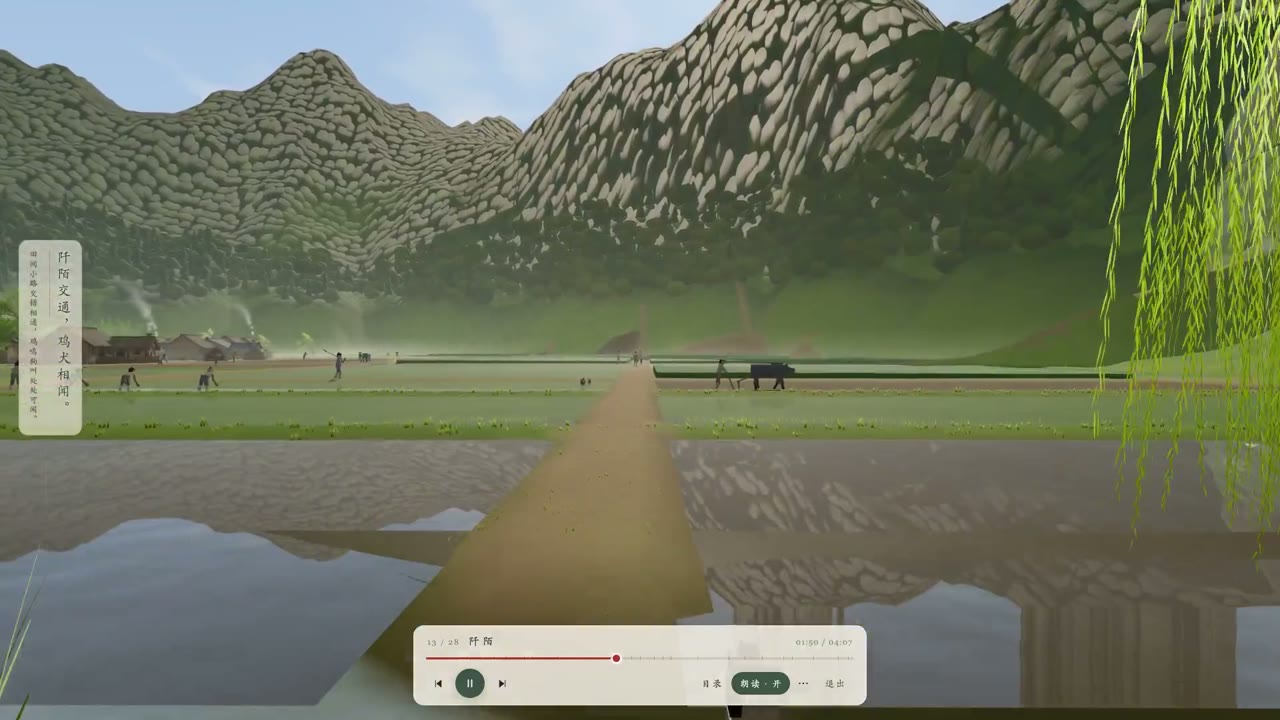
Product Screens
16:9 · 0:23
by noahwachnik
Choose a plan to make your own motion graphics with Potto.
Pay once · no subscription
Videos per pack
Pay once · no subscription
Videos per pack
Pay once · no subscription
Videos per pack
Billed monthly
Videos per month
Billed monthly
Videos per month
Billed monthly
Videos per month
Billed annually · $240 → $192/year
Videos per month
Billed annually · $600 → $480/year
Videos per month
Billed annually · $1,200 → $960/year
Videos per month
Videos use credits when you export, and starting one needs a balance that covers its export. Counts assume a 30-second product demo and a 60-second explainer with narration and 3 illustrations.
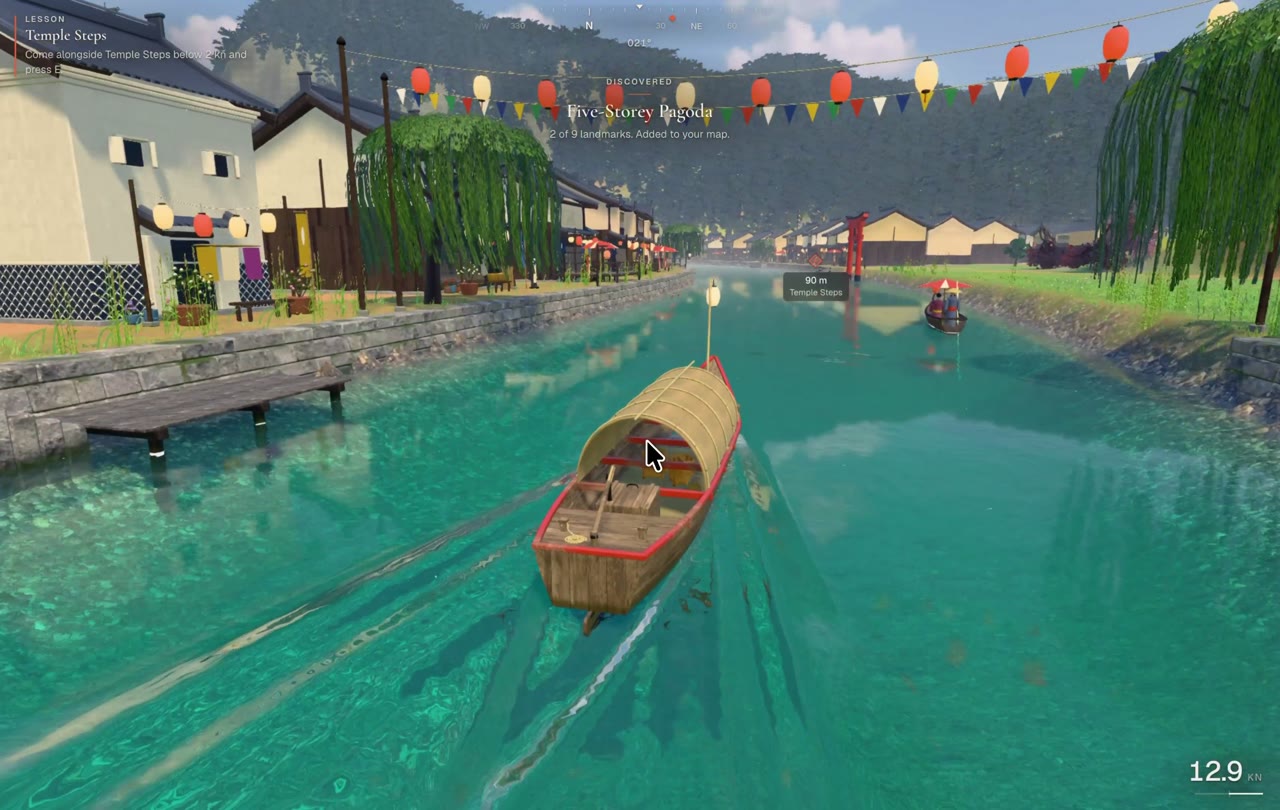
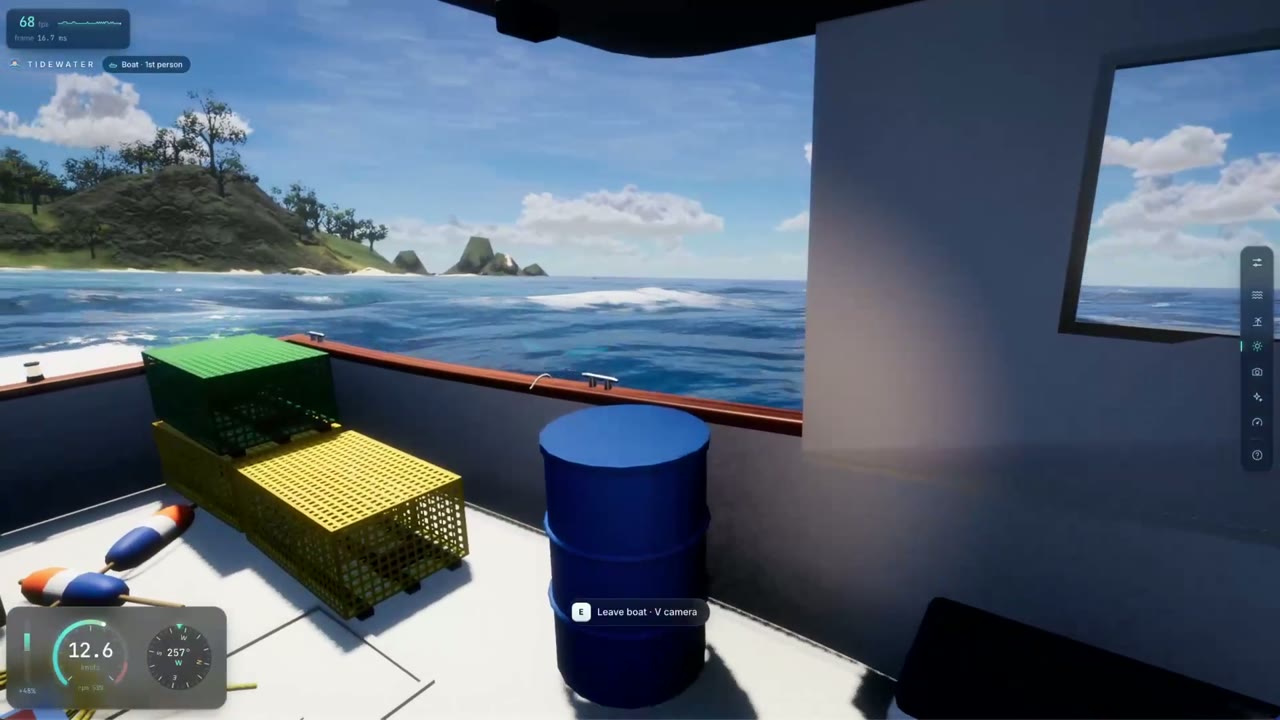
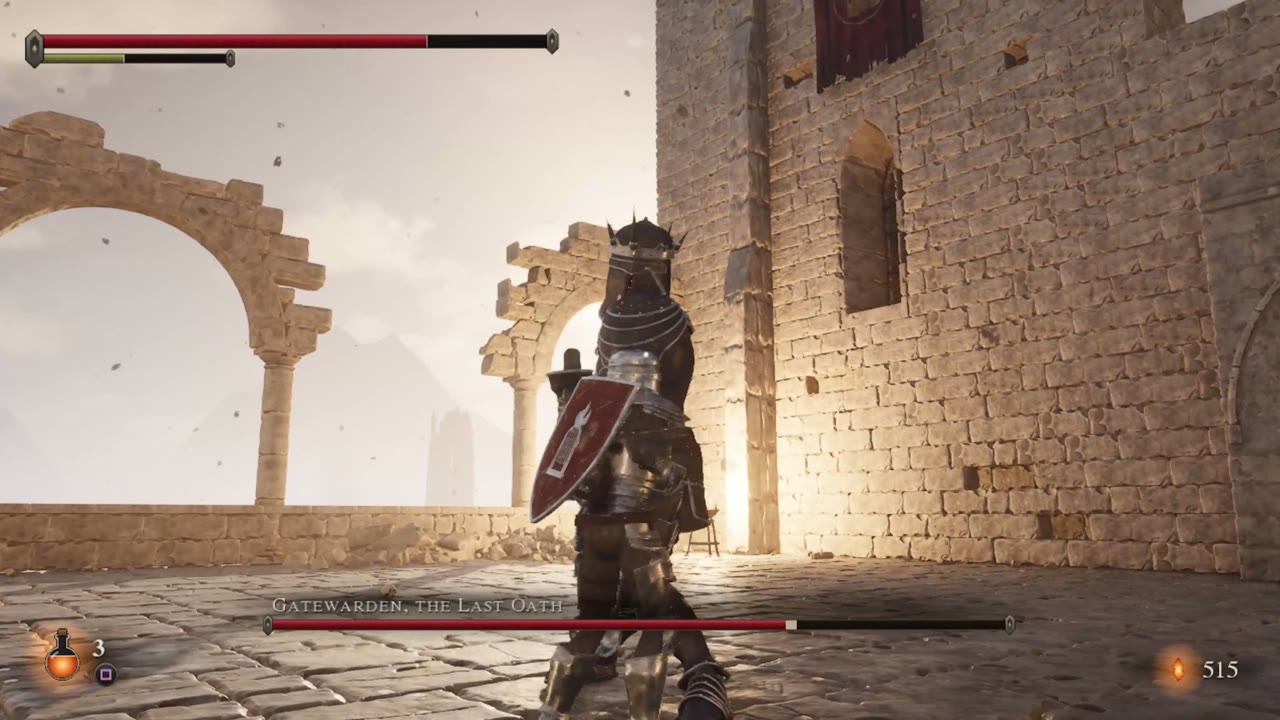
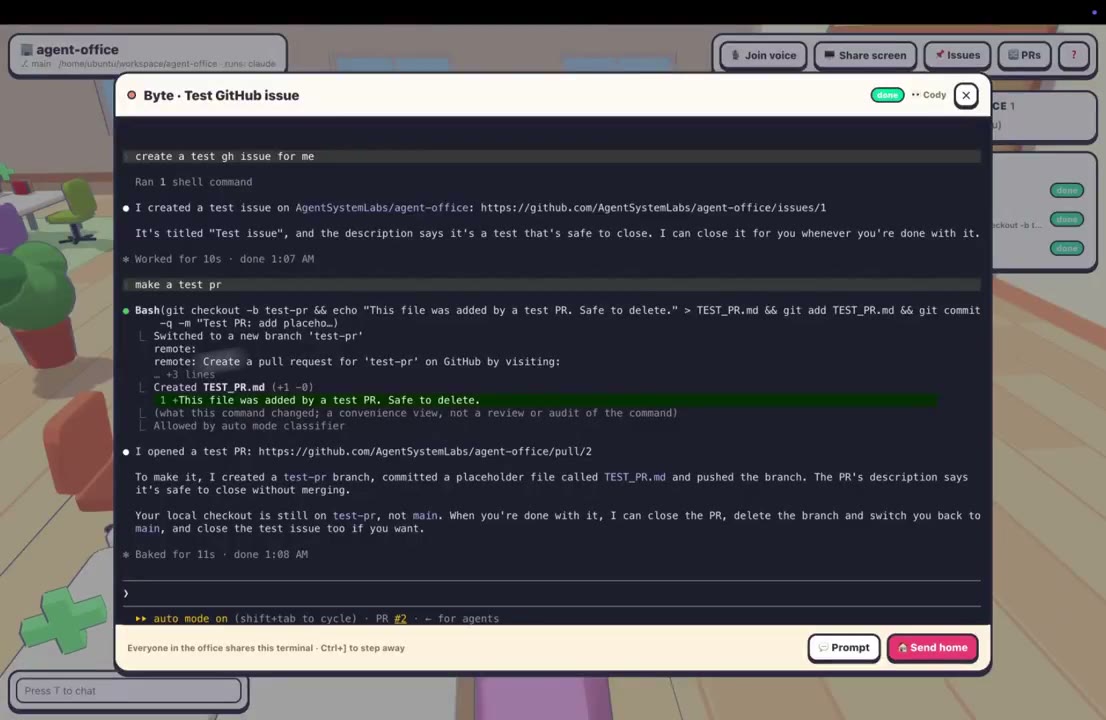
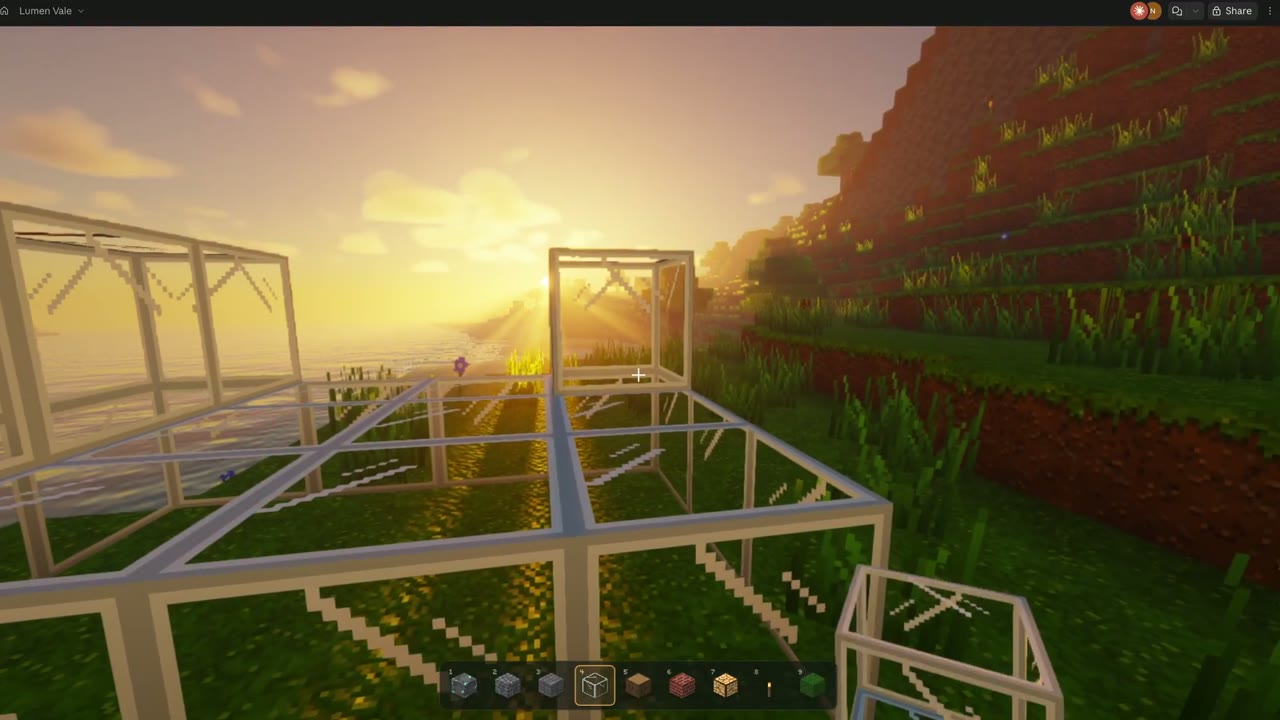
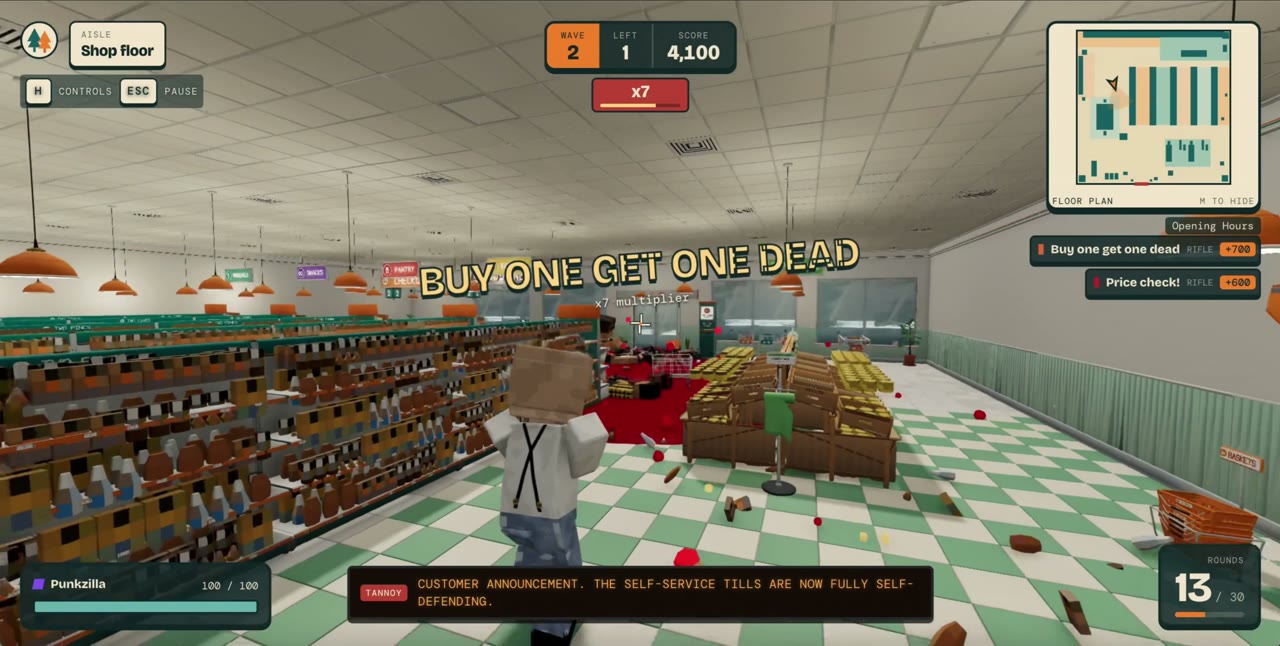
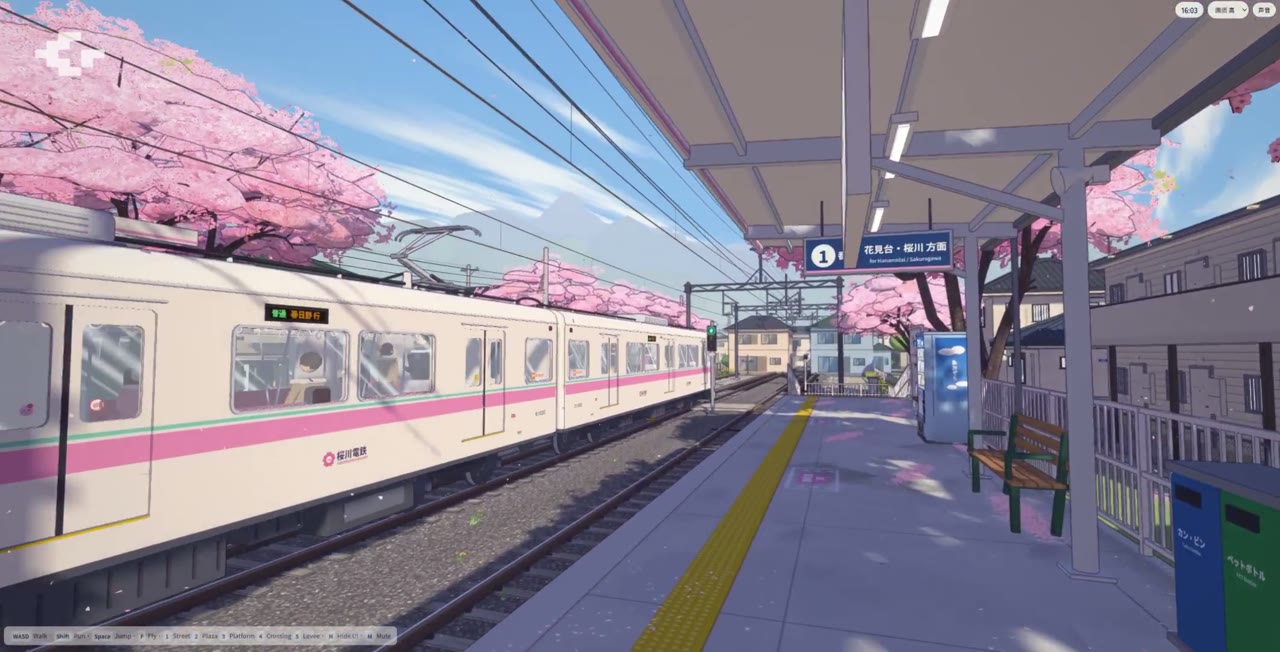
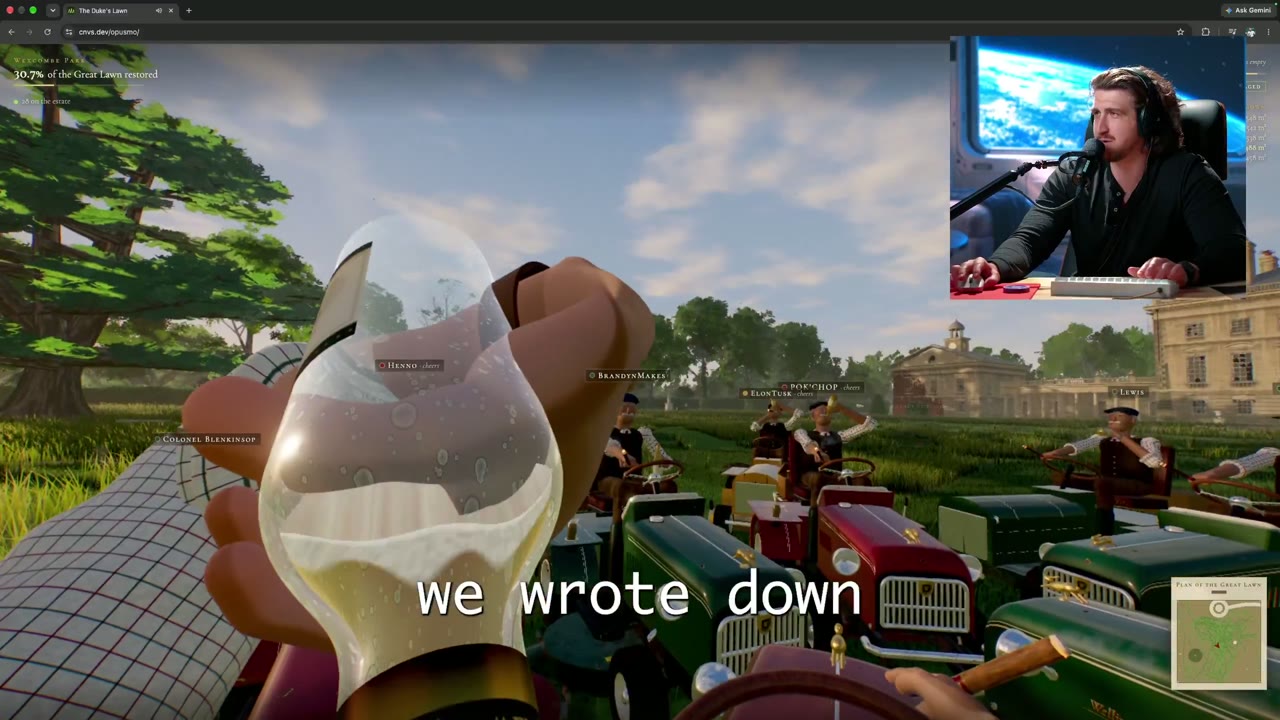
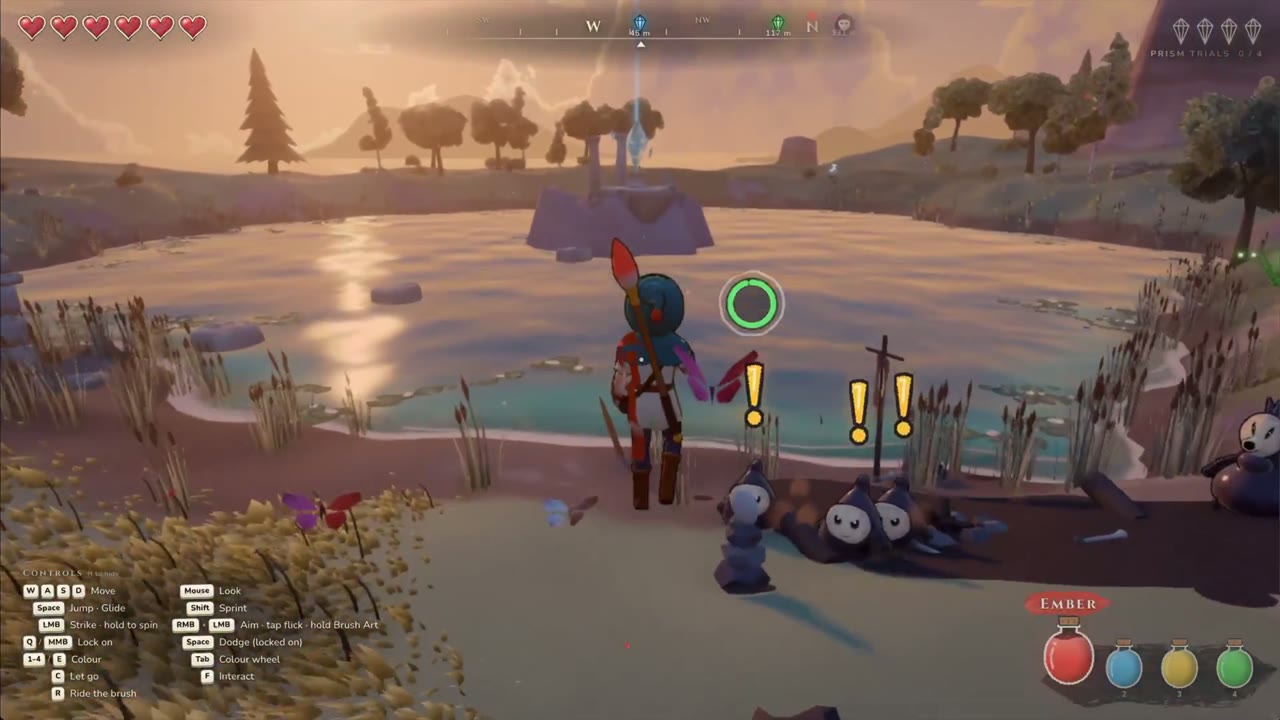
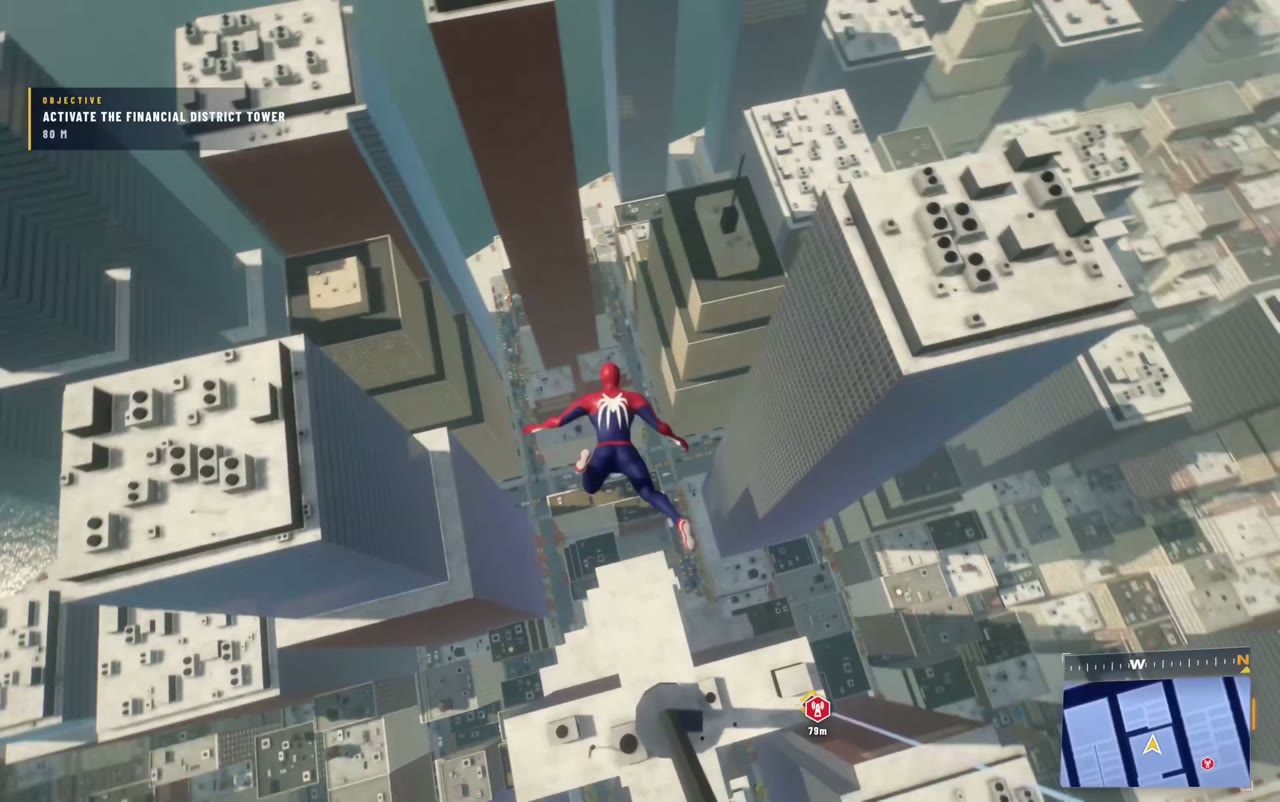
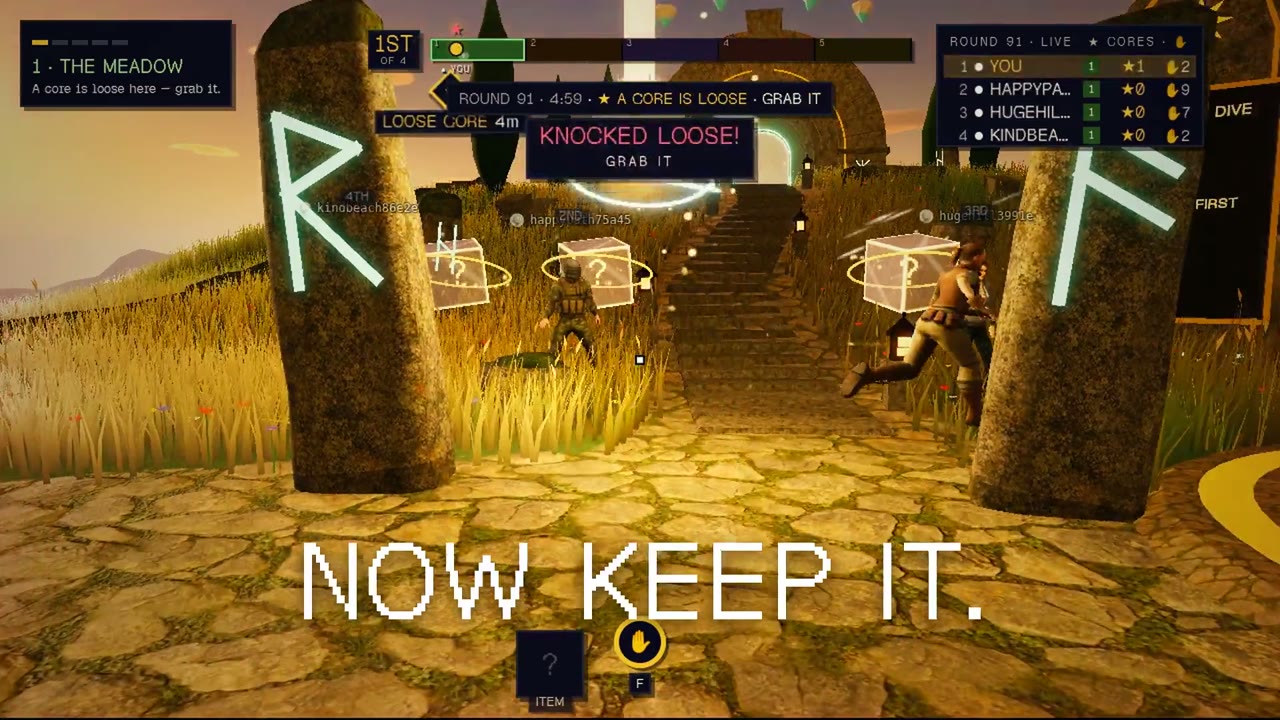
Product screen videos are motion clips in which a product interface is the picture: a game, an app screen or a 3D scene you can move through. People watch them to see the layout and the action, and this page collects ones made by independent creators.
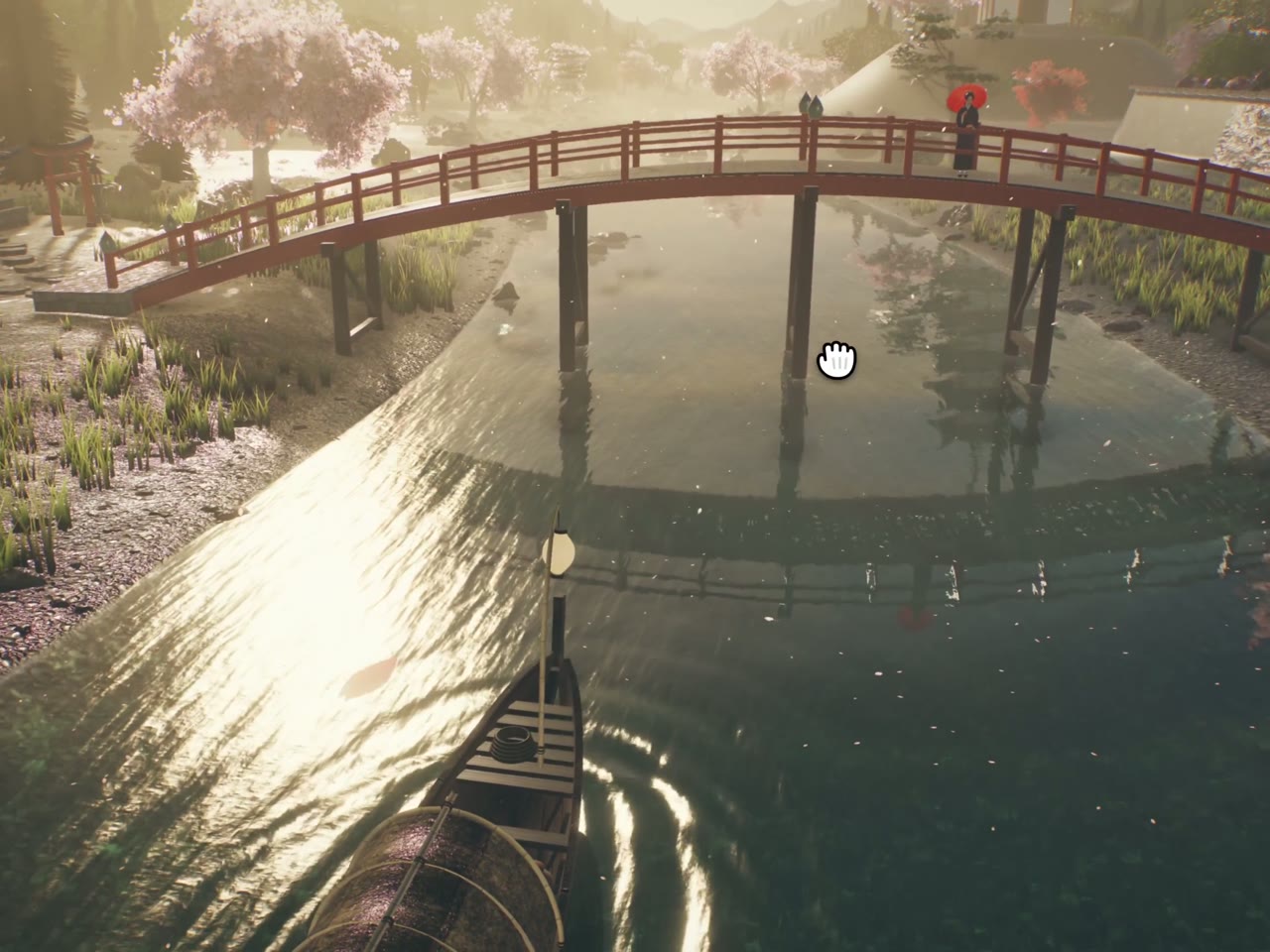
A product UI animation is a product screen video that moves the interface itself, such as a camera circling a 3D island, a phone app awarding points, or a game HUD during a match. It is the kind of clip this gallery is built from.
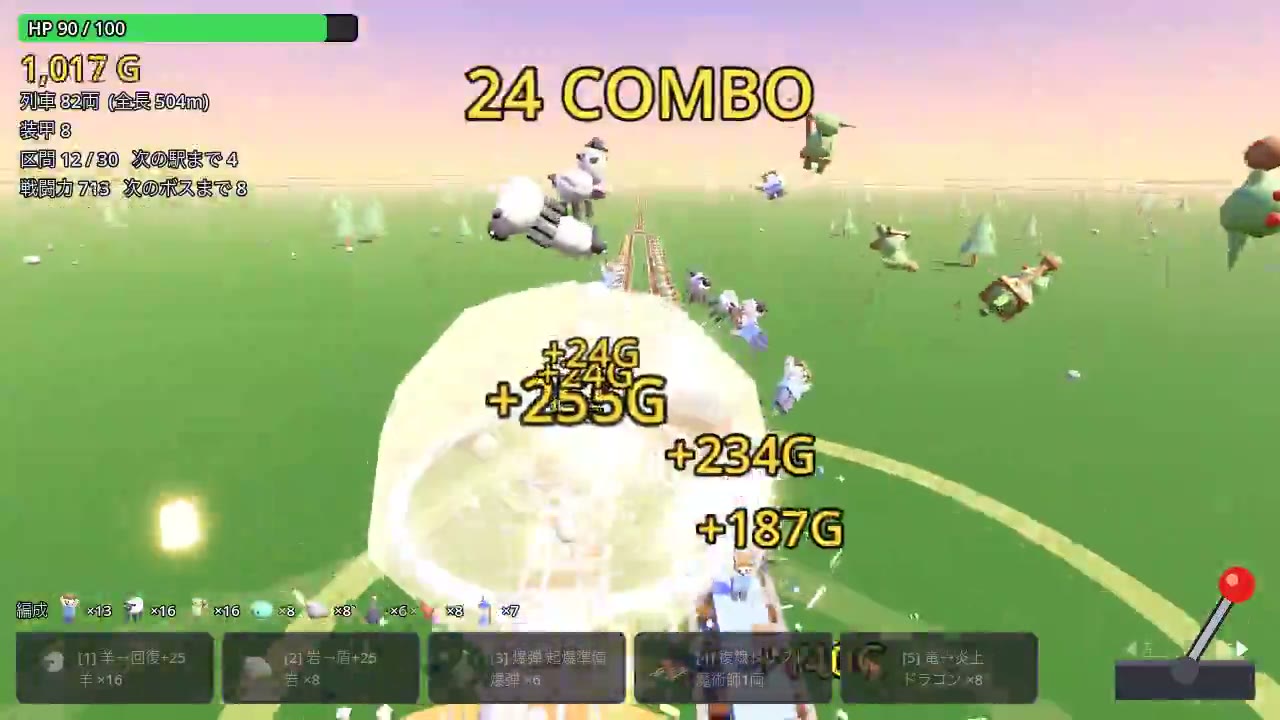
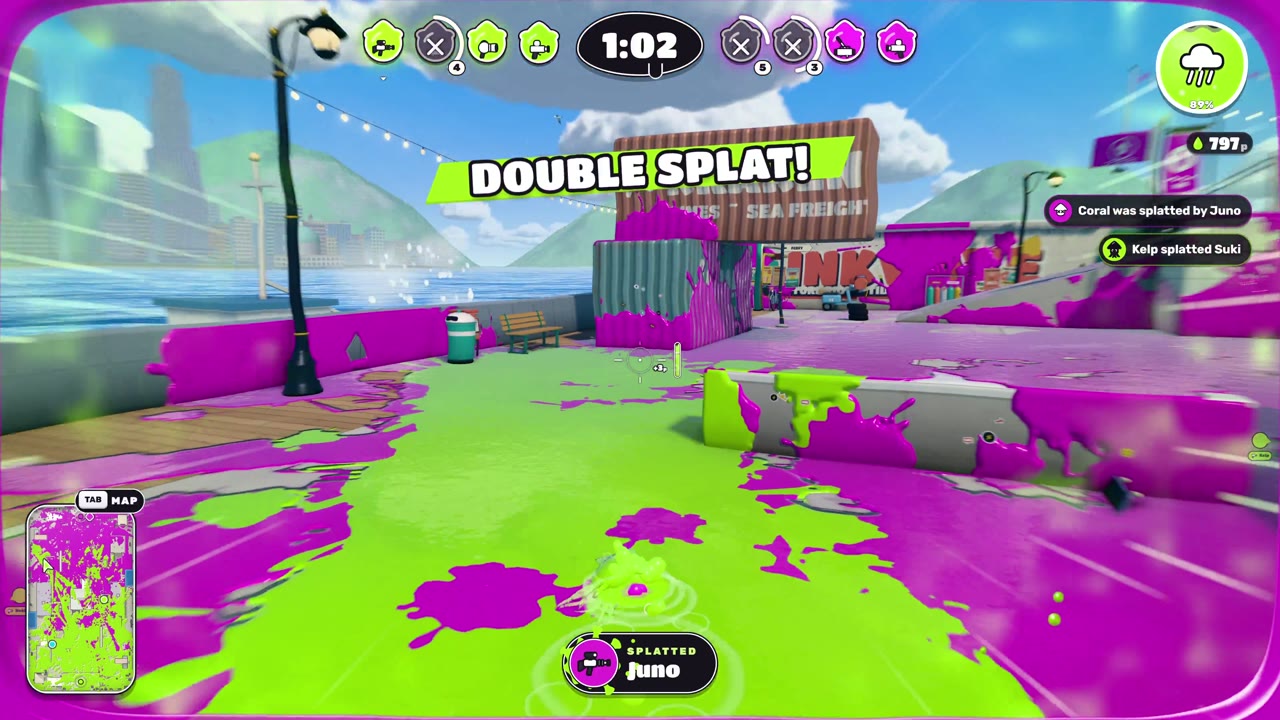
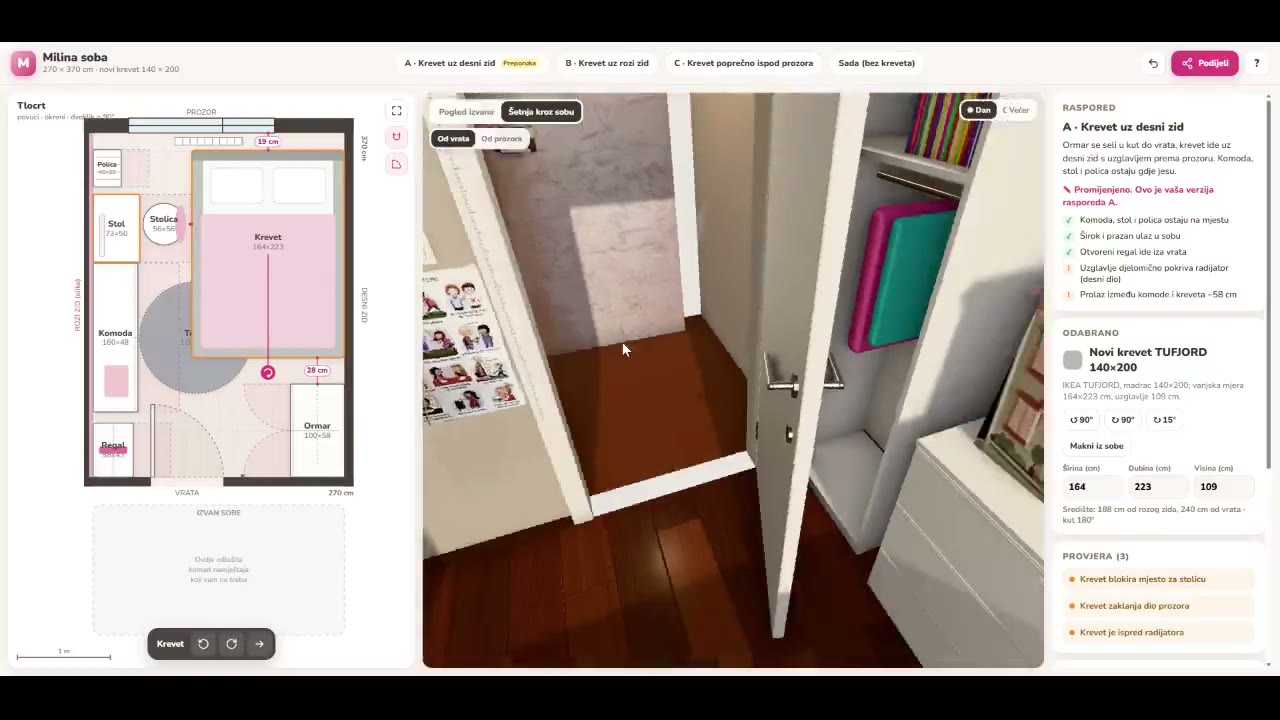
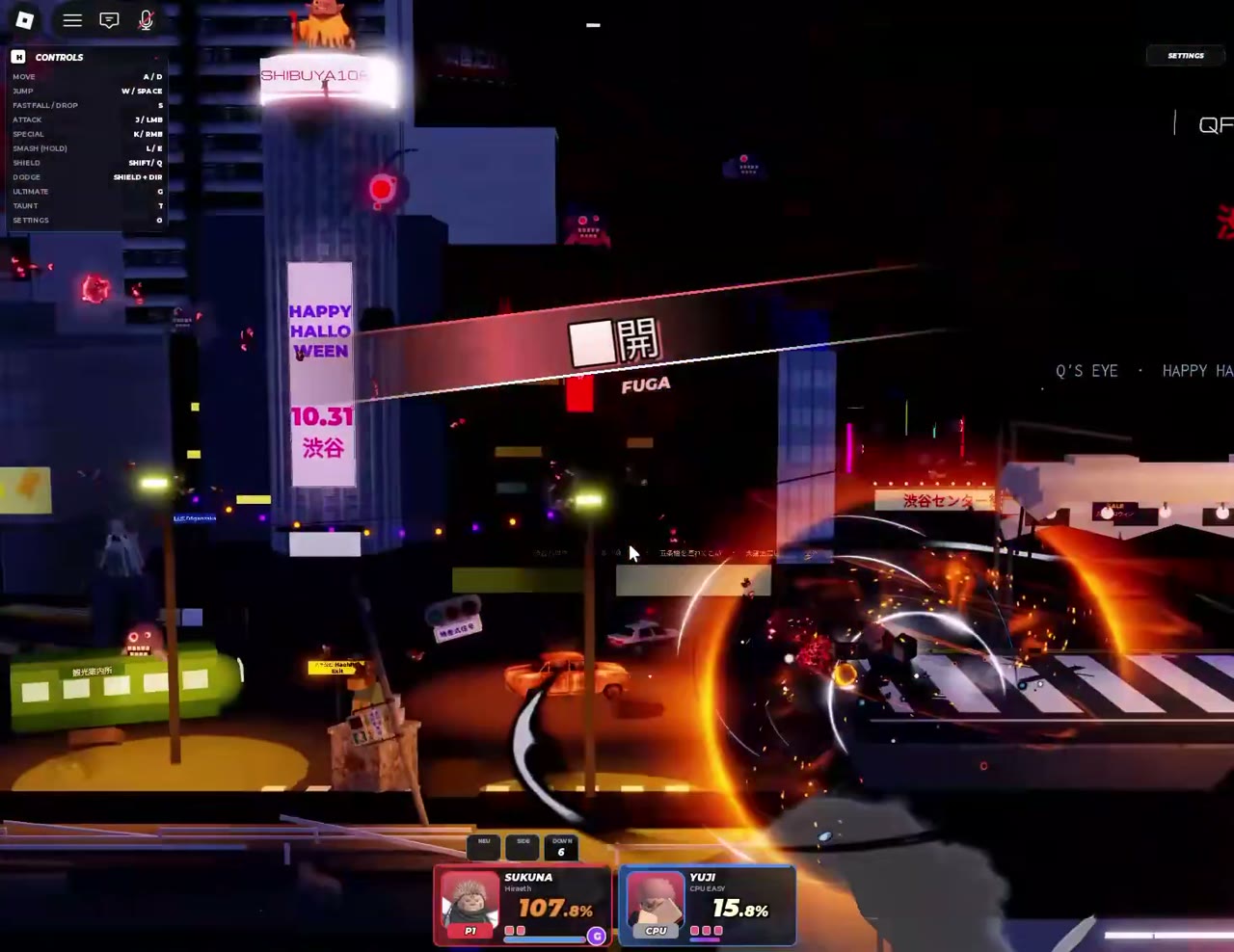
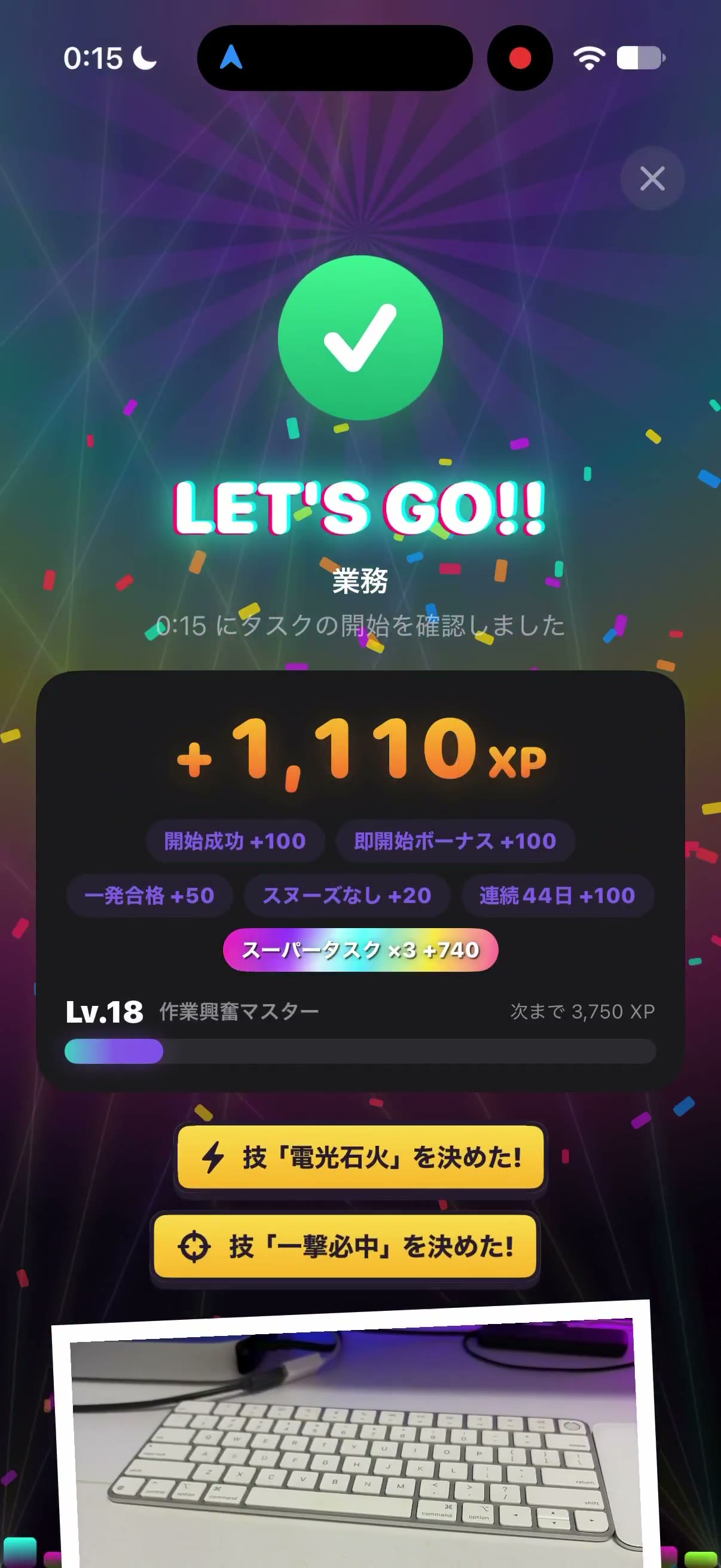
The gallery mixes wide game UIs, vertical app screens and 3D walkthroughs. Examples include a 77-second MMO town square, a 9:16 to-do app that awards 1,110 XP, a 1:1 platform fighter on a neon Shibuya street, and a bedroom planner that shows a floor plan beside a 3D walkthrough.
Play the clip, then choose Use this prompt, or copy the prompt where the author shared one. Potto renders its own version from that start, and you can change the brief in the chat before you export.
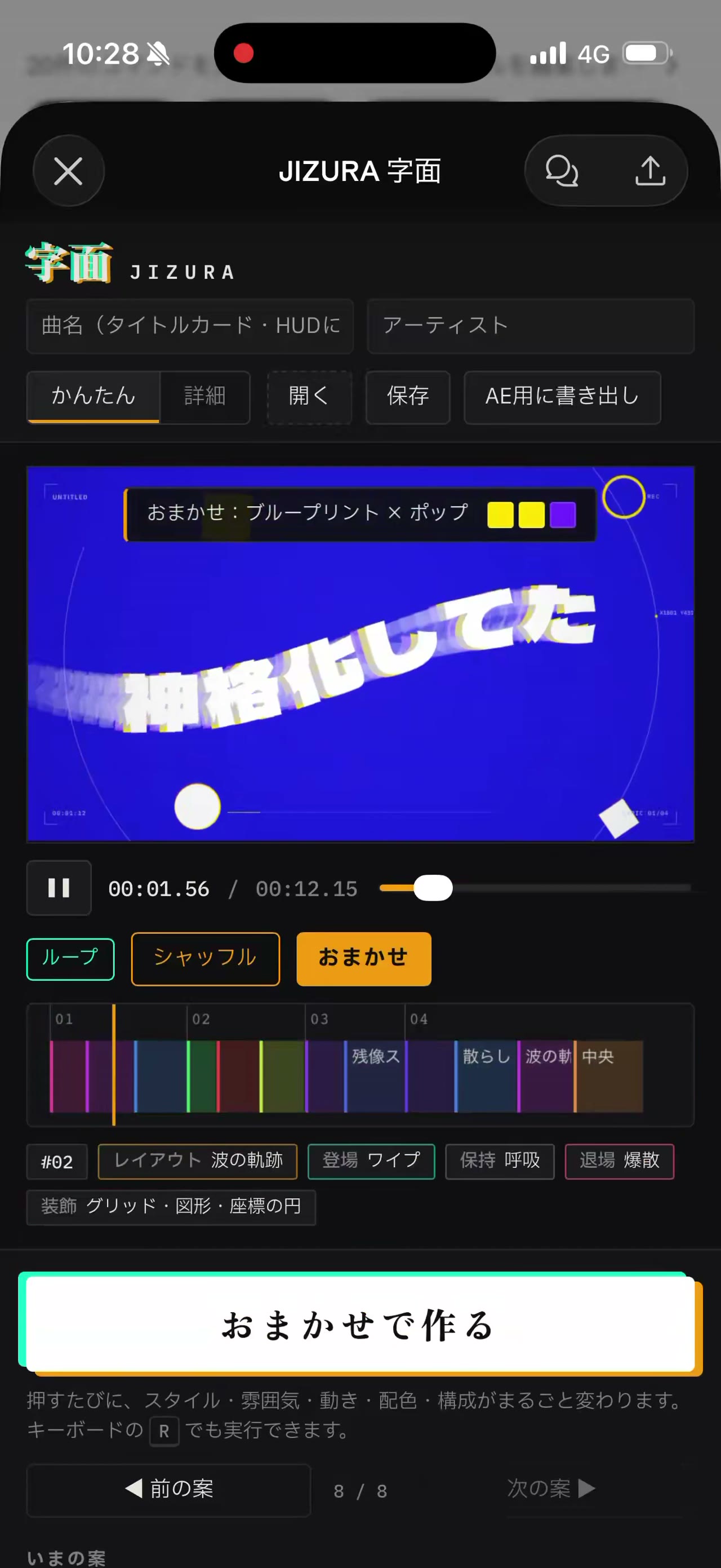
Use 16:9 for YouTube and slides, 9:16 for Reels, Shorts and TikTok, and 1:1 for feed posts. The gallery already uses all three: most game worlds are 16:9, the lyric-video app and the to-do app are 9:16, and the Shibuya fighter is 1:1.
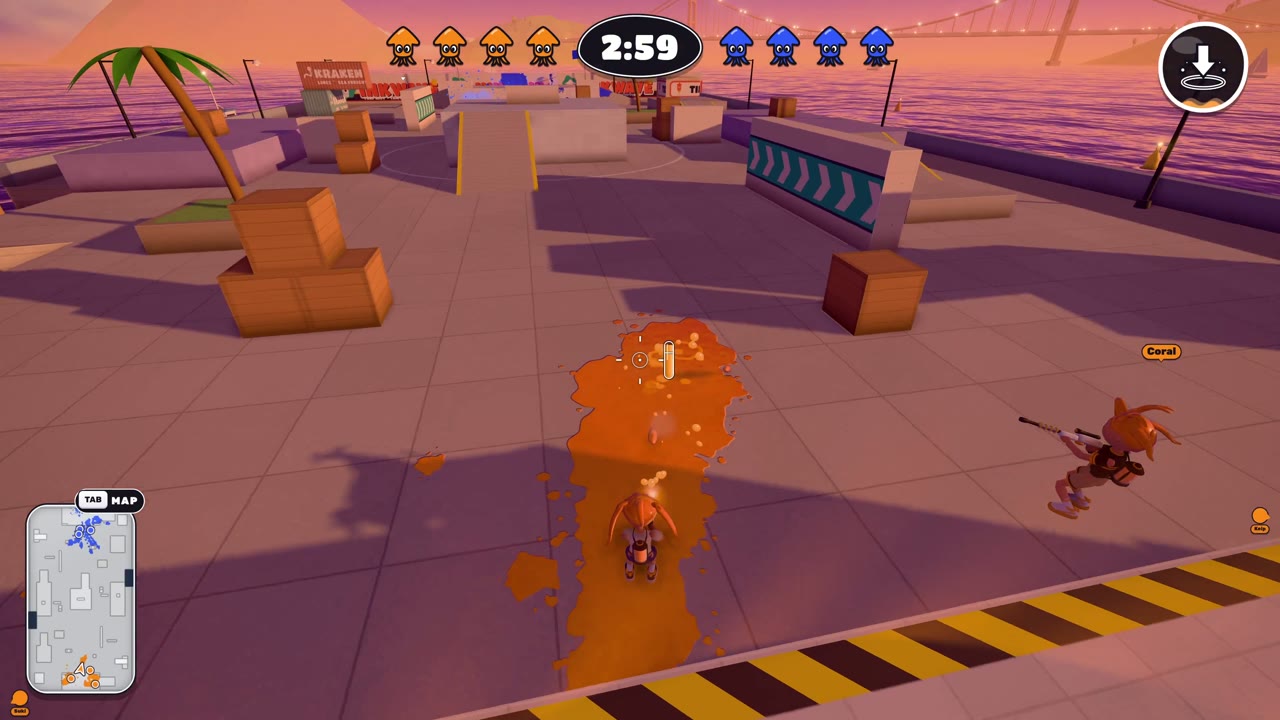
A video from the creator can be 15, 30, 45, 60 or 90 seconds. Creator clips in this gallery run longer than that range, including a 148-second ink shooter, because those files are the originals, not the length Potto exports.
Music is picked to match the style, and you can swap it or turn it off. A voiceover and captions are off by default; turn a voiceover on when you create the video if you want the screen narrated.
Product screen videos export as MP4 in 16:9, 9:16 or 1:1. Transparent video and GIF exports are only offered for short motion clips such as logo animations and lower thirds.
A product screen video costs credits only when you export it, at 5 credits per second of video: 50 credits for 10 seconds, 75 for 15 seconds and 150 for 30 seconds. A voiceover, if you add one, adds a few credits based on its length. Previewing and editing never use credits. To start, your balance must cover the length you choose at 5 credits per second, and new accounts get 100 credits, enough to start a 15-second video.