Skip to content
Potto AI

Album cover: the same reference before and after

One reference photo and the square album cover generated from it. The result uses the template's fixed 1:1 ratio.

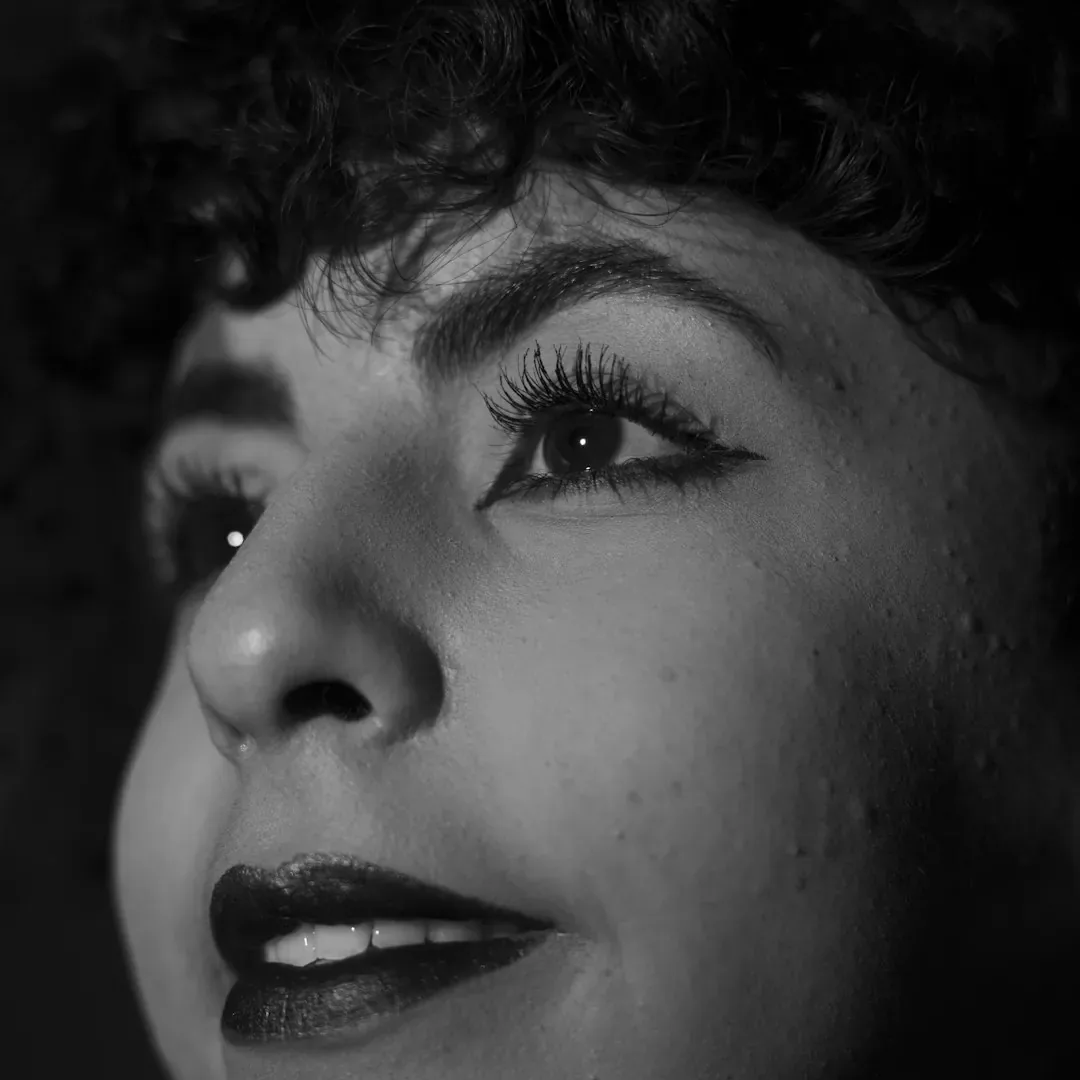
Black and white reference photo of a face in profile before the album cover treatment
Reference photo
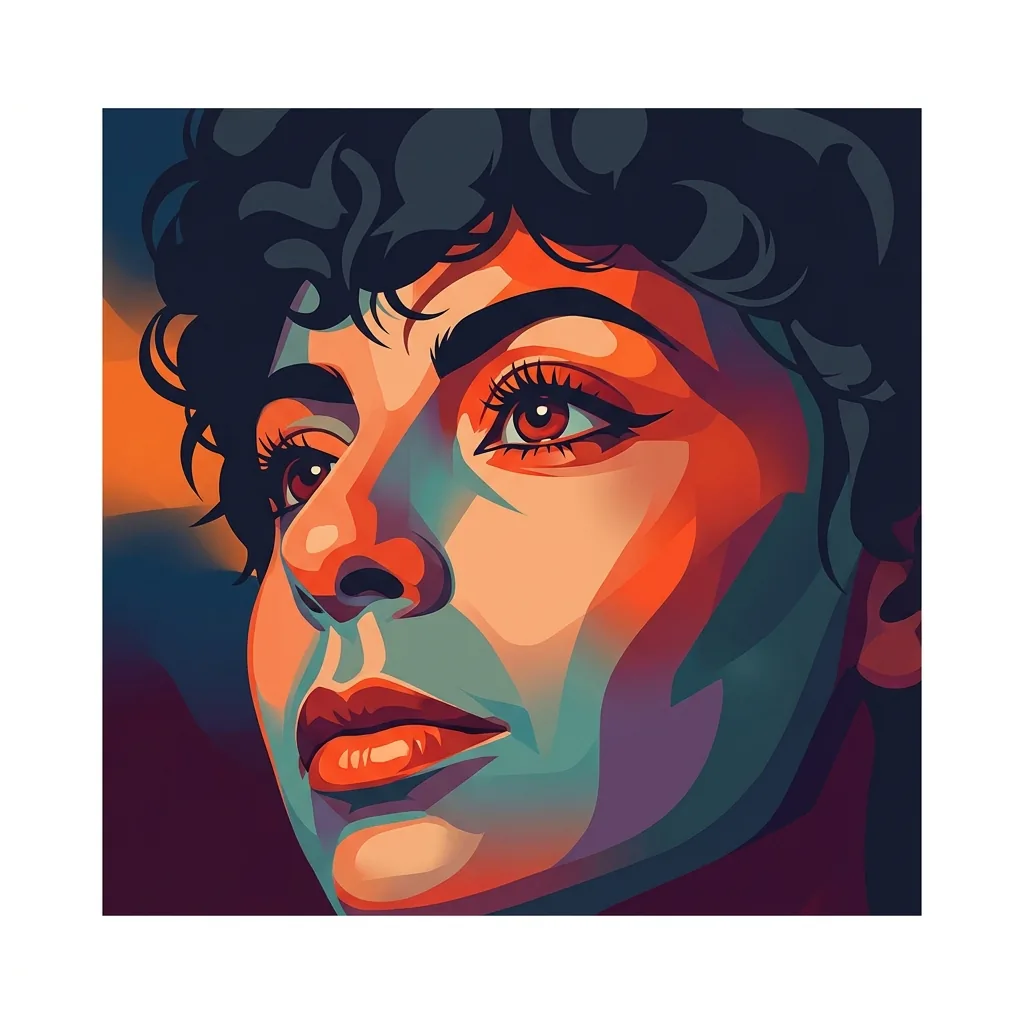
Square album cover generated from the same photo, with a flat graphic color treatment
Album cover result · 1:1

What stayed

The recipe asks the main subject to stay clearly recognizable in the center. Compare the face, instrument or object with your reference. A stylized color treatment is expected; a changed identity or a lost subject is not.

What changed

The photo becomes a bold graphic composition with a stylized color treatment, a cinematic mood and a clean margin around the artwork, in a fixed square. Backgrounds and small details may be simplified or replaced to fit it.

What to check

Shrink the cover to release-thumbnail size and check that the subject still reads. Then inspect the edges for cut-off hands or instruments, and read every character of the title if you added one. Spelling and placement still need your own proofreading.

Where an album cover concept fits

Three common release situations. In each one the cover is the image, and your layout app carries the final typography.

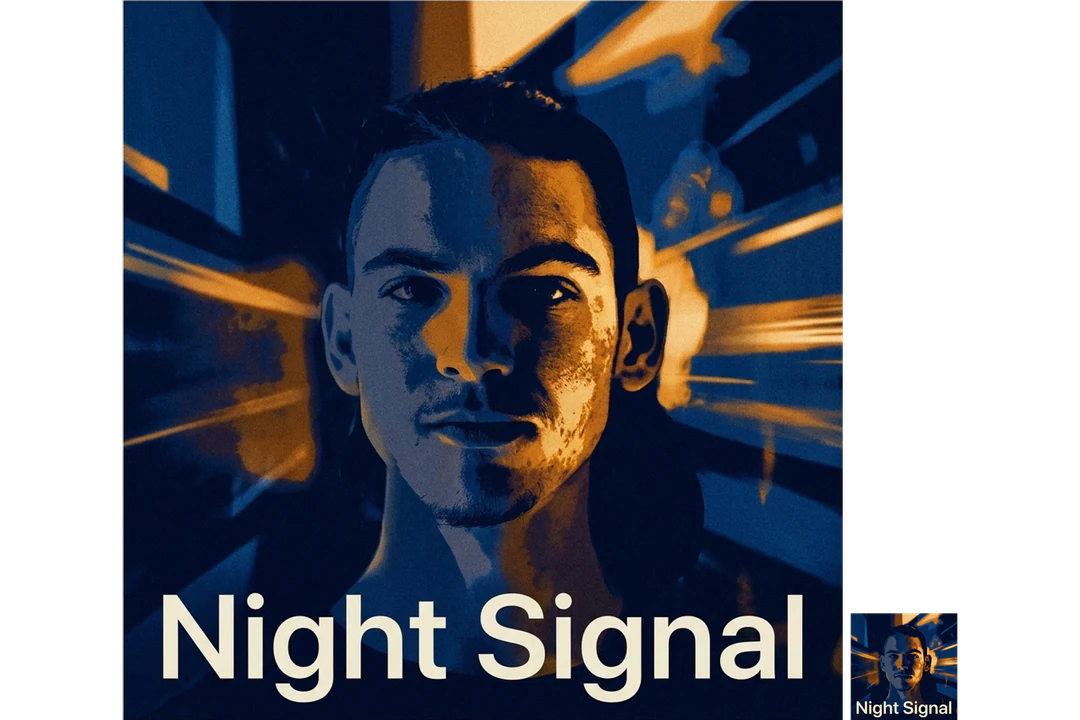
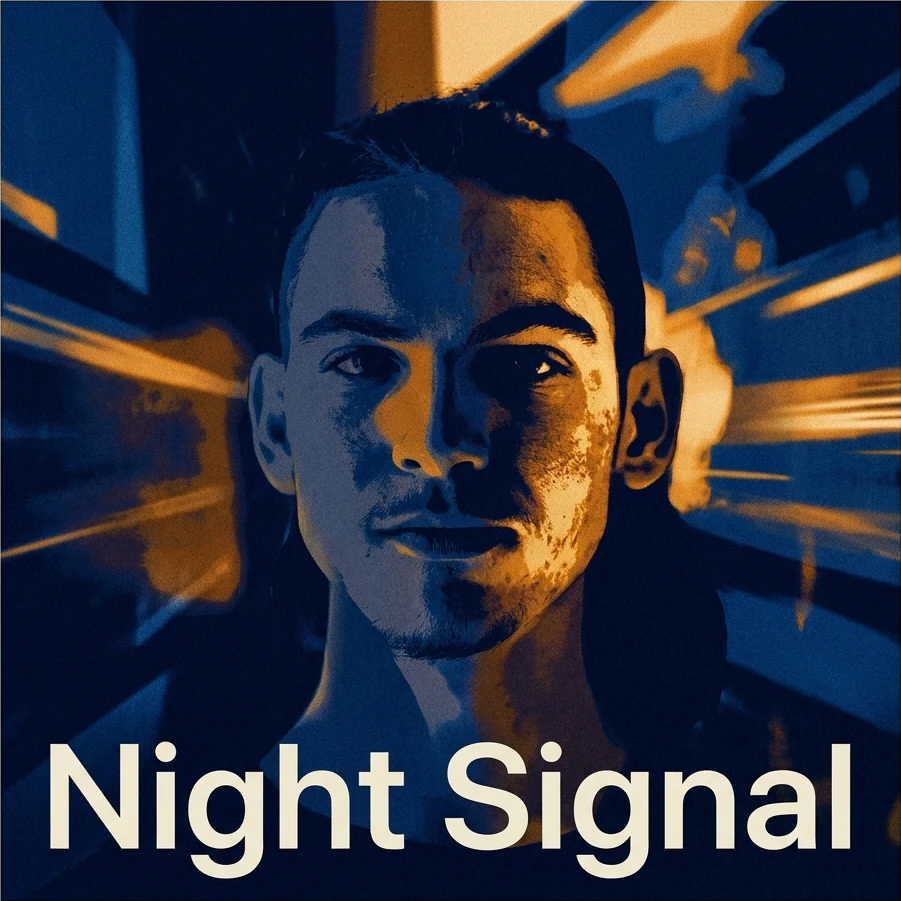
Square album cover with an artist portrait in a moody blue treatment and the printed title Night Signal

1:1 · Single

First single with an artist portrait

Start with one clear portrait and a mood that belongs to this song. Review the face at full size, then shrink the cover and check that the artist is still recognizable. A beautiful treatment that changes the person should not become the official portrait by accident, so keep the original photo for press use.
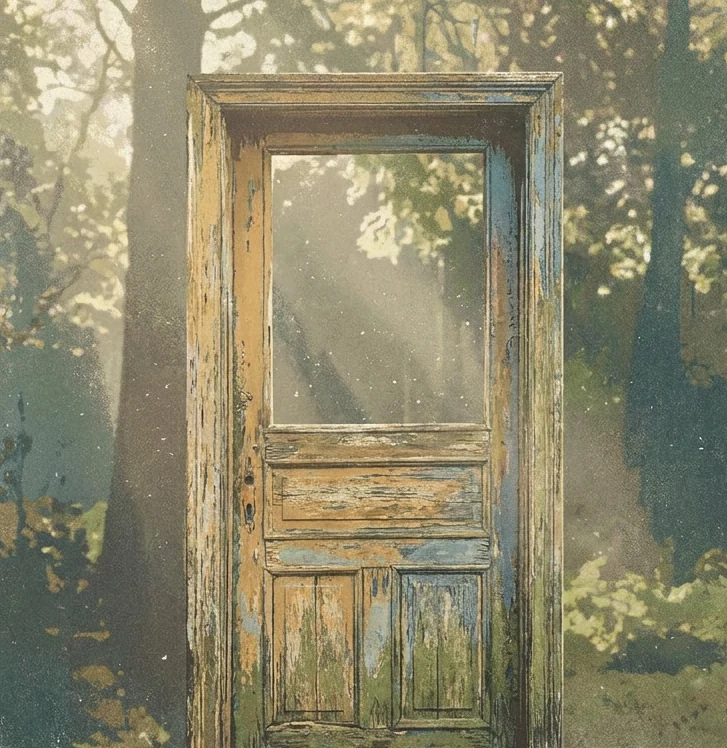
Square instrumental album cover showing a weathered doorway in soft daylight, no performer

1:1 · Instrumental

Instrumental project without a performer

Skip the photo and write one subject and one mood in the Mood or theme box, such as a weathered doorway in soft daylight. Let a single object carry the cover, because several symbols turn unreadable next to other releases. The scene is invented, so do not present it as a photo of a real place.

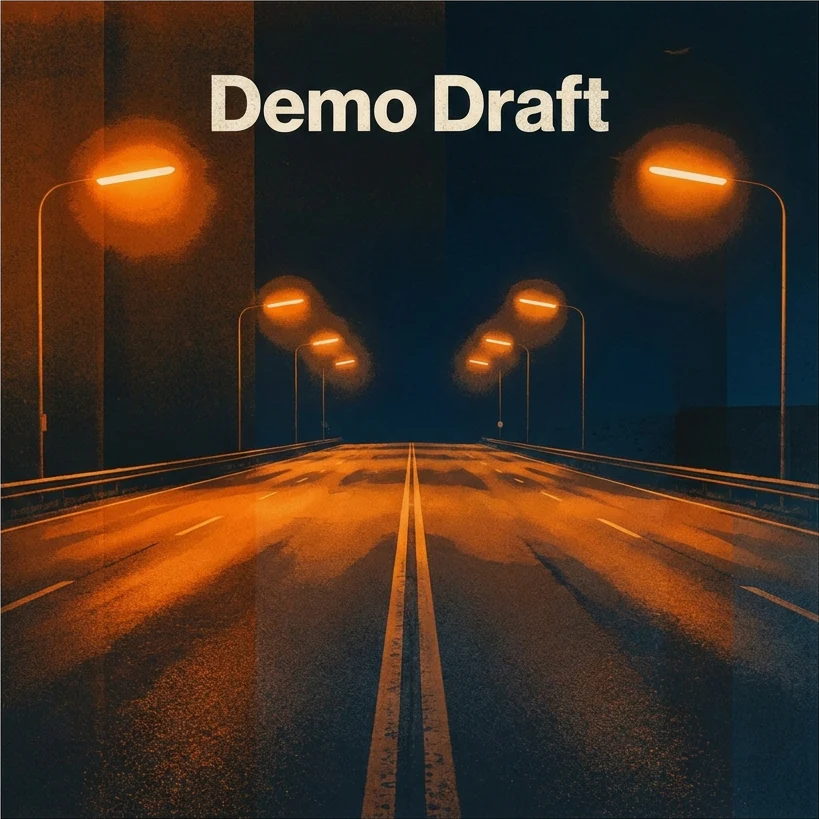
Square demo album cover with the working title Demo Draft over a night highway scene

1:1 · Demo or EP

Demo or EP shared with collaborators

Use a mood and a working title to give an unfinished release a temporary look, and label the file as a draft so it does not suggest final credits. Separate generations do not promise matching colors or subjects, so judge the main cover first and build any related graphics from the approved image.

How to make an album cover

Add a photo or a mood, add a title if you want one, then check the cover at thumbnail size.

  1. 1. Add a reference, a mood, or both

    Upload one JPG, PNG or WebP image up to 20 MB if you want it to guide the subject, and use a photo you own or may edit. In Mood or theme, describe a subject, a setting and a feeling in up to 200 characters, without names or lettering. Skip both and the recipe composes a subject on its own.

  2. 2. Add a title only if you want one

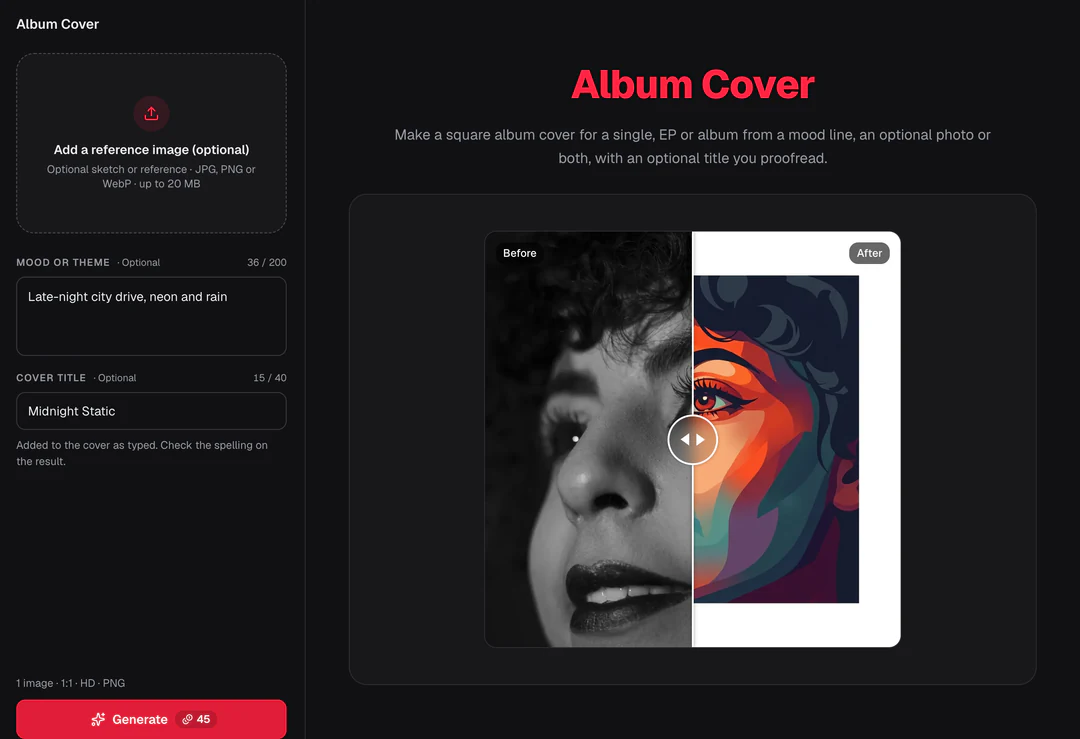
    Cover title takes up to 40 characters and is the only text allowed in the image, added as typed. Leave it empty if you will set type in a layout app. The panel shows the fixed settings: 1 PNG image at HD in a 1:1 square with Nano Banana Pro, with no ratio or style selector.

  3. 3. Generate and check the cover

    Each album cover result costs 45 credits, shown on Generate before you confirm. When the cover is done, shrink it to thumbnail size, check the subject, the edges and every letter of the title, then download it.

What the album cover template makes from your idea

The album cover maker turns a photo, a mood or both into a square cover. Four features cover the inputs, the composition, the optional title and the final check.

  1. 01

    Start from a photo, a mood, or both

    The album cover recipe accepts zero or one reference image and an optional Mood or theme brief. Add a photo to guide the subject, describe a subject and a feeling in words, or skip both and let the recipe compose one focal subject on its own.

    • The mood box takes visual direction, not names
    • One reference image at most
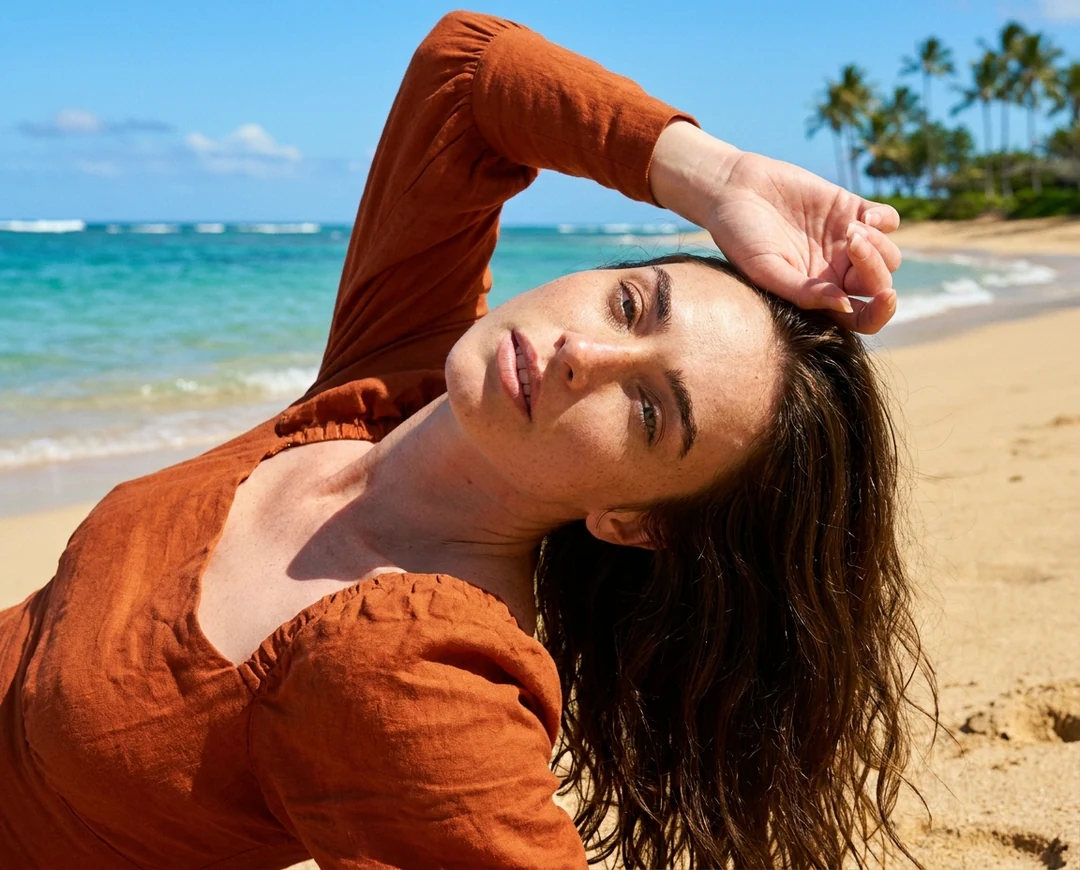
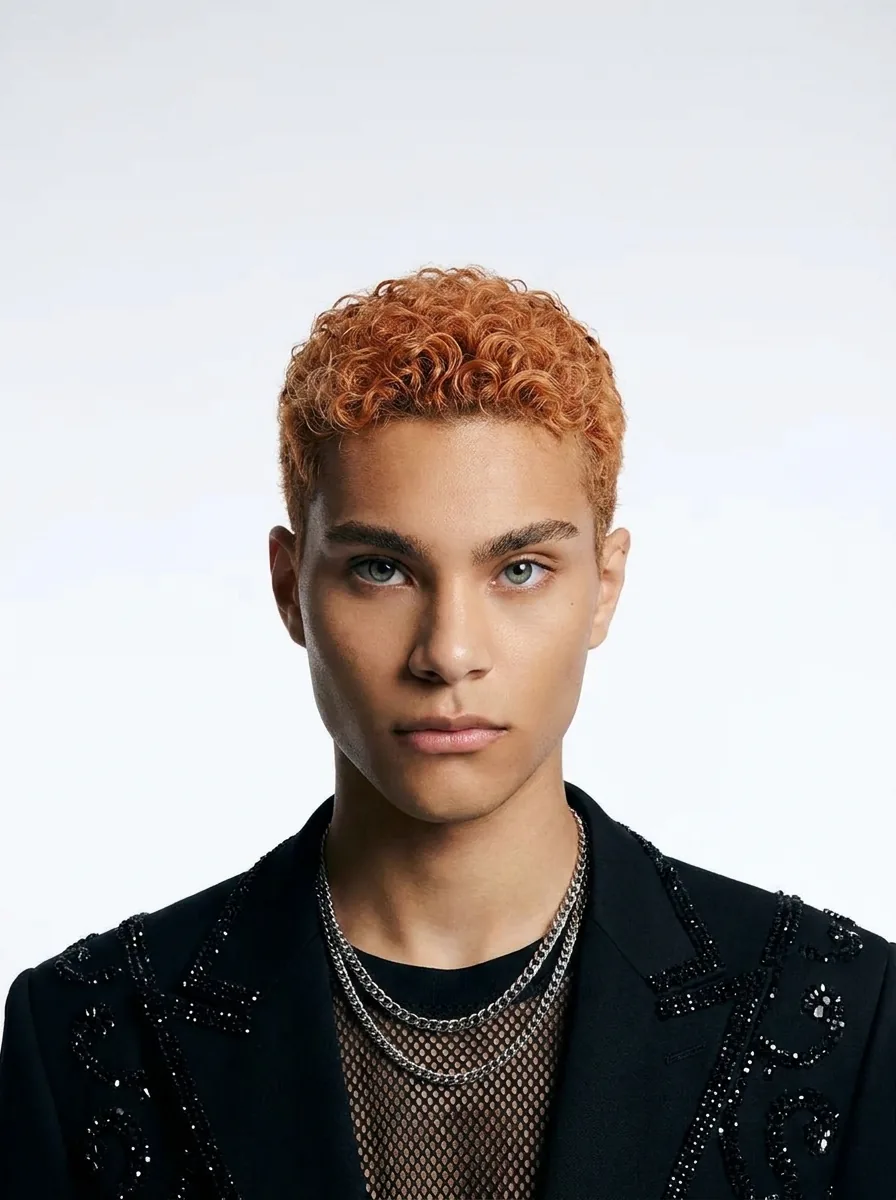
    Reference photo used to guide the album cover subject
    The reference photo
  2. 02

    A bold graphic square with a clean margin

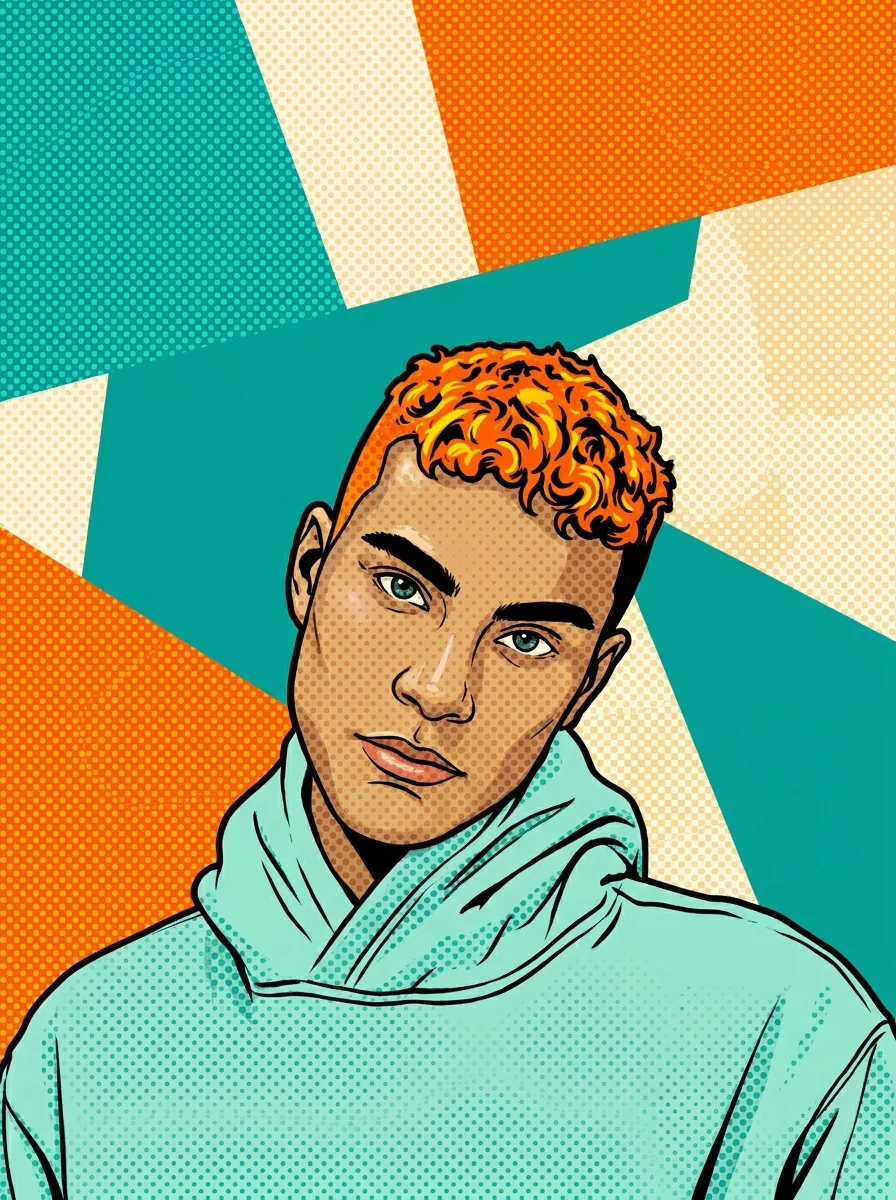
    Whatever you start from, the album cover maker returns a finished square: a bold graphic composition, a stylized color treatment, a cinematic mood and one subject kept clear in the center, with a clean margin. Backgrounds and small details are simplified when they compete with that subject.

    • A fixed square, no ratio selector
    • The subject stays centered and recognizable
    A square album cover with a bold graphic composition and a stylized color treatment
    Album cover result
  3. 03

    Add a cover title only if you want one

    Cover title takes up to 40 characters and is the only text allowed in the image, set as typed. Spelling and placement still need your own proofreading. Leave it empty if you will set type in a layout app.

    • The mood box never prints words
    • Read every character of the title
    Album Cover control panel with the Mood or theme and Cover title boxes
    Mood or theme and the optional Cover title in the panel
  4. 04

    Judge the cover at release-thumbnail size

    Shrink the cover to the smallest size listeners will see and check that the subject still reads, then make sure the edges do not clip a hand or an instrument. Distributor artwork rules are separate, so check the downloaded dimensions against them before you upload.

    • Check distributor artwork rules separately
    • Keep the original photo for press use
    Album cover result shrunk to a small release thumbnail
    The cover at the size listeners see first

Keep exploring Potto AI

Pick the task that matches what you need around the cover.

Album Cover FAQs

  1. What is an album cover?

    An album cover is the artwork that identifies a music release on streaming services, stores and social posts. This template generates a square cover for a single, an EP or an album from an optional mood brief and an optional reference photo, and can set a short title through its own field. The output is artwork, not audio, release metadata or a platform-approved package.

  2. Do I need a reference image?

    No. This album cover maker accepts zero or one reference image. You can start from the optional mood brief alone, or add a photo to guide the subject. Add one only if it has a clear role; a reference does not guarantee that a logo, a face or a detail comes back exactly.

  3. What can I write in the mood or theme box?

    Describe the subject, setting and mood in up to 200 characters, such as a quiet platform at dusk with one warm window. The box is for visual direction only. Names, words and lettering cannot be drawn from it, and a request for them is rejected with a message, so put wording in the separate Cover title field. If you leave the box empty, the recipe composes a cover on its own.

  4. Where should I put the cover title?

    Use the separate optional title field, which currently accepts up to 40 characters. The theme brief describes mood or subject and does not allow a general request for lettering. Check every character, spacing, and placement in the result. The field supplies the intended wording; it does not replace proofreading.

  5. Is the file ready for every music distributor?

    No universal acceptance is promised. Check actual downloaded dimensions and the distributor’s current artwork requirements before submitting. This page does not verify external platform rules, rights, release metadata, or technical acceptance. Keep a reviewed original and prepare any additional release files separately.

  6. How do I check an album cover before releasing it?

    Check an album cover at the smallest size where listeners will see it. Shrink it to a thumbnail and confirm the subject still reads, then inspect the edges for cut-off hands or instruments. If you added a cover title, compare every letter and the spacing with what you typed, because generated lettering can still drift. Confirm the downloaded dimensions against the requirements of your distributor before you upload.

  7. Can I change the album cover style?

    The Album Cover template keeps one fixed cover recipe. What you control is the optional reference image, the theme or mood line and the cover title, so change those to steer the result. For a look the template cannot reach, describe it in the AI image generator.

  8. How much does an album cover cost?

    45 credits per run for one 1:1 PNG at HD, made with Nano Banana Pro. The amount appears on the Generate button before you confirm.

Potto AI

Make your album cover

Add a mood, a reference photo or both, review the credit estimate, and check the finished cover at thumbnail size before using it.