Skip to content
Potto AI

Kpop photo: the same portrait before and after

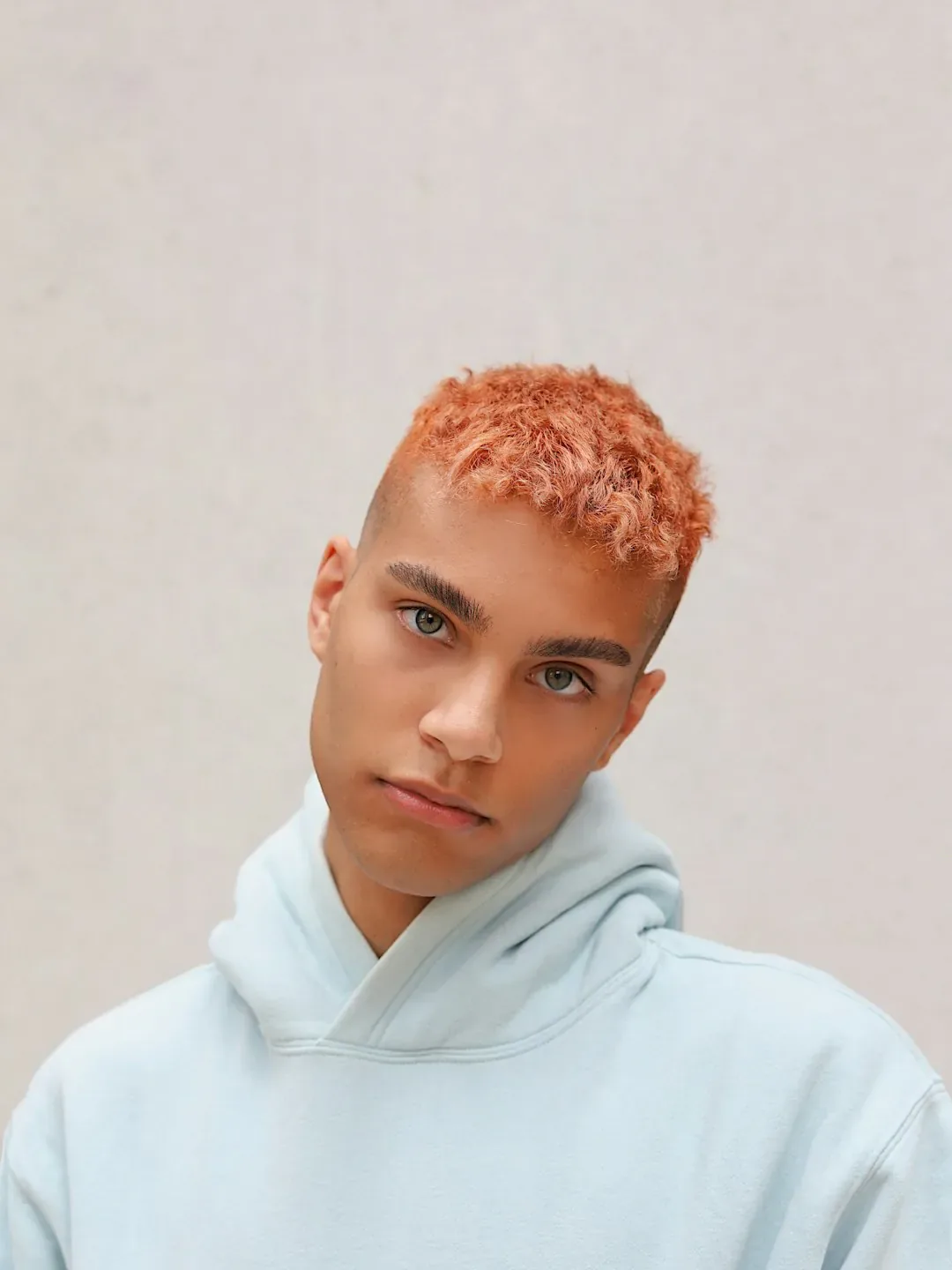
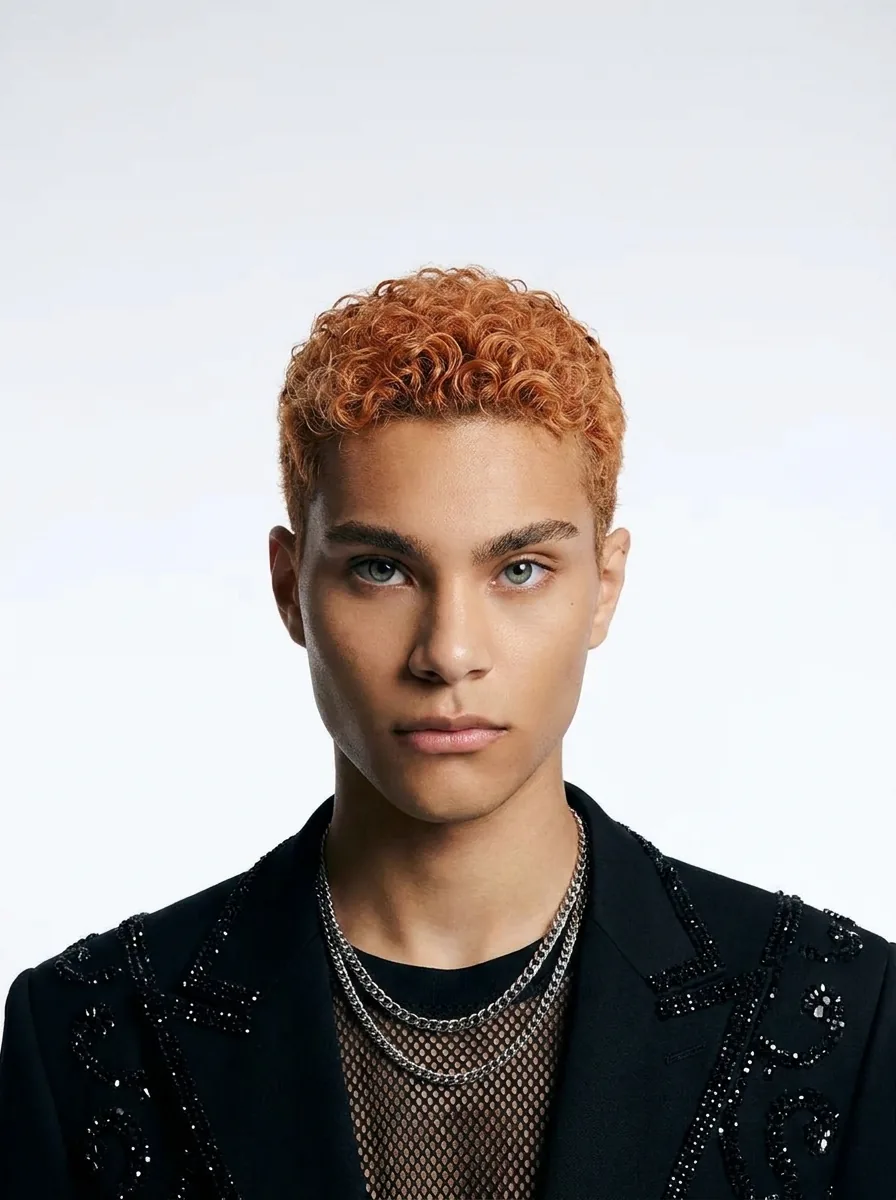
One reference portrait and the styled photoshoot image generated from it. The result uses the template's fixed 3:4 ratio.

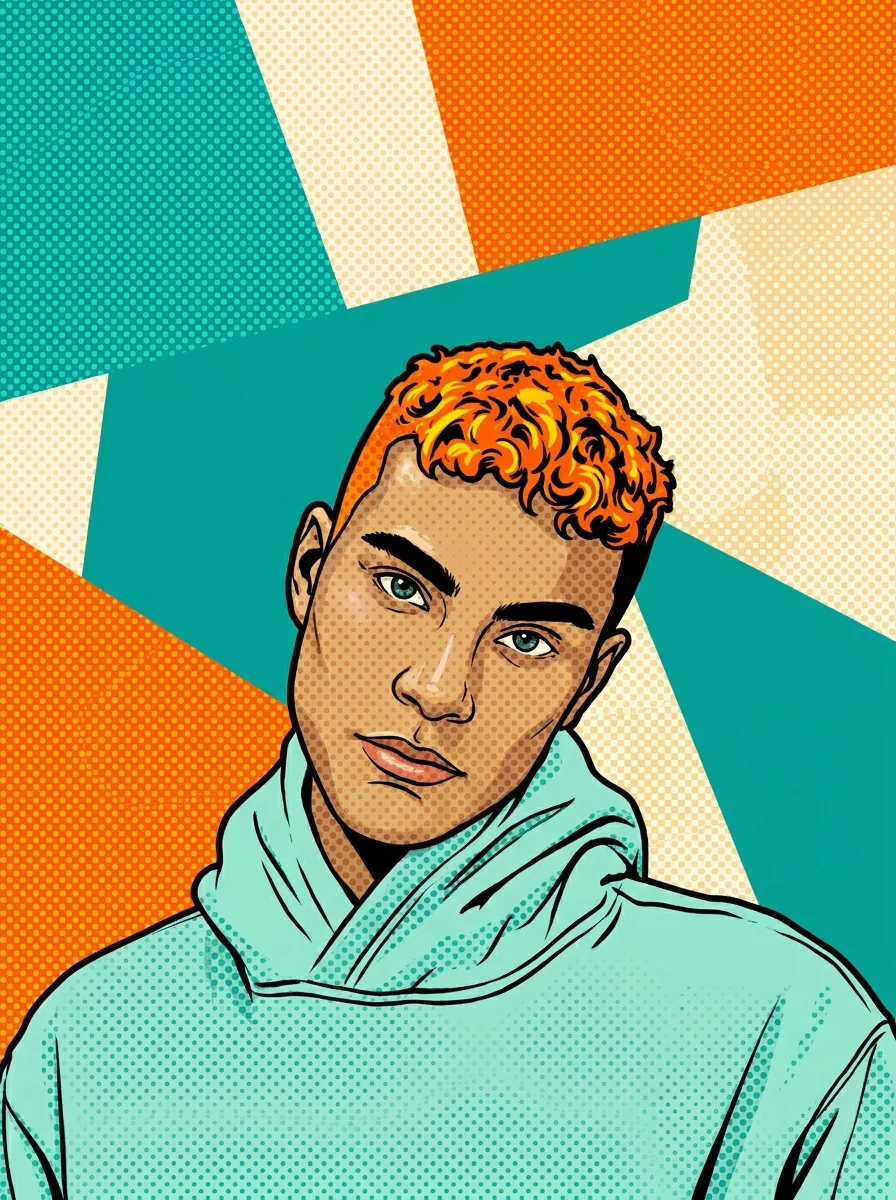
Original portrait of a young man with orange hair in a pale hoodie
Original photo
The same portrait restyled as a studio photoshoot with a dark embellished jacket and chain necklaces
Kpop photo result · 3:4

What stayed

The recipe asks the model to keep the person's identity, face and expression recognizable. Compare the eyes, mouth, jaw, age cues and skin tone at equal size, and do that before judging the outfit. A polished fashion look can hide a changed face.

What changed

Styled hair, a fashion outfit and soft studio lighting are part of the preset, so hair and clothing are meant to change. Skin may look smoother under the soft light, but the facial features should still be the ones in your photo.

What to check

Check the hair edges around the ears and neck, and the places where collars, jewelry and sleeves meet the body. Look for fused seams, repeated accessories or fingers lost in a cuff. Logo-like or text-like marks are not real branding, and the look is not a real shoot or an idol identity.

Where a Kpop photo portrait fits

Three common uses. In each one the Kpop idol photo is the image, and your own layout carries names and details.

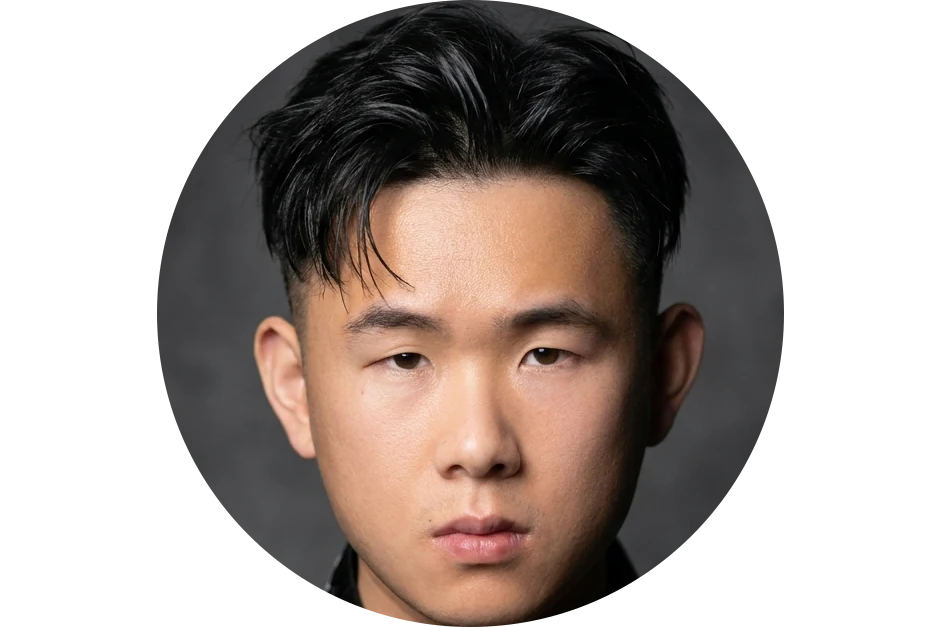
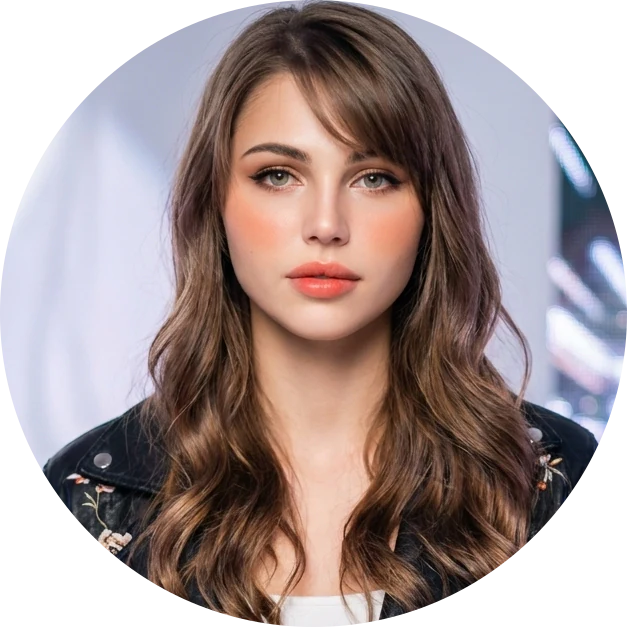
Studio-style portrait cropped to a creative account avatar circle

3:4 · Avatar

Avatar for a creative account

A studio-style portrait can introduce you on a creative account when you want a polished look. Test it in the real profile crop, because a small circle may show only the face and hair. Keep a full copy and an avatar copy, both cut from the original download, and describe it as a personal style choice.
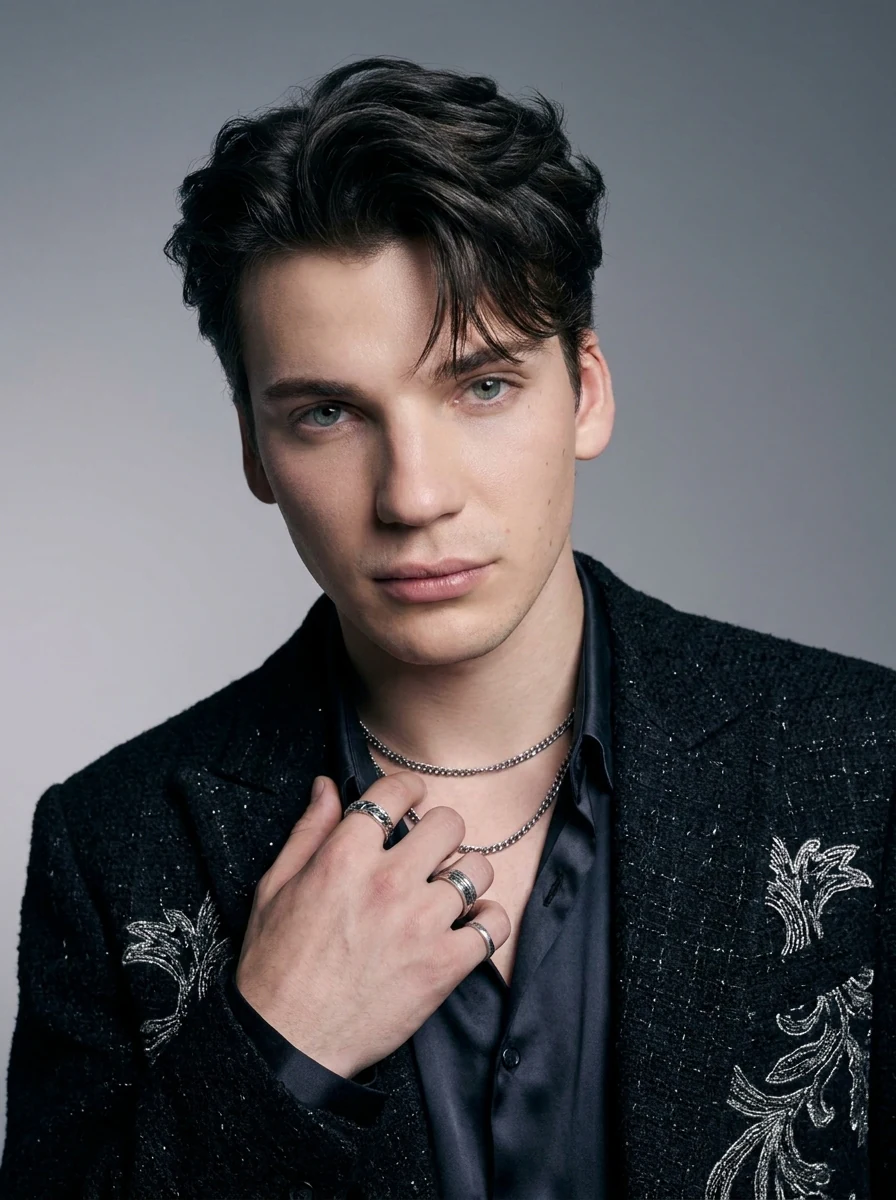
Kpop photo of a young man in a black sparkly jacket with silver necklaces and rings, posed for a music project profile

3:4 · Profile

Music project profile

For an independent music project, a styled portrait can explore the visual mood of a release or a creator profile. Use your own clear reference, check recognition at thumbnail size, and set the artist name and release details as editable text. The image is a still: it is not music, choreography or a performance clip.

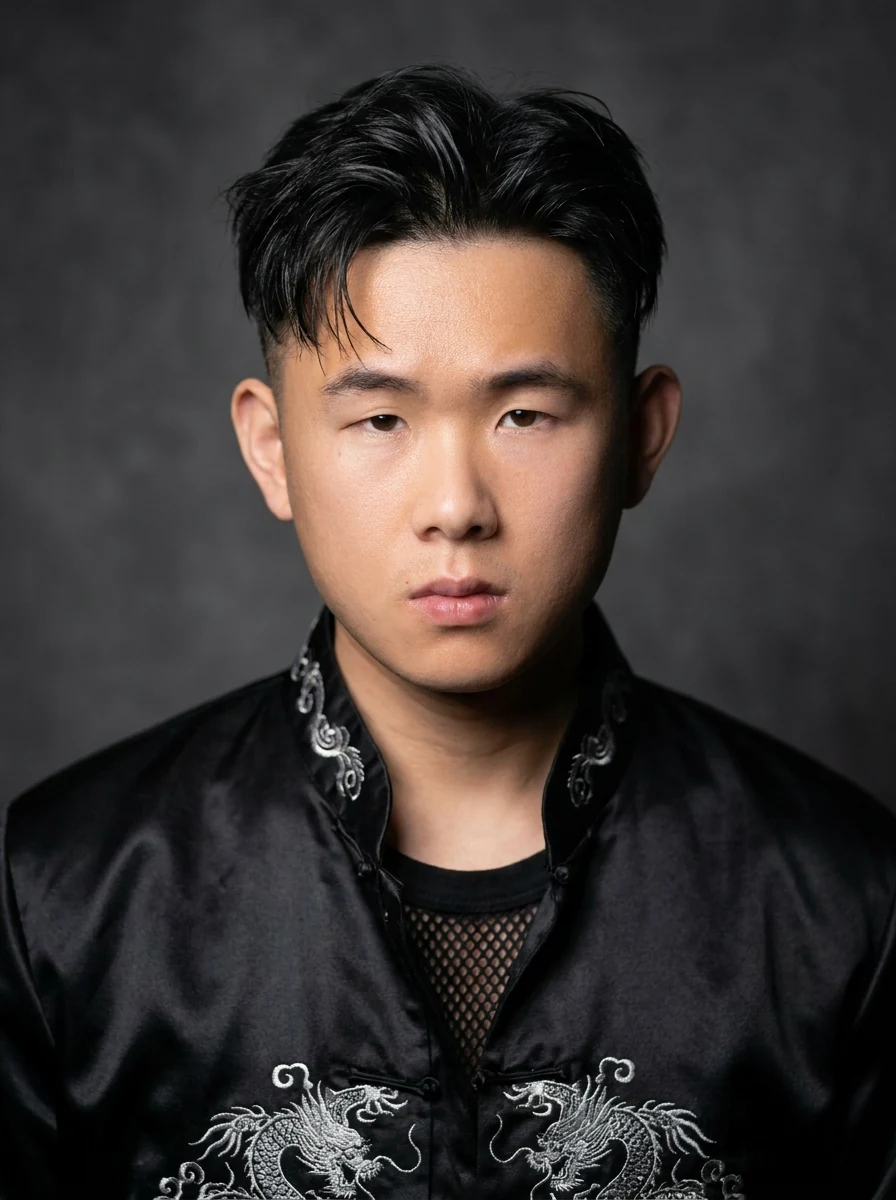
Kpop photo of a young man in a black satin jacket with silver dragon embroidery against a dark studio backdrop

3:4 · Concept

Fashion board or birthday graphic

A styled portrait can anchor a fashion concept board beside real garment and color references, or sit at the center of a birthday graphic the person would enjoy. Choose a candidate that feels comfortable to them, and put the name, date and greeting in editable text. Label it as a generated style concept.

How to make a Kpop photo

Upload a portrait, check the fixed output, then compare the face before the styling.

  1. 1. Upload one portrait

    Add one JPG, PNG or WebP image up to 20 MB. Use one primary person with clear eyes, a readable mouth and no heavy filter or strong shadow. A group photo makes the subject ambiguous, because this template has no person selector. Use a photo you own or may edit.

  2. 2. Check the fixed settings

    There is no style, outfit, hair or ratio selector; the panel shows the fixed output, one 3:4 PNG at HD from Nano Banana Pro. Crop your photo first if the face is small.

  3. 3. Generate and compare

    Each Kpop photo result costs 45 credits, shown on Generate before you confirm. When the portrait is done, compare it with your original at equal size, check the face first and the styling second, then download it.

What the Kpop photo template does to your portrait

A Kpop photo restyles one person as a polished studio shoot. Four features cover the face, the styling, the fixed settings and the profile use.

  1. 01

    The person in the photo stays recognizable

    The recipe keeps your identity, face and expression recognizable while it restyles everything around them. There is no idol selector, so the result is a styled version of you, not an identity transfer. Compare eyes, mouth, jaw and skin tone first.

    • One primary person per photo
    • Face first, styling second
    Portrait photo used as the Kpop photo reference
    The original portrait
  2. 02

    Styled hair, a fashion outfit and soft studio light

    A Kpop idol photo changes everything around the face: the hair is restyled, the outfit replaced and the light softened as in a studio shoot. Smoother skin is part of that look, but the eyes, mouth and jaw should stay yours, and the result is still one still image, not a shoot or a clip.

    • Hair and outfit change by design
    • A style concept, not a real photoshoot
    The portrait restyled as a K-pop photoshoot with styled hair and studio light
    Kpop photo result
  3. 03

    No outfit or hair selector, one fixed output

    There is no style, outfit, hair, ratio or size field, so one portrait means one run of 45 credits, shown on the Generate button. If you only want a new haircut or a new outfit, use the focused hairstyle or clothes template instead.

    • One image per run
    • Crop first if your face is small
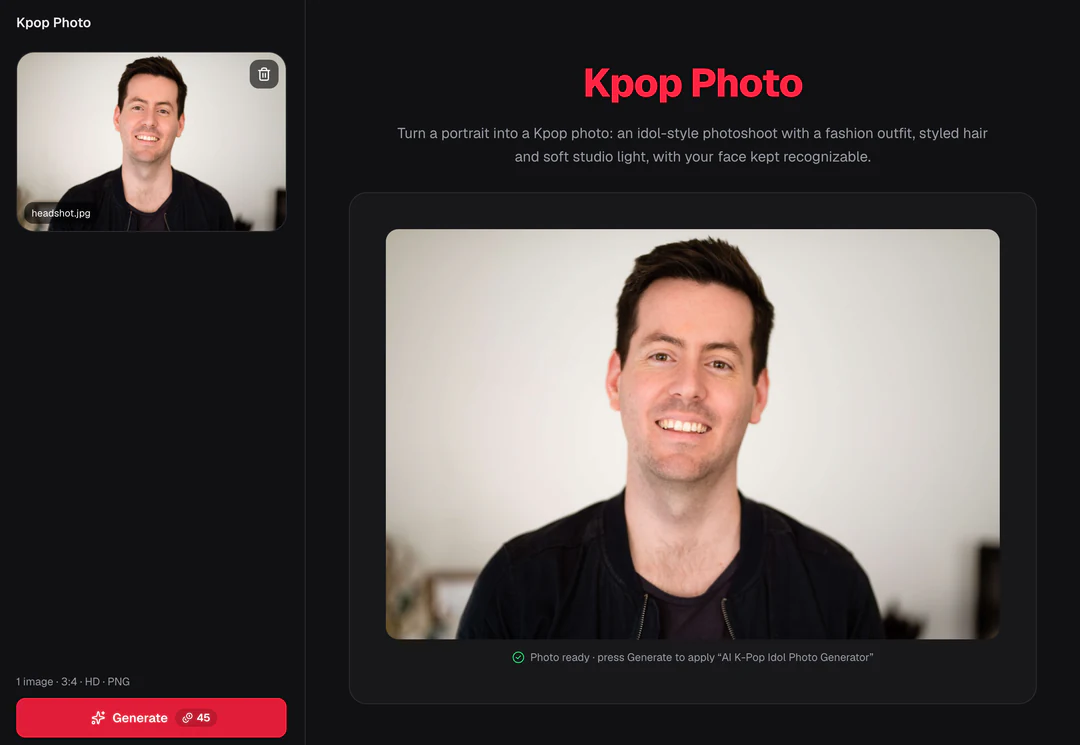
    Kpop Photo control panel showing the fixed settings summary
    The panel shows the fixed settings before you generate
  4. 04

    Test the portrait in the real profile crop

    A studio portrait can work as an avatar or a creator profile image when the person agrees. Check recognition at thumbnail size, keep a full copy and a cropped avatar copy, and never add agency logos or release claims.

    • Check hair edges, collars and jewelry
    • No logos, group names or release claims
    Finished Kpop photo cropped to a round profile picture
    Check the crop your profile will actually show

Keep exploring Potto AI

Pick the change you want next, from a plain headshot to release artwork.

Kpop Photo FAQs

  1. What is a Kpop photo on this page?

    It is a generated portrait in the style of a K-pop idol photoshoot. Your reference supplies the person, and the template turns it into a Kpop idol photo with styled hair, a fashion outfit and soft studio light. It is creative artwork, not a real celebrity photo or proof of a shoot, so compare the face and the fashion details with your original.

  2. Will it turn me into a particular idol?

    This template does not provide a celebrity selector or identity-transfer feature. It asks for a styled version of the reference person. Judge whether the output remains recognizable as that person, and do not present the artwork as participation in or endorsement by an artist or group.

  3. Are hair and clothes expected to change?

    Yes, styled hair and a fashion outfit are part of this preset’s direction. The face and expression are intended to remain recognizable, but need review. If your task is only a hairstyle or only clothing change while preserving other elements, choose the corresponding focused template instead.

  4. Does it create music or a performance video?

    No. This page outputs a still image. It does not generate a song, dance, performance footage, or digital performer. Use the portrait as reviewed artwork in your own music-project layout if that fits the task, with the sound and video produced through their appropriate workflows.

  5. Which photo works best for a Kpop photo?

    Use one portrait where your face is clear and the expression suits the image you want. Clear eyes, a readable mouth and no heavy filter or strong shadow give you something solid to compare against. If a particular fringe, parting or silhouette matters to you, check it first, because styled hair is part of the preset. Use a photo you own or may edit.

  6. Can I use the result as a profile picture?

    Yes, if the portrait is of you or of someone who agrees. Test it in the real profile crop, keep a full copy and a cropped copy cut from the original download, and describe the image as a generated style concept. Do not add agency logos, group names or release claims that suggest an affiliation you do not have.

  7. How do I check a Kpop photo before using it?

    Compare the face before you judge the styling: eyes, mouth, jaw and skin tone against your original. Then look at hair edges, collars, jewelry and sleeves for fused seams or repeated parts. Soft studio light can smooth the skin, but the face should still be yours; label the result as a generated style concept, not a real photoshoot.

  8. Can I change only my hair or only my outfit?

    Not here; this page always restyles both together into the same studio shoot. To change only the haircut and keep everything else, use AI Hairstyle; to change only the outfit, use AI Clothes Changer; for a plain work portrait, use AI Headshot Generator.

  9. How many credits does a Kpop photo use?

    45 credits per run for one 3:4 PNG at HD, made with Nano Banana Pro. The quote appears on the Generate button before anything is charged.

Potto AI

Make your Kpop photo

Upload one clear portrait, review the credit estimate, and compare the finished image with your original before using it.